Key takeaways
- Most AI visibility platforms don't have native Zapier/Make/n8n integrations yet, but the ones with APIs or webhook support can be wired into automation workflows today
- Zapier suits teams that want fast, no-code connections; Make is better for complex multi-step data flows; n8n is the choice when you need self-hosted control or deep customization
- The most useful automations combine GEO monitoring data with Slack alerts, Google Sheets dashboards, and content publishing pipelines
- Platforms like Promptwatch go beyond monitoring to help you act on visibility gaps, which makes automation even more valuable since there's actually something worth automating
- The right setup depends on your reporting cadence, team size, and whether you need the data to trigger content creation or just land in a dashboard
If you're running GEO reporting manually in 2026, you're wasting time you don't have. Pulling AI visibility scores, checking which prompts your brand appears in, comparing yourself against competitors across ChatGPT, Perplexity, and Gemini -- this stuff compounds fast. One brand, one week, maybe manageable. Scale that to five clients or ten markets and you're buried.
The fix is connecting your AI visibility platform to an automation layer. That means Zapier, Make (formerly Integromat), or n8n. Each one can take the data your GEO tool produces and route it somewhere useful: a Slack channel, a Google Sheet, a weekly email digest, a content brief, or a CMS publish trigger.
This guide covers which AI visibility platforms support this kind of automation, how the three main automation tools compare for GEO use cases, and what workflows are actually worth building.
Why automation matters for GEO reporting specifically
Traditional SEO reporting was already a pain to automate. GEO reporting is harder because the data is newer, less standardized, and changes faster. AI models update their responses constantly. A brand that was cited in 80% of ChatGPT answers about "best project management software" last month might be at 40% today because a competitor published a better comparison page.
If you're checking that manually, you'll always be behind. Automation solves two things:
- You get notified when something changes, not when you happen to log in
- The data flows into wherever your team already works (Slack, Notion, Google Sheets, a client report)
The second point is underrated. Most GEO platforms have their own dashboards, but your clients don't live in those dashboards. Your marketing director doesn't either. Getting data out of the tool and into the right format, in the right place, at the right time -- that's what automation handles.
The three automation platforms: a quick comparison
Before getting into which GEO tools connect to what, it helps to know what you're working with.
| Platform | Best for | Pricing | App integrations | Self-hostable | Code flexibility |
|---|---|---|---|---|---|
| Zapier | Most teams, fast setup | From $19.99/mo | 7,000+ | No | Low (Zapier Code step) |
| Make | Complex multi-step flows | From $9/mo (10k ops) | 3,000+ | No | Medium |
| n8n | Technical teams, custom logic | Free (self-hosted) | 400+ native | Yes | High (JS/Python nodes) |
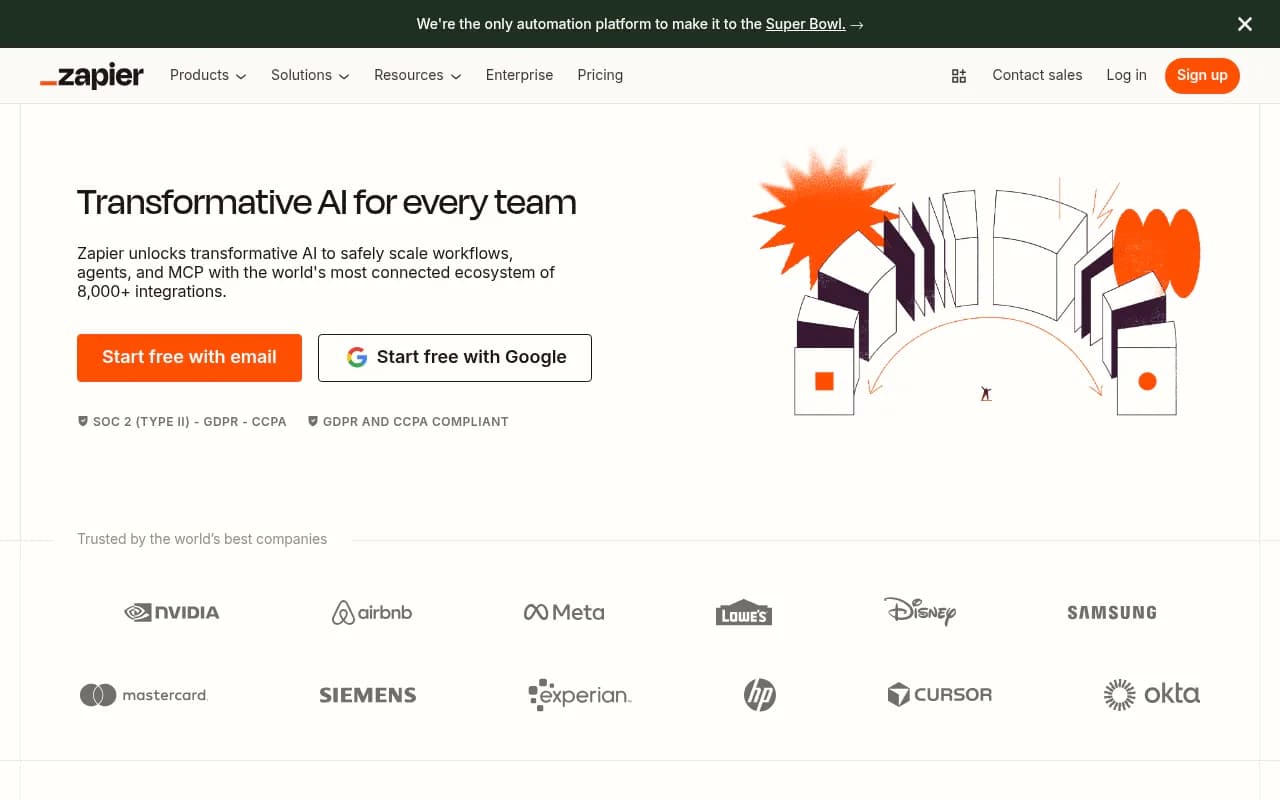
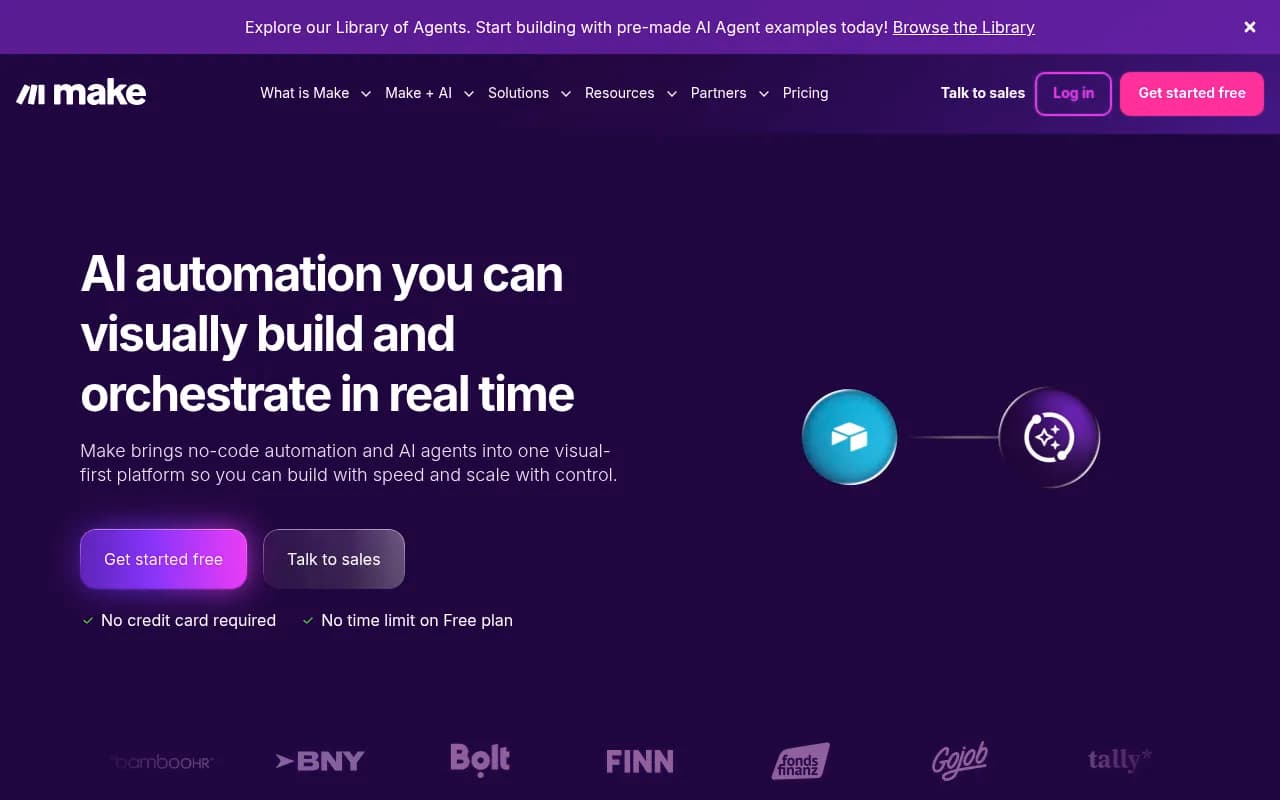
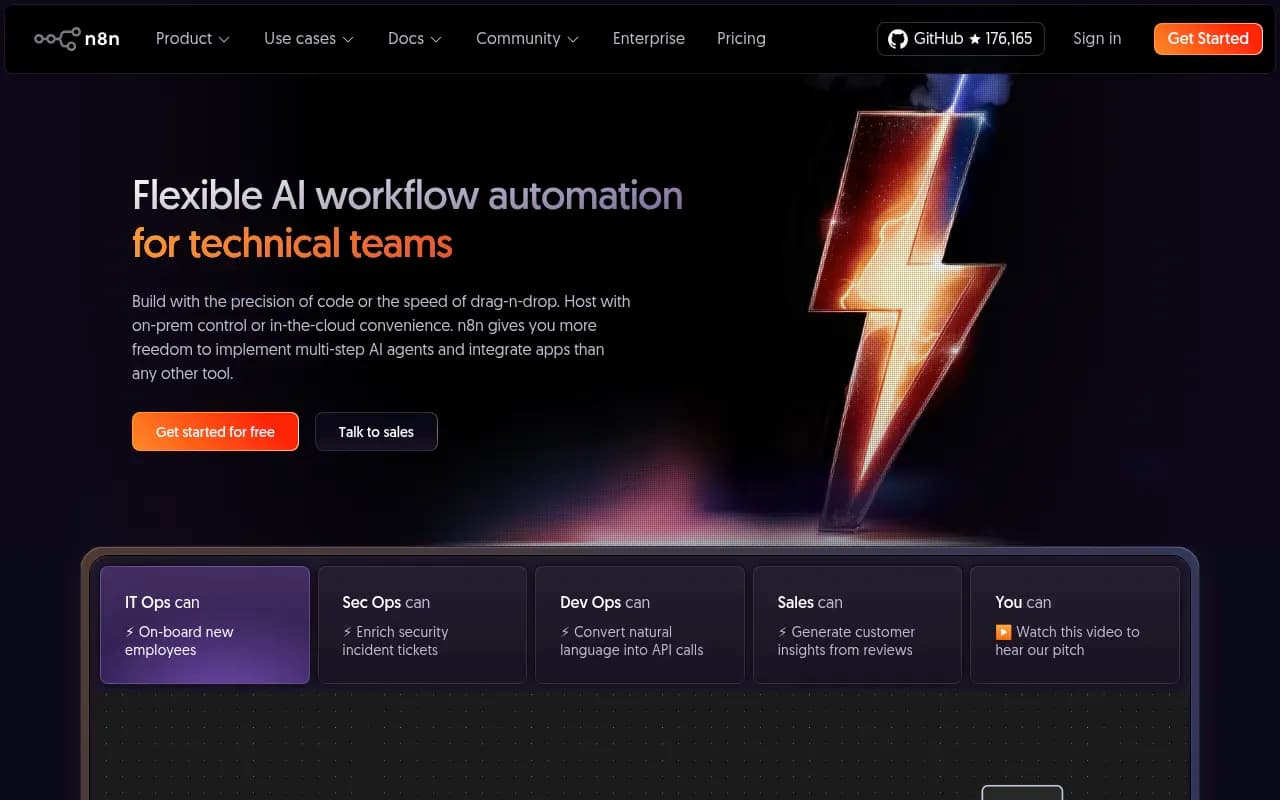
Zapier has the largest app ecosystem by far -- over 7,000 integrations -- which matters because your GEO data probably needs to land in tools like HubSpot, Notion, Airtable, or Slack. Make is significantly cheaper per operation and handles branching logic better, which is useful when you want to route visibility data differently depending on score thresholds. n8n is the choice when you need to self-host (common for agencies with data privacy requirements) or when you want to write actual code inside your workflow.
For most marketing teams, Zapier is the path of least resistance. For agencies managing multiple clients with complex reporting needs, Make's visual canvas and lower cost per operation make more sense. For technical teams or anyone who wants to build something genuinely custom, n8n is worth the setup time.
AI visibility platforms and their automation compatibility
Here's the honest picture: most GEO platforms in 2026 don't have native Zapier or Make integrations listed in those apps' directories. The category is too new. But "no native integration" doesn't mean "can't automate" -- it means you're working with APIs, webhooks, or scheduled data exports.
Platforms with API or webhook support
Promptwatch is built around an action loop rather than just monitoring, which makes it one of the more automation-friendly options. It has an API and Looker Studio integration, and teams use it to pull visibility scores, citation data, and content gap analysis into external reporting workflows. Because Promptwatch also generates content (not just tracks data), you can build automations that go from "gap detected" to "brief created" to "article published" -- a full pipeline rather than just an alert.

The Looker Studio integration is particularly useful for agencies: connect Promptwatch data to a Looker Studio report, then use Zapier or Make to trigger a weekly PDF export and email it to clients. That's a real workflow that saves hours per week.
Profound is the other enterprise-grade option with API access. It's priced for larger organizations and has strong data depth, but the automation story is similar -- API-first, no native Zapier app, works best when your team has someone who can set up the connection.
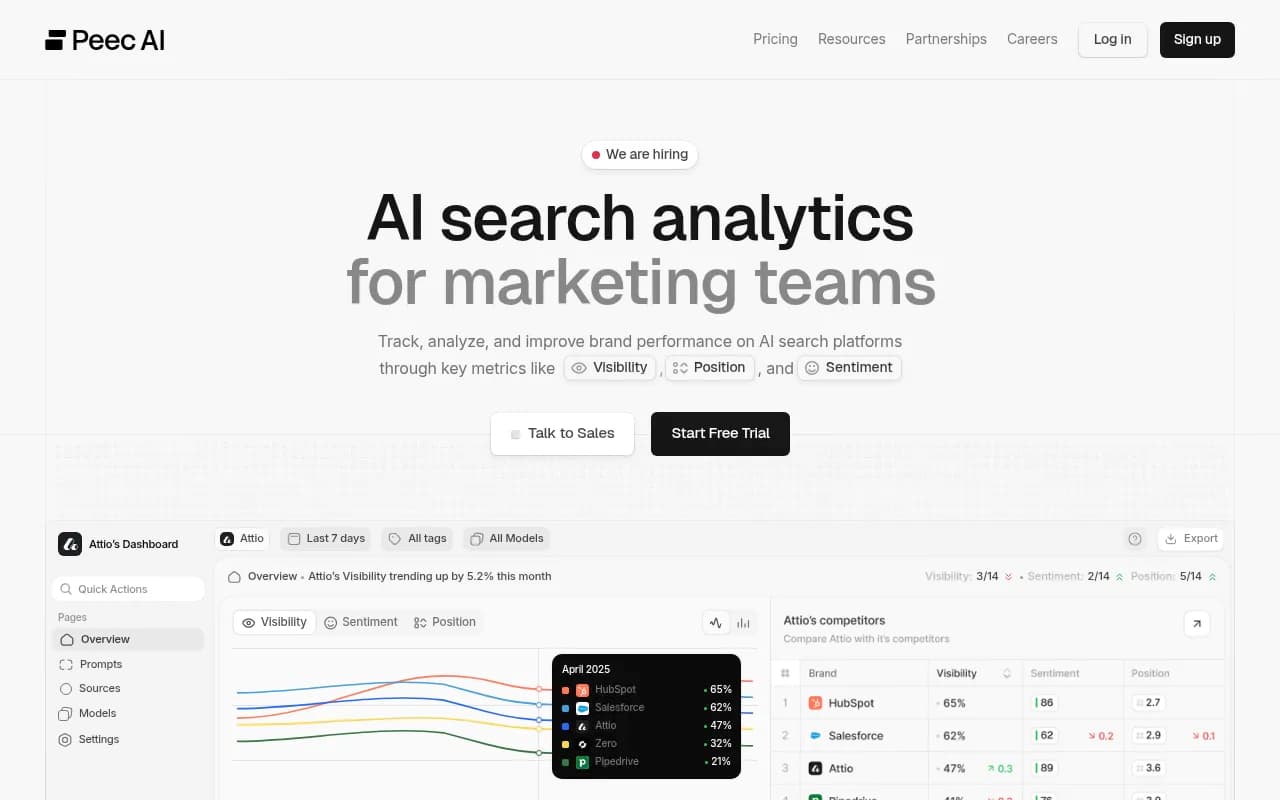
Otterly.AI and Peec AI are more affordable entry points. Both are primarily monitoring dashboards, and neither has deep automation support. You can export data manually or use their APIs if available, but they're not built with workflow automation in mind.

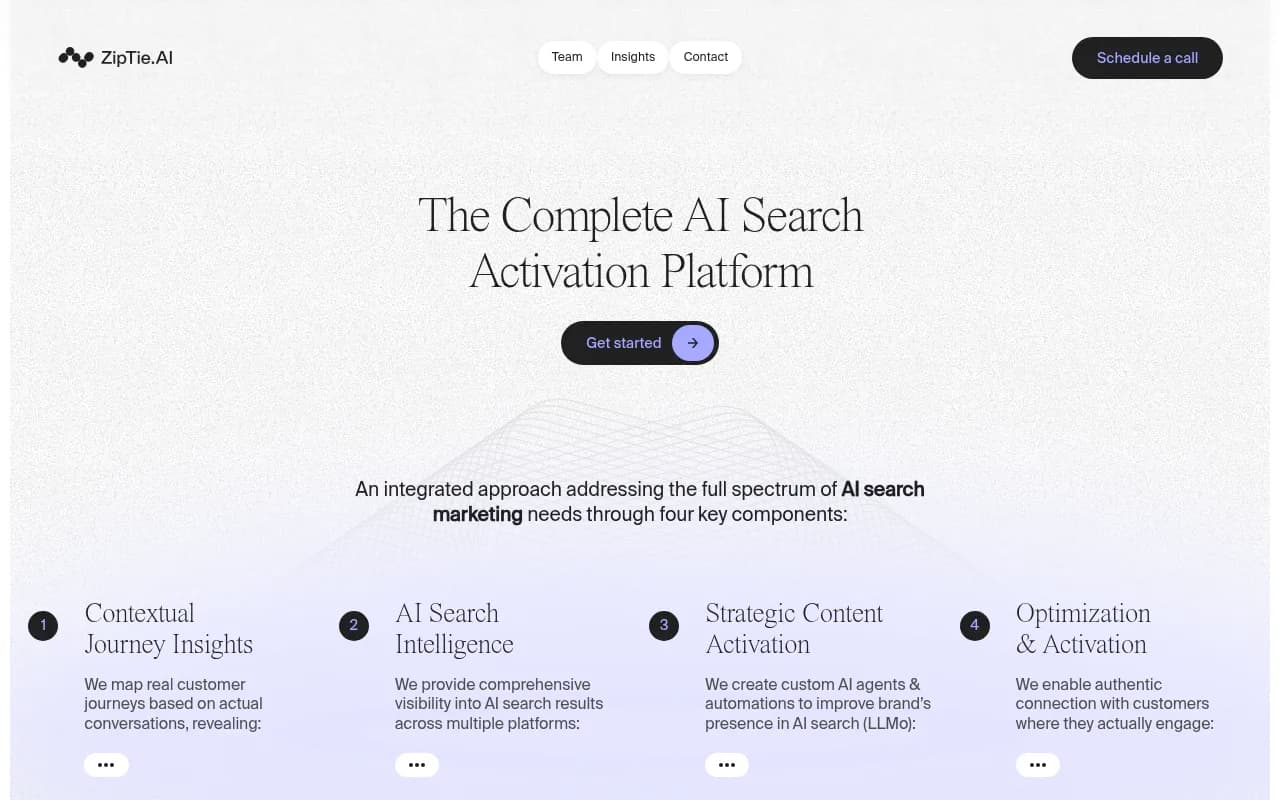
ZipTie is worth mentioning for teams that need granular reporting. Zapier's own roundup of AI visibility tools called it out specifically for deep analysis -- and that kind of detailed data is exactly what you'd want to pipe into a custom Google Sheet or Airtable base via Make.
SE Ranking's AI visibility features and Semrush both benefit from being established SEO platforms with existing Zapier integrations. If you're already using Semrush and want to pull AI visibility data alongside traditional rank tracking, the Zapier connection is already there -- you just need to configure the right triggers and actions.

Workflows worth actually building
Theory is fine, but here are the automations that deliver real value for GEO reporting teams.
1. Weekly visibility score digest
Trigger: Scheduled (every Monday morning) Action: Pull visibility scores from your GEO platform API, format them, send a Slack message or email summary to your team
This is the simplest useful automation. Instead of logging into your platform every week, the data comes to you. In Make, you'd use an HTTP module to call the API, a JSON parser to extract the scores, and a Slack or Gmail module to send the digest. In Zapier, the same flow works with the Webhooks and Formatter steps.
2. Competitor surge alert
Trigger: Visibility score change (competitor gains X% in a prompt category) Action: Slack alert with the specific prompt, the competitor's response excerpt, and a link to the relevant page in your GEO platform
This one requires your platform to support webhook triggers or scheduled API polling. Promptwatch's data depth makes this particularly actionable -- you're not just seeing that a competitor gained visibility, you're seeing which specific prompts they're winning and why.
3. Content gap to brief pipeline
Trigger: New answer gap identified (your brand missing from a high-volume prompt) Action: Create a content brief in Notion or Google Docs, assign it to a writer in Asana or Linear, optionally trigger an AI writing agent to generate a first draft
This is where GEO automation gets genuinely interesting. Most platforms stop at surfacing the gap. Promptwatch's built-in AI writing agent can generate the content directly, but if you want to route it through your existing content workflow, an n8n pipeline works well here -- you can write custom logic to format the brief, pull in competitor context, and create the task in whatever project management tool your team uses.
4. Client reporting automation
Trigger: Scheduled (monthly or weekly) Action: Pull data from GEO platform API, merge with Google Sheets template, generate PDF, email to client
Agencies will find this one saves the most time. Make's visual canvas is good for this because you can see exactly how data flows from the API call through the formatting steps to the final email. If you're using Looker Studio, you can connect Promptwatch data there and trigger the report export via Make.
5. AI crawler alert
Trigger: Specific AI crawler (e.g., GPTBot, ClaudeBot) hits a key page Action: Log to Google Sheet, optionally trigger a content review task
Promptwatch's AI Crawler Logs feature tracks exactly which AI crawlers visit your site, which pages they read, and how often. Connecting this to an n8n workflow that logs crawl events to a Sheet gives you a running record of how AI engines are discovering your content -- useful for diagnosing why certain pages aren't getting cited.
Choosing the right combination
The platform you pick for GEO monitoring and the automation tool you use are separate decisions, but they interact.
If you're on Zapier: prioritize GEO platforms that have existing Zapier apps or clean REST APIs with good documentation. Semrush and SE Ranking have the most established Zapier presence. For pure GEO platforms, you'll be using Zapier's Webhooks by Zapier or HTTP step to connect.
If you're on Make: the visual canvas handles complex data transformation well, which matters when GEO API responses are nested JSON with lots of fields you don't need. Make's HTTP module is flexible enough to work with any API. The lower cost per operation also means you can poll APIs more frequently without the bill climbing.
If you're on n8n: you get the most flexibility. You can write JavaScript inside nodes to transform data exactly how you want, self-host the whole thing for data privacy, and build genuinely complex branching logic. The tradeoff is setup time. n8n has 170,000+ GitHub stars and an active community, so documentation and examples are good -- but it's still a more technical tool than the other two.
For most marketing teams running GEO for one to five brands: Zapier + Promptwatch or Zapier + Profound is the fastest path to useful automation. For agencies managing ten or more clients: Make's economics make more sense, and the visual canvas scales better for complex multi-client reporting. For technical teams or anyone building custom GEO tooling: n8n gives you the control you need.
A note on platforms that don't need as much automation
Some newer GEO platforms are starting to bake reporting automation in directly. Promptwatch's Looker Studio integration and API are designed specifically so you don't have to build everything from scratch. If your main goal is getting data into a client-facing dashboard, that integration might be faster than building a Zapier workflow.
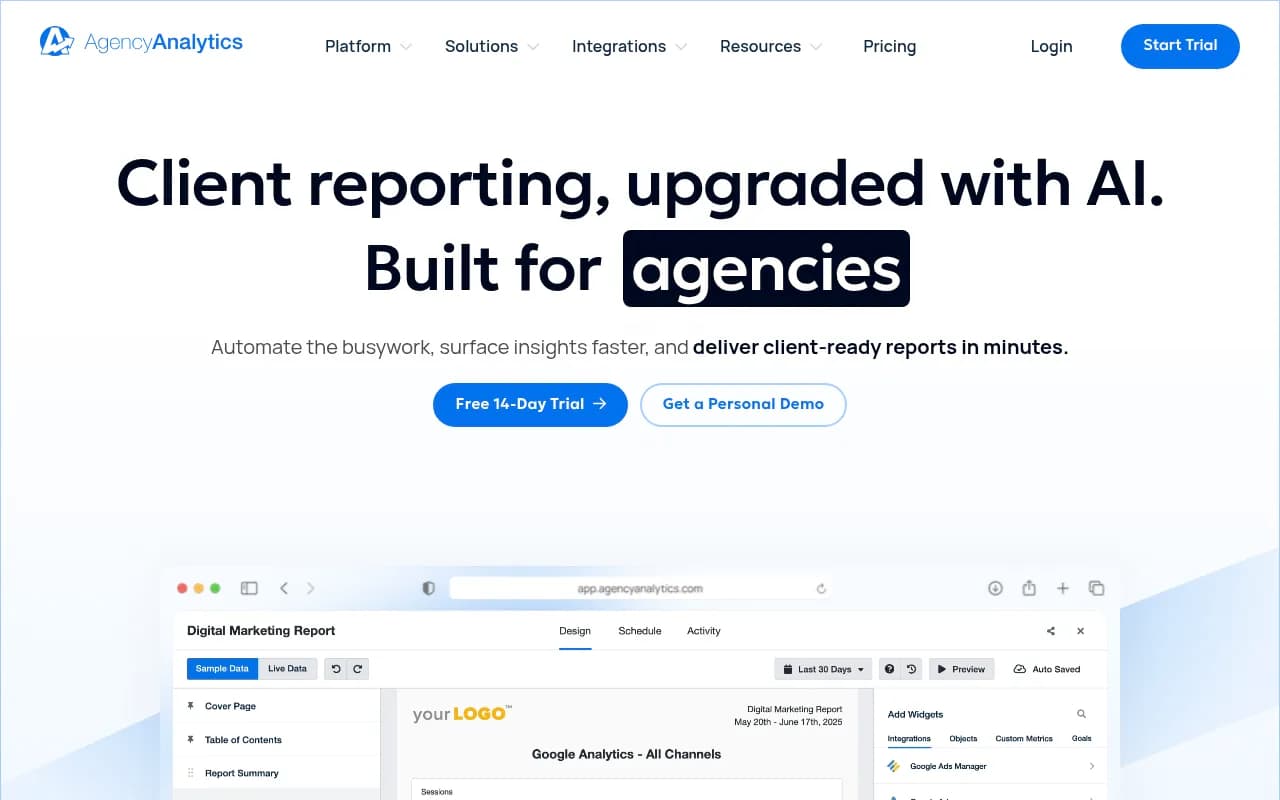
Similarly, platforms like AgencyAnalytics are built for automated client reporting across multiple data sources -- if you're already using it for traditional SEO, adding a GEO data source via API is a natural extension.
The honest answer is that the best automation setup is the one you'll actually maintain. A complex n8n pipeline that breaks every time an API changes is worse than a simple weekly Zapier digest that runs reliably. Start with the simplest workflow that solves a real problem, then add complexity once you know what data you actually use.
Comparison: AI visibility platforms for automation use cases
| Platform | API available | Zapier app | Make/n8n compatible | Best automation use case |
|---|---|---|---|---|
| Promptwatch | Yes | Via API/webhooks | Yes | Full pipeline: gaps → content → tracking |
| Profound | Yes | Via API | Yes | Enterprise data exports, custom dashboards |
| Semrush | Yes | Native Zapier app | Yes | Combined SEO + AI visibility reporting |
| SE Ranking | Yes | Native Zapier app | Yes | Rank + AI visibility in one workflow |
| Otterly.AI | Limited | No | Limited | Basic monitoring, manual exports |
| Peec AI | Limited | No | Limited | Affordable monitoring, limited automation |
| ZipTie | Yes | Via API | Yes | Granular data into custom Sheets/Airtable |
Where to start
Pick one workflow, not five. The teams that get the most out of GEO automation are the ones who automate one thing well -- usually the weekly digest or the competitor alert -- and then expand from there once they've proven the value.
If you're not sure which GEO platform to start with, Promptwatch's free trial is a reasonable first step. It covers the most AI models (10, including ChatGPT, Claude, Perplexity, Gemini, and Grok), has the API access you need for automation, and the built-in content generation means your automations can trigger actual fixes rather than just alerts.
The goal isn't to have a beautiful automation diagram. It's to spend less time pulling reports and more time acting on what the data tells you.