Key takeaways
- GEO platforms generate rich AI visibility data, but most teams keep it siloed in a standalone dashboard. Connecting it to your CRM, BI tools, and automation platforms is what turns monitoring into action.
- Model Context Protocol (MCP) is the emerging standard for giving AI agents structured, real-time access to business data -- including your CRM records, databases, and marketing platforms.
- REST APIs remain the workhorse for scheduled data exports, custom dashboards, and one-way syncs. MCP is better for interactive, agent-driven workflows where an AI needs to query or write data on demand.
- The most useful integrations in 2026 connect AI visibility scores to revenue data -- so you can see whether ranking in ChatGPT or Perplexity actually drives pipeline.
- Platforms like Promptwatch expose both API access and MCP-compatible data layers, making them a natural hub for this kind of connected stack.
Why your GEO data is probably stuck in a silo
Most marketing teams now track some form of AI search visibility. They have a dashboard showing which prompts their brand appears in, how often ChatGPT or Perplexity cites their site, and how they compare to competitors. That's real progress.
But here's the problem: that data lives in one tab. The sales team is in Salesforce. The analytics team is in Looker or Power BI. The growth team is in HubSpot. Nobody is connecting the dots between "we ranked in 47% of AI responses about project management software this week" and "we closed 12 deals from inbound leads who found us through AI search."
That gap isn't a data problem. It's a plumbing problem. And in 2026, the plumbing has gotten a lot better.
Two technologies are doing most of the heavy lifting: traditional REST APIs (still the backbone of most integrations) and MCP, the Model Context Protocol, which is becoming the standard way to give AI agents structured access to live business data. Understanding when to use each -- and how to wire them together -- is what separates teams that get value from their GEO investment from teams that just have another dashboard to ignore.
What MCP actually is (and why it matters for GEO)
MCP, developed by Anthropic and now widely adopted across the industry, is a protocol that lets AI models connect to external data sources and tools in a standardized way. Think of it as a universal adapter: instead of building a custom integration for every AI tool and every data source, you build one MCP server that exposes your data, and any MCP-compatible AI agent can query it.
The practical implication for GEO teams is significant. Instead of manually exporting visibility reports and pasting them into a Slack message or a Google Sheet, you can expose your AI visibility data through an MCP server and let your AI agents -- whether that's a Salesforce Agentforce workflow, a Claude-powered analysis tool, or a custom agent built in LangChain -- query it directly.
Salesforce has already shipped MCP connectivity into Agentforce, giving it direct CRM access. Microsoft has done similar work across its Copilot stack. The pattern is clear: MCP is becoming the connective tissue between AI models and business data.
For GEO specifically, this means your visibility scores, citation counts, prompt rankings, and competitor data can become live context that AI agents use when generating reports, drafting strategy documents, or flagging opportunities.
The two integration patterns you need to understand
Before getting into specific tools and workflows, it helps to be clear about when to use an API versus MCP. They solve different problems.
| Pattern | Best for | Latency | Complexity | Example use case |
|---|---|---|---|---|
| REST API | Scheduled syncs, BI dashboards, data warehouses | Batch (minutes to hours) | Low-medium | Push weekly visibility scores to Looker |
| Webhooks | Event-driven triggers, real-time alerts | Near real-time | Low | Notify Slack when visibility drops 10% |
| MCP server | Agent-driven queries, interactive AI workflows | Real-time | Medium-high | Let Claude query your GEO data during a strategy session |
| Native integration | Out-of-the-box connections, no-code setup | Varies | Very low | Connect GEO platform directly to HubSpot |
Most teams will use all four at different points in their stack. The key is matching the pattern to the use case rather than defaulting to whichever one you're most familiar with.
Connecting GEO data to your CRM
This is where the revenue connection gets made. If you can tie AI visibility data to your CRM, you can start answering questions like: which accounts are researching us in AI search right now? Which competitors are they seeing instead of us? Did visibility improvements in a specific product category correlate with more inbound from that segment?
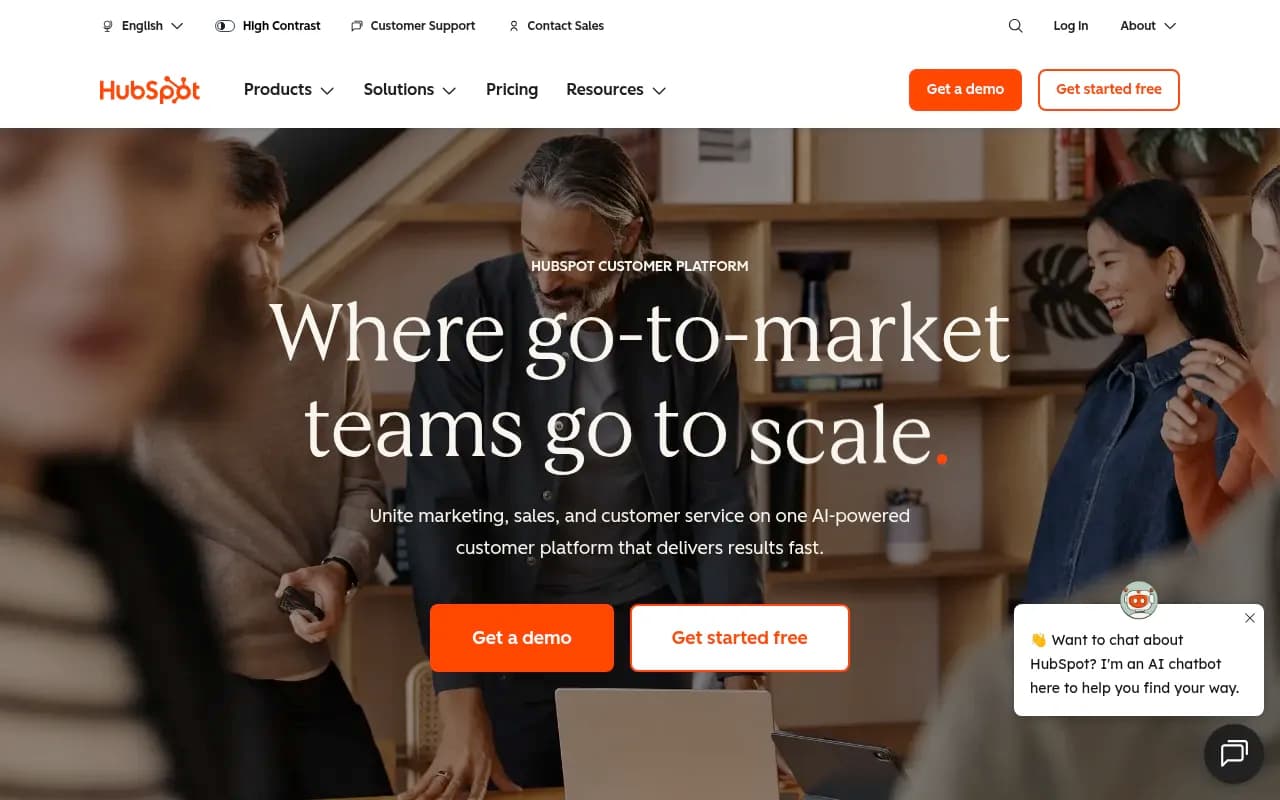
HubSpot
HubSpot's API is well-documented and supports custom properties, timeline events, and contact/company enrichment. The most useful pattern here is creating a custom company property for "AI visibility score" and updating it weekly via API. You can then build HubSpot lists and workflows that trigger when visibility drops below a threshold -- say, automatically enrolling a company in a re-engagement sequence if they were previously high-intent but your brand has become less visible in the AI responses they're likely seeing.
Salesforce
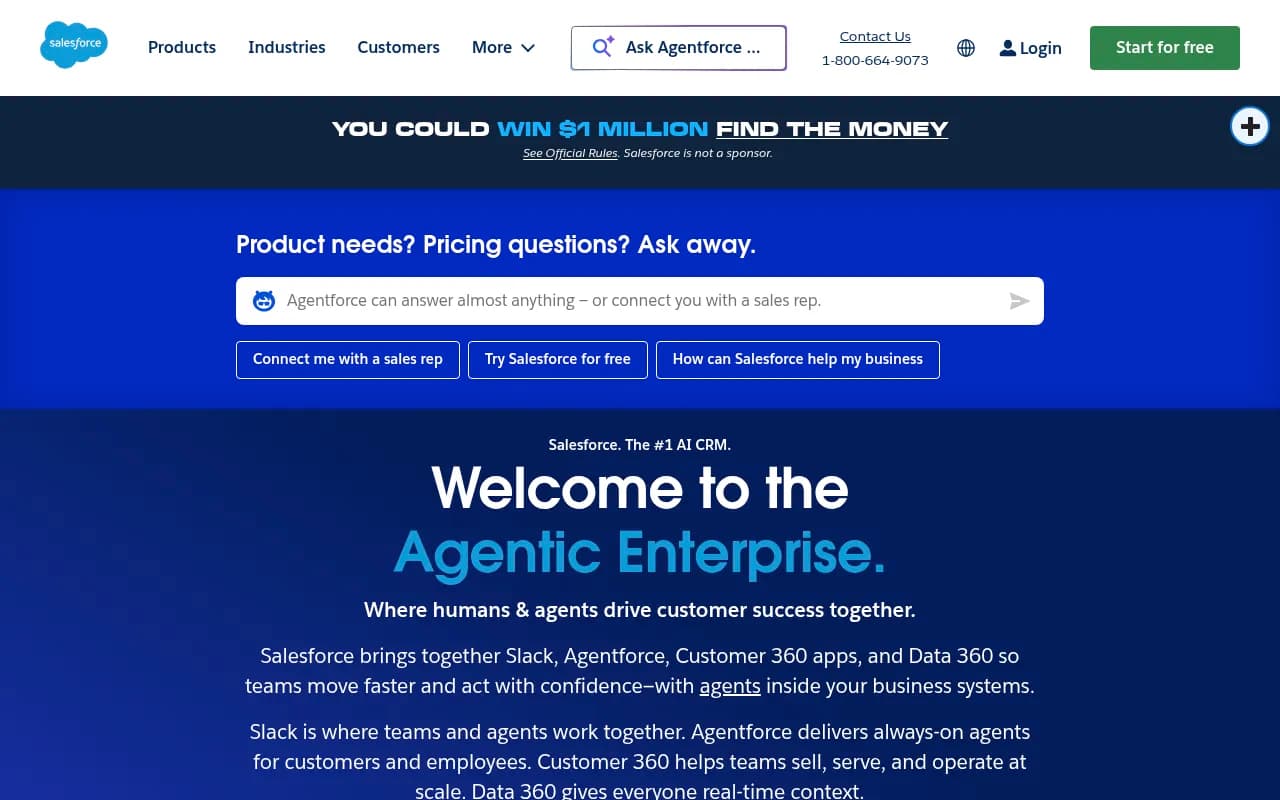
Salesforce is the more complex integration but also the more powerful one. With MCP connectivity now built into Agentforce, you can expose your GEO data through an MCP server and let Salesforce's AI agents query it contextually. A sales rep asking Agentforce "what's our AI visibility for this account's key search terms?" can get a live answer pulled from your GEO platform rather than a static report from last Tuesday.
For teams not yet using Agentforce, the Salesforce REST API supports custom objects and fields. Create a custom object for "AI Visibility Snapshot" linked to your Account records, and push weekly data via API.
Zoho CRM
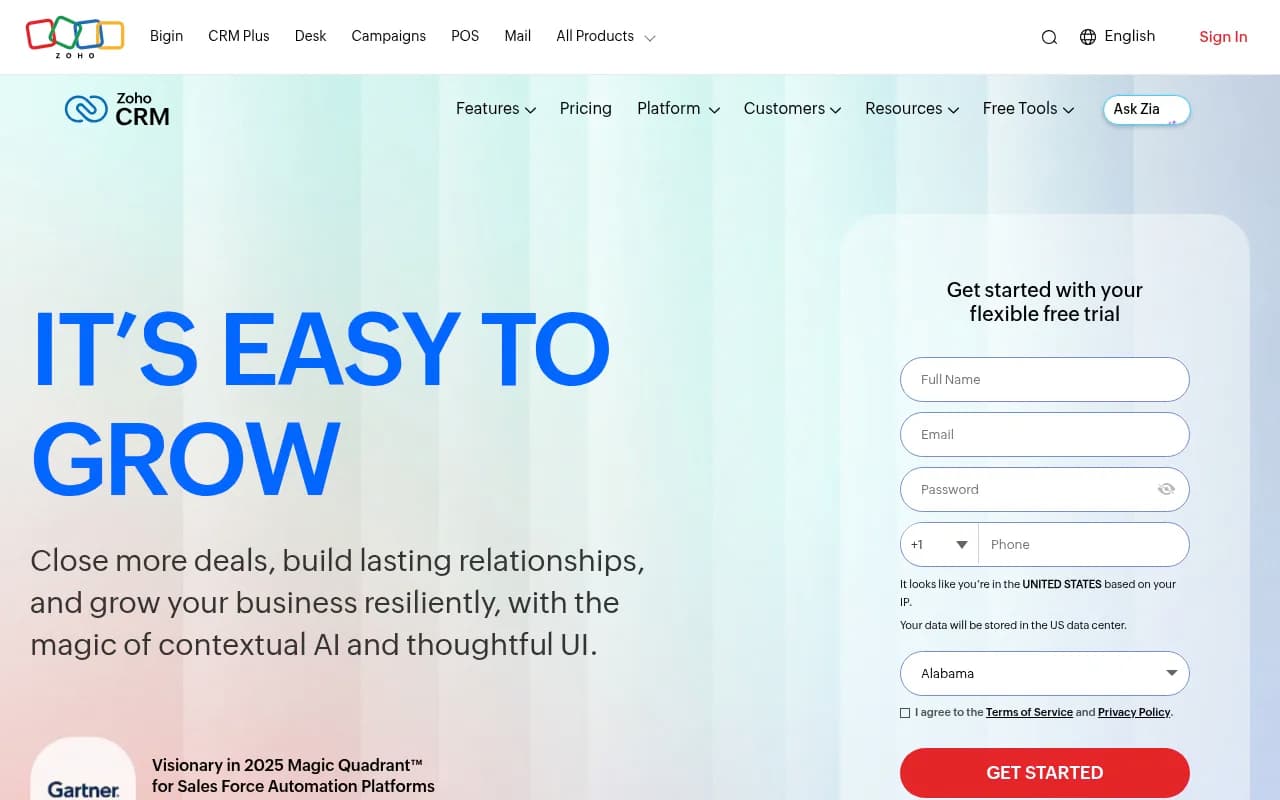
Zoho's API and its native automation builder (Deluge scripting) make it relatively straightforward to pull GEO data in on a schedule. Zoho also has a growing MCP ecosystem through its Zia AI layer.
Connecting GEO data to BI tools and dashboards
This is where visibility data becomes something leadership actually looks at. Getting your AI visibility scores into Looker, Power BI, or a custom Looker Studio report alongside revenue, pipeline, and web traffic data is the difference between "we track AI search" and "we understand how AI search affects our business."
Looker Studio (Google Data Studio)
Promptwatch offers a native Looker Studio integration, which makes this one of the easier connections to set up. You can build dashboards that show visibility trends alongside Google Search Console data and GA4 traffic, giving you a single view of both traditional and AI search performance.
Promptwatch is one of the few GEO platforms that has invested in this kind of BI connectivity -- most competitors stop at their own dashboard and leave you to figure out the export yourself.

Power BI and Tableau
For these tools, the typical pattern is a scheduled API pull into a data warehouse (BigQuery, Snowflake, Redshift) and then a live connection from the BI tool to that warehouse. The GEO platform's API exports visibility scores, citation counts, prompt rankings, and competitor data. A simple Python or dbt pipeline normalizes and loads it. Your BI team builds the dashboard on top.
This sounds like more work than it is. Most data engineers can set this up in a day once the API documentation is clear.
HockeyStack
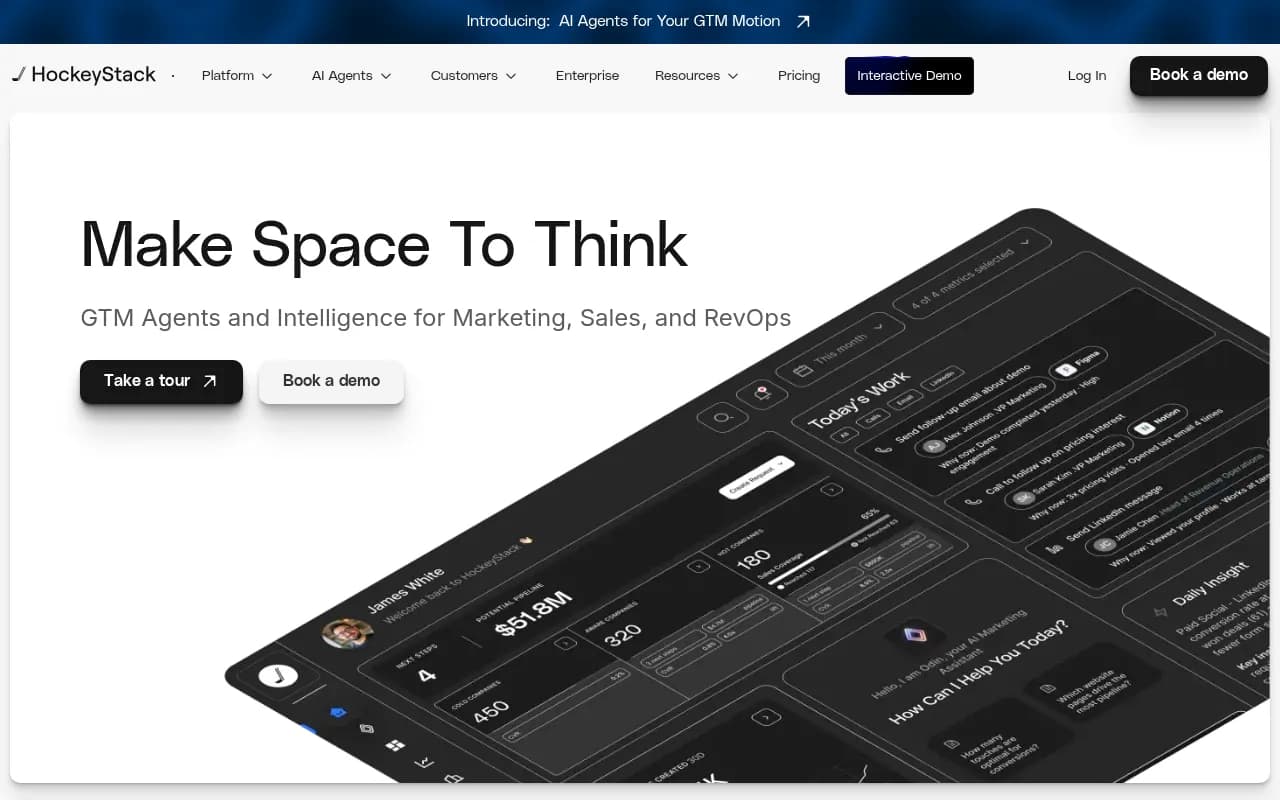
If you're doing multi-touch attribution and want to understand how AI search visibility contributes to pipeline, HockeyStack is worth looking at. It's built specifically for connecting marketing signals to revenue, and with a custom data source integration, you can bring GEO visibility data into its attribution models.
Automation workflows: from visibility data to action
The most underused part of a GEO tech stack is automation. Most teams look at their visibility dashboard, notice something interesting, and then... manually write a Slack message about it. That's a waste.
Here's what a properly automated GEO stack looks like in 2026.
Zapier
Zapier connects to most GEO platforms via webhook or API and can push data to almost anything else in your stack. Common workflows:
- Visibility drops below threshold → create a task in Asana or Jira for the content team
- New competitor appears in top citations → send a Slack alert with the prompt and competitor URL
- Weekly visibility report → auto-generate a Google Doc summary and share with the team
Make (formerly Integromat)
Make handles more complex, multi-step workflows better than Zapier and is generally cheaper at scale. It's particularly good for workflows that involve data transformation -- for example, pulling raw visibility data from an API, enriching it with CRM data, and then pushing a formatted summary to a BI tool.
n8n
If you want full control and are comfortable with a bit of code, n8n is the open-source option. You can self-host it, build custom nodes for GEO platforms that don't have native integrations, and connect it to your internal databases directly. It's also MCP-compatible, which means you can use it as part of an agent workflow rather than just a scheduled automation.
Workato
For enterprise teams, Workato is the serious option. It has pre-built MCP servers for connecting AI agents to 1,400+ business applications, and its governance features make it appropriate for environments where IT needs oversight of what data flows where.
Building an MCP server for your GEO data
If you want AI agents to be able to query your visibility data interactively -- not just receive scheduled exports -- you need an MCP server. Here's the basic architecture.
GEO Platform API
      |
  MCP Server (Node.js or Python)
      |
  ┌───────────────────────────────┐
  │  Tools exposed via MCP:       │
  │  - get_visibility_score()     │
  │  - get_prompt_rankings()      │
  │  - get_competitor_citations() │
  │  - get_answer_gaps()          │
  └───────────────────────────────┘
      |
  AI Agent (Claude, GPT-4, etc.)
The MCP server acts as a structured interface between your GEO platform's API and any AI agent that needs to query it. Each "tool" in the MCP server corresponds to a specific API call. The AI agent decides which tool to call based on the user's question.
A practical example: a marketing analyst asks their Claude-powered internal assistant "what topics are our competitors ranking for in AI search that we're not?" The agent calls get_answer_gaps() on your MCP server, which hits the GEO platform API, formats the response, and returns it in a way Claude can reason about. The analyst gets a useful answer without ever opening the GEO dashboard.
Building this requires:
- API access from your GEO platform (check that your plan includes API access)
- An MCP server framework (Anthropic's official SDK, or community frameworks for Node.js/Python)
- Authentication handling (OAuth or API key, depending on the platform)
- Deployment somewhere your agents can reach it (a simple cloud function works fine)
This isn't a weekend project, but it's not a six-month engineering effort either. A developer with API experience can have a basic version running in a few days.
The attribution layer: connecting visibility to revenue
All of this integration work is in service of one goal: proving that AI search visibility drives business outcomes. The final piece of the stack is traffic attribution -- connecting the dots between "we appeared in a ChatGPT response" and "someone visited our site and converted."
There are three main approaches:
UTM parameters and GA4: Some AI search engines pass referrer data. Perplexity, for example, sends referrer headers that GA4 can capture. You can build segments for AI-referred traffic and track conversion rates.
Server log analysis: AI crawlers leave traces in your server logs. Platforms like Promptwatch can analyze these logs to show you which AI engines are crawling your site, how often, and which pages they're reading -- a leading indicator of future citations.
GSC integration: Google Search Console data, combined with AI Overview visibility tracking, gives you a cleaner picture of how AI search is affecting your organic click-through rates.
The honest answer is that attribution for AI search is still imperfect in 2026. The referrer data is inconsistent, and a lot of AI-influenced traffic looks like direct or branded search in your analytics. But the infrastructure is improving, and teams that build the attribution layer now will have a significant advantage as the data gets cleaner.
Recommended stack configurations by team size
Not every team needs the full enterprise setup. Here's a practical starting point based on where you are.
| Team size | GEO platform | CRM integration | BI/reporting | Automation |
|---|---|---|---|---|
| Solo / small team | Promptwatch Essential | HubSpot (native or Zapier) | Looker Studio | Zapier |
| Mid-market | Promptwatch Professional | Salesforce or HubSpot API | Power BI or Looker | Make or n8n |
| Enterprise | Promptwatch Business / Agency | Salesforce + MCP server | Snowflake + Tableau | Workato + custom MCP |
The pattern scales, but the core logic stays the same: get visibility data out of its silo, connect it to where decisions get made, and automate the alerts and workflows so your team acts on it rather than just looking at it.
Where to start
If you're building this stack from scratch, the order of operations matters.
Start with the API. Get your GEO platform's data flowing somewhere -- even just a Google Sheet updated weekly via Zapier. That alone will force you to think about which metrics actually matter and how you want to slice the data.
Then connect it to your CRM. Even a simple custom field showing current AI visibility score on the Account record changes how your sales team thinks about competitive positioning.
Then build the automation layer. Once the data is flowing, the automation workflows become obvious -- you'll see the manual steps your team is doing and automate them one by one.
MCP comes last, when you have agents that need to query the data interactively. It's powerful, but it's also the most complex piece. Get the simpler integrations working first.
The teams winning at GEO in 2026 aren't just tracking AI visibility. They're making it a first-class data source in their business intelligence stack, connecting it to revenue, and acting on it systematically. The technology to do this exists and is more accessible than it's ever been.