Key takeaways
- A working AI visibility stack has four layers: prompt and citation tracking, AI crawler logs, visitor and search analytics, and a content workflow that closes the loop.
- Each layer answers a different question. Tracking says what AI says about you. Crawler logs say whether AI can read you. Analytics says whether any of it pays off. Content is how you change the outcome.
- Most teams start with a prompt tracker and stall there. The tracker shows the gap but not the cause or the fix.
- You can assemble the stack from separate tools (Search Console, GA4, a tracker, a log tool) or use an end-to-end platform. Either works if the data joins at the page level.
- Review the data on a fixed cadence. AI answers shift fast, and Promptwatch Data shows single-day swings in what ChatGPT cites.
Why a tracker alone is not enough
Picture the usual scene. Your CMO forwards a screenshot of ChatGPT answering a buying question, and it names three competitors. Yours is missing. You open Search Console and GA4. Impressions are flat. Organic sessions are flat. Neither tool tells you what the assistant said, which page it pulled from, or who it named instead.
The obvious fix is to buy a prompt tracker. That is a reasonable first step, and I would do it too. But a tracker only answers one question: was my brand mentioned? It does not tell you why you were absent, whether the AI crawler even reached your pages, whether the citations you do earn send anyone to your site, or what to publish next.
That is why it helps to think in layers. Each layer produces a different kind of evidence, and the useful insights come from joining them.
The Supermetrics walkthrough above makes a similar point from the reporting side: AI visibility comes from combining a handful of numbers that live in different places, and the discipline is in collecting them on a schedule.
The four layers at a glance
| Layer | Question it answers | Typical data | Where it breaks if missing |
|---|---|---|---|
| 1. Tracking and citations | Do AI models mention and cite us? | Visibility, share of voice, position, sentiment, cited URLs | You are blind to competitors and answer changes |
| 2. Crawler logs | Can AI systems reach and read our pages? | Bot visits, status codes, pages fetched | You guess at technical causes |
| 3. Analytics | Does AI visibility drive visits and conversions? | AI referral sessions, conversions, Search Console and Bing data | You cannot prove ROI |
| 4. Content and action | What do we publish or fix next? | Content gaps, refresh suggestions, publishing workflow | Insight never becomes output |
The rest of this guide walks through each layer, what to measure, and how to connect them.
Layer 1: prompt tracking and citation data
This is the layer most people already know. You define a set of prompts that represent how customers ask about your category, run them across AI models on a schedule, and record whether you appear.
What to track
Four numbers carry most of the weight:
- Visibility or mention rate: how often your brand appears across the prompt set.
- Share of voice: your mentions relative to competitors.
- Position: whether you are named first or buried at the end of the answer.
- Citations: which of your URLs are linked, and which third-party pages are cited when you are named.
Read them together. Low share of voice is a coverage problem. Late position is a prominence problem. Mentions without citations to your own domain usually point to a content or crawlability issue, which is where layer 2 comes in.
Why the interface matters
Trackers differ in how they collect data. Some call model APIs. Others capture what users actually see in the product interface. These can differ, especially for citations and shopping results. If you care about what real users see, check which approach a tool uses before you commit.
Citations shift quickly
Do not set up a tracker and assume the picture is stable. Promptwatch Data shows that reddit.com's share of ChatGPT citations fell from roughly 4% to 0.5% on August 14, 2026, in a single day (Reddit citations are dropping in ChatGPT). Citations per response also dropped around the GPT-5.3 rollout on March 4, 2026 (ChatGPT citation drop after GPT-5.3). If your content strategy leaned on one source type, a platform change can erase it overnight. Only continuous tracking catches that.
And different engines behave differently. In Promptwatch's data for Sep 28 to Oct 4, 2026, ChatGPT drew just 0.46% of its citations from social platforms while Google AI Overviews drew 12.2% (social media citations by AI model, October 2026). A single blended "AI visibility" number hides that. Look at each model separately.
Tools for this layer
The market for trackers is crowded. Promptwatch tracks real user interfaces across ChatGPT, Google AI Overviews, AI Mode, Gemini, Perplexity, Copilot and others, and it is the one I would start with if you want the later layers in the same product.

Other options worth a look: Profound for enterprise monitoring, Otterly.AI for a cheap entry point, and Peec AI for straightforward monitoring.



Ivan Palii's six-month test of seven trackers on Medium is a useful outside read. His notes mention a Looker Studio (Data Studio) connector for Peec AI, built-in crawler log analysis in Promptwatch, and Profound's report design by prompt and response. Those small details are exactly where tools diverge.
If you want a wider list, the AI rank tracking directory at ai-rank-tools.com and the GEO software directory at bestgeosoftware.com are good places to browse.
Layer 2: AI crawler logs
This is the layer most teams skip, and it is the one that explains the most. If a model cannot fetch your page, it cannot cite it. No amount of content polish fixes a blocked bot.
What crawler logs show
Server or CDN logs record every request. Filtered to AI user agents and verified by IP, they tell you:
- Which AI crawlers visit, and how often.
- Which pages they read.
- Which requests fail, and with what status code.
- Whether a page that gets crawled ever gets cited.
IP verification matters. Anyone can spoof a user agent string. Promptwatch's crawler report counts only requests whose source IP matches the operator's published ranges, so fake bots are excluded.
The benchmark to compare against
Promptwatch's AI crawler traffic report covers weekly verified requests from June 8 to September 6, 2026 (AI crawler traffic: 3 months of weekly verified requests). OpenAI made up 79.8% of verified requests in the week of Aug 31 to Sep 6, down from 94.8% in the week of Jun 8 to 14. The shares are a mix that adds to 100% each week, so a growing slice for one provider does not necessarily mean more absolute requests.
Another shift: Meta-WebIndexer grew from about 2% to nearly 38% of tracked AI crawler requests between mid-July and August 9, 2026 (Meta is crawling the web like it is building a search index). If you only watch GPTBot, you are missing a chunk of the picture.
The practical check is simple. Compare your own logs to the overall mix. A provider that is large in the mix but near zero in your logs suggests you are blocked or unreachable for it. Review robots.txt, CDN and WAF rules for every provider, not just the famous ones.
Separate training from answer-time fetches
Provider totals hide the split between training crawlers and bots that fetch pages live to answer a user. The second kind matters more for citations. Group by crawler name, not provider, so you can see which bot is doing the work.
Getting the logs
Most setups pull logs from a CDN: Cloudflare, Vercel, Fastly, Netlify, CloudFront, or raw server logs. Promptwatch ingests these and also offers a WordPress plugin. Profound's Agent Analytics does something similar through CDN integrations and connects the activity to GA4. For a free sanity check on robots.txt and bot access, Promptwatch also has an Agentic Readiness Check.
If you want log analysis without an AI-specific product, general technical SEO tools can help.

These are built for classic crawl and log work. They are useful, but AI-specific verification and the link to citations are usually not their focus.
Layer 3: analytics and search data
Tracking tells you what AI says. Logs tell you whether AI can read you. Analytics tells you whether anyone shows up as a result.
Referral traffic from AI assistants
GA4 can segment AI traffic. Supermetrics reports that GA4 puts visits from AI assistants into an AI Assistant channel in the Default Channel Group with the medium "ai-assistant", citing Google Analytics Help. I could not independently confirm that at the cited URL, so check your own property before building reports on it. If your setup differs, create a custom channel group with a regex on known AI referrers.
Whatever you use, expect undercounting. Some AI clicks arrive with no referrer. A script-based visitor analytics tool tuned for AI platforms usually catches more than default web analytics.
Search Console and Bing
Both search engines now report on AI surfaces. According to Supermetrics, Google announced Search Generative AI performance reports in June 2026, showing impressions for AI Overviews, AI Mode and Discover AI features by page, country, device and date. The same write-up notes they carry no click, CTR or query data. Bing Webmaster Tools launched an AI Performance report in public preview in February 2026.
Those are partial views, but they are first-party and free.
The useful question you can only answer by joining layers: which pages rank well in Google and Bing but never get cited by AI? Promptwatch's 360 Insights does that per page by overlaying Search Console and Bing data with AI crawls, citations and clicks. You can also build it yourself in a spreadsheet or Looker Studio with a lot more effort.
Reporting tools
If you already report in a dashboard tool, you can bolt AI data onto it.
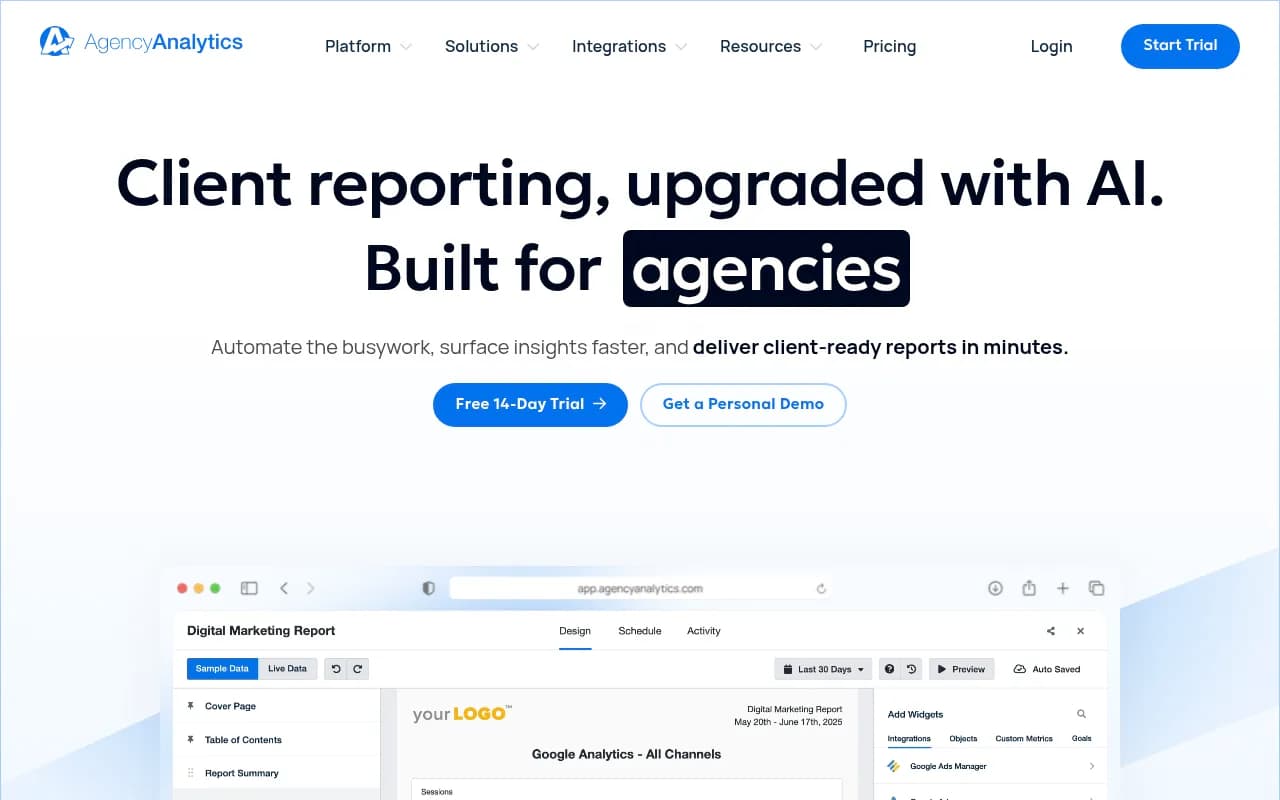
Supermetrics-style connectors pull Search Console and GA4 into one place. The catch is that citation and crawler data still need a source, which brings you back to layers 1 and 2.
Layer 4: content and action
This is where most stacks fall apart. Teams collect a lot of data, produce a deck, and nothing ships.
What the data says to publish
Promptwatch Data gives some starting rules:
- Product pages are ChatGPT's most cited content type at 22.4% of citations (Sep 28 to Oct 4, 2026), followed by landing pages and listicles (content type share).
- Landing pages and docs stay cited longest, while news loses half its pages within 36 days (content half-life). That is a case for evergreen pages over news-style posts.
- Almost half of ChatGPT responses cite 10 or more unique domains (unique domains per response). There is room for more than one winner per prompt.
- Markdown files are 0.05% of AI search citations (markdown in AI search). Do not publish markdown copies of your site expecting citations.
For query-style structure, Promptwatch's fanout data is practical. Average ChatGPT query length fell from about 117 characters in December 2025 to about 53 in April 2026, and Promptwatch's suggestions include headings that read like search queries, the entity and category up front in titles and H2s, and focused pages for comparisons, pricing and alternatives. Also note that on August 8, 2026 ChatGPT began using the site: operator at scale, going from about 0.4% to about 17% of fanout queries (report). Clear, crawlable site structure matters more when the model searches within domains.
Gap analysis, then production
A workable loop looks like this:
- Map your pages against the prompts AI answers. Find prompts where you have no page.
- Prioritize by prompt volume and difficulty.
- Write or refresh pages, using the questions the model fans out into.
- Publish, then confirm crawl, citation and clicks for each page.
- Feed underperformers back into step 2.
Promptwatch builds this into one product with content gap analysis, a Content Agent that writes and publishes to Webflow, Framer or WordPress, and an Action Board of prioritized to-dos. Its claim is that it checks whether each published page gets crawled and cited afterwards. Most trackers stop before this step.
General-purpose content tools can do step 3 but lack the visibility data to ground it.
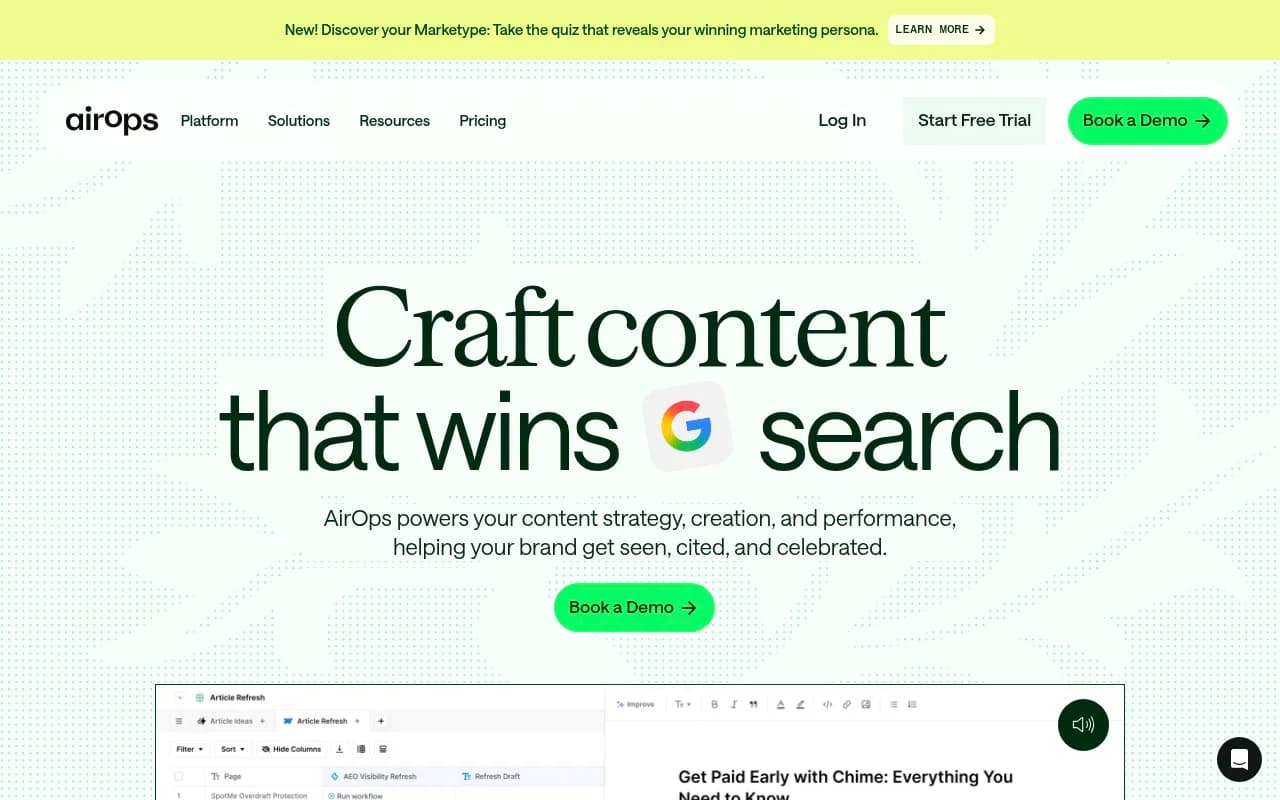
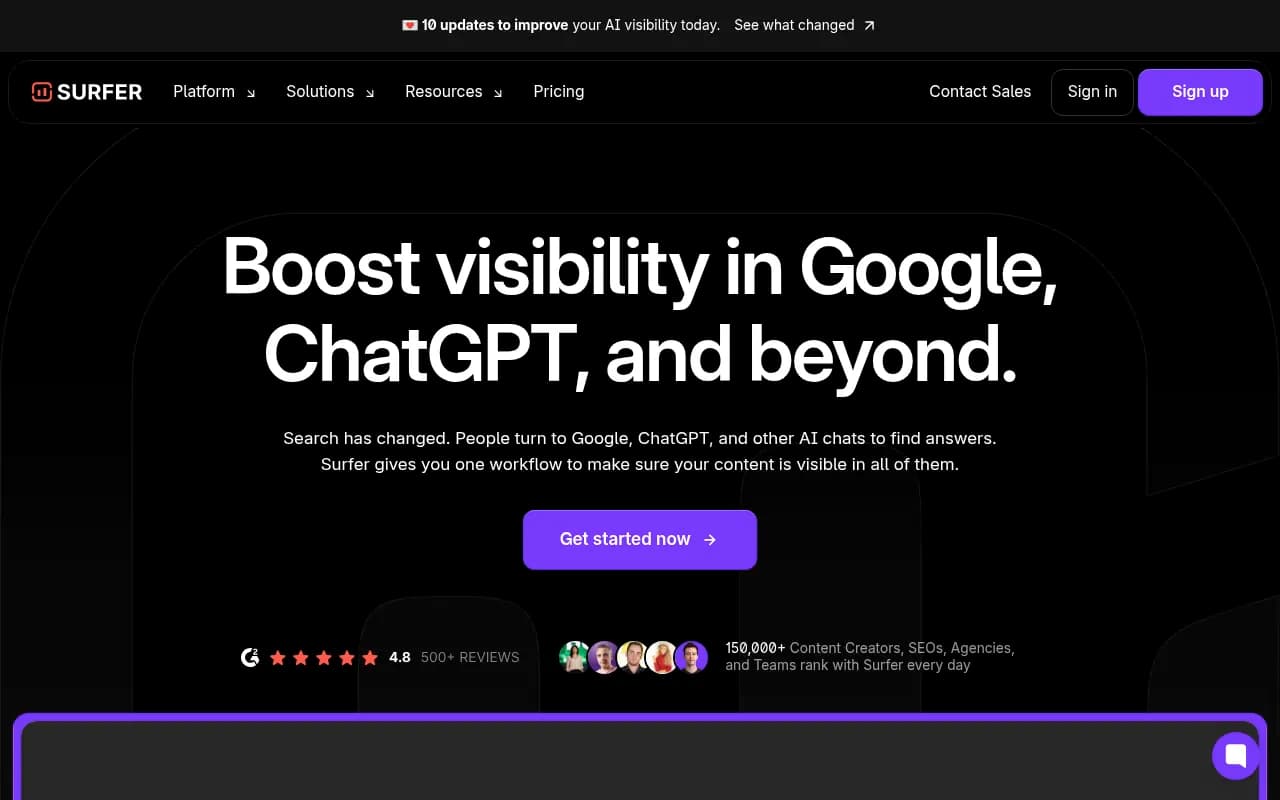

These are good at on-page optimization. They do not tell you which prompts you are missing from or whether the page later got cited.
Putting the stack together
Option A: assemble it yourself
| Layer | Possible tool | Notes |
|---|---|---|
| Tracking | Otterly.AI, Peec AI | Cheaper, monitoring only |
| Crawler logs | CDN logs plus Oncrawl or Botify | General SEO log tools, not AI-specific |
| Analytics | GA4, Search Console, Bing Webmaster | Free, partial AI coverage |
| Content | Surfer SEO, Clearscope, AirOps | Strong editors, no visibility feedback |
This is flexible and can be cheap. The cost is integration work. Joining data per page across five tools is a recurring chore, and the chore is usually what gets dropped.
Option B: an end-to-end platform
Promptwatch is built to cover all four layers: real-UI tracking, IP-verified crawler logs, visitor analytics, Search Console and Bing overlays, and the content workflow. Pricing at time of writing runs from a free Explore plan (10 prompts, ChatGPT only) through Essential at $95/month, Professional at $245/month and Business at $579/month. The automated Content Agent sits on Business and Enterprise. Confirm current numbers at promptwatch.com/pricing.
If you are an agency, there are separate plans from $199/month with unlimited projects and white-label reporting. Note those plans exclude the Content Agent and 360 Insights.
The honest tradeoff: an all-in-one platform is less customizable than a hand-built stack, and you are betting on one vendor's data model. In exchange you get joined data from day one.
For more choices in the category, the directory of agentic SEO tools at agenticseotools.com is a decent next stop.
A weekly operating rhythm
Tools do nothing without a cadence. Here is a rhythm that works for a small team.
- Daily or automatic: prompt monitors run across models and countries.
- Weekly: check crawler errors and blocked bots. Run a site audit. Review any citation drops by model.
- Weekly: pick three actions from the gap list and ship them.
- Monthly: report visibility, share of voice, AI referral sessions and conversions side by side. Judge volatile engines like Copilot on monthly trends, not weekly snapshots. Promptwatch's data shows Copilot's average sources per response swinging from under 2 to nearly 17 within weeks.
- Quarterly: re-audit your prompt set. Customer language changes, and so do models.
A note on benchmarks: ChatGPT cites about 5 sources per web-search answer, while Google AI Overviews and Perplexity cite about 10, per Promptwatch's average sources report (page dated September 2025, so treat the numbers as dated). Perplexity's steady count makes it a stable test bench when you want to check whether a change you made had an effect.
Common mistakes
- Buying a tracker and calling it a strategy. A dashboard of mentions does not change anything on its own.
- Ignoring crawlers until after a content push. Check access first. It is cheaper to fix a robots.txt rule than to write ten unread articles.
- Blending all models into one score. ChatGPT, AI Overviews and Perplexity cite very differently.
- Treating referral traffic as the whole story. Many AI answers influence a buyer without a click. Track branded search and direct traffic trends as well.
- Measuring weekly and reacting to noise. Pick a window long enough to smooth out swings.
Do you need an agency?
Some teams have the tools and not the hours. If you would rather hand off the technical fixes, content production and reporting, a specialist can run the stack for you. 1001 SEO Media is the agency that publishes this site and works on technical SEO, content and AI search visibility using Promptwatch as its platform. That is a disclosure as much as a pitch, so weigh it accordingly.
Bottom line
Treat AI visibility as four connected questions: what do models say, can they read us, does it drive traffic, and what do we ship next. Start with tracking and crawler access, because those two expose the biggest problems fastest. Add analytics so you can defend the budget, and build a content loop so the data turns into pages. Whether you stitch it together or buy one platform, make sure the data joins at the page level. That is the part that makes the stack more than a pile of dashboards.