Key takeaways
- MCP and Slack support are now real buying criteria for AI visibility tools. They decide whether your data reaches the agents and channels your team already uses, or stays locked in a dashboard.
- Native Slack apps and MCP servers are not the same thing. A Slack app pushes alerts to people. An MCP server lets an agent query and act on the data.
- Promptwatch ships a hosted MCP server with 110+ read and write tools, a Slack integration for chatting with your data, and scheduled briefings. Profound, Gauge, Brandlight and Conductor have Slack apps. Gauge, Otterly and Peec AI have MCP servers.
- Most tools in this category cannot do both well. Several need Zapier, Make or n8n to get data into Slack.
- The security question matters more than people admit. Connecting an MCP client gives it access to whatever the connection can read. Scope it.
Why MCP and Slack matter for AI visibility work
A few years ago, a visibility tool was a dashboard you logged into on Monday. That model is breaking down. Teams now run Claude, ChatGPT or Cursor all day, and they live in Slack. If your AI search data cannot reach either one, someone is copying numbers out of a tab by hand.
Two integrations solve different problems.
Slack integrations push or pull information where the team already talks. Think alerts when your citation share drops, a Monday briefing, or a way to ask "which competitor gained the most this week?" without opening anything.
MCP (Model Context Protocol) servers let an AI agent call the tool directly. The agent can list prompts, pull citation data, compare competitors and, with write tools, create actions or content. Adoption has been quick. One 2026 buyer's guide from Truto reports that MCP went from Anthropic's launch in November 2024 to roughly 97 million monthly SDK downloads by March 2026, with OpenAI, Google, Microsoft and AWS all supporting it. Treat that as one vendor's estimate, but the direction is clear: if you are building agent workflows, MCP is the default plumbing.
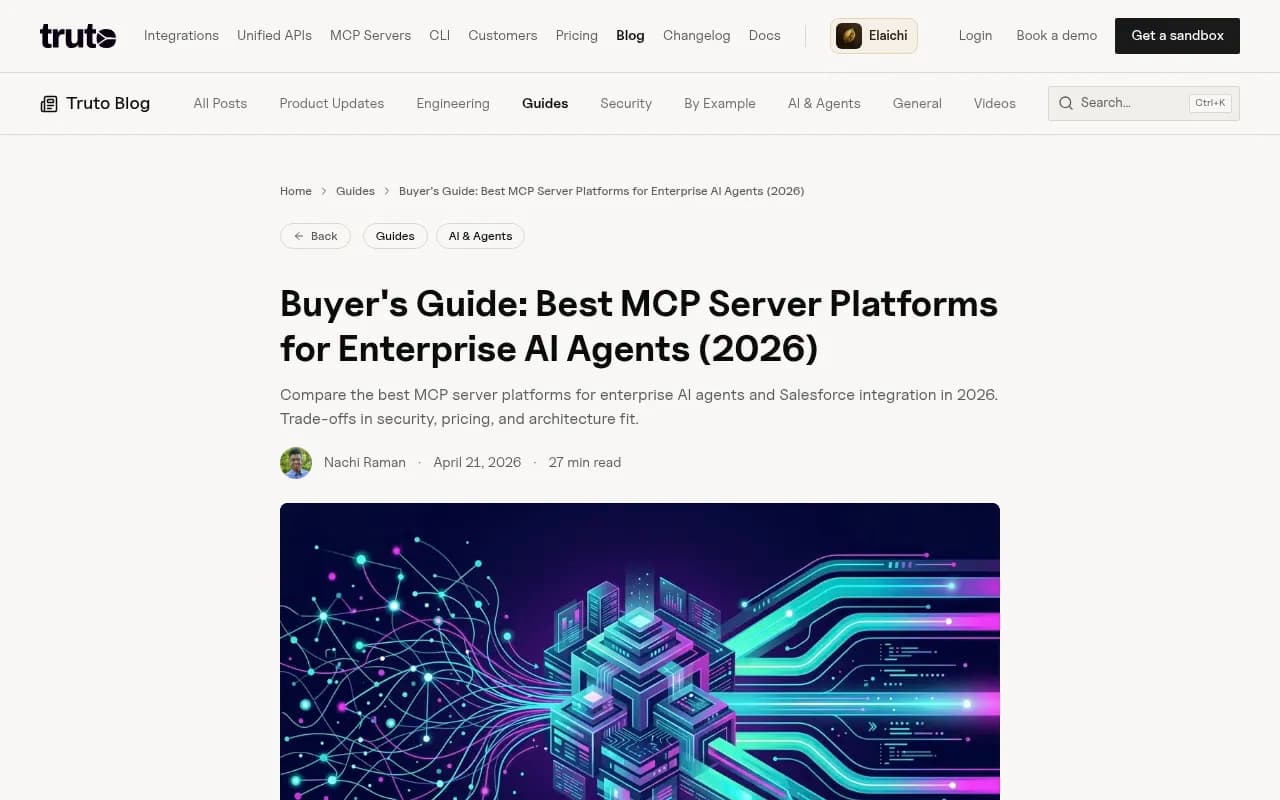
The question for a marketing or SEO team is narrower than the one that guide answers. You are not hosting MCP servers. You are choosing a visibility platform and want to know whether it plugs into your agent stack.
What to check before you shortlist
Vendor pages say "integrates with Slack" and "MCP support" loosely. Ask these questions instead.
- Is the Slack app native, or does it need Zapier, Make or n8n in the middle? Native apps are faster to set up and easier to govern.
- Is Slack one-way (alerts) or two-way (ask questions, approve work, assign tasks)?
- Does the MCP server only read data, or can agents write? Read-only is safer. Write tools are what turn an assistant into a worker.
- Is the MCP server hosted by the vendor or something you run yourself?
- How is auth scoped? Per-user, per-workspace, per-key?
- What does the data underneath look like? An MCP server on top of thin data is still thin. Check whether the platform tracks real UI responses, crawler logs and traffic, or only API outputs.
- Do the scheduled briefings come with the plan, or cost extra credits?
That last point on data depth is the one people skip. A great integration surface on a shallow tracker gives your agent very little to work with.
The platforms compared
First, the caveat. Slack and MCP details for most competitors below come from a single third-party roundup by Gen Engine Optimizers, plus vendor positioning. Confirm each against the vendor's own documentation before signing anything. I also did not verify pricing for most of these tools.
| Platform | Native Slack app | MCP server | Notes |
|---|---|---|---|
| Promptwatch | Yes (chat with data, scheduled briefings in channels) | Yes, hosted, 110+ read and write tools | Also has ChatGPT plugin, Claude Connector, REST API v2 |
| Profound | Yes | Verify with vendor | Alerts, content approvals, weekly agent summaries |
| Gauge | Slack bot | Yes | Surfaces prioritized actions, query data from Slack |
| Peec AI | No native app mentioned | Yes | Scheduled Claude task can post a daily sentiment digest to Slack |
| Otterly.AI | No native app | Yes, plus Claude Skill and public API | Post summaries to Slack via MCP or API |
| Brandlight | Yes, bi-directional | Verify with vendor | Real-time, daily or weekly cadences |
| Conductor | Yes (Slack Marketplace) | Verify with vendor | Monitoring alerts, incident-resolved posts |
| Trakkr | Yes | Verify with vendor | Real-time alerts, 8 AI models |
| Semrush AI Visibility Toolkit | No | Verify with vendor | Use Zapier or Make |
| SE Ranking AI Visibility Tracker | No | Verify with vendor | Use Make, Zapier or n8n |
Promptwatch
Promptwatch is the one I would start with for agent-driven teams, mostly because the integration layer sits on top of a deep data set rather than replacing it. Its hosted MCP server exposes 110+ read and write tools to Claude, Claude Code, ChatGPT, Cursor, Lovable, Codex and any MCP client. There is also an official ChatGPT plugin and a Claude Connector if you do not want to configure a server by hand.

On the Slack side, you can chat with your data from a channel and get scheduled briefings delivered there. That pairs with Agent Chat, the conversational analyst built into the platform, which runs multi-step workflows, builds dashboards and PDF reports, and works the Action Board (assigning, commenting, replying when @-mentioned). Ready-made Agent Skills like the 7-day GEO briefing and competitor gap analysis can run on a schedule and land in Slack on Monday morning with no one lifting a finger.
The reason the write tools matter: agents can do more than report. The Content Agent plans, writes and publishes to Webflow, Framer or WordPress, and the Action Board turns findings into a prioritized to-do list. Then crawler logs, citations and visitor analytics show whether the published page actually got read and cited. Most competitors stop at monitoring. For a team trying to run visibility work through agents, a closed loop beats a notification feed.
Data depth is the other reason. Promptwatch tracks the real user interfaces of ChatGPT, Google AI Overviews, AI Mode, Gemini, Perplexity, Copilot, Alexa and Meta AI, not only API outputs. It also has IP-verified AI crawler logs and AI-referred traffic analytics. An agent asking "which pages get crawled by GPTBot but never cited?" has something real to answer with.
Pricing starts with a free Explore tier (ChatGPT only), then Essential at $95/month, which includes all models, 500 Agent Credits, and MCP and API access. Business is $579/month. Confirm current numbers at promptwatch.com/pricing.
Profound
Profound is a strong monitoring product with a native Slack app. According to the Gen Engine Optimizers roundup, it sends alerts on visibility and citation changes, routes content approvals, and lets you pull data inside Slack. Its Agents post weekly visibility, citation and sentiment summaries plus job-completion notices. That approvals-in-Slack flow is useful for content teams. It sits at a higher price point, and I could not confirm the shape of its MCP server.

Gauge
Gauge is one of the few smaller tools in the roundup with both a Slack bot and an MCP server. The bot surfaces prioritized actions and lets the team query data from Slack. If you want both integrations at a lighter weight than an enterprise suite, it is worth a trial. I did not check the MCP tool list or auth scope.
Peec AI
Peec AI has an MCP server but no native Slack app. The workaround people use is a scheduled Claude task that reads from Peec and posts a daily sentiment digest to Slack, covering overall change, worst-dropping models and lowest-scoring conversations. It works. It is also a DIY setup you now maintain. Peec is a monitoring tool, so there is no content or crawler layer behind the MCP.

Otterly.AI
Otterly.AI has no native Slack app, but offers a public API, a Claude Skill and an MCP server. You can build a Slack summary on top. Good for small teams that want cheap tracking and are comfortable wiring things together.

Brandlight, Conductor and Trakkr
Brandlight has a native Slack app with bi-directional alerts on real-time, daily or weekly cadences, and tracks 50+ models. Conductor lists a native Slack app in the Slack Marketplace, posts monitoring alerts to chosen channels and posts again when an incident resolves. Trakkr has a native Slack app with real-time alerts on ranking changes, competitor moves and citations across 8 models. All three are alert-first. If your team mostly wants notifications in channels, they fit. If you want agents to act on the data, check MCP support carefully.
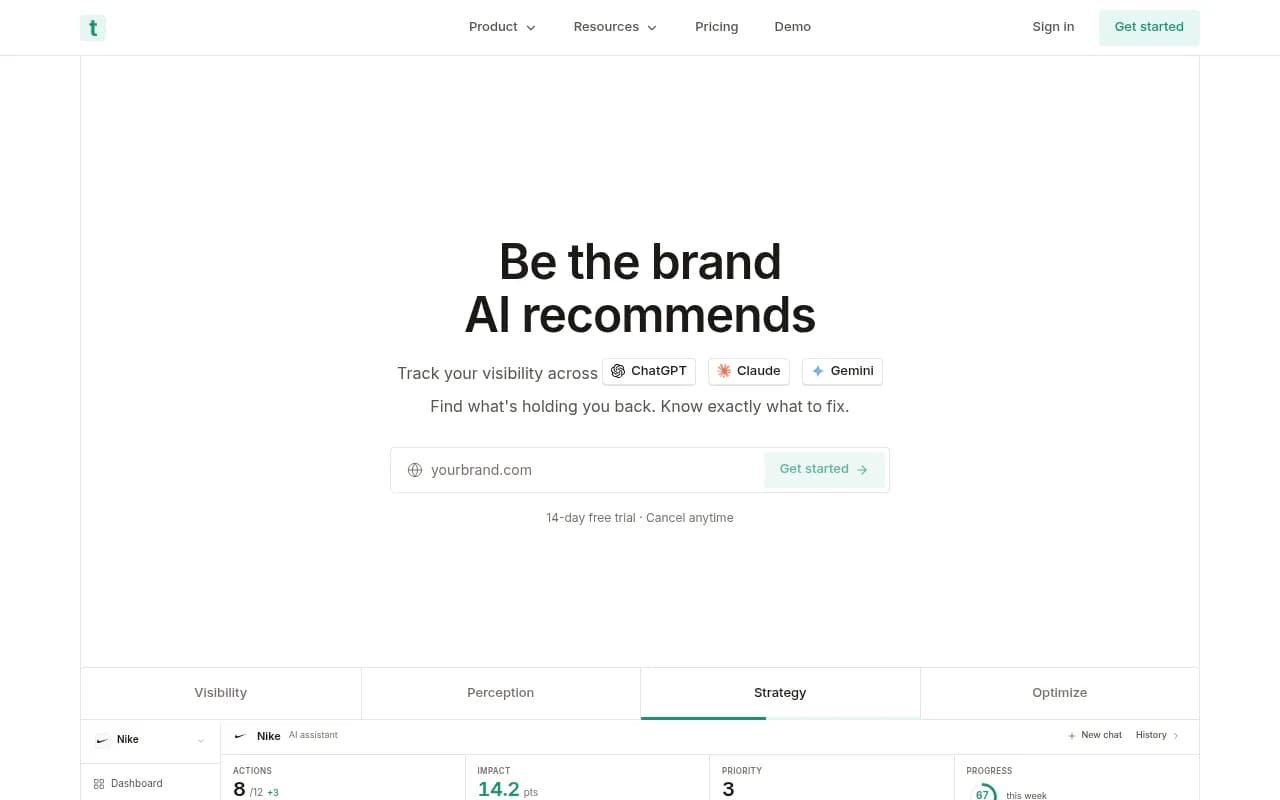
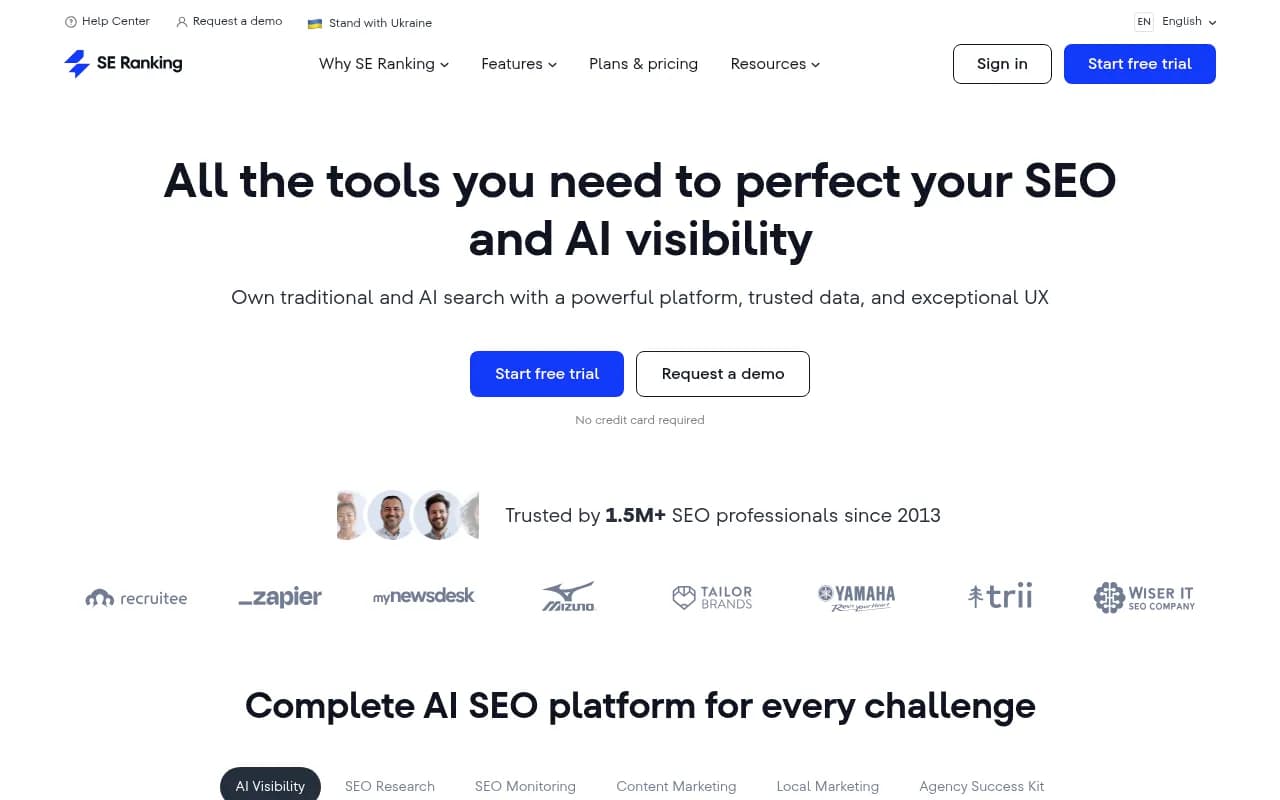
Semrush and SE Ranking
Semrush's AI Visibility Toolkit and SE Ranking's AI Visibility Tracker have no native Slack connector. You would use Zapier, Make or n8n to push data across. That is fine if you already live in those suites for classic SEO, but it is the weakest fit for an agent-first workflow.
If you do need glue, these three are the usual choices.
Native Slack vs MCP: which one do you need?
It depends on who the consumer is.
- If the consumer is a person who wants a nudge, a native Slack app is enough. Alerts, weekly summaries, approvals.
- If the consumer is an agent, you need MCP. A Slack message is a poor interface for a model.
- If you want both, you want one platform with both layers built on the same data, rather than two tools bridged by automation.
The awkward middle case is the DIY pattern: MCP server plus a scheduled Claude or ChatGPT task that posts to Slack. It is clever and cheap, and it breaks when someone changes a prompt, rotates a key or leaves the company. For a hobby project, fine. For a team with reporting obligations, I would rather the vendor own the schedule.
The Slack side: what the official MCP server gives your agents
Slack itself now exposes an MCP server and a Real-Time Search API, both generally available. According to Slack, third-party agents like Claude and Perplexity can search messages, read channels and threads, send messages and create canvases. Partner apps listed by Slack include Manus, ThoughtSpot Spotter, Alysio, WRITER, Wordsmith, Workleap and Credal AI. Slackbot can also act as an MCP client to take actions in other apps.
This opens a pattern worth noting: an agent can read your team's Slack conversation as context and your visibility platform's MCP as data, then post a recommendation back. That is the real payoff of having both ends speak MCP.
Security: the part setup guides skip
Slack's own developer docs carry a warning: connecting a client gives it access to your Slack data. Strac's October 2026 write-up goes further, laying out what an agent can read across a workspace and how to control it.
The broader MCP picture is not comforting either. Reco's September 2026 review of MCP security tools cites a scan of thousands of MCP servers that found hundreds exposed to any device on the same network, some with flaws that allowed remote code execution. It also describes tool poisoning, where instructions hidden in tool descriptions steer an agent without the user ever seeing them.
Practical rules for a visibility stack:
- Prefer vendor-hosted MCP servers with scoped API keys over self-hosted ones you forget about.
- Start read-only. Add write tools only to agents you trust and can audit.
- Look for roles, audit logs and SSO if more than a few people connect. Promptwatch offers owner, editor and viewer roles, scoped API keys, audit logs on Business and above, SSO on Enterprise, and is ISO/IEC 27001 certified.
- Keep one channel for agent output. Do not let an agent that can read every channel post into every channel.
- Review what connected clients can see in Slack before you approve them.
How to set up an agent-driven visibility workflow
A setup that works for most small teams looks like this.
- Connect your visibility platform to Claude or ChatGPT through its MCP server or official connector.
- Create a scheduled weekly briefing that posts to one Slack channel. Keep it to what changed: visibility, citations, competitor movement.
- Add an actions feed. In Promptwatch this is the Action Board and its weekly digest; elsewhere it may be a Slack alert for drops.
- Let an agent draft the fix (a content brief, a page refresh), but keep a human approving publication until you trust the output.
- Check the result. Did crawlers hit the new page, was it cited, did AI-referred visits move? If the platform cannot tell you, your loop is open.
It also helps to ground expectations in how AI search really behaves. Promptwatch's average sources per response data shows ChatGPT citing about 5 sources per web-search answer while Google AI Overviews and Perplexity sit near 10, and Copilot swung from under 2 to nearly 17 within weeks. That variance is why a daily Slack digest should show trends rather than single-day numbers. Source mix shifts too: in Promptwatch's social media citations report for Sep 28 to Oct 4, 2026, ChatGPT drew 0.46% of its citations from social platforms versus 12.2% for Google AI Overviews, so an alert that treats all engines the same will mislead you.
Which one should you pick?
| Your situation | Best fit |
|---|---|
| Agents should plan, write and publish, and you want Slack briefings too | Promptwatch |
| Content approvals and weekly summaries in Slack, enterprise budget | Profound |
| Light team wanting both a Slack bot and MCP | Gauge |
| Already building Claude workflows, monitoring only | Peec AI or Otterly.AI |
| Alert-heavy, multi-model coverage, notifications to channels | Brandlight, Trakkr or Conductor |
| Already deep in a classic SEO suite | Semrush or SE Ranking, with Zapier or Make |
My honest take: if all you need is a Slack ping when a number moves, almost any of these will do. If you want agents to do the work and prove it worked, the field narrows fast, because that needs write tools, crawler data and traffic attribution behind the MCP, not just a prompt tracker. For a wider look at the category, the GEO software directory at bestgeosoftware.com lists more options.
Before buying, test the integration, not the demo. Connect the MCP server to your own Claude or ChatGPT account, ask three real questions about your brand, and see whether the answers are useful. Post one scheduled briefing to a test channel. A free or trial tier is enough to find out in an afternoon.