Key takeaways
- You can get a useful AI visibility baseline for free in an afternoon: manual prompt tests, a robots.txt and crawler check, Google Search Console, Bing Webmaster Tools, and one or two free checkers.
- A single check is a noisy sample. ChatGPT cites about 5 sources per web-search answer, while Google AI Overviews and Perplexity cite about 10, so run each prompt more than once and across engines.
- Free checks tell you whether you have a problem. They are poor at telling you how it changes over time, which is the point where a paid platform starts to earn its price.
- Many free checkers come from vendors who want to sell you something. Use them, but treat the scores as a rough signal, not a verdict.
Why run free checks first
Most people buy an AI visibility tool before they know what question it should answer. Then they pay $100 to $500 a month to watch a dashboard say "your brand was mentioned in 12% of responses" without knowing whether that is good, bad, or an artifact of how the prompts were written.
Free checks fix that. They give you a baseline, a list of obvious technical problems, and a sharper idea of which prompts matter. If you later buy a platform, you will configure it far better. If you find the problem is a blocked crawler, you may not need to buy anything yet.
The checks below are ordered by effort and by how much they tend to reveal. Do them in this order.
Check 1: Can AI crawlers even reach your site?
This is the most boring check and the one that most often explains everything. If your robots.txt, CDN, or firewall blocks AI bots, no amount of content work will help.
What to look at:
- Your robots.txt for rules on GPTBot, OAI-SearchBot, ChatGPT-User, ClaudeBot, PerplexityBot, Google-Extended and similar agents.
- Your CDN or WAF settings. Bot protection rules sometimes block AI fetchers even when robots.txt allows them.
- Whether important pages return real HTML without needing JavaScript to render the main content.
Training crawlers and answer-time fetchers are different bots. Blocking the former while allowing the latter is a legitimate choice, but you should make it on purpose. According to Promptwatch's AI crawler traffic data, OpenAI accounted for 79.8% of IP-verified AI crawler requests in the week of Aug 31 to Sep 6, 2026, down from 94.8% in early June. Other providers are growing, so a rule written for one bot in 2024 may now miss most of the traffic.
If you want a quick automated read, the free Agentic Readiness Check and AI Crawler URL Inspector at Promptwatch show which AI crawlers can read your site and which agent standards you support. If you have server logs, compare them to the crawler mix in the report. A provider that is large in the report but near zero in your logs usually means you are blocked or unreachable for that provider.

Check 2: Google Search Console and Bing Webmaster Tools
These two are free, they come from the search engines themselves, and they are the best first step for any site owner. Google's AI Overviews and AI Mode draw on Google's index. Microsoft Copilot draws on Bing's. If a page is not indexed or ranks poorly there, it is unlikely to show up as a source.
In Search Console, look for:
- Pages with impressions but low clicks. These are often the ones AI answers are eating.
- Pages that should rank but are not indexed.
- Queries phrased as questions or comparisons, which hint at the prompts people are asking AI.
In Bing Webmaster Tools, confirm your key pages are indexed and submitted. This matters more than people expect. Promptwatch's data shows Copilot's average number of sources per answer swung from under 2 to nearly 17 within a few weeks, so judge Copilot on monthly trends, not weekly snapshots, and make sure Bing sees your pages first.
Check 3: Manual prompt tests
This costs nothing and teaches you more than any score. Write 15 to 25 prompts a real customer might ask, and run them in ChatGPT, Perplexity, Gemini, and Google (for AI Overviews).
A workable prompt set has four kinds of questions:
- Category prompts: "best project management software for small agencies"
- Comparison prompts: "Tool A vs Tool B"
- Problem prompts: "how do I stop invoices from going out late"
- Brand prompts: "is [your brand] any good"
For each response, record whether you were mentioned, whether your domain was cited as a source, your position in the answer, and who showed up instead. A spreadsheet is enough.
Perplexity
Why one run is not enough
Engines give different numbers of citation slots. Per Promptwatch's average sources per response data, ChatGPT cites about 5 sources per web-search answer, Google AI Overviews about 10, and Perplexity almost exactly 10 every day. So a single ChatGPT check is a sample of roughly five slots. AI Overviews and Perplexity give you more room to appear, which makes them an easier place to find a first citation.
That Perplexity number barely moves, which makes it a handy test bench. If your citations there change after you edit a page, it is more likely your edit than engine noise.
Run each prompt at least three times on different days. Answers are not deterministic, and ChatGPT's behavior shifts over time. Promptwatch's citation drop report shows average citations per response fell around the GPT-5.3 rollout on March 4, 2026, which is the kind of change that can make an old check and a new check incomparable.
Write prompts like the fan-out queries
ChatGPT does not search for your exact prompt. It generates its own searches. Promptwatch's ChatGPT query fanout data shows average query length falling from about 117 characters in December to about 53 characters from April, and a single prompt can trigger several searches. Short, search-like queries are the target. The free ChatGPT Query Fan-Out Generator and the GEO Inspector Chrome extension on promptwatch.com show these sub-queries, which helps you check whether your page headings match what the model actually looks up.
ChatGPT also started using the site: operator at scale on August 8, 2026, jumping from about 0.4% to about 17% of fanout queries (Promptwatch Data). That means being a clearly identified entity on your own domain matters more than it did.
Check 4: Free AI visibility checkers
Several vendors offer a free scan. They are lead generation, and the limits change, so confirm what you get before relying on them. Still, they are a fast way to get a first number.
| Free check | What it does | Watch out for |
|---|---|---|
| Promptwatch Free AI Visibility Report | No-login scan of how ChatGPT, Gemini, and Perplexity talk about your brand | One-time snapshot |
| Semrush AI Search Visibility Checker | Checks brand visibility across several AI platforms including ChatGPT, Gemini and Google AI Mode | Likely asks for an account |
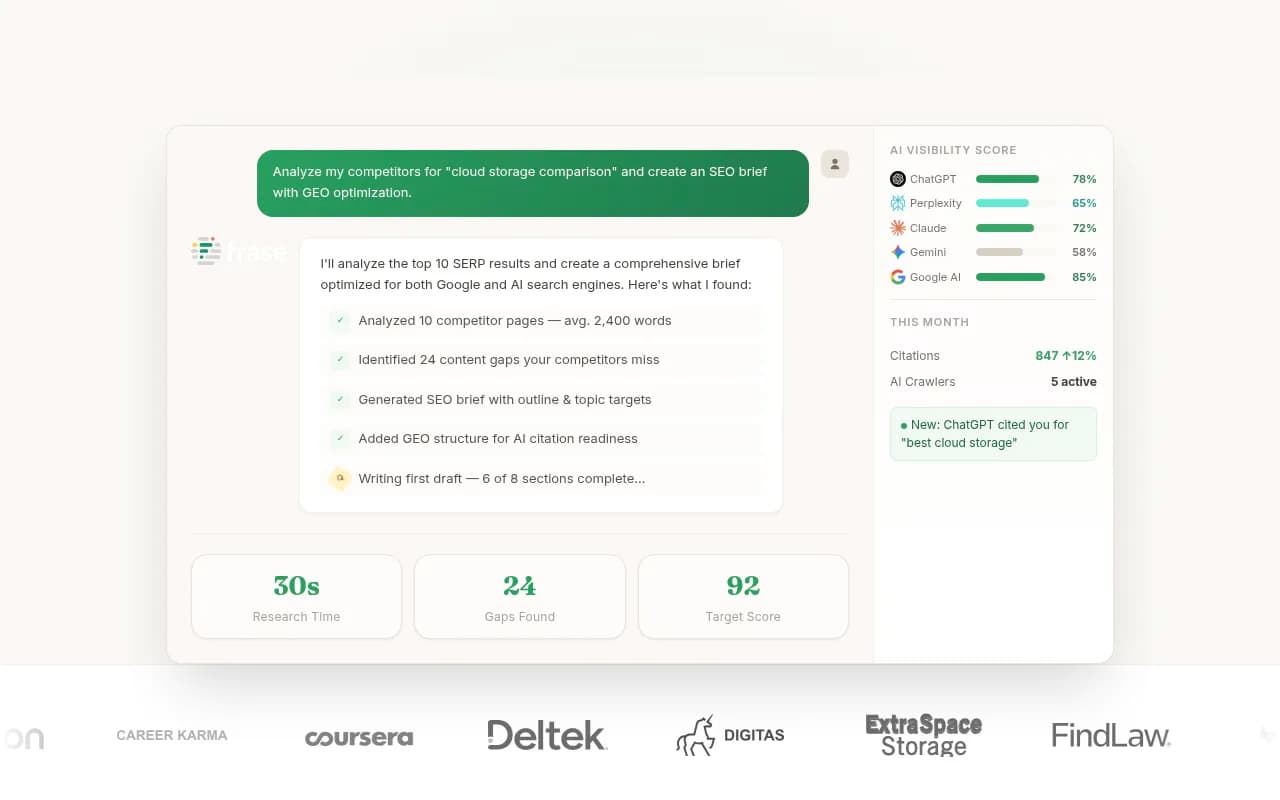
| Frase AI Visibility Checker and GEO Score | Shows who AI cites for your domain and grades a page for citability | Vendor says no card needed; confirm limits |
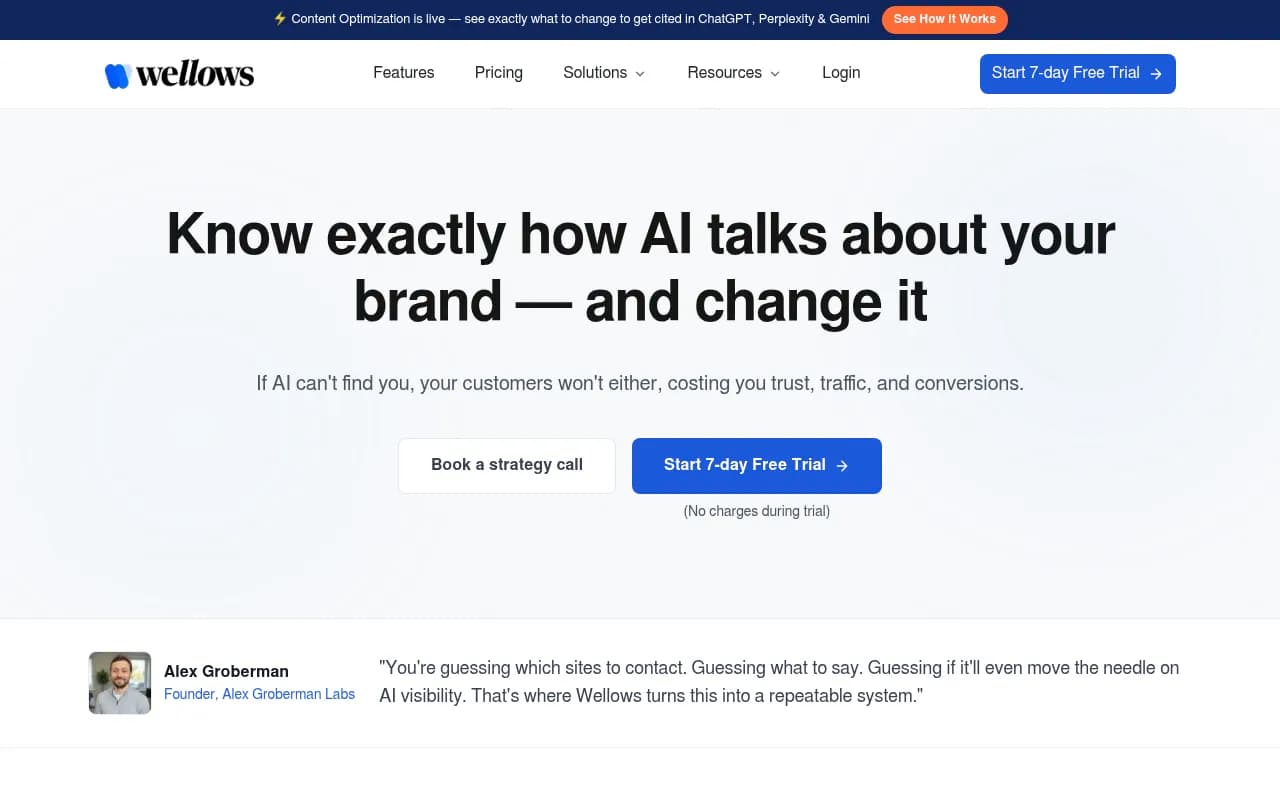
| Wellows ChatGPT, Perplexity, and AI Overviews checkers | Single-engine baselines | Paid platform trial is 7 days, not a free plan |
| SEO.com AI Overview checker | Checks AI Overviews, 3 free checks per day per LLM Pulse | Daily cap |
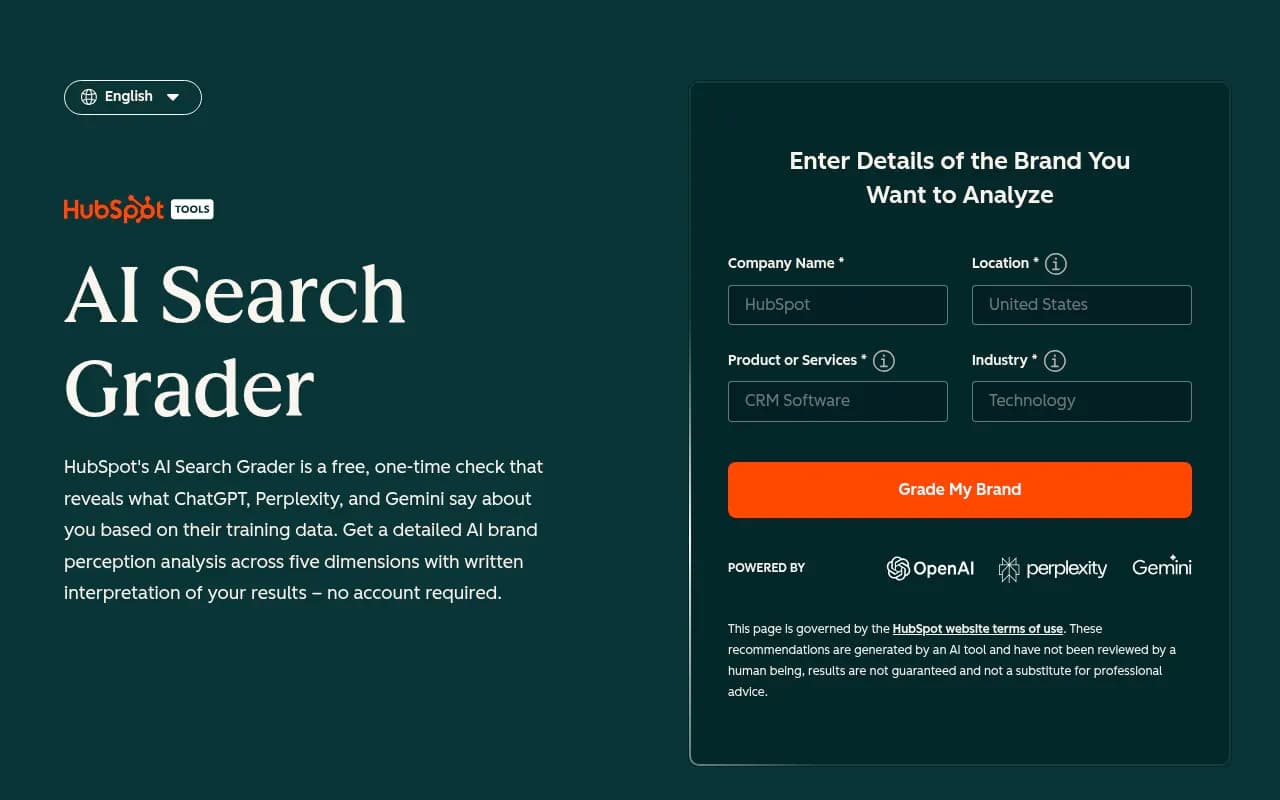
| HubSpot AI Search Grader | Free one-time brand diagnostic | One-time, no monitoring |
| Amplitude AI Visibility | Free AI visibility analysis | Narrow scope |
I did not verify current limits on all of these, so check each page before you plan around it. A few more free options from our catalog worth a look are [tool:answergist], [tool:rightchoice-ai], and [tool:prismic-free-geo-audit].

How to read the scores
Treat any single score as a rough signal. Different tools use different prompts, engines, and formulas, so a 62 in one and a 38 in another does not mean either is wrong. Run two or three checkers and look for what they agree on: the same competitors showing up, the same missing topics, the same blocked pages.
Also remember that several "best tools" roundups are written by vendors who rank their own product first. Use them to find tools, not to decide.
Check 5: Which sources does AI actually cite in your category?
Your competitors are not always the ones taking your spot. Often it is a review site, a marketplace, a forum, or a documentation page. Look at the cited sources in your manual tests and sort them by type.
The type of source varies a lot by industry. In Promptwatch's software citation data for Sep 28 to Oct 4, 2026, GitHub, Microsoft's docs, and G2 led ChatGPT citations. In travel, Skyscanner, Going, and Tripadvisor led, and in healthcare, NIH, the FDA, and the NHS led. If your category looks like software, your path to visibility may run through docs and review profiles, not blog posts.
Social sources are also uneven by engine. From Sep 28 to Oct 4, 2026, ChatGPT got 0.46% of its citations from social platforms, while Google AI Overviews got 12.2% (Promptwatch Data). And reddit.com's share of ChatGPT citations fell from roughly 4% to 0.5% on August 14, 2026 (report). If your plan depends on Reddit for ChatGPT, check again before you spend on it.
Check 6: Audit the pages you want cited
Pick your ten most important pages and check them for basics:
- Does the title and H2 structure read like a short search query that names your category and entity?
- Is the key answer near the top, in plain text?
- Is the page fresh? News loses half its cited pages within 36 days, while landing pages and docs stay cited longest (Promptwatch's content half-life data).
- Is it the right content type? Product pages were the most cited type in ChatGPT at 22.4% of citations from Sep 28 to Oct 4, 2026 (report).
Free tools help here. A crawler like [tool:screaming-frog-seo-spider] has a free tier for small sites, and the free AI SEO Audit and LLMs.txt Generator on promptwatch.com cover basics. Do not expect miracles from llms.txt or markdown files: markdown makes up just 0.05% of AI search citations (Promptwatch Data).
A simple one-afternoon plan
- Check robots.txt, CDN rules, and render-ability (30 minutes).
- Review Search Console and Bing Webmaster for indexing gaps and question-style queries (30 minutes).
- Write 20 prompts and run them in four engines, three times each over a week (about two hours of work, spread out).
- Run two or three free checkers and compare their results (30 minutes).
- Tally cited sources by type and list the five competitors or sites that appear most.
- Pick ten pages and fix the obvious problems.
Write down the results with dates. That spreadsheet is your baseline.
What free checks cannot do
Be honest about the limits. Free checks are snapshots. They do not run daily, they do not cover hundreds of prompts, they rarely show prompt volumes or difficulty, and they cannot tell you how much traffic AI sends you. Manual testing also cannot show real crawler visits unless you dig through logs yourself.
That is where paid tools come in. Roughly, you are ready to pay when:
- You have a prompt list you trust and need to track it daily across engines and countries.
- You need crawler logs and AI-referred traffic tied to specific pages.
- You want to act on gaps at a pace you cannot do by hand.
When to move to a paid platform
There are two kinds of paid product. Prompt trackers answer "was my brand mentioned?" Fuller platforms also show why, and help you fix it. For tracking only, options like [tool:otterly-ai], [tool:peec-ai], and [tool:llm-pulse] are cheaper. If you want the fuller loop of crawler logs, AI traffic, content gap analysis, and publishing, Promptwatch's Essential plan starts at $95 a month, with a free Explore plan (10 prompts, ChatGPT only) you can use to test the workflow. Confirm current pricing at promptwatch.com/pricing.
To compare more options, the GEO software directory at bestgeosoftware.com lists dozens of tools by category.
If you would rather have a team run this for you, an agency like 1001 SEO Media handles AI search and GEO work alongside technical SEO.
Final note
Run the free checks first. If the result is "our crawler is blocked and our key pages are not indexed in Bing," you just saved a subscription. If the result is "we are invisible on 18 of 20 prompts and competitors dominate review sites," you now know exactly what to ask a platform to track, and you can tell within a month whether it is working.