Key takeaways
- A weekly Slack briefing gets AI visibility numbers in front of people who would never log into another dashboard.
- Keep it short: a few KPIs with deltas, two or three actions, and alerts only when thresholds are crossed.
- Use a fixed prompt set, or your week-over-week deltas mean nothing.
- Annotate known engine changes so a visibility dip isn't blamed on your content team.
- You can use a native integration, an agent builder, or a Zapier/Make/n8n workflow. Pick based on whether you want to maintain plumbing.
Why a Slack briefing beats another dashboard
Most lean marketing teams already have an AI visibility tool. Fewer of them have a habit around it. One person checks the dashboard on a Friday afternoon, screenshots something, and the rest of the team never sees it.
A scheduled briefing fixes the habit problem. The numbers arrive in a channel people already read, on a day everyone expects them, with links to the pages where someone can act. That is the whole idea. No new login, no new meeting.
The AI-Advisors Slack integration puts it well: a dashboard only helps the person who opens it. I would go further. For a team of three to six people, the briefing is the dashboard. Everything else is a drill-down.
What a good weekly briefing contains
The temptation is to dump everything. Resist it. A briefing people skim in 40 seconds beats a thorough one they mute.
The five blocks worth including
- A two or three sentence read on what changed and why. A human or an AI wrote it, but it must say something specific.
- A KPI snapshot, each metric with an explicit plus or minus against the prior week.
- Two or three open actions, each linked to where the work happens.
- Threshold alerts, shown only when something moved enough to matter.
- Automation or publishing status, if you have any content being produced on a schedule.
Which KPIs to show
Pick six or seven. A reasonable set for a lean team:
- Visibility score or mention rate across your tracked prompts
- Citation share (how often your domain is cited versus competitors)
- Sentiment
- AI crawler visits to your site
- AI referral visits and conversions
- Number of responses analyzed, so everyone knows how much data sits behind the deltas
That last one gets skipped and shouldn't be. A 4-point swing on 40 responses is noise. On 6,000 it might be real.
Alert thresholds
The AI-Advisors briefing uses a useful pattern: flag a platform if visibility drops more than 5 percentage points, and flag a competitor if their mentions climb more than 20 percent. You do not have to copy those numbers, but you do need numbers. Without thresholds, every briefing contains an alarm and people stop reading alarms.
Keep the prompt set fixed
This is the part that quietly ruins most briefings. If the questions you track change from week to week, your deltas stop being comparable. Kite makes the same point in its lean-team SEO workflow: the AI-answer check should run the same fixed question set each round, because a changing set makes rounds incomparable.
So before you automate anything, freeze a prompt set of 30 to 100 questions that real buyers ask. Add new prompts in a separate group and report them separately until they have a few weeks of history.
Know how engines differ before you read the deltas
Not every engine moves the same way, and a briefing that treats them identically will mislead you. Promptwatch's average sources per response data shows how different the baselines are:
- ChatGPT cites about 5 sources per web-search answer, and the average drifts with model and retrieval updates.
- Google AI Overviews cites about 10 per answer, and that figure has been steady.
- Perplexity cites almost exactly 10 sources every day, which makes it a decent test bench: if your citations change there, it is probably your content.
- Copilot swung from under 2 to nearly 17 sources within a few weeks, then settled lower. Judge it on monthly trends.
The practical consequence is that a week-over-week drop on ChatGPT or Copilot may come from the engine, not you. Perplexity is your most stable reference line.
Engine behavior also shifts in steps. Promptwatch's query fanout data shows average fanouts per response falling from 2.15 in early December 2025 to about 1.84 by early March 2026, with average query length shrinking too. Other documented changes include the citation drop after GPT-5.3 on March 4, 2026, the Reddit citation collapse in ChatGPT on August 14, 2026, and ChatGPT's site: operator jump on August 8, 2026.
Keep a short running note of these dates and add a one-line annotation to the briefing when one lands. It saves you an awkward Monday conversation.
Three ways to get the briefing into Slack
Option 1: a tool with a native Slack integration
The least work. You authorize Slack, pick a channel, choose a day. The tool builds the message from its own data.
Promptwatch does this through Agent Chat, which can run scheduled chats delivered in-app or in Slack, with ready-made skills like a 7-day GEO briefing and competitor gap analysis. Because the agent sits on top of your live prompts, citations, crawler logs and traffic, the briefing can answer follow-up questions in the same thread.

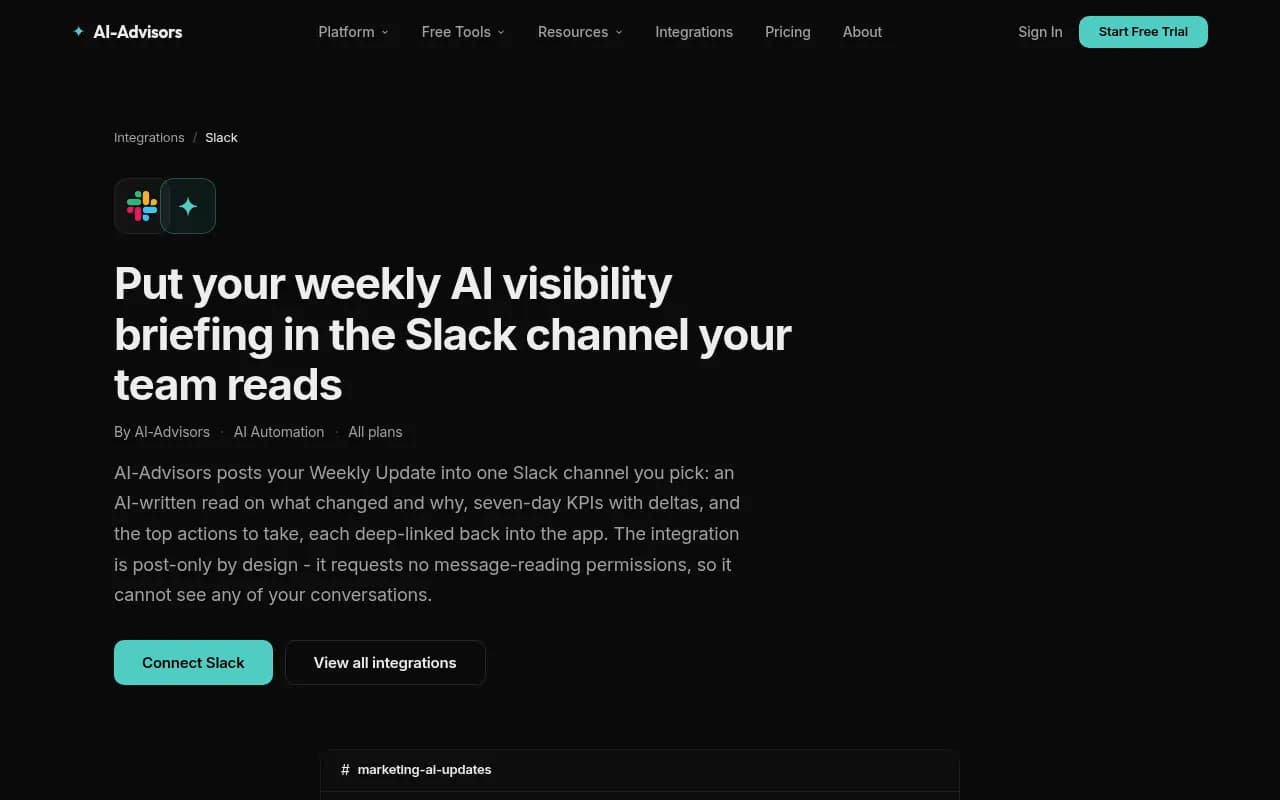
AI-Advisors takes a narrower, post-only approach. Its weekly update posts an AI-written read, seven-day KPIs with deltas, top open recommendations and alerts into one channel you pick. It requests no message-reading permissions, so it cannot see your conversations. That matters if your security person asks.
The setup is short:
- An org owner or admin opens Settings, finds the Slack row under Integrations and clicks Connect.
- Slack's consent screen lists the permissions (posting messages and listing public channels). Approve it.
- Pick a public channel from the inline picker.
- In AI Automation, open Alerts, choose a delivery day, and hit Send Test to Slack to preview the real briefing.
A few details from AI-Advisors' documentation are worth copying as requirements for any tool you evaluate: one channel per organization, delivery in your organization's timezone, a 6-day duplicate guard (so moving the delivery day to less than 6 days after the last send skips that occurrence), independent Slack and email toggles, and disconnecting that deletes the stored token immediately.
Option 2: build an agent with a schedule trigger
If your tool has no Slack integration, an agent builder can fill the gap. Analyze AI's approach is representative: create an agent, choose a Schedule trigger for recurring work like weekly reports, publish it, and it runs at the times you set. Every run logs inputs, outputs, cost and duration, so you can see where a run failed and iterate.
This gives you control over the prompt and format, but you own the maintenance.
Option 3: a workflow tool with a webhook
The flexible route. Export or fetch your visibility data through an API, summarize it, and post to a Slack incoming webhook on a schedule.
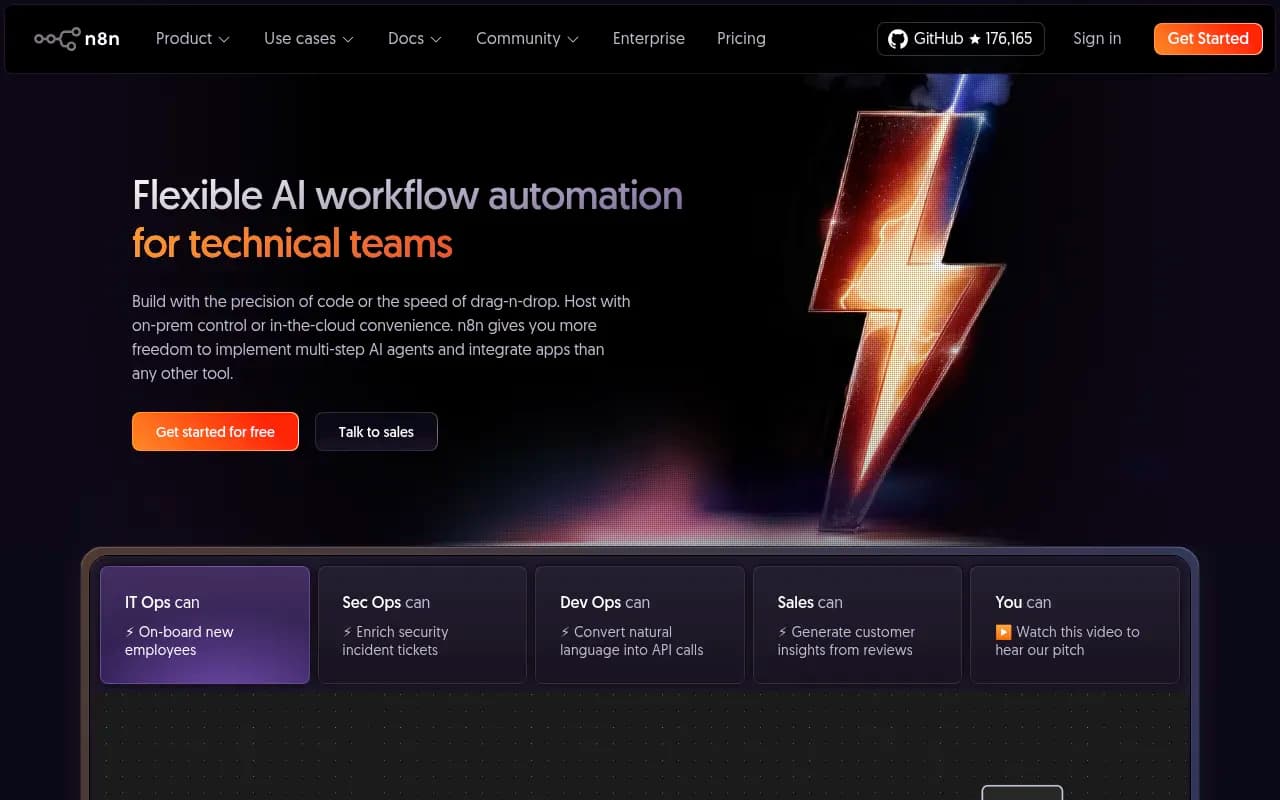
Zapier is quickest if you want no code. Make gives you more visual control over branching. n8n suits teams comfortable self-hosting and writing a bit of JavaScript. A skeleton for the final step looks like this:
{
  "text": "Weekly AI visibility briefing",
  "blocks": [
    {"type": "section", "text": {"type": "mrkdwn", "text": "*This week's read:* Citation share up 4 pts, driven by the pricing page now cited in Perplexity."}},
    {"type": "section", "text": {"type": "mrkdwn", "text": "*Focus:* 1) Refresh comparison page 2) Fix blocked crawler on /docs"}}
  ]
}
Slack also offers its own built-in AI and Workflow Builder, and Slackbot needs no setup. Those are fine for summarizing channel conversations, but they do not know your visibility data unless you feed it in.
Comparison of the approaches
| Approach | Setup time | Maintenance | Customization | Best for |
|---|---|---|---|---|
| Native integration (Promptwatch, AI-Advisors) | Minutes | Low | Medium | Lean teams who want it running today |
| Agent builder (Analyze AI) | An hour or two | Medium | High | Teams that want custom prompts and formats |
| Zapier / Make / n8n plus API | Half a day | Medium to high | Very high | Teams with a data source but no Slack feature |
| Slack AI alone | None | None | Low | Summarizing chats, not visibility data |
A weekly briefing template you can steal
Whether the tool writes it or you do, aim for this shape:
Weekly AI visibility briefing, [date]

This week's read
Visibility up 3 pts. Perplexity now cites the pricing page for "best CRM for startups". ChatGPT dipped 2 pts; engine change on [date], not content.

KPIs (vs last week)
Visibility score: 41 (+3)
Citation share: 23% (+4)
Sentiment: 58 (-1)
AI crawler visits: 1,240 (+8%)
AI referral visits: 312 (+11%)
Responses analyzed: 6,000

Alerts
Competitor X mentions +24% (threshold: 20%)

Do this week
1. Refresh the comparison page (linked)
2. Fix 404s hit by GPTBot (linked)
3. Approve 2 drafts in the review inbox
Notice the last section. If the briefing ends without something a person can do on Monday, it is a report, not a briefing.
Picking the day and the channel
Monday morning is the default for a reason: it sets the week's priorities. But if your team does planning on Tuesday, send it Monday night so it is waiting. Whatever you choose, keep it stable for a month before judging it.
Channel choice matters more than people think. A dedicated channel such as #ai-visibility is easy to mute. Posting into the channel where the content team already talks about the editorial calendar gets the briefing read. Some teams run both: full version in the dedicated channel, a three-line summary in the main marketing channel.
Connecting the briefing to action
A briefing that only reports is half the job. The useful ones link every item to a place where someone can fix it. In Promptwatch, the Action Board holds an AI-generated GEO to-do list with assignees and comments, and Agent Chat can pick up @-mentions on it, so a Slack mention can become a tracked task. If content is the bottleneck, the Content Agent can draft and publish against visibility gaps with a review inbox, so approving drafts becomes part of the weekly routine rather than a separate project.
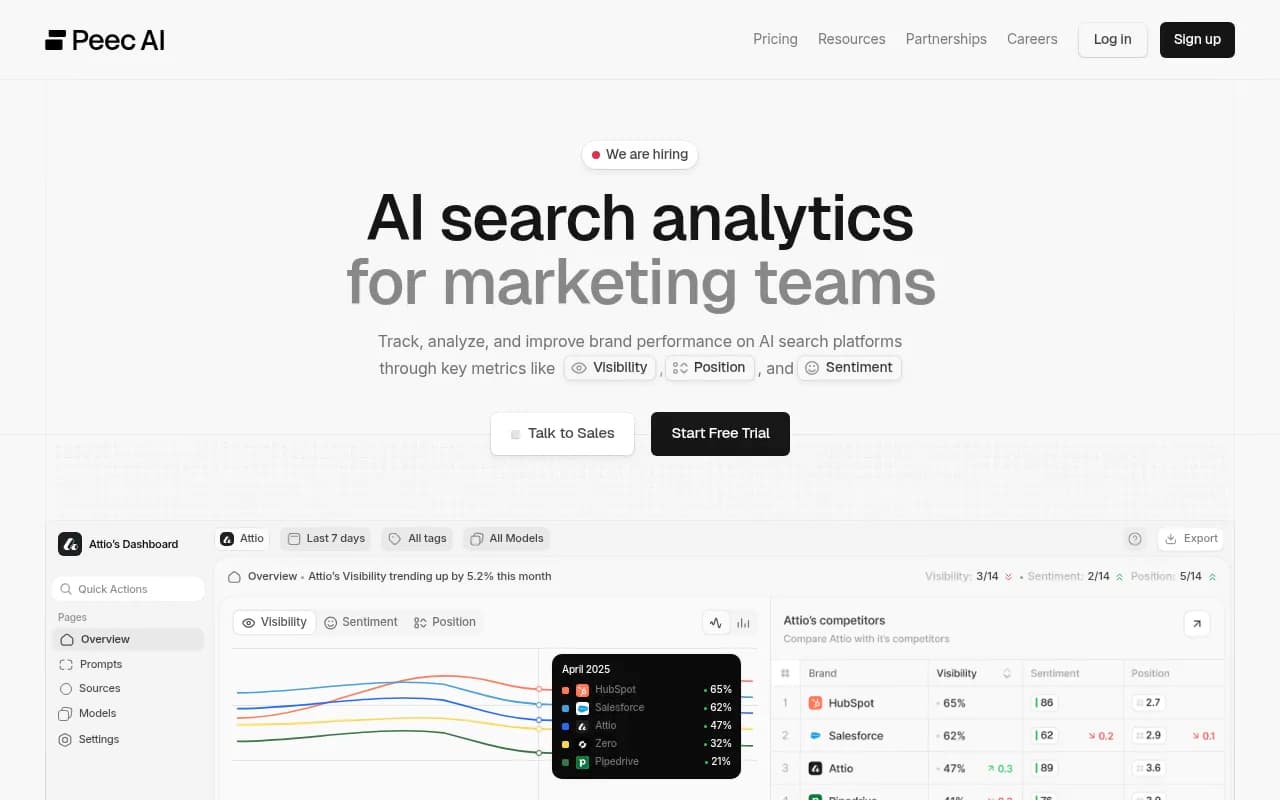
If you are still choosing a platform, the GEO software directory at bestgeosoftware.com lists options side by side, and the AI rank tracking directory covers trackers that stop at monitoring. Other tools in this space that you may see in shortlists include Otterly.AI, Peec AI and AthenaHQ, which are mostly monitoring-focused.

When you evaluate any of them, ask three questions: can it post to Slack on a schedule, does it show deltas against a fixed prompt set, and does it link back to something actionable?
Common mistakes
- Changing the prompt set mid-quarter and then comparing weeks.
- Showing a delta without the sample size behind it.
- No thresholds, so every briefing sounds urgent.
- Skipping the test send. Always preview with real data before the first scheduled post.
- Letting the briefing run for months without anyone owning it. Name one person who checks that it still posts and still makes sense.
- Reading Copilot or ChatGPT weekly swings as a verdict on content when the engine itself shifted.
Rollout checklist
- Freeze a prompt set of 30 to 100 real buyer questions.
- Choose six or seven KPIs and set alert thresholds.
- Choose a method: native integration, agent builder, or workflow tool.
- Authorize Slack with the narrowest permissions that work, and pick one channel.
- Send a test and edit the format until it reads in under a minute.
- Schedule it for a fixed day and timezone.
- Keep an engine-change log and add annotations when needed.
- Review the format after four weeks and cut anything nobody has acted on.
The measure of success is simple. After a month, someone in the channel should have replied to a briefing with "I'll take that one." If nobody has, shorten the message and tighten the actions.