Key takeaways
- Local ChatGPT tracking fails most often because of setup, not tooling: wrong location, vague prompts, blocked crawlers, no baseline.
- ChatGPT's behavior changes overnight. On Aug 8, 2026 it began using the site: operator on roughly 1 in 6 fanout queries, so your own location pages are now a direct retrieval surface.
- Decide the location, the prompts, and the success metric for each store before you switch on any monitor.
- Fix crawl access, listings, and structured data first. Tracking a store AI can't read just gives you a chart of zeros.
- Re-audit after major ChatGPT updates. A mapping built last quarter is probably stale.
Why local tracking needs its own setup
Tracking a brand in ChatGPT is one thing. Tracking one store on one street is another. The answer to "best pharmacy near me" depends on where the question is asked, which sources ChatGPT searches, and whether your location page can be found at all.
I've seen teams buy a tracker, paste in 50 generic prompts, and then wonder why the results look nothing like what a customer in the next town sees. The tool wasn't the problem. The setup was.
One honest caveat first. Promptwatch Data has no local-specific report yet (no store-locator or Maps citation study), so some of what follows is practical judgment, not measured fact. Where I cite numbers, they come from the reports linked inline.
Also worth asking: is ChatGPT even a priority for your business? One shopping guide from Digital Applied rates a local retail chain as high for Google and low for ChatGPT. That table is unverified and may predate this year's changes, but it is a reasonable reminder to size the effort before committing.
The 15-item checklist
1. Define what a win looks like for each store
Pick one outcome per location before anything else: appearing in answers for "near me" prompts, being recommended over a named competitor, or driving visits and calls. Without this you will stare at dashboards with no idea what "good" means.
2. List the exact locations and their service areas
Write down each store's address, the radius customers realistically travel, and the neighborhoods you want to own. A downtown store and a suburban one need different prompts. A franchise with 40 locations needs a spreadsheet, not a hunch.
3. Pin each monitor to real coordinates
Country-level tracking is useless for a store. You want answers generated as if the question came from that spot. Promptwatch lets you pin a monitor to exact coordinates (accuracy radius from 20 m to 5 km) so ChatGPT, Google AI Overviews, and AI Mode answer from that location. This sits on its Business, Agency Scale, and Enterprise plans.

If you track manually instead, be aware that your own browser location, logged-in history, and memory settings contaminate results. Use a clean profile and note the location every time.
4. Let the right crawlers in
If OAI-SearchBot is blocked in robots.txt, your pages won't show up in ChatGPT search results, whatever their quality. OpenAI's guidance, as summarized by Profound, is to allow the ChatGPT bots:
User-agent: ChatGPT-User
Disallow:

User-agent: GPTBot
Disallow:

User-agent: OAI-SearchBot
Disallow:

User-agent: OAI-Operator
Disallow:
Note that OAI-SearchBot is for search and product features, not model training. Check your CDN and firewall rules too, since a bot can be allowed in robots.txt and still get a 403 at the edge.
5. Make sure each location has its own indexable page
A single "Locations" page with a dropdown won't do. Each store needs a crawlable URL with its name, address, phone, hours, services, and something unique to that branch. This matters more since Aug 8, 2026, when ChatGPT's use of site: queries went from about 0.37% to 16.8% of fanouts, according to Promptwatch's site: operator report. Searches per response also rose from about 1.08 to 1.83. Thin pages, broken internal search, and unindexed content now cost you answers directly.
6. Check indexing, not just crawlability
A page that exists but isn't indexed is invisible. Use Google Search Console to confirm every location page is indexed, and a crawler like Screaming Frog to catch orphaned or noindexed pages.

7. Add LocalBusiness structured data
Use LocalBusiness schema with name, address, geo coordinates, opening hours, phone, and sameAs links to your profiles. Promptwatch's shopping data recommends complete Product schema, accurate prices, and availability for the same reason: AI systems lean on clean, machine-readable facts. If you'd rather not hand-code it, Schema App handles structured data at scale.
8. Clean up your listings and citations
ChatGPT often pulls local facts from third-party pages. Conflicting phone numbers or old hours across directories produce wrong answers. Sync listings before you measure, otherwise you are measuring your own mess. Options include Yext, BrightLocal, Moz Local, and Synup for multi-location brands.
9. Audit your reviews
Review sites feed the comparisons AI writes. Know your average rating and volume per store, plus the themes people mention, before tracking sentiment. Tools like Birdeye and ReviewTrackers collect this across locations.

10. Write a local prompt set that sounds like customers
Use real phrasing: "best plumber in [neighborhood]", "emergency dentist open Sunday", "[category] near [landmark]". Split the set into categories: generic local discovery, branded ("is [store] any good"), and competitor comparison. Mix in a few long conversational prompts, because people do ask ChatGPT those.
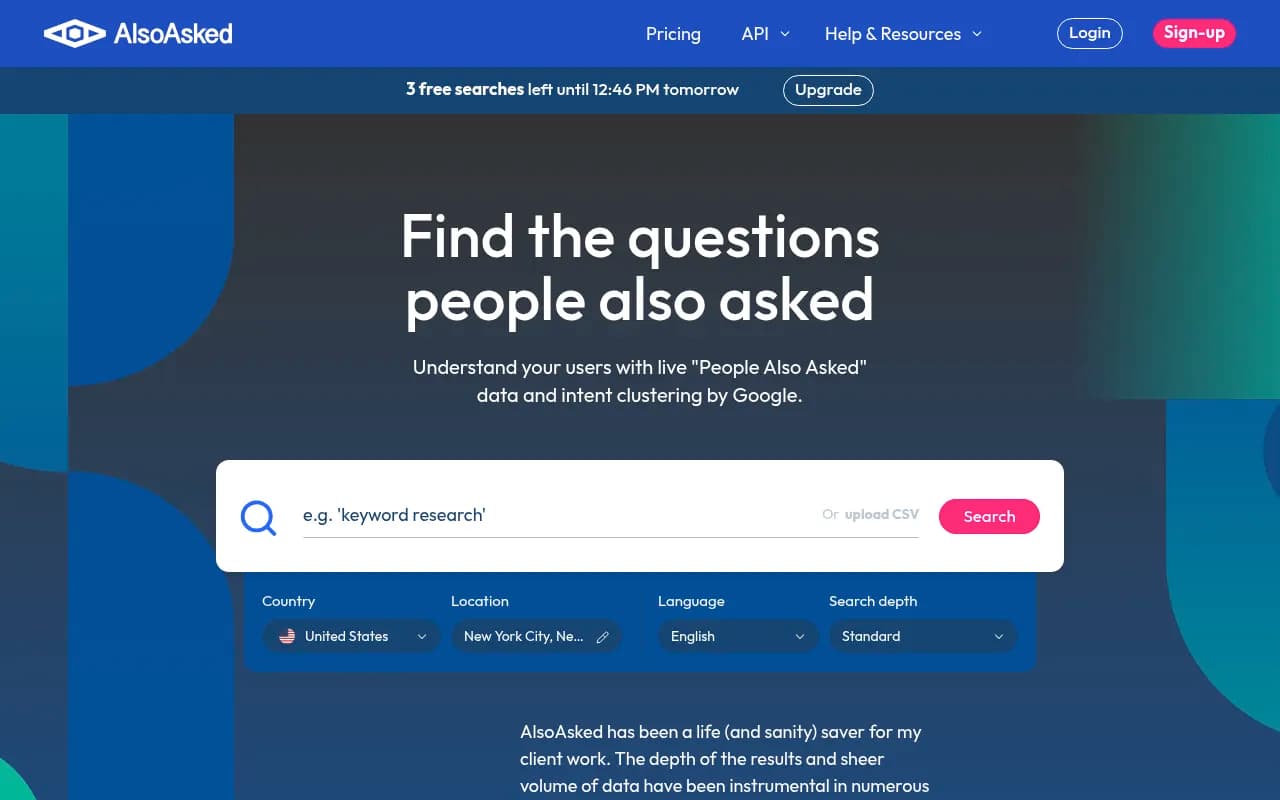
Answer The Public and AlsoAsked are handy for finding how people actually phrase things.
11. Map prompts to the fanout queries behind them
ChatGPT doesn't just search your prompt. It spawns its own queries. Promptwatch's fanout data shows average query length fell from about 117 characters in early December to about 53 from April, and average fanouts per response bounced between roughly 2.15, 1.84, and 1.0 along the way. The practical takeaway: queries read like terse keyword searches, so lead page titles and headings with the entity and category ("Smith Dental, emergency dentist, Leeds"). Re-run this mapping after any major ChatGPT change, and treat anything built before Aug 8 as stale.
12. Pick the competitors you will track
Use the businesses that actually show up in answers for your area, not the ones you assume are rivals. Often the real competitor is a marketplace or directory. Promptwatch's automotive data (August 2026) found marketplaces like Autotrader and Cars.com outranking every car brand in ChatGPT citations, and a travel report showed booking and search sites taking more than half of citations. Local categories may work the same way, so expect aggregators in your list.
13. Set up traffic attribution
ChatGPT adds utm_source=chatgpt.com to outbound links, so you can see referral traffic in analytics. Create a segment for it now. Also track calls, direction requests, and booking clicks per location, since many local conversions never reach a web session. Promptwatch's visitor analytics and AI crawler logs can show AI-referred traffic and which bots hit which pages, if you want that in one place.
14. Choose your tracking tool and cadence
The tool needs to do three things for local work: pin locations, run prompts through the real ChatGPT interface rather than only an API, and run on a schedule. Here is how the options in our catalog compare for this job.
| Tool | Local/location pinning | Best fit |
|---|---|---|
| Promptwatch | Exact-coordinate pins on Business and up, real UI tracking, crawler logs | Multi-location brands that want to fix issues, not just watch them |
| Tibly | Built for local businesses | Small local shops wanting a simple view |
| Otterly.AI | General prompt tracking | Budget monitoring of a few prompts |
| Peec AI | Monitoring only | Teams that only need mention tracking |
| Birdeye / Chatmeter | Reputation and listings focus | Review and listing management alongside AI checks |
Check each vendor's current pricing and feature pages before buying, since local features change.



Run daily for high-value prompts and weekly for the long tail. ChatGPT's behavior moves in steps (Promptwatch saw shopping features roughly double overnight in late May, then fall back), and a monthly check would miss it entirely. For more options, the GEO software directory at bestgeosoftware.com lists a lot of them.
15. Capture a baseline before you change anything
Run your full prompt set for every store, save the raw answers, and record visibility, position, which competitors appear, and which sources get cited. Do this before you touch a single page. Otherwise, when numbers move, you won't know whether your work or a ChatGPT update caused it.
Putting it in order
If 15 items feels like a lot, group them:
- Strategy (items 1, 2, 12): decide what and where.
- Foundations (items 4 to 9): make stores readable and consistent.
- Measurement (items 3, 10, 11, 13, 14, 15): set up prompts, locations, and baselines.
Do the foundations before measurement. Skipping to dashboards feels productive, but a baseline of a broken site is a baseline of nothing useful.
Common mistakes
- Tracking at city or country level and calling it local.
- Using one prompt set for every store.
- Treating a one-off audit as enough. Platform behavior can shift overnight.
- Ignoring citations from third-party sites, then wondering why the answer names a competitor with a worse website.
- Judging ChatGPT visibility in isolation from Google. For many local businesses Google still drives most of the volume, so keep both in view.
Frequently asked questions
Do I need a paid tool to start?
No. You can run a small prompt set by hand with a clean browser profile and a spreadsheet. It just doesn't scale past a handful of stores, and manual checks make location control harder.
How many prompts per store?
Start with 10 to 20 across discovery, branded, and competitor prompts. Add more once you've seen what ChatGPT actually returns.
How often should I re-check my setup?
After any visible ChatGPT change, and at least quarterly. The Aug 8 site: operator shift is a good example of why.
Wrap-up
Get crawl access, per-store pages, listings, and a baseline sorted first. Then pin each monitor to the store's real location and run prompts customers actually type. For the research behind AI citation behavior, browse Promptwatch Data, and if you want a wider set of tools, the directory at surferstack.com covers the rest.