Key takeaways
- ChatGPT infers location from several signals: IP address, opt-in device location (launched March 26, 2026 on iOS and web), memory, and custom instructions. You have to control each one when you test.
- Test with a clean context, a verified VPN exit in each target city, and local-intent prompts that do not name the city.
- Run every prompt in both classic ChatGPT (training data) and ChatGPT Search (live web). Your brand can show up in one and vanish in the other.
- Record results in a fixed template: prompt, location, mode, brands named, order, and cited URLs. Repeat the run, because single answers are noisy.
- Manual testing is fine for a pilot. Past a few dozen prompts and a handful of cities, a tracker with location targeting saves a lot of time.
Why location testing matters for retail
If you run stores in ten cities, you probably assume a shopper in Leeds and a shopper in Austin see roughly the same ChatGPT answer about "best running shoes shop". They may not. Local-intent prompts get shaped by wherever ChatGPT thinks the user is, and that changes which retailers, marketplaces and local pages get named.
There is a second reason to care. Retail prompts are commercial prompts, and those lean heavily on pages that describe what you sell. In Promptwatch's data on ChatGPT citation content types (Sep 28 to Oct 4, 2026), product pages made up 26.0% of citations for commercial prompts and landing pages 20.6%, with listicles at 15.0% and comparisons at 7.9%. Those four types add up to almost 70%. So when you test by location, you are mostly checking whether your product and store pages, or someone else's listicle about your category, get picked up for that place.
One honest caveat up front: that report has no location breakdown, and I could not find public data showing how citation sets differ by city. What follows is a testing method, not a set of known results. Treat your own findings as the data.
How ChatGPT decides where you are
Before you can test location, you need to know what moves it. The picture below comes from OpenAI-related reporting, community threads and secondary sources, so verify against OpenAI's current help documentation before you build a process around it.
Device location (opt-in)
OpenAI launched opt-in location sharing on March 26, 2026, on iOS and web, with Android described as coming soon (PPC Land coverage). There are two layers: approximate location, and precise, address-level location. A user can leave approximate on and turn precise off. Street-level "near me" answers, such as coffee shops, need the precise layer.
IP address
Before and alongside device sharing, ChatGPT has used a coarse location derived from the IP address. A VPN changes the inferred location right away, and there is no location-changer setting inside ChatGPT itself. Mobile IPs are noisier because they often route through regional gateways, so a phone on cellular data may "be" in a different city than the one you are standing in. That claim comes from a VPN-affiliated blog, so treat it as secondary.
Memory, custom instructions and the system prompt
Users on Hacker News report that the approximate location is injected into the system prompt, and that asking "What do you have in User Interaction Metadata about me?" can reveal it. Results are inconsistent: sometimes a city, sometimes only a country. Some commenters say ChatGPT denies knowing their location and then uses it for a "near me" query anyway. One user in a VPN-to-Ireland test found ChatGPT assumed Ireland. All of this is anecdotal, but it is useful, because it gives you a cheap way to check what the model thinks your location is.
An OpenAI community thread from February 2025 describes a user who was recommended a product about five miles from their real location without ever stating it. Same pattern.
| Signal | Controllable in a test? | How to control it |
|---|---|---|
| IP address | Yes | VPN or proxy exit in the target city, verified before and after |
| Device location (precise) | Yes | Revoke permission, or use a desktop browser |
| Device location (approximate) | Partly | Test on desktop, check what ChatGPT reports |
| Memory and chat history | Yes | Temporary Chat, memory off, new thread per prompt |
| Custom instructions | Yes | Clear them for test accounts |
| Mobile carrier routing | Hard | Avoid cellular for tests, or log it as a variable |
Step 1: Build a clean test environment
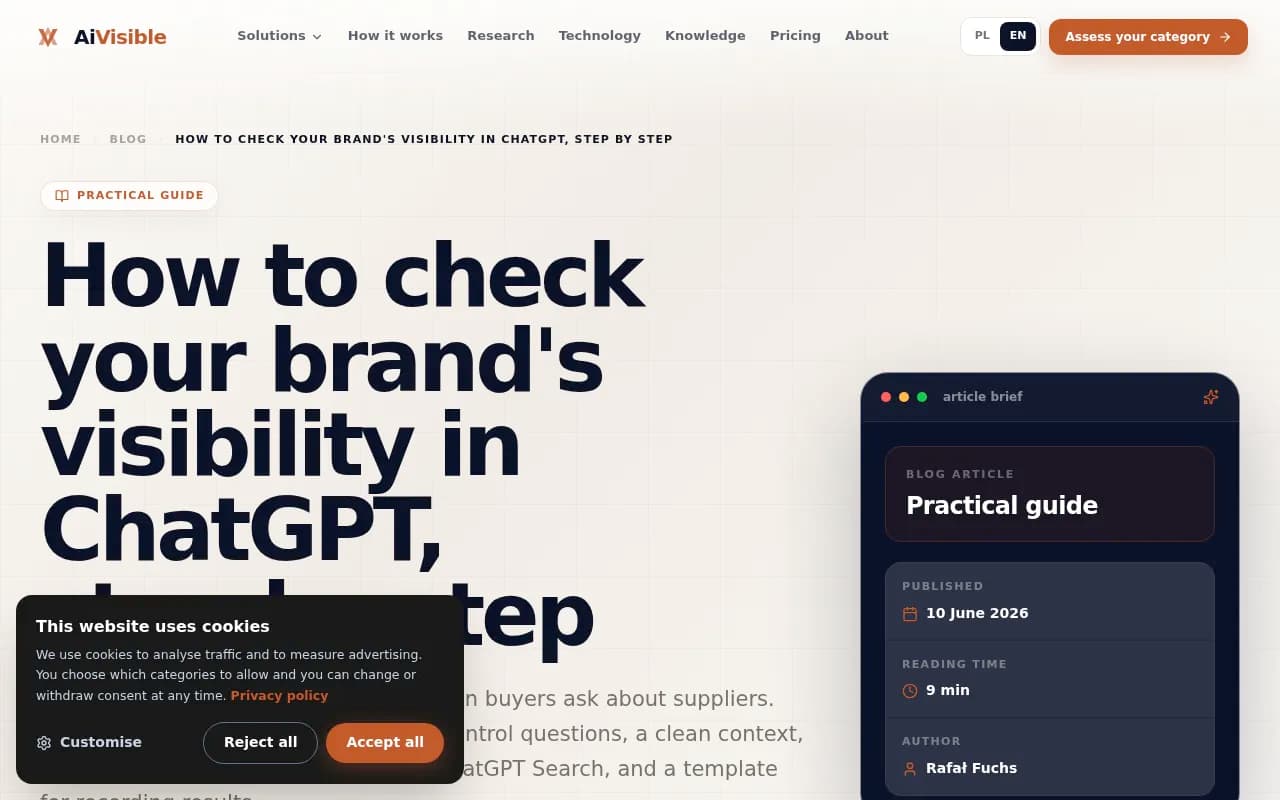
The AiVisible guide on checking brand visibility makes the point plainly: ChatGPT remembers earlier conversations and adapts to them, so if you have asked about your own company before, it will name it more often and your results get distorted. Use Temporary Chat, or work in a private window, and start a new thread for every question.
For location work, add a few rules:
- Use a dedicated test account with memory off and no custom instructions.
- Use a desktop browser where you can deny the location permission cleanly.
- Use one browser profile per target city, so cookies and permissions do not bleed across.
- Never test from a logged-in account that your team uses for real work. Your own prompts about your own brand will skew results.
Step 2: Set and verify the location
For each city or region you care about, route traffic through a VPN or proxy exit located there. Then verify, because a VPN exit can land in a different region than you intended, and a corporate proxy or mobile network can drift.
- Connect to the exit in the target city.
- Open an IP lookup site and confirm city and country.
- In a fresh ChatGPT thread, ask: "What location are you using for me right now?" Note the answer. It may be a city, a country, or a denial.
- If you want to probe further, try the metadata prompt from the Hacker News thread. Results vary by session, so do not rely on it as proof.
- Repeat the IP check after your run. If it changed, discard the run.
If your VPN says Manchester and ChatGPT says it is guessing at "the UK", that is useful information too. It means your city-level tests are really country-level tests, and you should say so in your report.
For precise-location testing on a phone, you would grant precise location on a device that is physically in, or spoofed to, the target area. That is harder to run at scale, and it is where tools that pin a prompt to exact coordinates start to earn their cost.
Step 3: Write location-neutral and location-explicit prompts
You need two prompt families, and the contrast between them is the point.
Location-neutral prompts (implicit location)
These do not name a city. They test what ChatGPT infers.
- Where can I buy a good pair of trail running shoes near me?
- Best place to get a mattress today, I need it this week.
- Which stores near me carry [product category] in stock?
- I need a gift for a ten-year-old. Where should I shop?
Location-explicit prompts
These name the city and give you a baseline that does not depend on inference.
- Best stores for trail running shoes in Denver
- Where to buy a mattress in Leeds
Comparing the two shows whether you win when location is stated but lose when it is inferred. That gap is often the most actionable finding in the whole exercise.
Keep prompts buyer-shaped
As the AiVisible guide says, a visibility test asks for recommendations without naming the company. Never ask "do you know [your brand]?" because the model will politely say yes. Aim for commercial prompts, which is what retail shoppers actually type, plus a few branded ones to see how you are described.
Step 4: Test both ChatGPT modes
Classic ChatGPT answers from training data, which can be months old. ChatGPT Search, triggered automatically or through the globe icon, searches the live web and cites pages. Your brand can be known in one and absent from the other.
For each prompt and each city, run both:
- Without search: does it name you from memory? Is the description accurate and current?
- With search: which URLs does it cite, and are any of them yours?
In local testing the search mode usually matters more, since store pages, listings and local roundups are live-web content. Open the sources panel and copy every cited URL.
It also helps to understand query fanouts, the web searches ChatGPT runs behind a response. Promptwatch's data on ChatGPT query fanouts shows an average of about 2.15 searches per response in early December, easing to about 1.84 by early March, with fanouts returning in April at exactly 1.0 per response. Average query length fell from about 117 characters in December to about 53 from April. The practical takeaway for location tests: the query that gets matched is short and keyword-like. Check each time whether ChatGPT added a city token to it. If the fanout query includes "Denver" even though you never typed it, the model resolved your location and used it for retrieval. If it did not, your local pages were competing in a generic search.
The GEO Inspector for ChatGPT Chrome extension from Promptwatch shows fanouts and fetched versus cited sources locally, which is handy for this.
Step 5: Record results in a template
Unrecorded tests are just anecdotes. Use a spreadsheet with one row per run.
| Field | Example |
|---|---|
| Date and time | 2026-10-27 14:05 |
| City (verified) | Denver, CO |
| Mode | ChatGPT Search |
| Prompt type | Implicit location, commercial |
| Prompt text | Where can I buy trail running shoes near me? |
| Location ChatGPT stated | Denver |
| Brands named, in order | Competitor A, Marketplace B, Us |
| Our position | 3 |
| Cited URLs | store locator page, third-party listicle |
| Own pages cited | Yes, 1 |
| Description quality | Accurate, outdated hours |
| Notes | Fanout query included city name |
The AiVisible guide notes that ChatGPT usually names three to six companies for supplier-style questions. Retail answers can run longer, since almost half of ChatGPT responses cite 10 or more unique domains (Sep 28 to Oct 4, 2026), so log all of them, not only the top three.
Step 6: Repeat, then compare
One answer proves nothing. Responses vary between runs, so ask each prompt at least three times per city and mode, in separate threads. Count how often your brand appears out of the runs rather than whether it appeared once.
Then build a simple matrix: cities across the top, prompts down the side, mention rate in each cell. Look for three patterns:
- A city where you are never named but a local competitor always is. That is a local content or listings gap.
- A city where you appear in classic mode but are missing in Search. Your brand is known, but your live pages are not being retrieved or cited.
- Big differences between implicit and explicit location prompts. Your pages may be strong for "Denver" as a keyword but not recognized for a user whose location is merely inferred.

The Omnia playbook frames the baseline step the same way: measure your current mention rate across high-intent prompts first, then change the inputs.
Step 7: Diagnose what you find
Once you know where you are missing, ask why.
Check which sources ChatGPT is leaning on
For your top commercial prompts, look at who gets cited. For retail, it is often marketplaces, review sites and listicles rather than brand sites. The same pattern shows in other verticals: in Promptwatch's automotive data for August 2026, marketplaces like Autotrader and Cars.com outrank every car brand. If a marketplace owns the answer in your category, your fix may be getting listed or reviewed there, not rewriting your own site.
Check your local pages
- Does every store have its own crawlable page with address, hours, inventory or category info, and a unique description?
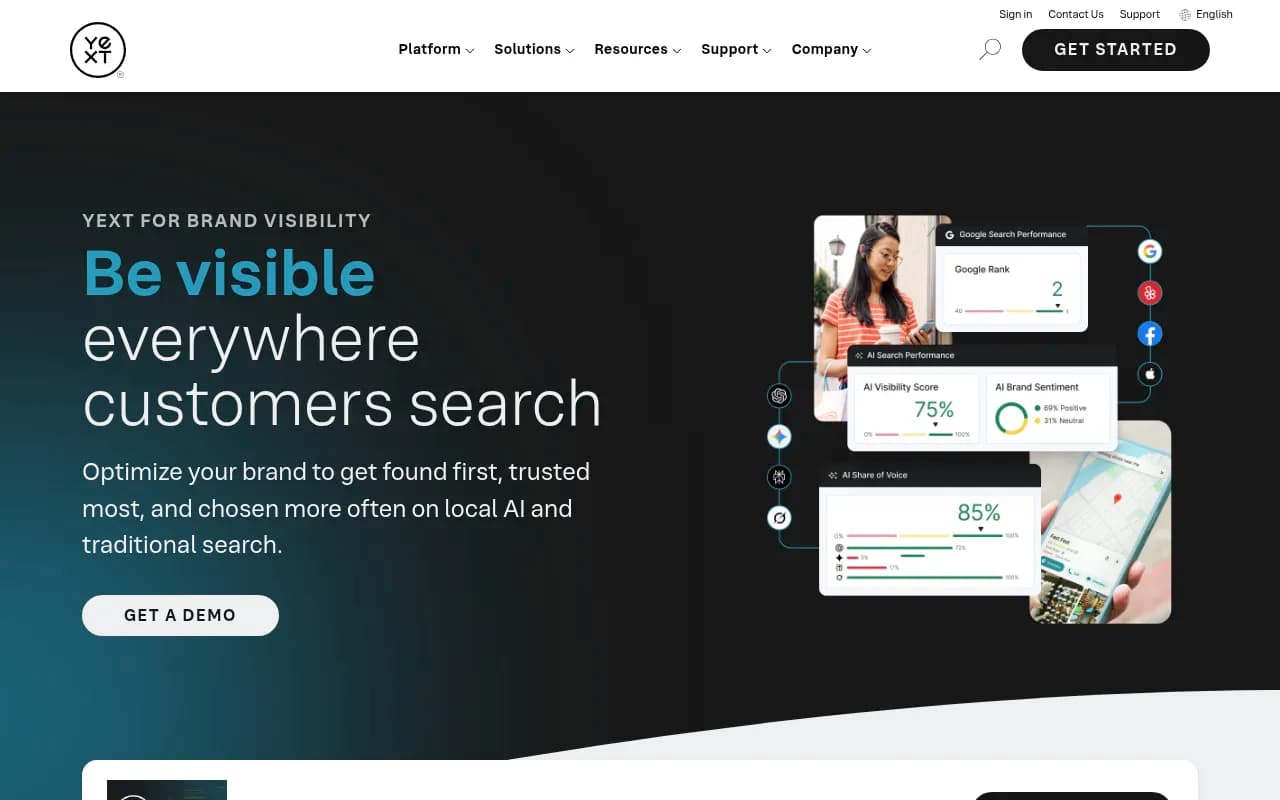
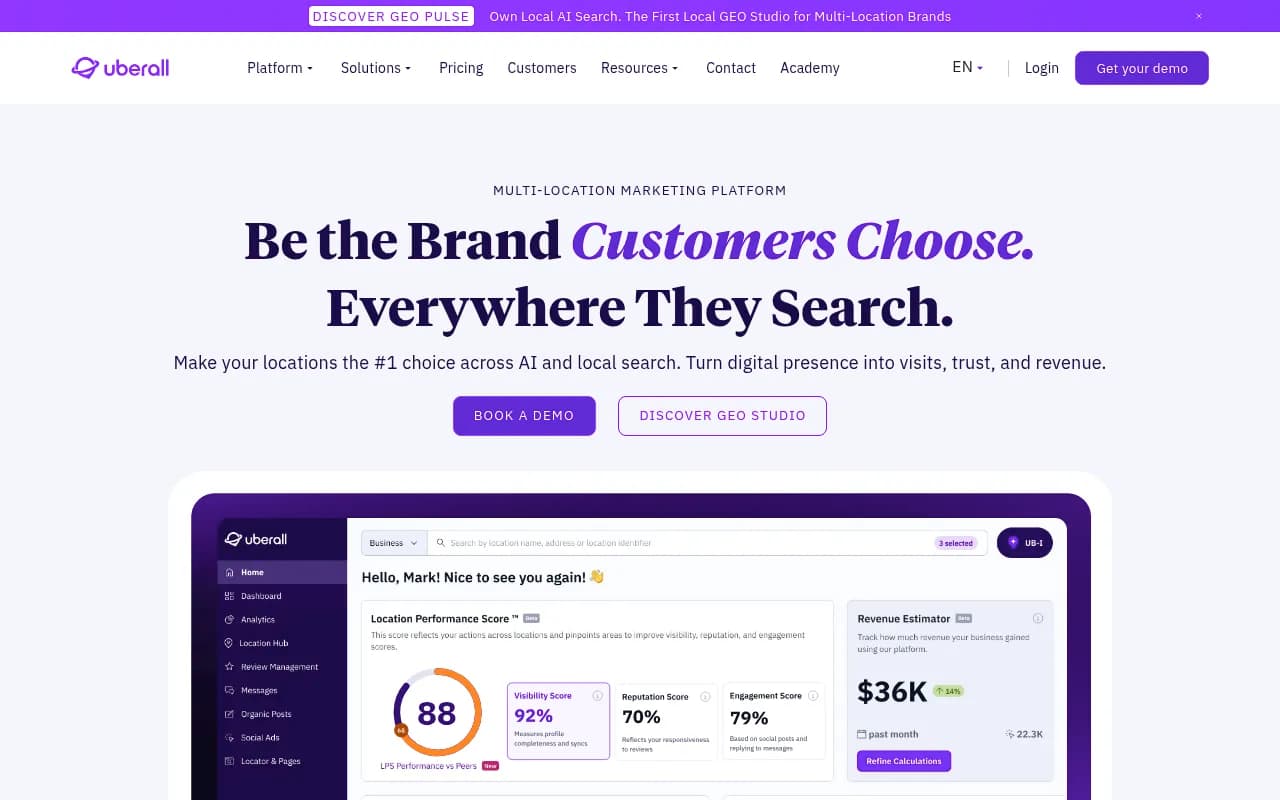
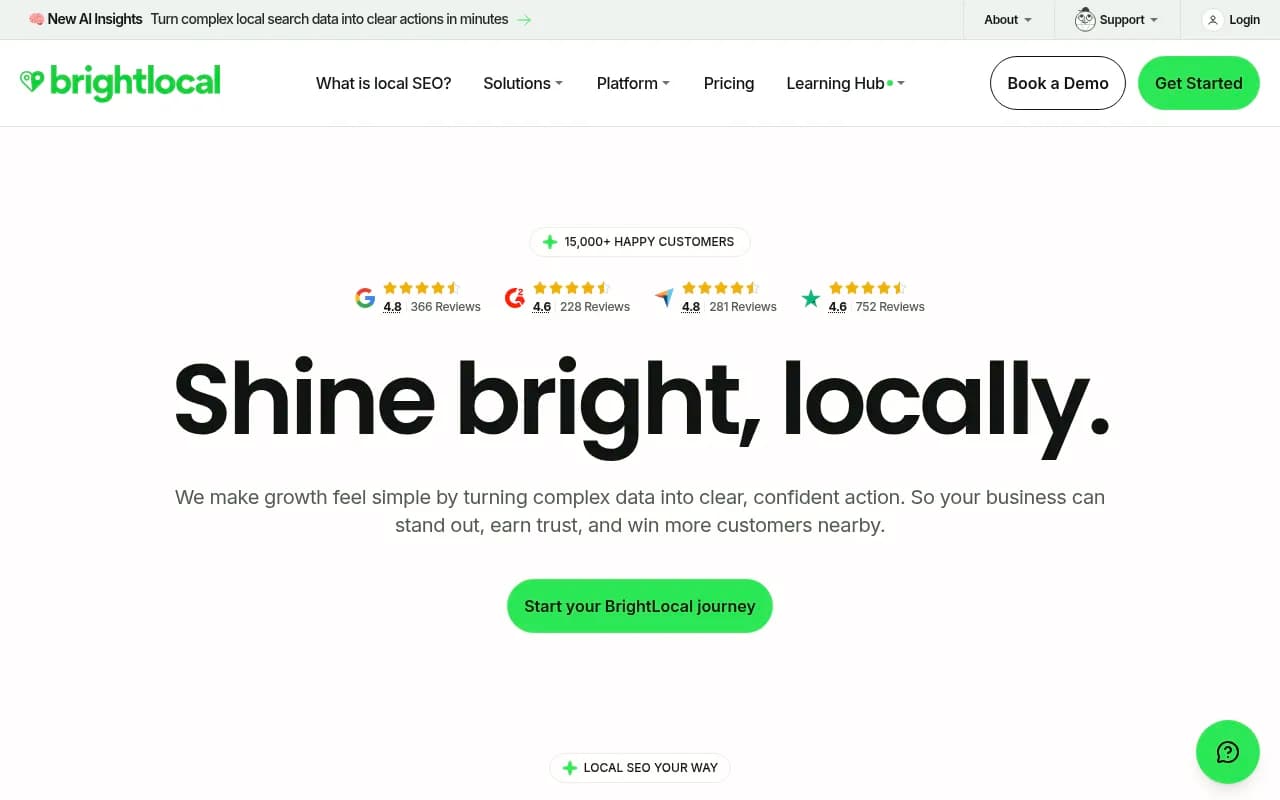
- Are your Google Business Profile, Apple Maps and directory listings consistent? Tools like Yext, Uberall and BrightLocal handle listings at scale.
- Can AI crawlers actually reach those pages? Check robots.txt and server logs.
Check freshness
Promptwatch's content half-life report found that, of pages ChatGPT cited on July 6, 2026, landing pages and docs stayed cited longest, while news lost half its pages within 36 days. Evergreen store and category pages tend to hold their citations. Time-sensitive local promos will not.
When to stop doing this by hand
Manual testing works for a pilot: perhaps five prompts across three cities, two modes, three repeats. That is 90 runs, and you will feel every one of them. Beyond that, you want automation.
For retail the useful capability is location-pinned tracking, where a prompt runs daily as though asked from specific coordinates, so you get trend lines instead of snapshots. Promptwatch supports this on Business, Agency Scale and Enterprise plans: you pin a monitor to exact coordinates (accuracy radius of 20 m to 5 km), and ChatGPT, Google AI Overviews and Google AI Mode answer as if asked from that spot. It also tracks state and city targeting from the Business plan, and it monitors the real ChatGPT interface rather than only the API, which matters because user-facing answers can differ from API output. Check promptwatch.com/pricing for current plan details.

Other trackers in the catalog worth a look for a shortlist include Otterly.AI, Peec AI and Profound. I have not verified location-targeting features for those, so ask each vendor directly how they handle city-level or coordinate-level prompts before you commit.



For a broader comparison, the directories at bestgeosoftware.com and ai-rank-tools.com list GEO and AI rank tracking tools side by side.
| Approach | Cost | Location control | Scale | Best for |
|---|---|---|---|---|
| Manual with VPN | Free plus VPN | City-level, needs verification | Low | Pilot, 2-3 cities |
| Manual on mobile with device location | Free | Precise, hard to repeat | Very low | Spot checks for store-level queries |
| Tracker with city targeting | Paid | City or state | Medium to high | Regional retail chains |
| Tracker with coordinate pinning | Paid, higher tiers | Exact coordinates | High | Multi-location and franchise brands |
Common mistakes
- Trusting the VPN label. Confirm the exit with an IP lookup, and confirm what ChatGPT says it is using.
- Testing while logged into a personal account with memory on.
- Asking about your brand by name and calling the polite yes a pass.
- Treating a single run as a result.
- Mixing mobile and desktop runs in one dataset. Device location overrides the IP signal on mobile.
- Skipping the classic versus Search split.
A simple 30-day plan
- Week 1: pick 5 to 10 commercial prompts and 3 cities. Set up clean profiles and verify each location.
- Week 2: run every prompt three times per city, in both modes. Log everything.
- Week 3: build the mention-rate matrix, list the cited domains per city, and pick the two biggest gaps.
- Week 4: fix the cheapest gap first (usually a missing or thin local page, or an inconsistent listing), then rerun the same prompts and compare.
That last rerun is the part people skip. Without it you have a diagnosis and no proof that anything worked.
What to verify before you rely on this
The location behavior described here comes from a mix of press coverage, a VPN vendor's blog, a Hacker News thread and community posts. OpenAI can change how location works at any time, and the opt-in precise location feature is recent. Check OpenAI's help center for the current rules, rerun your baseline after any major ChatGPT update, and note the date on every dataset you keep.
If you are also looking at how AI search treats other surfaces, Promptwatch Data publishes regularly updated research on citations, crawlers and fanouts that you can use to sanity-check what you see in your own tests.