Key takeaways
- A local prompt list is a set of real questions shoppers ask AI assistants about your category, your area and your brand. You track it the way you once tracked keywords.
- Tag every prompt as commercial, informational or branded. ChatGPT answers each from a different mix of sources, so the intent tells you what to fix.
- ChatGPT rewrites a long customer prompt into short keyword-style searches. Your list should be checked against those rewritten queries, not just the original wording.
- Below are 40 example prompts for retail across eight situations. Swap in your own city, neighborhoods, products and brands.
- A list is only useful if you run it on a schedule and act on gaps: missing product pages, thin reviews, wrong hours, no FAQ.
Why retailers need a prompt list, not a keyword list
Keyword lists were built for search boxes. People typed "running shoes Leeds" and clicked ten blue links. Now a lot of them type something closer to "I have flat feet and run on pavement, where in Leeds can I get fitted for shoes this weekend?" and read one synthesized answer.
That changes the unit of work. You are no longer chasing a phrase. You are chasing a situation: who is asking, what they need, where they are, and how close they are to buying.
A prompt list captures that. It is a spreadsheet of 30 to 100 realistic questions that you run against ChatGPT and other assistants on a schedule, recording whether your store is named, which competitors show up, and which pages get cited.
One caution before we start. None of the generic prompt lists I looked at, such as the small business set from the Mississippi Artificial Intelligence Network or LivePlan's startup prompts, are written for local retail discovery. They are prompts you type to get work done. What we need here is the opposite: prompts your customers type, which you then observe.
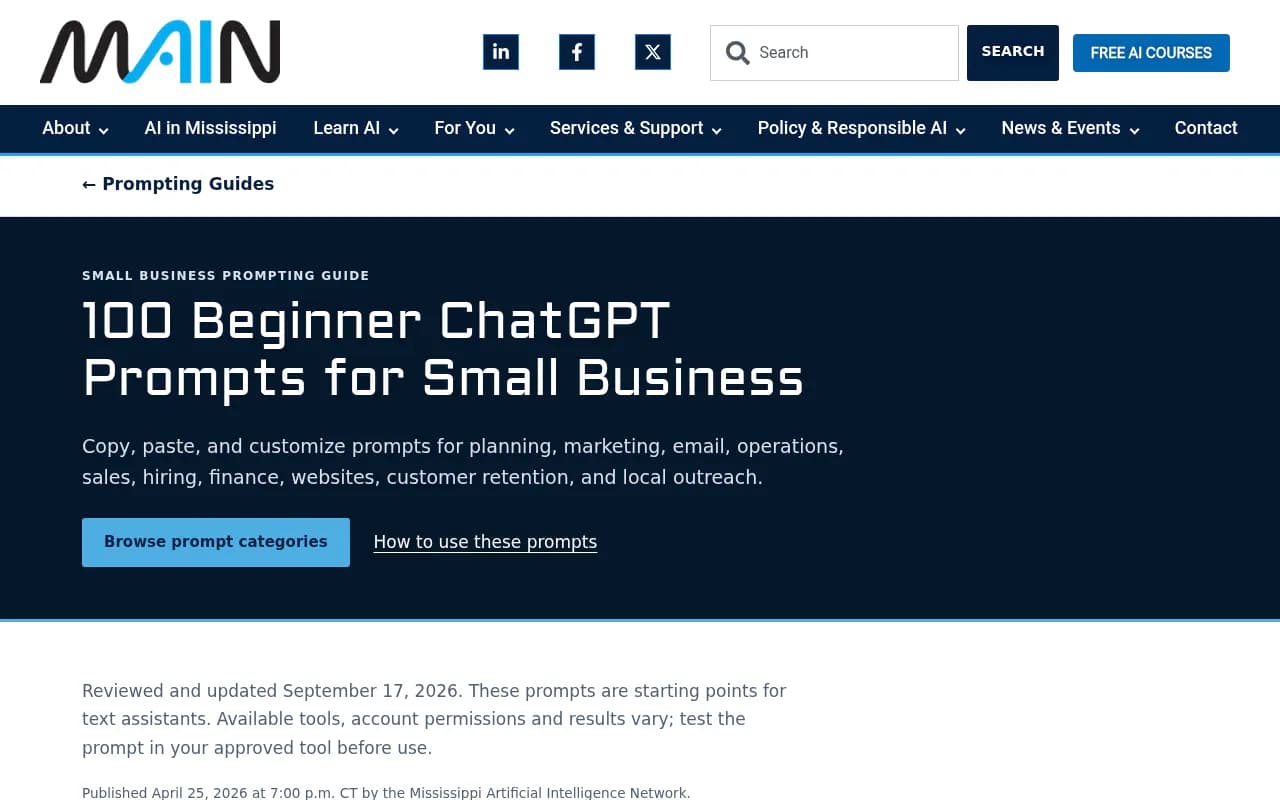
That page is still worth skimming for its method. Its advice to replace bracketed placeholders, state the audience, and ask the tool to flag assumptions translates well to writing your own template prompts.
How ChatGPT turns a customer prompt into searches
This part shapes how you build the list, so it is worth a few paragraphs.
When ChatGPT needs fresh information, it does not search for the customer's exact sentence. It breaks the prompt into several shorter web searches, called query fanouts. Promptwatch's query fanout report describes a single prompt triggering 3 to 8 or more separate searches, each aimed at a different angle. That is the report's general description, not a measured average.
The measured numbers are more modest and they move. According to Promptwatch Data, searches per response fell from 2.15 in early December to about 1.84 by early March. After a data gap, fanouts came back in April at exactly 1.0 per response. Average fanout query length dropped from about 117 characters to the high 80s, then to around 53 characters, which is roughly 6 to 8 words.
What this means for a retailer: the long, chatty prompt becomes something like "best running shoe store Leeds" or "gait analysis Leeds". Your pages need to match those short queries. Promptwatch's advice is to write headings that read like search queries, with the entity and category first, and to cover comparisons, pricing, alternatives and how-tos as separate pages.
So when you build the list, write each prompt in natural language, then add a column for the two or three short queries you expect it to produce. If your site has nothing that answers those short queries, you have found a gap.
Tag every prompt by intent
Every prompt in your list gets one of three tags. This matters more than most people expect.
Promptwatch's data on which content types ChatGPT cites (Sep 28 to Oct 4, 2026) shows that the mix of cited pages changes with intent:
| Intent | Top cited content types | What it tells a retailer |
|---|---|---|
| Commercial (comparing before buying) | Product pages 26.0%, landing pages 20.6%, listicles 15.0%, comparisons 7.9% | Almost 70% comes from four types. You need strong product and category pages, and a presence in local roundups. |
| Informational | Product pages 19.1%, landing pages 13.9%, listicles 13.6%, how-tos 10.7%, documentation 8.5% | Buying guides and how-tos earn real share here. |
| Branded (naming a company) | Product pages 23.3%, landing pages 22.8%, reviews 5.6%, FAQ pages 4.8% | Reviews show up at more than 3 times their overall share. Keep reviews and an FAQ page healthy. |
Overall, product pages are 22.4% of citations, landing pages 16.8% and listicles 13.6%, per the content type report. Product and landing pages together are about 39%. For a retailer that is good news: the page types ChatGPT likes most are ones you already own.
Add two more columns to your sheet: intent tag, and the shopper's stage (discover, compare, decide, visit). You will use them when you decide what to fix.
The 40 prompts
These are templates. Replace [city], [neighborhood], [category], [product] and [brand] with your own. Where I have put a tag in brackets at the end, that is the intent: C for commercial, I for informational, B for branded.
Discovery: finding a store (prompts 1 to 6)
- What are the best [category] stores in [city]? (C)
- Where can I buy [product] near [neighborhood] today? (C)
- Is there a locally owned [category] shop in [city] that isn't a big chain? (C)
- Which [category] store in [city] has the best selection? (C)
- Where do people in [city] go for [product] when they want expert advice? (C)
- What's a good gift shop in [neighborhood] for someone who loves [interest]? (C)
Availability and hours (prompts 7 to 12)
- Which [category] stores in [city] are open on Sunday? (C)
- Is [brand] open right now in [neighborhood]? (B)
- Who stocks [specific product] in [city] right now? (C)
- Can I pick up [product] same day in [city]? (C)
- Does [brand] offer curbside pickup or delivery in [city]? (B)
- Which stores near [landmark] are open after 8pm and sell [category]? (C)
Comparing options (prompts 13 to 18)
- [Brand] vs [competitor] in [city]: which is better for [product]? (B)
- Is it worth paying more for [product] at a specialty store in [city] than buying online? (C)
- Which [city] [category] store has the best return policy? (C)
- What's the difference between [product type A] and [product type B], and who sells both in [city]? (I)
- Compare prices for [product] at [brand] and other [city] stores. (C)
- Which [category] store in [city] has the best price match or loyalty program? (C)
Product questions (prompts 19 to 24)
- What's the best [product] for [use case] under [budget]? (C)
- How do I choose a [product] if I have [specific need]? (I)
- Does [brand] carry [product] in size [size] or in [color]? (B)
- Which [product] would you recommend for a beginner? Where can I try one in [city]? (C)
- What should I look for when buying a used [product] in [city]? (I)
- Are there sustainable or ethically made [product] options sold in [city]? (C)
Reputation and trust (prompts 25 to 30)
- Is [brand] in [city] any good? What do customers say? (B)
- Does [brand] have good customer service? (B)
- Are there any complaints about [brand] returns or refunds? (B)
- Is [brand] legit, or should I buy [product] somewhere else? (B)
- What do reviews say about the staff at [brand] in [neighborhood]? (B)
- Which [category] store in [city] is known for honest advice rather than hard selling? (C)
Services and extras (prompts 31 to 34)
- Which stores in [city] offer repairs, fittings or alterations for [product]? (C)
- Does [brand] do gift wrapping, personalization or custom orders? (B)
- Who offers free in-store workshops or classes related to [category] in [city]? (C)
- Is there a [category] store in [city] with parking and wheelchair access? (C)
Seasonal and event prompts (prompts 35 to 38)
- Where should I shop for [holiday] gifts in [city] that aren't generic? (C)
- What are the best [city] stores for back-to-school [category] shopping? (C)
- Are there any sales on [category] this weekend in [city]? (C)
- Which [city] shops are doing [event] or pop-ups this month? (C)
Near-me and situational (prompts 39 and 40)
- I'm at [landmark] and need a [product] in the next hour. What's the closest store? (C)
- Our [product] broke on holiday in [city]. Where can I get a replacement today? (C)
Building your own list from real signals
Templates get you started. A list that works comes from your own customers. Here is how I would gather material.
Mine what shoppers already say
Start with your inbox, your store staff and your review pages. Phrases customers use verbatim are better than anything an AI will invent. Pull the top 20 questions staff hear at the counter and rewrite them as prompts.
Then add research tools. AnswerThePublic and AlsoAsked surface question phrasings around a category.
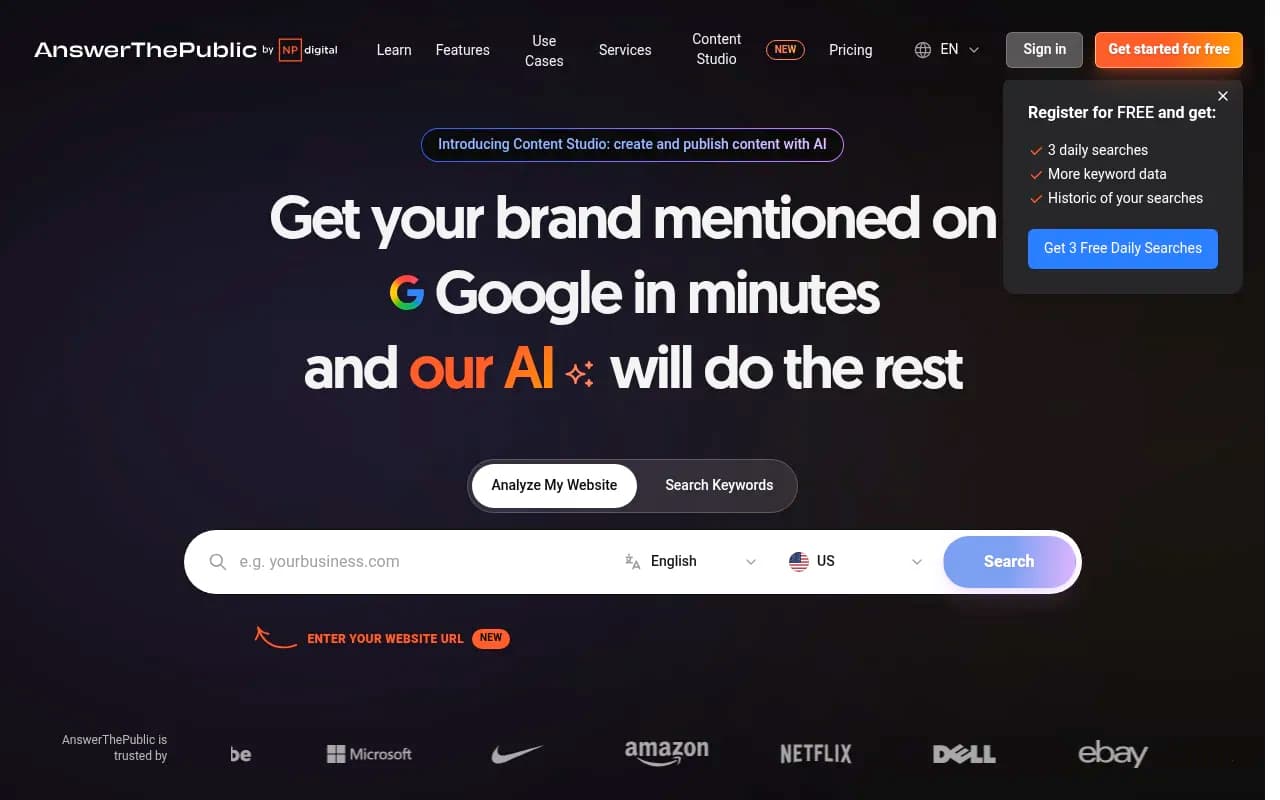
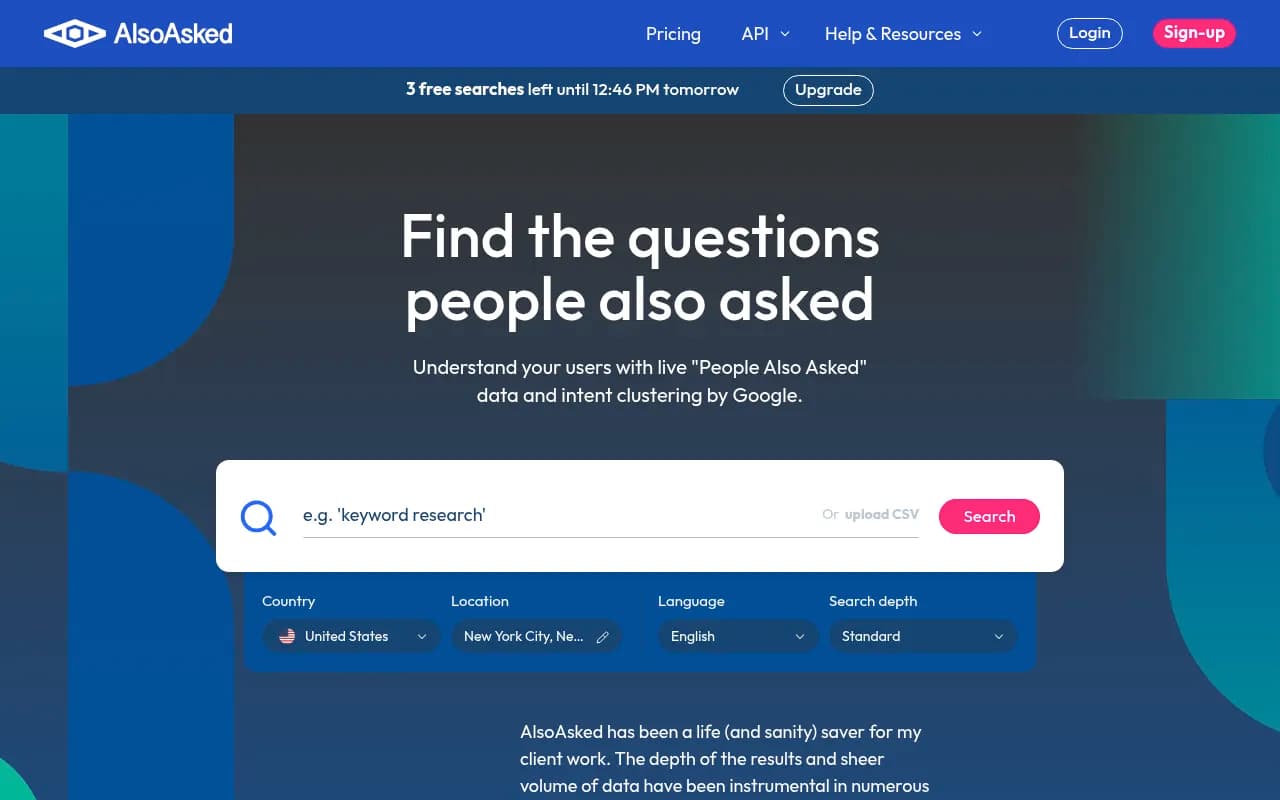
Your own search data helps too. Google Search Console shows the queries that already bring people to your pages, and the longer ones are prompt candidates.
Use ChatGPT to expand, then prune
You can ask ChatGPT to role-play a shopper, which is a fair use of the tool. Something like: "Act as a customer in [city] shopping for [category]. Write 15 different things you would ask an AI assistant, ranging from vague to very specific. List assumptions and flag anything you made up." That last instruction borrows from the small business guide above.
Don't trust the output blindly. Delete anything that sounds like marketing copy rather than a human question. If you would not say it out loud in a shop, cut it.
Keep the list balanced
A healthy 40-prompt list looks roughly like this: 20 commercial, 10 informational, 10 branded. Retailers tend to over-index on branded prompts because they are flattering. The commercial ones are where new customers come from.
Run the list and record what happens
Once the list exists, run each prompt and log the following in your sheet:
- Was your store named? In what position?
- Which competitors were named?
- Which URLs were cited, and what type of page were they?
- Did shopping cards appear?
- Were hours, address or product facts correct?
On shopping cards: Promptwatch's ChatGPT shopping feature data says product cards and price comparisons attach to only a low single-digit percentage of web-search responses overall. They concentrate on commercial and transactional prompts, and the rate moves in steps. In the data it roughly doubled overnight in late May and then fell back, which Promptwatch reads as OpenAI tuning when cards appear. So don't panic about one day's result. Run the same prompts regularly and look at the trend.
Promptwatch's recommendation is to keep Product schema complete, prices and availability accurate, and your merchant feed clean. For a local shop, that also means making sure inventory pages are not stale.
Run everything more than once. AI answers vary between runs, and a single check proves very little.
Doing this by hand versus using a tracker
Manual checking works for the first week. After that it becomes a chore, and location matters: results shift depending on where the question appears to come from. If you have a handful of stores, a tool will save you hours.
| Approach | Best for | Limits |
|---|---|---|
| Spreadsheet and manual ChatGPT checks | One store, under 20 prompts | Slow, inconsistent, no location control, no history |
| Listings and review tools such as Yext, BrightLocal, Birdeye | Keeping local data and reviews accurate | Not built to track what AI assistants say |
| AI visibility platforms | Tracking prompts over time across several AI models | Pricing varies, so confirm on each vendor's site |
For the listings side, Yext, BrightLocal and Birdeye cover multi-location data and reviews.
For tracking prompts, tools like Promptwatch can run a prompt list daily across ChatGPT, Google AI Overviews, Gemini, Perplexity and others, and its Business plan supports pinning a monitor to exact coordinates so answers reflect a specific store location. It also tags prompts by type (organic, brand-specific, competitor comparison), which fits the intent tagging above.

If you want to compare more options, the GEO software directory at bestgeosoftware.com lists them side by side. Small shops may prefer cheaper trackers such as Otterly.AI or Tibly, which is aimed at local businesses.


Turn gaps into fixes
Here is the part most lists skip. A prompt list is a diagnosis. Each pattern points at a different treatment.
- You are never named for commercial prompts. Your category and product pages are probably too thin or not crawlable. Rewrite headings so they read like the short queries ChatGPT produces, with the entity and category first.
- You are named, but with wrong hours or address. Fix your Google Business Profile and listings first, then your own site. Conflicting data across sources is a common cause of bad answers.
- Competitors dominate listicle-style answers. Get included in local roundups, and publish your own "best [category] in [city]" guide with honest comparisons. Listicles are 13.6% of ChatGPT citations overall.
- Branded prompts return weak sentiment. Reviews are cited at more than 3 times their overall share for branded prompts. Collect them on trusted sites, and add a plain-language FAQ page covering returns, delivery, parking and the like.
- Informational prompts cite nobody local. Write how-to and buying-guide content. How-tos are 10.7% of citations for informational prompts.
One more thing about freshness. Promptwatch's half-life data tracked pages ChatGPT cited on July 6, 2026 for 90 days. Landing pages and docs stayed cited longest, while news lost half its pages within 36 days. For a retailer, that favors evergreen category pages over one-off sale announcements.
A simple monthly routine
- Week one: review the list. Remove prompts no one would ask, add new seasonal ones.
- Week two: run everything, log results, note changes in who is cited.
- Week three: fix the two biggest gaps. Rewrite one page, update one listing, or request reviews.
- Week four: rerun the prompts you touched and compare.
That's it. It is not glamorous, but it works because it forces you to look at what shoppers actually see.
What I would not do
Don't stuff pages with every prompt phrase. Don't buy fake reviews. And don't assume the same list works in every city: a prompt about parking in a downtown core is irrelevant to a suburban strip mall.
Also, treat my 40 prompts as scaffolding. The first draft of your own list should include at least ten phrases pulled word for word from customers. Those will outperform anything generic, including mine.
Frequently asked questions
How many prompts should a retail list contain?
Start with 30 to 50 per location or per product category. More than 100 gets hard to act on unless a tool is doing the tracking.
How often should I rerun it?
Answers change often, so weekly at minimum for manual checks and daily if you use a tracker.
Do I need separate lists per store?
If stores serve different neighborhoods, yes, at least for the location-specific prompts. The product and trust prompts can be shared.
Does this replace keyword research?
No. It sits beside it. Search Console data is still a good source of phrasing, and many shoppers still use Google directly.