Key takeaways
- AI search visibility requires completely different metrics than traditional SEO -- rankings and clicks don't tell you whether ChatGPT or Perplexity is recommending your client's brand
- A good client report focuses on three things: share of voice across AI platforms, specific gaps where competitors appear but your client doesn't, and a clear action plan
- Prompt selection is the foundation -- start with 20-50 prompts that mirror how real customers ask questions, not keyword-style queries
- Clients don't need to understand how LLMs work; they need to see a number going up and know what's driving it
- Tools like Promptwatch can automate the data collection and gap analysis so you spend your time on interpretation, not manual testing

Why your current reporting format doesn't work for AI search
If you've tried dropping AI visibility data into an existing SEO report, you already know the problem. A client sees a "citation rate" of 34% and asks what that means. You explain it. They nod. Next month they ask again.
The issue isn't that clients are unsophisticated. It's that AI search visibility is genuinely different from anything they've tracked before, and most report templates are just bolting new numbers onto old frameworks.
Traditional SEO reports answer: "Where do we rank for these keywords?"
AI visibility reports need to answer: "When someone asks an AI assistant for help with [problem your client solves], does the AI recommend your client -- and if not, why not?"
That's a fundamentally different question. And building a report around it requires rethinking what you measure, how you present it, and what you ask clients to do with the information.
According to research from AirOps, over 60% of Google searches now feature AI-generated answers. Add in ChatGPT, Perplexity, Claude, and the rest, and you have a large and growing portion of discovery happening in places your traditional rank tracker can't see.
Step 1: Define the right prompts before you touch any tool
Everything in an AI visibility report flows from your prompt set. Get this wrong and the rest of the report is noise.
The mistake most agencies make is treating prompts like keywords -- short, transactional, stripped of context. "Best CRM software" is a keyword. "What CRM should a 10-person sales team use if they're already on HubSpot?" is a prompt. AI models respond very differently to each.
How to build a prompt set that reflects real buyer behavior
Start by thinking about the customer journey, not the product. For each client, map out:
- Discovery prompts: "What's the best way to [solve problem]?" or "How do companies handle [challenge]?"
- Comparison prompts: "What are the differences between [Client] and [Competitor A]?"
- Recommendation prompts: "Which [category] tool should I use for [specific use case]?"
- Brand-specific prompts: "Is [Client] good for [use case]?" or "What do people think of [Client]?"
Aim for 20-50 prompts to start. For a monthly report, you want enough coverage to show trends, but not so many that the report becomes a spreadsheet dump.
One practical tip: ask the client's sales team what questions prospects ask most often. Those questions, rephrased as AI prompts, are often the most valuable ones to track.
Prompt volume and difficulty matter
Not all prompts are worth tracking equally. A prompt that gets asked thousands of times per month is worth more than one that barely registers. Some prompts are also much harder to appear in than others -- highly competitive categories where five established brands dominate every response are harder to crack than niche questions where your client could realistically own the answer.
Tools like Promptwatch include prompt volume estimates and difficulty scores, which lets you prioritize the prompts where winning is both valuable and achievable. That's useful data to include in a client report -- it explains why you're focusing on certain prompts and sets realistic expectations.
Step 2: Choose which AI platforms to track
There's no single "AI search." ChatGPT, Perplexity, Google AI Overviews, Claude, Gemini, Grok, and others all behave differently. They pull from different sources, weight authority differently, and produce different citation patterns.
For most clients, you don't need to track all of them from day one. A practical starting point:
| Platform | Why it matters | Priority |
|---|---|---|
| ChatGPT | Largest user base, strong brand recommendation behavior | High |
| Perplexity | Heavy citation usage, research-oriented queries | High |
| Google AI Overviews | Directly affects Google search traffic | High |
| Google AI Mode | Newer, conversational Google search experience | Medium |
| Claude | Growing enterprise adoption | Medium |
| Gemini | Google's assistant, integrated across products | Medium |
| Grok / DeepSeek / Mistral | Smaller but growing audiences | Lower |
For a standard client report, covering the top three platforms gives you a meaningful picture without overwhelming the data. Expand coverage as the client's program matures.
The important nuance: you need to track how these platforms behave in actual user interfaces, not just through API calls. API responses and real user-facing responses can differ significantly -- especially for shopping recommendations and brand comparisons.
Step 3: The four metrics that actually belong in a client report
Here's where most reports go wrong: they include every data point the tool exports. Clients end up staring at citation counts, sentiment scores, response lengths, source diversity scores, and a dozen other numbers -- none of which connect to anything they care about.
Four metrics tell the story clearly.
1. Share of voice (the headline number)
Share of voice is the percentage of relevant AI responses that mention your client. If you're tracking 40 prompts and your client appears in 14 of the responses, their share of voice is 35%.
This is the number clients should watch month over month. It's simple, directional, and comparable to competitors. Put it at the top of the report with a trend line.
2. Competitor gap (the "why it matters" number)
For every prompt where your client doesn't appear, who does? This is the answer gap -- and it's the most actionable data in the report.
If Competitor A appears in 28 of your 40 tracked prompts and your client appears in 14, that gap is the problem you're solving. More importantly, you can look at the specific prompts where Competitor A wins and your client doesn't, and trace that back to content that exists on Competitor A's site but not your client's.
This section of the report often gets clients more engaged than anything else. Seeing a specific competitor winning specific prompts is concrete in a way that abstract visibility scores aren't.
3. Citation sources (the "what's working" section)
Which pages on your client's site are being cited? Which external sources -- Reddit threads, review sites, YouTube videos, third-party articles -- are driving mentions? This tells you what's working and where to invest.
If a single blog post is responsible for 40% of your client's citations, that's worth knowing. If a Reddit thread is driving more citations than anything on the client's own site, that's a signal about where the real authority lives.
4. Month-over-month trend (the "are we making progress" number)
Clients need to see movement. A single month of data is a baseline. Two months is a trend. Six months is a story.
Track share of voice, citation count, and the number of prompts where your client appears -- all over time. Even small improvements feel meaningful when they're visualized clearly.
Step 4: Structure the report so it tells a story
Data without narrative is just a spreadsheet. The best client reports follow a simple three-part structure:
Where we are -- Current share of voice, which platforms your client appears on, how that compares to last month and to competitors.
What's holding us back -- The specific prompts where competitors appear but your client doesn't, and the content gaps that explain why.
What we're doing about it -- The specific content pieces being created or optimized this month, tied directly to the gaps identified above.
This structure works because it mirrors how clients think. They want to know the score, understand the problem, and see a plan. Everything else is detail.
A note on visualizations
Bar charts for share of voice comparisons. Line charts for trends over time. A simple table for the top 10 prompt gaps. That's it. Resist the urge to add more charts -- each additional visualization dilutes the ones that matter.
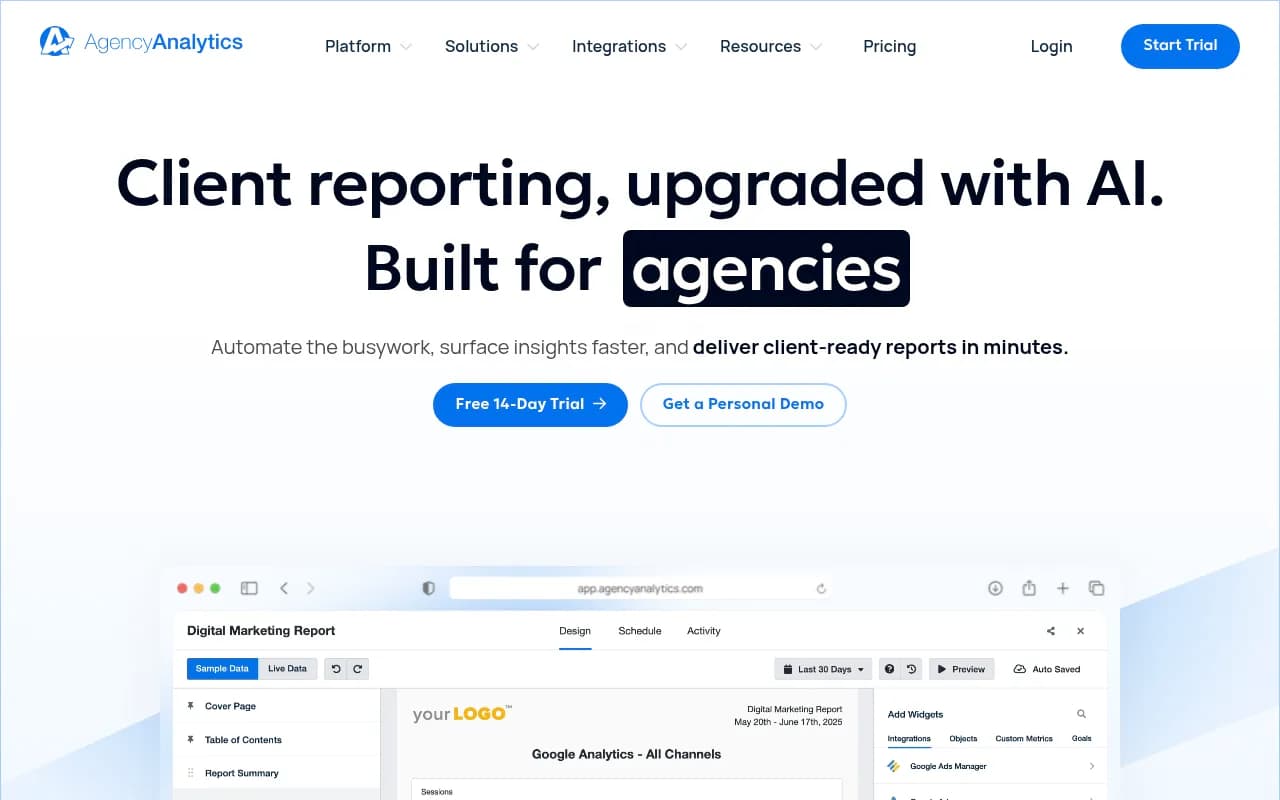
If you're using a reporting tool like AgencyAnalytics, you can pull AI visibility data alongside traditional SEO metrics in a single dashboard. That's useful for clients who want the full picture in one place.
Step 5: The content gap section (where the real value lives)
This is the section that separates a good AI visibility report from a great one.
For each prompt where your client doesn't appear, there's usually a reason. Either the client has no content addressing that topic, the content exists but isn't authoritative enough, or a competitor has published something more comprehensive and more cited.
The content gap section should show:
- The specific prompt
- Who currently appears in the response (and what they link to)
- What content your client would need to create or improve to compete for that prompt
- The estimated prompt volume (so the client understands the opportunity size)
This section transforms the report from a status update into a roadmap. Clients can see exactly what needs to be built and why.
Platforms like Promptwatch automate much of this analysis -- the Answer Gap Analysis feature shows exactly which prompts competitors rank for that your client doesn't, and Content Agents can generate briefs or full articles targeting those gaps directly. That means less time manually cross-referencing competitor content and more time on strategy.
Step 6: Tracking AI crawler activity (the technical layer)
Most clients don't need to see this in the main report, but it belongs in an appendix or a separate technical section for clients who want to go deeper.
AI models don't just generate responses -- they crawl websites to gather information. Understanding which AI crawlers are visiting your client's site, which pages they're reading, and whether they're encountering errors gives you a technical layer of insight that most agencies completely ignore.
If Perplexity's crawler is hitting your client's site but never citing it, that's a diagnostic signal. If ChatGPT's crawler hasn't visited a key product page in three months, that explains why it's not appearing in relevant responses.
This kind of crawler log data is available in more advanced platforms. Promptwatch's AI Crawler Logs feature shows real-time logs of which AI agents are crawling which pages, what errors they encounter, and the timeline from crawl to citation. It's the kind of data that lets you diagnose visibility problems at a technical level, not just a content level.
Step 7: Connecting AI visibility to revenue (the CFO question)
At some point, a client's finance team will ask: "What is this actually worth?"
This is a fair question and one the industry is still working through. But there are a few ways to build a credible answer.
Traffic attribution is the most direct route. If you can show that visitors arriving from AI search sources convert at a certain rate, you can tie visibility improvements to pipeline. Some platforms now offer traffic attribution that connects AI citations to actual website visits and conversions.
For clients where direct attribution is harder, you can make the case indirectly: track the prompts that represent high-intent buyer queries, show that your client now appears in X% of those responses, and estimate the impression volume based on prompt frequency data.
It's not perfect, but it's honest. And clients generally respect honest estimates more than inflated claims.
Recommended tools for building AI visibility reports
The right tool depends on your client's budget, the number of platforms you need to cover, and how much automation you want in the workflow.
| Tool | Best for | Key strength | Pricing (approx.) |
|---|---|---|---|
| Promptwatch | Agencies and brands wanting full optimization | Gap analysis + content generation + crawler logs | From $99/mo |
| Otterly.AI | Budget-conscious monitoring | Simple, affordable tracking | Lower tier |
| Profound | Enterprise brands | Deep analytics | Higher tier |
| SE Ranking | Agencies already using SE Ranking for SEO | Integrated SEO + AI visibility | Mid-range |
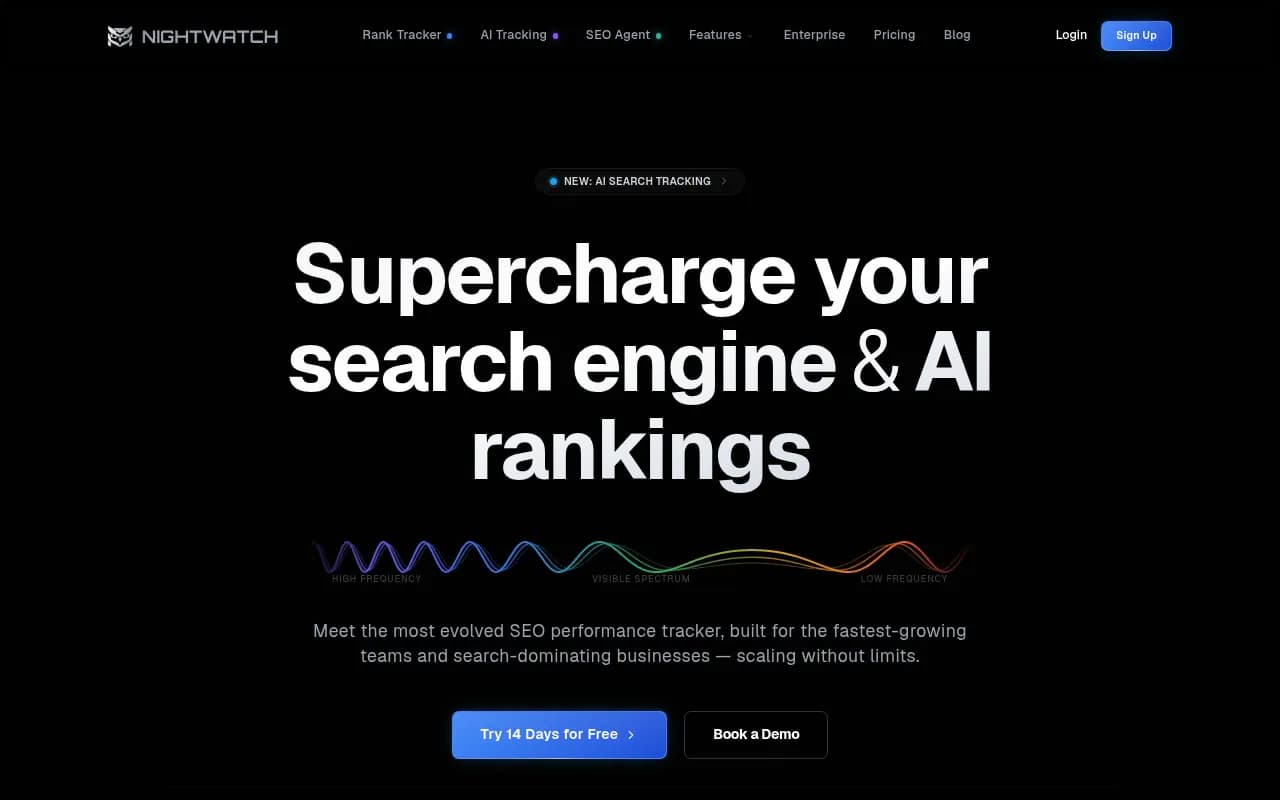
| Nightwatch | Marketers wanting clean monitoring | Simple AI search monitoring | Mid-range |
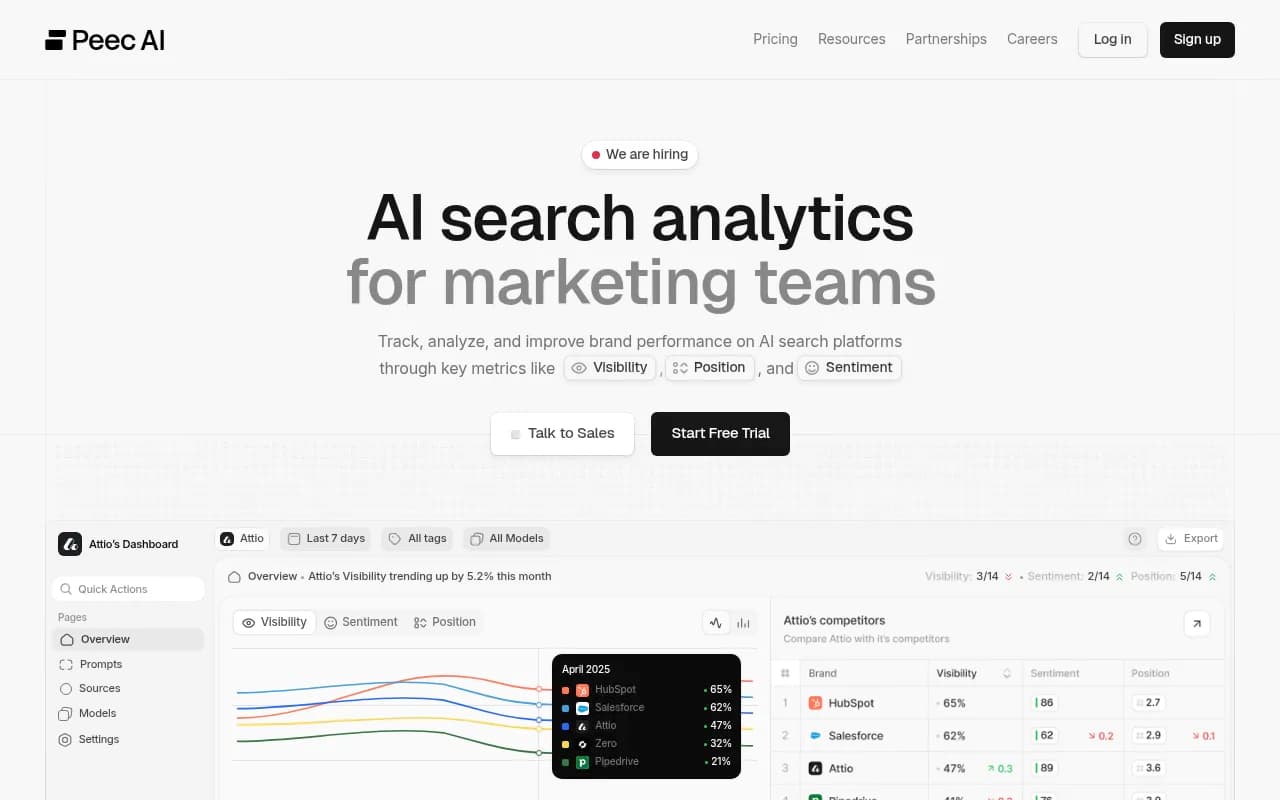
| Peec AI | Basic monitoring only | Easy to set up | Entry level |
For agencies managing multiple clients, the workflow typically looks like this: use a dedicated AI visibility platform for data collection and gap analysis, then pull the key metrics into a client-facing reporting tool or a custom Google Slides/Looker Studio template. Promptwatch offers a Looker Studio integration and API for exactly this kind of workflow.
What a finished report actually looks like
Here's a simple template structure you can adapt:
Page 1: Executive summary
- Overall share of voice this month vs. last month
- Top 3 wins (prompts where the client newly appeared)
- Top 3 gaps (highest-volume prompts where competitors still dominate)
- One-sentence summary of what changed and why
Page 2: Share of voice by platform
- Bar chart comparing client vs. top 3 competitors across ChatGPT, Perplexity, Google AI Overviews
- Month-over-month trend line
Page 3: Prompt-level breakdown
- Table showing each tracked prompt, who appears, and whether the client appears
- Highlight new appearances in green, persistent gaps in red
Page 4: Content gap analysis
- Top 5-10 gaps with the highest prompt volume
- For each gap: what content exists on competitor sites, what your client needs to create
Page 5: Work completed this month
- Content pieces published or optimized
- Technical fixes made (crawler errors resolved, schema added, etc.)
- Expected timeline for those changes to affect visibility
Page 6: Next month's priorities
- Specific prompts being targeted
- Content pieces in production
- Any technical work planned
This fits in a 6-page PDF or a 15-minute presentation. Clients can read it in five minutes and know exactly what's happening.
The one thing most agencies skip
Manual prompt testing -- actually going into ChatGPT or Perplexity and typing the prompts yourself -- is still valuable, even if you're using an automated platform. Automated tools are excellent for tracking at scale, but there's something irreplaceable about seeing the actual response a user would receive.
Do this for your top 10 prompts every month. Screenshot the responses. Include them in the report. Clients find it viscerally compelling to see their competitor recommended by name in a ChatGPT response while their own brand is absent. It makes the abstract concrete.
The Reddit community r/AISearchLab recommends starting with 10-20 high-priority prompts across 2-3 major platforms before scaling up -- good advice for agencies just getting started with this kind of reporting.
Building the habit
AI visibility reporting is still new enough that most clients have low expectations. That's actually an advantage. A clear, honest, action-oriented report will stand out against the noise.
The agencies winning right now aren't the ones with the most sophisticated tools -- they're the ones who've figured out how to translate AI visibility data into decisions clients can act on. That's a communication skill as much as a technical one.
Start with a small prompt set, track consistently, and build the story month by month. The data gets more interesting as the baseline grows.