Key takeaways
- Most social calendars fail not because of bad tools but because of bad structure: no pillars, no owner, no approval step, no reserve for real-time content.
- Start with 3-5 content pillars framed as audience problems, not formats, then batch-plan 2-4 weeks ahead and leave about 20% of capacity open for reactive posts.
- Set posting cadence per platform, not one blanket number. Sprout Social's analysis of nearly 2 billion engagements found Tuesday and Wednesday, 11 a.m. to 6 p.m. local time, perform best; Sunday is the worst day across the board.
- Pick your tool based on your actual bottleneck. Spreadsheets fail at enforcement and syncing, not planning; dedicated platforms like Buffer, Sprout Social, or Planable solve approvals and automation, but they cost more and need buy-in.
- Consistency beats volume. Posting ten times one week and going dark the next hurts you more than a steady, smaller cadence.
Why your current calendar probably already failed once
Here's an uncomfortable pattern I keep running into: almost every social team has built a content calendar before. It usually happens in January, with good intentions and a fresh spreadsheet. By week three, nobody's updating it. The posts people actually publish have drifted from whatever's on the sheet, and the calendar quietly becomes a historical record of what someone meant to do.
That's the real problem this guide is trying to solve. It's not "how do I make a calendar" (that part's easy), it's "how do I make one that survives contact with a busy Tuesday." Overvisual's framing of this, in a 2026 piece on dynamic content calendars, is blunt: calendars built once in a burst of optimism describe a plan nobody follows a few weeks later. The fix isn't a better template. It's treating the calendar as a living system with built-in room for reality.
One Reddit marketer summed up the opposite failure mode just as well: "Most people overthink content calendars, a basic spreadsheet does 90% of what's needed." Both things are true at once. A spreadsheet can absolutely carry a small team. What it can't do is stop an unapproved post from going live or automatically pull in performance data, which is exactly where consistency breaks down once more than two or three people touch the calendar.
Start with pillars, not a posting schedule
Before you open a spreadsheet or a tool, decide what you're actually going to talk about. Three to five content pillars is the number that keeps showing up in practitioner guides, and the detail that matters is how you phrase them. "Educational posts" is a format, not a pillar, and it gives your team nothing to write about when they sit down with a blank screen. "How small teams ship content without a designer" is a pillar. It tells a writer exactly what problem to solve.
Pillars do two jobs. They keep your brand voice from drifting post to post, and they prevent the blank-screen problem that eats up more time than people admit. If someone on your team is staring at an empty content calendar cell wondering what to post, that's a pillar failure, not a motivation failure.
Tie every single post to a pillar, a campaign, or a launch. This sounds like busywork but it isn't. Overvisual's research notes that calendars planned without this link tend to drift away from the rest of the marketing plan, and you end up with invisible gaps, like three weeks with nothing supporting a launch, that nobody notices until a leadership review asks why engagement dropped.
Set cadence per platform, not one number for everything
A single "we post three times a week" rule ignores how differently each platform behaves. Buffer's cadence data points to roughly 3-5 posts per week on Instagram and 3-4 per day on X. Adobe's general guidance lands in a similar range: Facebook 3-7 times a week, X one to two times a day, TikTok one to four times a day, LinkedIn two to five times a week.
But don't chase volume blindly. Socialinsider's platform data from 2026 makes a point worth sitting with: on LinkedIn, native documents get posted only about twice a month yet pull a 6.9% engagement rate, way ahead of images posted seven times a month at 5%. More posting isn't automatically better; the wrong content posted often just trains your audience to scroll past you. Their actual recommendation: "posting 10 times a week for a month and then going quiet is worse than posting 4 times a week every week." Consistency, not volume, is the lever.
Timing matters too. Sprout Social's 2026 analysis, built on nearly 2 billion engagements across roughly 307,000 profiles, puts Tuesday and Wednesday between 11 a.m. and 6 p.m. local time as the strongest window, and Sunday as the weakest day across platforms. Worth noting: there's internal disagreement inside most marketing orgs about whether to post more at all. Sprout found 71% of marketing directors and 69% of CMOs think teams need to publish more to move the needle, but only about half of social media managers, the people actually doing the posting, agree. Sprout's own conclusion is the one I'd trust here: post smarter, not just more.
Build the calendar in layers
A calendar that actually gets used has four layers, and most failed calendars are missing at least one of them.
- Pillars and campaigns. The strategic layer. What are we talking about this quarter, and why.
- The batch plan. Draft 2-4 weeks of content in one sitting, then approve it in a separate sitting. Separating "what do we post" from the daily grind of actually posting is the single biggest time saver practitioners report, sometimes more than ten hours a month for a small team.
- The reactive reserve. Leave roughly 20% of your calendar capacity open for real-time reaction, what Hootsuite's 2026 research calls "fastvertising." This isn't a universal rule, adjust it based on how fast your approval chain moves and what industry you're in, but a calendar with zero slack breaks the first time something newsworthy happens in your space.
- Review and iterate. One keep, iterate, or stop decision per review cycle, tied to actual performance data, not vibes.
Organic and paid calendars should live in the same system too. Planned separately, they tend to collide: duplicate messaging landing in the same week, or a launch week with paid spend and zero organic support behind it.
Who owns what: the approval problem
This is where most calendars actually die, not in the planning but in the sign-off. Among agencies that run staged approval workflows, the median is three approval stages, and over half of staged workspaces use three or more. That's a lot of handoffs for a single Instagram caption, and every handoff is a place a post can stall.
Set the approver before a crisis, not during one. Decide now who signs off on what: a junior social manager might clear routine posts solo, while anything mentioning a competitor, a sensitive topic, or a live campaign routes to a director. Write it down. "We'll figure it out" is how a post sits in draft for two weeks.
Some vendor research (take this with the appropriate grain of salt since it's self-reported) claims social managers lose up to 40 hours a month to slow manual approvals, and that over 65% lose up to an hour a day just switching between tools. Whatever the exact number, anyone who's managed a brand account across three apps and a Slack thread knows the feeling is real even if the stat is fuzzy.
Picking the right tool for your team's actual bottleneck
There's no single best tool here, there's a best tool for your specific failure mode. If your calendar dies because nobody can agree on copy, you need an approval-first tool. If it dies because scheduling across six platforms is tedious, you need a scheduler with strong bulk features. If it dies because nobody can see the whole month at once, you need better visualization before you need anything else.
| Tool | Starting price | Best for | Notable limitation |
|---|---|---|---|
| Buffer | Free tier, then from $5/mo per channel | Small teams, simple scheduling | Per-channel pricing gets confusing at scale |
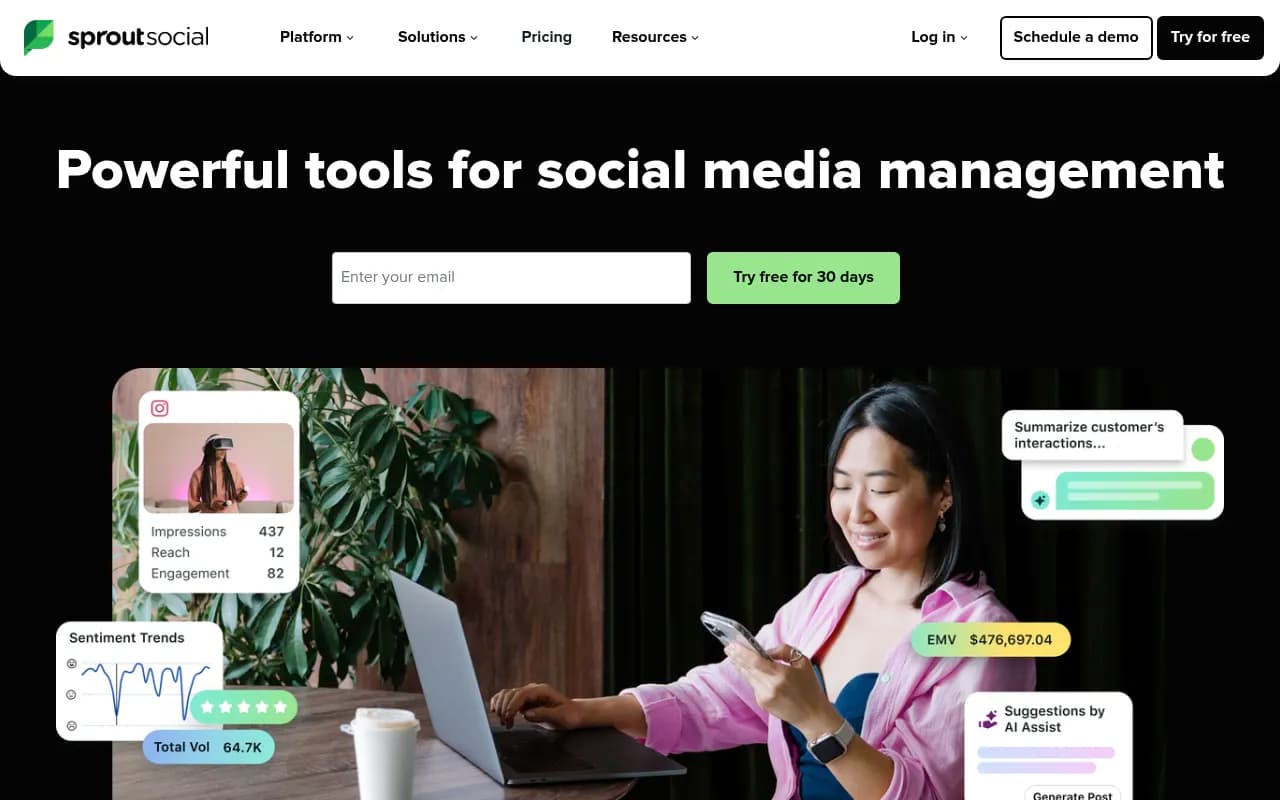
| Sprout Social | From roughly $79-199/seat/mo | Mid-market and enterprise teams needing deep analytics | No free plan, pricier at scale |
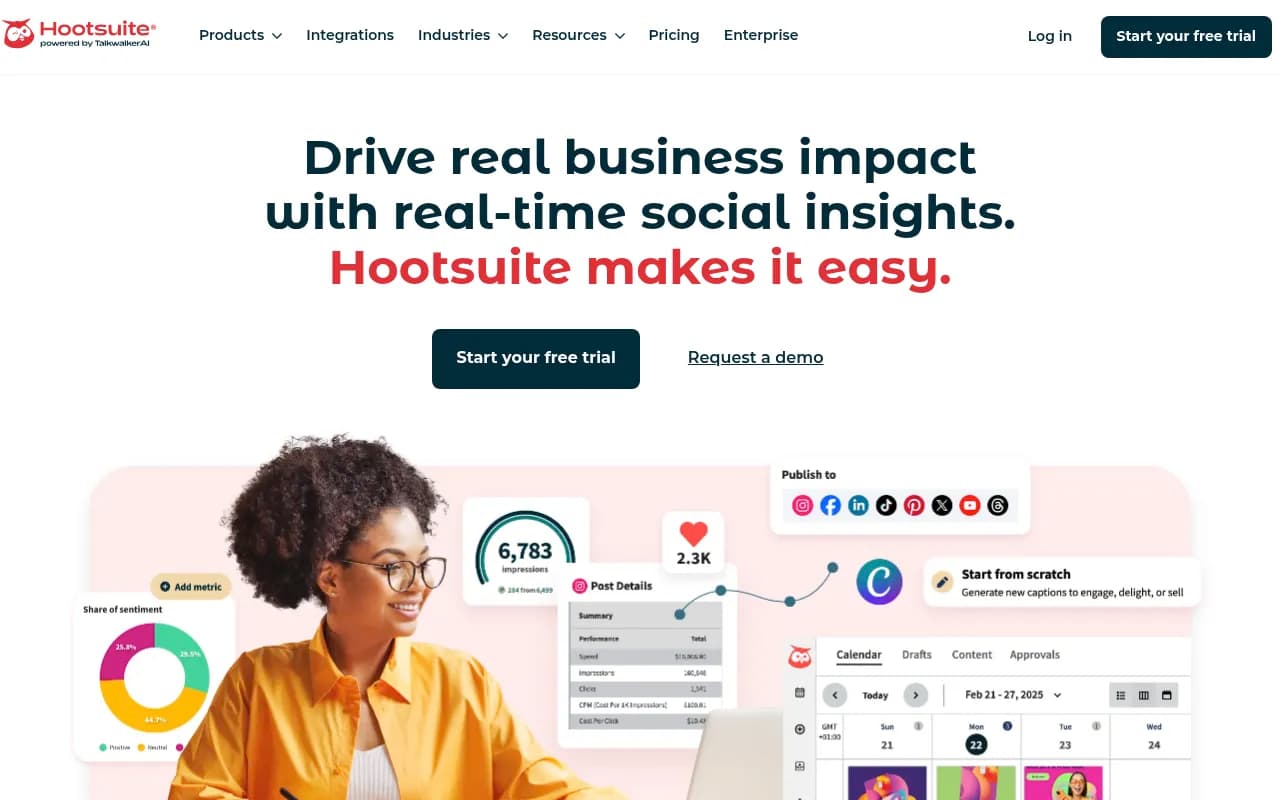
| Hootsuite | From $99/user/mo | Bulk scheduling across many accounts | Dense UI, limited mobile features |
| Later | From roughly $19-25/mo | Visual-first Instagram, TikTok, Pinterest planning | Lighter analytics, less bulk scheduling |
| Planable | From roughly $33-39/mo per workspace | Agencies and teams that need client sign-off | No bulk scheduling |
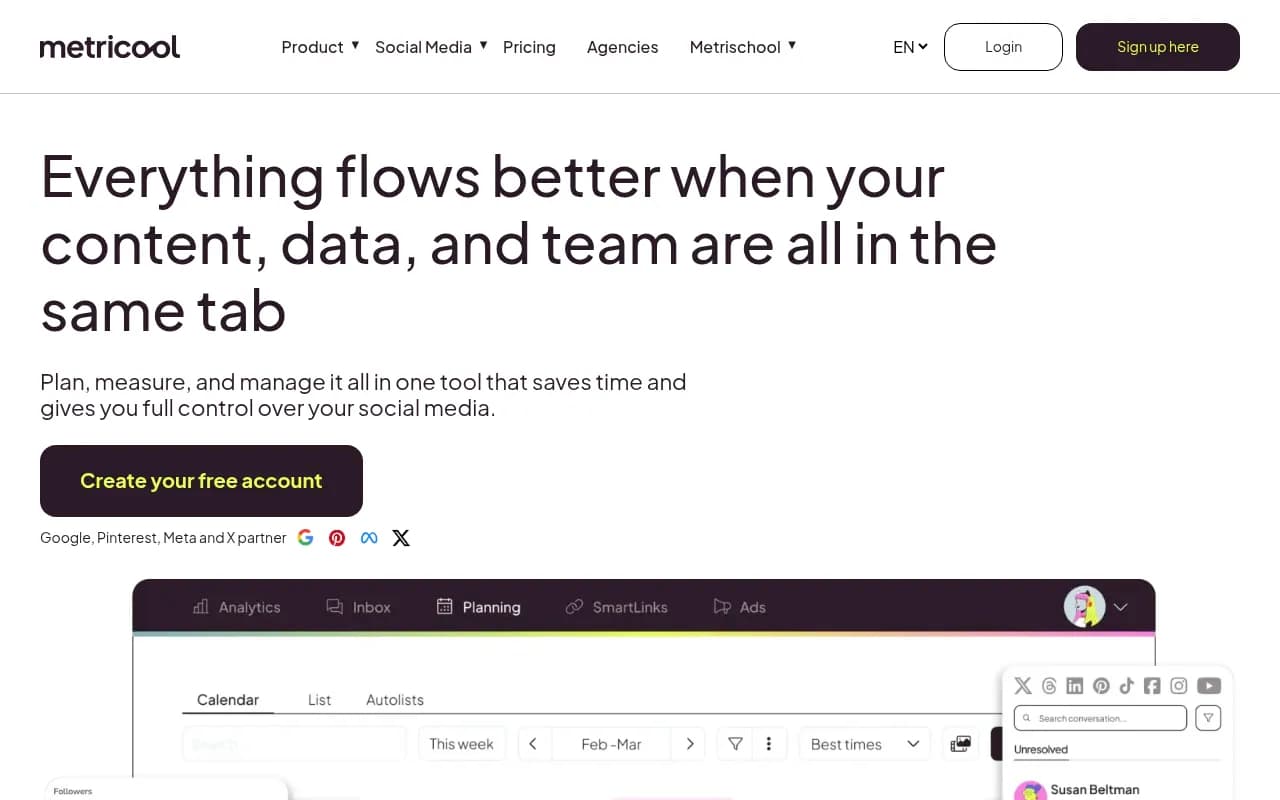
| Metricool | Free tier (20 posts/mo), then ~$20-25/mo | Data-driven teams tracking competitors | Free tier is limited for active calendars |
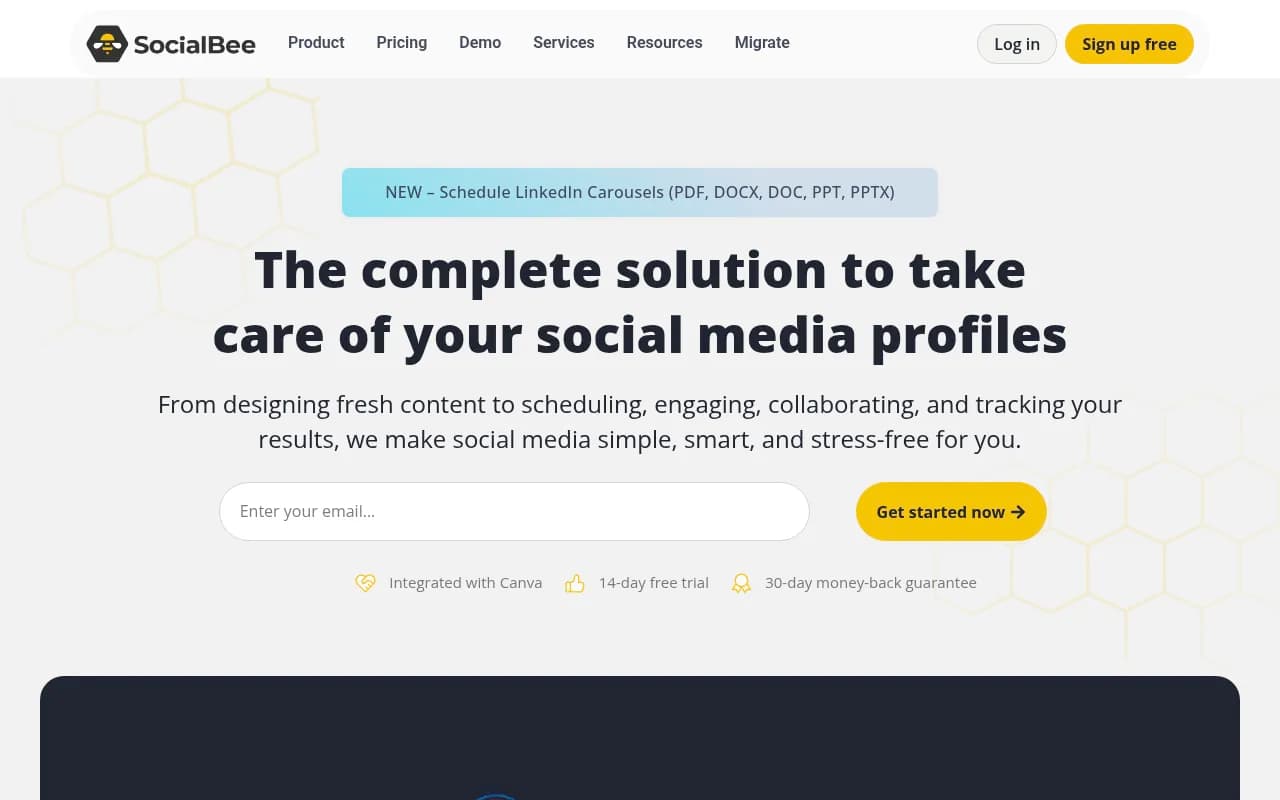
| SocialBee | From ~$24-29/mo | Category-based queues, AI content generation | Smaller feature set than enterprise tools |
| CoSchedule | Free or $19/user | Unifying the whole marketing calendar, not just social | Social-specific depth is thinner |
A note on that pricing table: Buffer and Metricool are genuinely fine for a two- or three-person team running a spreadsheet-replacement. Sprout Social and Hootsuite start to make sense once you've got a real approval chain and need analytics leadership will actually look at. Planable exists almost entirely to solve the client sign-off problem, so if you're an agency, it's worth the premium even without bulk scheduling.
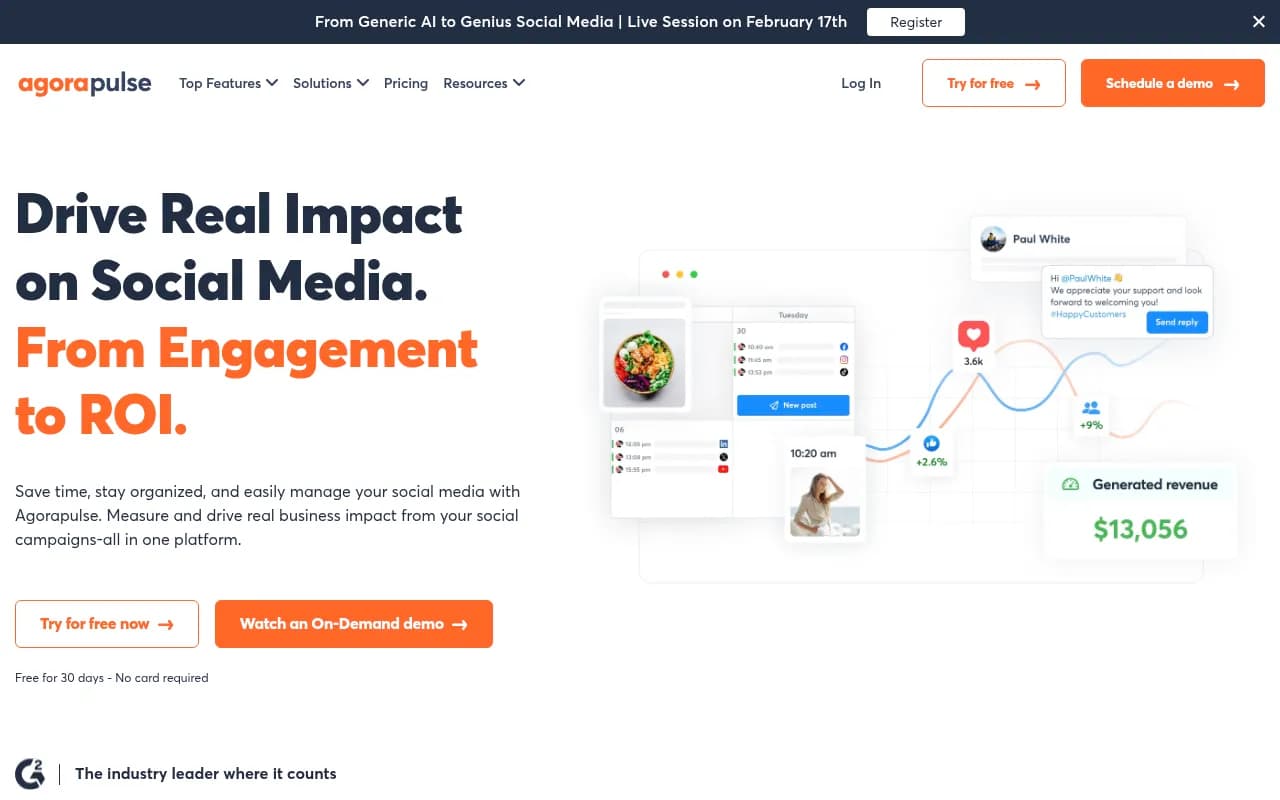
Review ratings across these tools cluster tightly, mostly between 4.3 and 4.8 stars, and the recurring complaints aren't about reliability, they're about pricing tiers. Zoho Social and Agorapulse in particular show up with thousands of reviews and consistently strong scores.
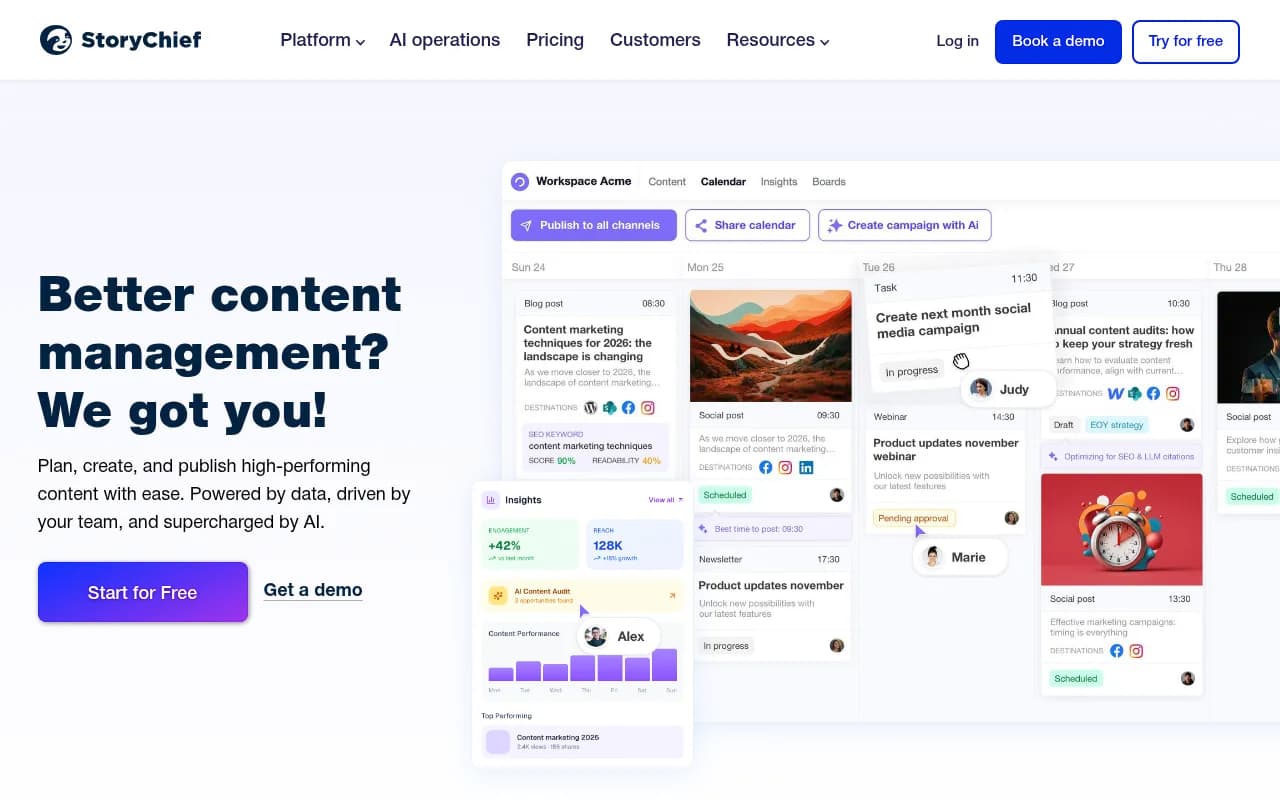
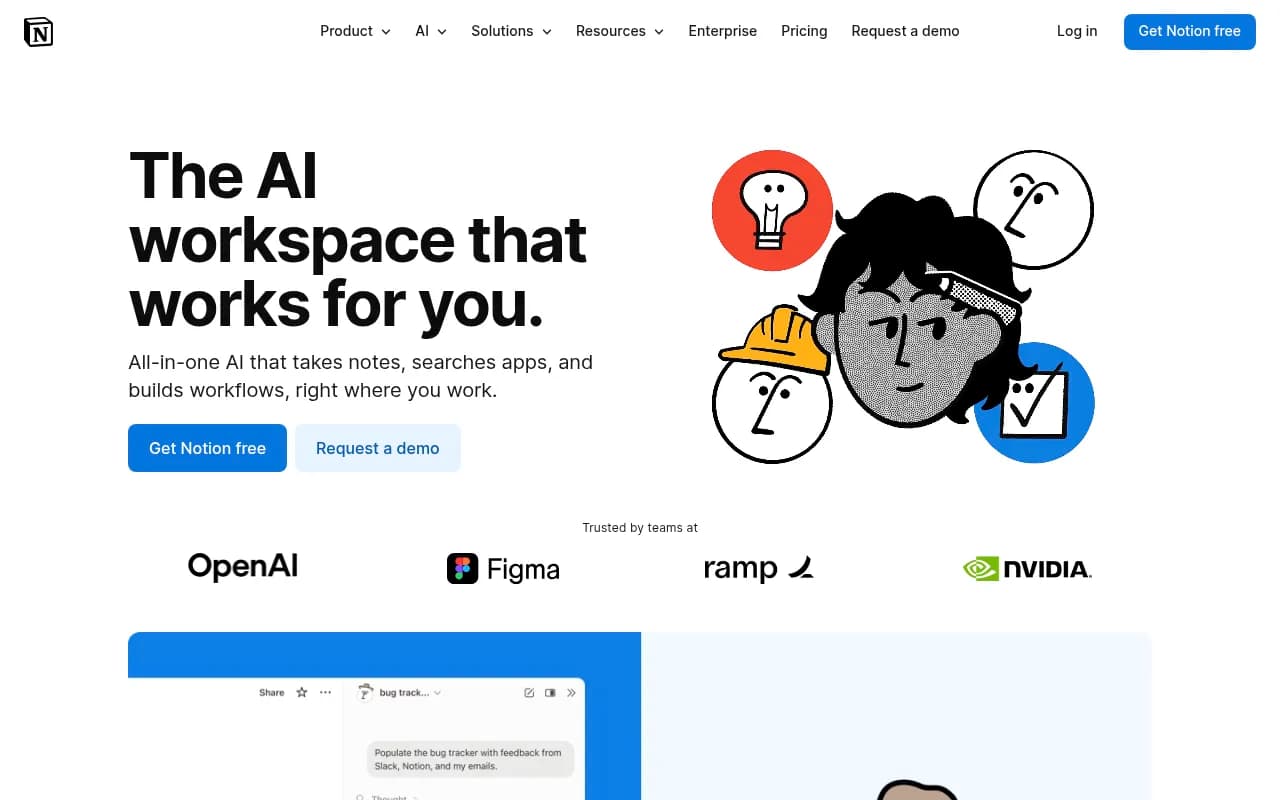
For the planning and organizing layer that sits above scheduling, tools like Notion AI or Canva's content planner are worth considering if you want one shared workspace for briefs, assets, and the calendar grid itself, rather than bolting a spreadsheet onto a scheduler.
Where AI actually helps (and where it doesn't)
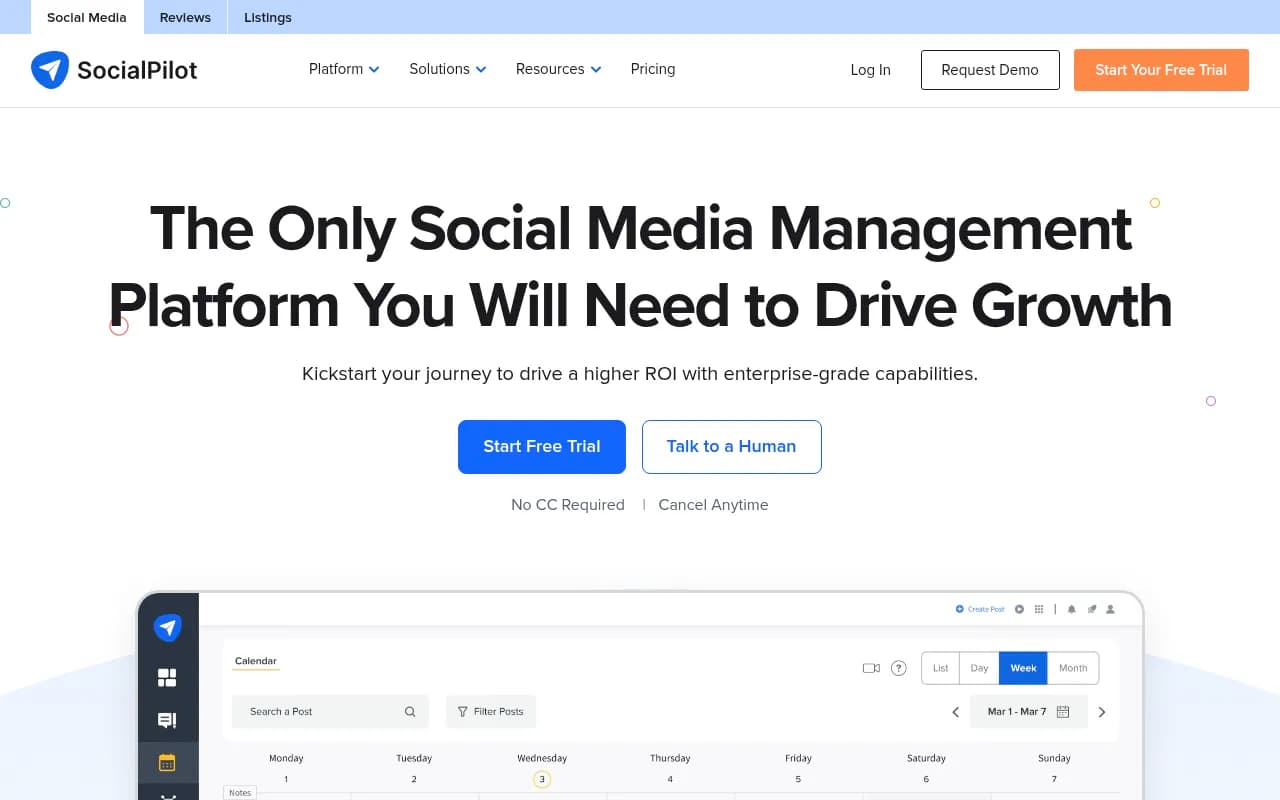
Nearly nine in ten marketers have used generative AI somewhere in their content process, including calendar planning, and most scheduling platforms have leaned into this in 2026. Hootsuite's OwlyAI generates post ideas to fill gaps in your calendar. SocialPilot's AI Pilot rewrites and localizes copy into ten languages and adjusts tone per network. CoSchedule's "Hire Mia" acts as an AI editor across the whole marketing calendar, not just social.
Overvisual's framing of this is the most honest I've seen: AI is useful for the "mechanical middle" of calendar work, drafting variants, resizing copy across formats, filling an empty slot with a reasonable first draft. It's least useful for judgment calls about tone and timing, which still need a human in the approval loop. If you're using ChatGPT or a similar tool to draft captions, treat the output as a first draft that still goes through your approval stages, not a finished post.
A simple rollout plan
If you're starting from scratch or rescuing a dead calendar, here's the order that seems to actually stick:
- Write down 3-5 pillars as problems, not formats. Get sign-off from whoever owns brand voice.
- Pick the tool that solves your worst bottleneck, not the one with the most features. A free Buffer plan beats an unused Sprout Social subscription.
- Set per-platform cadence targets using the ranges above, then adjust after a month of real data.
- Define the approval chain in writing: who approves what, and what the fallback is if that person is out.
- Batch-draft two to four weeks ahead, in one sitting, separate from daily posting.
- Reserve roughly a fifth of your calendar slots for reactive content.
- Review monthly. One keep, iterate, or stop decision per pillar, based on what actually performed.
None of this requires enterprise software. It requires someone on the team actually owning the calendar as a living document instead of a one-time setup task, and a tool that matches where your team's real bottleneck sits, approvals, scheduling, or visualization. Get those two things right and the calendar stops being something you built once in January and starts being something your team opens every single day.