Key takeaways
- You can track whether ChatGPT mentions or cites your brand in Google Sheets by running a fixed list of prompts on a schedule and logging each answer in a row.
- ChatGPT has no stable "rank". Promptwatch Data found 47.6% of responses cite 10 or more domains, so cited or not cited, plus share across many prompts, is a better metric than position.
- n8n self-hosted is the cheapest way to run this at volume. Zapier is the fastest to set up. Make sits in the middle and handles loops well.
- A Sheets tracker is fine for a 20 to 50 prompt pilot. It will not tell you about crawler visits, traffic, or why you are missing.
- Check current free-tier limits on each vendor's pricing page before you build. They change.
The short answer
Yes, with caveats. You can build a Google Sheet that sends a list of prompts to an AI model on a schedule, parses the answer, and writes one row per prompt per day. Zapier, Make and n8n can all do it. None of them will give you a "ChatGPT ranking" in the way Google rank trackers give you position 4 for a keyword, because ChatGPT does not work that way.
I think the honest framing is this: a Sheets tracker is a cheap way to learn what you actually want to measure, and a poor long-term home for that measurement. Build it for a month. Then decide.
Why a ChatGPT "rank" is a shaky number
Before wiring anything up, decide what goes in the columns. Position is the obvious choice and also the weakest.
Promptwatch's data on unique domains per ChatGPT response (Sep 28 to Oct 4, 2026, responses with at least one citation) shows:
- 47.6% of responses cite 10 or more different domains, and 66.1% cite at least 8.
- Only 6% cite 3 domains or fewer.
- For organic prompts with no brand named, 52.5% cite 10 or more domains.
- For brand-specific prompts, 5 domains is the most common count, and only 21.3% cite 10 or more.
With that many sources per answer, a single run of a single prompt tells you very little. The same prompt asked twice can reorder the list. So the useful columns are:
- Was the brand mentioned in the answer text (yes/no)
- Was your domain cited (yes/no)
- Which competitors were mentioned
- How the answer describes you (a short snippet)
- Approximate position of the first mention, as a rough signal only
Then aggregate. Mention rate across 30 prompts over four weeks is a number you can defend. "We rank 3rd for best CRM" is not.
Promptwatch's own advice from that report is the same: track where you appear and how ChatGPT describes you, not only whether you are cited, and measure across many prompts.
The fan-out problem
One more wrinkle. A prompt does not hit the web once. Promptwatch's ChatGPT query fanout data shows one prompt can trigger several web searches, with the average falling from about 2.15 searches per response in early December 2025 to about 1.84 by early March 2026. Average fan-out query length dropped from around 117 characters to the high 80s, then to about 53 characters from April. The practical point: ChatGPT matches your content against its own generated, shorter queries, not the user's wording. Behavior changes in steps, so re-audit your tracker after major ChatGPT updates. If your numbers jump overnight, suspect the model, not your content.
What you need before you start
The workflow has the same four parts in every tool:
- A trigger on a schedule (daily or weekly)
- A source of prompts, one per row in a sheet
- A call to a model that can search the web
- A step that writes the result back to a sheet
One important limit. If you call an API model, you are not seeing exactly what a person sees in the ChatGPT interface. User-facing answers and citations can differ from API output. Treat your sheet as a proxy, not ground truth. Tools that monitor the real interface exist precisely because of this gap.
Also, I did not verify current ChatGPT API search-tool pricing or the exact parameter names for web search, so check OpenAI's docs for those before you build. The structure below does not depend on them.
Set up the sheet
Create a Google Sheet with two tabs.
Tab one, "Prompts": columns for prompt ID, prompt text, type (organic, brand-specific, competitor comparison), and topic. Start with 20 to 30 prompts. Mix the three types, because they behave differently: brand-specific prompts cite fewer domains than organic ones.
Tab two, "Results": one row per run with these columns:
| Column | What goes in it |
|---|---|
| run_date | Timestamp of the run |
| prompt_id | Links back to the Prompts tab |
| answer_text | Full model response |
| brand_mentioned | TRUE or FALSE |
| domain_cited | TRUE or FALSE |
| cited_urls | Comma-separated list of sources |
| competitors_named | Comma-separated list |
| model | Model name and version used |
Log the model version. When a model changes, your trend breaks, and you will want to know why.
You can fill brand_mentioned and domain_cited with Sheets formulas such as =ISNUMBER(SEARCH("yourbrand", C2)), or have an extra AI step classify the answer. Formulas are free and deterministic. Use them first.
Option 1: Zapier
Zapier is the quickest to stand up. If nobody on your team wants to learn a new tool, this is the one.
The build:
- Trigger: Schedule by Zapier, every day.
- Action: Google Sheets, "Lookup Spreadsheet Row" or "Get Many Rows" on the Prompts tab.
- Action: a ChatGPT or webhook step that sends each prompt to the model.
- Action: Google Sheets, "Create Spreadsheet Row" on the Results tab.
The weak spot is looping. Zapier is linear, so running 30 prompts in one go means either a looping step, a sub-Zap, or one Zap triggered per new row in a queue sheet. A common workaround: add a "Run queue" tab, have a scheduled Zap append 30 rows to it, and a second Zap fire on each new row. It works. It also eats tasks fast.
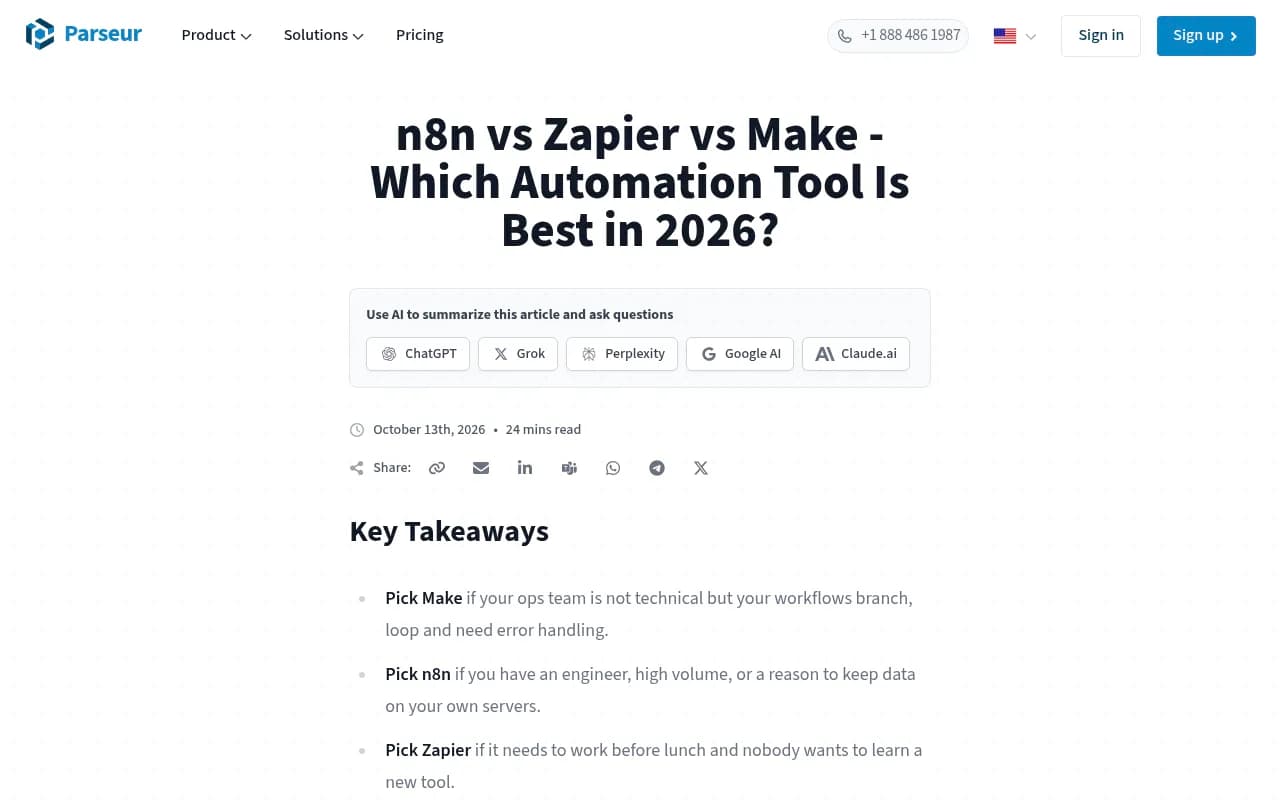
Billing matters here. Per the Parseur comparison, Zapier charges per step, Make per module, and n8n per workflow run. A 4-step Zap running 30 prompts daily is 120 steps a day, roughly 3,600 a month, before retries. That will not fit comfortably in a free tier. Verify the current free-plan task limit on Zapier's pricing page, since I could not confirm it.
Zapier is a good fit for a one-week experiment. It is a poor fit for a tracker you intend to run for a year.
Option 2: Make
Make (formerly Integromat) handles this kind of job more naturally because it supports iterators and aggregators.
The build:
- Scheduler module, daily.
- Google Sheets "Search Rows" (or "Get Range Values") to pull the Prompts tab.
- Iterator over each row.
- HTTP or OpenAI module to send the prompt.
- Optional Tools or Text parser module to detect the brand and domain.
- Google Sheets "Add a Row" on the Results tab.
The visual canvas is a real advantage when something breaks, because you can click a module and see exactly what went in and came out. Add an error-handler route that writes a failed row to a "Errors" tab instead of silently dying. A tracker with gaps in its data is worse than no tracker.
One confirmed limit from the Parseur piece: Make's free tier has a 15-minute minimum interval, dropping to one minute on paid plans. For a daily or weekly tracker that does not matter at all. Operations are counted per module, so a loop over 30 prompts with 4 modules each is about 120 operations per run. Check the free operations allowance on Make's pricing page before committing.
Option 3: n8n
n8n is the one I would pick for anything that runs for months. It is open source, you can self-host, and billing is per workflow run rather than per step.

The build:
- Schedule Trigger node, daily.
- Google Sheets node, "Get Row(s)" from the Prompts tab.
- Loop Over Items (Split In Batches) node.
- OpenAI or HTTP Request node to call the model.
- Code node (JavaScript) or Set node to check for your brand and extract cited URLs.
- Google Sheets node, "Append Row" to the Results tab.
A small Code node does the classification cleanly:
const text = $json.answer_text.toLowerCase();
const brand = "yourbrand";
const domain = "yourdomain.com";
return {
  json: {
    ...$json,
    brand_mentioned: text.includes(brand),
    domain_cited: (($json.cited_urls || "").toLowerCase()).includes(domain)
  }
};
Per Parseur, self-hosted n8n runs on whatever schedule you set. The cost is that you now run a server, handle updates, and keep credentials safe. If that sounds like a chore, n8n's hosted plans exist, but check their current limits. n8n also lists a Google Sheets and OpenAI integration page, so the two nodes you need are first-party.
Which automation tool to choose
| Tool | Billing unit | Looping over prompts | Setup effort | Best for |
|---|---|---|---|---|
| Zapier | Per step | Awkward, needs queue pattern | Lowest | Quick pilot, non-technical teams |
| Make | Per module | Native iterator | Medium | Branching and error handling without code |
| n8n | Per workflow run | Native batch loop | Highest | Long-running, high-volume, self-hosted |
Billing models are from the Parseur comparison. Free-tier numbers other than Make's 15-minute interval were not verified, so read each pricing page.
If you want to watch the same job built on all three, the Venture Harbour video walks through a Google Drive to Airtable to YouTube build on each platform and covers linear versus node-based design.
Making the data trustworthy
The automation is the easy part. The hard part is deciding whether the numbers mean anything.
Run each prompt more than once
Answers vary. Run each prompt two or three times per day and record the share of runs where you appear. One run is an anecdote.
Keep the prompt list fixed
Changing prompts mid-month destroys your trend. Add new prompts in a new batch and flag the start date.
Log the model and date
Because ChatGPT behavior changes in steps, annotate your sheet with known update dates. Promptwatch Data recorded a citation drop around the GPT-5.3 rollout on March 4, 2026, and a shift to heavy site: operator use on August 8, 2026 where such queries jumped from about 0.4% to about 17% of fan-outs. A tracker that does not know about those dates would read them as your content suddenly improving or collapsing.
Report share, not rank
A pivot table with mention rate by topic by week is more useful than any position column. Add a chart. Send it to whoever asks.
What a Sheets tracker cannot do
This is where the free setup runs out.
- It queries an API, not the real ChatGPT, Google AI Overviews or Perplexity interfaces.
- It cannot see AI crawler visits to your site, so it cannot tell you whether a missing citation is a crawl problem or a content problem.
- It cannot attribute traffic or conversions from AI platforms.
- It does not suggest which prompts matter. You guess, and prompt volume data is not in your sheet.
- It does not write or publish anything.
- It gets brittle. Row limits, timeouts, rate limits and credential expiry all end up as your job.
When those gaps start to hurt, a dedicated platform is worth the money. Promptwatch tracks the real interfaces of ChatGPT, Google AI Overviews, AI Mode, Gemini, Perplexity and others, adds IP-verified AI crawler logs and visitor analytics, and has agents that draft and publish content against the gaps it finds, which a spreadsheet will never do.

If you would rather compare options first, the GEO software directory at bestgeosoftware.com and the AI rank tracker listings at ai-rank-tools.com cover the field. A few catalog entries that sit between a spreadsheet and a full platform:



A realistic rollout plan
- Week one: build the sheet, 20 to 30 prompts, one automation tool, daily run.
- Weeks two to four: collect data, fix bugs, add an Errors tab.
- End of month one: pivot mention rate by topic. Note which competitors appear most.
- Month two: decide. If the numbers are changing decisions, keep going or upgrade. If nobody looked at the sheet, stop.
That last step is honest. Plenty of trackers die because the dashboard was interesting and nobody acted on it.
FAQ
Is it free?
The sheet is free. The automation tools have free tiers, but a daily loop over dozens of prompts can exceed them, and the model API call costs money per request. Self-hosted n8n removes the platform fee, not the API fee.
Can I scrape ChatGPT directly instead of using the API?
I would not. It breaks often, may violate terms of service, and is hard to keep stable. Use an API or a monitoring product that handles the interface for you.
How many prompts should I track?
Start with 20 to 30. Since almost half of ChatGPT responses cite 10 or more domains, you need many prompts before a pattern appears.
Does this work for Google AI Overviews and Perplexity?
The same sheet structure does. The data source changes: you would need a search or SERP API that returns AI answers, or a different model endpoint. Check the provider's docs.
Bottom line
A Google Sheet plus n8n, Make or Zapier will tell you whether ChatGPT mentions you across a fixed prompt set. Treat it as a mention-rate tracker, not a rank tracker, run each prompt several times, and log the model version. Use it for a month to learn what you care about, then decide whether to keep it or move to a tool built for the job.