Key takeaways
- Meta AI and Alexa notification settings are for end users. Neither platform gives brands a native "a competitor is now being recommended" alert.
- Alexa for Shopping launched "Update Me When" on 1 September 2026, so Alexa now starts conversations with shoppers about brands. That makes monitoring more urgent, not less.
- You have to build the alert yourself: a fixed prompt set, a daily run against the real assistant interfaces, and a rule that fires when a competitor displaces you.
- Crawler logs are the early warning system on the Meta side. Meta-WebIndexer went from about 2% to nearly 38% of tracked AI crawler requests in a few weeks.
- Tools in the AI visibility category can do the monitoring. Few cover Meta AI and Alexa specifically, so check coverage before you buy.
The problem: nobody is going to tell you
Here is the uncomfortable part. If Meta AI starts telling people to buy a competitor's product instead of yours, Meta will not email you. If Alexa starts naming a rival when someone asks for the best option in your category, Amazon will not send a push notification to your marketing team.
I went looking for an official brand-side alert on both platforms and found nothing. That is not proof it does not exist, so treat it as unconfirmed. But as far as anything public shows, you are on your own.
So this guide does two things. First, it clears up what the native notification settings do (they are easy to confuse with brand alerts). Second, it shows how to build a working alert system from parts that exist today.
What the native notifications actually do
Meta AI and Vibes
Meta's help center documents the path: Meta AI app, then Menu, then Settings, then App settings, then Notifications. From there you can pause everything or turn off individual notification types. Settings apply per app, so Meta AI and Vibes are configured separately.
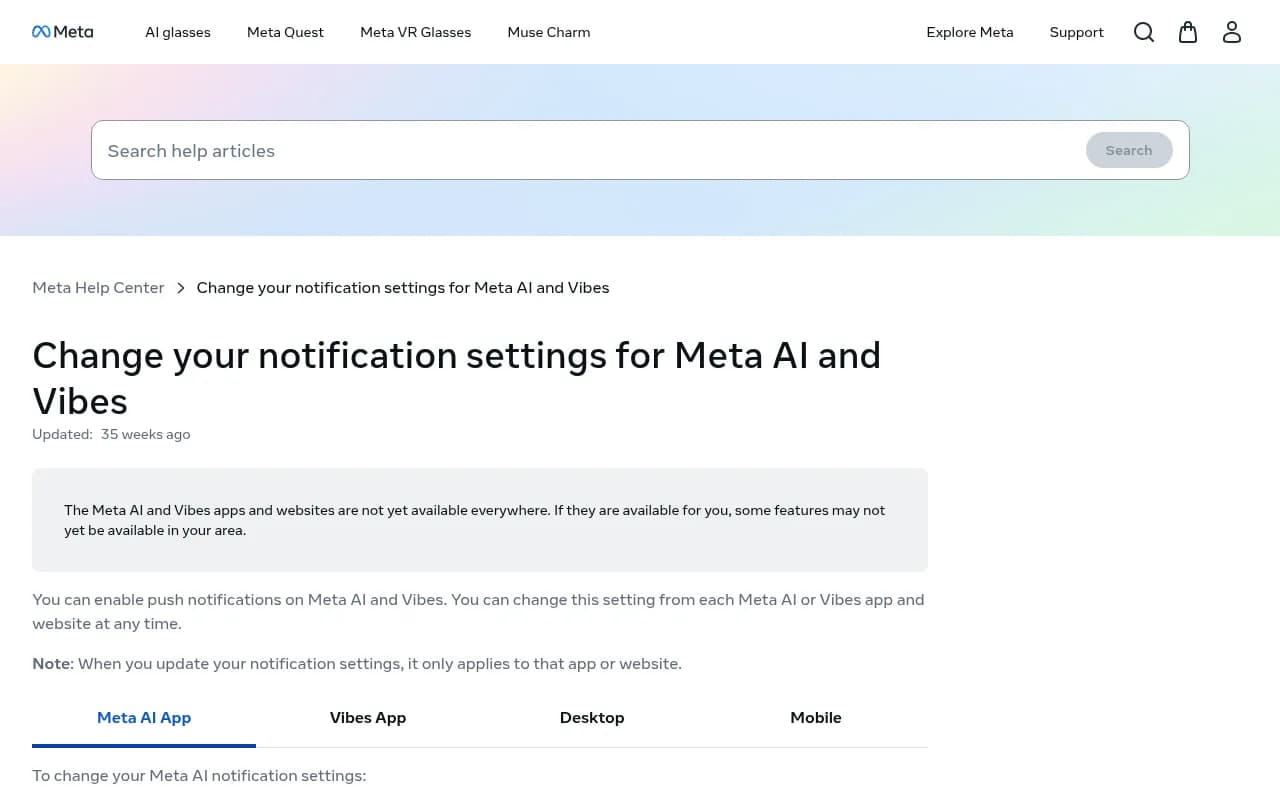
That is useful if you want to silence the app. It is not a brand monitoring feature. These are push notifications for the person using the assistant. Meta's page also notes that the apps are not available everywhere, so availability varies by country.
Alexa and Echo
Amazon's help page is similar. In the Alexa app you open More, then Settings, then Notifications, and pick a feature or service to toggle. Again, this controls what a device owner hears. Plenty of people use these toggles to stop Alexa nagging them about promotions, and there are Facebook group threads full of users trying to do exactly that.
If you landed here searching for a way to get Alexa to send you alerts (the Home Assistant crowd asks this a lot), that is a different problem entirely. This guide is about the brand-visibility version.
Why Alexa changes the stakes
On 1 September 2026 Amazon shipped "Update Me When" inside Alexa for Shopping. According to Azoma's write-up, a shopper registers an interest once, and Alexa then monitors Amazon's catalogue and the wider web and sends a personalised notification when something relevant happens. Amazon's own examples include a favourite brand launching a new product line or a tech company confirming a ship date.
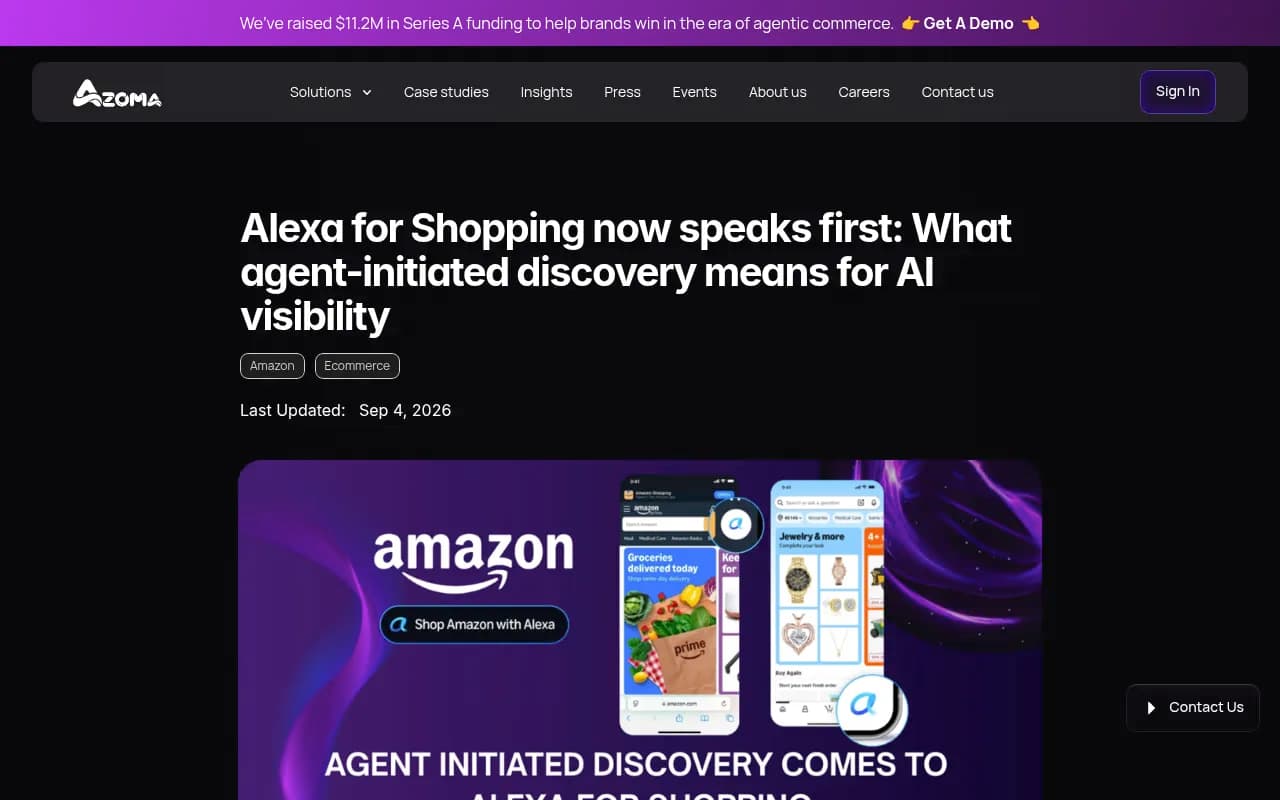
Two things follow. The assistant now speaks first, so the shopper may never type a query where you could have competed. And the alerts go to shoppers, not to you. Azoma sells agentic-commerce services and raised an $11.2M Series A, so read its framing as vendor content. The shipping date and the feature description line up with Amazon's own announcement, though.
The practical read: if a rival is the brand Alexa watches for, they get the notification slot. You find out only by checking.
What counts as a competitor alert
Before building anything, decide what should trigger it. Vendor guides on this topic (for example the one from therankmasters.com, which I did not verify in depth) list several alert types. The ones I would actually keep:
- A competitor appears in answers where you used to be the only name.
- You are still mentioned, but a competitor moves above you as the top recommendation.
- Your share of mentions across a prompt set drops by more than a set threshold week over week.
- A new brand you have never tracked starts showing up repeatedly.
- The category framing changes, so AI describes your market in adjacent terms you do not own.
- Sentiment toward you shifts while a rival's holds steady.
Pick two or three. Alerting on everything produces a dashboard nobody opens.
Build the alert system in five steps
1. Write a fixed prompt set
Start with 30 to 50 prompts that real buyers would ask. Mix three types: category prompts ("best running shoes for flat feet"), brand-specific prompts, and competitor comparison prompts. For Alexa, include shopping-style requests. For Meta AI, include conversational, social-flavoured questions, since that is how people use it.
Keep the set stable. If you change prompts every week, you cannot tell a real shift from your own edits.
2. Run it against the real interface
This is where most DIY setups fail. Answers from an assistant's actual app can differ from what its API returns, and Meta AI and Alexa are consumer products with no public "ask this question" endpoint worth trusting. A tool that scrapes only API models will miss what shoppers see.
You can do this by hand for a small set: open the Meta AI app or ask an Echo device, log the answer, repeat weekly. It works up to a point, and then it becomes a part-time job.
3. Record position, not just presence
Being mentioned is a weak signal. Record whether you are first, third, or absent, and who is first. The "competitor overtakes you" alert only works if position is stored.
4. Set thresholds
A simple rule set:
- Alert when a tracked competitor's mention rate rises 10 points over a two-week window.
- Alert when you lose the top slot on any of your ten most commercial prompts.
- Alert when a never-seen brand appears in more than 5% of answers in a topic.
Tune from there. These numbers are starting points, not benchmarks.
5. Route it somewhere people look
Slack, email, or a weekly digest. If you want to wire up your own pipeline from raw data, workflow tools like Zapier or n8n can push a message when a number crosses a line.
Use crawler logs as an early warning, especially for Meta
There is a second signal that does not depend on prompts at all. Promptwatch Data tracked Meta-WebIndexer rising from roughly 2.2% of tracked AI crawler requests in mid-July 2026 to 37.8% on 9 August 2026. That made it the heaviest AI crawler in the logs, about one in three requests, up from about one in fifty.
The report ties this to talk that Meta is building its own search index so Meta AI does not lean on Google or Bing. The source for that is an unverified tweet, and the report says "allegedly", so hold it loosely. What is solid is the crawl surge itself, and that it came from the indexing crawler, not Meta's training or link-fetching bots.
Why it matters for alerts: whether Meta AI can cite you may depend on whether your pages were crawled during that build-out. The report suggests checking server logs and robots.txt for Meta-WebIndexer, Meta-ExternalAgent, Meta-ExternalFetcher and FacebookBot. A block you did not know about would quietly hand the recommendation to someone else.
For context across vendors, Promptwatch's AI crawler traffic data (verified requests, 8 June to 6 September 2026) shows OpenAI at 79.8% of requests in the week of 31 August to 6 September, down from 94.8% in early June. The advice there is practical: compare your own logs to that mix. A provider that is large in the chart but near zero in your logs suggests you are blocked.
Set a log alert for any of those Meta user agents going from steady to zero, or from zero to heavy. Both are worth a look.
Tools that can do the monitoring
Coverage is the thing to verify. Plenty of AI visibility trackers monitor ChatGPT, Perplexity, and Google AI Overviews. Far fewer say anything about Meta AI or Alexa. I did not find public pricing or confirmed Meta AI and Alexa support for most of the tools below, so ask each vendor directly before committing.
Promptwatch is the one I would start with for this use case. It tracks Meta AI and Amazon Alexa through their real user interfaces, including Alexa product results, alongside ChatGPT, Gemini, Perplexity, Google AI Overviews and AI Mode, and Copilot. Monitors run daily, competitors are auto-discovered, and its Share of Voice and position metrics map onto the alert rules above. Its IP-verified crawler logs also cover the Meta crawlers mentioned earlier, so the early-warning signal and the answer-level signal sit in one place. Agent Chat can deliver scheduled briefings into Slack, and the Action Board turns a lost position into a to-do. Paid plans start at $95 a month (Essential), and the free Explore plan covers ChatGPT only, so you need a paid plan for Meta AI and Alexa. Confirm at promptwatch.com/pricing.

Other tools in the catalog worth checking for alerting and breadth:




| Tool | Positioning | Alerting angle | Verify before buying |
|---|---|---|---|
| Promptwatch | End-to-end AI visibility and optimization | Daily monitors, Slack briefings, Action Board, crawler logs | Plan needed for all models |
| Waikay.io | Real-time AI mention monitoring and alerts | Alerts are the main pitch | Meta AI and Alexa coverage |
| Profound | Enterprise AI visibility | Competitive monitoring | Pricing, assistant coverage |
| Otterly.AI | Affordable tracking | Prompt tracking | Crawler logs, assistant coverage |
| Peec AI | Monitoring without optimization | Prompt tracking | Assistant coverage |
| AthenaHQ | Visibility across 8+ AI engines | Tracking and optimization | Meta AI and Alexa support |
| LLM Pulse | Visibility across ChatGPT, Perplexity and others | Tracking | Meta AI and Alexa support |
If you want to compare more options, the GEO software directory at bestgeosoftware.com lists a wider set.
A cheaper adjunct for the brand-mention side: general social listening tools such as Brand24 or Meltwater catch what people say about you on social and the web. They do not read assistant answers, so treat them as a complement, not a replacement.
What to do when an alert fires
An alert is only worth having if you know the next move. When a competitor takes the top slot:
- Confirm it. Re-run the prompt a few times and from a couple of locations. Assistant answers vary.
- Find the sources. Which pages is the assistant leaning on? If a competitor's product page or a third-party review is the source, that tells you what to match.
- Check your own access. Look at crawler logs and robots.txt for blocks, especially Meta's user agents.
- Close the content gap. Publish or refresh the page that answers the prompt better than the one being cited. For product-led queries, remember that Promptwatch's citation share by content type data (28 September to 4 October 2026) found product pages were the most cited type in ChatGPT at 22.4%. That is a ChatGPT figure, not Meta or Alexa, so use it as a hint, not a rule.
- Re-measure after a couple of weeks and see if the position moved.
For agencies that want this run for clients, 1001 SEO Media offers GEO and AI search services built on Promptwatch.
Limits to be honest about
- Meta AI and Alexa availability differs by country. Meta says as much on its help page, so your prompt results may not match what a shopper elsewhere sees.
- Personalisation. Alexa's "Update Me When" is built around individual interests, so no single answer is the answer. You are measuring a distribution, not a fixed ranking.
- No official brand-side tooling. If Meta or Amazon ships one, use it. Until then, third-party monitoring is the only option I could find.
- Vendor claims. Several sources here are vendors writing about their own category. Check their claims against a trial.
Checklist
- Build a 30 to 50 prompt set across category, brand, and comparison prompts.
- Choose a tool that reads the real Meta AI and Alexa interfaces, and ask for proof.
- Store position and competitor names, not only mentions.
- Set two or three thresholds and route them to Slack or email.
- Watch Meta-WebIndexer and related user agents in your server logs.
- Review alerts weekly and act on the top three.
Start with the free AI Visibility Report or a trial, run your ten most commercial prompts, and see who the assistants name today. That baseline is what every later alert compares against.