Key takeaways
- Slack, Notion, and Zapier each solve a different part of the problem. Slack is where people ask questions, Notion is where answers live, and Zapier moves data between them and everything else.
- Perplexity's Slack Connector needs no paid Slack plan, but its permission scope is broad (DMs, sending messages as you). Clear it with IT first.
- Notion's full AI is bundled into the Business plan at $20 per member per month billed annually, but agents run on a separate credit system, so budgets can creep past $20 per seat.
- Zapier is rule-based glue. AI steps cost up to 5x by model tier since June 15, 2026, and one MCP tool call uses two tasks, so price a workflow before you scale it.
- "AI search" means two things for marketers: tools that search for answers, and tools that show whether AI engines mention your brand. You need a plan for both.
Two meanings of AI search for marketing teams
When a marketing lead says "we need AI search in Slack," they usually mean one of two things. The first is an internal one: ask a question in a channel and get an answer pulled from campaign docs, past threads, and the open web. The second is external: find out what ChatGPT, Perplexity, and Google AI Overviews say about your brand, then pipe that into the places your team already works.
Most guides cover only the first. This one covers both, because the integrations overlap. The same Slack channel that receives a Perplexity answer can receive a weekly AI visibility digest. The same Notion database that holds your content calendar can hold the gaps your tracker finds.
A quick note on scope. I am not going to rank every tool in the catalog. The goal is a working setup for a team of 3 to 30 people, with honest notes on where costs and permissions bite.
The three-layer model
Think of the stack in layers, because it keeps you from buying three tools that do the same job.
| Layer | Tool | Job | Where it hurts |
|---|---|---|---|
| Conversation | Slack (Slackbot, Slack AI) | Ask, summarize, notify | Context limited to what is in Slack unless connected |
| Knowledge | Notion AI | Docs, databases, enterprise search | Agent credit costs on top of seat price |
| Orchestration | Zapier | Trigger and action between apps | Task metering, AI step multipliers |
| Research | Perplexity | Cited answers from the web | Broad Slack permissions on the Connector |
Slack's own roundup of AI automation tools lists Slackbot as the option that uses your workspace (based on your permissions) to understand context, which makes it more accurate than a generic assistant. Notion is positioned there as the knowledge automation pick, and Zapier as the best for integrations. That matches how most teams end up using them.
Perplexity in Slack
Perplexity is the most common answer engine teams bolt onto Slack, and it is worth understanding that there are two separate things with similar names.
Perplexity
Per Perplexity's Help Center, the Slack Connector and the Slack App are different. The Connector needs no paid Slack plan. The App does. The Connector is available on Perplexity Pro ($20/month), Max ($200/month), Enterprise Pro ($40 per seat per month) and Enterprise Max ($325 per seat per month), with annual pricing a little lower.
What the Connector can touch
This is the part I would slow down on. The Connector's permissions include viewing and searching messages in public channels, private channels, DMs and group DMs, searching files, accessing canvases, viewing user emails, sending messages on your behalf, and creating, editing and removing canvases. It respects your Slack permissions, so it can only reach what you can already reach. Perplexity cites SOC 2 Type II certification.
That is reasonable on paper. In practice, "sending messages on your behalf" and DM access make a lot of security teams uncomfortable. Before a rollout, ask IT to review the scope, and decide whether marketing really needs DM search or just channel search.
Good prompts for a marketing team
- "Summarize what we decided about the Q4 launch messaging in #campaign-q4 and compare with what competitors say publicly."
- "Find every thread where we discussed the pricing page headline and list the objections."
- "What are the top sources people cite when comparing us to [competitor]?"
That last one blends internal context with web research, which is the real advantage over a plain Slack search.
Notion AI and enterprise search
Notion is where most marketing teams keep briefs, content calendars, and brand guidelines, so its AI is the natural place to search across them.
Pricing, as reported by third parties and Notion's own pricing page, works like this:
| Plan | Price | AI included |
|---|---|---|
| Free | $0 | Limited AI trial |
| Plus | $10 per seat | Limited AI trial |
| Business | $20 per member per month (annual) | Notion Agent, AI Meeting Notes, Enterprise Search |
| Enterprise | Custom | Adds zero data retention with LLM providers, SCIM, audit logs |
The standalone AI add-on was discontinued, which simplifies things. Notion's help page says Enterprise Search is available on Business and Enterprise plans. Third-party sources label it beta on Business, and say it searches connected tools including Slack, GitHub, Jira, Box, OneDrive, Salesforce and Asana. Verify the current status on Notion's pricing page before you commit.
The credit trap
Custom Agents and Workers run on a separate credit system at $10 per 1,000 credits a month, with no rollover. Workers is free in beta and starts using credits in mid-October, according to GoSearch. So the headline $20 per seat is a floor. If you plan to run agents that summarize competitor pages every morning, estimate the credits first. I would start with one agent, watch usage for a month, then expand.
Notion plus Slack
Notion's pricing page lists a Slack integration that sends information from Notion to Slack and vice versa. Zapier's Slack apps roundup describes the Notion app as giving link previews, @mention notifications and database change alerts. For a content team, that means a status change in the content calendar can post to #content, and a pasted Notion link unfurls with context. Small thing, but it saves a lot of "where is that doc" messages.
There is also a Notion AI for Slack option that, according to ClearFeed's roundup, searches both Slack messages and Notion docs in one query. That is the closest thing to unified internal search without buying a separate enterprise search product.
Zapier as the connective layer
Zapier connects 9,000+ apps and has moved toward what it calls the agentic era, with Zapier MCP letting you build in Claude, ChatGPT, or Cursor and then run the workflow on Zapier.
Zapier's own productivity roundup uses a Notion example: when a new task is added in Asana, Notion AI drafts a project brief and alerts the team in Slack when it is ready for review. Zapier also has Perplexity integration pages and Perplexity-to-Notion pages, which is the combination marketing teams ask about most.
Pricing reality
From the Viktor comparison (a vendor blog, so read with care): Free is 100 tasks a month, Professional starts at $19.99 a month, and Team starts at $69 a month with 25 users and SAML SSO, with pricing checked in October 2026. AI steps cost up to 5x depending on model tier since June 15, 2026, and one MCP tool call uses two tasks. A Capterra reviewer on September 10, 2026 put it plainly: a five-step Zap uses five tasks every time it fires. An Activepieces comparison puts Zapier plans from $0 to $103.50, but that is third-party, so check Zapier's pricing page.
Zapier's security FAQ states: "We don't train on the data that runs through your workflows, on any plan."
The takeaway: Zapier is cheap for a fixed handoff, like a form fill creating a CRM contact and a Slack message. It gets expensive when you put AI steps inside high-frequency triggers. Build the trigger filter first, the AI step second.
Alternatives
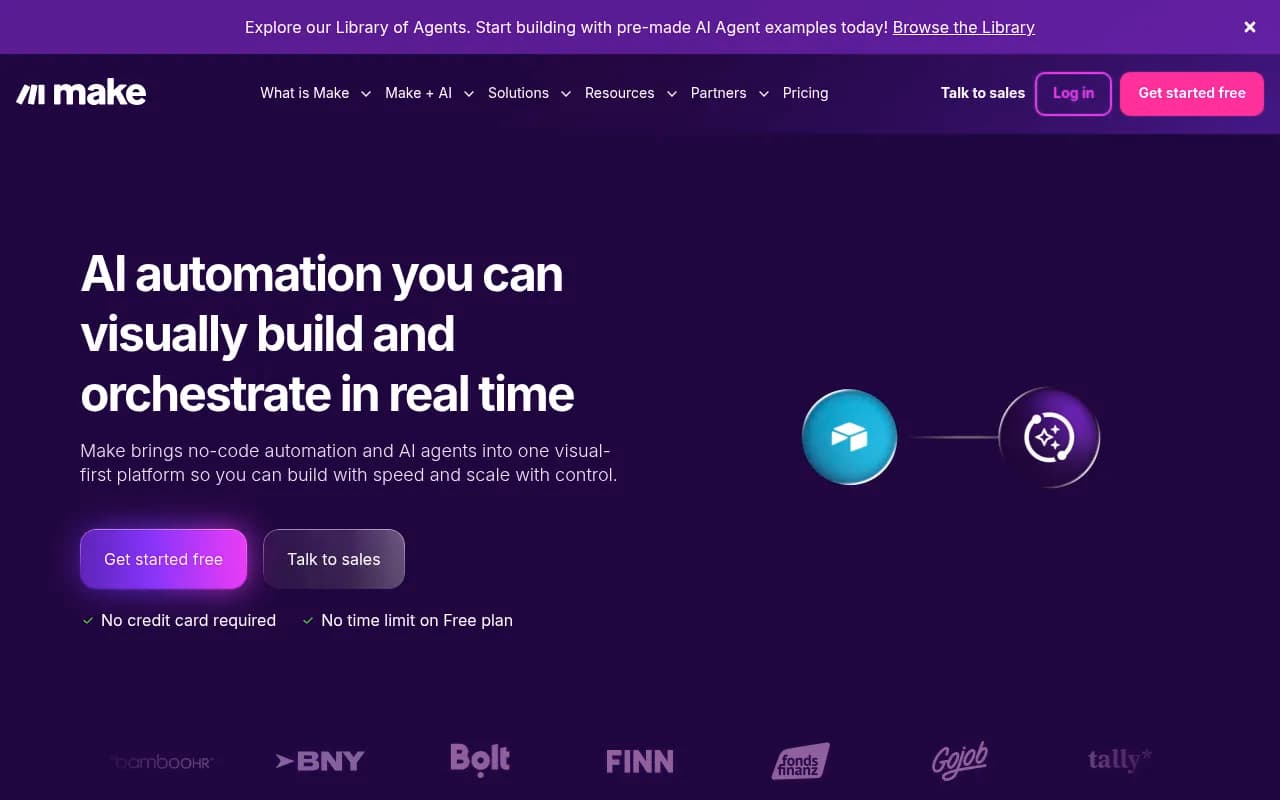
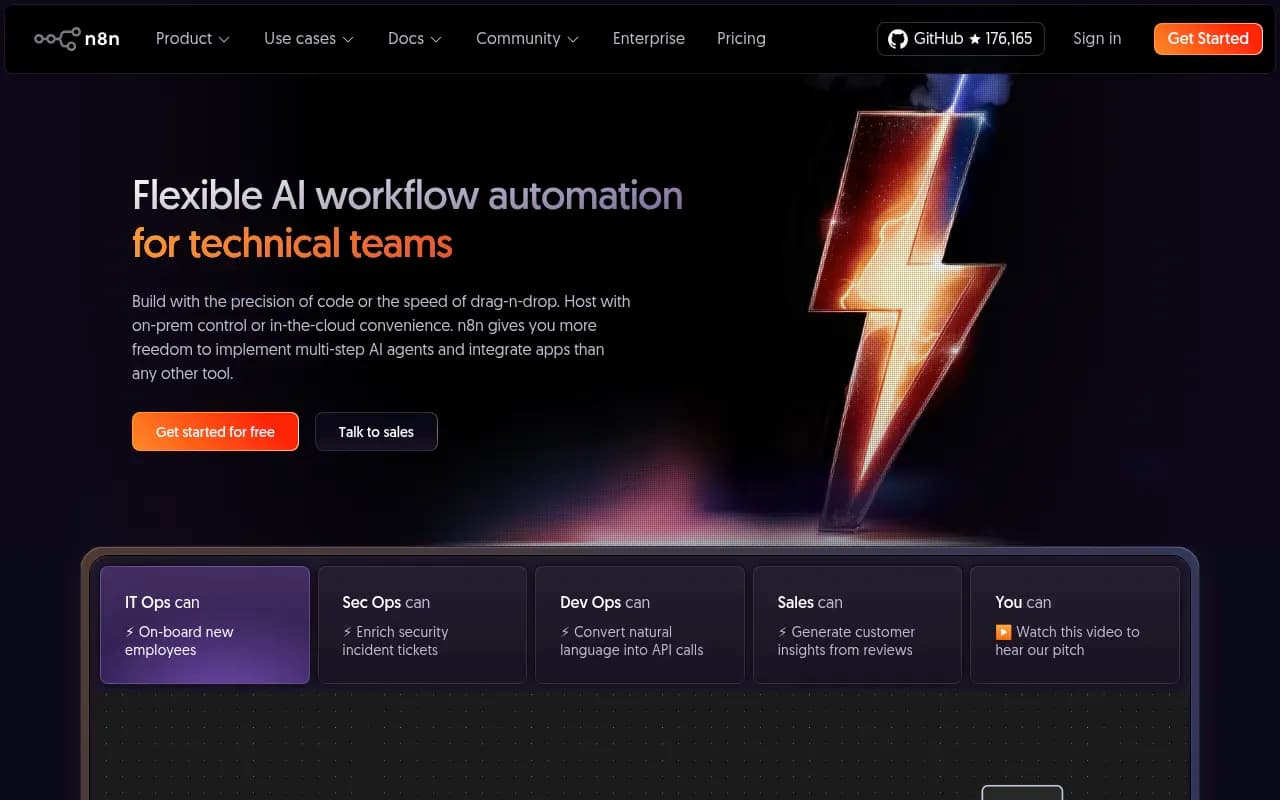
If task metering bothers you, Make and n8n are the usual alternatives. n8n is open source and suits teams with an engineer on hand.
Three workflows worth building
1. Daily competitor digest in Slack
Trigger: a schedule at 8 a.m. Action: send a Perplexity query asking what competitors announced in the last 24 hours. Action: post the answer to #competitive-intel. Action: append the answer to a Notion database for searchable history. That is four steps, so about four tasks per run, roughly 120 a month. Fine on a paid plan, too much for Free.
2. Content brief from a request
Trigger: a new row in a Notion content-requests database. Action: Notion AI drafts the brief from your brand guidelines page. Action: Slack message to the editor with the link. This is the Asana example from Zapier's roundup, adapted. Keep a human review step. Briefs written without one drift off brand surprisingly fast.
3. Weekly AI visibility report
Trigger: schedule on Monday. Action: pull your AI visibility numbers from your tracker via API or scheduled export. Action: post a summary to #marketing and create Notion tasks for the biggest gaps. This one needs a tracker that actually exposes data, which brings us to the second meaning of AI search.
Tracking how AI search talks about your brand
Perplexity answering questions inside Slack is internal research. Whether ChatGPT recommends you to a buyer is a different problem, and it deserves its own tooling.
Citation behavior varies by engine, which matters when you pipe answers into a team channel. According to Promptwatch's Average Sources Per Response report (published September 23, 2025), ChatGPT cites about 5 sources per web-search answer, while Google AI Overviews and Perplexity cite about 10. Copilot swung from under 2 to nearly 17 within weeks before settling low. You can read the full numbers in Promptwatch's average sources per response data. If your Zapier flow forwards citations to Slack, expect very different list lengths depending on the engine.
Sources also shift over time. In Promptwatch Data, reddit.com's share of ChatGPT citations fell from roughly 4% to 0.5% on August 14, 2026 (report), and from Sep 28 to Oct 4, 2026 ChatGPT drew only 0.46% of citations from social platforms while Google AI Overviews drew 12.2% (report). A tracker that alerts your team when these patterns move is more useful than a quarterly deck.
Where trackers fit in the stack
Promptwatch is the tool 1001 SEO Media uses for this. It tracks real-UI answers across ChatGPT, Google AI Overviews, Perplexity, Gemini and others, includes a Slack integration for chatting with your data and scheduled briefings, and has a hosted MCP server and REST API that make Zapier-style automation possible. Its Action Board turns gaps into tasks, which maps neatly onto a Notion task database.

Other options in the same category differ mostly in depth. Otterly.AI and Peec AI are lighter monitoring tools. Profound is an enterprise option. Semrush adds AI tracking to an SEO suite, though its Slack support is notifications only according to Viktor's comparison.


For a wider view of the category, the GEO software directory at bestgeosoftware.com lists far more options than I can cover here.
Other marketing tools with Slack support
A few more worth knowing, since your team probably uses at least one:
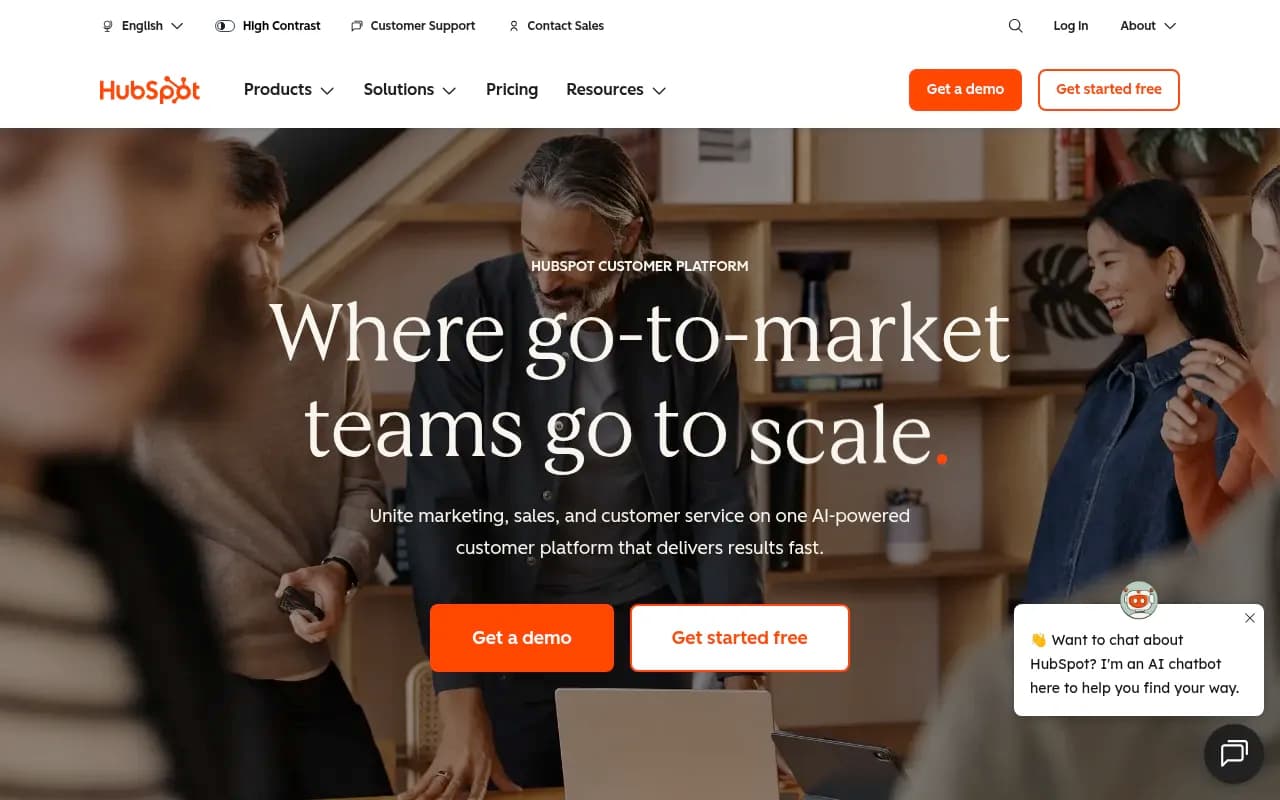
- HubSpot Breeze Assistant in Slack searches, summarizes, and creates or updates CRM records after confirmation. Zapier can also connect HubSpot to log ad leads and notify sales in Slack.
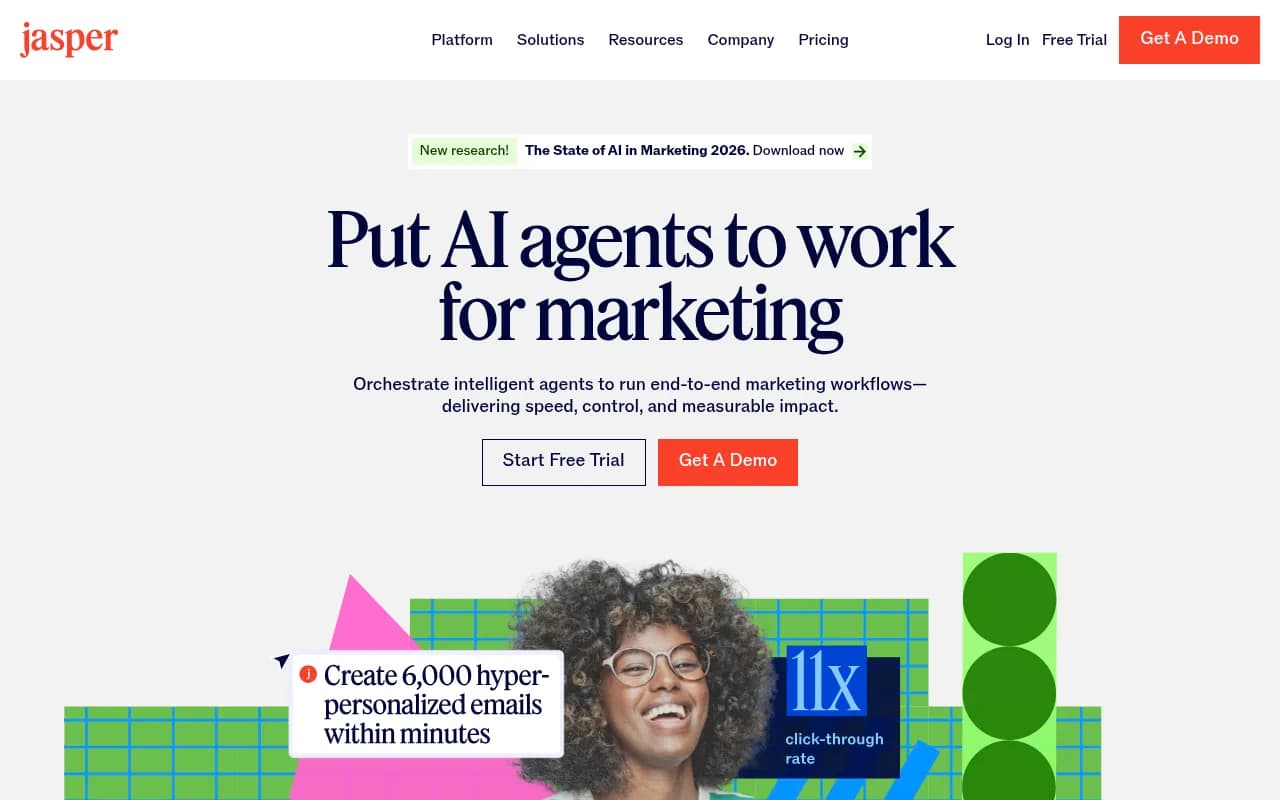
- Jasper's Slack App needs a Business plan with API access, and the pages Viktor retrieved document no Microsoft Teams app.
- Supermetrics lets Slackbot answer questions about spend, clicks, conversions or ROAS.
Comparison: which tool for which job
| Need | Best fit | Slack | Notion | Watch out for |
|---|---|---|---|---|
| Cited web research in chat | Perplexity | Connector or App | Via Zapier | Broad permissions |
| Search across docs and chats | Notion AI Enterprise Search | Connected | Native | Beta label, credits |
| Fixed handoffs between apps | Zapier | Native app | Native app | Task metering |
| Open-source automation | n8n | Yes | Yes | Needs technical owner |
| AI visibility tracking | Promptwatch | Briefings and chat | Via API, MCP or Zapier | Plan limits |
| CRM updates in chat | HubSpot Breeze | Yes | Via Zapier | Needs HubSpot |
Rollout checklist
- Decide which meaning of AI search you are solving first. Do not buy for both at once.
- Audit permissions. List what each connector can read and write, and have IT sign off.
- Price the workflow, not the tool. Count steps times runs per month, and multiply AI steps by the tier cost.
- Start with one channel and one Notion database. A pilot with a single team beats a company-wide launch.
- Add a human review step wherever output is published or sent to a customer.
- Revisit after 30 days. Check Notion credit use, Zapier task use, and whether anyone actually reads the Slack digests.
What I would do
For a small marketing team, I would turn on Notion AI Business, connect Slack, build one Zapier competitor digest, and add an AI visibility tracker with a weekly Slack briefing. Skip agents until the basics prove useful. The costs that surprise people are credits and tasks, not seat prices, so watch those two numbers and the rest mostly takes care of itself.
If you want hands-on help with the AI search side, 1001 SEO Media runs GEO and content programs for teams that would rather not build this stack alone. Confirm all plan prices on each vendor's pricing page before buying, since several of the figures above come from third-party sources.