Key takeaways
- A prompt library for AI search research is a structured sample of the buyer journeys you care about, not a pile of interesting questions or a tool's default prompt set.
- Tag every prompt with intent, journey stage, persona, market, and priority. Without tags, you can't tell whether a visibility drop is a coverage problem or a reputation problem.
- Keep a stable core set for trend lines, and a separate experimental set for testing new ideas. Mixing them ruins your baselines.
- Prompts are not what AI engines search for. Cover the sub-intents (X vs Y, pricing, alternatives, how-to) that ChatGPT's fan-out searches actually use.
- Assign an owner, review quarterly, and map each finding to an action. A library that only produces reports is a dashboard, not a research system.
Why most marketing prompt libraries fail
There are two things called a "prompt library" in marketing right now, and people mix them up constantly.
The first is a shared folder of prompts your team feeds to AI to write emails, briefs, and social posts. That is a productivity asset. The second is a set of prompts you run against AI search engines to measure whether your brand shows up in the answers. That is a research asset.
This guide is mostly about the second one, with a short detour into the first, because the best marketing teams eventually need both and the governance habits overlap.
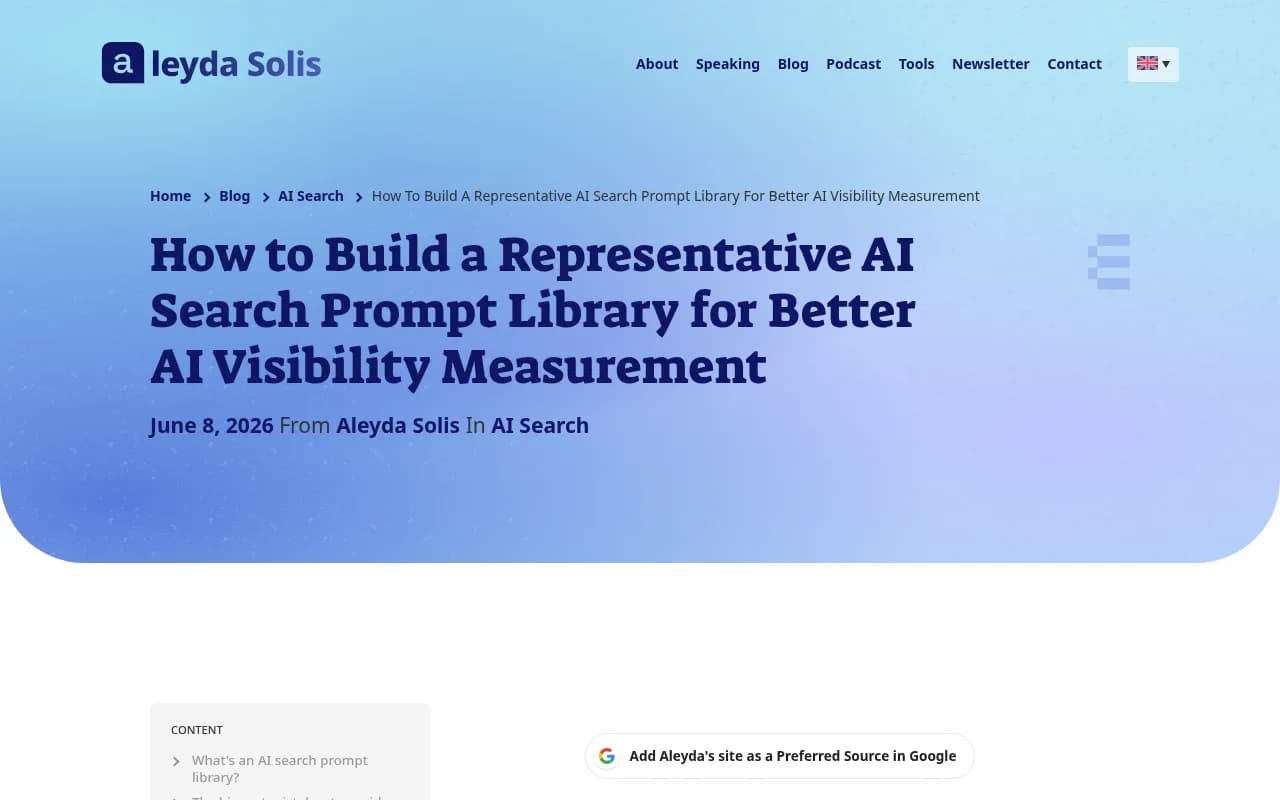
The failure mode for the research kind is almost always the same. Someone brainstorms 40 prompts in a meeting, loads them into a tracker, and calls it a baseline. Then the dashboard looks fine while quietly pointing at the wrong priorities. Aleyda Solis puts it well in her guide on building a representative AI search prompt library: if the set over-represents generic discovery prompts, ignores product lines, misses local competitors, or only tracks branded questions, the visibility numbers can look useful while misleading you.
The goal is not to track every possible prompt. It is to build a defensible sample of the AI-assisted journeys that matter to the business.
Two libraries, one operating model
Before building anything, decide which library you are building. Most teams need both.
| Production prompt library | AI search research library | |
|---|---|---|
| Purpose | Get work done faster (drafts, briefs, analysis) | Measure brand visibility in AI answers |
| Who uses it | Writers, marketers, analysts | SEO, brand, and content leads |
| Prompt is | An instruction to an AI | A question a buyer would ask an AI |
| Output | Content and analysis | Mentions, citations, positions, sentiment |
| Review cadence | Quarterly | Monthly checks, quarterly refresh |
| Failure mode | Generic, off-brand output | Non-representative sample |
The monday.com guide to 40 AI prompts for marketing teams covers the production side well. Its advice to organize prompts by workflow, assign owners, and update quarterly applies equally to the research library.
Step 1: Define what the library must represent
This is where projects go wrong. People start brainstorming prompts instead of clarifying what the prompt set needs to cover. Spend an hour on this and the rest gets easier.
Write down five things:
- Business areas. Product lines, services, or categories you actually want revenue from. Not the whole company, the parts that matter.
- Audiences. Personas with different needs. A small agency and an enterprise in-house team ask very different questions.
- Markets and languages. Countries, regions, and languages. AI answers differ by location, and local competitors only show up if you test locally.
- Journey stages. Problem-solving, discovery, comparison, alternatives, validation, purchase.
- Decisions and constraints. Budget, integrations, compliance, team size. Buyers add these to prompts all the time.
If you can't say which of these a prompt covers, it probably doesn't belong in the library.
Step 2: Start with a minimum viable library
Don't build 500 prompts. A workable starting shape, adapted from the minimum viable library idea in Prompt Builder's business guide, looks like this:
- One core team with enough repeat work to learn quickly
- Three to five workflows or product areas that matter every week
- One owner who can reject low-value prompts
- A small metadata standard
For a research library, I would start at 50 to 150 prompts for a single brand with a few product lines. That is enough to see patterns. It is also small enough that someone will actually read the results.
Step 3: The 2026 template
Here is the column structure I recommend. It extends the sample in Solis's workbook with a few fields that marketing teams tend to need.
| Field | What goes in it | Example |
|---|---|---|
| Prompt ID | Short code: brand, group, number | ACME-COMP-004 |
| Prompt | The exact text a buyer would type | Acme vs Google Alerts for finding PR ideas |
| Prompt group | Product or topic cluster | Competitor comparison |
| Journey stage | Where the buyer is | Comparison |
| Persona | Who is asking | Digital PR agency |
| Market / language | Country and language | UK / English |
| Prompt type | Organic, brand-specific, competitor comparison | Brand vs alternative |
| Business priority | High, medium, low | High |
| Platforms | Where you test it | ChatGPT, AI Mode, Perplexity |
| What it measures | The question this prompt answers | Does AI understand how we differ from simpler tools? |
| Owner | Who acts on the findings | Content lead |
| Status | Core, experimental, retired | Core |
| Last reviewed | Date | 2026-10-31 |
The "What it measures" column is the one most teams skip, and it is the most useful. If you can't write one sentence about what a prompt tells you, delete it.
Prompt ID conventions
Keep IDs boring. Brand code, group code, running number. When someone asks six months later why a prompt was dropped, you want a stable identifier to point at.
Writing the prompts themselves
Write them the way buyers talk, including the constraints. "Best CRM" is a weak prompt. "Best CRM for a 20-person B2B agency that needs HubSpot integration" is a better one, because real users add context and AI engines respond to it.
A decent split for most libraries:
- About half non-branded discovery and use-case prompts
- A quarter comparison and alternatives prompts
- A fifth branded prompts (reputation, pricing, reviews)
- The rest source-discovery prompts, such as which sources help teams do X
That split is a starting point, not a rule. A challenger brand with low awareness should weight toward non-branded discovery. A well-known brand should lean harder on branded and comparison prompts because that is where misrepresentation happens.
Step 4: Tag by intent, because intent changes what gets cited
This is the tag I would fight hardest for. Promptwatch Data's ChatGPT citation share by content type report (Sep 28 to Oct 4, 2026) shows that different intents pull very different content mixes:
| Prompt intent | Top cited content types |
|---|---|
| Commercial | Product pages 26.0%, landing pages 20.6%, listicles 15.0%, comparisons 7.9% |
| Informational | Product pages 19.1%, landing pages 13.9%, listicles 13.6%, how-tos 10.7% |
| Branded | Product pages 23.3%, landing pages 22.8%, reviews 5.6%, FAQ 4.8% |
Overall, product pages were 22.4% of ChatGPT citations in that week. But if you blend all your prompts into one average, you will miss that a commercial prompt needs a different content fix than a branded one. Report per intent.
Step 5: Cover fan-out sub-intents, not just the typed prompt
The prompt a user types is not what ChatGPT searches for. Promptwatch Data's ChatGPT query fanouts page shows the average number of web searches per response drifting between roughly 2.15 in early December and 1.84 by early March, with average query length falling from about 117 characters to the high 80s, then to about 53 characters (six to eight words) in April. The numbers move, and the page itself notes a single prompt can trigger more searches in some cases, so treat any single figure with caution.
The practical takeaway for your library: the engine is breaking a prompt into short searches like "X vs Y", "X pricing", "X alternatives", and "how to do Z". Your prompt set should include prompts that exercise each of those sub-intents, so you can see whether you have content that matches them.
Something else changed in 2026. Promptwatch's data shows that on August 8, 2026, ChatGPT started using the site: operator at scale, going from about 0.4% to about 17% of fan-out queries overnight (see the site: operator report). If your library includes prompts where buyers name a specific vendor, that behavior matters for how often your own domain gets searched directly.
Step 6: Test each platform separately
Don't average across engines. Citation behavior differs. According to Promptwatch Data's average sources per response report (September 2025 data), ChatGPT cited about 5 sources per web-search answer, Google AI Overviews about 10, and Perplexity almost exactly 10 every day, while Copilot swung from under 2 to nearly 17 within weeks. That page is older, so check current numbers, but the pattern holds: citation slots differ by engine, and Perplexity tends to be the steadiest test bench.
In practice, log each prompt per platform and per market. Tracking a prompt only in ChatGPT in the US tells you very little about a UK audience on Google AI Mode.
Step 7: Choose a tracking tool
Running 100 prompts across four engines in three markets by hand is a nightmare. You will need a tracker. A few worth considering, grouped by what they do best:
Promptwatch is the one I'd start with if you want the library to lead to action. It tracks real UI responses across ChatGPT, Google AI Overviews, AI Mode, Gemini, Perplexity, and more, shows prompt volumes and difficulty, and its Action Board and Content Agent turn gaps into work. It also logs AI crawler visits, so you can see whether engines can read your pages in the first place.

If you want to compare, the tools below sit at different price and depth points.



| Tool | Strength | Consider if |
|---|---|---|
| Promptwatch | Tracking plus crawler logs, traffic attribution, and content actions | You want the library to drive fixes, not just reports |
| Otterly.AI | Affordable monitoring | You need basic tracking on a tight budget |
| Peec AI | Clean monitoring | You only need visibility reporting |
| Profound | Enterprise monitoring | You have enterprise budget and procurement |
| AthenaHQ | Visibility tracking across several engines | You want monitoring with some optimization advice |
For more options, the GEO software directory at bestgeosoftware.com lists a much wider range of trackers.
Step 8: Organize the production prompt library too
If your team also uses AI to produce work, set up the second library with the same discipline. A shared Notion page or workspace is enough to start.
The monday.com guide recommends five components in every marketing prompt: role, audience context, constraints and format, success criteria, plus the task itself. That is a solid skeleton. A template row for the production library:
| Field | Example |
|---|---|
| Title | Competitor gap content brief |
| Workflow | SEO strategy |
| Owner | SEO lead |
| Model fit | ChatGPT, Claude |
| Inputs | Competitor domains, our sitemap |
| Output format | Table, top 5 priorities |
| Approval status | Approved |
| Last tested | Date |
One rule from experience: prompts without an owner decay. Within a quarter, nobody remembers which version was good.
Step 9: Turn findings into actions
A library that only reports is wasted effort. For each recurring pattern in the results, map it to an owner and a validation method.
| Symptom | Likely problem | Action | Validate by |
|---|---|---|---|
| Low share of voice across discovery prompts | Coverage gap | Create or expand pages for those topics | Re-run prompts in 30 days |
| Mentioned late in answers | Prominence problem | Strengthen comparison and listicle presence | Position trend |
| Mentioned but never cited | Content or crawlability issue | Check crawler access, add citable pages | Citation rate per page |
| Weak or inaccurate description | Reputation or accuracy problem | Fix owned copy, earn corroborating third-party mentions | Sentiment and accuracy review |
| Competitor preferred in comparison prompts | Positioning gap | Publish comparison and alternatives content | Comparison prompt visibility |
Content type shelf life matters too. Promptwatch Data's content half-life study found that of pages ChatGPT cited on July 6, 2026, landing pages and docs stayed cited longest, while news lost half its pages within 36 days. If your fix is a news-style post, plan to refresh it.
And mind where your fixes land. Promptwatch's social media citations report shows ChatGPT drew 0.46% of its citations from social platforms from Sep 28 to Oct 4, 2026, while Google AI Overviews drew 12.2%. A Reddit or YouTube strategy might help in one engine and do almost nothing in another. Tag your prompts by platform so you can tell.
Step 10: Governance and refresh
The boring part, but it is where libraries live or die.
- Core vs experimental. Keep a stable core set for recurring tracking, and a separate set for ideas you're testing. If you change the core set every week, you can't compare month to month.
- Owner. One person approves additions and retires prompts.
- Refresh cadence. Review quarterly, and after major events: a product launch, a new competitor, a market entry, or a big AI platform change.
- Retire, don't delete. Mark old prompts as retired with a reason, so you keep history.
- Change log. One line per change. Future you will be grateful.
A 30-day rollout plan
- Week 1. Write down business areas, personas, markets, and journey stages. Pick an owner.
- Week 2. Draft 60 to 100 prompts in the template. Cut anything with no clear "what it measures."
- Week 3. Load into a tracker, run on at least two engines, and review the first results for obvious gaps in the sample.
- Week 4. Map findings to actions on a shared board, assign owners, and schedule the first quarterly refresh.
If your team is stretched, 1001 SEO Media runs this kind of research setup for clients as part of its AI search and GEO work, but you can do the first pass in-house with the template above.
Common mistakes
- Using a tool's default prompts as your library
- Tracking only branded prompts, which flatters you
- Ignoring local competitors and languages
- Blending all intents into one average
- Changing the core set constantly
- Treating visibility as the goal instead of the action it should trigger
The short version
Start small, tag everything, test per platform, and tie every finding to an owner and a check-back date. The template above takes an afternoon to set up. The discipline of reviewing it every quarter is the part that actually makes it useful.