Key takeaways
- Start from your actual Profound invoice and contract, not published prices. Profound's Enterprise pricing is custom-quoted and sources disagree on the lower tiers.
- Frame the decision as three options: stay, renegotiate or repair, or switch. Finance teams trust a case that shows the status quo honestly.
- Price per prompt is a weak comparison. Compare engines, seats, refresh frequency, exports, API and add-ons on the same basis.
- A cheap monitor can cost more than a pricier all-in-one once you add the writing, publishing and reporting work around it.
- Export your history and run a parallel pilot on identical prompts before you cancel anything.
Why a business case, and not just a cheaper quote
Swapping one AI visibility platform for another looks like a small procurement task. It usually isn't. Somebody built dashboards on the old tool, somebody reports its numbers to leadership, and somebody signed a contract with a renewal date. If you walk into that room with "the other one is cheaper," you will get questions you can't answer.
A business case is a structured document that explains why an initiative is worth doing, covering the problem, the options, the costs, the benefits and the risks. Most templates, including Asana's five-element version and Salesforce's guide, follow the same arc. For a platform switch, the most useful structure I found is the one in Unify GTM's template for switching outbound platforms: establish the cost and constraints of what you have now, compare staying, repairing and switching, then build an economic model.
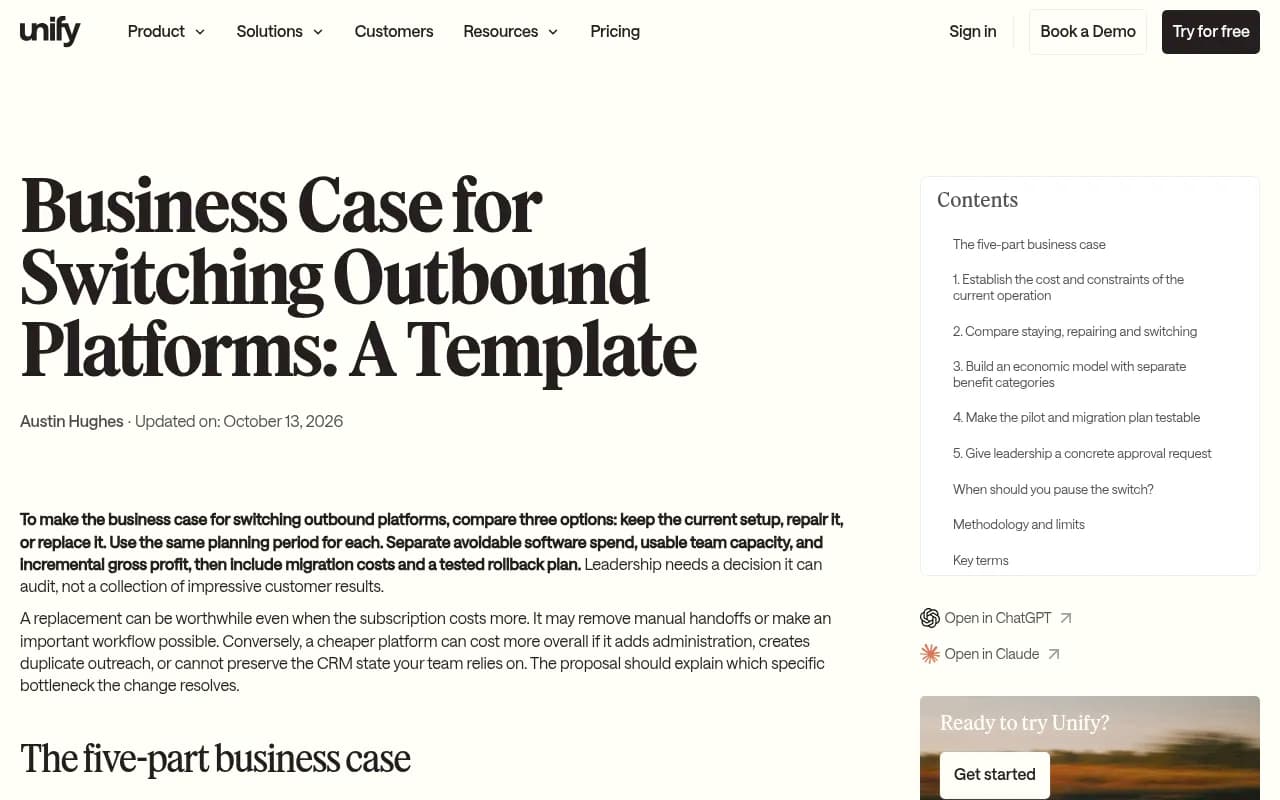
That three-part skeleton is what the rest of this guide adapts to AI visibility tooling.
Step 1: Document what Profound actually costs you
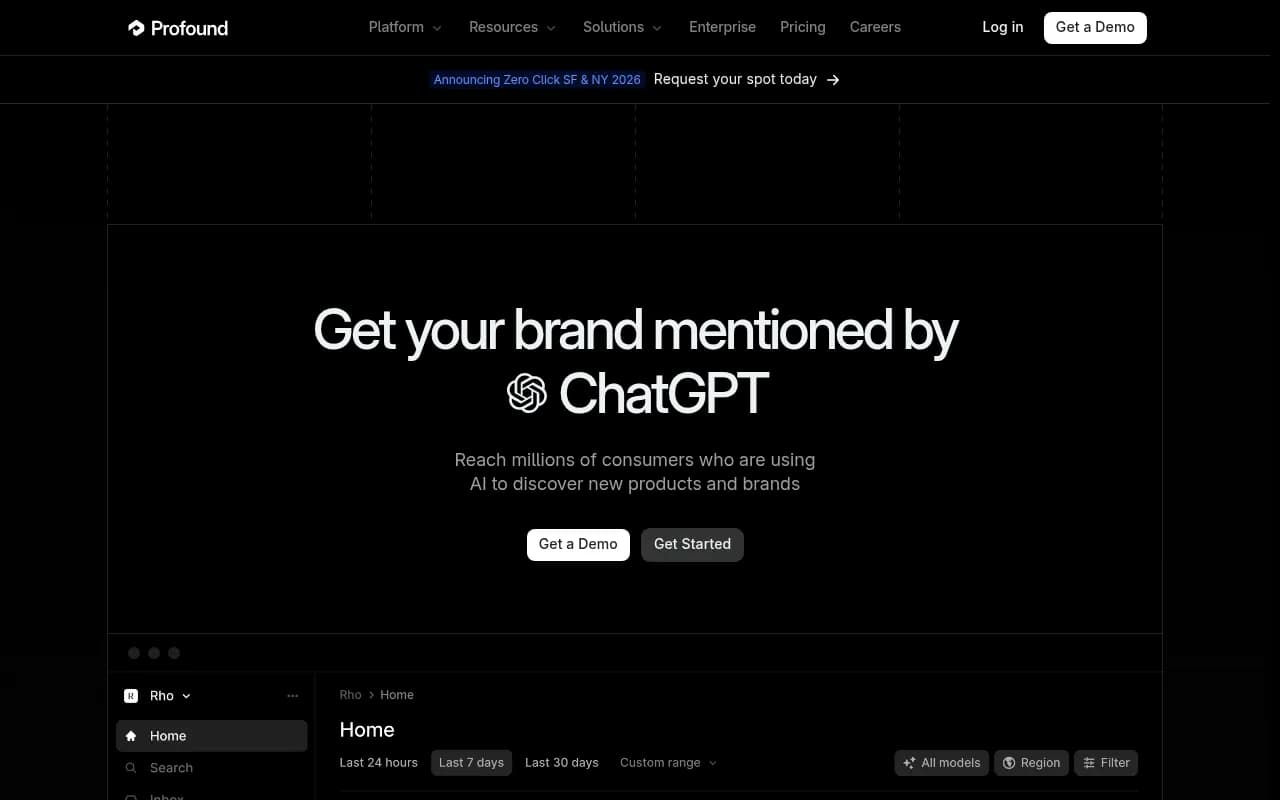
This is the step people skip, and it is where the whole case is won or lost. Profound's public pricing page offers a free 7-day trial and a custom-quoted Enterprise tier. Third-party reviews describe other tiers, but they don't agree with each other.
Here is what the secondhand sources say, so you know what to check against your own paperwork:
- The trial runs 50 prompts daily for 7 days across ChatGPT, Gemini and AI Overviews, with no history, exports, API or support (per a Strategi review).
- Enterprise is described as up to 9 engines, API, CSV/JSON export, all-time history, SSO/SAML, SOC 2, unlimited seats and a 24-hour support SLA.
- Agency Growth is reported at $99/month plus $399/month per client workspace.
- Starter and Growth appear in the in-app checkout, reported at $99/month and $399/month, with the Growth tier working out to about $4,788 a year (per SlateHQ).
- One Reddit commenter claimed older Enterprise pricing started near $1,000/month per brand per country. That is unverified, but it shows how added brands and markets can multiply a bill.
Treat all of that as hearsay. I found no verified Enterprise price range, so pull your own invoice. Then fill in a cost baseline:
| Line item | What to record |
|---|---|
| Annual contract value | Invoice total, including add-ons and overages |
| Contract term and renewal date | Notice period, auto-renew clauses |
| Brands, markets and workspaces | Each one may be billed separately |
| Prompts tracked | Actual count in use, not the plan limit |
| Engines in use | Which ones you actually look at |
| Seats in use | Active users in the last 90 days |
| Features used | Exports, API, crawler data, content workflows |
| Internal hours | Reporting, cleanup, copying data into slides |
The last row matters. If an analyst spends six hours a month rebuilding Profound charts for a board deck, that is a cost. Put a loaded hourly rate on it.
Find the constraints, not just the cost
Price is rarely the only complaint. Engine gating on lower tiers is the most common gripe about Profound, and export limits can be a real obstacle if your team needs raw data. Write down the constraints you hit in the last year: models you couldn't track, exports you couldn't run, seats you had to rationalize. A case built on "we pay too much for features we can't use" is much stronger than "we pay too much."
Step 2: Compare staying, repairing and switching
Finance will ask what happens if you do nothing. Answer it before they do.
Option A: stay as is
Cost is the current contract. Benefit is zero migration risk and continuity of historical data. Risk is paying for capacity you don't use and renewing at whatever price the vendor names.
Option B: repair or renegotiate
Before you switch, ask Profound for a right-sized plan. Drop unused workspaces, cut seats, reduce markets, or negotiate a shorter term. Vendors often discount to avoid churn. This option is also your leverage: a credible switching case with a pilot attached is the best negotiating tool you have. If the renegotiated price closes most of the gap, you may not need to move at all, and saying so makes the rest of your document more believable.
Option C: switch
Cost is the new platform plus migration effort, parallel-run overlap and any retraining. Benefit is lower run-rate cost, and possibly capabilities you lack today. Risk is data loss, reporting disruption and a lower-quality tool.
| Stay | Repair | Switch | |
|---|---|---|---|
| Run-rate cost | Current | Reduced | Lowest, if scoped right |
| One-time cost | None | Negotiation time | Migration, overlap, training |
| Data continuity | Full | Full | Needs export plan |
| Risk | Overpaying | Low | Medium |
| Best when | Usage is high and fit is good | Contract is oversized | Fit is poor or price gap is large |
Step 3: Shortlist cheaper platforms on a common basis
Entry prices below come from third-party roundups gathered in September and October 2026. Most of those roundups are vendor-authored and each puts its own product first, so verify every number on the vendor's pricing page before it goes into a document your CFO will read.
| Platform | Reported entry price | Notes |
|---|---|---|
| Otterly.AI | $29/month (15 prompts); Standard $189 | Gemini, AI Mode and Claude are add-ons; unused prompts don't roll over |
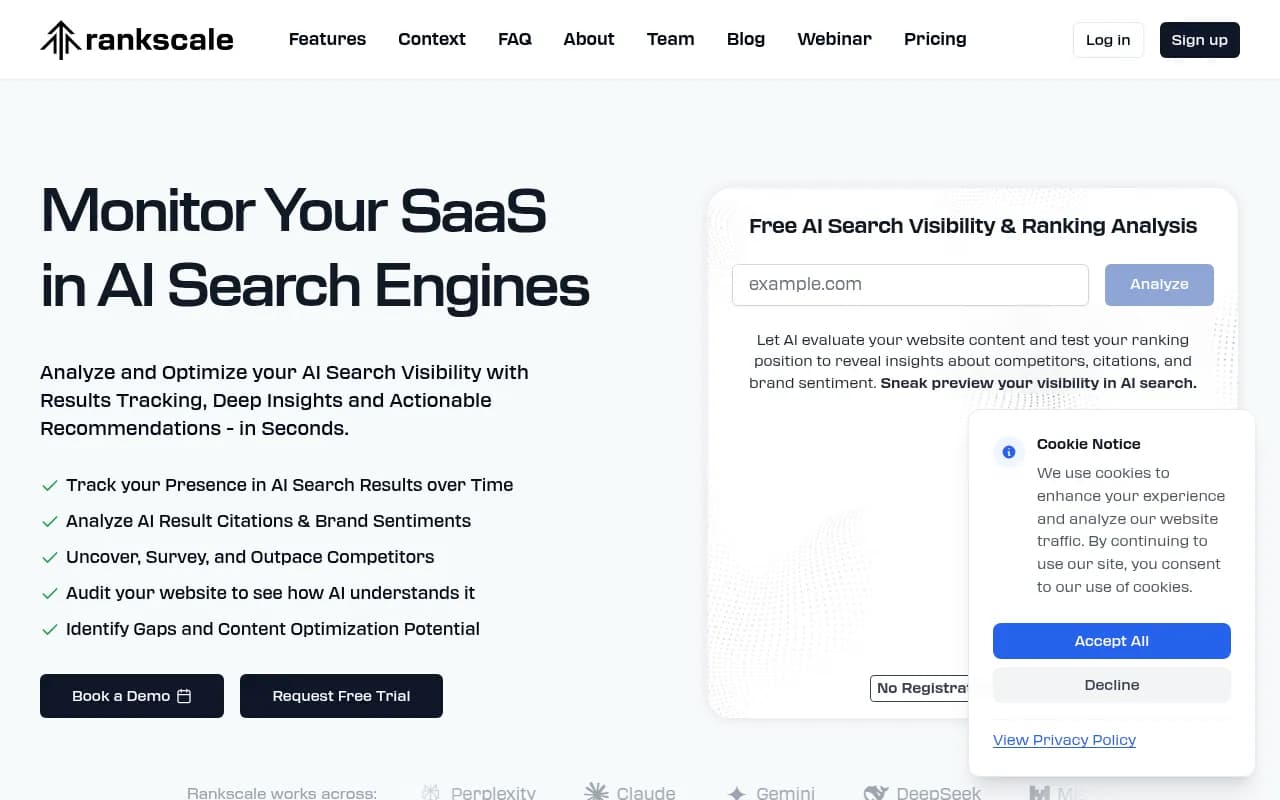
| Rankscale | $20/month, annual only; Pro $99 | Cheap entry point |
| LLMrefs | $79/month for 500 prompts | Prompt-heavy for the price |
| Peec AI | About $80-89/month for 50 prompts; Pro about $205 | Figures inconsistent across sources; extra models cost more; no content generation or crawler logs |
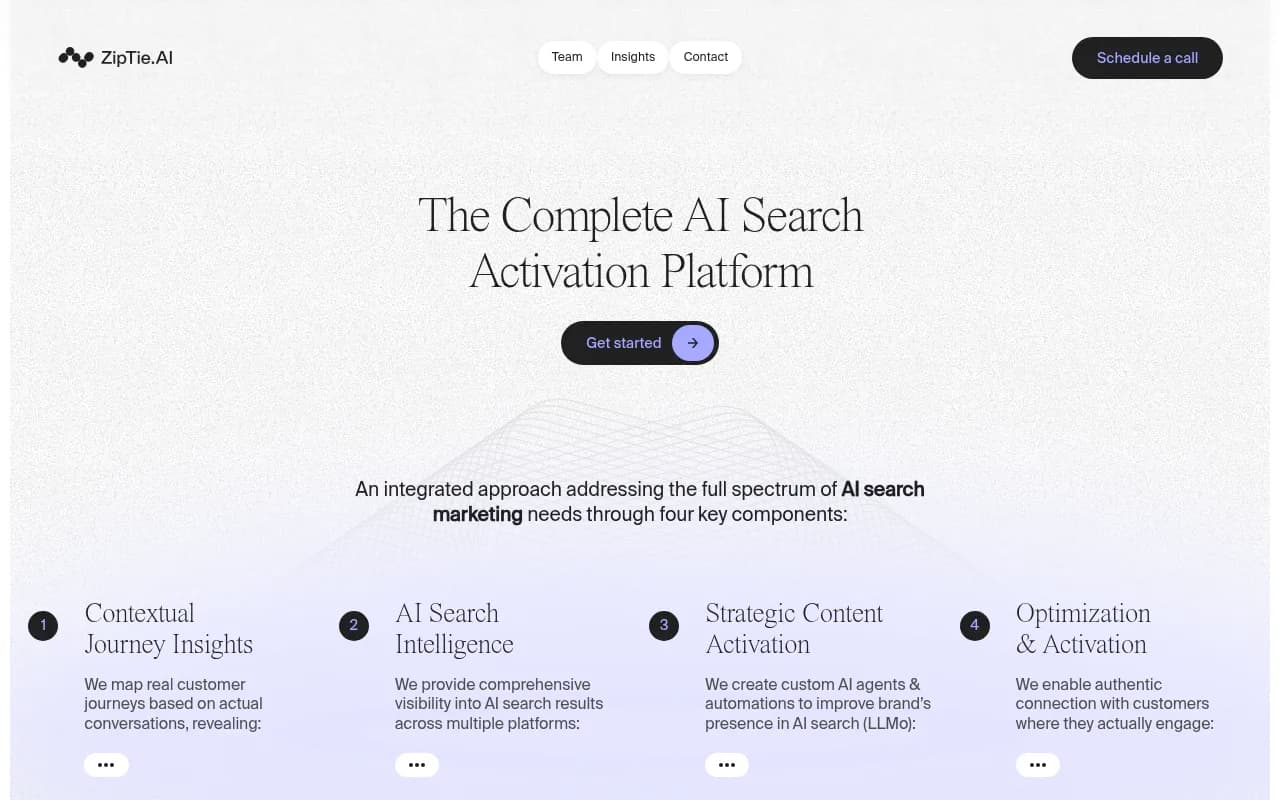
| ZipTie | Usage-based, from about $35 | Cost varies with volume |
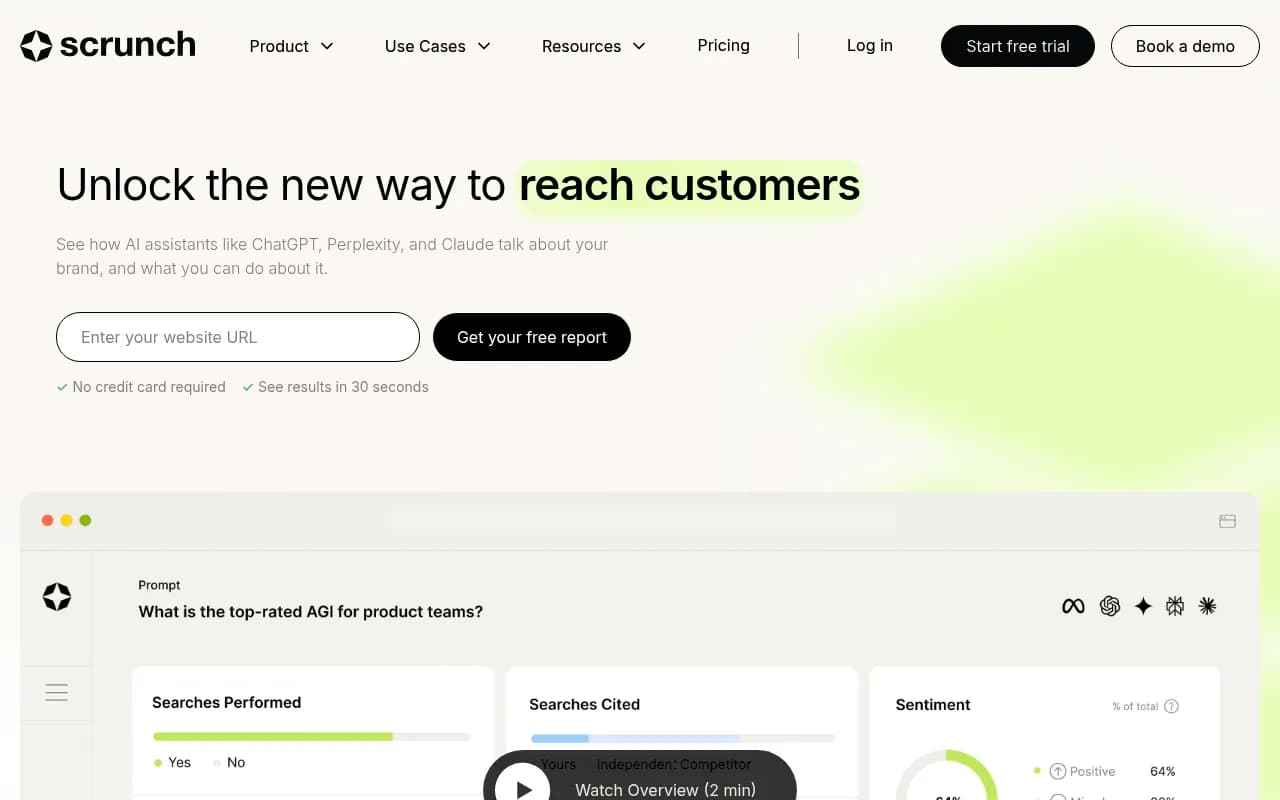
| Scrunch | $250/month for 125 prompts, 4 engines | 5 user licenses |
| AthenaHQ | About $295/month | Credit-based |
| Semrush AI Toolkit | $99/month per domain, annual | Good if you already live in Semrush |
| Ahrefs Brand Radar | Around $50/month for custom prompts; $699 to cover all models | Pricing jumps with coverage |
| Promptwatch | Essential $95/month for 50 prompts | Professional at $245 adds more volume and content tooling; Business at $579 adds the Content Agent |
You can browse more options in the GEO software directory at bestgeosoftware.com or the AI rank tracking tools directory at ai-rank-tools.com.



What "cheaper" really means
A sticker price tells you very little. Normalize each candidate on the same checklist:
- Prompts included, and how fast the allowance drains when you add engines or raise refresh frequency
- Engines covered, and which ones are add-ons or Enterprise-only
- Seats and workspaces
- Whether data comes from the real consumer interface or an API
- Export and API access
- Add-ons you will realistically need
Peec AI is a good example of why this matters. Self-serve tiers are reportedly capped at three engines, with extra models costing $35-165/month, and Claude and DeepSeek are Enterprise-only. A $80 plan can behave like a $250 plan once you add the engines you wanted.
The hidden cost of monitor-only tools
There is a real fork here. If all you need is a dashboard that answers "were we mentioned," a lean tracker like Otterly or Rankscale may be enough, and the savings are genuine. If your team also has to turn findings into content, fix crawl problems and prove traffic, a cheap monitor pushes that work onto people and other tools. A cheap dashboard plus separate writing, CMS and handoff time can cost more than a pricier all-in-one. Put that labor in the model.
This is the case where Promptwatch tends to come up, since it pairs prompt tracking with IP-verified AI crawler logs, visitor analytics, content gap analysis and a Content Agent that publishes to WordPress, Webflow or Framer. Its Essential plan at $95/month is a modest step up from the cheapest trackers, and the optimization tooling sits on the higher tiers, so confirm what you need on promptwatch.com/pricing.

Step 4: Build the economic model
Keep it simple enough that a finance partner can audit it in ten minutes.
Costs
- Annual subscription for each option
- One-time migration effort (hours times loaded rate)
- Parallel-run overlap, usually 30 to 60 days of paying for both
- Any early termination fee or unused contract term
- Add-ons: extra engines, extra seats, extra prompts
- Adjacent tools you would need to buy or keep
Savings and benefits
- Run-rate subscription difference
- Hours saved on reporting or manual work
- Revenue or pipeline tied to improved visibility, only if you can measure it
Be disciplined about the last item. Chameleon's guide to building a business case suggests identifying your main use cases and metrics, making explicit assumptions about how those metrics change, and calculating the revenue impact from there. Do that, but label the assumptions as assumptions, and show a conservative scenario where the benefit is zero. If the switch pays off on cost savings alone, say so. That is the strongest version of the argument.
A simple worked structure
Suppose your current annual spend is X and the replacement is Y. Your first-year savings are X minus Y minus one-time costs. Your steady-state savings from year two are X minus Y. Show both, plus the payback period. If the payback is under a few months, the debate is mostly over.
Step 5: Model the measurement risk
This is the section most business cases miss, and it is specific to AI visibility tools. Your numbers will change when you switch tools, and not always because anything real changed.
Promptwatch Data shows why. In its average sources per response report, ChatGPT cites about 5 sources per web-search answer, Google AI Overviews about 10, and Perplexity almost exactly 10 every day, while Copilot swung from under 2 to nearly 17 before settling at the low end. Citation counts move with model updates. Promptwatch's ChatGPT citation drop report also shows citations per response falling around the GPT-5.3 rollout on March 4, 2026.
Translate that into a rule: any visibility baseline needs a consistent measurement window before and after a switch. If your mention rate drops 15% the week you change vendors, you need to know whether the market moved, the model moved or the tool moved.
Prompt design matters as much as prompt count. Promptwatch's query fanout data shows ChatGPT's average fanout query length falling from about 117 characters to about 53, with searches per response ranging from 2.15 in early December down to about 1.84 by early March. Tracked prompts that resemble those shorter queries are worth more than a larger pile of long, unnatural ones, so a smaller prompt allowance on a cheaper plan is not automatically a downgrade.
Step 6: Plan the migration
The switching-risk checklist is short, and each item can sink the project if ignored.
- Export first. Reports indicate Profound gives all-time history and CSV/JSON export only on Enterprise. If you are on a lower tier, find out what you can pull before notice is served.
- Check the contract. Note the term, the renewal date and the notice period. Missing a window can lock you in for another year.
- Check security requirements. If procurement requires SSO or SOC 2, confirm the new vendor has them. Promptwatch lists ISO/IEC 27001 certification and GDPR compliance, with SSO on Enterprise; ask every vendor for the same documentation.
- Map your dashboards and reports. List every report anyone consumes, and who consumes it.
- Run a parallel pilot on the same prompts for 30 days or more.
The pilot
Load the same prompt set into the candidate and compare results against Profound over the same dates. Judge three things: do the mention and citation rates roughly agree, does the tool surface things Profound missed, and can your team get their weekly report out of it without friction. Set success criteria up front, in writing. Unify's template suggests framing a pilot as one bounded test with one owner and a documented scale-or-stop decision, which is good discipline for this too.
Step 7: Write and present the case
Keep the document short. Four to six pages is plenty.
Structure
- Summary: the ask, the savings, the risk, in five lines
- Current state: cost, usage, constraints
- Options: stay, repair, switch, with the comparison table
- Recommendation: one option, with the reason
- Financial model: costs, savings, payback, conservative scenario
- Risks and mitigations: data export, measurement continuity, security
- Timeline: pilot dates, decision point, cutover, contract notice
- Decision requested: who approves what by when
Tailor it to the audience
A CFO wants payback and downside. A head of marketing wants to know whether the reporting they rely on survives. A security reviewer wants certifications. Write one version, but lead each section with the thing that reader cares about. Do not oversell. If the cheaper platform loses a feature you use, say so and explain why it doesn't matter, or how you will cover it.
Common mistakes
- Using list prices from blog posts instead of your invoice.
- Comparing prompt counts without comparing engines or refresh rates.
- Ignoring the labor around a cheap monitor.
- Switching mid-quarter without a baseline, then arguing about whether visibility moved.
- Forgetting the renewal date.
- Treating vendor-written comparison posts as neutral. Including this one: verify the numbers yourself.
When switching is the wrong call
Sometimes the honest answer is to stay. If you track several brands and markets, need SOC 2 and SSO, and your team uses the exports and API heavily, a downgrade to a lean tracker may cost more in workarounds than you save. A smaller, scoped renegotiation might be the better recommendation, and a business case that arrives at that conclusion is still a good business case.
If you want outside help sizing the decision, an agency such as 1001 SEO Media can audit your current AI visibility setup and benchmark it against alternatives, though the framework above will get you most of the way on your own.
Next steps
Pull the invoice and contract this week. Fill in the cost baseline table. Pick two or three candidates, verify their pricing on vendor pages, and start a 30-day parallel pilot on an identical prompt set. Write the case once the pilot data is in, because a document with real numbers from your own prompts beats any amount of projected savings.