Key takeaways
- Almost every major scheduler now has some kind of Canva integration, but the depth varies a lot. Some let you design inside the scheduler, others just accept exported files.
- Notion has no native scheduler integrations to speak of. The reliable path is Zapier or Make connecting your Notion content calendar to your scheduling tool.
- Buffer, Metricool, and SocialPilot give you the best Canva-to-schedule workflow for the money. Sprout Social and Hootsuite are the picks when approvals and team workflows get complicated.
- Canva's own Content Planner can schedule posts directly, which is worth knowing before you pay for a third tool.
- The right choice depends less on features and more on where your content already lives.
If your content workflow looks anything like the typical setup in 2026, it's probably a mess of three or four tools. Ideas and captions live in Notion. Designs live in Canva. Scheduling happens in whatever tool you picked three years ago, and getting content from one to the other means downloading files, renaming them, and re-uploading them somewhere else.
The whole point of a scheduling tool is to remove that friction. So I went through the current crop of schedulers and looked at one specific question: which ones actually connect to Canva, Notion, and the rest of a normal content stack, rather than just claiming to be a 'unified platform' that wants you to abandon your tools and move everything into theirs?
Here's what I found.
Quick comparison
| Tool | Canva integration | Notion connection | Starting price (approx.) | Best for |
|---|---|---|---|---|
| Buffer | Native, design and push from Canva | Via Zapier | Free plan; paid from ~$6/channel/mo | Solo creators and small teams |
| Metricool | Native Canva integration | Via Zapier/Make | Free plan; paid from ~$22/mo | Scheduling plus analytics on a budget |
| SocialPilot | Native Canva integration | Via Zapier | ~$30/mo | Small agencies and bulk scheduling |
| SocialBee | Native Canva integration | Via Zapier | ~$29/mo | Category-based evergreen posting |
| Hootsuite | Canva app inside the dashboard | Via Zapier | ~$99/mo | Larger teams needing an all-in-one |
| Agorapulse | Canva integration in composer | Via Zapier/Make | ~$49/mo | Teams with approval workflows and inboxes |
| Sprout Social | Native Canva integration | Via Zapier | ~$199/mo | Enterprise social management |
| Zoho Social | Native Canva integration | Via Zoho Flow/Zapier | ~$15/mo | Teams already in the Zoho ecosystem |
| Social Champ | Canva integration | Via Zapier | ~$10/mo | Tight budgets that still want automation |
First, a note on Canva's own scheduler
Before you evaluate nine third-party tools, know what Canva itself does. Canva Business includes a Content Planner that schedules designs directly to Facebook, Instagram, TikTok, LinkedIn, and a few other platforms. If your entire workflow is 'design in Canva, post it,' you might not need a separate scheduler at all.
The catch: Canva's planner is basic. No approval workflows, limited analytics, no unified inbox, and bulk scheduling is limited. The moment you have a team, a client, or more than a couple of accounts, you'll outgrow it. That's when the tools below earn their subscription.
The 9 schedulers, and how they fit your stack
1. Buffer
Buffer remains the default answer to 'what scheduler should I start with,' and in 2026 that's still mostly deserved. The Canva integration is the cleanest in the category: install the Canva app, and you can push a finished design straight into your Buffer queue without exporting a file. From there, Buffer's calendar, queues, and per-channel posting schedules do the rest.
Notion isn't native, but Buffer's Zapier integration is solid. A common setup: content ideas live in a Notion database, and when a row's status flips to 'Approved,' Zapier drops the caption and image link into Buffer. It's not glamorous, but it works, and it keeps Notion as your single source of truth.
Where Buffer falls short is team workflows. Approvals and collaboration exist but feel thin compared to Agorapulse or Planable-style tools. For a solo creator or a two-person team, that trade is fine.
2. Metricool
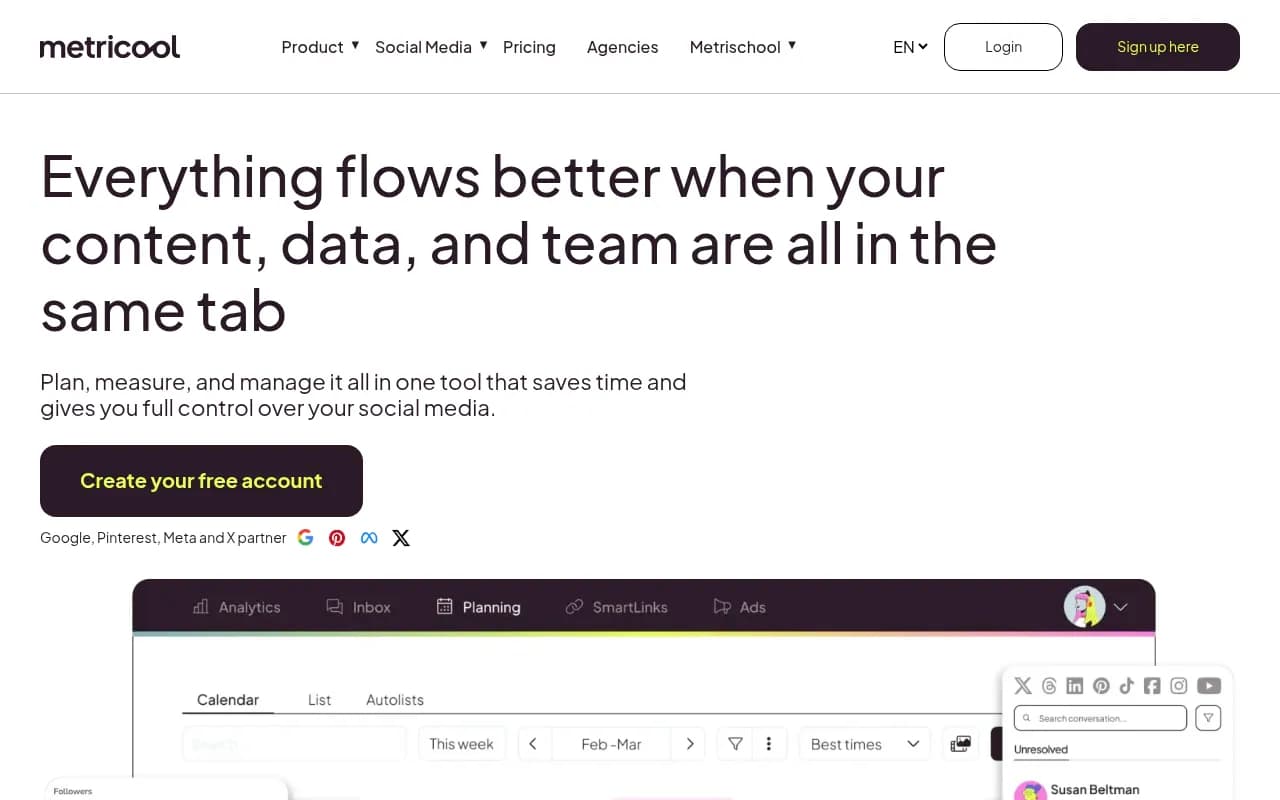
Metricool is the budget pick that doesn't feel like a budget pick. You get scheduling across all the major networks, a genuinely good analytics suite, competitor tracking, and a Canva integration that lets you pull designs into the planner. The free plan is generous enough to actually test, which is rarer than it should be.
The Notion connection runs through Zapier or Make, same as most of this list. Metricool's API and automation support are decent enough that the glue holds up.
If your situation is 'I need scheduling and I need to prove it's working, and I don't have $200/month,' Metricool is probably your answer.
3. SocialPilot
SocialPilot sits in a sweet spot for small agencies: Canva integration in the composer, bulk scheduling via CSV, a shared calendar for clients, and pricing well below the enterprise tools. The bulk scheduling alone saves hours if you plan content a month at a time, which pairs nicely with a Notion database that exports cleanly.
The interface is functional rather than beautiful, and the analytics won't rival Sprout Social. But for the money, the feature set is hard to argue with.

4. SocialBee
SocialBee's angle is category-based scheduling. You sort posts into categories (promotional, educational, memes, whatever), set a rotation for each, and SocialBee keeps recycling evergreen content indefinitely. If you produce content that stays relevant for months, this beats manually re-queuing everything.
The Canva integration works inside the post editor, and there's an AI assistant for captions that's better than I expected it to be. Notion connectivity is, once again, a Zapier job. SocialBee won't be the right fit if your content is time-sensitive news or trends, but for evergreen-heavy strategies it's excellent.
5. Hootsuite
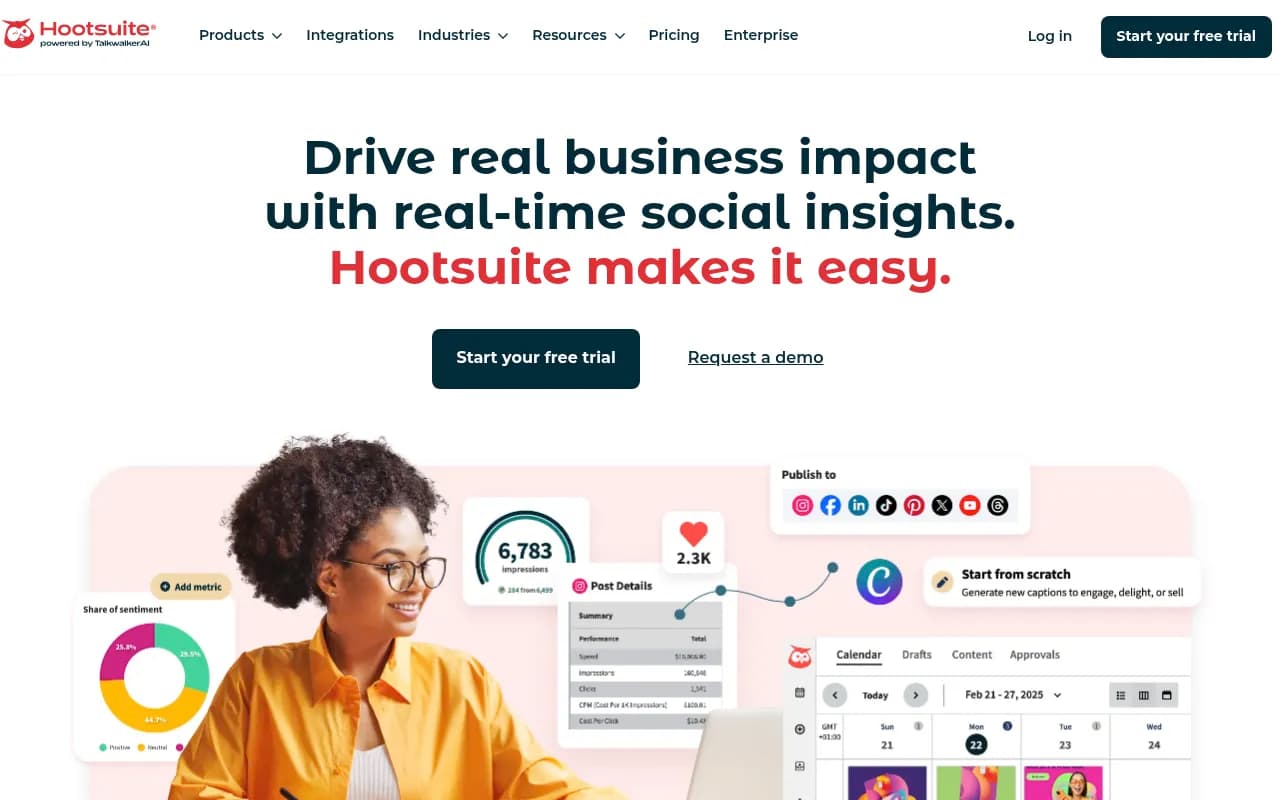
Hootsuite is the all-in-one for larger teams, and its Canva app lives right inside the dashboard, so designers and schedulers work in the same place. Streams, assignments, approvals, and a deep app directory make it the most 'platform-like' of the tools here.
The honest downside is price. Hootsuite has pushed its pricing upmarket over the past few years, and a lot of small teams that loved it have moved to Metricool or SocialPilot. If you're coordinating multiple people, multiple brands, and client approvals, it's worth the money. If you're one person with three accounts, it's overkill.
6. Agorapulse
Agorapulse built its reputation on the unified inbox, and that still matters: comments, DMs, and mentions from every network in one queue, with the same reply workflow your team already uses. The Canva integration sits in the composer, and the approval workflow is one of the better ones in this price range.
For agencies, the shared calendar and client approval features are the draw. Notion, as usual, connects through Zapier or Make. Agorapulse is the pick when your bottleneck isn't scheduling, it's the back-and-forth around scheduling.

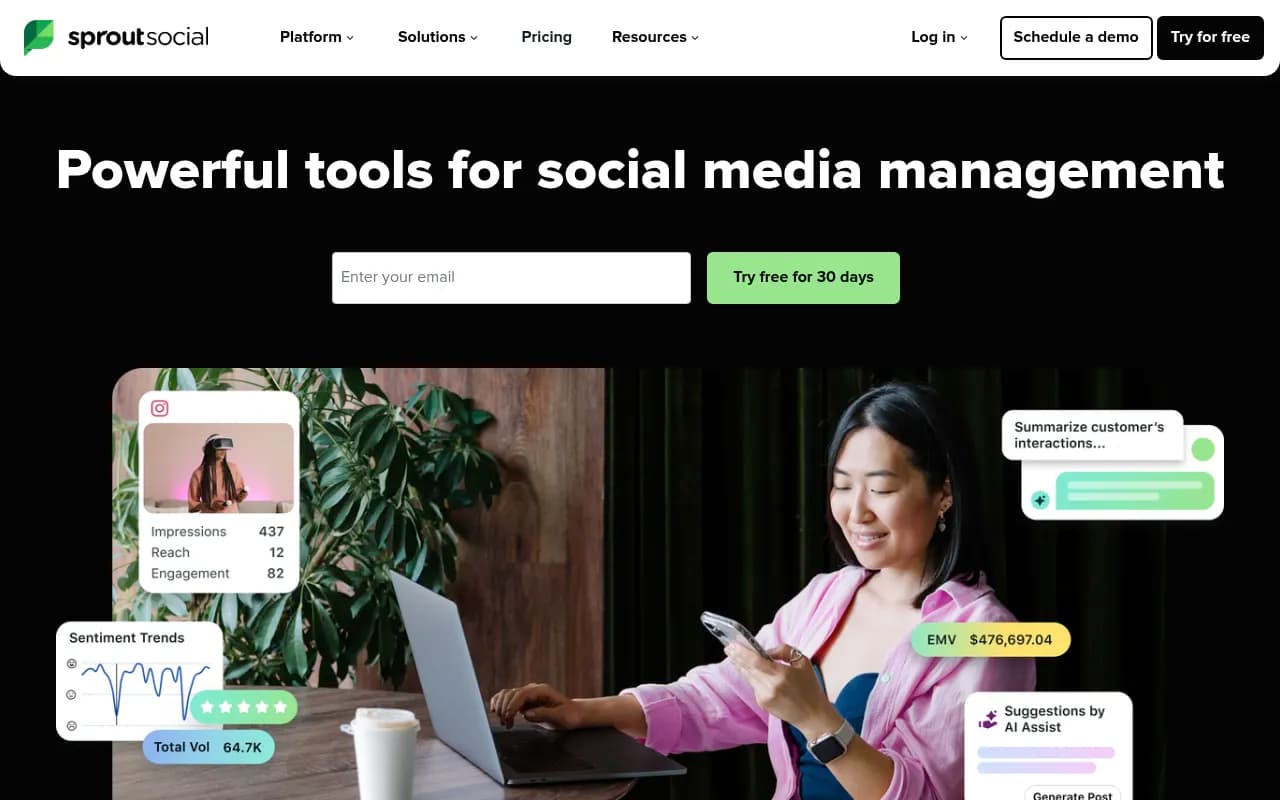
7. Sprout Social
Sprout Social is the enterprise option, and priced accordingly. What you get for that money: best-in-class analytics, a Canva integration that holds up under heavy use, strong approval routing, listening tools, and reporting that actually impresses stakeholders.
If you're a brand manager at a mid-size or large company justifying budget to leadership, Sprout's reporting does half the arguing for you. If you're a freelancer, close this tab and go look at Metricool.
8. Zoho Social
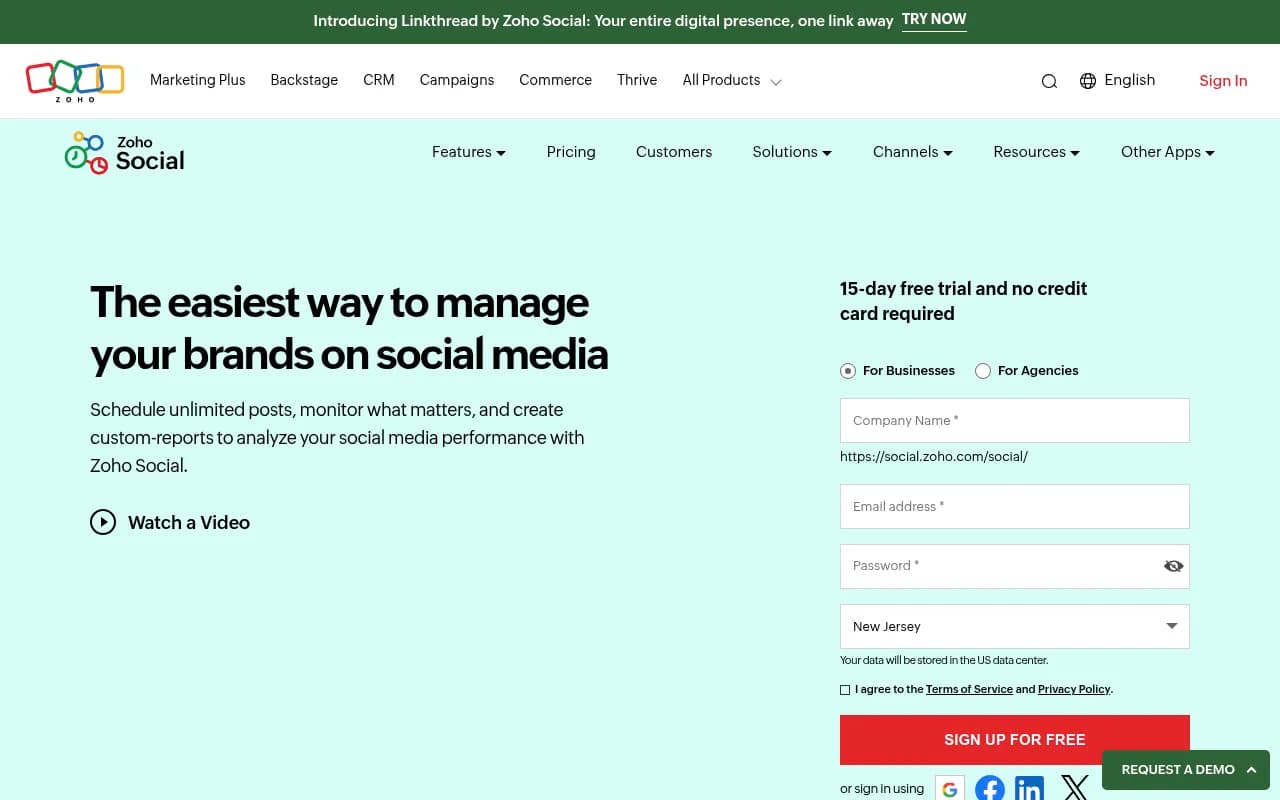
Zoho Social is the obvious pick if your company already runs on Zoho CRM, Zoho Campaigns, or the broader Zoho suite, because the native connections between them are genuinely useful (lead capture from social, CRM activity logging, that kind of thing). Standalone, it's a competent scheduler with Canva integration and solid scheduling features at a lower price than most here.
The Notion path runs through Zoho Flow or Zapier. Zoho Social won't top anyone's 'best scheduler' list, but ecosystem fit is a legitimate reason to choose a tool, and it's the reason to choose this one.
9. Social Champ
Social Champ is the budget automation option. Canva integration, recycling of evergreen posts, a decent calendar, and a free tier that handles small volumes. The paid plans start lower than almost anything in the category.
It's not as polished as Buffer or as deep as Metricool on analytics, but if you're posting consistently on a shoestring, it does the job without nagging you toward an upgrade every five minutes.

Connecting Notion to your scheduler: the honest answer
Here's the thing nobody puts on their pricing page: no major scheduler has a native Notion integration worth the name. Notion is where teams plan, and schedulers are where teams publish, and the bridge between them is automation glue.
The two tools that do the gluing:
- Zapier: the widest app coverage, the easiest setup. A 'New database item in Notion, status = Approved' trigger feeding a 'Add to queue' action in Buffer, SocialPilot, or most others takes maybe fifteen minutes to build.
- Make: cheaper at volume, more control over the logic, steeper learning curve.
A pattern that works well for teams: keep the entire content lifecycle in Notion (idea, draft, design link, approval status, publish date), and let automation handle only the last step. The scheduler becomes a dumb pipe, which is exactly what you want. Your planning system stays portable, and you can swap schedulers without rebuilding your workflow.
If you want a planning layer that's more purpose-built than a DIY Notion database, tools like Storyflow have emerged for exactly this, planning hooks and angles on a canvas before anything reaches a scheduler:

How to choose without demoing all nine
A few shortcuts, based on how these tools actually differ:
- If you're solo or a small team and want the simplest Canva-to-post path: Buffer.
- If budget is the constraint but you still need analytics: Metricool.
- If you're a small agency with clients and bulk uploads: SocialPilot.
- If your content is evergreen and should recycle: SocialBee.
- If approvals and team coordination are the bottleneck: Agorapulse, or Hootsuite at larger scale.
- If you need stakeholder-ready reporting: Sprout Social.
- If you live in the Zoho ecosystem: Zoho Social, no contest.
And if you already have Canva Business, try its built-in Content Planner for a month before paying anyone. You might find it covers 80% of what you need, and the 20% it doesn't will tell you exactly which features to shop for.
For a broader look at what's available beyond these nine, the software tools directory at surferstack.com has reviews and comparisons across the whole social media management category.
One last thing worth saying out loud: the tool matters less than the workflow. A team with a clean Notion calendar, a Canva brand kit, and Buffer will outperform a team with Sprout Social and no process. Pick the scheduler that fits where your content already lives, automate the handoff, and spend the saved hours on the posts themselves.