Key takeaways
- Shopping cards and citations are two different things. Cards depend on your product feed and catalog setup. Citations depend on crawlable pages, readable structured data, and outside sources that back you up.
- The fastest manual check is 5-10 unbranded buyer prompts, run weekly, with notes on who gets named and which URLs get cited.
- Two technical checks catch most failures: allow OAI-SearchBot in robots.txt, and confirm Product and Offer schema is in the raw HTML, not injected by JavaScript.
- Product pages are the most cited content type in ChatGPT, at 22.4% of citations (Sep 28 to Oct 4, 2026, Promptwatch Data). Your pages are worth fixing.
- Manual checks work for a handful of products. Past that, you need a tracker.
Citations and shopping cards are not the same thing
Most confusion in this area comes from mixing up two surfaces.
The first is the citation: ChatGPT, Perplexity, or Google AI Overviews writes an answer and links to sources. Your product page is either in that source list or it isn't.
The second is the shopping card: the product carousel with an image, a price, and a buy link. A Shopify merchants thread on this exact question drew the line clearly. Cards with prices and checkout depend on your product feed or catalog (for Shopify stores, Shopify Catalog and Agentic Storefronts, with complete product attributes and the right channels enabled). Citations depend on crawling, accessible pages, structured data, and corroboration from other sites.
So a page can be cited and never appear in a card, or the other way around. Check both, and don't assume that fixing one fixes the other.
How often do cards show up at all? Promptwatch's ChatGPT Shopping usage report found that shopping features attach to only a low single-digit percentage of web-search responses overall, concentrated on commercial and transactional prompts. The rate also moves in steps. It roughly doubled overnight in one window, then fell back weeks later, which looks like OpenAI tuning when cards appear. If your cards vanish for a week, that may not be your fault.
Step 1: Run a manual prompt test
This takes about an hour and tells you more than you'd expect.
Write the prompts like a buyer
Don't type your brand name. Brand queries tell you whether AI knows you exist, not whether it recommends you. Write 5-10 prompts in the shape a real shopper uses:
- "best [category] for [use case]"
- "[category] under $150"
- "[product type] for [specific problem]"
- "[your product type] vs [alternative type]"
- "can [product type] do [specific thing]?"
The blender example from Ocula's ecommerce guide is a good model. If shoppers ask "can it crush ice?" in reviews, that is a prompt worth testing, and the answer should be written plainly on the page.
Run them across surfaces
Use ChatGPT with web search on, then repeat in Perplexity, Microsoft Copilot, and Google AI Overviews or AI Mode. Answers differ by surface. Promptwatch Data shows ChatGPT drew 0.46% of citations from social platforms while Google AI Overviews drew 12.2% in the week of Sep 28 to Oct 4, 2026, so the two systems clearly pull from different places.
Perplexity
Record what you see
For each prompt and surface, log five things in a spreadsheet:
- Were you named in the answer?
- Were you cited (a link to your domain)?
- Which of your URLs was cited: product page, category page, blog post?
- Did a shopping card appear, and who filled it?
- Which competitors and third-party sites were cited?
That last column matters most. If the cited sources are listicles and review sites, those are where you need to be mentioned. If they are competitor product pages, yours are losing a comparison.
A note on repeatability. AI answers vary from run to run. Run each prompt a few times, or at least on different days, before drawing conclusions. One miss means little. Five misses on the same prompt means something.
Step 2: The 30-second view-source check
This is the check that quietly explains the most failures. Open your best-selling product page, view the page source (Ctrl+U on Windows, Cmd+Option+U on Mac), and use Ctrl+F to search for the details a buyer would compare: price, material, dimensions, a review sentence, the star rating.
View Source shows the HTML the server sent, before JavaScript runs. That is roughly what a crawler that doesn't execute scripts sees. Inspect Element shows the page after scripts have run, which is what you see in a browser. If a detail appears in Inspect but not in View Source, many AI crawlers never see it.
Two things to look for specifically:
- Search for
application/ld+json. You want Product and Offer data sitting in the served HTML. A Shopify specialist in that merchants thread called this the one that "quietly sinks stores that otherwise did everything right." - Search for a review sentence and the rating as a number. Bazaarvoice has warned that review content loaded by client-side scripts may appear as an empty container to some AI crawlers.
The numbers back this up. Adobe's AI Content Visibility Checker scored US retail product pages at an average of 66% readable in an April 2026 benchmark, the lowest of any page type, against 75% for homepages. The page where shoppers decide to buy is the one machines read worst. Adobe offers the checker as a free browser extension, which makes it a good way to get a baseline score per page.
Step 3: Check which bots you allow
Open yourstore.com/robots.txt. Four crawlers are worth knowing:
| Crawler | Operator | What it affects |
|---|---|---|
| OAI-SearchBot | OpenAI | ChatGPT search visibility and citations |
| GPTBot | OpenAI | Model training, not search citation |
| PerplexityBot | Perplexity | Perplexity answers |
| Google-Extended | Gemini training and grounding, not Google Search |
The common mistake is allowing GPTBot and assuming that handles ChatGPT. It doesn't. You can allow one and block the other, which is how some brands opt out of training while staying visible in search. Shopify allows the relevant bots by default, but custom themes and some apps add blocks, as do CDN and firewall rules. Check all three layers.
If you want to see what is actually hitting your site rather than what you've permitted, server or CDN logs will show it. Promptwatch also publishes a directory of 440+ AI bots at promptwatch.com/bots for identifying unfamiliar user agents. For bulk technical checks, a crawler like Screaming Frog SEO Spider can fetch your product templates and let you compare raw HTML against rendered output.

Step 4: Audit the page itself
Once a crawler can read your page, the question becomes whether the page gives an AI something worth citing. A rough checklist for your top ten revenue pages:
- Specs, materials, dimensions, compatibility, and care instructions written out in plain sentences, not only adjectives.
- Questions buyers actually ask answered explicitly, ideally in a visible FAQ.
- Product, Offer, Review, and AggregateRating markup that matches what's visible on the page. Google's guidance is that structured data should match visible content, and no special AI-only schema is required.
- Accurate price and availability. Stale prices are an easy way to lose a card.
- Transcripts or descriptive captions for any creator or demo video, with the product, variant, and use case named in text.
If you manage schema across many templates, a structured data platform like Schema App can help.
Step 5: Look at who else is being cited
Your own product pages are only half the picture. Promptwatch Data on which content types ChatGPT cites (Sep 28 to Oct 4, 2026) shows where citations land:
| Content type | Share of ChatGPT citations (all prompts) | Share on commercial prompts |
|---|---|---|
| Product pages | 22.4% | 26.0% |
| Landing pages | 16.8% | 20.6% |
| Listicles | 13.6% | 15.0% |
| How-tos | 8.7% | not broken out |
| Comparisons | 5.9% | 7.9% |
| Reviews | 1.7% | not broken out |
Two takeaways. First, product and landing pages together take 39% of all citations, so getting your own pages right pays off directly. Second, on commercial prompts, product pages, landing pages, listicles, and comparisons make up almost 70% of citations. If you aren't in the "best of" roundups that ChatGPT pulls from, you are missing a large slice even with perfect product pages.
For branded prompts, reviews climb to 5.6%, more than three times their overall share. So reviews on trusted third-party sites matter most once shoppers already know your name.
Longevity matters too. Per Promptwatch's content half-life data, landing pages and docs stay cited longest, while news lost half its pages within 36 days. Evergreen product and category pages are a safer bet than news-style posts.
One more pattern from the same research: almost half of ChatGPT responses cite 10 or more unique domains. Answers draw from many sources, so you are competing for one slot among many, not for a single winner-takes-all link.
The LLM Pulse analysis of 391,073 citations on non-branded shopping questions, quoted by Cohley, found about 64.7% pointed to brand and manufacturer sites, and only 2.9% to all retailers and marketplaces combined. That's one study with its own methodology, but it fits the Promptwatch pattern: your own site is the surface to fix first, not your Amazon listing.
Step 6: Check your merchant feed separately
If cards are the goal, the feed is the lever. OpenAI runs a merchants program at chatgpt.com/merchants, and Shopify merchants have a parallel route through Shopify Catalog. I haven't verified the current feed specifications in detail, so check OpenAI's and Shopify's documentation for required fields. The general principles from Promptwatch's shopping report hold: complete Product schema, accurate prices and availability, and a clean feed.
A practical test: run your commercial and transactional prompts ("best X under $Y", "where to buy X") and record whether cards appear at all. If cards never show for your category, that is a different problem from your products being absent from them.
Step 7: Move from spot checks to tracking
A weekly manual log works for a small catalog. It breaks down for a few reasons: answers vary, you can't test every product and country, and you can't see crawler behavior or the traffic that results.
Tools in this space fall into rough tiers:
| Approach | What you learn | Limits |
|---|---|---|
| Manual prompt log | Whether you appear for 5-10 prompts | Slow, subjective, no scale |
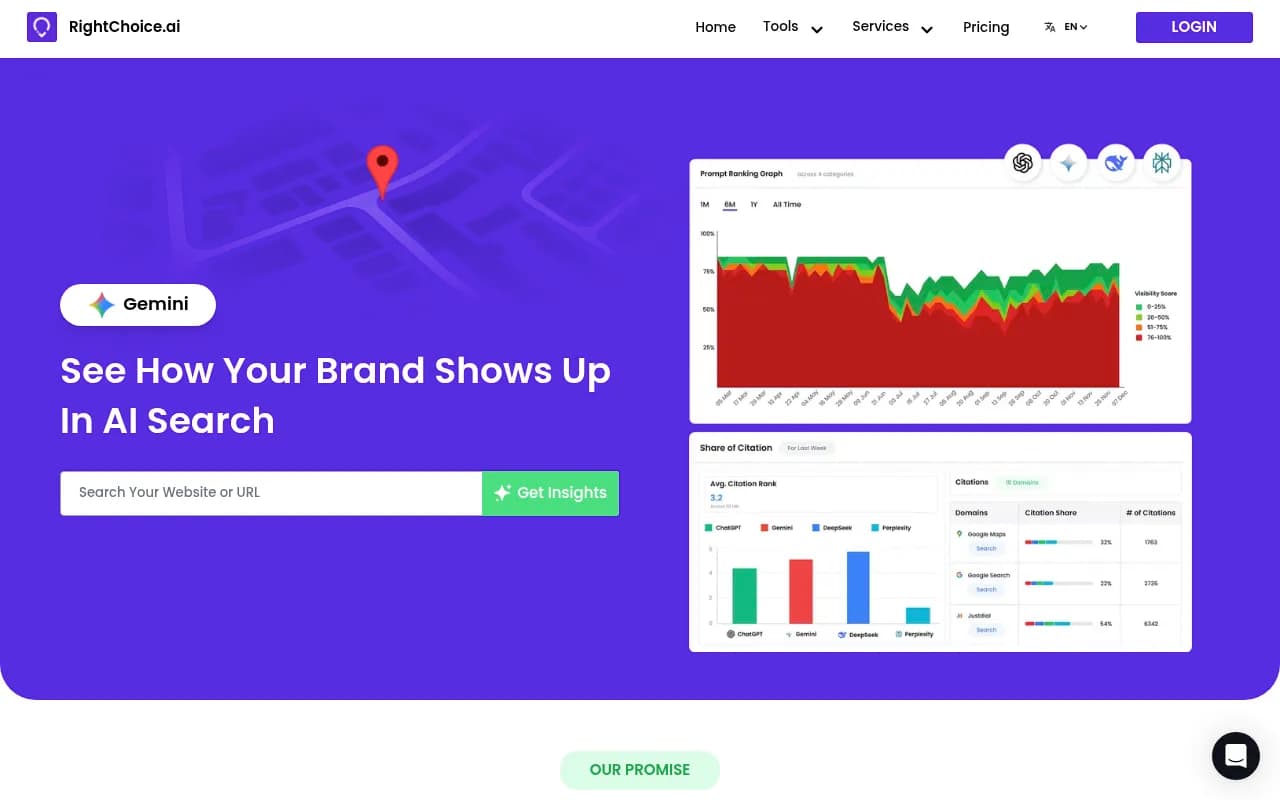
| Free checkers (Adobe AI Content Visibility Checker, RightChoice.Ai) | Page readability or a one-off visibility snapshot | No history |
| Prompt trackers (Otterly.AI, Peec AI) | Mentions and citations over time | Monitoring only |
| Full AI visibility platforms | Citations, crawler logs, traffic, shopping, and fixes | Higher cost, more setup |


For ecommerce specifically, the useful capabilities are product-level tracking and shopping visibility. Promptwatch tracks ChatGPT shopping carousels and Amazon Alexa product results (you upload your catalog to track your own products), and shows sponsored placements in AI search. It also has IP-verified AI crawler logs, so you can see whether OAI-SearchBot is actually reading your product pages and hitting errors, and a Page Tracker that shows which prompts cite a given URL, yours or a competitor's. Visitor analytics then connect citations to real sessions. Plans start at $95/mo, so confirm current pricing at promptwatch.com/pricing.

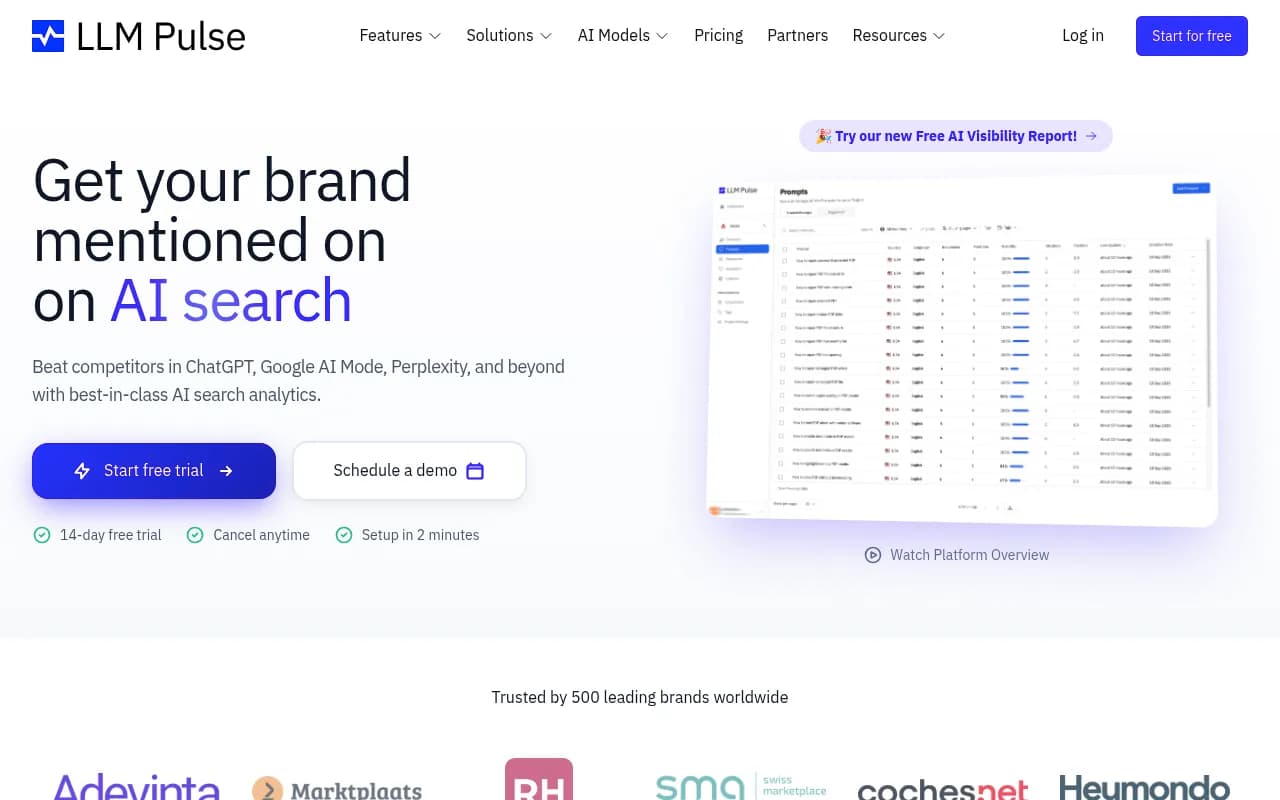
Other tracking options in the catalog include Profound for enterprise monitoring and LLM Pulse, whose shopping-citation study is quoted above. If you want to compare more options, the GEO software directory and the AI rank tracking directory list many of them.

Reading your results
Match the symptom to the likely cause.
| What you see | Likely cause | First fix |
|---|---|---|
| Never named, never cited, on any prompt | Crawlers blocked or content unreadable | Check robots.txt and View Source |
| Cited on blog posts, never on product pages | Product pages are thin or JS-rendered | Add plain-language specs and server-rendered schema |
| Named, but with no link to you | Third parties cover you, your pages don't answer the query | Improve on-page answers and FAQs |
| Competitors win comparison prompts | You're absent from listicles and comparisons | Pursue roundup inclusion and publish comparison pages |
| Cited, but no shopping card | Feed or catalog gap | Fix feed completeness, price, availability |
| Cards appear and vanish | OpenAI tuning card triggers | Track weekly before reacting |
A word of caution on attribution. AI referral traffic is real. Adobe reported AI-referred traffic to US retail sites grew 393% year over year in Q1 2026 and converted 42% better than non-AI traffic in March. But as one Shopify specialist put it, it is genuinely hard to see in standard analytics. Set up a way to isolate AI referrers before you claim a win, and don't credit a single schema change for a traffic bump without a before and after.
A weekly routine that holds up
- Monday: run your 5-10 buyer prompts across ChatGPT, Perplexity, and Google, and log the results.
- Check whether any cards appeared and who filled them.
- Once a month, re-run View Source on your top ten pages, especially after theme or app changes. Plugins break schema more often than people expect.
- Review robots.txt and CDN rules after any infrastructure change.
- Pick one fix per week. Change fewer things at once so you can tell what worked.
For broader AI visibility research, Promptwatch Data publishes free reports on how AI search sources its answers.
If you'd rather have a team run the technical audit and content work, an AI-search-focused agency is a reasonable option. 1001 SEO Media, which publishes this site, does technical SEO and GEO work of that kind.
Bottom line
Check two surfaces, not one. Run buyer prompts to see who gets cited and who gets a card. Then verify the unglamorous basics: OAI-SearchBot allowed, schema in raw HTML, specs written in plain text. Most stores that don't show up fail on those, not on anything clever.