Key takeaways
- A manual citation test takes about an hour: 10 prompts, 2 or 3 AI engines, one spreadsheet. No paid tool required.
- Mix prompt types. Use organic, brand-specific, and competitor comparison prompts, because each has a different baseline for how many domains share the answer.
- Log more than yes or no. Record whether you are cited, where, how you are described, and which competitors and third-party domains show up next to you.
- Rerun it on a schedule. ChatGPT's retrieval behavior changed several times in 2026, so a one-off result goes stale.
- Once the test shows a gap, a tracking platform can automate the repetition. The test itself is the part that teaches you how AI answers are built.
Why a manual test is worth doing first
You type a question about your category into ChatGPT. A competitor gets recommended. You try another phrasing, same result, and you close the tab with nothing to act on.
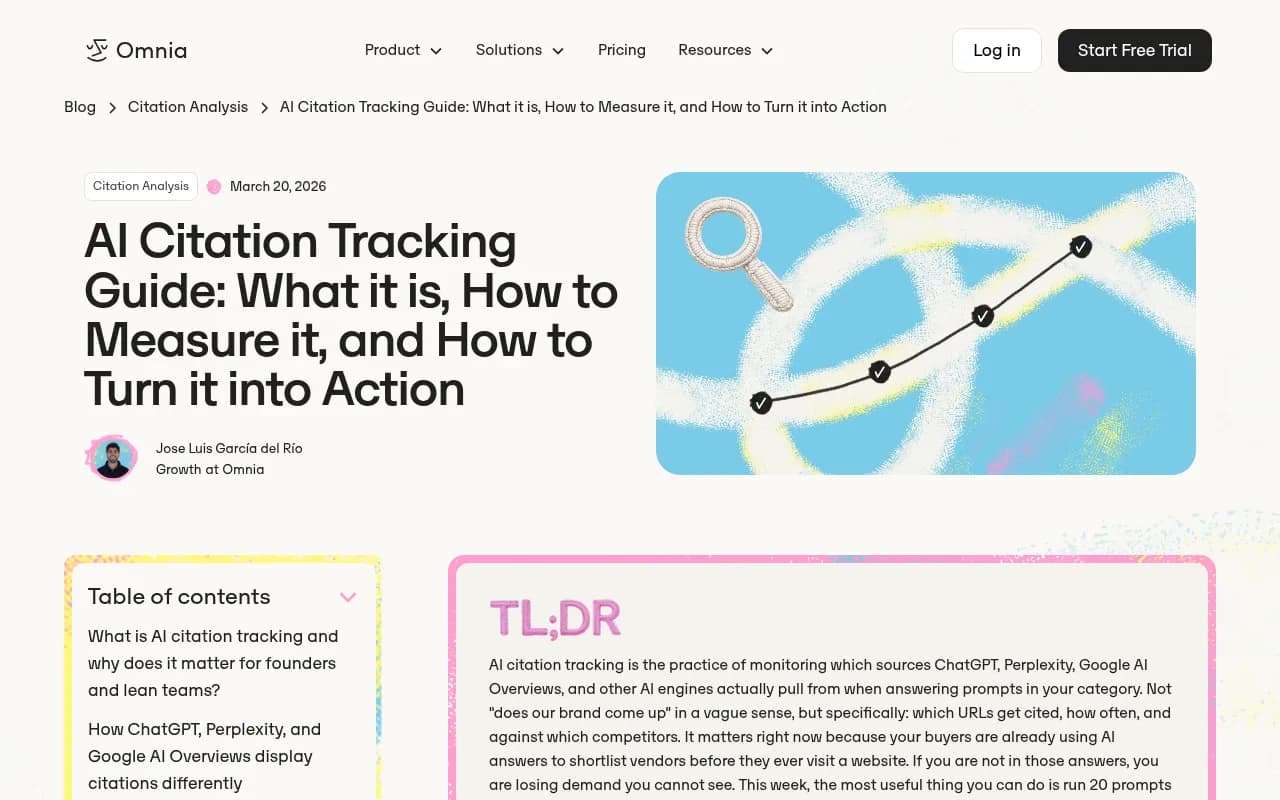
That is the moment this test is built for. It turns a vague feeling ("AI doesn't seem to know us") into a small dataset you can look at. The Omnia guide on AI citation tracking suggests a similar starting point: run around 20 buyer-intent prompts across two engines, log whether your site is cited, and note which competitor keeps appearing instead. I think 20 is a bit much for a first pass, so this template uses 10. You can double it later.
A quick note on the word "cite." This guide is about whether AI engines cite your site as a source in answers. It is not about how to cite AI output in an essay. If that is what you need, the MLA guidance on citing generative AI and APA's ChatGPT post cover it, and the short version from Purdue's library guide is to open the original source and cite that, not the AI summary.
What you need before you start
- A spreadsheet (Google Sheets is fine)
- Access to at least two engines. ChatGPT with search on, and Perplexity are the easiest pair. Add Google AI Overviews if your queries trigger them.
- A logged-out or clean browser profile, or a fresh chat each time, so memory and personalization do not skew things
- A list of 3 to 5 competitors you expect to see
- About 60 to 90 minutes
Perplexity
I did not find official guidance on logged-in versus logged-out differences, so treat that as a precaution rather than a rule. The safest habit is to run every prompt the same way each time, and write down how you ran it.
The design: why 10 prompts, and why a mix
One prompt tells you almost nothing. Promptwatch makes the same point in its own research: measure across many organic prompts, because a single prompt tells you little. The reason shows up in the numbers on how many domains share an answer.
According to Promptwatch Data on unique domains per ChatGPT response (Sep 28 to Oct 4, 2026, responses with at least one citation):
- 47.6% of responses cite 10 or more unique domains
- 66.1% cite at least 8
- Only 6% cite 3 or fewer
But the split by prompt type matters for how you read your results:
| Prompt type | Example | Share citing 10+ domains | What it means for you |
|---|---|---|---|
| Organic (no brand named) | best project management software for small teams | 52.5% | You compete with a crowd. Being one of 10+ domains is normal. |
| Brand-specific | is Asana good for small teams | 21.3% | Most common count is 5 domains. You should expect to be cited here. |
| Competitor comparison | Asana vs Monday.com | 49.1% | Third-party comparison pages dominate. |
So the 10 prompts should include all three types. A suggested split:
- 5 organic prompts (category and problem-based)
- 2 brand-specific prompts
- 3 comparison or alternatives prompts
Step 1: write your 10 prompts
Write prompts the way a buyer types them, not the way a marketer would. Pull from sales calls, support tickets, and the questions in your inbox.
Organic prompts (5)
- "What is the best [category] for [specific customer type]?"
- "How do I [problem your product solves]?"
- "[Category] tools for [use case] under [budget]"
- "What should I look for when choosing [category]?"
- "Which [category] has the best [one feature you are known for]?"
Brand-specific prompts (2)
- "Is [your brand] good for [use case]?"
- "What does [your brand] cost, and what is included?"
Comparison prompts (3)
- "[Your brand] vs [competitor A]"
- "[Competitor B] alternatives"
- "[Your brand] alternatives"
The fanout detail matters here. ChatGPT does not necessarily search for the exact prompt you typed. It generates its own web queries, and Promptwatch's query fanout data shows those queries are short. Average length fell from about 117 characters in early December to roughly 53 characters in April. The takeaway for the test: if you later find gaps, short, keyword-like headings on your pages tend to match those internal queries better than long marketing phrasing.
Step 2: set up the log
Copy this layout into a sheet. One row per prompt per engine.
| Column | What to record |
|---|---|
| Date | Day you ran it |
| Engine and mode | ChatGPT (search on), Perplexity, AI Overviews |
| Prompt # and type | e.g. 3, organic |
| Prompt text | Exact wording |
| Cited? | Yes / No |
| Cited URL | Which of your pages, if any |
| Mentioned without citation? | Yes / No |
| Position | Where you appear in the answer or source list |
| How you are described | One line, quoted |
| Competitors cited | Names |
| Third-party domains cited | Listicles, review sites, forums |
| Notes | Odd behavior, errors, wrong facts |
The last three columns are where the useful insight lives. A plain yes or no hides most of it. Promptwatch's report advice lines up: track where you appear and how ChatGPT describes you, and note which competitors are cited in the same responses.
Step 3: run the test
- Open a fresh chat or private window for each prompt.
- Paste the prompt exactly as written.
- Wait for the full answer, then expand the source list. In ChatGPT, make sure web search was actually triggered. If it answered from memory with no sources, mark that and rerun with search on.
- Record the row.
- Repeat on the second engine.
- Optionally, run Google AI Overviews by searching the same query in Google and noting whether an Overview appears and which sources it lists.
The engines are not equal in how many sources they show, and that changes how you read a miss. Promptwatch's average sources per response data puts ChatGPT at about 5 citations per web-search answer, while Google AI Overviews averages about 10 and Perplexity sits at almost exactly 10 every day. Copilot swung widely, so judge it on monthly trends. Missing from a 5-slot answer is a different problem than missing from a 10-slot one.
A practical consequence: Promptwatch suggests treating Perplexity as a test bench, because its citation count barely moves. If your pickup changes there between two runs, it is more likely your content than engine noise. I like that framing, though it is one vendor's suggestion rather than a proven rule.
Step 4: score the results
Keep scoring simple. For each engine, count:
- Citation rate: prompts where your domain is cited, out of 10
- Mention-only rate: prompts where you are named but not linked
- Competitor frequency: which competitor appears most often
- Third-party dominance: which non-competitor domains keep showing up
Then use this table to decide what to do next.
| Pattern | Likely cause | First thing to try |
|---|---|---|
| Cited on brand prompts, absent on organic | Weak category coverage | Create or strengthen pages that answer the organic questions directly |
| Mentioned but never linked | Your pages are not the source AI trusts | Check which third-party pages carry the mention, and improve your own pages on that topic |
| Absent everywhere | Possible crawl or content problem | Check that AI crawlers can access your site, then audit key pages |
| Cited in Perplexity, not ChatGPT | Engine differences, fewer citation slots | Rerun a few times before concluding anything |
| Wrong facts in the description | Outdated or inconsistent pages | Update pages and align facts across your site and profiles |
| Same listicle domain keeps appearing | Third-party pages shape the answer | Pursue inclusion on that page |
What the data says about who gets cited
The test will feel less random once you know a few patterns. These are from Promptwatch Data, and every figure carries its period because they move month to month.
- Product pages were the most cited content type in ChatGPT at 22.4% of citations, followed by landing pages and listicles (Sep 28 to Oct 4, 2026). Source: ChatGPT citation share by content type.
- Social platforms made up only 0.46% of ChatGPT's citations in that same week, versus 12.2% for Google AI Overviews. See social media citations by AI model.
- Reddit's share of ChatGPT citations fell from about 4% to 0.5% on August 14, 2026, per Promptwatch's Reddit citation report. If your plan leaned on Reddit threads for ChatGPT, retest.
- News-style pages lose citations fast. Of the pages ChatGPT cited on July 6, 2026, news lost half its pages within 36 days, while landing pages and docs lasted longest (content half-life).
This is why the engine column in your log matters. A Reddit-heavy win in AI Overviews will not necessarily carry over to ChatGPT.
Step 5: rerun on a schedule
A single run is a snapshot. ChatGPT's behavior has shifted repeatedly this year:
- Average citations per response dropped across GPT-5.3, GPT-5.4, and GPT-5-Mini around the March 4, 2026 rollout (citation drop report).
- On August 8, 2026, ChatGPT started using the site: operator at scale, jumping from about 0.4% to about 17% of fanout queries (site: operator report).
A reasonable cadence is monthly for the same 10 prompts, plus a rerun after any visible model update. Keep the wording identical, or your comparison is meaningless. Save each run in a new tab so you can see movement over time.
Also expect variation within a single day. AI answers are not deterministic, so if a result surprises you, run it twice more before writing it down as a finding.
Common mistakes
- Testing only branded prompts. You will look great and learn nothing.
- Letting memory or personalization leak in. Use fresh chats.
- Counting a mention as a citation. They are different problems with different fixes.
- Reading one miss as a trend. Look at patterns across prompts.
- Ignoring who is cited instead of you. That list is your real to-do list.
When to move beyond the spreadsheet
The manual test is good for understanding. It is bad at scale. Ten prompts across three engines is already 30 rows each time, and real coverage means hundreds of prompts, multiple countries, and daily reruns.
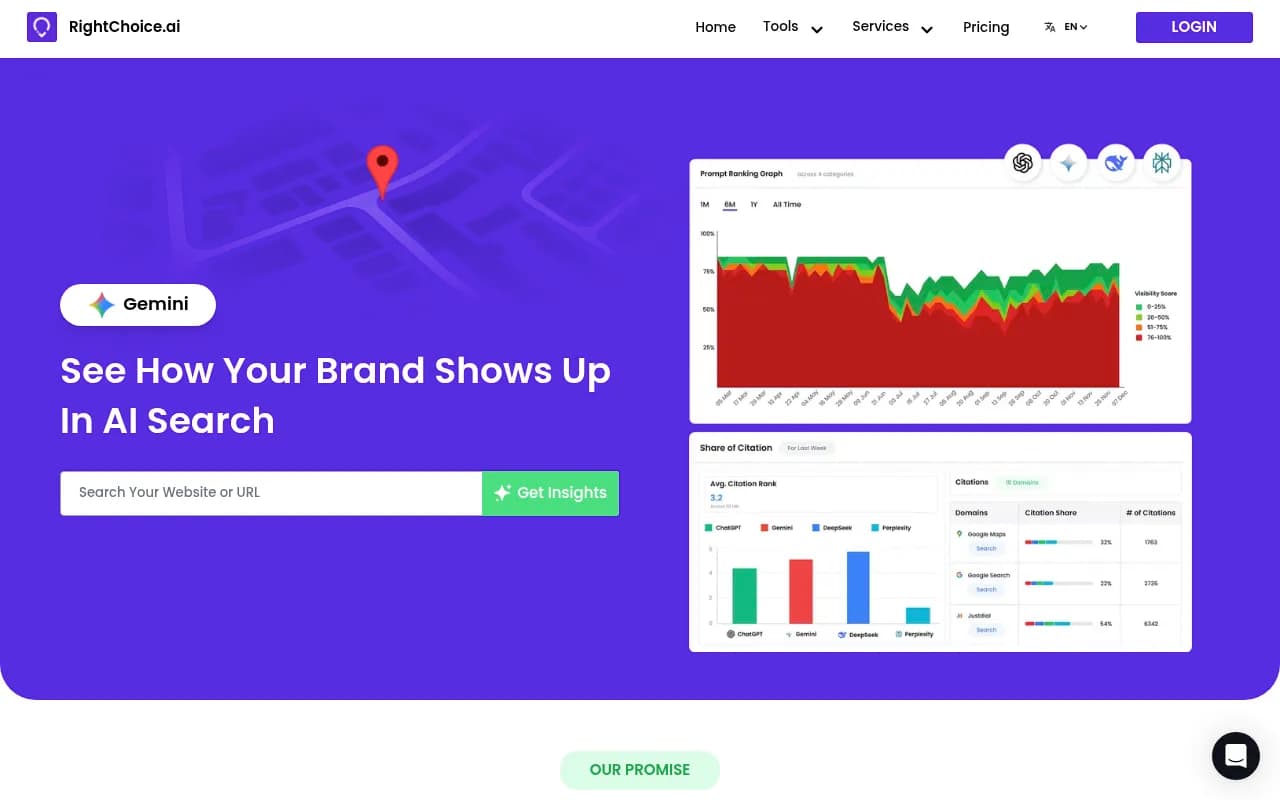
A few free quick checks exist if you want a faster first look, such as RightChoice.Ai, AnswerGist, and Amplitude AI Visibility. They are fine as a sanity check against your manual numbers.


When you want ongoing tracking, tools like Promptwatch go further than monitoring: they show which pages get cited, log AI crawler visits to your site, and suggest content fixes for the gaps your manual test found.

Other trackers worth a look include Otterly.AI for simple monitoring and Peec AI, which is mostly monitoring without the optimization side.


To compare more options, the GEO software directory at bestgeosoftware.com lists many of them side by side.
| Approach | Cost | Coverage | Best for |
|---|---|---|---|
| Manual 10-prompt test | Free | 10 prompts, 2 to 3 engines | First baseline, learning how answers are built |
| Free one-off checkers | Free | Limited, one scan | Quick sanity check |
| Dedicated tracking platform | Paid | Hundreds of prompts, daily, many engines | Ongoing measurement and fixing gaps |
Copy-paste summary template
Use this at the top of your sheet after each run:
Test date:
Engines tested:
Prompts run: 10 (5 organic / 2 brand / 3 comparison)

Citation rate (ChatGPT): _ / 10
Citation rate (Perplexity): _ / 10
Mention-only: _
Top competitor cited:
Top third-party domains:
Pages of ours that got cited:
Wrong or outdated claims found:
Top 3 actions:
1.
2.
3.
Final word
Do the test once by hand, even if you plan to buy a tracker. Reading ten real answers and their source lists teaches you more about how AI picks sources than any dashboard summary will. Then fix the top three gaps, wait a few weeks, and run the same ten prompts again.