Key takeaways
- All three clients can talk to SEO MCP servers like Ahrefs, Semrush, Nightwatch and Frase. The differences show up in setup, local server support, write permissions and how many tools you can stack.
- Claude is the most flexible: remote connectors on every plan, plus local (stdio) servers in Claude Desktop and Claude Code.
- ChatGPT is remote-only, needs Developer Mode, asks before write actions, and has had reliability complaints. Its plan-by-plan write access is described inconsistently by OpenAI, so test on your own plan.
- Cursor has the most transport options and the best developer ergonomics, but it has a tool cap that matters if you stack several SEO servers.
- No independent head-to-head benchmark of tool-calling quality exists. Anyone telling you one client is flatly "best" is guessing, including vendors who say they all perform "equally well."
Why the client matters at all
MCP (Model Context Protocol) is an open standard Anthropic released in November 2024. A server exposes tools, such as "get keyword volume" or "list ranking pages." A client, the app you chat in, decides how to connect, authenticate and call them.
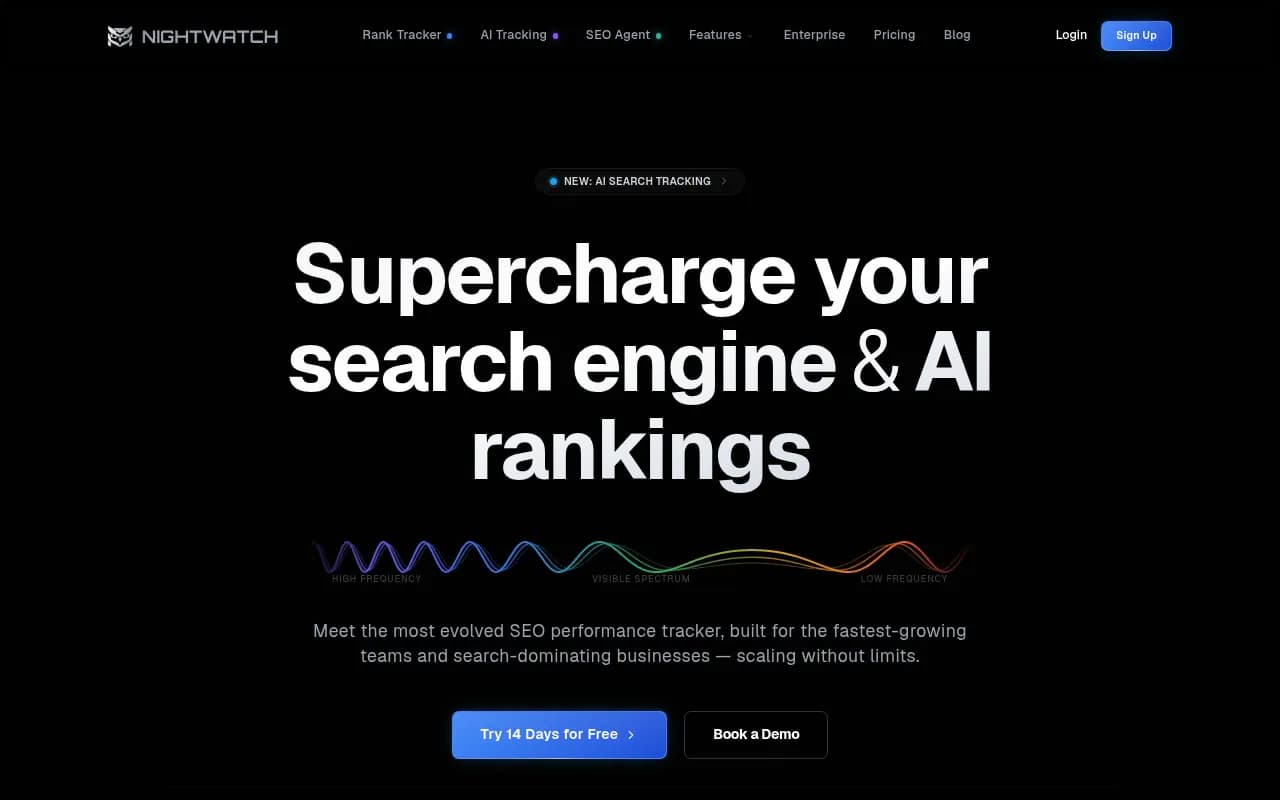
The SEO vendors want you to believe the client is interchangeable. Frase says its MCP works with Claude, Cursor, Windsurf and others and that they all handle the core workflows equally well. Nightwatch lists the same spread of supported clients. That is probably true for a simple "pull me a keyword list" request. It gets less true when you care about:
- where the server runs (your laptop or a public URL)
- who can set it up (you, or an admin)
- whether the model can write, publish or change things without you clicking confirm
- how many tools you can load before the client chokes
Those are the dimensions worth comparing.
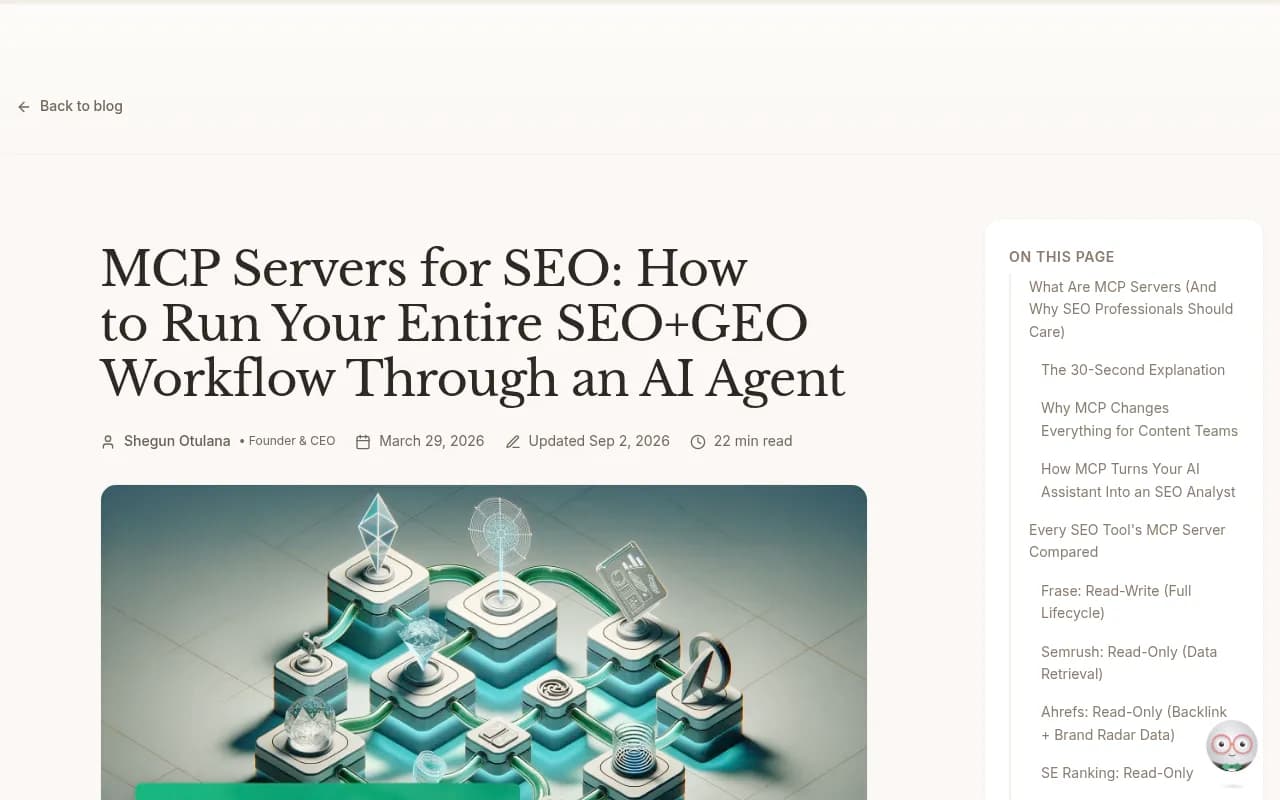
Quick comparison
| Claude (Desktop, web, Code) | ChatGPT | Cursor | |
|---|---|---|---|
| Remote MCP servers | Yes, custom connectors | Yes, via Developer Mode | Yes (SSE, Streamable HTTP) |
| Local stdio servers | Yes, in Desktop and Claude Code | No, needs a tunnel | Yes |
| Plans with custom connectors | Free (one connector), Pro, Max, Team, Enterprise | Developer Mode, plan rules vary | Any plan, config in mcp.json |
| Write actions | Supported | Supported, with confirmation prompts | Supported |
| Auth | OAuth or API key, per user | OAuth, none, or mixed | OAuth, static client credentials |
| Tool cap | Not documented in my sources | Not documented in my sources | About 40 or 80, sources conflict |
| Best for | Mixed SEO analysis and content work | Teams already living in ChatGPT | SEO folks who also code or edit sites |
Claude as an MCP client
Claude has the longest history here, which makes sense since Anthropic wrote the protocol. Remote MCP launched as "Integrations" on May 1, 2025 for Max, Team and Enterprise, reached Pro on June 3, 2025, and a connector directory followed that July.
Today, custom connectors using remote MCP work on Claude web, Cowork and Claude Desktop across Free, Pro, Max, Team and Enterprise plans. Free is limited to one custom connector. That alone is useful: you can test a single SEO server, say Ahrefs or Nightwatch, without paying anything on the Claude side.
What Claude does well for SEO
Two things stand out.
First, local servers. Claude Desktop and Claude Code can launch stdio servers directly. If you use an unofficial Google Search Console MCP (about 1.5k GitHub stars, needs Google Cloud OAuth setup), a local Screaming Frog connector or your own script, Claude runs it on your machine. ChatGPT can't do that without a tunnel.
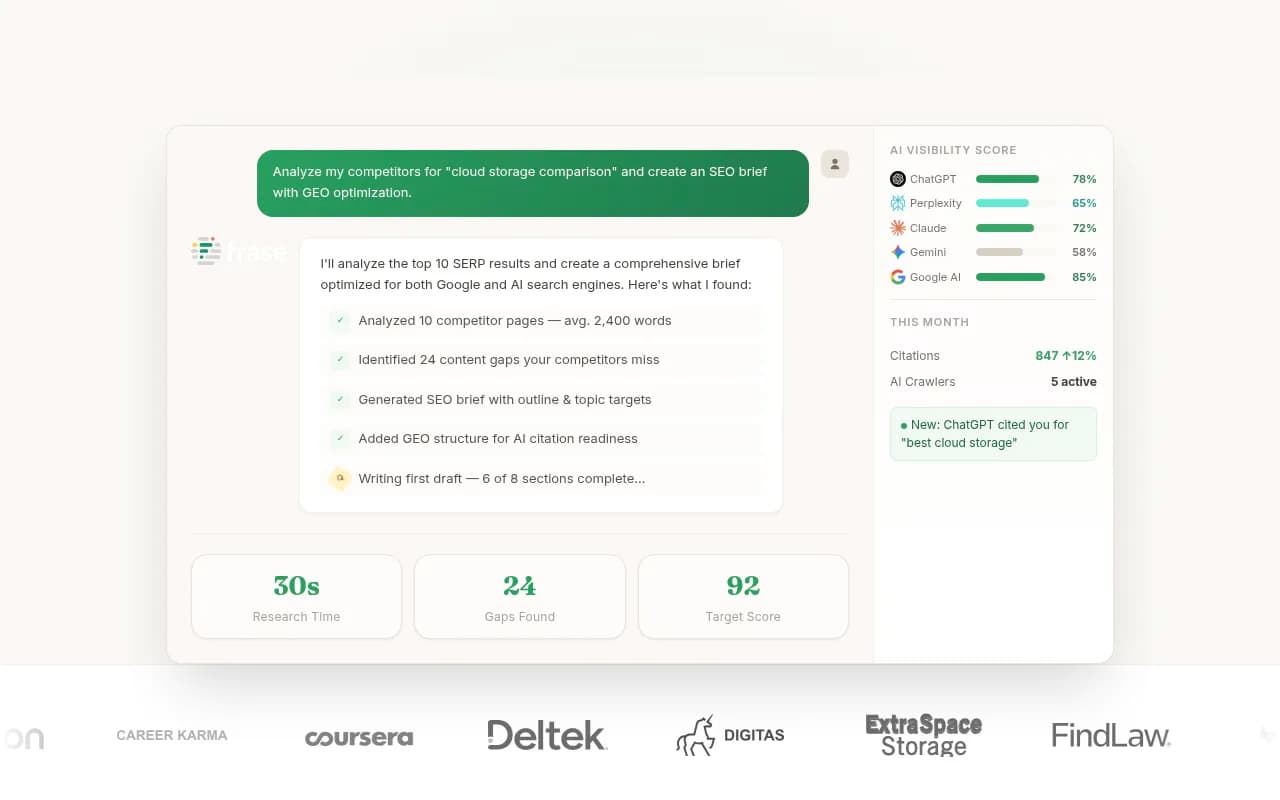
Second, it handles long multi-step jobs. Frase's own FAQ says Claude Code offers the deepest integration for multi-step content workflows because it handles long-running tasks well. That is a vendor opinion, not a benchmark, but it matches what a lot of practitioners report: research the SERP, pull GSC data, draft a brief, then revise, all in one thread.
Where Claude is annoying
- Remote connectors are called from Anthropic's cloud, not your device. A server behind your firewall won't be reachable that way.
- On Team plans only Owners and Primary Owners can add connectors. On Enterprise, Owners and custom roles with "Manage access to Libraries" can. Each user then connects individually unless the connector uses a shared API key. For an agency, that means onboarding every analyst separately.
- Anthropic does not review custom connectors. You are trusting whoever built the server. For SEO tools that can publish to a CMS, that deserves a look at the permissions.
- Scheduled tasks run on a set time, not on events. Good for a Monday rank report, useless for "alert me when a page drops."
ChatGPT as an MCP client
ChatGPT is the client most marketers already have open, so it is the one people most want to work. It is also the one with the most caveats.
How setup works
ChatGPT supports remote MCP servers only, through Developer Mode. The server must be a public HTTPS endpoint using SSE or Streamable HTTP, with OAuth, no auth or mixed. Private or local servers need OpenAI's separate Secure MCP Tunnel.
The path, per one third-party walkthrough: Settings, Security and login, enable Developer Mode, then Plugins, Add, Create MCP App. Developer Mode launched in beta on September 9, 2025 with, in OpenAI's words, full MCP client support for read and write tools. Note that custom tools reportedly have to be used inside Developer Mode chats as well, not only configured there.
The plan confusion
Here OpenAI's own documentation disagrees with itself. The developer guide says Pro, Plus, Business, Enterprise and Edu get full read and write. The newer help-center article says full MCP is currently only for Business and Enterprise/Edu, with Pro limited to read and fetch. I can't tell you which is current for your account. Before you build an SEO workflow around ChatGPT, test it on the exact plan you pay for, with a write action, not just a read.
Confirmations and reliability
ChatGPT asks for confirmation before write actions. That is a sensible safety rail. OpenAI labels Developer Mode "elevated risk" and names prompt injection, destructive write mistakes and data exfiltration. But it also means unattended workflows are hard: a content pipeline that publishes ten articles will interrupt you ten times. Tool calls also consume plan message allowances.
There is also a pile of reliability complaints through 2026, mostly from a vendor blog, so treat them as secondary evidence:
- custom apps intermittently disappearing
- OAuth completing but the connector not showing up in chat
- Pro accounts missing Developer Mode features (reported April 2026)
- some reports of tool-calling regression
- some developers saying the same server behaves better in Claude
I wouldn't call ChatGPT bad. I would call it the client where you should keep a fallback. The upside is real though: Semrush's MCP is one of the few that works in both Claude and ChatGPT, and if your team already pays for ChatGPT Business, adding an SEO connector is cheaper than introducing a new tool.
Cursor as an MCP client
Cursor is a code editor, which makes it an odd pick for SEO at first. But it has the most complete MCP implementation of the three, and plenty of technical SEOs already live in it.
Transports and features
Cursor supports stdio (local, Cursor-managed, single user, manual auth), SSE and Streamable HTTP. The last two can be local or remote and use OAuth. According to Cursor's docs it supports Tools, Prompts, Resources, Roots, Elicitation and the Apps extension (interactive UI returned by tools), plus static OAuth client credentials in mcp.json.
Install is either one click from the Cursor Marketplace or cursor.directory ("Add to Cursor" plus OAuth), or a manual mcp.json entry. Team admins can distribute servers through a team marketplace, which is genuinely handy for an agency that wants every analyst on the same approved set.
A minimal manual config looks like this:
{
  "mcpServers": {
    "nightwatch": {
      "url": "https://mcp.nightwatch.io/sse"
    }
  }
}
The Nightwatch URL is the hosted endpoint listed in their own guide. For servers that offer it, SEOmatic's advice is the right default: use OAuth, not an API key.
The tool cap problem
This is the catch for SEO. Cursor has historically limited active tools to about 40 across all servers combined, a cap meant to protect context. A Reddit post from around September 2025 says it doubled to 80, while a TrueFoundry 2026 guide still says about 40. I couldn't verify the current number, so check before you commit.
Why it matters: a serious SEO stack might include Ahrefs or Semrush, Google Search Console, GA4, a rank tracker and a crawler. Each server can expose dozens of tools. You can hit the ceiling fast, then spend your time toggling tools on and off.
When Cursor makes sense
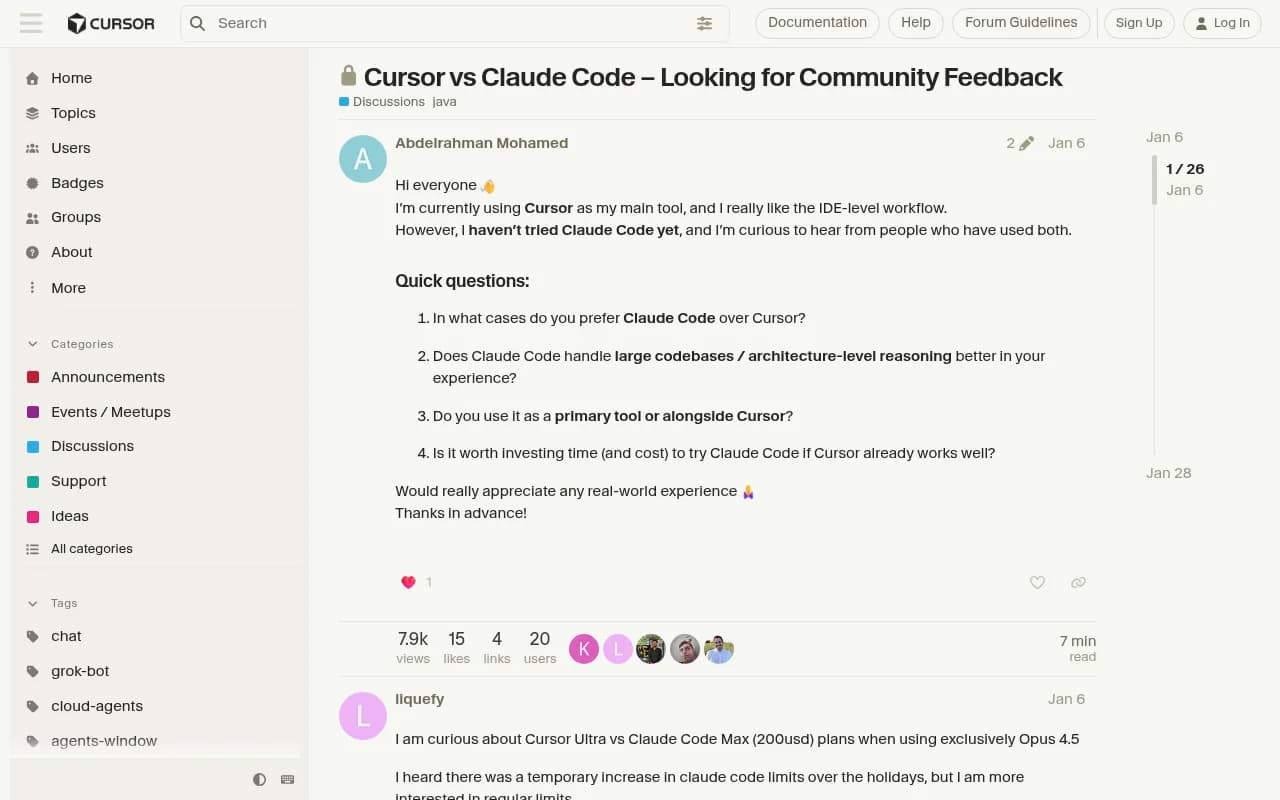
If your SEO work touches code, such as editing templates, fixing schema, changing robots.txt, adding internal links in a repo, Cursor is hard to beat because the MCP data lands in the same place you edit files. The community thread comparing Cursor and Claude Code is mostly about coding, but the pattern applies: people use Cursor for the IDE workflow and Claude Code for heavier, longer agentic runs, often side by side.
Which SEO MCP servers work where
The client matters less if the server you want isn't supported. From the research:
| Server | Type | Notable client notes |
|---|---|---|
| Nightwatch SEO MCP | Official, hosted, rank tracking, AI visibility, audits | Claude Desktop, Claude Code, Cursor, Windsurf, ChatGPT, Continue, Cline, Zed |
| Semrush MCP | Official | Works in Claude and ChatGPT |
| Ahrefs MCP | Official | MCP access starts at Lite, Starter excludes it, uses API and Integration units |
| Frase MCP | Read-write, research through publishing | Claude, Cursor, Windsurf, Lovable, Replit and more |
| Google Search Console MCP | Unofficial, open source | Needs Google Cloud OAuth, best run locally |
| SEOmatic MCP | Hosted | Per-assistant guides for Claude, ChatGPT, Claude Code and Cursor |
The pattern: official, hosted remote servers work everywhere. The interesting free or niche ones, especially open-source Search Console connectors, are easiest in Claude or Cursor because they run locally.
If you're evaluating individual servers, the tools themselves are worth a look: Semrush, Nightwatch and Frase all have MCP support.
Choosing by workflow
Solo SEO or in-house marketer
Start with Claude. The free plan's single custom connector is enough to test one server, and Pro gets you more. You get the most flexibility without having to write config files, and local servers work if you later want Search Console.
Agency with several analysts
Claude Team or Cursor's team marketplace are the realistic options. Claude's per-user connection model means everyone authenticates on their own, which is good for audit trails and a chore for onboarding. Cursor's team distribution is smoother if your analysts are comfortable in an editor.
Technical SEO who also ships code
Cursor, with Claude Code as the heavy-lifting companion. Keep your server count lean to stay under the tool cap.
Team already standardized on ChatGPT
Use ChatGPT, but verify write access on your plan first, expect confirmation prompts, and stick to servers that are official and hosted. Don't make it your only path for anything critical.
Practical tips for any client
- Start read-only. Connect research and reporting servers first. Add write access (publishing, CMS edits) only once you trust the prompts.
- Keep tool counts low. Disable servers you aren't using. More tools means more context spent on descriptions and more chances for the model to pick the wrong one.
- Use OAuth where offered. Fewer keys floating around in config files.
- Treat third-party servers as code you're running. Anthropic doesn't vet custom connectors, and OpenAI explicitly flags prompt injection and exfiltration risks in Developer Mode.
- Watch usage costs. Ahrefs MCP burns API units, and ChatGPT tool calls count against message allowances.
- Test the same prompt in two clients. Since no public benchmark exists, ten minutes of your own comparison with your own server is the only evidence that really counts.
Don't forget AI visibility data
Most of the MCP servers above cover classic SEO: keywords, rankings, backlinks. If you also want your assistant to reason about how your brand shows up in ChatGPT, Gemini or Perplexity, there are MCP-capable AI visibility platforms too. Promptwatch offers a hosted MCP server with 110+ tools, so you can query prompts, citations and crawler data from the same client you use for everything else.

For a wider look at the category, the directory at bestgeosoftware.com lists GEO platforms side by side.
Bottom line
If I had to pick one client for general SEO work today, it would be Claude, mainly because it supports both remote and local servers on every plan and has the most mature connector story. Cursor is my pick for anyone who edits sites or repos, with the caveat about the tool cap. ChatGPT is fine when you are already inside it and the server is official, but verify write access and keep a backup client.
The honest limit of this comparison: there is no independent tool-calling benchmark, and several details (Cursor's current cap, ChatGPT's write access by plan, current pricing for all three) need checking on your own account. Run one real workflow, such as pulling a keyword set and drafting a brief, in each client before you standardize.