Key takeaways
- MCP (Model Context Protocol) lets an AI assistant pull live data from tools like Search Console, GA4, Semrush, and Ahrefs, so you ask questions instead of exporting CSVs.
- Start with Google Search Console (free, about 15 minutes to set up), then GA4, then one paid data source. Don't pay for a second platform's data you already have.
- Automate the reading, diffing, and flagging. Keep humans on content writing, link building, and anything that publishes or changes a live site.
- Tool definitions and API units are the hidden costs. Connect only the servers a workflow needs.
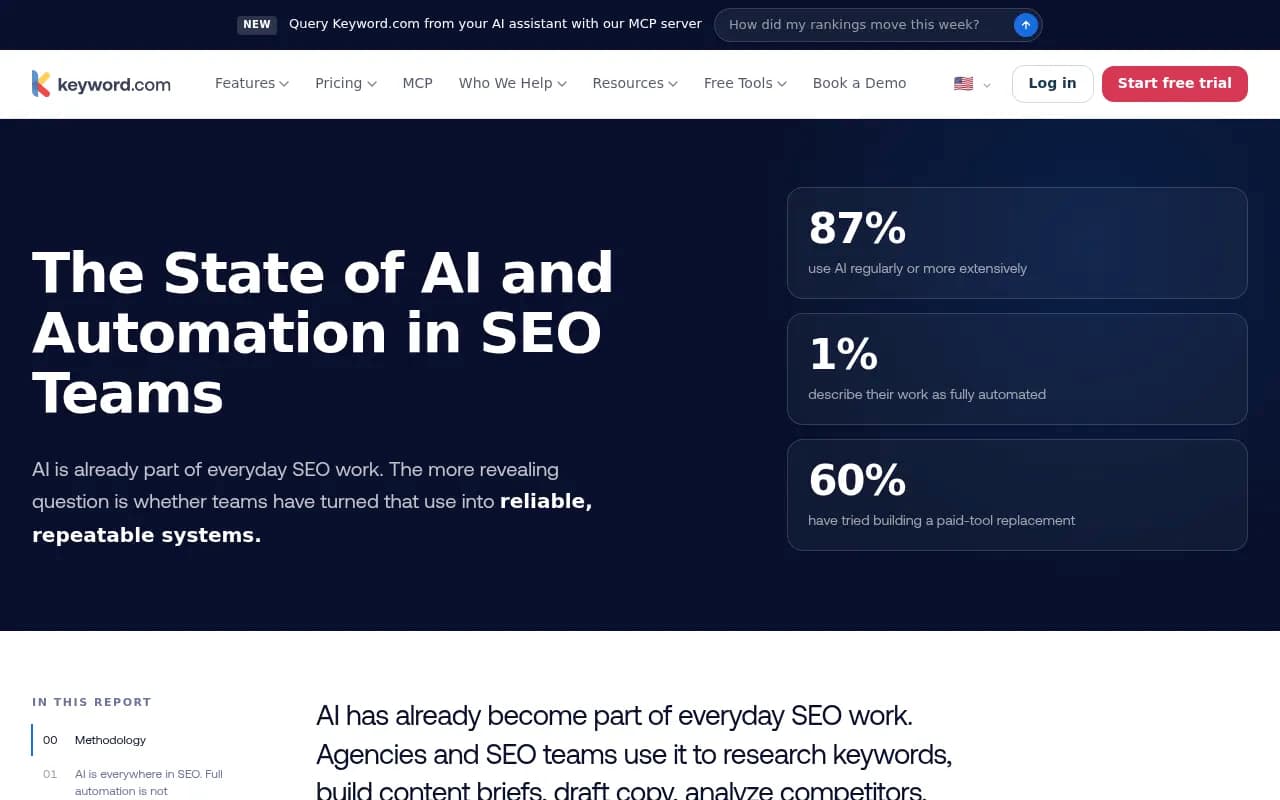
- Keyword.com's 2026 survey found 87% of SEO teams use AI regularly but only 1% are fully automated, so most of the opportunity is in building repeatable workflows, not buying more prompts.
What MCP changes for SEO teams
MCP is a standard way to give an AI assistant access to external tools. Instead of pasting a Search Console export into a chat window, the assistant calls the Search Console server itself, reads the numbers, and answers. You can ask "which pages lost clicks this week?" and get an answer built from live data.
That sounds small. It isn't. Most SEO time goes to gathering and reshaping data before any thinking happens. MCP removes that step.
But be realistic about where teams are. The Keyword.com survey (97 usable responses, 56% from teams of 1 to 5 people, so treat it as directional) found 87% use AI regularly and only 1% describe their work as fully automated. Seventy percent named poor output, hallucinations, or the time spent on quality control as their biggest limit. The same survey found the tasks people are least willing to fully automate are content writing (58%) and link building (51%), followed by technical SEO (40%) and audits (28%).
That pattern should shape how you build. The ten workflows below are mostly read-heavy: pull data, compare, flag, summarize. The ones that touch live content have a human gate.
Before you automate: the MCP server landscape
Pricing below comes from third-party roundups, several of them vendor-authored, and they contradict each other in places (Semrush entry pricing is quoted at $139.95, $165.17, and $199 a month depending on the source). Check vendor pages before you buy.
| Server | Cost | Notes |
|---|---|---|
| Google Search Console (community, mcp-gsc) | Free | Local server, 20 tools, needs Python, a Google Cloud project, and OAuth. Google has no official one. |
| GA4 (Google official) | Free | Still labelled experimental, 7 tools, heavier setup than GSC |
| Semrush | Needs an eligible plan, 50,000 API units a month included | Official remote server, read-only, 12 research areas |
| Ahrefs | Lite plan ($129/mo) or higher | Remote server, 50 units per call, 100 rows per request on Lite |
| SE Ranking | From $129/mo, plus $50 minimum wallet deposit for API/MCP | 160+ tools, includes AI visibility data |
| DataForSEO | Pay as you go, $50 minimum top-up | About $0.002 per live SERP |
| Screaming Frog | $279/yr | Desktop-bound, free up to 500 URLs per crawl |

Three pitfalls come up repeatedly:
- Every connected server loads its tool definitions into the model's context before you ask anything. SE Ranking alone exposes 160+ tools. Add only what you need.
- Units burn fast. Semrush charges 10 units per organic keyword, so a 500-keyword pull is 5,000 units. Agents that loop over tools make this worse.
- The most common overspend is paying for a second platform's data on top of one you already have. Check whether your current plan already includes MCP.
The 10 workflows
1. Weekly Search Console movement report
The easiest win. Every Monday, the assistant compares the last 7 days against the prior period and lists the pages and queries that gained or lost the most clicks, with a one-line guess at why (a new competitor, a title change, a seasonal dip).
The community mcp-gsc server supports period comparison out of the box. Schedule it, send the output to Slack, and stop opening the Performance report by hand.
Human gate: someone reads it. The "why" is a hypothesis, not a finding.
2. Almost-ranking keyword finder
Ask for queries sitting at positions 8 to 15 with decent impressions. These are your cheapest wins: a better title, a stronger internal link, a section added to the page. The GSC server can pull this directly.
The output is a prioritized list of page-and-query pairs. Pair it with a content tool like Surfer SEO or Clearscope when you actually rewrite.

3. Low-CTR page detection
High impressions, weak clicks. The workflow flags pages where CTR is well below what their position would suggest, then drafts three alternative title and meta description options for each.
Drafting is safe to automate. Shipping is not. Put the options in a review sheet and let an editor choose. Titles that read well to a model sometimes read oddly to people.
4. Cannibalization alerts
Multiple URLs competing for the same query splits clicks and confuses everyone. The assistant groups queries by the pages receiving impressions and flags any query where two or more URLs trade positions.
This is a good pure-analysis workflow because the cost of a wrong flag is a minute of your time. Run it monthly.
5. Impressions-without-conversions audit (GSC plus GA4)
Connect GSC and GA4 together and you can finally ask the question that matters: which landing pages get search visibility but don't convert? One server shows demand, the other shows what happened after the click.
Setup order matters here. Get GSC working first, then add GA4. The GA4 server is experimental and heavier to configure, so budget more than an afternoon. If you'd rather not wire it yourself, Coupler.io's MCP wraps GA4, GSC, and 400+ other apps and syncs every 15 minutes, per roundup coverage. SE Ranking also runs a free webinar on GA4 and MCP workflows.
6. Competitor gap pulls from a paid data source
This is where you spend money. Pick one of Semrush, Ahrefs, SE Ranking, or DataForSEO and ask for keywords competitors rank for that you don't, filtered by intent and difficulty.
Cap the pull size. A prompt like "top 100 gaps, then stop" protects your unit budget. If you're on Ahrefs Lite, remember each call burns 50 units and returns 100 rows, so a sloppy loop gets expensive quickly. DataForSEO's pay-as-you-go model is friendlier for occasional heavy pulls.
7. Technical audit triage
Crawlers produce thousands of issues, and most are noise. The workflow ingests the latest audit from Semrush, SE Ranking, or Screaming Frog and groups findings by template and impact, then writes a ticket-ready list: what's broken, how many URLs, who should fix it.
Survey respondents were wary of automating technical SEO and audits (40% and 28% unwilling to fully automate), and that instinct is correct. Let the assistant triage and write tickets. Don't let it change robots.txt, redirects, or canonicals.
8. Rank and position alerts
Instead of dashboards nobody opens, set thresholds: any priority keyword dropping more than five positions, or any page falling out of the top ten, triggers a message with the before and after and the SERP features involved.
Rank trackers like Nightwatch and AccuRanker have MCP or API paths for this. Pair them with a scheduler such as n8n, Make, or Zapier so the alert lands in Slack without you asking.
9. AI visibility and fan-out monitoring
This one is new for most teams. You track whether your brand is mentioned and cited in ChatGPT, Google AI Overviews, Perplexity, and others, and you watch the searches those systems run behind the scenes.
Fan-outs matter because they shape what your pages need to match. Promptwatch Data's ChatGPT query fanouts report found average searches per ChatGPT response fell from 2.15 in early December to about 1.84 by early March, and after a data gap fanouts returned in April at exactly 1.0 per response. Average fanout query length also dropped, from about 117 characters in December to about 53 once fanouts returned in April. Short, query-like phrasing is what AI systems are searching for.
The report's practical advice maps well to an automated check:
- Write headings that read like search queries, such as "Best CRM for small agencies 2026".
- Front-load the entity and category in titles and H2s.
- Build focused pages for sub-questions: comparisons, pricing, alternatives, how-tos.
- Re-audit keyword-to-heading mapping after major ChatGPT updates.
For the tracking side, tools like Promptwatch can monitor AI answers and citations, and it ships a hosted MCP server so an assistant can query that data alongside your Search Console numbers. Other options with MCP access include SE Ranking and Nightwatch. For a wider list, the GEO software directory at bestgeosoftware.com is a good place to compare.

Human gate: AI answers vary run to run. Look at trends over weeks, not a single odd response.
10. Monthly client or stakeholder report draft
The workflow combines GSC, GA4, rank data, and AI visibility into a first-draft narrative: what moved, what probably caused it, what you'll do next. Reporting is the task teams most readily hand to automation because it's repetitive and the facts are checkable.
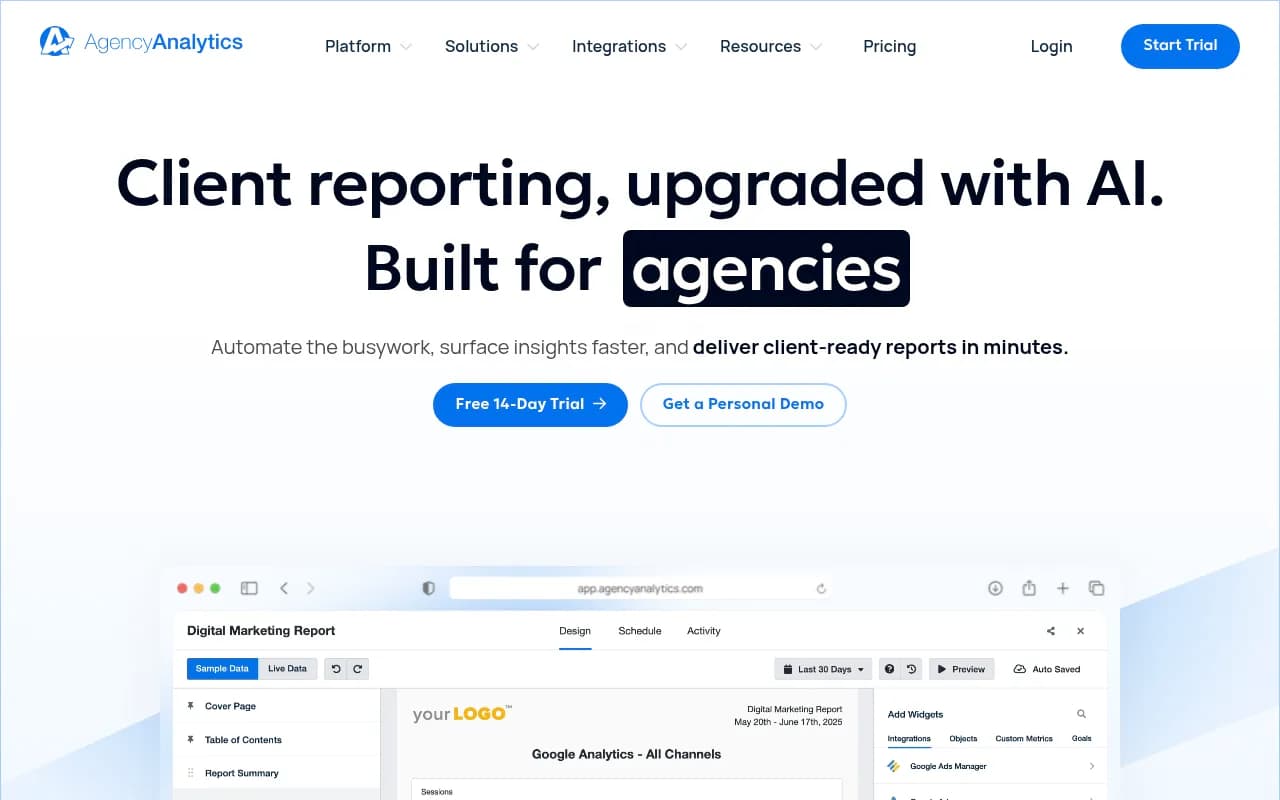
Tools like AgencyAnalytics cover the dashboard side. The MCP version covers the commentary. Always have someone verify the numbers against the source before it goes out, since the writeup is where hallucinations hide.
Which workflows to build first
| Workflow | Data source | Cost to start | Risk if wrong | Human gate |
|---|---|---|---|---|
| Weekly GSC movement | GSC | Free | Low | Read the summary |
| Almost-ranking finder | GSC | Free | Low | Pick targets |
| Low-CTR detection | GSC | Free | Medium | Approve titles |
| Cannibalization alerts | GSC | Free | Low | Decide the fix |
| Impressions vs conversions | GSC + GA4 | Free, more setup | Low | Validate tracking |
| Competitor gaps | Semrush, Ahrefs, DataForSEO | Paid | Low | Check relevance |
| Audit triage | Crawler or suite | Paid | Medium | Engineer reviews |
| Rank alerts | Rank tracker | Paid | Low | Investigate drops |
| AI visibility monitoring | AI visibility platform | Paid | Low | Trend review |
| Monthly report draft | All of the above | Paid | Medium | Verify numbers |
Follow the order the roundups agree on: connect GSC first, GA4 second, and a paid source third. Workflows 1 to 5 cost nothing beyond setup time and teach you how the assistant behaves with your data before you spend anything.
How to keep it from going wrong
A few habits separate teams that get value from teams that get confident-sounding nonsense.
Start read-only. Semrush's server is read-only by design, and the GSC server ships with destructive actions like deleting a site or sitemap turned off. Leave them off.
Use the Service Account auth method for team automation in GSC rather than one person's OAuth login, so a departure doesn't break the workflow.
Remember GSC only keeps about 16 months of data. If year-over-year comparisons matter, a paid option like GSC Wizard (up to 10 years of history, $19/mo Starter per one roundup) may be worth it.
Test on questions where you already know the answer. If the assistant can't reproduce a number you've checked by hand, don't trust its new ones.
Finally, treat the two things I could not find as open questions. I found no official vendor documentation walking through these exact workflows, and no hard time-saved figures for any of them. Measure your own: log how long the manual version took for a month, then compare.
Where this leaves your team
The survey number that sticks with me is 1%. Nearly everyone uses AI and almost nobody has built the systems. Five free Search Console and GA4 workflows, a weekly Slack digest, and one paid data source will put you ahead of most teams. If you want help designing the strategy around them, or the GEO side of it, 1001 SEO Media works with teams on exactly that kind of setup.
For more tools to extend these workflows, browse the agentic SEO tools directory.