Key takeaways
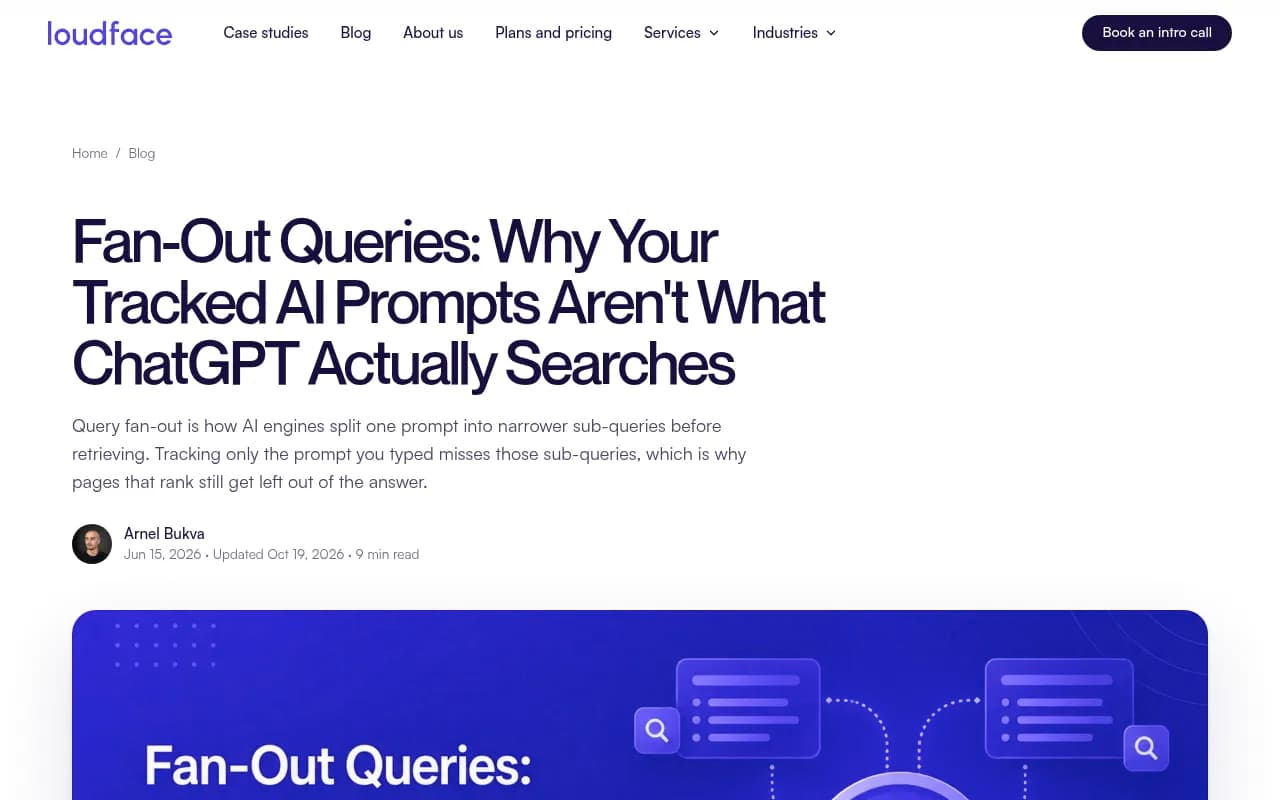
- A prompt is only the parent question. ChatGPT often runs one or more narrower web searches behind it, and the pages that answer those searches decide who gets cited.
- Fan-out volume is not stable. Promptwatch Data measured about 2.15 searches per response in early December, about 1.84 in early March, and 1.0 in April. Date-stamp any number you rely on.
- On August 8, 2026, ChatGPT began scoping about 1 in 6 fan-out queries to a specific domain with the site: operator. Your own site is now a retrieval surface.
- Cover sub-questions with focused sections or a small cluster, not one page per variation. Google's 2026 guidance treats separate content for every fan-out variant, made mainly to manipulate rankings, as scaled content abuse.
- Put a complete, self-contained answer at the top of every section, and write headings that read like the searches they are meant to match.
What a query fan-out is, in plain terms
When you ask ChatGPT something that triggers web search, it does not usually run your sentence verbatim. It rewrites the question into a handful of narrower searches, runs them, pulls pages for each, and writes one answer from whatever comes back. Google named this "query fan-out" when it launched AI Mode. The behavior is common to any retrieval-based engine, because a broad question makes a poor search query.
A buyer asks "what's the best AEO agency for a B2B SaaS company." The model is unlikely to hunt for a page with that exact title. It may search for what an AEO agency does, how SaaS companies get cited in ChatGPT, and what pricing looks like. You optimized for the question. The model retrieved for the sub-questions. Those are often different documents.
That gap explains a familiar frustration: a page that ranks well for the tracked prompt still gets left out of the answer. It answered the parent. Someone else answered the child.
How many sub-searches are we actually talking about?
This is where a lot of guides oversell. You will read that one prompt triggers 3 to 8 or more searches. Sometimes that is true at the tail. The averages are lower, and they move.
Promptwatch Data's ChatGPT query fanouts report tracks average distinct web searches per response over 2026:
- Early December: 2.15
- Early March: about 1.84
- April: 1.0 per response after a gap in the data
- Average fan-out query length fell from about 117 characters in December to about 53 characters (roughly 6 to 8 words) after April
Then things changed again. According to Promptwatch's site: operator report, the share of fan-out queries containing site: jumped from 0.37% to 16.8% on August 8, 2026, and average searches per response went from about 1.08 to about 1.83 on the same day. The site: searches were added on top of the generic ones.
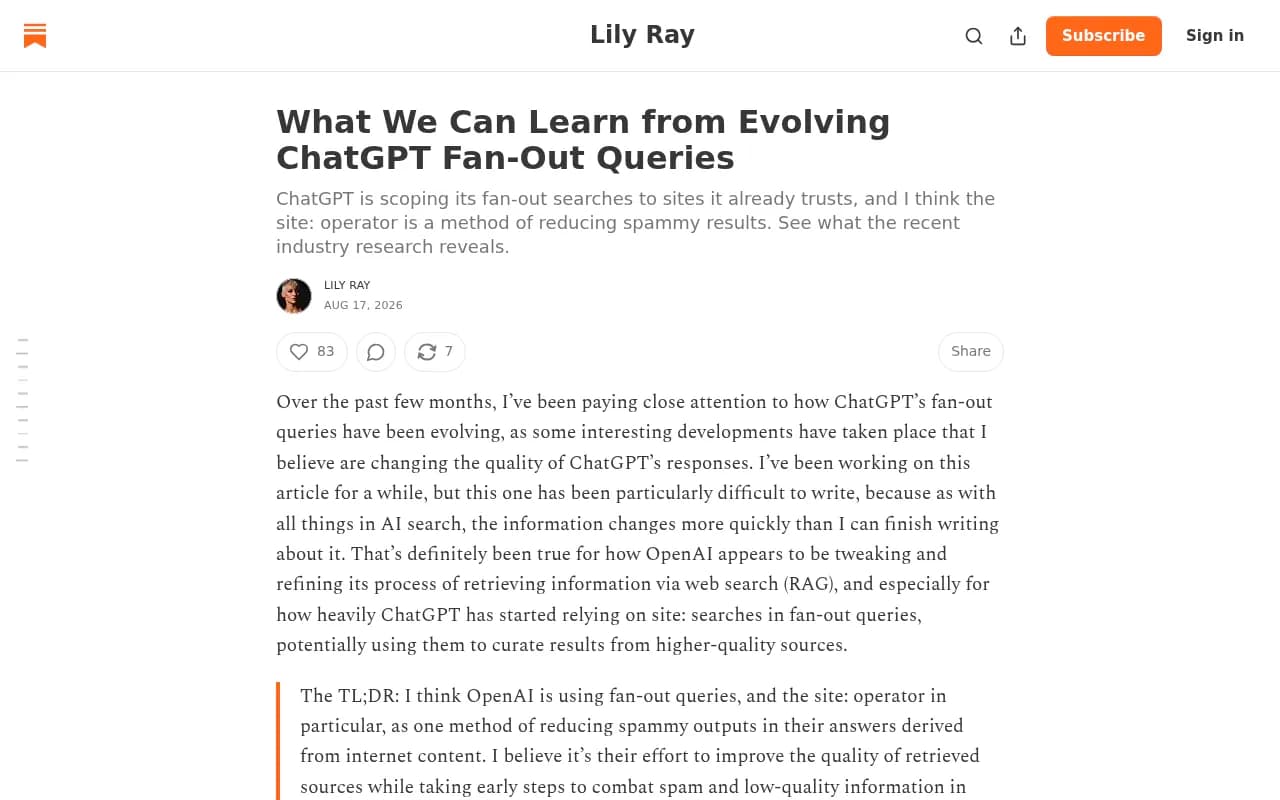
Other teams measure different things with different methods. LoudFace counted sub-queries across 3,718 answers to its own tracked prompts between July 26 and August 25, 2026, and found ChatGPT fanned out on 47% of answers with a median of one query and a maximum of 15, while Perplexity fanned out on about 2%. Lily Ray's August 2026 roundup cites Peec AI data showing single-query prompts falling from 94.0% to 43.5% after a model default change, and Nectiv's API-based study reporting a jump from 2.17 to 7.61 queries per prompt. Those numbers disagree partly because one source collects from the consumer interface and another from the API. Retrieval and citation are also different things.
My takeaway: stop arguing about the average. The distribution is lopsided, the behavior changes without notice, and fewer searches per answer means each retrieval counts for more.
Step 1: Find the sub-queries behind your prompts
You cannot write for sub-searches you have never seen. There are a few ways to get them, from cheap to thorough.
Watch the engines work
Perplexity shows its search steps as it runs. ChatGPT sometimes shows a thinking panel, though that is a glimpse, not a full log. Browser extensions and plugins can read the queries out of ChatGPT's network traffic when it searches. Promptwatch also has a free GEO Inspector Chrome extension that shows fan-outs and fetched versus cited sources.
Perplexity
If you want the manual route, open your browser's Network tab while a prompt runs and look for the queries tucked inside the API calls. It works, but it is slow and you only see one prompt at a time.
Work backward from citations
If nothing exposes the queries, read the sources cited in the answer and ask what question each page answers. Ten minutes per prompt, no tooling. Crude, but it tells you what the model thought a good source looked like.
Use a tracker that records fan-outs
This is where tools earn their keep. Be careful about whether a tool records the queries an engine actually ran or merely asks a language model to guess them. Simulated fan-outs are fine for brainstorming. They are weaker as evidence.
Promptwatch tracks query fan-outs from real interface responses alongside prompt volumes and difficulty, so you can see which sub-searches fire for each prompt and which URLs get cited for them.

Other options in the same space include Peec AI, which Lily Ray and the Peec team have used for fan-out research, Profound, and Otterly.AI. For a wider view of the category, the directory at bestgeosoftware.com lists GEO platforms.


Check your crawler logs
The pages AI bots fetch in the minutes after a prompt gets popular are fan-out made visible. If a bot pulled a page, that page matched a real sub-query. Most teams own this data and never look at it. Promptwatch's IP-verified crawler logs surface it, and Promptwatch Data's AI crawler traffic report shows what weekly verified requests from the major AI crawlers look like.
Step 2: Group sub-queries into topics, not pages
Here is where I would slow down. The temptation is to take a list of 40 sub-queries and publish 40 pages. Don't.
Lily Ray makes the point well: fan-out queries are long-tail, low-volume, and vary by prompt and user, so chasing each one is whack-a-mole. And Google's 2026 guide on generative AI features warns that creating separate content for every variation, including fan-out queries, mainly to sway rankings or AI responses, runs into its scaled content abuse policy.
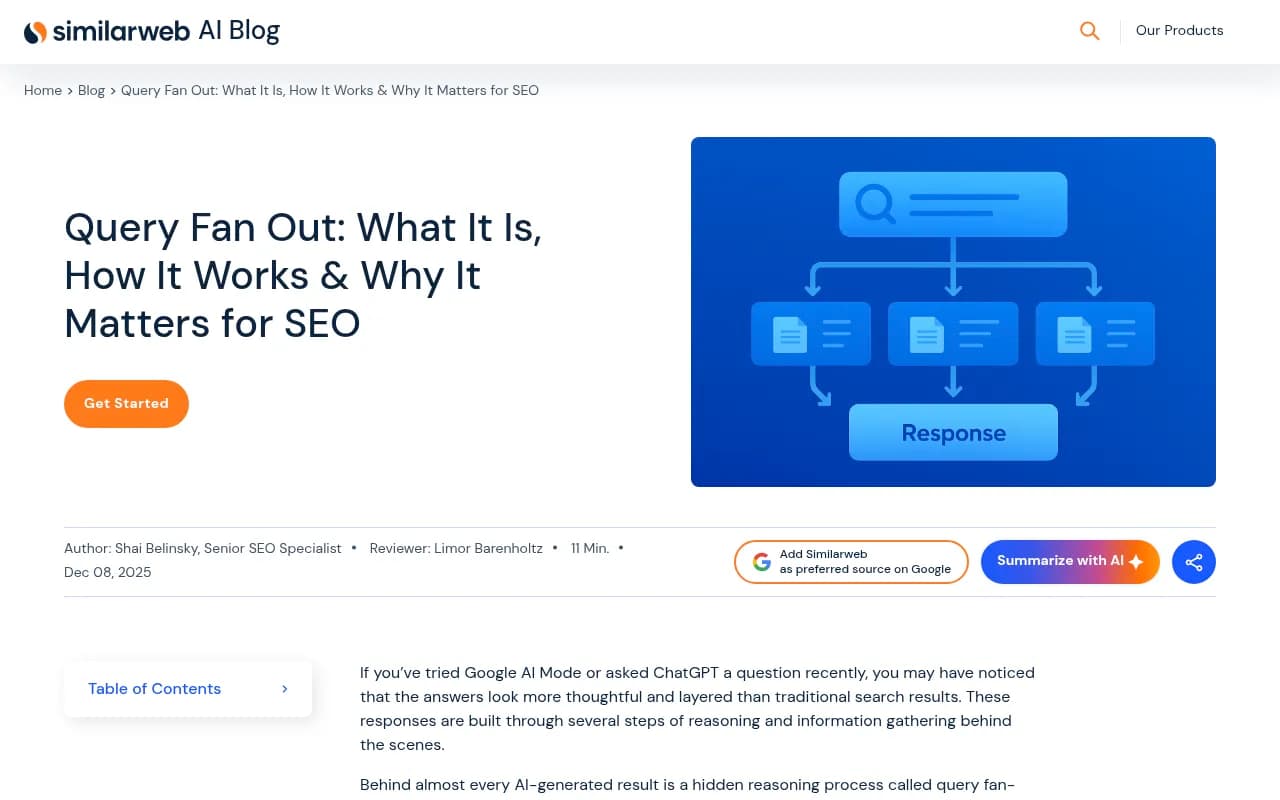
So cluster. Aggregate the sub-queries a prompt keeps producing, find the core topics behind them, and decide which ones deserve a page, which deserve a section, and which are just noise. A useful grouping looks like this:
| Sub-query type | Example | Where it belongs |
|---|---|---|
| Definitional | what does an AEO agency do | Section or explainer, near the top |
| Comparative | X vs Y, alternatives to X | Dedicated comparison page |
| Evaluative | reviews, best for, not ideal for | Section on the parent page |
| Pricing and cost | how much does X cost | Section or short dedicated page |
| Process and how-to | how do SaaS companies get cited | Guide page linked from the parent |
| Entity and brand | named competitors in the query | Comparison or listicle content |
| Freshness | 2026, latest, official | Update dates and refresh cycles |
One rule of thumb: if one page can answer a group of related questions well, it should. Split only when the intent is genuinely different.
Step 3: Write each section so it can be lifted
Models extract from the top of a page and the top of a section. Whatever sits buried below rarely gets pulled. Conductor's advice is simple and I agree with it: answer the question immediately, because the longer an LLM bot spends finding the relevant content, the more likely it moves to another source.
For each sub-query you decide to cover:
- Write a heading that reads like the search. Promptwatch's report suggests "Best CRM for small agencies 2026" over "What should you look for when choosing a CRM?" Fan-out queries average roughly 6 to 8 words, so match that register.
- Lead with the entity and the category in titles and H2s.
- Open with a two-sentence self-contained answer before any context.
- Let the rest of the section carry the depth: data, examples, caveats.
- Keep paragraphs to two to four sentences and use lists and tables where they help a reader scan.
- Add a short FAQ block for the hidden sub-queries that do not deserve their own section.
A quick before and after. Before: "Choosing a CRM is a big decision, and many teams struggle with it. In this section we explore the factors worth thinking about." After: "For agencies under 20 people, a CRM with built-in project tracking and flat per-seat pricing usually fits best. The three things that decide it are pipeline views, client reporting, and email sync." The second version can be quoted as is.
Step 4: Cover the sub-queries your competitors skip
Two patterns in the research deserve attention.
First, ChatGPT likes to inject certain words. Peec AI analyzed 5 million fan-outs collected April 1 to 21, 2026 and found "best" was the most commonly added word, appearing in 24.3% of fan-outs for advice-style questions, with "reviews" the third most injected. If you sell a product, the review sites that cover you shape how the model describes you. If you write a "best tools" article, meet that halfway with honest "best for" and "not ideal for" blocks. Mike Khorev makes a related point: the unglamorous sub-queries are the ones competitors skip.
Second, Peec reports that ChatGPT appears to combine results across sub-queries with Reciprocal Rank Fusion, a finding credited to Metehan Yesilyurt. If that holds, content that surfaces for several sub-queries scores higher than content that surfaces for one. That is a good argument for a thorough page over a thin one, and for a cluster that interlinks.
One more figure from Lily Ray's piece, from Chris Long's research as she cites it: when brands were named in the fan-out query itself, they were cited 68.9% of the time, while pages that were only fetched were cited 2.1% of the time. Treat this as one study, not a law. But it shows why the first query matters.
Also worth knowing: Promptwatch Data found product pages are the most cited content type in ChatGPT at 22.4% of citations (Sep 28 to Oct 4, 2026), followed by landing pages and listicles. So the format you choose for a sub-query matters as much as the words.
Step 5: Make your site retrievable after the site: shift
Since August 8, roughly 1 in 6 ChatGPT fan-out queries is scoped to a domain. Lily Ray's read is that OpenAI is using site: to pull from sources it already trusts and cut spam. Whether or not she is right about motive, the practical consequence is the same: ChatGPT may run "site:yourdomain.com [topic]" against you.
That means:
- A site: query can only surface what search engines have indexed. Check indexing first.
- Thin category pages, a broken internal search, and unindexed content now cost you answers.
- Keyword-to-heading mappings built before August 8 are probably stale.
- Make key pages crawlable by the AI bots you want. A robots.txt that blocks them undoes everything above.
Tools for the technical side include Google Search Console for indexing coverage and Screaming Frog for crawling your own site the way a bot would.

Also keep in mind that Promptwatch Data's ChatGPT content half-life report found landing pages and docs stayed cited longest among pages cited on July 6, 2026, while news lost half its pages within 36 days. If a sub-query is evergreen, put the answer on a durable page.
Tools for the writing and research side
You do not need a stack of software to do this. You need a prompt list, a fan-out map, and discipline. Still, some tools help at specific steps.
| Task | Tools worth a look | Note |
|---|---|---|
| Recording real fan-outs and citations | Promptwatch, Peec AI, Profound | Check whether the tool records or simulates |
| Question and sub-topic research | AnswerThePublic, AlsoAsked | Useful for brainstorming sub-queries |
| On-page optimization | Clearscope, Surfer SEO, Frase | Built for classic SEO, helpful for coverage checks |
| Indexing and crawl checks | Google Search Console, Screaming Frog | Needed for site: retrieval |
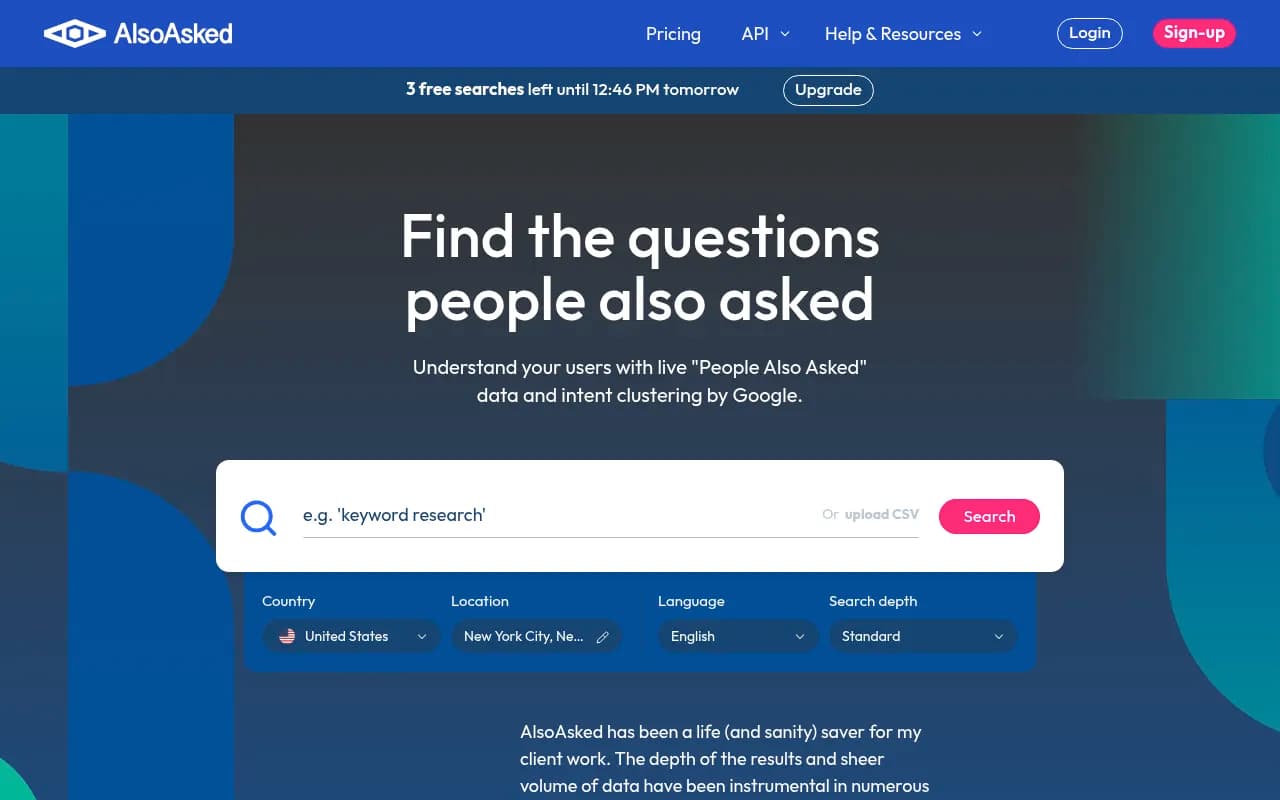
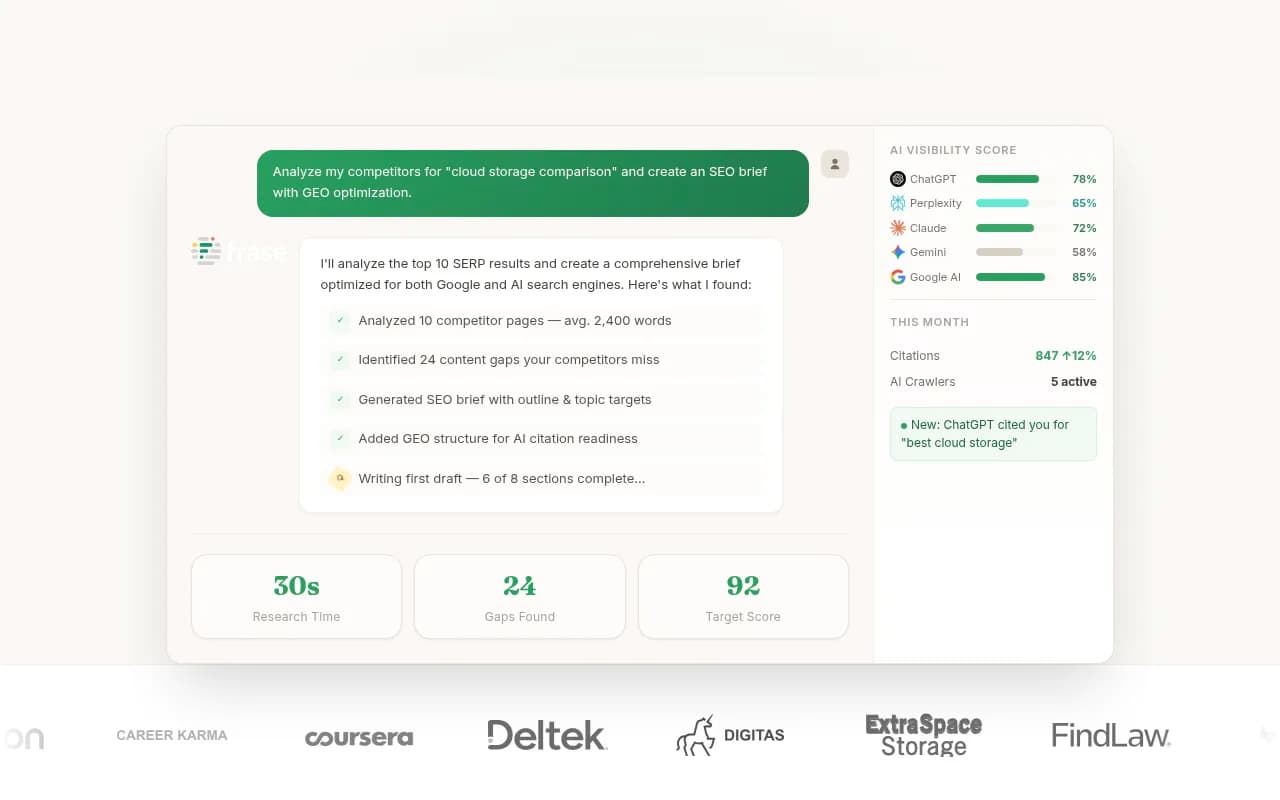
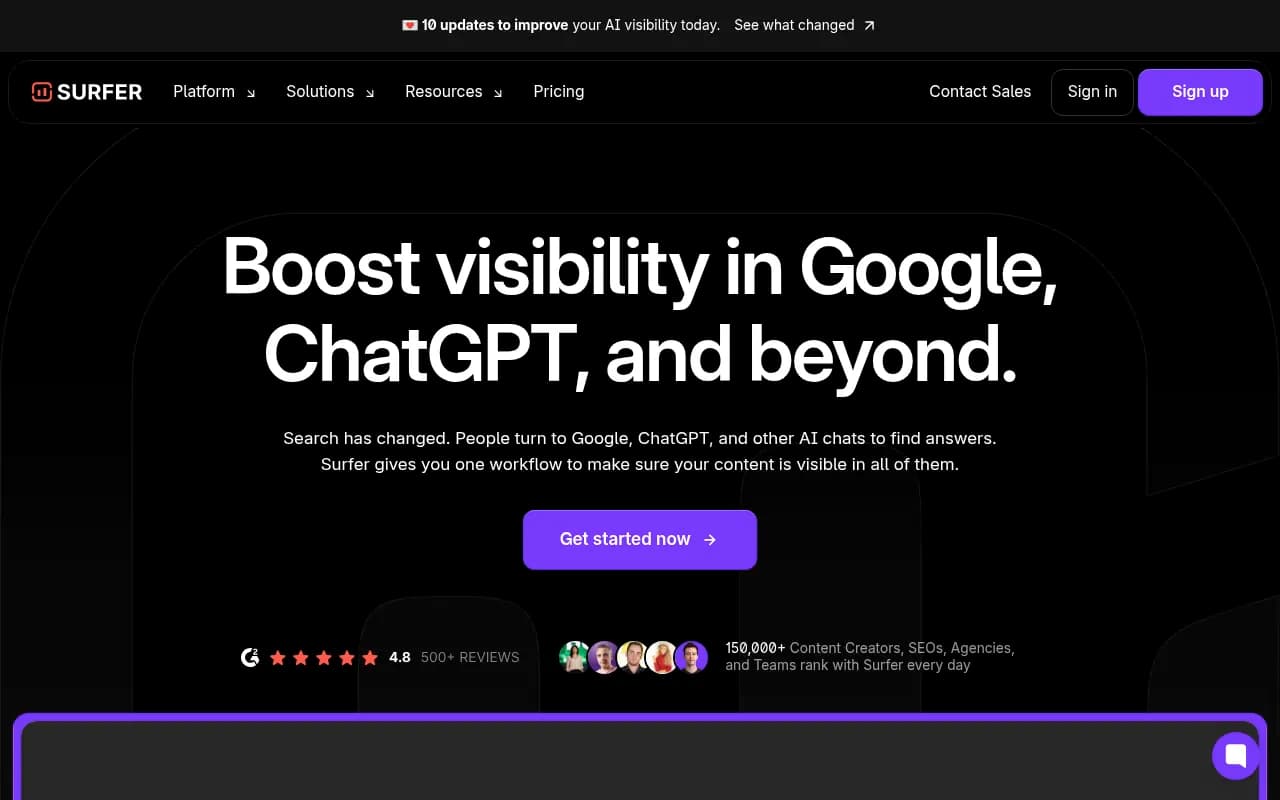
A caution on content tools. Classic optimizers score you against what ranks in Google. They do not tell you what ChatGPT searched. Use them for coverage ideas, then verify against real fan-out data. For more category options, surferstack.com has reviews and comparisons across content and SEO software.
A repeatable workflow
Here is the version I would actually run each month.
- Pick 10 to 20 prompts your buyers ask. Start with a manual list if you have no tracker.
- Capture the fan-outs for each: tool, extension, or manual inspection.
- Cluster them into topics. Mark each as page, section, or ignore.
- Audit your site against each topic. Most teams find the definitional and process sub-queries unanswered.
- Rewrite headings and add direct answers at the top of sections. Refresh existing pages before creating new ones.
- Check indexing and AI crawler access for every page involved.
- Re-run the fan-outs after major ChatGPT updates and compare. Behavior shifts overnight, so one-off audits go stale.
- Track whether the pages get crawled, cited, and clicked.
The last step is the one people skip. If you use something like Promptwatch's Action Board, underperformers come back as to-dos. If you do not, a spreadsheet works. Just keep the loop closed.
Common mistakes
Publishing one page per sub-query is the big one, and it carries real spam risk. A close second is writing to a stale map. Fan-out behavior in 2026 has changed at least three times, and a map built in spring is not a map of autumn.
The third is burying the answer. A 400-word preamble before the point is a good way to lose the retrieval to a competitor who gets to it in two sentences.
The fourth is treating the fan-out as the only thing that matters. Citation share also depends on who you are. Promptwatch Data's August 2026 domain-rank report shows sites with domain rank 46 to 75 earned almost half of ChatGPT citations, so authority is not purely about size. Build the coverage, then build the credibility.
Where to start this week
Take one prompt that matters to revenue. Capture its fan-outs. Look at your best page for it and count how many sub-queries it answers within the first screen of each section. If the answer is one, you have your first rewrite. Do that before you plan anything bigger.