Key takeaways
- Cheap AI visibility tools (roughly $20 to $100 a month) do the basic job well: they run your prompts on a schedule and show whether your brand is mentioned.
- What usually gets cut is the stuff that explains why: crawler logs, AI traffic attribution, query fan-outs, model coverage, and anything that helps you fix a gap.
- You do not necessarily give up accuracy on a single prompt. You give up breadth, depth, and the path from a number to an action.
- If nobody on your team will do the optimization work, a cheap plan is plenty. If someone will, monitoring alone becomes the bottleneck.
- Check pricing pages directly before buying. Plans, limits, and add-ons change often.
The honest framing
Most articles on this topic either sell you the expensive tool or sell you the cheap one. I would rather split the question in two. What does a cheaper tool actually remove? And which of those removals do you notice in practice?
A lot of the cost difference comes down to one thing: whether the product stops at "was my brand mentioned?" or keeps going to "why, and what do I change?" One buyer guide put the decision plainly: decide who does the optimization work before you buy the dashboard, and if nobody will, a $29 plan is plenty. I agree with that, and it is the most useful sentence in a lot of vendor comparison content.
What cheap tools do well
Let's start with what you keep, because it is more than people assume.
A budget tracker runs a fixed list of prompts on a schedule against a few AI engines, records whether your brand appears, and charts it over time. That solves the problem Profound's own guide describes about manual checking: you can open ChatGPT and try a few prompts by hand, but you cannot see trends or report progress to stakeholders that way. Any paid tracker fixes that.
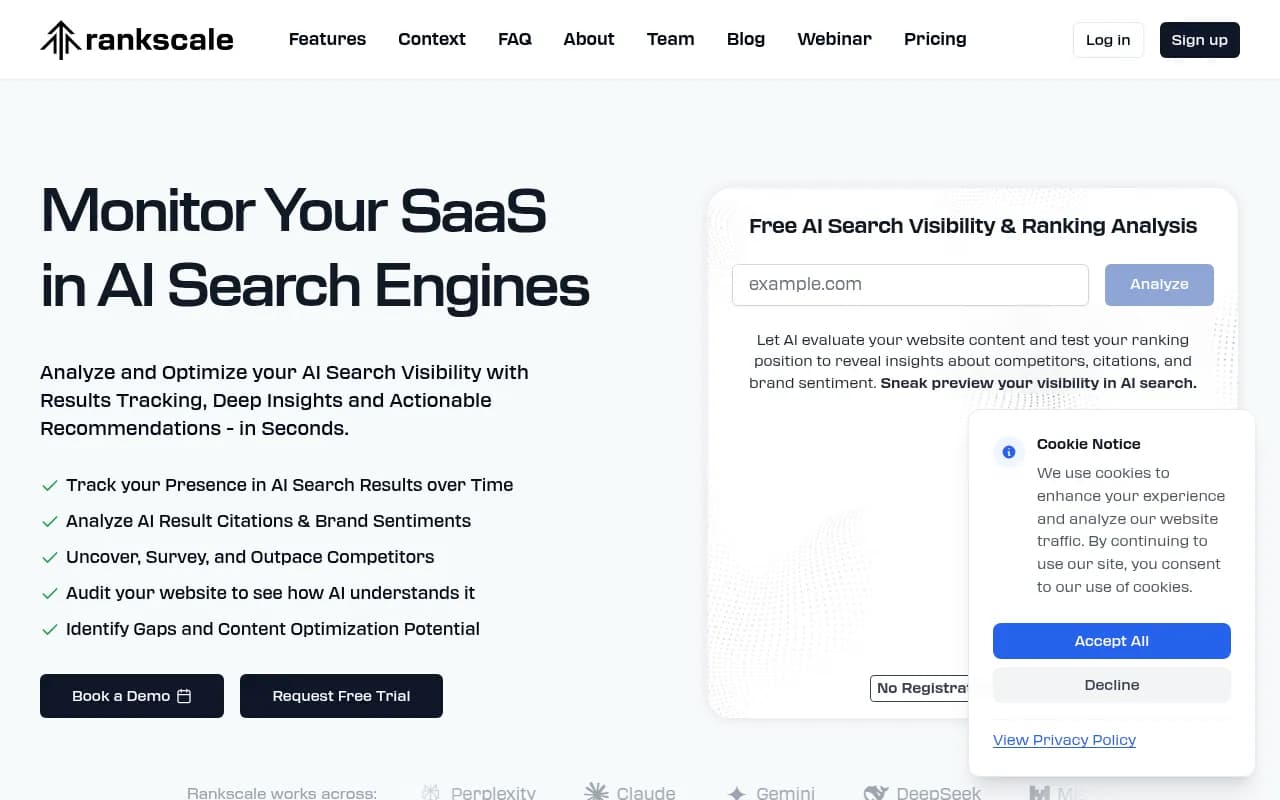
Tools in this tier include Otterly.AI, which starts at around $29 a month according to the research I pulled, and Peec AI, which starts at roughly 89 EUR (about $95) a month with a 50-prompt, 3-model, 1-project entry limit. Rankscale and a growing list of newer trackers sit in the same range.


For a solo founder, a small local business, or an agency running a first audit, this is often enough. You get a baseline, a trend line, and a competitor comparison. Don't let anyone talk you out of that if it matches your situation.
What you give up, item by item
Engine coverage
Entry plans tend to cover three or so engines, with others sold as add-ons. That matters more than it sounds. Promptwatch's average sources per response data shows ChatGPT cites about 5 sources per web-search answer, while Google AI Overviews and Perplexity sit near 10, and Copilot swung from under 2 to nearly 17 within a few weeks. The number of citation slots differs by engine and moves over time.
So a tool tracking one or two engines can give you a skewed read. Strong in ChatGPT does not predict strong in AI Overviews. If your buyers use more than one assistant, coverage is the first limit you will bump into.
Visibility into how the AI searches
Most budget tools track the prompt you typed. They do not show what the engine actually searched for. Promptwatch's ChatGPT query fanout data shows average fanout query length falling from about 117 characters in December 2025 to the high 80s by February and March 2026, and about 53 characters once fanouts returned in April. ChatGPT is searching in short, keyword-style queries. If your tool only shows the typed prompt, you are optimizing for a question the engine never asks.
There is a second reason this matters. Promptwatch also documented that ChatGPT started using the site: operator at scale on August 8, 2026, jumping from about 0.4% to about 17% of fanout queries overnight. A tracker without fanout visibility would not have shown you that shift.
Crawler logs and the "why"
This is where the price gap really opens. Zapier's review of Otterly notes that if you skip the $189 a month Standard plan or higher, you also give up crawler traffic analysis and unlimited optimization recommendations. Crawler logs tell you whether GPTBot, ClaudeBot, or PerplexityBot are reaching your pages, and whether they hit errors.
Without them, "we are not cited" has three possible causes you cannot tell apart: the bot cannot read your site, the bot reads it and does not find it useful, or the content is fine and the competition is stronger. Those need three different fixes. Promptwatch's AI crawler traffic data is a good example of how much crawler behavior varies by vendor week to week.
Traffic and conversion attribution
Mentions are not revenue. Cheap tools rarely connect AI answers to visits and conversions on your site. One buyer guide I reviewed says plainly that attribution and trends need care: referral traffic captures only part of AI's influence, and answers vary run to run. That is true, and it is also why having at least some visitor analytics is better than none. Without it, your reporting to a CFO is "the line went up."
Recommendations and execution
The lowest tier shows you the gap. It does not help you close it. One comparison describes Peec this way: good for benchmarking, visibility tracking and trend insights, but lacking advanced optimization and attribution. Profound's guide reaches a similar conclusion about who Peec is for: teams that just need basic data, not recommendations.
If you have an SEO or content person with spare hours, this is fine. They can read the gap, check which sources were cited instead, compare against your page, and update it. If you do not, you are paying for a smoke alarm in a building with no fire crew.
Prompt volume and difficulty data
Budget plans are measured in prompts, often 50 or so. You pick prompts by intuition. Higher tiers add prompt volumes and difficulty scores so you pick prompts that matter. It is a smaller loss than the others, but it compounds: a tracker built on guessed prompts produces confident charts about the wrong questions.
What you don't give up
Here is the part vendors at both ends of the market skip.
- Basic accuracy. A cheaper tool running the same prompt on the same engine should show you roughly the same mention. The expensive tool is not more truthful about a single response. Responses vary run to run for everyone.
- A usable baseline. Mention rate, share of voice, and competitor comparison are available at nearly every price.
- The ability to act. Nothing stops you from acting on cheap data yourself. Google Search Console and Bing Webmaster Tools are free, and one guide's top suggestion is simply to turn on those two free reports first.
- Speed to start. Cheap plans are self-serve. You can be tracking within an hour, which beats a three-week procurement cycle for a program that has not proven itself yet.
Comparison: what tends to change as you move up
These are general tendencies, not guarantees for any one vendor. Verify on each pricing page.
| Capability | Entry tier (about $20 to $100) | Mid tier (about $100 to $400) | Full platform |
|---|---|---|---|
| Prompt tracking | Yes, limited prompts | More prompts, more models | Volumes, difficulty, fan-outs |
| Engine coverage | A few engines, add-ons extra | Most major engines | Real-UI tracking across many engines and countries |
| Crawler logs | Usually no | Sometimes | IP-verified logs |
| AI traffic attribution | Rare | Sometimes | Visitor analytics and conversions |
| Recommendations | Light or none | Yes | Prioritized actions |
| Content creation and publishing | No | Sometimes | Agents that write and publish |
| Best for | Solo, small teams, first baseline | Teams with an optimizer on staff | Teams that want a result, not a report |
Which tool for which situation
You are testing the waters
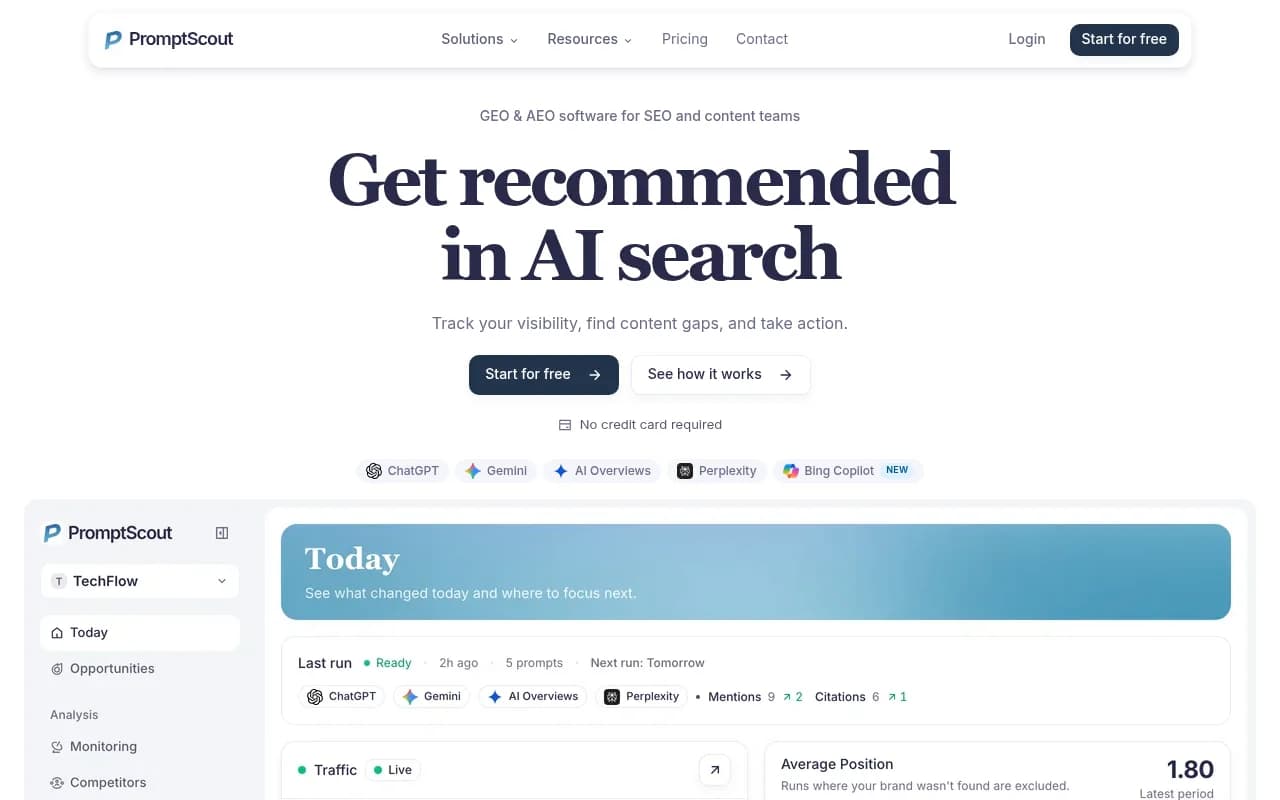
Start cheap. Otterly.AI, Peec AI, and Rankscale are the usual starting points, and the broader field includes Airefs, PromptScout, and PromptRush for tight budgets. Run it for two or three months and see whether the trend data changes any decision you make. If it does not, you have your answer about whether to spend more.
You are an agency with several clients
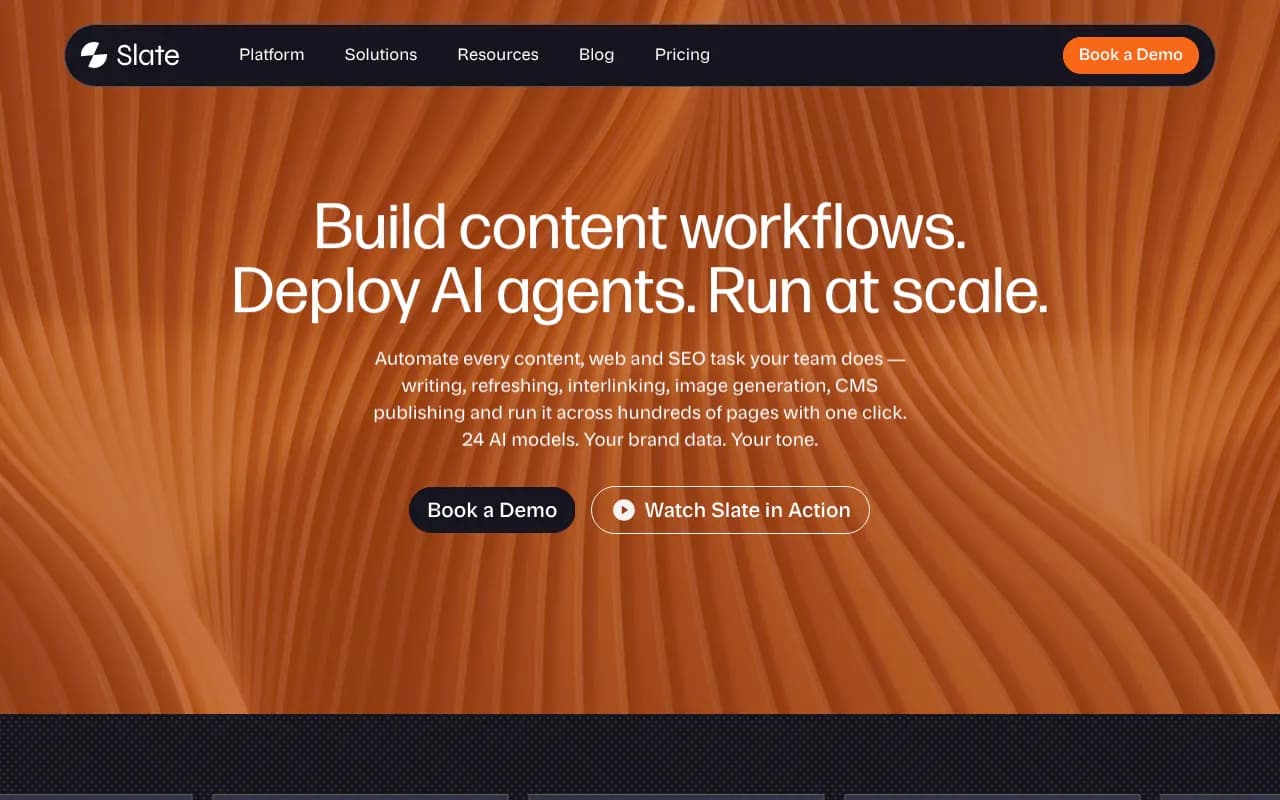
Per-client reporting and seat counts matter more than any single feature. Look at tools built for agencies like Slate, and check whether white-label reports are included or an upsell.
You need to know why you are not cited
This is where monitoring-only tools stop being enough. Promptwatch is the platform I would look at here, because it pairs prompt tracking with IP-verified crawler logs, visitor analytics, and a Content Agent that writes and publishes against your gaps, then checks whether the new pages got crawled and cited. It also tracks Reddit, YouTube, and LinkedIn citations and runs prompt volumes and difficulty scoring, which most trackers skip. The tradeoff is price: paid plans start at $95 a month for Essential, with the automated Content Agent on Business at $579. Confirm current numbers at promptwatch.com/pricing.

You are enterprise
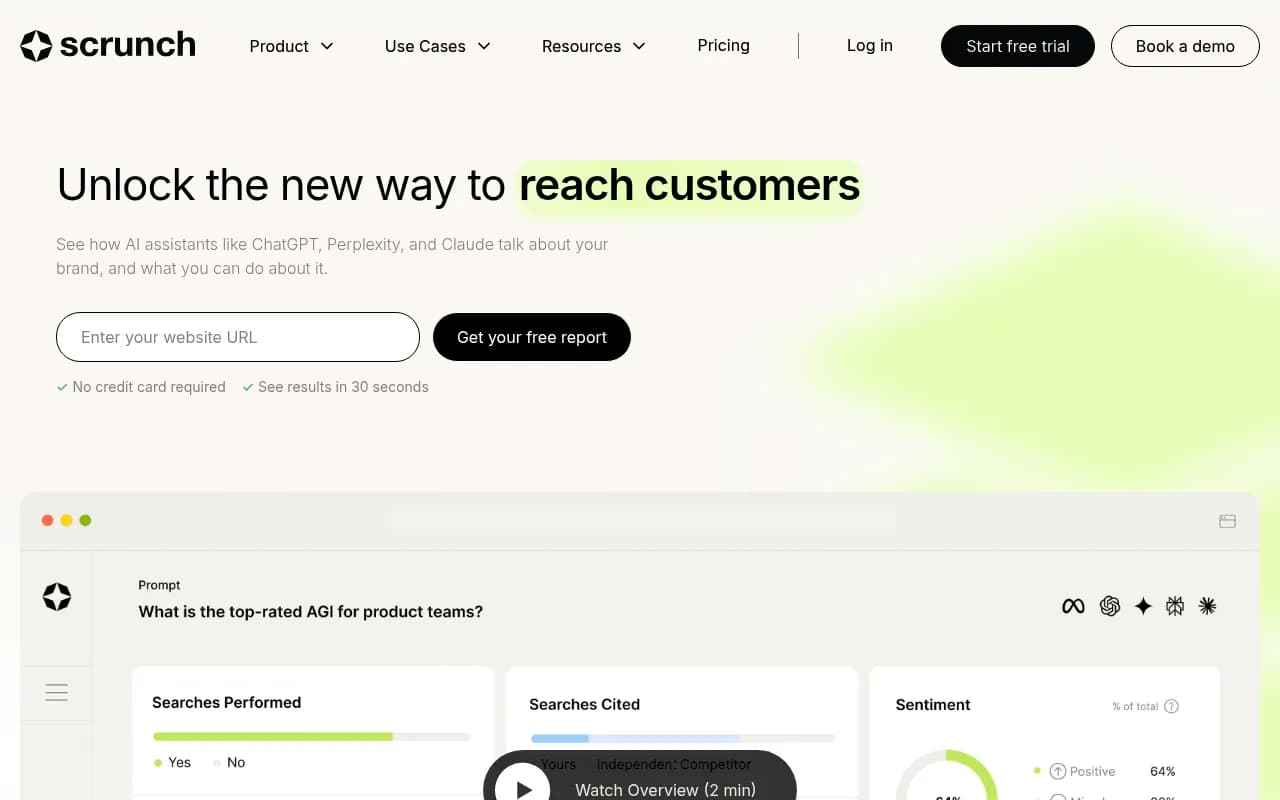
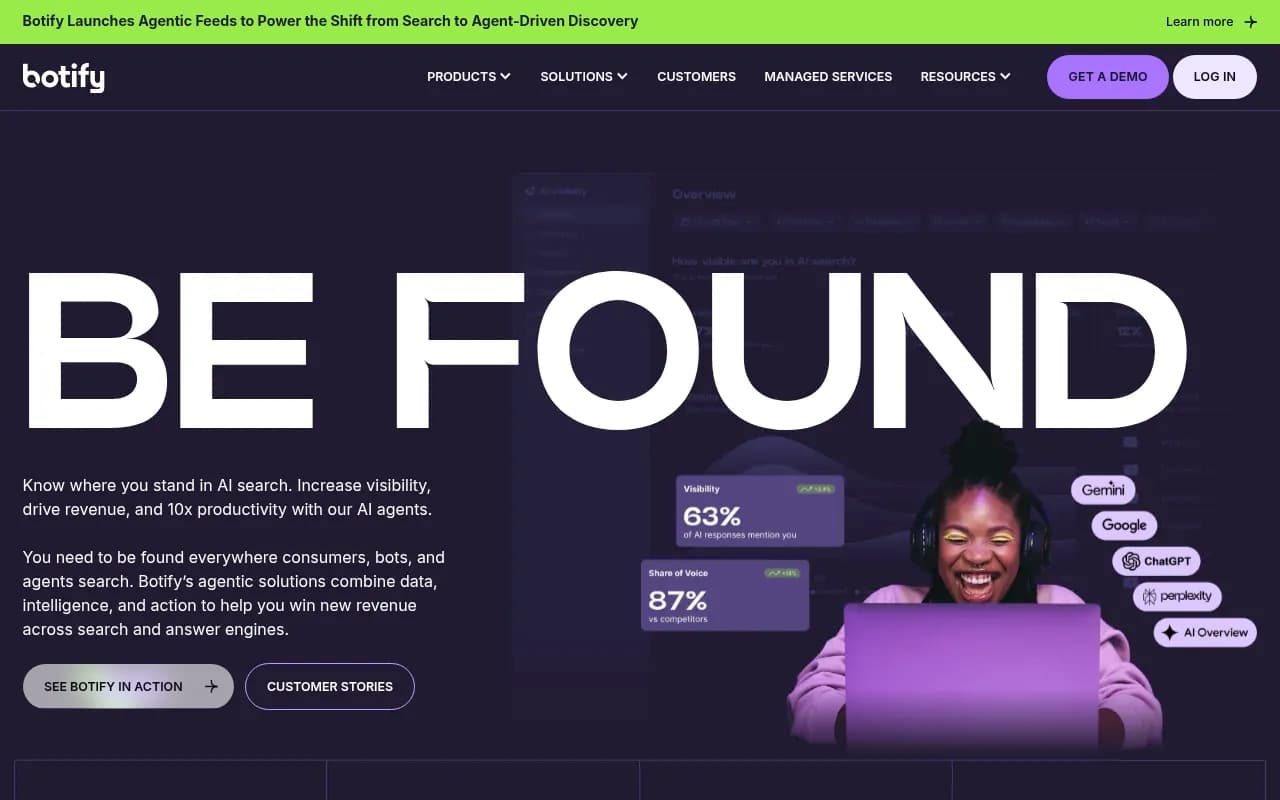
Profound, Scrunch, Bluefish, and Botify all sit here with custom or higher pricing. Profound's own guide positions itself for orgs that need deep reporting, and Botify for large sites that deploy technical fixes often.

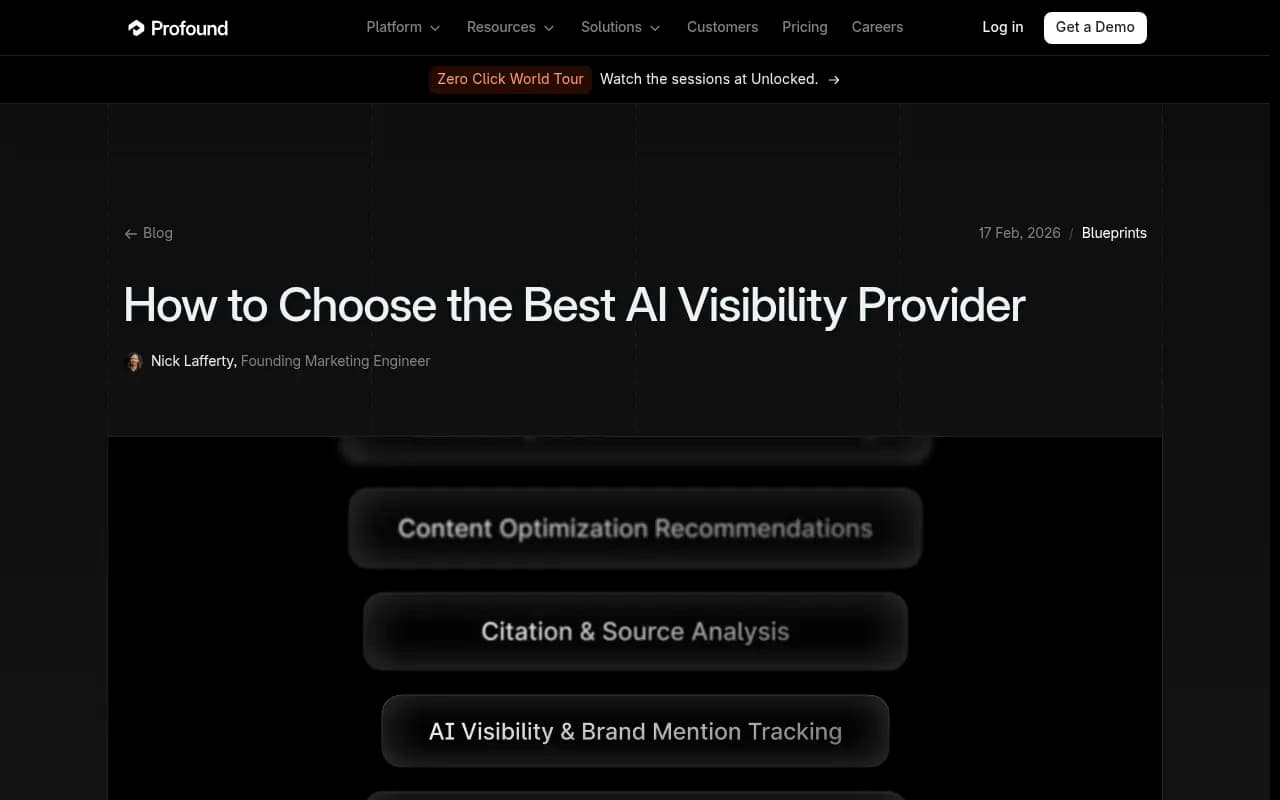
Treat any vendor-written comparison, mine included, with some skepticism. Profound's guide is useful for its "choose if / skip if" framing, but it is still a vendor ranking its own product first.
A cheap way to decide before you pay
Try this for two weeks before committing money:
- Write 20 to 30 prompts your buyers really ask. Put them in a spreadsheet.
- Run them by hand on ChatGPT, Gemini, and Perplexity. One guide I read notes that a shared spreadsheet is enough to set a baseline you can judge any vendor against.
- Turn on Google Search Console and Bing Webmaster Tools if you have not.
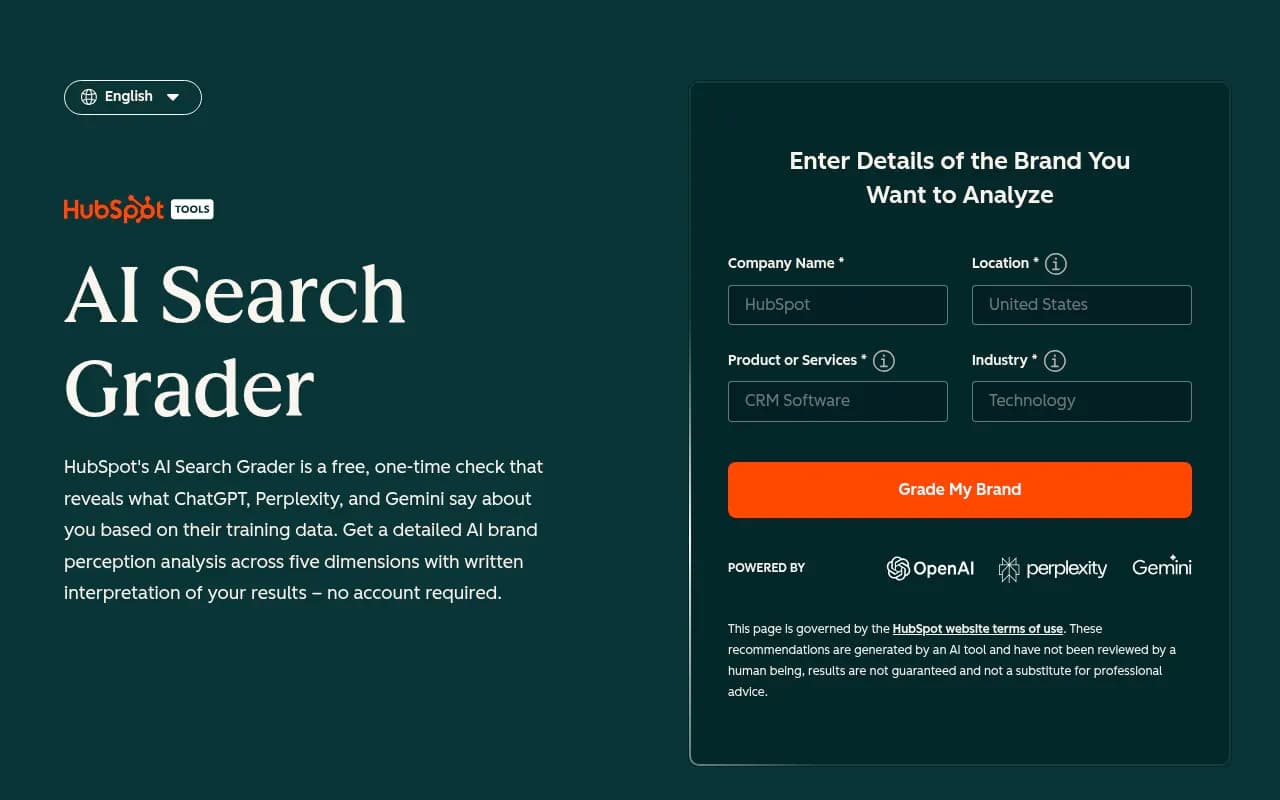
- Run a free scan. Options in the catalog include Amplitude AI Visibility, the HubSpot AI Search Grader, and AnswerGist.
- Write down which questions you could not answer. That list is your feature requirement.

If your unanswered questions are "how are we doing?", buy cheap. If they are "why not, and what do we change?", buy depth.
Questions to ask any vendor
- What happens when I exceed the prompt or model allowance? Do I get cut off, throttled, or charged?
- Does it track the real user interface of each engine, or only the API? Answers can differ.
- Can I see fan-out queries, not just typed prompts?
- Can I export raw responses and citations?
- Which engines are included in the base plan, and which are add-ons?
- What do I get when it finds a gap, a score or a task?
IndustryLens frames it well: it would pick a tool that helps explain a missing mention over one that gives another score to report. I think that is the right bar.
Where to look next
If you want to browse more options by category, the GEO software directory at bestgeosoftware.com and the AI rank tracker listings at ai-rank-tools.com are good places to compare pricing tiers side by side.
The short version
Cheaper tools remove depth, not truth. You give up engine breadth, fan-out visibility, crawler data, attribution, and help fixing gaps. You keep a baseline, a trend line, and competitor comparison. Buy the cheap plan if you will do the work yourself or you are still deciding whether this channel matters. Buy more when the bottleneck is no longer knowing that you are invisible, but figuring out why and fixing it.