Key takeaways
- Cmd+J opens an AI chat panel beside your draft in Promptwatch's content editor. The header AI chat button does the same thing on any system.
- The agent reads the whole draft and edits it in place. Every change shows up as a card you can revert or reapply.
- The best GEO uses are small and specific: build an FAQ from buyer questions, replace vague claims with concrete facts, and run a pre-publish check against your Brand Book.
- Credits are used per step and vary by model, so check the estimate before long jobs.
- The same panel now also opens on monitor pages, the Actions board, and Prompt Explorer.
Why a side panel beats a separate chat window
Most people who edit for AI search already use a chatbot on the side. You paste a paragraph into ChatGPT, ask for a rewrite, copy the answer back, notice the tone drifted, and repeat. It works, but it's slow and the chatbot never sees the rest of the article.
The Cmd+J panel in Promptwatch's content editor removes that loop. According to the product changelog entry from October 7, 2026, the agent reads your whole draft (section by section if it's long), then edits it directly. No copy and paste, no losing context between the intro and the conclusion.

That matters for GEO because the edits that help most are rarely isolated. An FAQ needs to match the claims made higher up. A concrete statistic in section three should not contradict the summary. An agent that sees everything can keep those consistent.
Opening the panel and getting oriented
There are two ways in:
- Press Cmd+J (the Mac shortcut) while you're in the editor.
- Click the AI chat button in the editor header.
I couldn't confirm a Windows or Linux shortcut, so on those systems use the header button. It does the same thing.
The panel sits next to the draft. A few things to know before your first prompt:
- Chats are saved per article. Close the panel, come back tomorrow, and resume the earlier conversation.
- You can send more prompts while the agent is still working. They queue and run in order.
- A context button shows an estimated credit cost per step for the selected model, and each reply shows the credits it actually used.
- Edits appear as cards in the chat. You can revert or reapply each one, and changed text flashes in the editor so you can see what moved.
That last point is the safety net. Because the agent edits in place, the cards are your review step. Read them.
What to ask while editing GEO content
GEO writing advice is mostly consistent across sources. Answer the question directly, support claims with proof, use headings that match how buyers ask things, and keep the important content in crawlable HTML. To The Web's 2026 checklist puts it as: start with the answer, add evidence, use clear headings. Reply's guide says to start from prompts, not keywords, and to think in full questions a person would say to an assistant.

The side panel is where you act on that advice without leaving the page. Here are the prompts worth keeping handy.
Build an FAQ from buyer questions
Promptwatch's own suggestion is to ask for an FAQ section built from the questions your buyers actually ask, because AI answers often quote short, direct answers. A starting prompt:
Add an FAQ section at the end of this article. Use the questions a buyer
would ask an AI assistant about this topic. Keep each answer to 2-3
sentences and lead with the direct answer.
FAQ pages are about 3.3% of ChatGPT citations in Promptwatch Data's content type report (Sep 28 to Oct 4, 2026), which is small as a standalone page type. But FAQ sections inside a page you already want cited are cheap to add, and for branded prompts FAQ pages rise to 4.8% of citations in the same report.
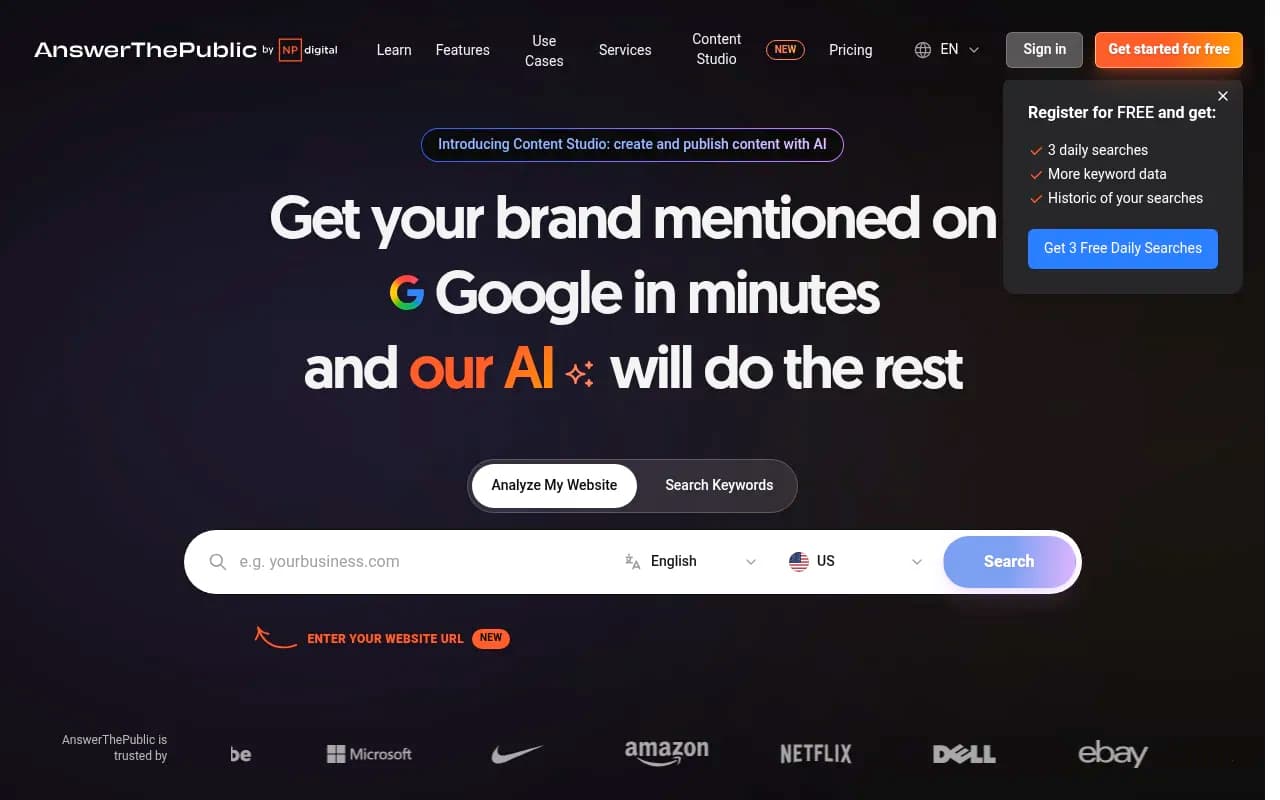
If you don't know which questions to use, pull them from Prompt Explorer or a tool like AnswerThePublic first, then paste them into the chat.
Replace vague paragraphs with concrete ones
Select a soft paragraph in the editor and it gets sent to the chat. Quick actions let you shorten, extend, simplify, or restructure it. For GEO, the better move is a typed instruction:
This paragraph is vague. Rewrite it with concrete facts, numbers and a
short example. Flag anything you can't support so I can add a source.
The last sentence is there on purpose. A model asked to "add numbers" will sometimes invent them. Telling it to flag unsupported claims keeps you honest. Specific claims are easier for AI models to quote, but only if they're true.
Match the format to the intent
The Promptwatch Data report on content types gives a useful way to decide what to ask for. Share of all ChatGPT citations in that week:
| Content type | Share of ChatGPT citations |
|---|---|
| Product pages | 22.4% |
| Landing pages | 16.8% |
| Listicles | 13.6% |
| How-to guides | 8.7% |
| Documentation | 7.5% |
| Comparisons | 5.9% |
| FAQ pages | 3.3% |
For informational prompts, how-tos earn 10.7% and documentation 8.5%. For commercial prompts, product pages, landing pages, listicles, and comparisons make up almost 70% of citations. So if you're editing an informational piece, ask the panel to restructure it into numbered steps. If it's a commercial piece, ask it to check that specs, pricing, and positioning are complete.
Restructure the middle of this article as a step-by-step guide with
numbered steps. Keep each step to one action and one result.
Check the opening of every section
One of the more useful audit habits from Okara's GEO checklist is reading the first two sentences under each heading and asking whether they answer the question directly. You can hand that exact job to the panel:
Go through each H2 and H3. Tell me which ones don't answer the heading's
question in the first two sentences. Then rewrite those openings to lead
with the answer.
Because the agent reads the whole draft, it can do this across a long article in one pass. Review the cards afterward, since rewriting openings can change the flow of the paragraph that follows.
Run a pre-publish pass
Before publishing, Promptwatch suggests asking the agent to check tone against your Brand Book and propose a better meta title and description. That's two jobs worth doing every time:
Check this draft against our Brand Book for tone of voice. List anything
off-brand. Then suggest a meta title under 60 characters and a meta
description under 155 characters.
If you're on Business, Agency Scale, or Enterprise, there's also a Fact Check feature that arrived on October 30, 2026. It uses agent credits and shows an estimate before it runs. It's a better fit than the chat for verifying claims, so I'd use the panel for the edit and Fact Check for the verification.
A workflow that holds up
This is how I'd run a single article, roughly in order:
- Draft or generate the piece (Content Creation, the Content Agent, or your own writing).
- Open the panel and ask for a section-by-section review of openings and structure.
- Select the three vaguest paragraphs and ask for concrete facts, with unsupported claims flagged.
- Add the FAQ.
- Read every edit card. Revert what you don't like.
- Run the Brand Book and meta check.
- Publish, then track whether the page gets crawled, cited, and clicked.
Step 7 is what turns editing into an actual loop. Without it you're guessing whether the changes did anything. Promptwatch's crawler logs, citation tracking, and visitor analytics cover that, and underperforming pages come back as items on the Action Board.
Pitfalls to watch for
The changelog implies a few risks, and I've hit versions of them in other editors.
- Edits are in place. If you skim the cards, a bad rewrite becomes your draft. Revert is one click, so use it.
- Queued prompts run in order. If your first prompt is wrong, the next three build on it. When something looks off, check the earliest card before sending more.
- Credits vary by model. A long whole-article pass on a heavier model costs more than a quick tweak. Glance at the context button estimate first.
- Don't ask for "make it GEO optimized" and walk away. The prompt is too vague, and the result will be generic. Name the specific change you want.
- Don't over-optimize for one model. Promptwatch Data shows news pages losing half their citations within 36 days while landing pages and docs last far longer, so decide whether the page is meant to be evergreen before you tune it.
The same panel elsewhere in the product
The editor is where I'd start, but the chat has spread. Per the changelog:
- On October 16, 2026 it opened on monitor pages (overview, prompts, responses, citations). It answers from what's on screen, using your filters and date range. Useful questions: which prompts lost the most visibility this month, and which cited domains you don't appear on yet.
- On November 2, 2026, Agent Chat also opened on the Actions board and in Prompt Explorer. On the board it sees the filtered list, can write content for an action, and can move actions between columns. In Prompt Explorer it can track ticked suggestions, including into a new monitor.
- Before it changes anything, the agent asks for every value it needs rather than guessing, and only offers options that exist in your project.
In practice that gives you a loop: spot a gap on a monitor page, turn it into an action, write the content, and edit it in the same kind of panel.
How this compares with other editing setups
| Setup | Sees the full draft | Edits in place | Tied to AI visibility data |
|---|---|---|---|
| Cmd+J panel in Promptwatch | Yes | Yes, with revert cards | Yes (Brand Book, citations, prompts) |
| Pasting into ChatGPT | Only what you paste | No | No |
| Grammarly or Hemingway style checkers | Yes | Suggestions only | No |
| SEO scoring editors like Surfer SEO or Clearscope | Yes | Mostly scoring | Google-oriented |
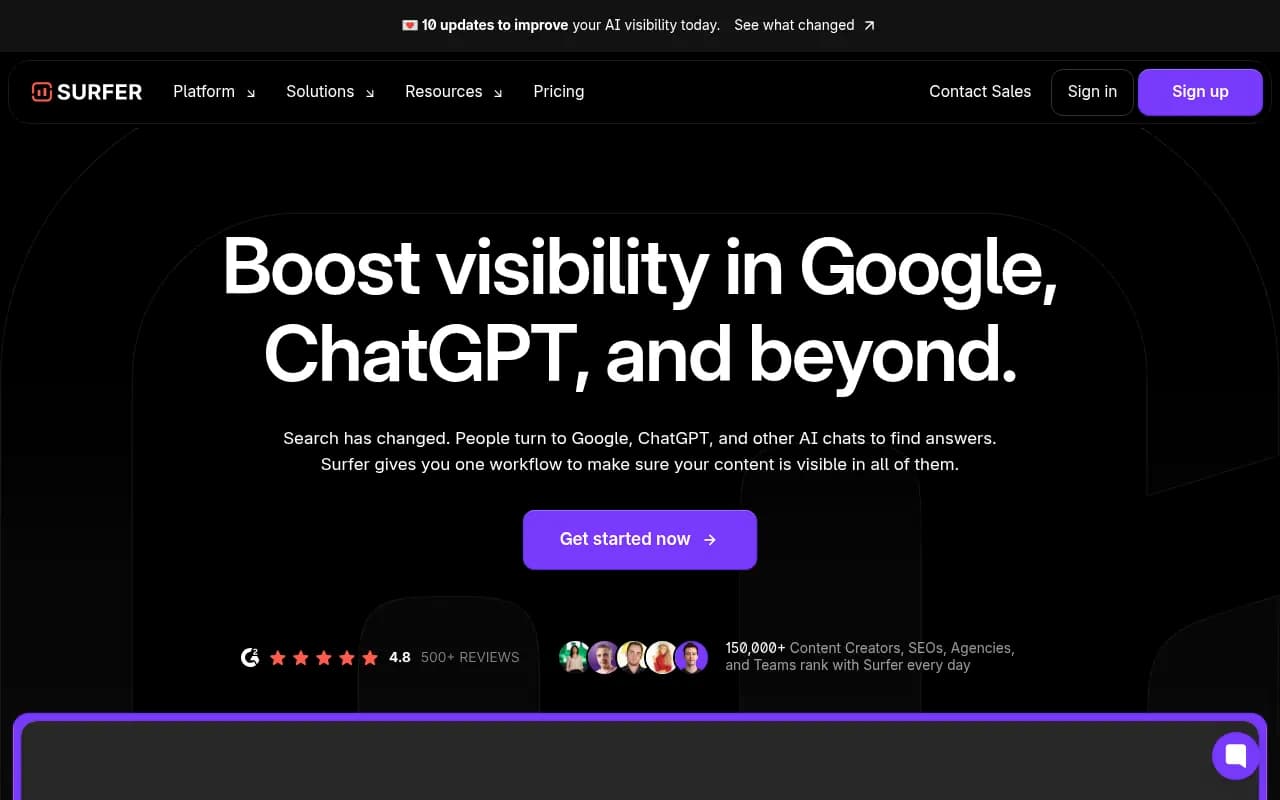
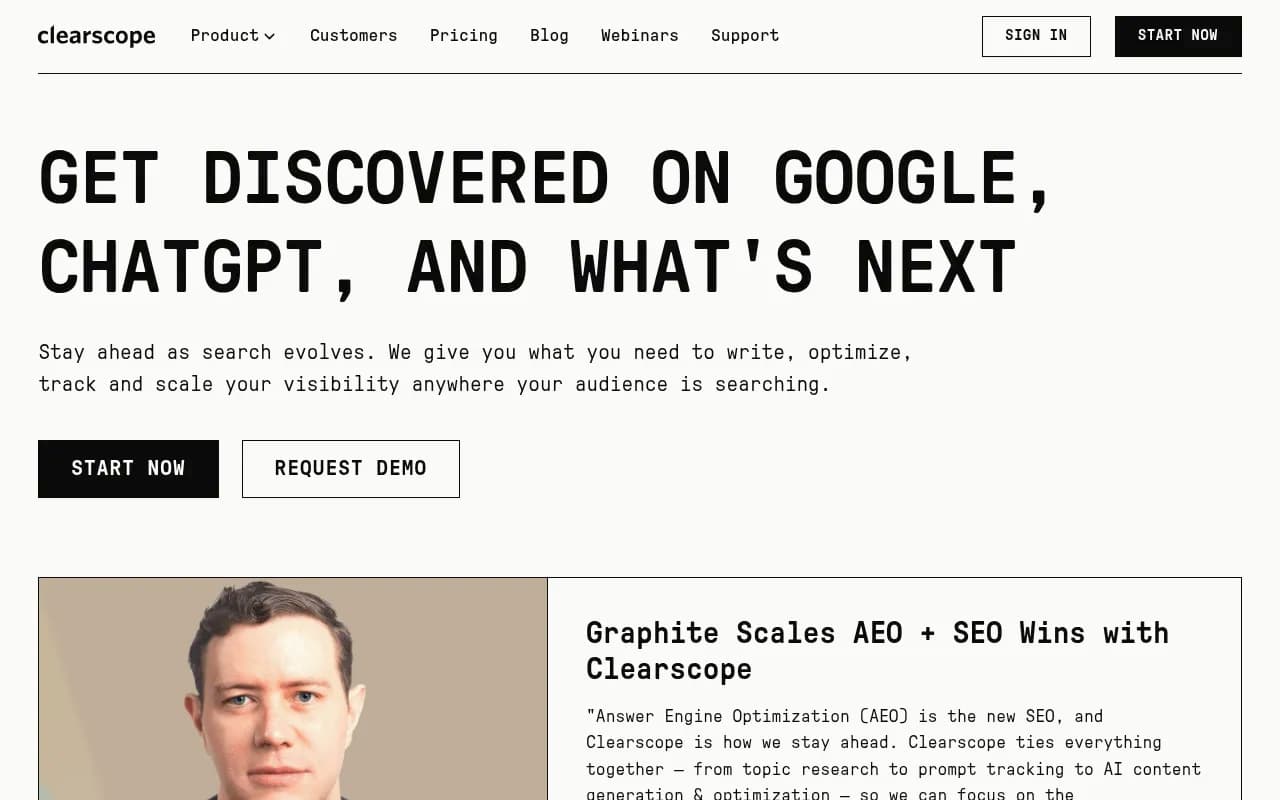
SEO scoring editors are good at keyword and topic coverage, and I'd still use them for classic search. What they don't do is tie edits to the prompts AI models actually answer. If you want to explore more options in this category, the GEO software directory at bestgeosoftware.com lists the alternatives.
Frequently asked questions
Is Cmd+J available on Windows?
The changelog only mentions the Mac shortcut. The AI chat button in the editor header works on every system, so use that if the shortcut doesn't respond.
Does the agent rewrite my whole article without asking?
Only if you ask it to. You steer with prompts or by selecting a passage. Every change is shown as a card you can revert or reapply.
Does it use credits?
Yes. Each step uses agent credits depending on the selected model, and the context button estimates cost before you run. Agent Credits (500 to 6,500 per month) come with every paid plan. Check promptwatch.com/pricing for current allowances.
What should I ask first?
Start small. Ask it to review the first two sentences under each heading. It's a quick, low-risk pass, and it shows you how the agent edits before you hand it bigger jobs.
Bottom line
The Cmd+J panel is worth using for specific jobs: openings that don't answer the question, vague claims that need facts, FAQs, and the last check before you publish. Keep your prompts narrow, read the edit cards, and measure what happens after the page goes live. A panel that edits in place is only as good as your review of what it changed.