Key takeaways
- Content type decides how long a page stays cited. In Promptwatch Data, news pages lost half their ChatGPT citations in 36 days, while landing pages and docs were still above 67% at day 60.
- Product pages, reviews and how-tos all reach their half-life after 74 to 77 days, so a refresh every 60 days is a sensible default for them.
- Refresh by decay rate, not by publish date. Time-sensitive pages first, evergreen assets on a slower schedule.
- A refresh only counts if you can see the result. Track crawls, citations and traffic per page before and after.
- Comparisons and listicles keep more than 60% of their citations after two months, so they repay deliberate maintenance.
Why citations have a window at all
A page does not get cited forever. It gets cited for a while, peaks, and then fades as fresher or more specific sources take its place. A page that was accurate a year ago can quietly stop earning ChatGPT citations without a single word changing on it, because the competition around it changed.
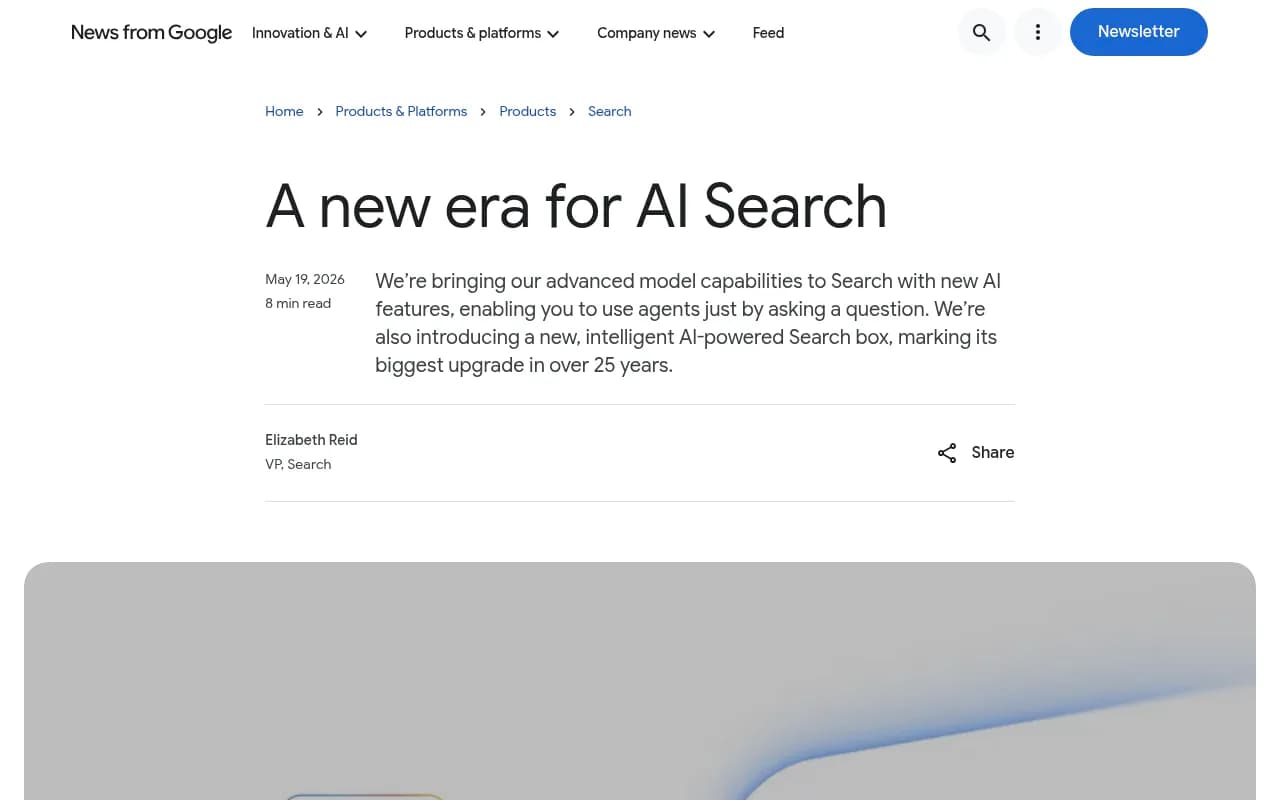
Google is pushing the same direction. In its I/O 2026 announcement, Google said AI Mode passed one billion monthly users one year after launch, with queries more than doubling. More AI answers means more chances to be cited, but also more sources being re-ranked constantly.
So the goal is not just to earn the first citation. It is to stretch the stretch between first citation and decay. That is what I mean by the peak citation window, and a refresh program is how you extend it.
What the half-life data says
Promptwatch Data tracked every classified page ChatGPT cited on July 6, 2026, for 90 days (through Oct 4, 2026). Each line shows the share of those day-0 pages that ChatGPT still cited later. You can read the full method in the content half-life report.
| Content type | Still cited at 30 days | Still cited at 60 days | Half-life |
|---|---|---|---|
| Landing pages | 78% | 69% | Likely near or beyond 90 days |
| Docs | 76% | 67% | Likely near or beyond 90 days |
| Comparisons | 72% | 63% | Likely near or beyond 90 days |
| Listicles | n/a | 60% | Likely near or beyond 90 days |
| Product pages, reviews, how-tos | n/a | about 55% | 74 to 77 days |
| News | n/a | 41% | 36 days |
Two caveats. Lines drop faster in the final week because the window ends, so late figures are biased downward. And the landing page, docs, comparison and listicle half-lives are only estimates because those lines barely crossed 50% before the window closed.
The news numbers are the sharpest. Almost a quarter of news pages were never cited again after day 0. Docs, by contrast, were cited again after day 0 in 93% of cases, against 77% for news.
What gets cited in the first place
Refreshing only helps if the page type is one ChatGPT actually uses. Promptwatch's citation share data for Sep 28 to Oct 4, 2026 breaks it down:
| Content type | Share of ChatGPT citations |
|---|---|
| Product pages | 22.4% |
| Landing pages | 16.8% |
| Listicles | 13.6% |
| How-tos | 8.7% |
| Documentation | 7.5% |
| General articles | 6.1% |
| Comparisons | 5.9% |
| News | 5.7% |
| FAQ | 3.3% |
| Reviews | 1.7% |
Product and landing pages together make up 39% of citations. For commercial prompts, product pages, landing pages, listicles and comparisons account for almost 70%. Informational prompts lean more on how-tos and docs. Branded prompts push reviews up to 5.6% and social posts to 3.0%.
Put those two datasets side by side and a pattern shows up. The page types that earn the most citations (product, landing) are not the ones that decay fastest. The ones that decay fastest (news) earn the least. That should shape where refresh hours go.
A refresh cadence built on decay rate
This part is my synthesis, not a published rule. Use the half-life figures as a starting point and adjust once you see your own data.
| Page type | Decay behavior | Suggested refresh rhythm |
|---|---|---|
| News, press, time-sensitive posts | Half gone at about 36 days | Update within 30 days or treat as a short burst |
| Product pages | Half-life 74 to 77 days | Every 60 days: specs, availability, prices |
| Reviews | Half-life 74 to 77 days | Every 60 days, plus new third-party reviews |
| How-tos | Half-life 74 to 77 days | Every 60 days: steps, screenshots, tool versions |
| Listicles and comparisons | Keep over 60% at 60 days | Quarterly, or on any competitor change |
| Landing pages, pricing, docs | Longest lasting | Event-driven: whenever price, feature or positioning changes |
The cadence is a ceiling on staleness, not a calendar to follow blindly. If your pricing changes on a Tuesday, the pricing page gets refreshed on Tuesday regardless of schedule.
The refresh playbook, step by step
1. Build the inventory of pages that already earn citations
Start with pages ChatGPT, AI Overviews or Perplexity already cite. These are the cheapest wins because they have proven relevance. Label each page by type (product, landing, listicle, how-to, docs, comparison, news) since the type sets the cadence.
Tools like Promptwatch can show which pages ChatGPT keeps citing and flag listicles and guides that need a refresh before they drop out. Its Page Tracker lets you watch any URL and see the prompts and responses that cite it.

If you want to compare options before committing, the GEO software directory at bestgeosoftware.com lists most of the tracking platforms.
2. Separate access problems from content problems
Before rewriting anything, confirm the page is being read. A page that AI crawlers cannot fetch will not be rescued by better copy. Check robots.txt rules and server errors first. Promptwatch's AI crawler logs show whether bots hit the page and where they fail, and its free AI crawler URL inspector gives a quick one-off check.
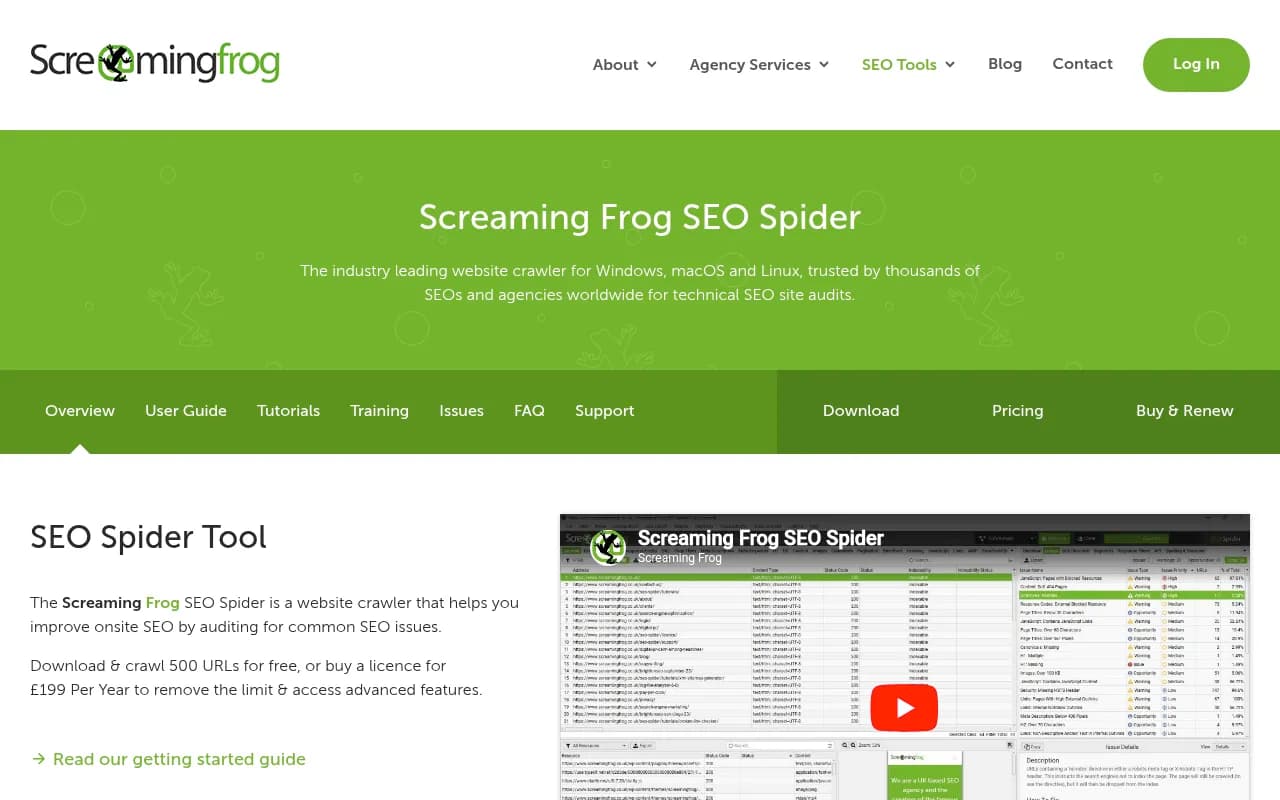
For a manual route, Screaming Frog SEO Spider and Google Search Console cover crawl errors and indexing status.
3. Prioritize by decay and by upside
Score each page on three questions:
- How fast does this page type decay?
- How many citations or how much AI-referred traffic does it currently earn?
- How many tracked prompts is it missing that competitors win?
Pages with fast decay, real traffic and visible gaps go first. A news-type post with no citations does not. A product page that gets cited often but lists last quarter's price does.
4. Fill the gaps the prompts expose
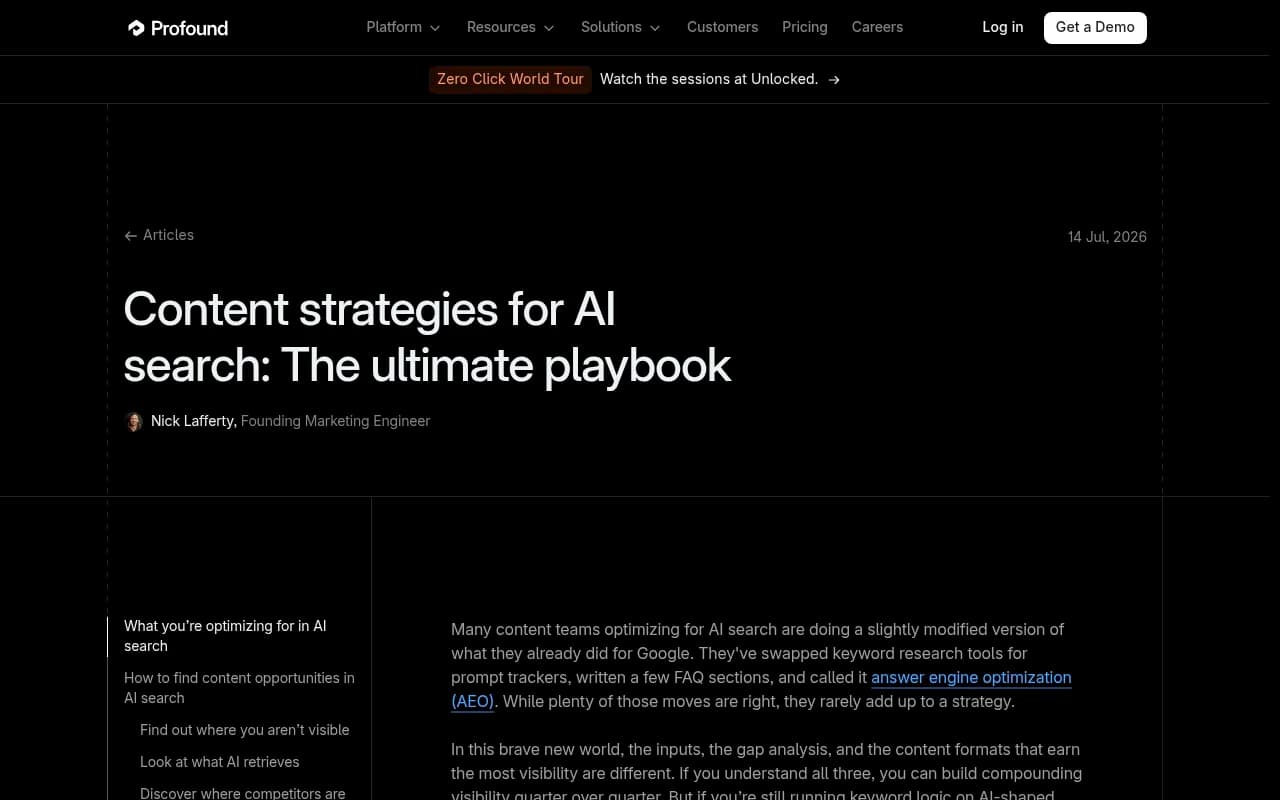
AI answers are built from long, specific questions. Profound's content strategy playbook makes the same point: people ask more specific questions because they do not have to compress them, and AI models ask follow-ups even when users do not. A page written for "accounts payable software" may never surface for a question about a 50-person startup that uses QuickBooks.
So a refresh should add the specifics buyers actually ask about: use cases, company size, integrations, constraints. Look at the sub-queries AI runs for your prompts. Promptwatch's query fan-out data and its content gap analysis map your pages against the prompts AI answers, which turns "what do I add" into a list.
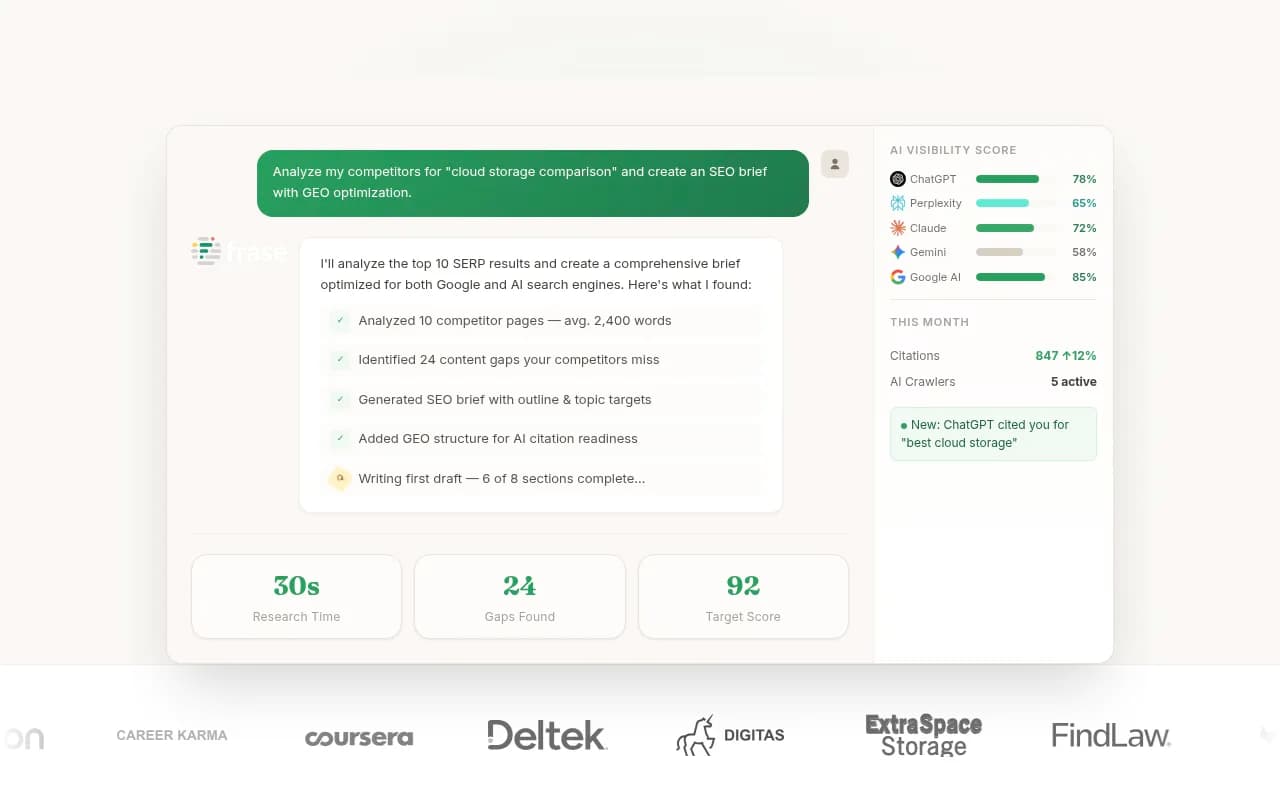
For on-page optimization work, editors like Clearscope, Surfer SEO and Frase help check coverage against top-ranking pages.

5. Update the facts first, the prose second
Most refreshes should start with the boring stuff. Fix prices, specs, dates, screenshots, version numbers and broken links. Then rewrite thin sections. Then add new material.
Promptwatch's own recommendation from the half-life data applies here: keep landing pages, docs and pricing accurate as long-term citation assets, and keep product page specs, availability and prices current because they decay about as fast as how-tos.
A few concrete edits that tend to matter:
- Put the direct answer near the top of the page, then the supporting detail.
- Add a visible "last updated" date, and only change it when the content really changed.
- Replace vague claims with named sources and numbers.
- Add an FAQ block for questions the page keeps getting asked in prompts.
- Keep docs public and crawlable.
Freshness theater does not work. Bumping a date with no substantive change gives you nothing but a mismatch between the page and what crawlers see.
6. Strengthen the page types that last
Comparisons and listicles keep more than 60% of their citations after two months. That makes them good places to put sustained effort. Re-test the claims, re-check competitor pricing, and add newly launched options. If your category changes monthly, review these pages monthly.
Pair that with third-party presence. Branded prompts lean on reviews and social posts more than other intents, so collecting reviews on trusted sites matters alongside your own pages. Platforms such as Trustpilot are a common source.
7. Use news for bursts, not foundations
News and press content gives you short bursts of visibility and then fades. That is fine if you plan for it. Publish for the moment, then fold the durable parts into a landing page, doc or comparison that will outlast the burst.
8. Publish, then measure the specific page
A refresh needs a before and after. Track four things per page:
- Crawls from AI bots (did they read the new version?)
- Citations and citation rank across prompts
- AI-referred visits and conversions
- Google and Bing performance
Promptwatch connects these in one place: crawler logs, Page Tracker, visitor analytics and Search Insights. Its Action Board then returns underperforming pages as refresh suggestions, so the loop keeps going. For a lighter setup, a standard analytics tool plus Google Search Console covers traffic and search data, while crawl visibility needs server logs.
Note that ChatGPT stopped sending a referrer on October 8, 2026, so AI traffic attribution needs UTM tagging (utm_source=chatgpt.com) or a tool that counts those visits. Promptwatch's guide to attributing AI traffic covers the setup.
Choosing tools for the job
No single tool does everything here, and you do not need all of them.
| Job | Option | Notes |
|---|---|---|
| Find cited pages, track decay, see crawls and traffic | Promptwatch | Content Agent, Content Refresh and CMS publishing close the loop |
| Prompt monitoring and share of voice | Profound, Peec AI, Otterly.AI | Mostly monitoring; no content or crawler layer |
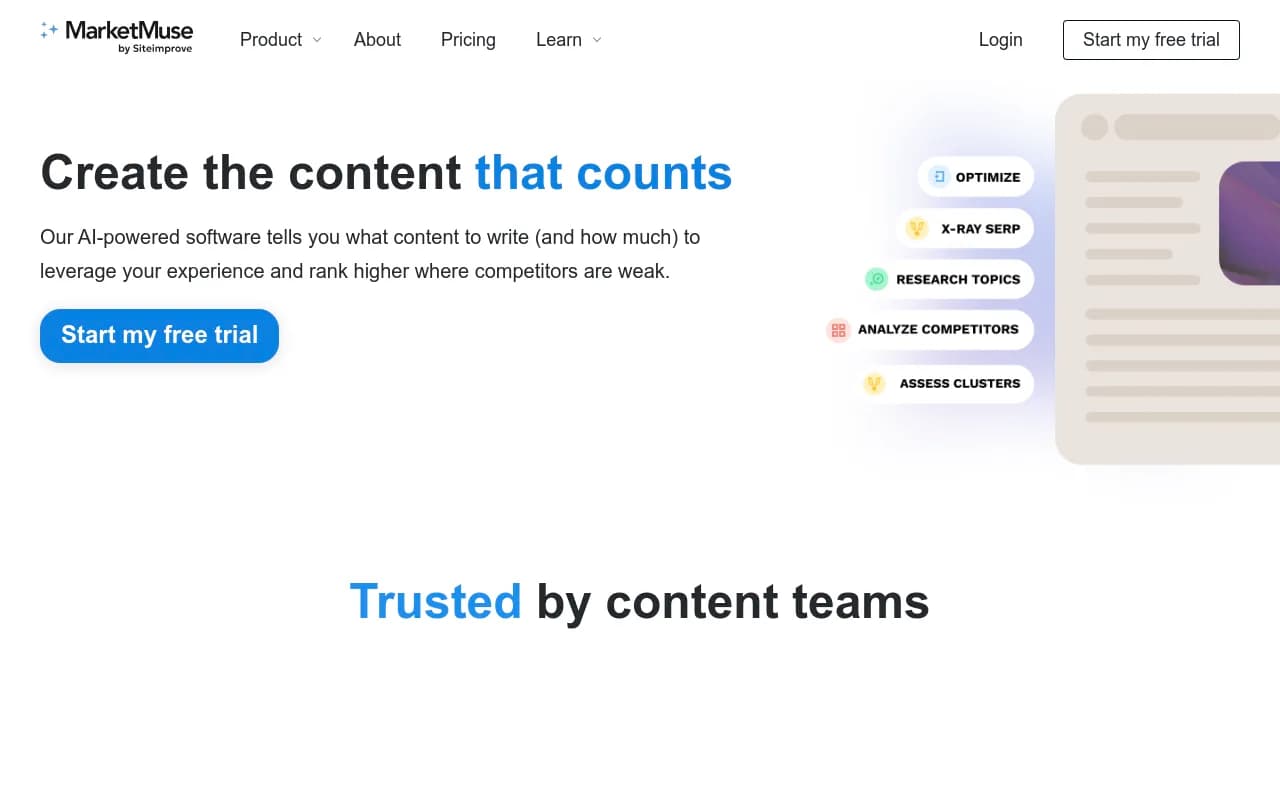
| On-page content scoring | Clearscope, Surfer SEO, Frase, MarketMuse | Good for coverage checks, blind to AI citation data |
| Crawl and index checks | Screaming Frog, Google Search Console | Free or low-cost technical baseline |

The distinction I care about is whether the tool only reports or also helps you act. Monitoring tells you a page slipped. A refresh program needs to know why, what to change, and whether the change worked. Promptwatch's Content Refresh produces git-diff-style updates for existing pages, and its Content Agent can publish to WordPress, Webflow or Framer on a schedule you control. Plans with the Content Agent start at the Business tier, so confirm current pricing at promptwatch.com/pricing. There is also a 7-day free trial on monthly billing and a free AI visibility report to see where you stand first.
For more directory-style browsing, ai-rank-tools.com covers AI rank trackers.
A sample 90-day refresh calendar
Here is a plain schedule you can copy and edit.
- Week 1: Build the page inventory and label types. Fix crawl and access errors.
- Weeks 2 to 3: Refresh the 10 highest-traffic product and landing pages. Update facts, add FAQ blocks, fix internal links.
- Weeks 4 to 5: Refresh listicles and comparisons. Re-verify competitor details.
- Week 6: Review results. Compare crawls, citations and traffic against the baseline.
- Weeks 7 to 8: Second pass on product pages, reviews and how-tos (the 60-day cycle).
- Weeks 9 to 10: Turn any news bursts into durable pages.
- Weeks 11 to 12: Re-run gap analysis, add new prompts, queue the next quarter.
Promptwatch has a longer 90-day GEO program in its Academy if you want a fuller framework.
Common mistakes
A few patterns waste effort.
- Refreshing by calendar only. Event-driven changes (price, feature, policy) matter more than a rotation.
- Changing dates without changing content.
- Rewriting pages that crawlers cannot reach.
- Treating every page type the same. A 36-day half-life and a 90-plus-day half-life need different attention.
- Ignoring the numbers after the refresh. If you do not compare before and after, you are guessing.
- Over-trusting generic statistics. Figures like the often-quoted "up to 40%" citation boost from optimization techniques come from third-party roundups, so test on your own pages rather than assuming that lift.
What to do this week
Pull the list of pages ChatGPT currently cites for your brand and category. Tag each by type. Refresh the product pages and how-tos older than 60 days, and any landing or pricing page with stale numbers. Then watch the same pages over the next 30 days. If a page type holds its citations longer than the data above predicts, slow its cadence. If it drops sooner, speed it up. The half-life figures are a baseline, and your own site will tell you where it differs.