Key takeaways
- Make is still one of the most expressive visual builders, but credit-based billing (1 credit per module action) makes long scenarios expensive fast.
- Zapier is the easiest switch for simple, linear workflows and has the biggest app library. n8n is the strongest pick if you want self-hosting, code, and per-execution pricing.
- Workato is for enterprise governance. Relevance AI is for AI agent workflows rather than classic app-to-app plumbing.
- The same workflow can cost three very different amounts on Make, Zapier and n8n, because each counts usage differently. Do the math on your own workflow before switching.
- Most roundups of Make alternatives are written by vendors, so treat their rankings as opinion and test with a real workflow.
Why people look for Make alternatives
Make (formerly Integromat) earned its reputation. The scenario canvas, with modules, routers, iterators and aggregators, lets you build branching logic that would take a stack of Zaps to imitate. Ops and RevOps teams love it for that.
The complaints I see most often are predictable:
- Credits get eaten quickly. Each module action costs 1 credit, so a scenario with 12 modules burns 12 credits per run.
- Complex scenarios turn into a debugging chore once they pass a few dozen modules.
- Some teams want self-hosting, version control, or real code instead of a canvas.
- Others want AI agents rather than fixed flows, and Make's AI features (Maia, AI Agents in beta, an MCP server) are still maturing.
To be fair to Make, its entry pricing is low. On annual billing the 10,000-credit tier runs $12/month on Core, $21 on Pro and $38 on Teams, with a free plan of 1,000 credits and 2 active scenarios. It's a good product. You leave it for specific reasons, not because it's bad.
Quick comparison table
Pricing below comes from each vendor's official page at the starting tiers. Prices climb with volume and change often, so confirm before buying.
| Tool | Pricing model | Starting paid price | Self-host | Best for |
|---|---|---|---|---|
| Make | Credits per module action | $12/mo (10K credits, annual) | No | Branching visual logic on a budget |
| Zapier | Tasks | From $19.99/mo | No | Simple, linear automations, huge app library |
| n8n | Executions per full workflow | $20/mo (2.5K executions, annual) | Yes (free Community Edition) | Technical teams, AI workflows, self-hosting |
| Workato | Enterprise quote | Custom | No | Governed enterprise integration |
| Relevance AI | Agent-based | Varies | No | Multi-agent B2B workflows |
| Retool | Internal tools plus workflows | Varies | Yes (enterprise) | Internal apps with automation |
I did not verify pricing for every tool in this list. Where I give numbers, they come from the vendor pages for Make, n8n and Zapier.
Zapier: the fastest to get running
Zapier is the default answer for a reason. It lists 8,000+ apps in our catalog, and a non-technical person can build a working Zap in minutes. It now describes itself as "AI orchestration", bundling Zaps, Tables, Forms, Agents, Chatbots, Canvas and MCP.
Current plans are task-based, with AI steps, code and SDK all following the same model:
- Free: 100 tasks a month, two-step Zaps only, 15-minute polling.
- Professional: from $19.99/month with multi-step Zaps, unlimited premium apps, webhooks and 2-minute polling.
- Team: from $69/month for 25 users, shared connections, SAML SSO and 1-minute polling.
- Enterprise: custom, with SCIM and observability.
The tradeoff is the one Make users already know. Zapier is more linear, and every step that runs counts as a task, so heavy multi-step flows get pricey. Code by Zapier also has short runtimes: 1 second on Free, 30 seconds on Professional and Team.
Choose Zapier if your team is mostly non-technical and your flows are trigger-then-action with a few steps. Skip it if you rely on routers, iterators and aggregators.
n8n: the open-source option for technical teams
n8n is the alternative I would test first if you are comfortable with a bit of code. The Community Edition is free and self-hosted, and the GitHub repo sits at roughly 207k stars. Pricing on the cloud is per full workflow execution, not per step, and every plan has unlimited steps and no per-user charge.
Cloud plans, billed annually:
- Starter: $20/month for 2.5K executions, 5 concurrent executions, 1 shared project.
- Pro: $50/month for 10K executions, up to 50 concurrent executions, 3 shared projects.
- Business: $800/month for 40K executions, currently self-hosted only, with SSO/LDAP, Git version control, multiple environments and queue mode.
- Enterprise: custom, with 200+ concurrent executions and a dedicated SLA.
Companies with fewer than 20 employees can get 50% off Business. Maximum execution duration is 5 minutes on Starter and 40 minutes on Pro and Enterprise. AI features (Agents, MCP Server Trigger and Client, AI nodes, evaluations) are on the cloud plans.
The catch: the learning curve is steeper than Zapier's, and self-hosting means you own uptime, upgrades and security. If nobody on your team wants that job, the cloud plans are the saner choice.
Workato: enterprise governance
Workato targets large organizations that need governance, audit trails and a big connector set. Its current pitch leans on enterprise MCP servers connecting AI agents to 1,400+ apps. Pricing is quote-based, which tells you who it is for. If you are a ten-person agency, look elsewhere.
The sensible reason to move from Make to Workato is compliance and scale across many departments, not cost. I did not research Workato's pricing in detail, so ask for a quote before assuming anything.
Relevance AI and Retool: when the job is agents or internal tools
Some "Make alternatives" are really a different category. If what you actually want is AI agents handling sales or support tasks, a visual scenario builder may be the wrong shape for the problem.
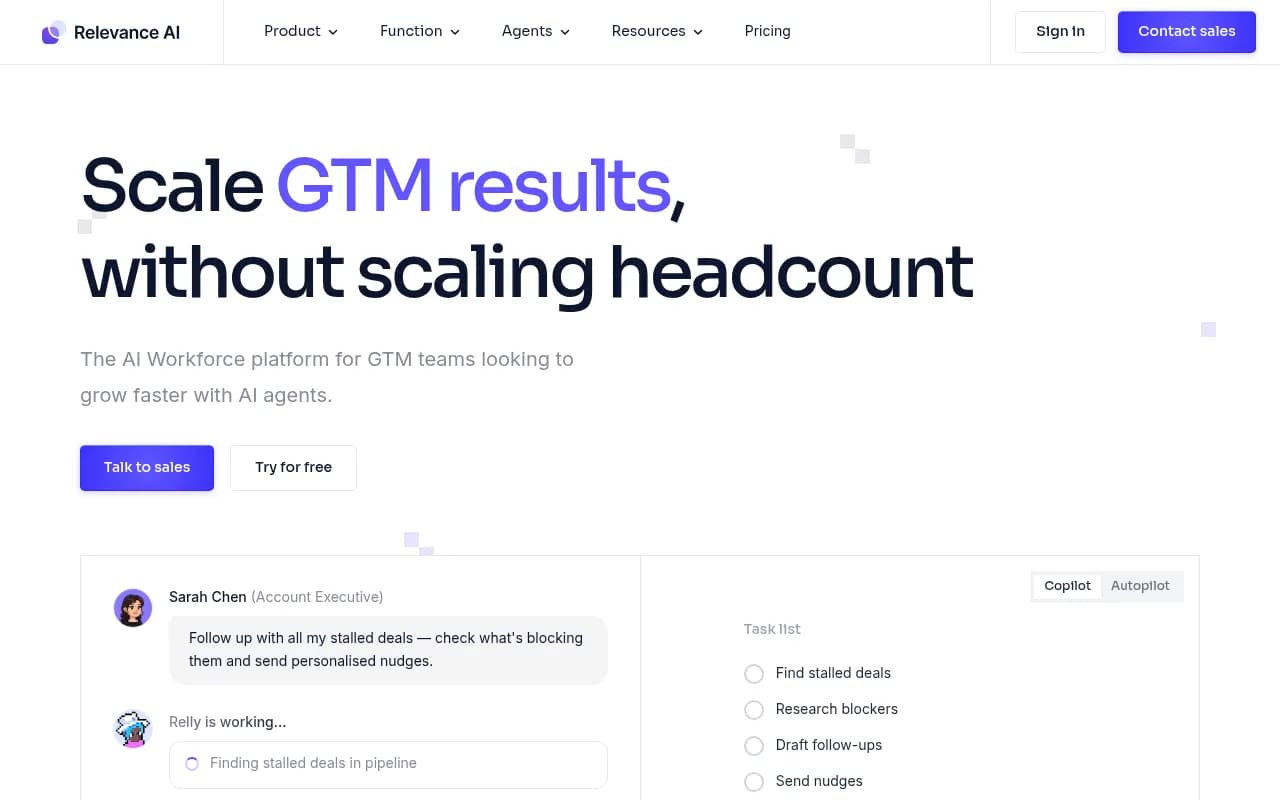
Relevance AI focuses on no-code multi-agent workforce automation for B2B teams, such as running sales and go-to-market playbooks. Retool sits further toward internal apps: dashboards and admin tools with AI and workflow automation attached.
Be careful here. These tools are not drop-in replacements for a Make scenario that syncs Shopify orders to Google Sheets. They solve adjacent problems.
Other names worth a look
The roundups I read also mention several tools I did not test or price-check:
- Microsoft Power Automate, a sensible choice if your company already lives in Microsoft 365.
- Pipedream, popular with developers who want code-first workflows.
- Activepieces, an open-source option.
- Pabbly Connect, positioned on budget pricing.
- Tray.io, aimed at embedded automation.
- Integrately, known for one-click templates.
- IFTTT, Parabola and Unito for lighter or more specific jobs.
Treat these as a shortlist to evaluate, not as recommendations. I have not verified their current pricing.
A worked cost example
Pricing models are the real reason this decision is hard, so here is a simple example with a made-up workflow. Suppose a scenario runs 5,000 times a month and has 8 steps: one trigger, a router, and six actions.
- Make: roughly 8 credits per run, so about 40,000 credits a month. You would be well beyond the 10,000-credit starter tier, and the price follows the higher credit tier you pick.
- Zapier: each action step that runs counts as a task. With about 7 action steps, that is around 35,000 tasks a month, which also pushes you into a higher task tier.
- n8n: one execution per run, so 5,000 executions. That fits inside the Pro plan's 10K executions at $50/month on annual billing.
The numbers are illustrative, and exact tier prices vary, but the pattern holds. The more steps a workflow has, the more n8n's per-execution model helps. For short two-step automations, the difference shrinks and Zapier's convenience can win.
How to choose
A few honest rules of thumb:
- Count your steps. Long workflows favor n8n. Short ones are fine on Zapier or Make.
- Decide who maintains it. If marketers or ops staff will edit flows, stick with a visual builder with good templates. If developers own it, n8n or Pipedream make sense.
- Check data residency and compliance. Self-hosting n8n or going to Workato matters here.
- Test AI features yourself. Every platform now claims agents and MCP support, and the quality varies widely.
- Prototype one real workflow on two candidates before migrating anything.
A note on conversational builders
Some vendors argue the answer is not a better visual builder but a chat-first one. CodeWords, for example, pitches building workflows through prompts. That may suit you, but remember it is vendor marketing. Make itself now ships Maia, a conversational builder, so the gap is narrower than those posts suggest.
Reading the roundups critically
I went through several recent comparisons, including those from Vellum, Rework, CodeWords, SketricGen and US Tech Automations. Every one is written by a company that sells something, and their top picks tend to match their own product category. Vellum favors AI agent platforms. Rework favors tools built into an ops and CRM platform. The pricing in the Vellum piece is explicitly called directional.
Use them to build a shortlist, then verify on vendor pricing pages. For more tools beyond this list, browse the software directory at SurferStack.
Migration tips
- Start with your three most expensive scenarios by credit usage, since they are where you save money.
- Rebuild, don't convert. There is no clean export from Make's scenario format into another tool, so plan for a rebuild.
- Run both systems in parallel for a week before cutting over.
- Document error handling. Make's routers and error routes often hide logic you forgot you built.
Final recommendation
If your Make bill is high because of long scenarios and you have technical help, try n8n first. If you want the simplest possible tool and your flows are short, Zapier is the safer move. If you are an enterprise with compliance requirements, talk to Workato. And if Make's pricing still works for your volume, staying put is a perfectly reasonable decision. Make adds new AI features regularly, and its Waves '26 event takes place in Prague on 19-20 October, so check what it announces before you commit to moving.