Key takeaways
- Full Notion AI (Agent, AI Meeting Notes, Enterprise Search) now requires the $20 per member Business plan. Free and Plus only get a trial.
- Mem is the best fit for AI-first personal notes. Slite is the pick for team knowledge bases. Obsidian and Anytype win on ownership and privacy.
- Coda is the closest thing to Notion with stronger formulas and automation. Tana suits people who think in networked outliner notes.
- Pricing changes fast. Mem's price is quoted differently by different sources, so confirm on each vendor's pricing page before buying.
- You do not always need to leave. If your workspace is mostly projects, or if you only need meeting notes, a lighter tool can do the job.
Why people look past Notion AI in 2026
Notion is still the default for a lot of teams. Start with a blank page, add a database when things get crowded, and you can build almost any system. I get why people love it.
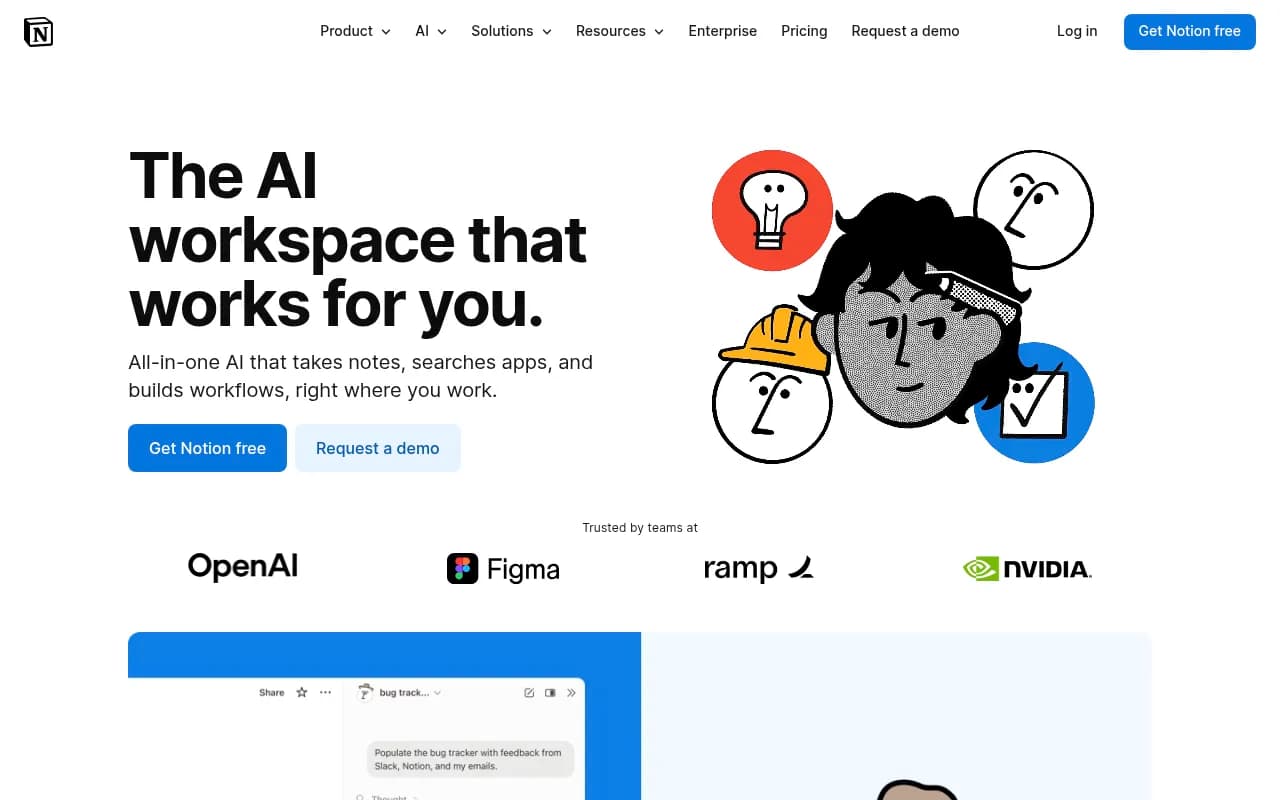
The AI side is where the friction shows up. According to Notion's pricing page, Free and Plus include only a trial of Notion AI. The real stuff, Notion Agent for multi-step tasks, AI Meeting Notes (no bot needed), and Enterprise Search in beta across apps like Slack and GitHub, lives on the Business plan at $20 per member per month. Custom Agents cost extra, free to try and then $10 per 1,000 monthly Notion credits.
That is a fair price for a team that uses all of it. It is a steep one for a solo user who just wants to ask questions about their own notes.
There is a second reason. As Zapier's Miguel Rebelo put it in his roundup, "AI-powered isn't the same as AI-native." Notion bolted AI onto a flexible database. Some newer tools were built around the AI from day one, and the difference shows in how they handle search, recall and connections between notes.
Two kinds of alternatives
Dust's breakdown of the category makes a useful split, and I think it holds up. There are workspace platforms with AI inside them (Mem, Slite, Coda, Tana, Anytype), and there are AI layers that sit across the tools you already use (Coworker, Dust, a general assistant like ChatGPT). Which one you want depends on whether the problem is where your notes live or whether anyone can find anything in them.
If your notes are fine but nobody finds anything, an AI search layer might fix it without a migration. If the workspace itself feels heavy, you need a different workspace.
Quick comparison
| Tool | Best for | AI approach | Free plan | Starting paid price |
|---|---|---|---|---|
| Mem | AI-native personal notes | Chat over your notes, time awareness, related-notes sidebar | Yes (25 notes, 25 chats/month) | $12/mo per Zapier, $14.99/mo per Storyflow (verify) |
| Slite | Team knowledge base | AI search and Q&A on top of docs | Check vendor | Check vendor |
| Tana | Networked daily notes | Structured nodes and supertags | Check vendor | Check vendor |
| Coda | Docs plus databases | Formulas, automations, AI in docs | Yes | Check vendor |
| Obsidian | Local-first markdown | Via plugins | Yes | Check vendor |
| Anytype | Privacy and relations | Local, encrypted objects | Yes | Check vendor |
| Microsoft Loop | Microsoft 365 teams | Copilot integration | With M365 | With M365 |
| Storyflow | Visual canvas work | AI reads the whole board | Check vendor | Check vendor |
| Notion (Business) | Everything in one place | Agent, meeting notes, enterprise search | Trial only | $20 per member/mo |
I left prices as "check vendor" where I could not verify them for this guide. Only Notion's pricing was confirmed directly, and the Mem figures conflict between sources.
Mem: best for AI-first personal knowledge
Mem pitches itself as an AI thought partner, and the pitch mostly holds. Zapier's reviewer likes how the right-hand tab on desktop surfaces notes related to whatever you are writing, without you asking. It also has time awareness, so you can ask about notes from yesterday or last week's meeting and get a sensible answer.
That last feature sounds minor. It is not. Most note apps make you remember where you put something. Mem lets you ask by when.
The free plan caps you at 25 notes and 25 chats a month, which is enough to find out whether you like it. Zapier lists Mem Pro at $12 a month for unlimited notes and chats, while Storyflow's comparison shows $14.99. I could not reconcile the two, so check Mem's pricing page. Storyflow also rates Mem's AI at three stars out of five and gives it 7.4 out of 10 overall, which feels about right: great concept, thinner on structure and team features than Notion.
Pick Mem if you work alone, capture a lot of loose notes, and want to retrieve them by asking questions. Skip it if you need databases, permissions or project views.
Slite: best for AI-assisted team knowledge
Slite is the opposite shape. Zapier describes its AI tools as sitting on top of a workspace app already strong for collaboration. That ordering matters. The docs are the product, and AI helps people find answers in them.
This is the better fit for a company wiki, onboarding docs and policies, where the main failure is nobody reading or finding anything. It is less flexible than Notion for custom systems. You give up the database sprawl and get something calmer.
Tana: best for networked notes
Zapier recommends Tana for turning daily notes into networked hubs. You write in an outliner, tag things with structure, and your daily journal becomes a place where tasks, people and projects link up automatically. It rewards people who like to think in structured fragments rather than pages.
The learning curve is real. Expect a few weeks before it clicks. Once it does, it can feel faster than anything else on this list.
Coda: best for formulas and automation
Storyflow calls Coda the best doc-and-database alternative because its formulas and automations outpower Notion's databases, and Zapier agrees on the formulas point. If your Notion workspace has grown into a tangle of relations and rollups, Coda is the most natural place to rebuild it.
It is a like-for-like swap, not a rethink. That is a strength if you want to keep a team workflow intact and a weakness if you wanted something that feels different.
Obsidian and Anytype: best for ownership and privacy
On Reddit's r/Notion, the recurring advice is straightforward: Obsidian or Logseq for fast local notes, Craft or UpNote for something lighter, Anytype for the everything-app feel. Plaud's roundup says the same about Obsidian, that it is the pick when you want plain files on your own disk.
Both give you control over your data. Obsidian stores notes as markdown files you own, and AI arrives through community plugins rather than a built-in agent. Anytype is local-first and encrypted, with objects and relations that feel closer to a database. Zapier recommends it for privacy, security and data relationships.
The trade-off is plain. You get ownership and speed. You do your own assembly, and the AI is less polished than in tools built around it.
Microsoft Loop, Storyflow and others
Microsoft Loop makes sense if your company already lives in Microsoft 365. The AI comes through Copilot and the data stays inside your existing tenant, which keeps IT happy.
Storyflow takes a visual approach. Its AI reads your whole canvas at once, which suits research, strategy boards and mood boards more than structured notes. Heptabase and FigJam sit in the same camp.
For project-heavy workspaces, Plaud's roundup calls ClickUp the strongest pick when your Notion exists mainly to track projects. If that is you, you may not need a notes tool at all.
AI layers across your whole stack
Some teams do not want another workspace. They want one assistant that can search everything.
Coworker.ai claims autonomous agents and org-wide memory across Salesforce, Jira, Slack and 50+ tools, and it states SOC 2 Type II compliance. Dust is aimed at the same workflow automation problem. These are worth a look when your knowledge is scattered across systems rather than trapped in one.
For quick research questions that are not about your own notes, general assistants fill the gap.
Perplexity
If you want to connect your notes tool to other apps without a full migration, workflow automators help.
Meeting capture is its own category
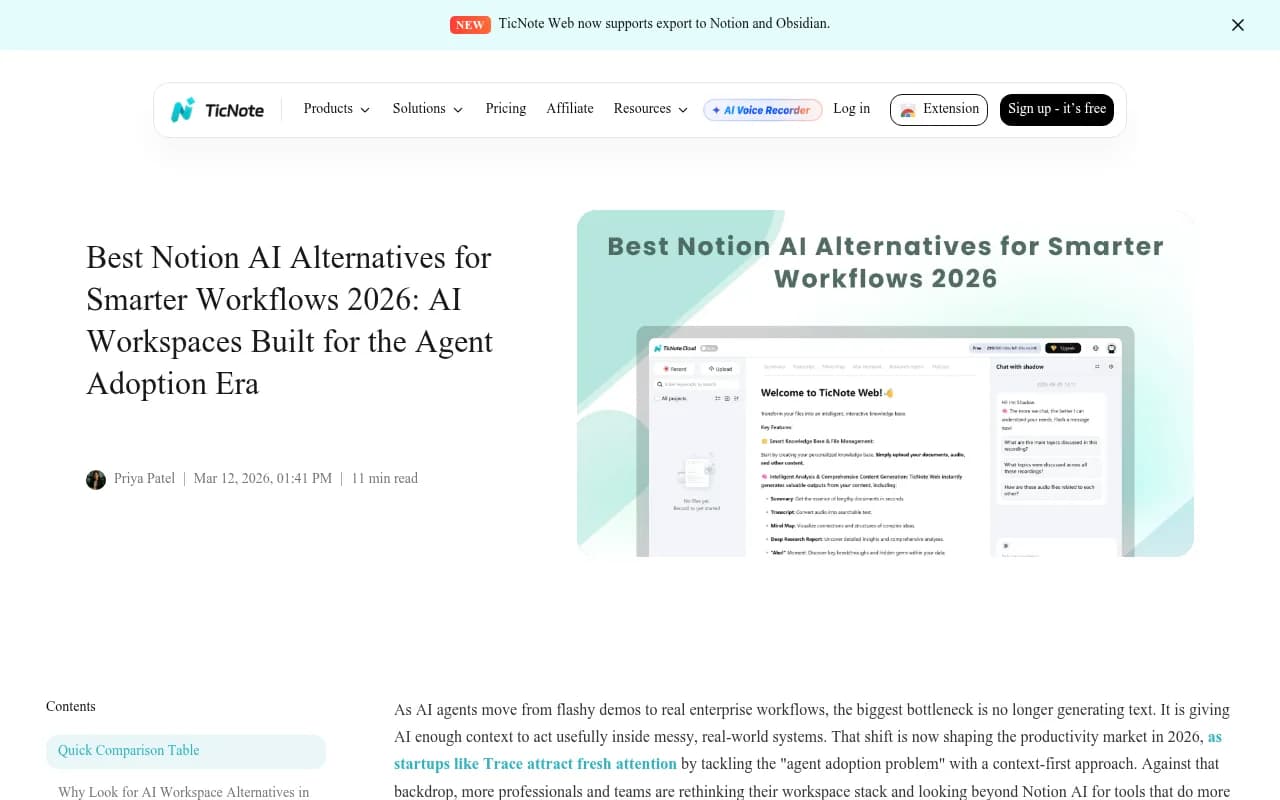
TicNote's guide argues the bottleneck in 2026 is context, not text generation. That is a fair read. Plenty of useful knowledge never gets typed into a doc. It happens in calls. TicNote positions itself around capturing conversations and exporting to Notion and Obsidian, which makes it a companion more than a replacement. If your pain is meeting notes, consider this approach before ripping out your workspace.
For a longer list of general alternatives, Zapier's roundup is the most thorough I found. The author says he has looked at over 100 Notion-style tools.
How to choose
A short decision path:
- Solo, capture-heavy, want to ask questions: Mem.
- Team wiki that nobody can search: Slite, or an AI layer like Coworker.
- Complex databases and automations: Coda.
- You own your data or you handle sensitive material: Obsidian or Anytype.
- Visual thinking and research: Storyflow or Heptabase.
- Microsoft shop: Loop.
- Mostly projects: ClickUp.
When to stay on Notion
Storyflow's own article has a section on when people should not switch, and I agree with the spirit. If your team already has years of structured pages and everyone knows where things live, the migration cost often outweighs the AI gain. Notion's Business plan at $20 per member gets you Agent, meeting notes and search across connected apps in one bill. Enterprise adds zero data retention with LLM providers, SCIM and audit logs, which matters for regulated teams. Competitors have to beat that bundle, not just a single feature.
Try a two-week pilot instead. Move one project or one personal knowledge area into the new tool, ask the same ten questions in both, and see which answers you trust.
Migration tips
- Export to markdown or CSV first, and check that attachments and links survive.
- Do not move everything. Archive what you have not opened in a year.
- Keep Notion read-only for a month before cancelling. Page history on Free is only 7 days, so back up before downgrading.
- Test the AI on your real content, not on the demo workspace.
Bottom line
Notion is still the most flexible workspace, but its AI is now a Business-plan feature at $20 a seat. Mem is the best AI-native option for individuals, Slite for team knowledge, Coda for people who want Notion with sharper automation, and Obsidian or Anytype if you care who holds your files. Before you pay for any of them, confirm pricing on the vendor's page. Several of the figures floating around the web already disagree with each other.