Key takeaways
- Most failed GPTBot and ClaudeBot visits come from a short list of causes: robots.txt rules, CDN or WAF bot blocking, redirect chains, server errors, and content that only renders with JavaScript.
- Failures are usually silent. No alert fires, Google Search Console looks fine, and pages just stop appearing in AI answers. Server or CDN logs are the only reliable evidence.
- Allowing ClaudeBot does nothing for Claude-SearchBot or Claude-User, and the same split exists for OpenAI (GPTBot, OAI-SearchBot, ChatGPT-User). Each token needs its own rule.
- Redirect tolerance is not documented by the vendors. Third-party testing observed roughly 3 to 5 hops, so keep your chains to 1 to 3 and end on a 200.
- After any fix, confirm it by watching for new verified visits in your logs, not by trusting a config change.
Why AI crawler errors are harder to spot than Googlebot errors
When Googlebot hits a problem, you get a report. Search Console shows coverage errors, soft 404s, server errors. AI crawlers give you nothing like that. OpenAI, Anthropic and Perplexity each document their crawlers only partially, and none of them sends you a diagnostic when a visit fails.
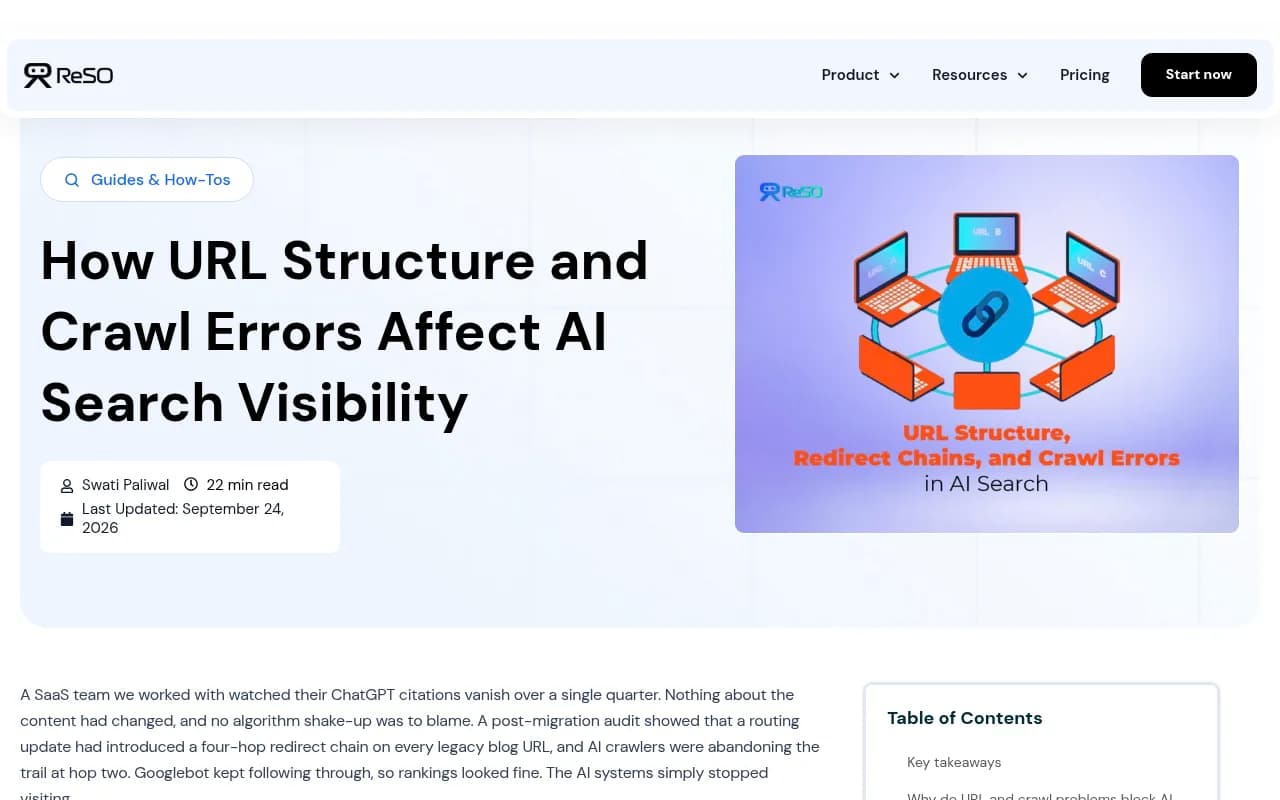
The result is a slow, quiet loss. One write-up from ReSO AI describes a SaaS team whose ChatGPT citations vanished over a quarter after a routing update added a four-hop redirect chain to every legacy blog URL. Googlebot kept following the chain, so rankings looked healthy. The AI crawlers, per that account, gave up around hop two.
That story is one vendor's anecdote, so treat it as illustrative. But the pattern matches what the logs show on many sites: the bot arrives, gets something unexpected, and leaves without trying again soon.
This guide works backwards from what you see (a status code, a missing visit, a strange log line) to the cause and the fix.
Know which bot you are debugging
Before reading any error, identify the crawler. The same site can be open to one bot and closed to another, and the fix is different.
| Operator | User-agent token | Main job | Notes |
|---|---|---|---|
| OpenAI | GPTBot | Training-related crawling | Honors robots.txt |
| OpenAI | OAI-SearchBot | Search discovery | Separate rule needed |
| OpenAI | ChatGPT-User | Fetches when a user asks | Separate rule needed |
| Anthropic | ClaudeBot | Training-related crawling | Honors robots.txt |
| Anthropic | Claude-SearchBot | Search discovery | Separate rule needed |
| Anthropic | Claude-User | Fetches for a user's question | Separate rule needed |
| Perplexity | PerplexityBot | Index building | Separate from Perplexity-User |
One gotcha that trips people up constantly: allowing ClaudeBot does nothing for Claude-SearchBot or Claude-User. List all three. The same logic applies to the OpenAI trio.
Also verify the visitor is real. Spoofed user agents are common, so match the request IP against the operator's published ranges before you conclude that "GPTBot got a 403." Promptwatch Data's AI crawler traffic report only counts requests whose source IP matches published ranges for exactly this reason.
Step one: find the failures in your logs
You cannot decode an error you have not seen. Start with raw server, CDN or WAF logs.
grep -hEi 'GPTBot|OAI-SearchBot|ChatGPT-User|ClaudeBot|Claude-SearchBot|Claude-User|PerplexityBot|Perplexity-User' access.log
For rotated logs, use zgrep against the gzipped files:
zgrep -hEi 'GPTBot|ClaudeBot|PerplexityBot' access.log.*.gz
Then get a status code histogram, which is the fastest way to see what kind of problem you have:
grep -E "GPTBot|ClaudeBot|PerplexityBot" /var/log/nginx/access.log | \
  awk '{print $9}' | sort | uniq -c | sort -rn
If you see mostly 200s, the crawl side is healthy and your problem is probably content or rendering. If you see a wall of 403s, 429s or 301s, keep reading. If you see nothing at all, the bot may be blocked before it ever reaches your origin, so check the CDN logs, not just the server.
This is the tedious part to do by hand. Tools like Promptwatch ship IP-verified AI crawler logs with plain-language explanations of why a crawl failed, which saves the grep-and-guess cycle.

The error decoder
| What you see | Plain-language meaning | Most likely cause | First fix |
|---|---|---|---|
| No visits at all | The bot never reached you | robots.txt block, CDN/WAF rule, or bot not yet discovering you | Check robots.txt, then CDN bot settings |
| 403 Forbidden | You refused the bot | WAF, bot-management rule, or hosting firewall | Allowlist verified AI bot IPs or user agents |
| 401 Unauthorized | The page wants a login | Paywall, staging auth, member area | Decide if the page should be public |
| 404 Not Found | Page is gone or URL is wrong | Migration, broken internal links | Redirect or restore, update sitemap |
| 429 Too Many Requests | The bot was told to slow down | Rate limiting | Raise limits for verified bots |
| 301/302/308 repeating | The bot is being sent around | Redirect chain or loop | Collapse to one hop |
| 5xx | Your server failed | Origin overload, timeouts, bad deploy | Fix capacity and error handling |
| 200 but page not cited | Fetched fine, content unusable | JavaScript-only content, noindex, thin content | Server-side render, check headers |
403 Forbidden
This is the most common AI crawler failure and the most avoidable. It means something between the bot and your content said no. The page works in your browser because the rule targets bots specifically.
Usual suspects are Cloudflare's AI crawler category blocking, a managed bot ruleset, a hosting provider firewall, or a security plugin. A Cloudflare Community thread captures the typical story: a site loads normally for people, but AI Crawl Control shows unsuccessful requests for GPTBot, ClaudeBot and PerplexityBot, and a custom domain on Cloudflare Pages was blocking the "AI Crawler" category.
How to fix it:
- Reproduce with curl using the bot's user agent (see the testing section below).
- Check your CDN's bot or AI crawler settings and any firewall rules matching the user agent.
- Allow verified bots rather than trusting the user-agent string alone.
- Re-test, then watch the logs for a real visit.
If you deliberately want to block training but allow answer-time fetches, that is a legitimate policy. Just make sure your edge rules express it, because a blanket block will also stop the search and user-triggered bots.
Blocked by robots.txt
This one is not an error code at all. A compliant bot reads robots.txt, sees a Disallow, and never requests the page. In your logs you will see the robots.txt fetch and then nothing.
A split policy is common and sensible:
# OpenAI search discovery
User-agent: OAI-SearchBot
Allow: /

# OpenAI training crawler
User-agent: GPTBot
Disallow: /

# Anthropic search discovery
User-agent: Claude-SearchBot
Allow: /

# Anthropic training crawler
User-agent: ClaudeBot
Disallow: /
That is fine if it is intentional. It is a disaster if a developer copied a "block AI" snippet years ago and forgot. Read your live robots.txt, not the one in your repo. If you want everything open, allow every token explicitly: GPTBot, OAI-SearchBot, ChatGPT-User, ClaudeBot, Claude-SearchBot, Claude-User, PerplexityBot and Perplexity-User.
A note on Google-Extended: it controls whether Google uses your content for its AI models and, per the sources I reviewed, does not affect Google Search ranking. It is a separate decision.
429 Too Many Requests
The bot is crawling faster than your rate limiter likes, so it gets told to back off. A single crawler can burst hard, and rate limits set for human traffic can be too tight.
Fix by exempting verified AI bot IPs from the strictest limits, or by raising the ceiling for those user agents. Do not simply remove rate limiting. If a bot truly overloads you, a Retry-After header is the polite signal, and crawl-delay style controls differ by vendor, so confirm in the operator's docs before relying on them.
5xx errors and timeouts
500, 502, 503 and 504 mean your side broke. AI crawlers that hit repeated server errors may visit less often. ReSO AI's guide makes the point that repeated 4xx and 5xx responses may reduce crawler trust across a domain, though that is a vendor claim rather than documented behavior from OpenAI or Anthropic.
The pattern to look for is errors that cluster at certain times (traffic spikes, cron jobs, deploys) or on certain URL types (heavy search pages, unbounded filters). Fix the underlying capacity or query problem, add caching for static content, and make sure error pages return the right status instead of a 200 with an apology message.
404 and soft 404s
A real 404 is honest, and fine for pages that should be gone. The damage comes from pages that should exist: moved content with no redirect, internal links pointing at old URLs, or a sitemap listing dead pages. Clean the sitemap, fix internal links, and redirect moved URLs directly to their final destination.
Redirect chains and loops
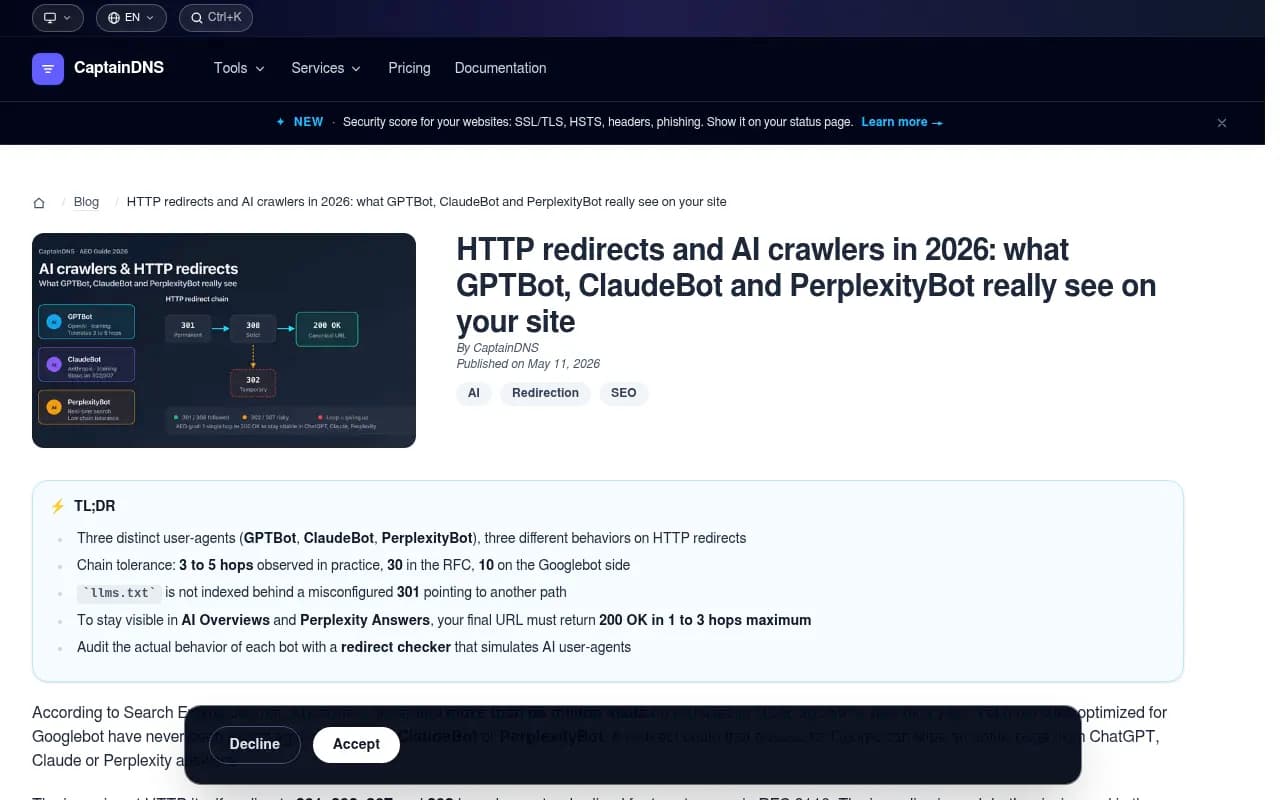
Redirects are where AI crawlers diverge most from Googlebot. The RFC allows up to 30 hops and Googlebot follows about 10. A CaptainDNS analysis reports AI crawlers tolerating roughly 3 to 5 hops in practice, with GPTBot observed at 5 and silent abandonment beyond that, meaning the page simply never appears.
Treat that as observed behavior, not a published limit. CaptainDNS itself notes that OpenAI, Anthropic and Perplexity do not publicly state exact hop counts. The safe rule is the same either way: land on a 200 in one to three hops.
To see what a bot sees, follow redirects with its user agent:
# Test GPTBot
curl -L -I -A "Mozilla/5.0 AppleWebKit/537.36 (KHTML, like Gecko); compatible; GPTBot/1.2; +https://openai.com/gptbot" \
  https://example.com/some-page

# Test ClaudeBot
curl -L -I -A "Mozilla/5.0 (compatible; ClaudeBot/1.0; [email protected])" \
  https://example.com/some-page
Count the HTTP/ lines in the output. More than three before the final 200 means you should collapse the chain. Typical culprits are HTTP to HTTPS, then non-www to www, then a trailing slash rule, then a legacy path redirect, all stacked. Point the original URL straight at the final one.
Also check llms.txt if you publish one. CaptainDNS reports that a file behind a misconfigured 301 to another path may not be picked up.
200 OK but still not cited
A successful fetch is not a successful visit. Three things commonly go wrong after a clean 200:
- The content is rendered client-side, so the bot receives an empty shell. Server-side rendering or prerendering fixes this.
- A noindex directive or an
X-Robots-Tagheader is telling bots to ignore the page. - The page is thin, duplicated, or buried so deep that nothing links to it.
Curl the page and read the raw HTML. If your key text is not in that response, a bot that does not execute JavaScript will not see it either.
A practical order of operations
Aicrawlercheck.com describes seven layers where bots can be stopped: robots.txt, CDNs, firewalls, status codes, JavaScript, noindex, and so on. Rather than guess, work from the outside in:
- Robots.txt: does each AI token have an allow, or at least no disallow?
- CDN and WAF: do bot-management rules block AI categories or unverified user agents?
- Origin firewall and hosting: does the host block unknown agents or aggressive IPs?
- Status codes: what do the logs say for verified bot requests?
- Redirects: how many hops to a 200?
- Rendering: is the content in the raw HTML?
- Meta and headers: any noindex or X-Robots-Tag rules?
This order matters because a fix at a later layer is pointless if an earlier layer is still blocking the bot.
Compare your logs against the market
One trick I like: benchmark your own bot mix against a public baseline. Promptwatch Data's AI crawler traffic report shows OpenAI at 79.8% of verified AI crawler requests in the week of Aug 31 to Sept 6, 2026, down from 94.8% in the week of June 8 to 14. The report's own advice is that if a provider has a large share there but is near zero in your logs, you are probably blocked or unreachable for that provider.
Claude is worth special attention. Promptwatch's Claude citation crawler data shows Claude-User visits growing from about 30 a day in mid-December 2025 to several thousand a day by mid-April 2026, though it was still around 1% of tracked citation crawler traffic. That is small, but fast-growing, and exactly the kind of channel you do not want blocked by accident.
Tools that help
You can do all of this with grep and curl, but dedicated tools make it repeatable.
| Need | Option | Notes |
|---|---|---|
| IP-verified AI crawler logs with error explanations | Promptwatch | Works with Cloudflare, Vercel, Fastly and raw logs |
| General site crawling and log analysis | Screaming Frog SEO Spider, Botify, Oncrawl | Strong on redirects and status codes, not AI-specific |
| Log analyzer and crawler | FandangoSEO | Technical SEO focus |
| Rendering for JavaScript-heavy sites | Prerender.io | Serves rendered HTML to bots |
| Quick free checks | Geotoolbox, AEO.express | One-off reachability snapshots |
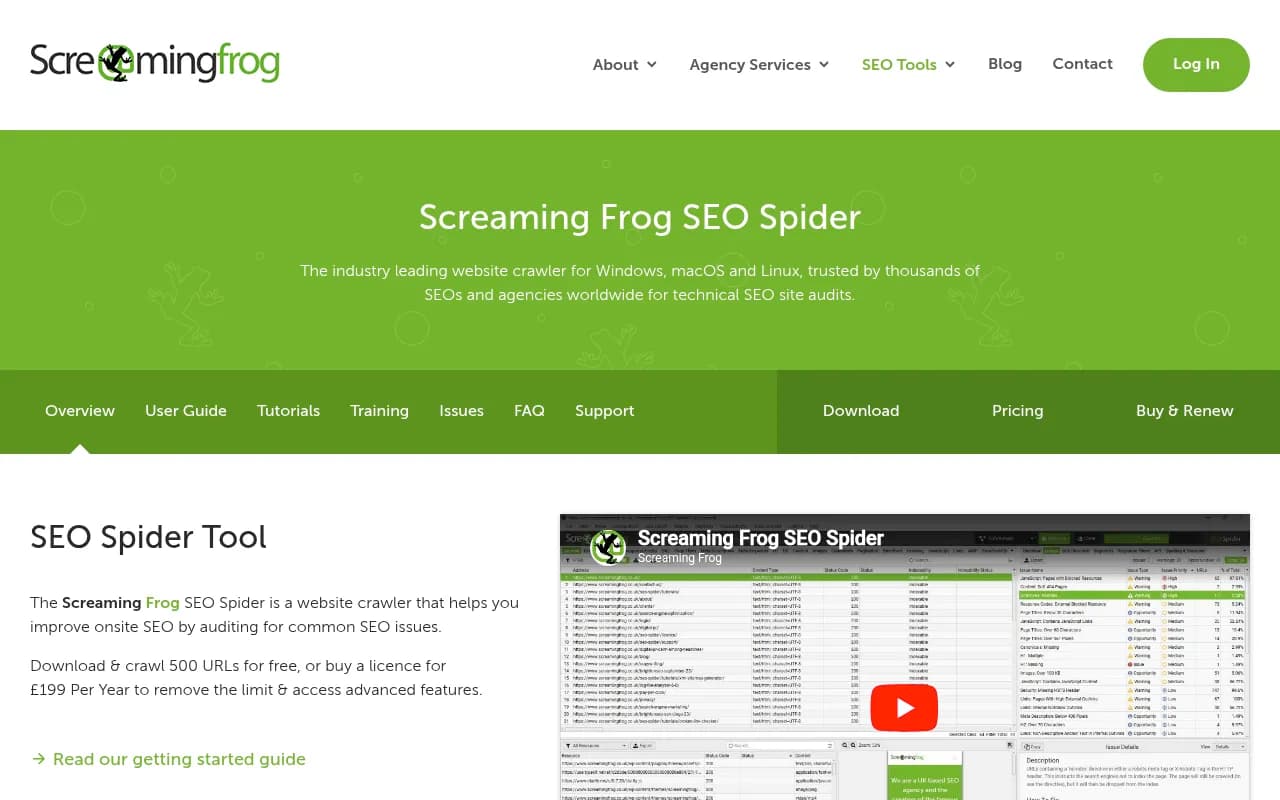
Traditional crawlers are good at telling you about redirect chains and broken links. They will not tell you whether GPTBot itself got in. For that you need logs or an AI-aware tool. If you are comparing options, the GEO software directory lists more of them.
Confirm the fix actually worked
Changing a config is not the same as fixing the problem. After you make a change:
- Note the date and what you changed.
- Re-run the curl tests with each bot's user agent.
- Watch the logs for new verified visits from GPTBot, OAI-SearchBot, ClaudeBot and PerplexityBot after that date.
- Check that those visits return 200 and land on the pages you care about.
- Review monthly, since a new WAF rule or a deploy can quietly undo the work.
Be patient. Bots do not return instantly, and a page that was abandoned may take a while to be retried. If you still see nothing after a few weeks, revisit the earlier layers.
Quick checklist
- Allow each AI token explicitly, or deliberately block only the training ones.
- Verify bot IPs against published ranges before trusting user agents.
- Keep redirects to 1 to 3 hops ending in a 200.
- Exempt verified AI bots from aggressive rate limits.
- Return real status codes, never a 200 for an error page.
- Make sure key content is in the raw HTML.
- Review logs monthly.
If you would rather hand the audit to specialists, an agency like 1001 SEO Media handles technical SEO and AI search visibility work, including this kind of crawl-access review.
The honest summary: most AI crawler failures are not mysterious. They are a 403 from a bot rule someone forgot about, or a redirect chain nobody tested with an AI user agent. Pull the logs, find the status code, and fix the layer that returned it.