Simplified Review 2026
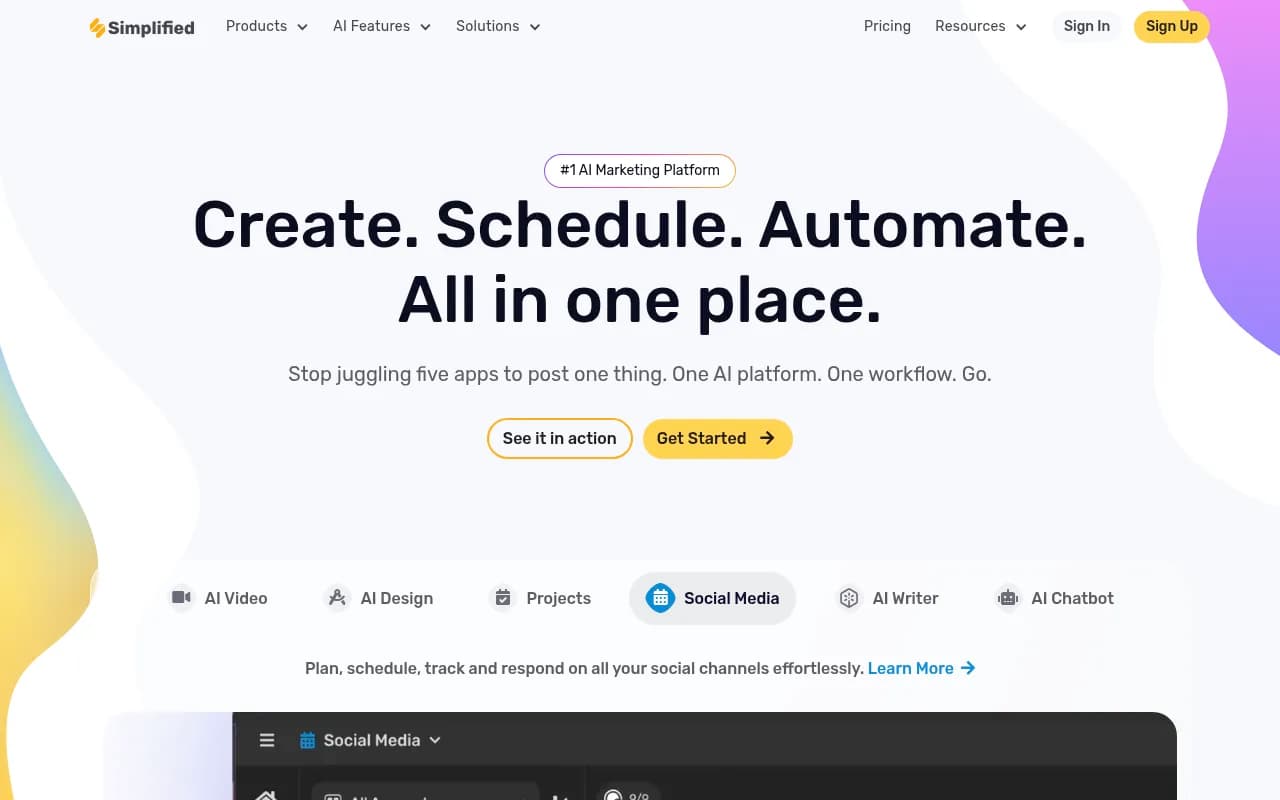
Simplified is an all-in-one AI marketing platform for content creation, video editing, social media scheduling, and team collaboration. Ideal for freelancers, small teams, and agencies needing design, writing, and publishing tools in one place.
Key takeaways
- Simplified packs an impressive range of tools into one platform: AI writing, graphic design, video editing, social media scheduling, and project management -- all under one roof.
- The free plan is genuinely usable, not just a teaser, making it one of the more accessible all-in-one marketing tools available in 2026.
- Depth is the trade-off: specialists who need professional-grade video editing or advanced SEO writing will find the individual tools less capable than dedicated alternatives like CapCut, Canva, or Jasper.
- The AI chatbot builder (Simplified.chat) and MCP Server integration are newer additions that show the platform is actively expanding beyond content creation.
- Best suited for solo creators, small marketing teams, and agencies that want to reduce tool sprawl without sacrificing too much capability in any single area.
Simplified is an all-in-one AI marketing platform built by TLDR Technologies, Inc., a remote-first company. The pitch is straightforward: instead of paying for Canva, Buffer, Jasper, CapCut, and a project management tool separately, you get a version of all of them in one workspace. That's a genuinely useful proposition for small teams and freelancers who are tired of context-switching between five browser tabs to publish a single Instagram post.
The platform targets what you might call the "modern marketing generalist" -- someone who needs to write copy, design a graphic, cut a short video, and schedule it to three platforms before lunch. Simplified has been building toward this since its early days as primarily a graphic design and AI writing tool. Over time it has layered in video editing, social media management, AI chatbot building, workflow automation, and most recently an MCP Server for developers. G2 has recognized it across multiple categories including AI Writing Assistants, Content Creation, Video Editing, and AI Chatbots, with High Performer badges in enterprise, mid-market, and small business segments.
The company operates on a free-forever model, which is a meaningful differentiator. Millions of users have signed up, and the platform has accumulated thousands of G2 reviews with strong ratings. It's not a niche tool -- it's genuinely trying to be the operating system for a marketing team.
Key features
AI video creation and editing
The video suite covers a lot of ground. You can turn a script into a talking-head video using AI avatars, repurpose long-form content into short clips with a "virality score" that ranks which moments are most likely to perform, generate subtitles automatically with multi-language translation, and clone voices using just a few minutes of audio. The AI Short Clips feature is particularly useful for podcasters and YouTubers who want to extract highlights without manually scrubbing through footage. The subtitle generator handles translation, which is a real time-saver for teams targeting international audiences.
- Script-to-video with AI avatars
- AI Short Clips with virality scoring
- AI Voice Cloning from short audio samples
- Auto subtitle generation with translation
- Video background removal, compression, speed control, and GIF conversion
AI design editor
The design editor is Simplified's most mature feature. It works similarly to Canva -- drag-and-drop canvas, thousands of templates, a large asset library -- but with AI generation layered on top. You can generate images from text prompts, use generative fill to edit photos, create presentations, design ads, and produce thumbnails. The AI Batch Editor lets you apply edits across multiple images at once, which is useful for e-commerce teams managing product photography. Brand kits let you lock in colors, fonts, and logos so every AI generation stays consistent.
- 100,000+ templates across design, video, and social formats
- AI image generation from text prompts
- Generative fill for photo editing
- AI Presentation Maker for slide decks
- AI Ads Generator for campaign creative
- Batch photo editing
AI writer
The writing tool supports long-form and short-form content in 30+ languages. There are pre-made prompts for common use cases (blog posts, social captions, email subject lines, product descriptions), and the AI can generate first drafts that you then refine. The tone and voice can be customized, and the platform includes a plagiarism checker. It's not as sophisticated as a dedicated tool like Jasper or Copy.ai for complex long-form SEO content, but for most marketing copy needs it gets the job done quickly.
- Blog writer, ad copy, email, and social caption generation
- 30+ language support
- Tone and voice customization
- Plagiarism checker built in
- AI Carousel Generator for LinkedIn and Instagram
Social media management
The social media module handles scheduling, publishing, and basic analytics across major platforms including Instagram, LinkedIn, TikTok, YouTube, Facebook, and Google Business. The Bulk Post Generator lets you create and schedule multiple posts at once, which is a genuine productivity win for agencies managing multiple client accounts. There's a content calendar view, and the AI can suggest post ideas based on your brand and past content.
- Multi-platform scheduling (Instagram, LinkedIn, TikTok, YouTube, Facebook, Google Business)
- Bulk post scheduling
- AI content ideation for social
- Content calendar view
- Basic performance analytics
Brand kit and consistency tools
One of the more underrated features. You set your brand colors, fonts, logos, and tone of voice once, and every AI generation -- whether it's a graphic, a video, or a piece of copy -- pulls from those settings. For agencies managing multiple clients, you can create separate brand kits per client. This is the kind of feature that sounds minor but saves hours of manual correction.
AI chatbot builder
Simplified.chat is a separate product within the ecosystem that lets you train a custom AI chatbot on your business data and deploy it on your website or other channels. It's positioned as a customer support and lead generation tool. This is a newer addition and competes with tools like Tidio and Intercom's AI features. The depth here is still developing compared to dedicated chatbot platforms.
Project management
A built-in project management module lets teams organize work, assign tasks, and track progress without leaving the platform. It's not trying to replace Asana or Linear -- it's more of a lightweight coordination layer that keeps creative projects organized alongside the content being produced. For small teams, having tasks and assets in the same place is genuinely convenient.
Workflow automation and integrations
The AI Workflows feature lets you build automated content pipelines -- for example, automatically generating social posts from a blog URL, or creating ad variations from a product description. The platform connects to Shopify, WordPress, and major social platforms. There's also a Chrome extension, iOS and Android apps, a WordPress plugin, and a Shopify app. An API and MCP Server are available for developers who want to build on top of the platform.
Who is it for
Simplified works best for solo creators and small marketing teams (roughly 1-10 people) who need to produce a consistent volume of content across multiple formats without hiring specialists for each. A freelance social media manager handling 5-10 client accounts, for example, gets real value from having design, writing, scheduling, and analytics in one place. The bulk scheduling and brand kit features are particularly useful in that context.
Small to mid-sized e-commerce brands are another strong fit. The combination of AI image generation, ad creative tools, product description writing, and Shopify integration covers most of what a lean e-commerce marketing team needs day-to-day. The batch photo editor alone can save hours for teams managing large product catalogs.
Content creators -- YouTubers, podcasters, influencers -- benefit from the video repurposing tools. The AI Short Clips feature with virality scoring, combined with subtitle generation and social scheduling, creates a reasonably complete workflow for turning long-form content into short-form distribution.
Who should look elsewhere: Large enterprises with dedicated design teams will find the design editor less capable than Adobe Creative Cloud. Serious video producers will hit the ceiling of the video editor quickly compared to DaVinci Resolve or even CapCut Pro. SEO-focused content teams that need keyword research, SERP analysis, and structured long-form content workflows will want a dedicated tool. And anyone who needs deep social media analytics -- sentiment analysis, competitor benchmarking, audience demographics -- will find the analytics module too basic.
Integrations and ecosystem
Simplified has built out a reasonable integration layer for a platform of its size:
- Social platforms: Instagram, Facebook, LinkedIn, TikTok, YouTube, Pinterest, Google Business
- E-commerce: Shopify (dedicated app in the Shopify App Store)
- CMS: WordPress (plugin available)
- Browser: Chrome extension for writing and design on the go
- Mobile: iOS and Android apps
- Developer tools: REST API and MCP Server for custom integrations and AI agent workflows
- Link in bio: Simple.bio, a standalone link-in-bio tool within the ecosystem
The MCP Server is worth noting -- it's a relatively new addition that lets AI agents and developer tools interact with Simplified's capabilities programmatically. This positions the platform for the growing market of teams building AI-assisted workflows.
Import and export are straightforward: designs export to PNG, JPG, PDF, MP4, and GIF. There's no native integration with tools like Slack, Notion, or HubSpot, which is a gap for teams that rely on those for communication and CRM.
Pricing and value
Simplified uses a freemium model with a genuine free tier:
- Free Forever: $0/month. Includes core design, writing, and video tools with usage limits. Good for individual creators testing the platform.
- Small Teams: Starts around $30/month (pricing varies by team size and billing period). Adds more AI credits, brand kits, and collaboration features.
- Business: Higher tiers for larger teams with more seats, higher usage limits, and priority support.
Annual billing reduces the monthly cost. The free plan is one of the more generous in this category -- you can actually produce real work on it, not just preview features. Compared to paying separately for Canva Pro ($15/mo), Buffer ($18/mo), and even a basic AI writing tool ($20+/mo), Simplified's paid tiers represent reasonable value if you use most of the modules.
The main pricing caveat: AI credit limits can become a constraint on higher-volume workflows. Teams generating dozens of videos or hundreds of social posts per month may find themselves hitting limits and needing to upgrade.
Strengths and limitations
What it does well
- The breadth of features in one workspace is genuinely impressive. Design, video, writing, scheduling, and project management without switching apps is a real productivity gain for small teams.
- The free plan is substantive. You can run a real content operation on it, which makes it easy to evaluate before committing.
- Brand kit consistency across all AI generations is well-implemented and saves significant time for agencies.
- The AI Short Clips feature with virality scoring is one of the more thoughtful video repurposing tools in this price range.
- Active development pace -- the MCP Server, AI Workflows, and chatbot builder show the team is shipping new capabilities regularly.
Honest limitations
- Individual tools don't match dedicated best-in-class alternatives. The video editor isn't CapCut. The design editor isn't Canva. The AI writer isn't Jasper. If you need depth in any one area, you'll feel the ceiling.
- Analytics are basic. Social media managers who need detailed performance data will need a separate analytics tool.
- No native integrations with Slack, Notion, HubSpot, or other common team tools. The ecosystem is mostly self-contained.
- The AI chatbot builder (Simplified.chat) is still maturing compared to dedicated platforms like Intercom or Tidio.
Bottom line
Simplified makes the most sense for freelancers, solo creators, and small marketing teams who want to consolidate their tool stack without sacrificing too much capability in any single area. It's a genuine all-in-one platform, not just a design tool with a few extras bolted on.
Best use case in one sentence: a social media manager or small agency that needs to design, write, edit video, and schedule content for multiple clients without paying for five separate subscriptions.
Frequently asked questions
What is Simplified?
Is there a free plan?
How much does Simplified cost?
What platforms does Simplified support for social media scheduling?
Does Simplified have a mobile app?
How does Simplified compare to Canva or Buffer?
Similar and alternative tools to Simplified