Key takeaways
- Personal AI assistants answer "what should I buy" questions with crowded, inconsistent lists. One prompt run tells you almost nothing, so test many prompts, many times.
- Build your prompt set in three buckets: organic category questions, brand-specific questions, and competitor comparisons. Source patterns differ a lot between them.
- Log more than mentions. Record position, how you are described, which domains are cited, and what content type earned the citation.
- The query an assistant actually searches can differ from the prompt you typed, so check fan-outs and write content that matches the generated queries.
- Manual testing works for a first pass. Past a few dozen prompts, a tracking tool saves you weeks.
Why prompt testing matters now
Most roundups of personal AI assistants compare the assistants themselves: which one handles your inbox, which has the best memory, which codes best. Fair enough. But there is a second question that matters more if you sell something. When your customer asks one of those assistants "what is the best tool for X," what does it say about you?
That answer is increasingly where shortlists get made. And it is not stable. It changes by assistant, by country, by phrasing, and sometimes by the hour. The only way to know where you stand is to test it, systematically, and keep records.
This playbook walks through how I would do that from scratch with a spreadsheet and a free afternoon, then where tooling takes over.
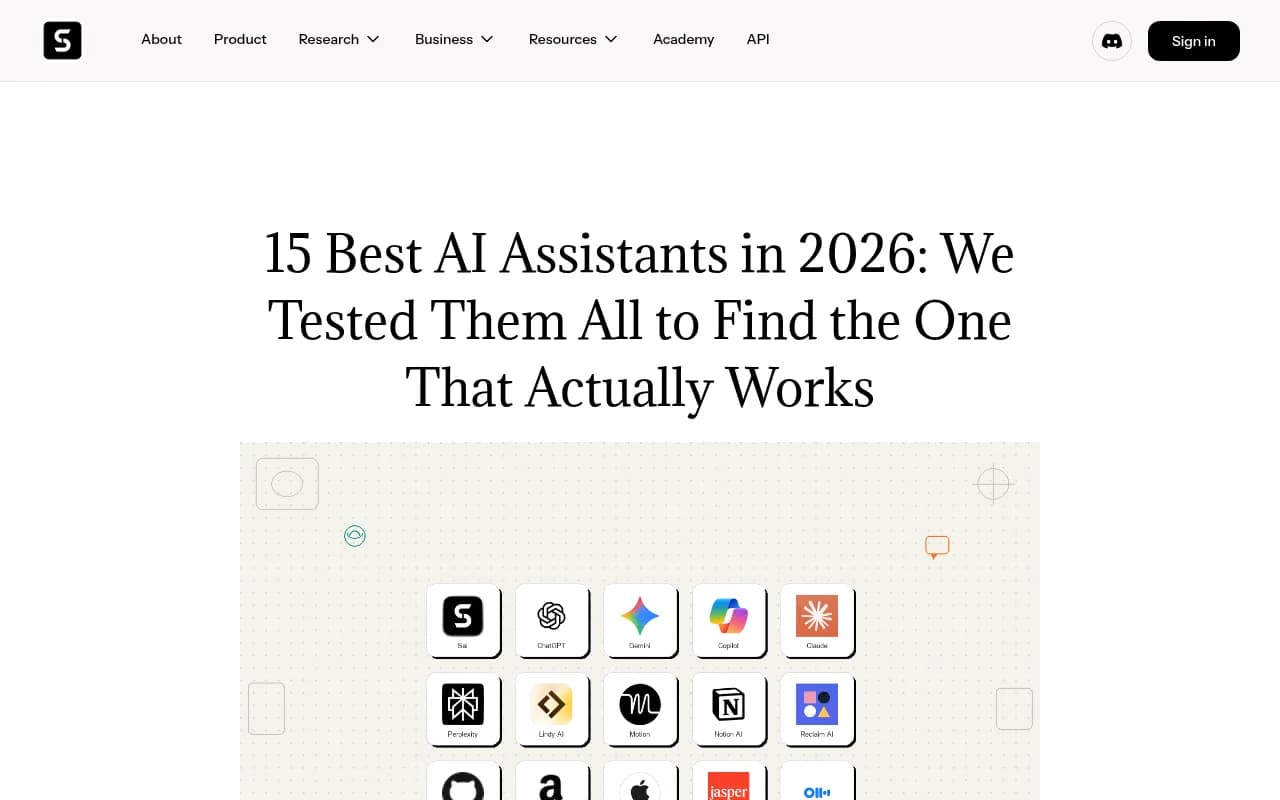
Roundups like this one (Simular's 15-assistant comparison) are useful for picking an assistant for your own work. They tell you nothing about what those assistants say about your brand, which is a separate test.
Know which assistants you are testing
The phrase "personal AI assistant" covers a messy range. Some are on-demand chatbots. Others are always-on agents with memory that act inside your accounts. A scorecard published by alfred_ (a vendor that scores its own product highest, so read it with that in mind) rated ChatGPT Plus, Claude Pro and Gemini equally on reasoning but low on staying active between prompts. Vellum's guide makes a similar split between a chatbot that forgets you when you close the tab and an assistant that carries context.
For category testing, that distinction matters in one specific way: memory. An assistant that knows your user's past preferences will recommend differently than a cold, logged-out session. So you need to decide up front whether you are testing:
- Cold sessions: no history, no personalization. This is the closest thing to a baseline.
- Warm sessions: a persona with some context, such as a small-business owner who has told the assistant their budget and stack.
Run both. Label every result with which one it came from.
The assistants worth including
| Assistant | Why test it | Watch for |
|---|---|---|
| ChatGPT | Largest consumer reach, heavy web search | Shopping cards, ads, fan-out searches |
| Google Gemini and AI Overviews | Tied to Google results and voice | Different answers by country |
| Perplexity | Citation-first answers | Source lists you can inspect |
| Claude | Strong with long research tasks | Training-data answers vs live search |
| Microsoft Copilot | Built into Windows and Office | Bing-derived sources |
Tools like ChatGPT and Perplexity are easy to test by hand.
Perplexity
Step 1: build a prompt set in three buckets
The biggest mistake I see is testing five prompts that all happen to include the brand name. Of course you show up. Build the set deliberately.
Bucket A: organic category prompts
No brand named. These are the questions a real buyer asks before they know you exist.
- "best project management software for small teams"
- "what CRM should a 10-person agency use"
- "cheapest way to track AI search visibility"
These matter most for discovery, and they are the most crowded. Promptwatch Data's analysis of ChatGPT responses from Sep 28 to Oct 4, 2026 found that 52.5% of organic prompts cite 10 or more different domains. You are sharing the answer with a lot of other sites.
Bucket B: brand-specific prompts
One brand named. "Is Asana good for small teams." The same report shows these answers are narrower: 5 domains is the most common count, and only 21.3% cite 10 or more. Here the question is less "am I mentioned" and more "what does the assistant say, and who does it cite to say it."
Bucket C: competitor comparisons
"Asana vs Monday.com." Per the same data, 49.1% of these cite 10 or more domains. Test every pairing that includes you, and a few that do not. You want to know which competitors get dragged into your category answers.
Tag by intent too
Add a second column for intent: commercial, informational or branded. Promptwatch's content type report shows why. For commercial prompts, product pages, landing pages, listicles and comparisons together make up almost 70% of citations. For informational prompts, how-tos and docs creep up. For branded prompts, reviews and FAQ pages show more. Same assistant, different sources, depending on what the user is trying to do.
A reasonable starting size is 30 to 50 prompts: roughly 15 organic, 10 brand-specific, 10 comparisons, plus a few long-tail variants.
Step 2: control the test
Prompt testing is noisy. A few rules keep it from becoming anecdote.
- Use logged-out or fresh sessions for the baseline. Clear memory features where you can.
- Set the same country and language for every run. AI Overviews in particular vary by region.
- Run each prompt at least five times per assistant. One run is a coin flip.
- Keep the wording fixed. Do not tweak prompts mid-test, or you cannot compare week to week.
- Record the date and the model or mode. Assistants change under you.
That last point is not paranoia. Promptwatch Data saw average citations per ChatGPT response drop across several models around the GPT-5.3 rollout on March 4, 2026. And on August 8, 2026, ChatGPT began using the site: operator at scale, going from about 0.4% to about 17% of fanout queries overnight. If your results shift one week, check whether the assistant changed before you assume your content did.
Step 3: log the right fields
A yes/no mention column is nearly useless. Here is a log structure that earns its keep.
| Field | Example | Why log it |
|---|---|---|
| Prompt | best CRM for small agencies | Your unit of analysis |
| Bucket and intent | Organic, commercial | Source patterns differ |
| Assistant, mode, country | ChatGPT Search, US | Answers vary by all three |
| Run number and date | Run 3, Oct 29 | Variance and trend |
| Mentioned? | Yes | Basic coverage |
| Position | 4th of 7 | Prominence |
| Description | "good for solo users, limited reporting" | Sentiment and framing |
| Cited URLs and domains | g2.com, yourbrand.com/pricing | Where the answer comes from |
| Content type of cited pages | Listicle, product page | What to build |
| Competitors present | A, B, C | Who you are being compared with |
The cited-domains column is the one people skip and then regret. It tells you whose pages the assistant trusts about your category. Promptwatch's advice from the unique-domains report is to check which third-party domains get cited for prompts about your brand and about competitors, because that is your off-site to-do list.
Step 4: read the fan-out, not just the answer
Here is a detail that changes how you write content. When ChatGPT searches the web on your behalf, it does not usually search your prompt word for word. Promptwatch's query fan-out data measured about 2.15 searches per response in early December 2025, easing to about 1.84 by early March, and average query length falling from about 117 characters to about 53 by April. The generated queries look like short keyword searches, around six to eight words.
So the user typed a rambling paragraph, and the assistant searched "best crm small agency 2026." Your page has to match the second thing, not the first.
If you are testing by hand, a free browser extension that shows fan-outs and fetched versus cited sources makes this visible. Promptwatch publishes one for ChatGPT. Write down the generated queries for each prompt and check whether any of your pages would plausibly match them.
Step 5: interpret what you see
Once you have a few hundred rows, patterns show up. Here is how I would read them.
| What you see | Likely problem | First fix |
|---|---|---|
| Rarely mentioned in organic prompts | Coverage gap | Create pages for the category queries and get listed where assistants already cite |
| Mentioned, but always late | Prominence | Sharper positioning, comparison content, third-party reviews |
| Mentioned but never cited from your domain | Content or crawlability | Check crawler access and add citable product and landing pages |
| Described with weak or wrong claims | Reputation or stale info | Update pages, fix third-party profiles |
| Competitors dominate comparison prompts | Missing comparison content | Publish honest vs pages |
Source type matters too. For software prompts, Promptwatch Data from Sep 28 to Oct 4, 2026 shows GitHub, Microsoft's docs and G2 leading ChatGPT citations, with documentation and help centers earning the largest share. Travel and healthcare look very different, with booking sites and government sites leading. Check your own vertical rather than assuming the generic pattern holds.
Two more findings are worth keeping in mind. Content ages at different speeds: in Promptwatch's half-life study, landing pages and docs stayed cited longest, while news lost half its pages within 36 days. And social sources vary by assistant. From Sep 28 to Oct 4, 2026, ChatGPT drew 0.46% of citations from social platforms while Google AI Overviews drew 12.2%. A Reddit strategy that helps in one assistant may do little in another.
Step 6: decide when to stop doing this by hand
Manual testing is the right way to start. It teaches you what the answers look like. But it breaks down fast: 40 prompts across 5 assistants, 5 runs each, is 1,000 responses, and you want to repeat it weekly.
That is when a tracker earns its price. Tools like Promptwatch monitor the real interfaces of ChatGPT, Google AI Overviews, Gemini, Perplexity and others on a schedule, with prompt volumes, citation analytics and AI crawler logs, and then turn gaps into content tasks.

There are plenty of alternatives at different price points and depth. Some are lightweight trackers, some focus on a single question such as which sources get cited in your category.
| Tool | Best for |
|---|---|
| Promptwatch | Tracking plus acting on the gaps: content, crawler logs, traffic |
| Otterly.AI | Affordable basic monitoring |
| Peec AI | Monitoring without the optimization layer |
| Profound | Enterprise monitoring |
| BrandKarma | Benchmarking what AI engines recommend in a category |
| MentionBird | Seeing which sources AI cites in your category |




If you want to browse more options, the GEO software directory at bestgeosoftware.com lists them by feature.
A weekly routine that holds up
Here is the cadence I would run once the baseline exists.
- Monday: rerun the full prompt set, or let a tracker do it. Compare to last week.
- Flag any prompt where you gained or lost a mention, and note whether the assistant changed.
- Review newly cited domains. Anyone new in your category answers is worth a look.
- Pick two fixes: one on-site (a page that matches a fan-out query) and one off-site (a listing, review or comparison that assistants already cite).
- Re-test those prompts after two weeks, not two days.
Keep a changelog of what you shipped. Without it you will never connect a citation jump to its cause.
Common mistakes
- Testing only branded prompts and declaring victory.
- Treating a single run as truth.
- Ignoring the country setting.
- Counting mentions and ignoring how the brand is described.
- Chasing one assistant. The overlap between assistants is smaller than you would hope.
- Assuming a roundup that ranks assistants tells you anything about brand recommendations. It does not.
The short version
Pick three prompt buckets, run each prompt many times, log citations and content types rather than yes or no, and read the fan-out queries. Do that by hand for a week. Then decide whether a tracker is worth it. If your category answers cite 10 or more domains per response, which is the norm, your job is not to be the only answer. It is to be reliably one of the sources the assistant reaches for, and testing is how you find out which ones those are.