Key takeaways
- Discovery now happens in three layers: a central registry (the official MCP Registry), the IDE or agent marketplace where developers click install, and the agent's own tool search once servers are connected.
- Adoption is broad. Snyk's June 2026 analysis of nearly 10,000 developer environments found 50.8% of developers have at least one MCP server installed, and one in seven of those had a security finding.
- The bottleneck moved from "does a server exist" to "which one do I trust, and how do I keep my agent from drowning in tool definitions."
- Enterprises mostly can't see any of this, because coding agents and their local servers live on laptops, not in a cloud agent registry.
- If you publish an MCP server or a developer tool, your docs and registry metadata are now part of your distribution.
Why discovery became the problem
A year or two ago the question was whether an agent could reach external tools at all. Now people ask which Home Assistant server to use, or whether anything exists for their note-taking app. That shift from capability to selection is the real maturity signal. A 2026 write-up from Grass puts it bluntly: the bottleneck is no longer the protocol, it is discovery, and knowing when to build versus when to find.
Anthropic launched MCP in November 2024 and says the community has since built thousands of servers, with SDKs for every major language. WorkOS reports the Python and TypeScript SDKs alone see roughly 97 million monthly downloads. With that much supply, the friction is fragmentation. The Grass piece notes there is no central registry with quality signals, documentation standards vary widely, and some categories (knowledge bases especially) still have no community solution despite clear demand.
So discovery in 2026 isn't one thing. It is a stack, and each layer solves a different part of the problem.
Layer one: the official MCP Registry
The official MCP Registry describes itself as the official centralized metadata repository for publicly accessible MCP servers. Anthropic, GitHub, PulseMCP and Microsoft back it. It launched in preview on September 8, 2025, at registry.modelcontextprotocol.io (that launch date comes from a third-party mirror, so check the official site if it matters to you).
A few practical details:
- Every entry uses a standardized
server.jsonformat. - The read API is open and needs no authentication. You can list servers with
GET /v0/servers?limit=10, search with?search=filesystem, or fetch a single entry at/v0/servers/{server-id}. - Terminology matters. "The MCP Registry" means the official service. A lowercase "MCP registry" means any third-party service that exposes the same API. Many marketplaces are the second kind.
A Registry Working Group owns the service, the schema, the API spec and the sub-registry ecosystem. It coordinates with a Server Card working group, and the plan is for Server Card to be a coherent subset of server.json. I haven't verified current server counts or how .well-known discovery is shaping up, so treat anything you read about those with caution until you've checked the spec.
The design choice I like here is the sub-registry model. The official registry holds metadata, and others build curated views on top. That is how npm-style ecosystems tend to survive: one canonical index, many opinionated storefronts.
Layer two: discovery inside the IDE and the agent
Most developers never call a registry API. They find servers where they already work, and the big editors have each built an install flow.
VS Code and GitHub Copilot
In VS Code you open the Extensions view and search @mcp. You review the publisher, capabilities and install requirements, then either install for yourself or right-click and choose "Install in Workspace" to share the config with the project.
There is also a Customization Marketplace, still in preview. You run "Chat: Open Customizations", choose Browse, pick the "GitHub Feed" source, and search with @type:mcp. It is on by default, though availability depends on your harness and your organization's preview and marketplace policies. Separately, "Copilot connectors" (also preview) give GitHub-managed MCP connections for Copilot sessions with no local server setup.
Two config pitfalls will bite you if you copy files between tools:
- Portable files use a top-level
mcpServersobject. The VS Code format usesservers. - Portable configs don't support VS Code input variables or env files, so servers needing interactive inputs aren't forwarded to Copilot harness sessions.
{
  "servers": {
    "filesystem": {
      "command": "npx",
      "args": ["-y", "@modelcontextprotocol/server-filesystem", "./src"]
    }
  }
}
The same entry in a portable file would sit under mcpServers instead. For team sharing, a workspace-root .mcp.json works when the experimental chat.mcp.workspaceRootConfig.enabled setting is on.
Visual Studio
Visual Studio takes a registry-first route. Go to Extensions, then MCP Registries, to open the MCP Server Manager and install from the GitHub MCP server registry. Microsoft's docs for this were updated in July 2026.
Enterprise registries and allowlists
On November 18, 2025, GitHub put internal MCP registry and allowlist controls for VS Code Stable into public preview (VS Code 1.106). A registry here is a catalog of approved servers shown in the MCP servers sidebar. The default policy is "Allow all", meaning registry servers show up as recommendations but developers can still use any server. Stricter options exist. At launch, Visual Studio could discover approved servers but allowlist enforcement was still to come.
That default matters. Out of the box, an internal registry is a suggestion box, not a gate.
Layer three: how the agent finds tools after install
Installing a server is half of discovery. The other half is the agent deciding which tool to call, and that gets expensive fast.
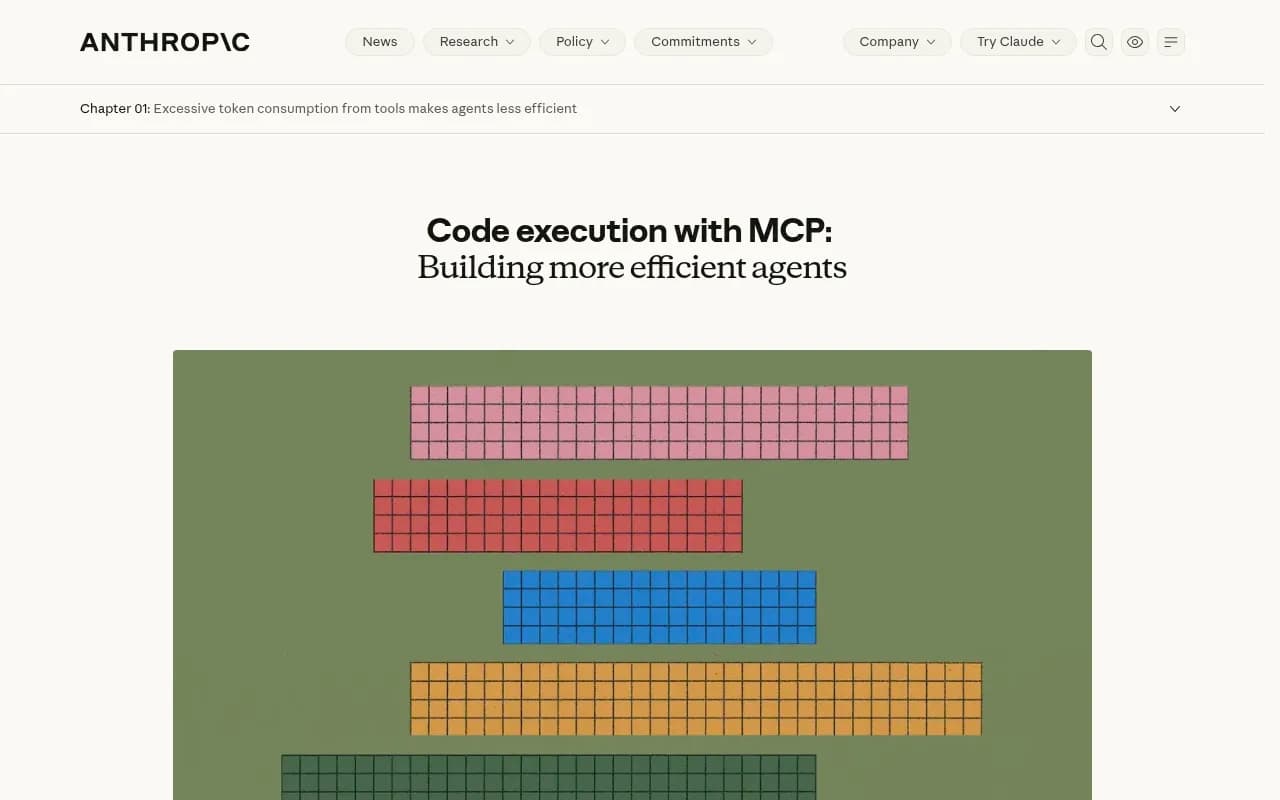
Most MCP clients historically loaded every tool definition into context up front. Anthropic's engineering write-up on code execution with MCP explains the cost: with hundreds or thousands of tools across dozens of servers, agents can burn hundreds of thousands of tokens before they read the user's request. Intermediate results passed through the context window add more.
Two patterns have emerged in response.
Filesystem exploration and progressive disclosure
In Anthropic's approach the agent writes code to interact with servers. It discovers tools by listing a ./servers/ directory to find servers like google-drive and salesforce, then reads only the tool files it needs, such as getDocument.ts. Anthropic also notes you can add a search_tools tool to find relevant definitions. WorkOS cites Cloudflare's "Code Mode" showing 98%+ token savings by letting agents discover and call tools dynamically.
Built-in tool search
Claude Code's tool search is the productized version. Per the Agent SDK docs (modified October 21, 2026):
- Tool definitions are withheld from context. The agent gets a summary and searches on demand.
- Up to 5 relevant tools load by default and stay loaded until message compaction, after which the agent searches again.
- Each search costs one extra round trip. With fewer than about 10 tools, loading everything up front is typically faster.
ENABLE_TOOL_SEARCHcontrols it. Unset ortrueturns it on,autoactivates once deferrable definitions reach 10% of the context window, andauto:Nsets your own threshold, likeauto:5.- Servers can opt out with
alwaysLoad, and organizations can enforce the setting through managed settings on Claude Code v2.1.227 or later. - It falls back to upfront loading on models earlier than Opus 4 and Sonnet 4, and on Microsoft Foundry deployments hosted on Azure.
Because search matches on tool names and descriptions, how you write those descriptions is now a discoverability feature. The docs even suggest hinting in the system prompt, for example "You can search for tools to interact with Slack, GitHub, and Jira."
On dates: a GitHub issue says MCP Tool Search reached Claude Code on January 14, 2026, while a vendor blog describes it as generally available in February 2026. I couldn't reconcile those, so I'd avoid quoting a firm date.
Tool overload is real
Unblocked's vendor blog, citing third parties, reports that Cursor caps at 40 tools, Claude Code quality degrades past 50, and the OpenAI Tools API maxes at 128. Their illustration: about 80 tools cost roughly 45,000 tokens per turn (22.5% of context), versus about 12 always-loaded tools at around 7,000 (3.5%). They suggest keeping always-loaded tools to 30 to 40. These are secondhand numbers from a vendor, so read them as directional. The advice itself is sound: allow-list the hot-path tools per server, defer the rest.
Putting the three layers side by side
| Layer | Where it happens | What it answers | Main weakness |
|---|---|---|---|
| Official MCP Registry | registry.modelcontextprotocol.io, plus third-party sub-registries | Does a server exist, and what is its metadata? | No quality signal on its own |
| IDE and agent marketplaces | VS Code @mcp, Customization Marketplace, Visual Studio MCP Registries | Which server do I install right now? | Policy defaults often allow everything |
| Agent-side tool search | Claude Code tool search, filesystem exploration, search_tools | Which tool should the agent call for this task? | Depends on name and description quality |
The governance gap nobody inventories
Discovery has a second audience: security teams. Arthur's 2026 analysis points out that coding agents are probably the most widely deployed autonomous agents in most enterprises, yet almost none appear in a cloud agent registry. They run on developer laptops, load local MCP servers, and execute shell commands under the developer's own credentials.
The adoption numbers explain the worry. Beyond the 50.8% with an MCP server installed, Snyk found 43% run two or more AI coding environments and 37% run three or more. A single engineer may have several agents, each with its own servers and credentials. Arthur also cites a JetBrains survey of over 15,000 developers (as summarized by NeuralTrust) where Claude Code at-work use rose from 18% to 39% between January and mid-2026 while Cursor fell from 18% to 12%. Any policy tied to one named product goes stale quickly.
Arthur's argument is that registry-based and API-driven discovery miss these agents, so you need endpoint and network techniques: OpenTelemetry listeners, network-layer analysis of LLM API and MCP traffic, and watching for new MCP servers appearing. That is a vendor's pitch for its own product, and I'd weigh it that way. But the underlying point holds. If your approved-server registry is the only discovery path you govern, you are governing the minority of what your developers actually run.
For teams that want a managed integration layer instead of ad hoc local servers, enterprise platforms like Workato pitch MCP servers connecting agents to 1,400+ apps. Whether that fits depends on how much you want to centralize.
A practical checklist for developers
A few habits that hold up regardless of which editor you use:
- Start from the job. Pick the task the agent has to finish, then add only servers it can't do without. AgentMail's 2026 roundup makes the same argument, and the list it names (GitHub, Playwright, Context7, Supabase, Linear, Stripe and others) is a fair picture of the categories that matter. Note AgentMail ranks its own product first, so weigh that.
- Check the publisher. Prefer servers built by the company behind the product. In VS Code, review publisher and capabilities before you click install.
- Share config at the workspace level when a team needs the same servers, and watch the
serversversusmcpServersdifference. - Keep the always-loaded set small. Under about 10 tools, load everything. Above that, use tool search or allow-lists.
- Write clear tool descriptions if you maintain a server. Agent-side search matches on names and descriptions, so vague ones mean your tool never gets picked.
- Inventory local servers. If you run a security team, assume the real list is on laptops, not in the registry.
If you publish a server or a developer tool
Discovery is a distribution channel now. A server that isn't in the registry, has a thin server.json, or has fuzzy tool descriptions will lose to one that does. The same logic extends beyond MCP: coding agents such as Codex, Claude Code and OpenCode recommend tools, SDKs and docs when developers ask them for help. Promptwatch's data on software prompts shows what feeds that kind of answer on the ChatGPT side: in Promptwatch's October 2026 software citation report, GitHub, Microsoft's docs and G2 led citations from Sep 28 to Oct 4, 2026, and documentation and help centers earned the largest share. Good docs and a clean repo are doing double duty.
If you want to see how coding agents actually describe your tool, Promptwatch tracks recommendations from Codex, Claude Code and OpenCode alongside the usual AI search engines, which is useful for developer-tool and API companies. For more options in that category, the GEO software directory at bestgeosoftware.com is a reasonable place to compare.

What is still unsettled
I didn't verify several things, and you shouldn't assume them either: current server counts in the official registry or on PulseMCP and Smithery, the discovery UIs in Cursor, Windsurf and Codex, and the details of MCP Server Cards and .well-known discovery. Expect those to move.
What is settled is the shape of the problem. Servers are abundant, registries are converging on server.json, editors are building install flows, and agents are learning to search for tools instead of carrying all of them. The unsolved part is trust: who vets a server, and who notices when a developer installs one the organization never approved. Until that has a good answer, treat every new server like a dependency, because that is what it is.