Key takeaways
- ChatGPT can use an approximate IP-based location, or precise device location if the user opts in, to rewrite queries and return local results.
- A national or country-level check hides what customers in a specific neighborhood actually see. Pinning monitoring to coordinates fixes that.
- Run repeated samples across several locations and days. One prompt on one day tells you almost nothing.
- Ads now carry geo-targeting too, so location-pinned monitoring can surface local ad placements.
- Not every tracker supports exact coordinates. Verify this before you buy.
Why the same prompt gives different answers in different places
Ask ChatGPT for "best restaurants" in San Francisco and again in Rotterdam, and you get different lists. That sounds obvious. The less obvious part is how much of the difference happens before the model writes a word.
According to OpenAI's Help Center article on searching the web with ChatGPT, the system may use an approximate location based on your IP address to provide local results. It may share that general location with third-party search providers, though not the IP address or account information. OpenAI's own example: if your IP puts you in the San Francisco area, "best restaurants" may be rewritten as "top restaurants San Francisco".
That rewrite is the whole story. The search ChatGPT actually runs is not the prompt you typed. It is a modified query with a place name attached, and the sources it retrieves, and therefore cites, depend on that modified query.
If you only ever check your brand visibility from one office, one VPN exit node or one country setting, you are looking at one slice. For a franchise with 40 locations, that slice may be wrong for 39 of them.
How ChatGPT decides where you are
There are two layers, and they behave differently.
Approximate location
The default. Derived from your IP address. It is good enough for city-level results such as restaurants, news and weather, and it is why a user who never typed a city name can still get local answers.
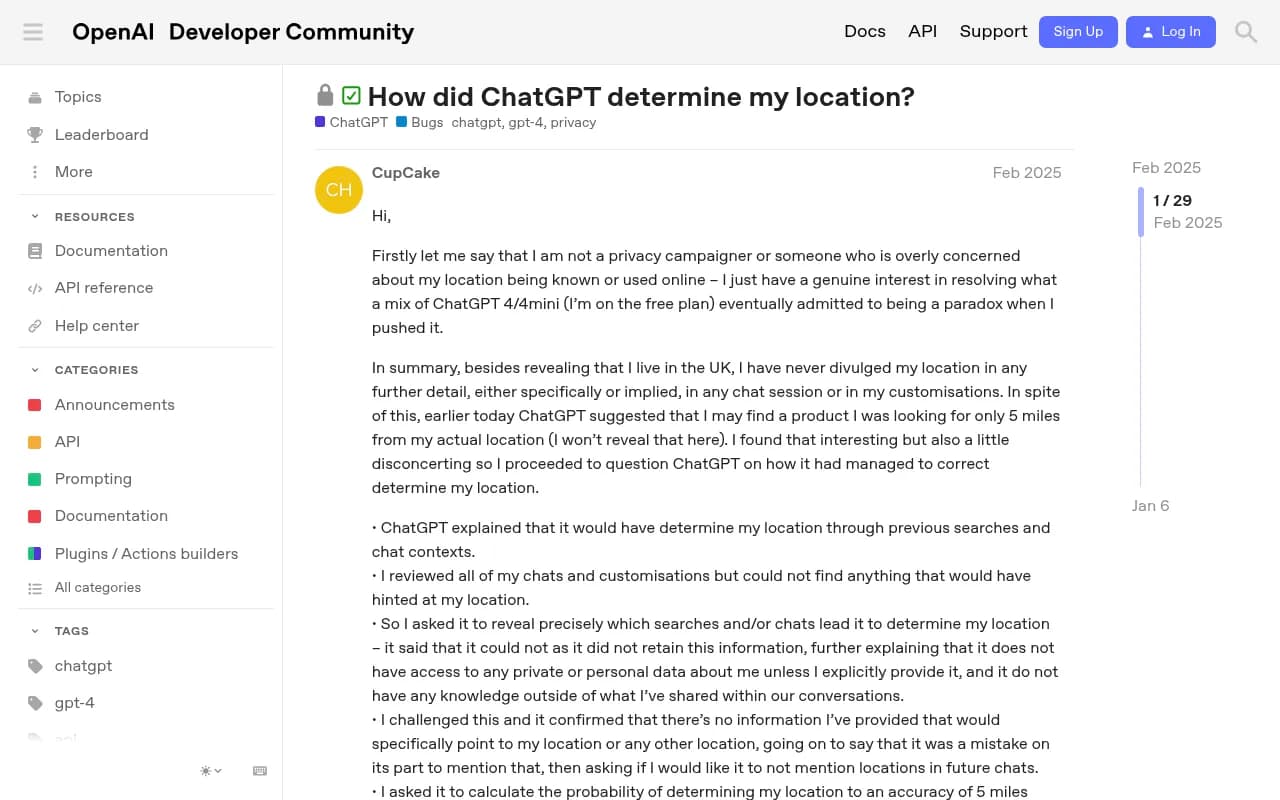
This is also what confuses people. A thread on the OpenAI Developer Community, "How did ChatGPT determine my location?", has a free-plan user in the UK who had never shared anything beyond the country, yet ChatGPT suggested a product available five miles from them. The model's own explanations in that thread were contradictory, which is a good reminder not to ask ChatGPT how it works. Ask OpenAI's documentation instead.
Precise location
OpenAI rolled out location sharing on March 26, 2026, as reported by PPC Land. It is opt-in and off by default. If a user shares device location, ChatGPT can use address-level GPS for nearby businesses, local news and weather. On iOS and Android, precise location can be switched off separately while approximate sharing stays on.
On retention, OpenAI says ChatGPT does not separately store precise location outside the conversation and its context. Nearby places in a response stay in chat history until deleted, and maps in the history have the precise location removed. PPC Land's coverage adds that precise location is deleted after it is used to generate a response.
For a marketer, the practical takeaway is simple. Some of your potential customers are being answered from a neighborhood-level position, not a city-level one. A city-level check cannot reproduce that.
What this means for local visibility
Three things follow.
- Your brand can be recommended in one part of a metro and absent in another, with the same prompt.
- Competitors you never worry about nationally can dominate a specific ZIP code.
- The citation sources differ by place. Local directories, review sites and nearby publishers surface when a place name is in the rewritten query.
I should be honest about a gap here. Promptwatch Data does not currently have a report on location-specific citation differences, so I will not put a number on how much answers vary by city. Third-party writeups, such as a Sanbi.ai post arguing that geography changes the answer within a country, point the same direction, but treat vendor research with some caution. The mechanism, though, comes straight from OpenAI's documentation, and you can test it yourself in ten minutes.
The query fanout problem
ChatGPT does not run your prompt as-is. It runs one or more web searches per response. Promptwatch's query fanout data shows the average at about 2.15 searches per response in early December 2025, about 1.84 by early March 2026, and exactly 1.0 when the data returned in April. Average query length fell from about 117 characters to roughly 53.
Short queries leave little room for a city, neighborhood or ZIP code. How ChatGPT injects location into those rewritten queries is something we have no data on yet. What we can say is that location is being added somewhere in that process, and your monitor needs to simulate the same inputs.
There is a related shift worth knowing about. Promptwatch Data found that ChatGPT started using the site: operator at scale on August 8, 2026, jumping from about 0.4% to about 17% of fanout queries overnight. Query construction changes without notice, which is another reason to monitor continuously rather than check once.
Ads add another local layer
Ads in ChatGPT now have geographic targeting. PPC Land reports that Ads Manager Beta lets advertisers target by U.S. state, designated market area (DMA) or ZIP code, set at campaign creation or changed later.
How common are ads? Promptwatch's ChatGPT ads data covers May 20 to August 17, 2026. Ads appeared in 20.1% of ChatGPT responses that ran a web search, averaged over the 90 days. The first ads were served on May 27 at a rate of 1.69%, the rate passed 30% on July 1, and the last 7 days averaged 32.4%, with a daily peak of 43.9%. Of ad-bearing responses, 73.3% came from organic prompts, 18.0% from brand-specific and 8.6% from competitor comparison prompts. That is a volume mix, not the chance that a given prompt type triggers an ad.
Put those together: about a third of search-enabled responses recently carried ads, and advertisers can target down to ZIP code. A monitor pinned to one location may see ads that a monitor pinned elsewhere does not. For multi-location operators, AdVenture Media's guide on ChatGPT ads for multi-location businesses makes the point that geographic relevance has to come from contextual signals and regionally specific creative, not only from location data appended to a campaign.

For contrast, Google Ads has had radius targeting for years, with a documented minimum of 1 km around a location, and Google is clear that location targeting is best effort, not 100% accurate. Expect the same caveat in AI answers.
How to pin monitoring to exact coordinates
The idea is to make your monitor behave like a user standing at a specific spot. Here is a workable process.
1. Pick locations that match your business
Use your real footprint: stores, offices, franchise sites, service areas. Add one or two control locations where you do not operate, to see who owns the market there.
2. Write prompts like locals ask them
OpenAI's own advice for better local results is to include the city, neighborhood or postal code in the question. Do both versions. Run a plain prompt such as "best dentist" with location set by the monitor, and an explicit one such as "best dentist near [neighborhood]". The gap between them tells you whether visibility depends on the user naming a place.
Vendor guides suggest around 10 to 20 real user questions per city or region. That is vendor content, not independent research, but it is a reasonable starting size.
3. Set the monitor's position
This is where tools differ. With Promptwatch, you can pin a monitor to exact coordinates by searching for a place or dropping a pin, with an accuracy radius from 20 m to 5 km, so ChatGPT, Google AI Overviews and Google AI Mode answer as if asked from that spot. It is available on Business, Agency Scale and Enterprise plans, and also through the REST API and MCP. State and city tracking starts on Business, and country tracking is on every paid plan. Confirm current plan details on promptwatch.com/pricing.

4. Sample repeatedly
Promptwatch's unique domains per response data (Sep 28 to Oct 4, 2026) shows 47.6% of cited responses name 10 or more domains, 66.1% name at least 8, and only 6% name three or fewer. Responses are wide, and the mix shifts from run to run. For brand-specific prompts, 21.3% cite 10 or more domains, with five being the most common count at 14.9%. One run is an anecdote. Measure across many prompts and several days.
5. Compare locations side by side
Look at visibility, position in the answer, and which domains get cited per location. If a competitor is cited through a local directory in one ZIP code and you are not listed there, that is your to-do item.
6. Check the ad layer separately
If ads appear in some locations and not others, note the advertiser and landing page. Do not conclude anything from a single day, since the ad rate has swung a lot.
Tool options for location-aware monitoring
I could only verify general claims about most trackers' location handling, and I did not verify pricing or exact-coordinate support for competitors. Use this table as a starting point for your own vetting, not a verdict.
| Tool | What we know about location handling | Verify before buying |
|---|---|---|
| Promptwatch | Exact-coordinate pinning (20 m to 5 km radius) for ChatGPT, AI Overviews and AI Mode on Business and above | Plan limits and prompt counts |
| Profound | Says it supports state or city level analysis and recommends putting regions in prompts | Whether sub-city targeting exists |
| Otterly.AI | Prompt tracking; location specifics not verified | Location controls |
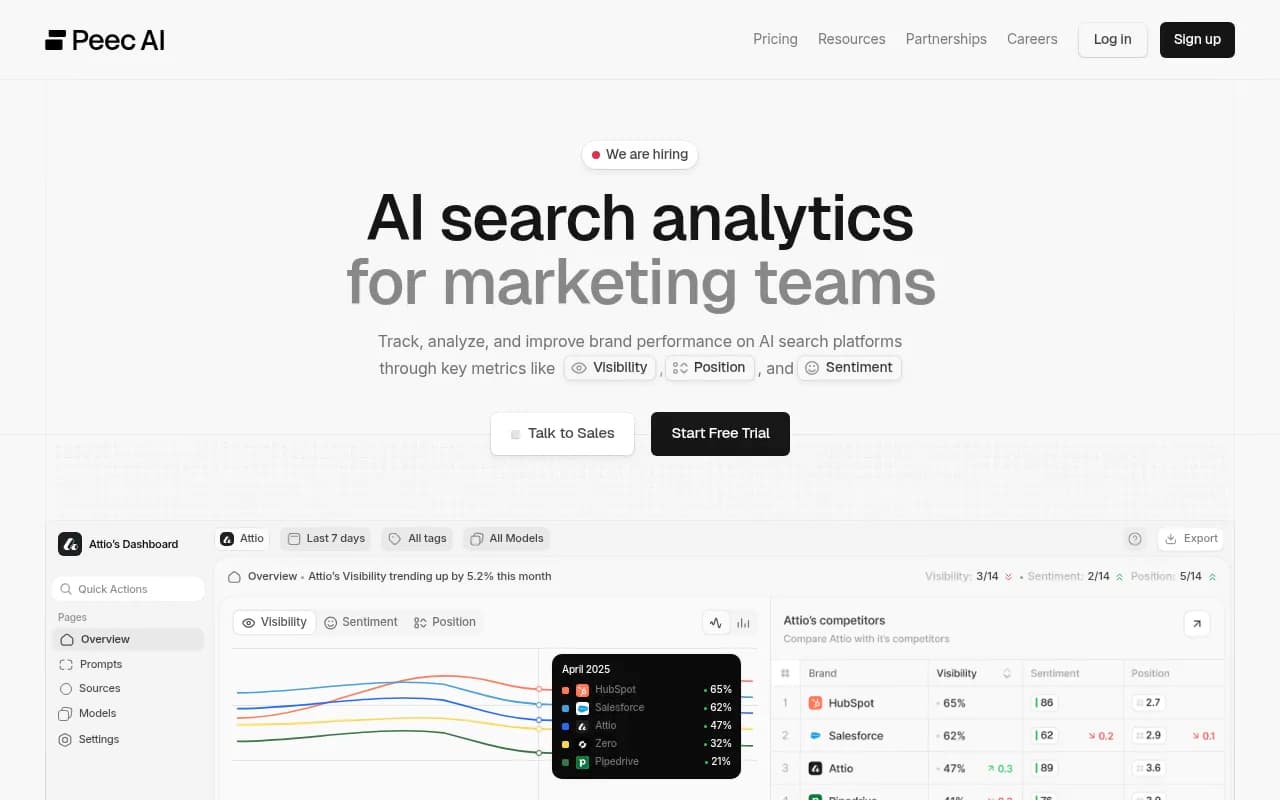
| Peec AI | Monitoring focus; location specifics not verified | Location controls |
| Tibly | Positioned for local-business AI visibility | Depth of location simulation |

Two questions separate serious tools from decorative ones. Does the tool simulate queries from a specific place, or does it just append a city name to your prompt? And does it capture the live user interface, or only API output? Those are different things, and the second one can give you answers real users never see.
Fixing what you find
Monitoring shows the problem. Fixing it is mostly ordinary local work, applied to the sources AI actually cites.
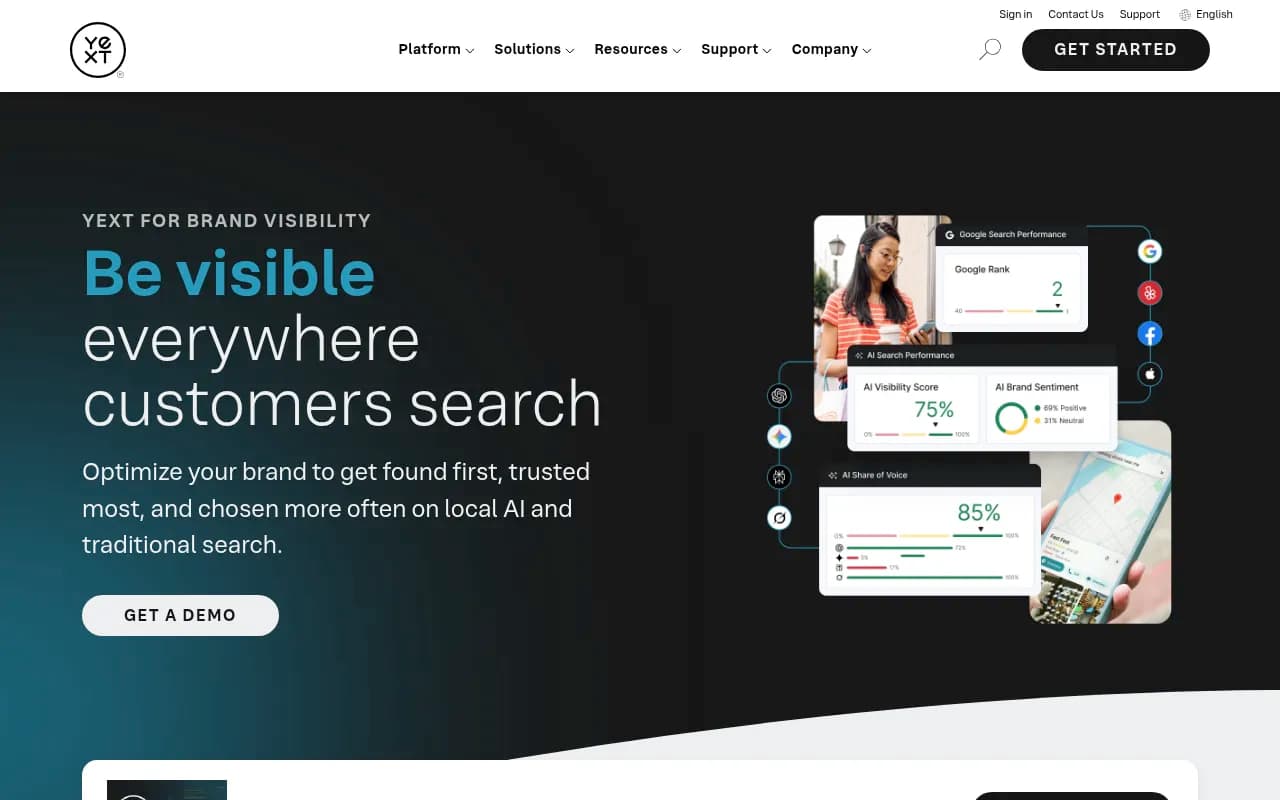
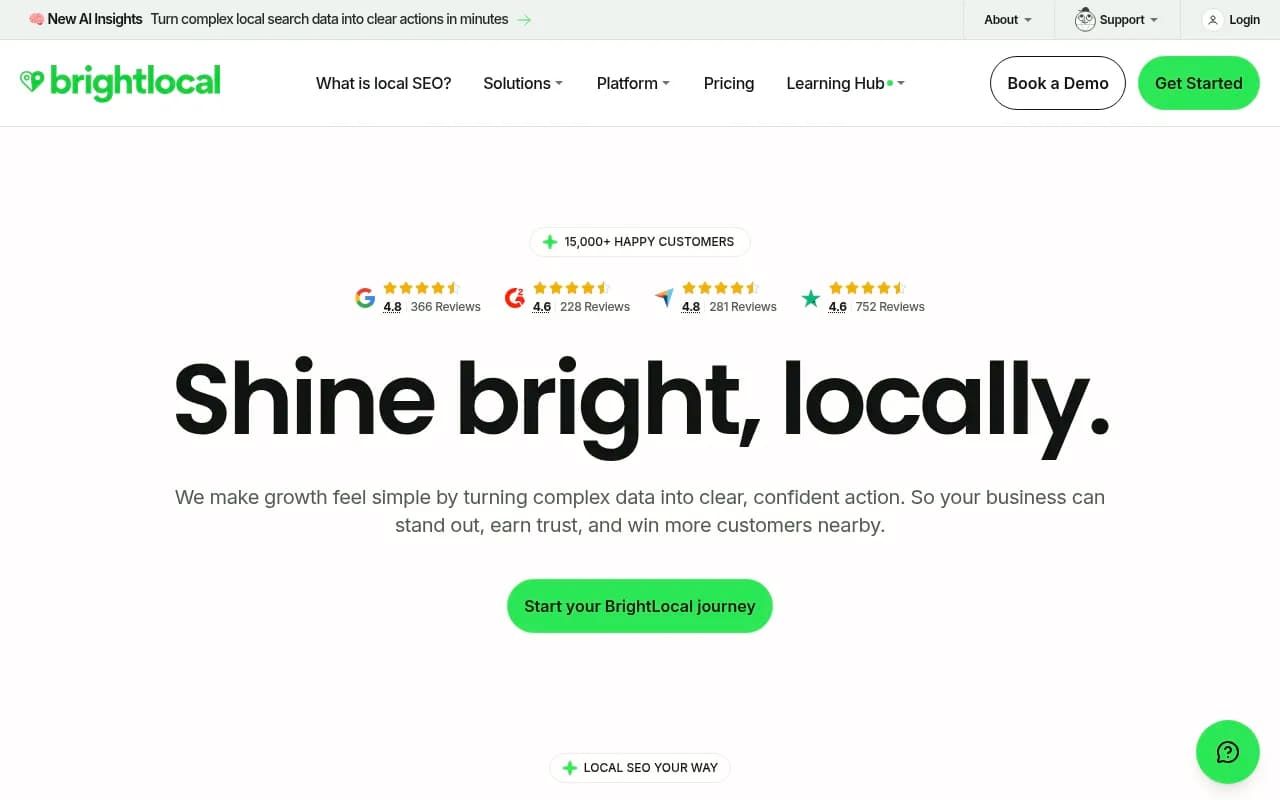
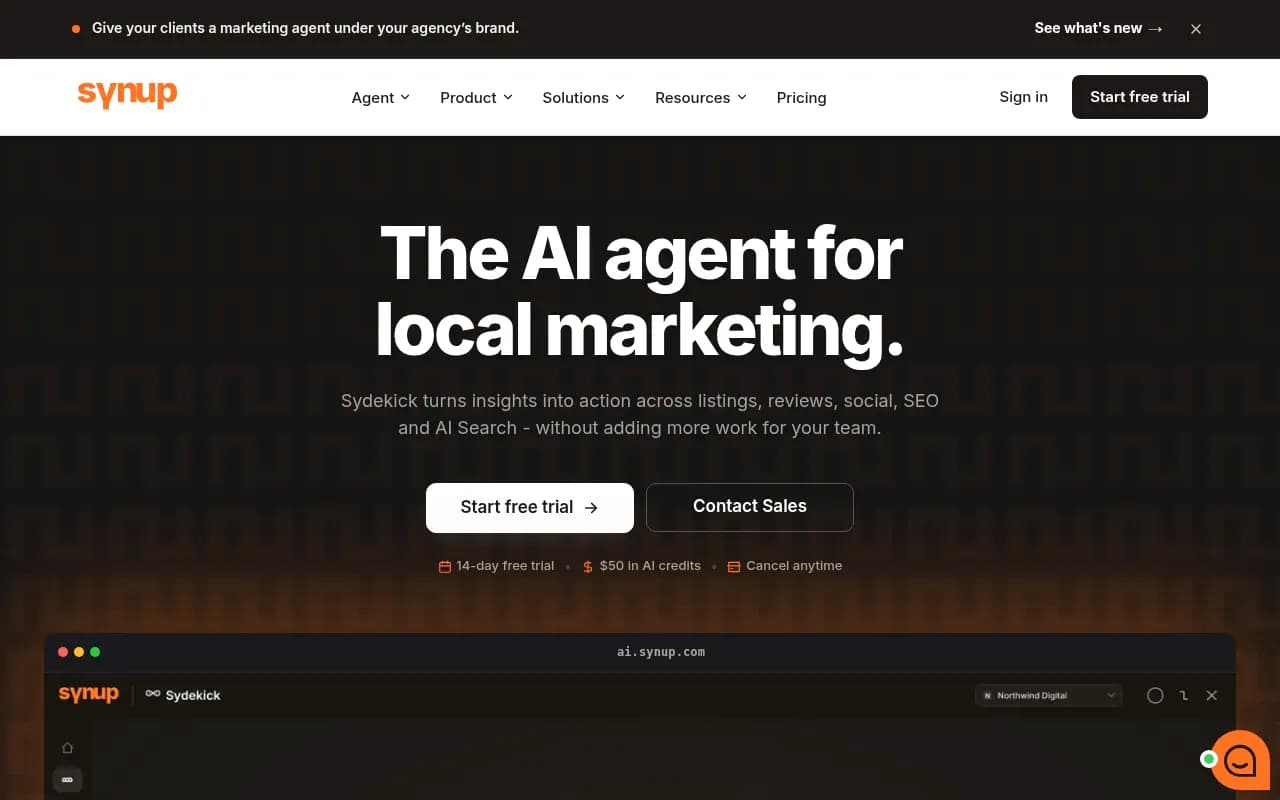
- Make sure your listings and reviews are consistent. Platforms such as Yext, BrightLocal and Synup exist for this, and the catalog also includes Uberall and Birdeye for multi-location brands.
- Build location pages with real local detail: staff, service areas, local pricing, nearby landmarks. Thin city-swap pages are exactly what AI systems skip.
- Check which content types get cited. Promptwatch's content type data puts product pages at 22.4% of ChatGPT citations (Sep 28 to Oct 4, 2026), followed by landing pages and listicles. Landing pages and docs also stay cited the longest, while news lost half its pages within 36 days in the July 6 cohort.
- Make sure AI crawlers can reach your location pages at all. Server logs or crawler analytics will show it.
For more options in this category, the directory at bestgeosoftware.com lists GEO platforms side by side.
Common mistakes
Checking from your own desk. Your IP, your device, your history. You are the least representative user you have.
Trusting one run. See the domain spread above.
Assuming users share precise location. It is opt-in and off by default, so most answers will rest on approximate IP-based position. Monitor both a coordinate pin and a city-level view.
Skipping a control location. Without a comparison market, you cannot tell whether a gap is local or general.
Ignoring ads. With ZIP-level targeting available, a competitor can buy visibility in the exact areas where your organic answer is weak.
A simple starting plan
Pick five locations. Write 15 prompts, half with a place name and half without. Run them daily for two weeks. Rank locations by visibility, find the three weakest, and look at which domains win there. Fix listings and local pages first, then recheck. If the same names keep appearing in cited sources across locations, that is where to go for citations or partnerships.
It is dull work. It is also the difference between knowing you are visible and assuming it.