Key takeaways
- Google shows ads above, below and within AI Overviews. Only the in-Overview placement is limited to English and 12 countries; above and below works in all 200+ AI Overview markets.
- There is no dedicated "AI Overview ads" report. Google lumps these placements into "Top Ads", so you have to capture them by hand or with scheduled searches.
- Sensitive verticals (finance, healthcare, gambling, alcohol, adult, politics) get no ads in AI Overviews, so there is nothing to spy on there.
- Competitors who appear are probably on broad match, AI Max or Performance Max, which means their copy and landing pages may be partly machine-assembled. Read them as signals, not finished strategy.
- The organic side matters too: product pages and landing pages are a growing share of what AI Overviews cite.
What you are actually looking at
Before building a spying routine, get the placements straight. According to Google Ads Help on ads and AI Overviews, ads can appear in three spots: above the Overview, below it, or inside it.
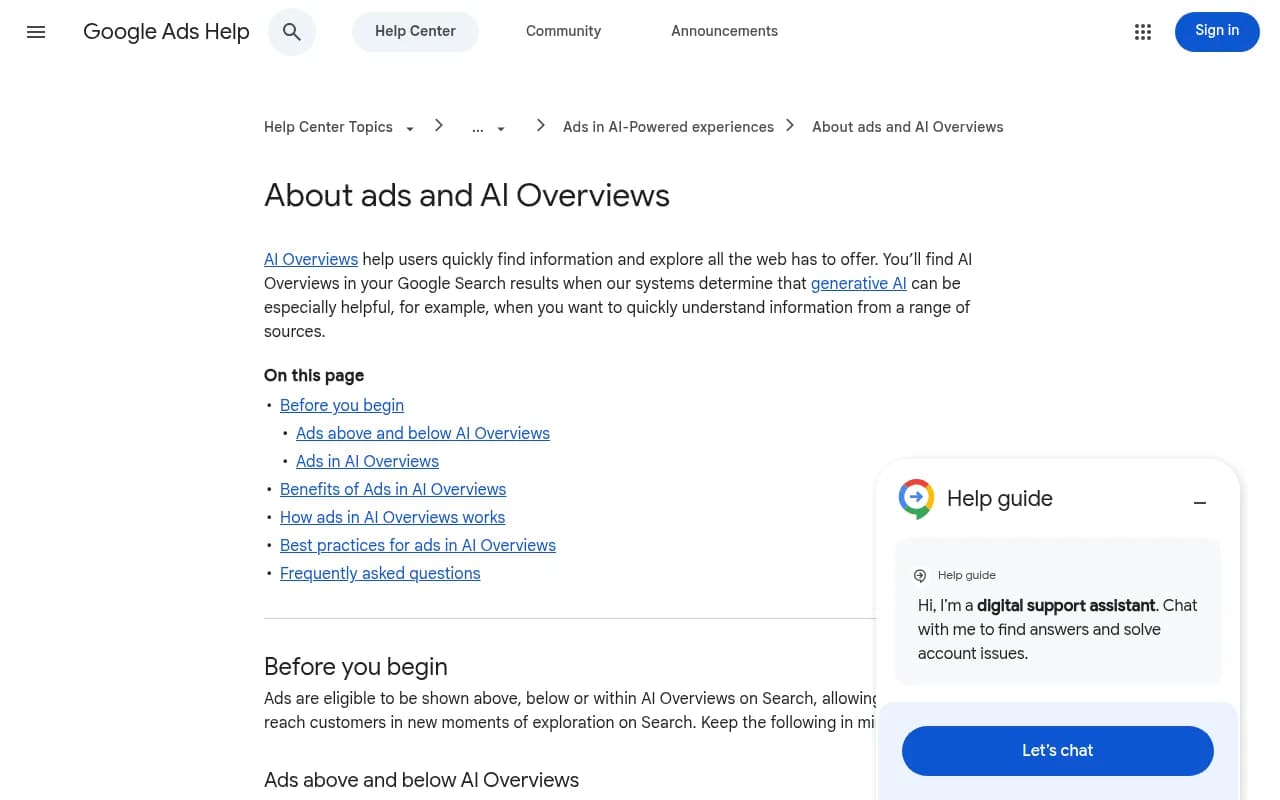
Above and below placements use the normal auction. Your competitors' existing text, shopping, local and app ads from Search, Shopping, Performance Max and App campaigns are eligible in every market where AI Overviews run. Nothing special is happening there, so your usual competitor ad research already covers it, as long as you actually look at pages that trigger an Overview.
Ads inside the Overview are the interesting part. Google says they are currently available in English, on mobile and desktop, in Australia, Canada, India, Indonesia, Kenya, Malaysia, New Zealand, Nigeria, Pakistan, the Philippines, Singapore and the US. Only text and shopping ads from Search, Shopping and Performance Max are eligible. Google weighs both the query and the content of the Overview itself.
That last detail changes how you should think about it. Google's own example: someone searching "why is my pool green and how do I clean it" can see "pool vacuum cleaner" ads. The query isn't commercial. The Overview content created the commercial moment. So the ads you find may belong to keywords your competitor never explicitly bid on.
Why competitor ads here look a bit odd
Google says advertisers need AI-powered matching to show up: broad match, AI Max for Search, Performance Max, Shopping or Dynamic Search Ads, with smart bidding. That makes sense, because AI Overviews trigger on open-ended questions nobody targets with exact-match keywords.
In practice, if you spot a competitor in an Overview ad slot, assume:
- They run at least one AI-matched campaign type.
- Headlines and descriptions may be assembled by Google from their assets.
- The landing page may be auto-selected, not hand-picked.
I'd treat this as a feature of the research. You are seeing what a competitor's automation does when left alone, which is often more honest than their carefully tested exact-match ads.
Step 1: Decide whether it is worth the effort in your vertical
Check two things first.
- Is your market in the in-Overview country list, and do your buyers search in English?
- Is your category excluded? Google doesn't show ads in AI Overviews for adult, alcohol, gambling, finance, healthcare and politics. If you sell in those areas, skip straight to the organic citation section below.
The Google page also cites performance numbers, but they come from "Google internal data, 2024". Don't build a business case on them.
Step 2: Build a query list that triggers Overviews
You can't search "AI Overview ads" and get a list. You need prompts that cause an Overview and carry some commercial adjacency. Good sources:
- Long "how do I fix..." and "what is the best way to..." questions in your category.
- Comparison and "is X worth it" questions.
- Problem-first queries like the pool example, where a product solves the problem but the query doesn't name it.
- Questions pulled from People Also Ask. A tool like AlsoAsked is built for that.
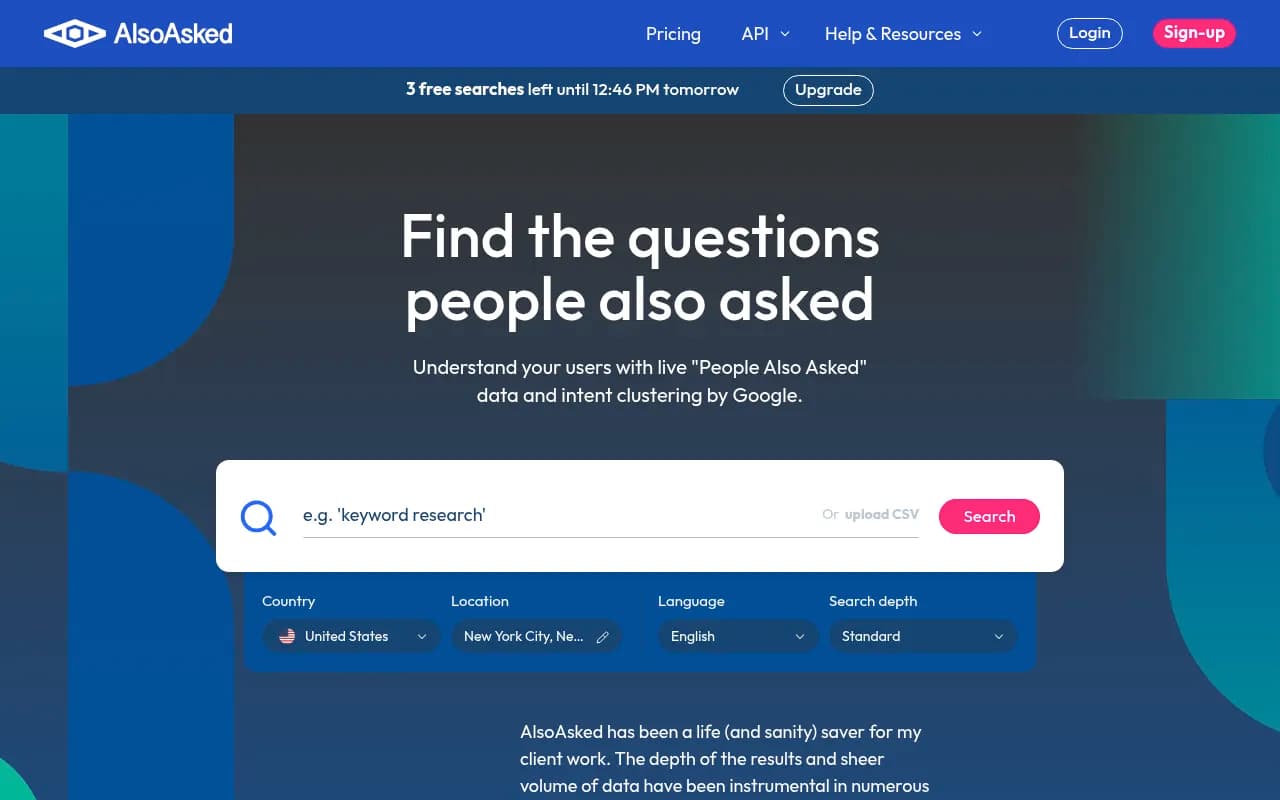
Aim for 30 to 50 queries per category. Run each in a clean browser profile or incognito window, on both mobile and desktop, from the target country. Results depend on query and context, and the same search can show different ads on a different day, so repeat it.
Step 3: Capture the ads
Manual capture
For every query, record:
- Date, device, location
- Whether an Overview appeared
- Ad position: above, inside, or below
- Full headline and description text
- Visible extensions (sitelinks, price, promo, shipping)
- The destination URL after clicking (use a private window; don't click competitor ads repeatedly, it costs them money and may break terms or trigger fraud filters)
A spreadsheet is enough. Screenshots matter because Overview content changes. Keep the Overview text next to the ad, since the pairing is the whole point.
Google Ads Transparency Center
The free Ads Transparency Center lists active ads published through Google by advertiser. Google's own training material pitches it for viewing your ads and competitors' ads. Search the competitor name or domain, filter by region and format, and read their active creatives.
One caution: I couldn't verify that it labels AI Overview placements specifically. Use it to see the full creative inventory, then match those creatives against what you saw in live Overviews. A Chrome extension called Google Ads Transparency Data Exporter can export the data for spreadsheet analysis.
Paid ad intelligence tools
Tools like Adthena, SpyFu, SE Ranking, AdPlexity and iSpionage track competitor search ads at scale. Adthena, for instance, tracks Top Ads on desktop and mobile and sends alerts when a rival deploys new copy or seasonal messaging. I haven't confirmed that any of them tag ads shown inside AI Overviews, and Google reports these placements as Top Ads anyway. Ask each vendor directly before you pay for it on that basis.
| Option | Cost | What it gives you | AI Overview caveat |
|---|---|---|---|
| Manual capture | Free | Exact ad, Overview text and landing page together | Slow, location-bound |
| Google Ads Transparency Center | Free | Active creatives by advertiser | Placement labeling unverified |
| Adthena | Paid | Top Ads, copy change alerts, extensions | AI Overview capture not confirmed |
| SpyFu, SE Ranking | Paid (free tiers vary) | Competitor keywords and ad history | AI Overview capture not confirmed |
| AdPlexity, iSpionage | Paid | Ad and landing page monitoring | AI Overview capture not confirmed |
| Semrush | Paid | Broad competitor ad research | AI Overview capture not confirmed |
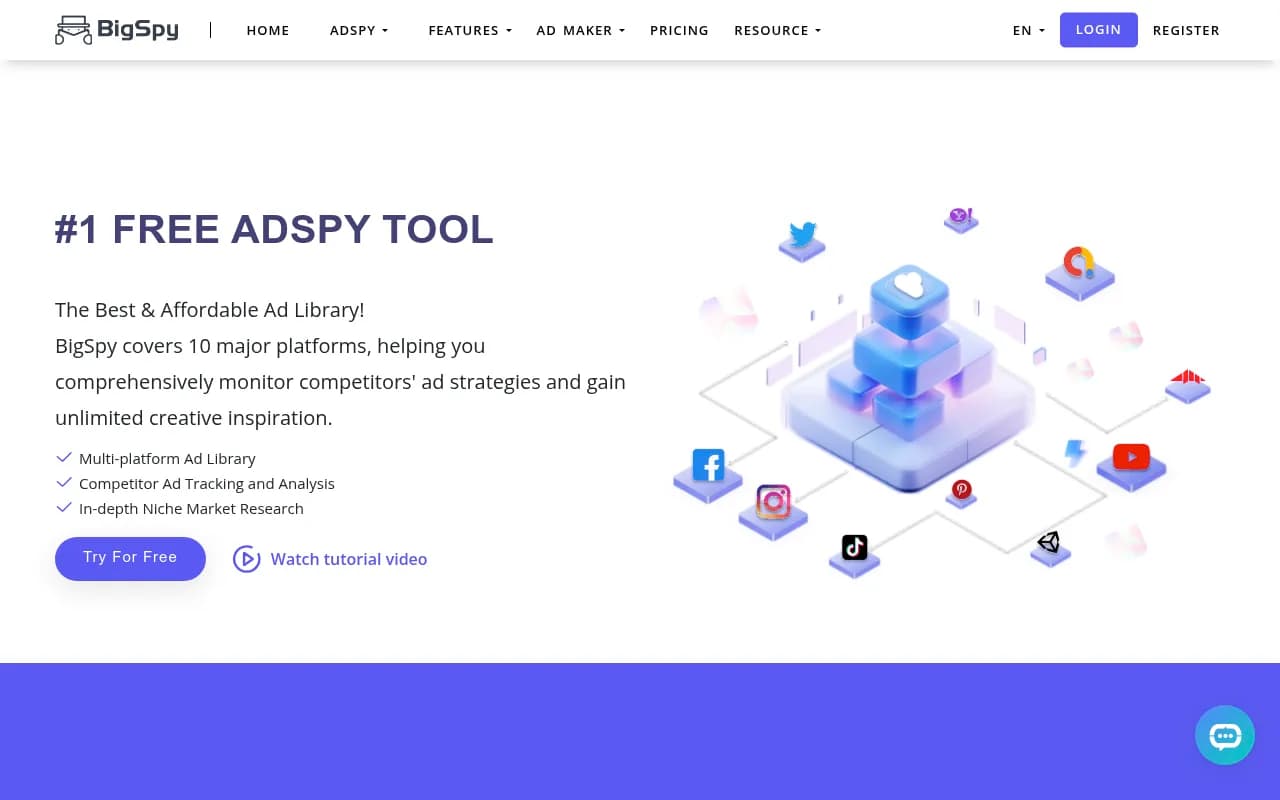
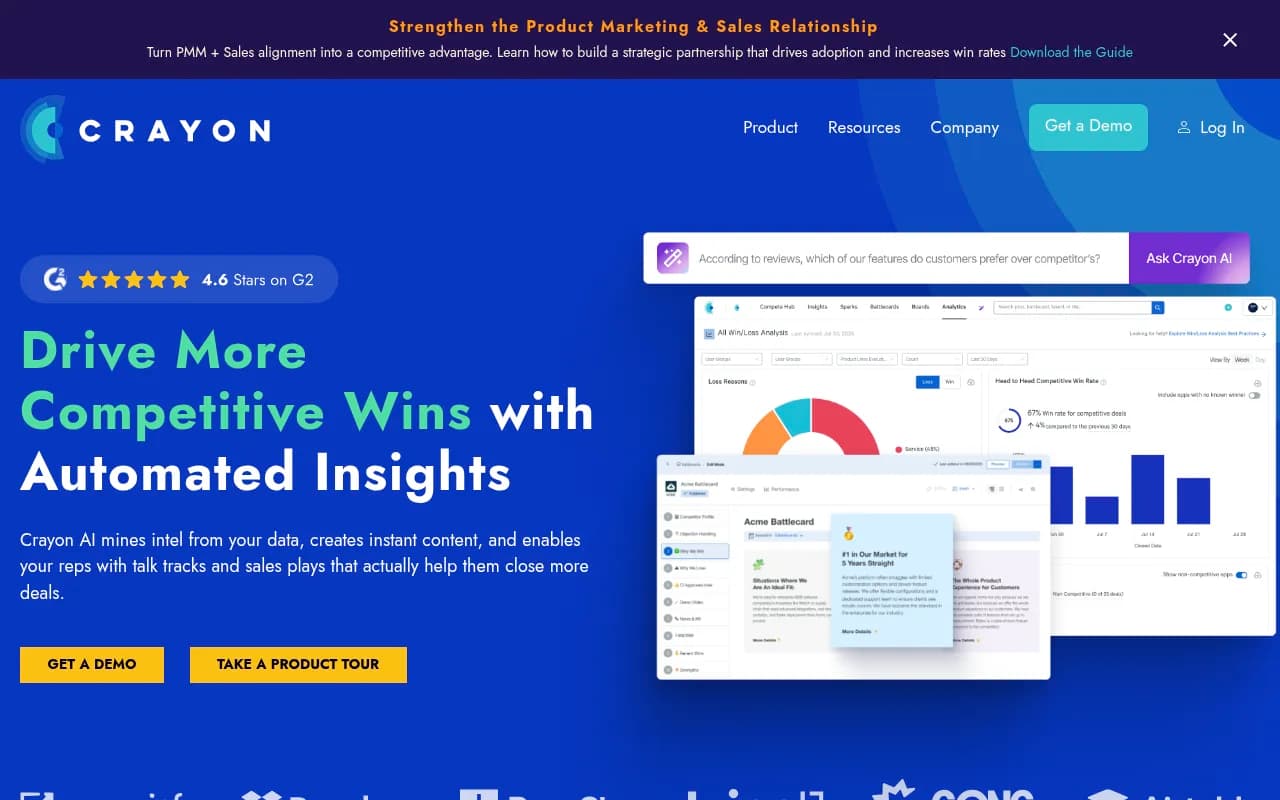
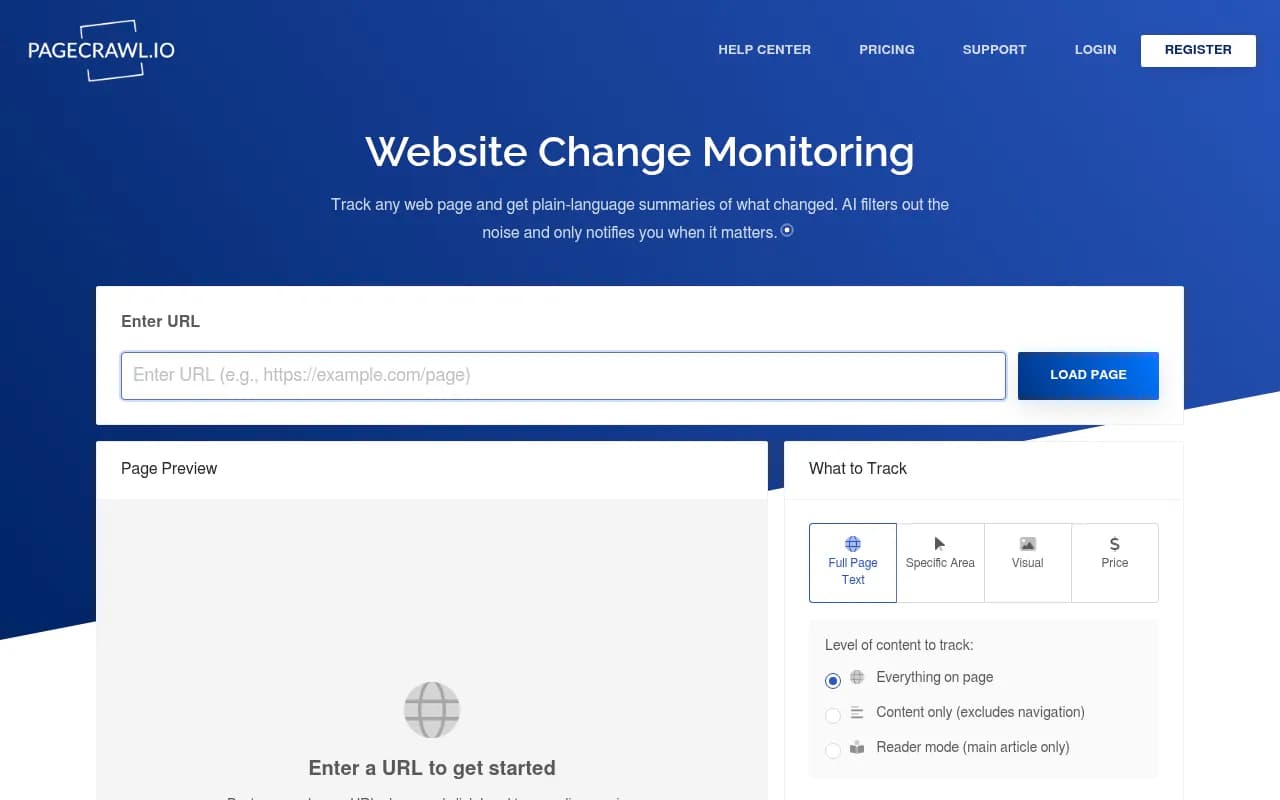
For cross-channel competitor monitoring beyond Google, Crayon and Competitors App are in the same family of tools, and PageCrawl.io is useful for the next step.
Step 4: Read the copy
Once you have 30 or so captured ads, stop collecting and start reading. Sort them by competitor and look for repeats.
- Which hook comes first: price, speed, guarantee, problem diagnosis?
- Which promos recur? A discount appearing across many ads is a standing offer, not a test.
- Are there phrases that look auto-generated, awkwardly stitched or repetitive? That points to AI Max or PMax assembling assets.
- What does the ad say about the problem in the Overview? Ads that echo the Overview's language are being matched on context.
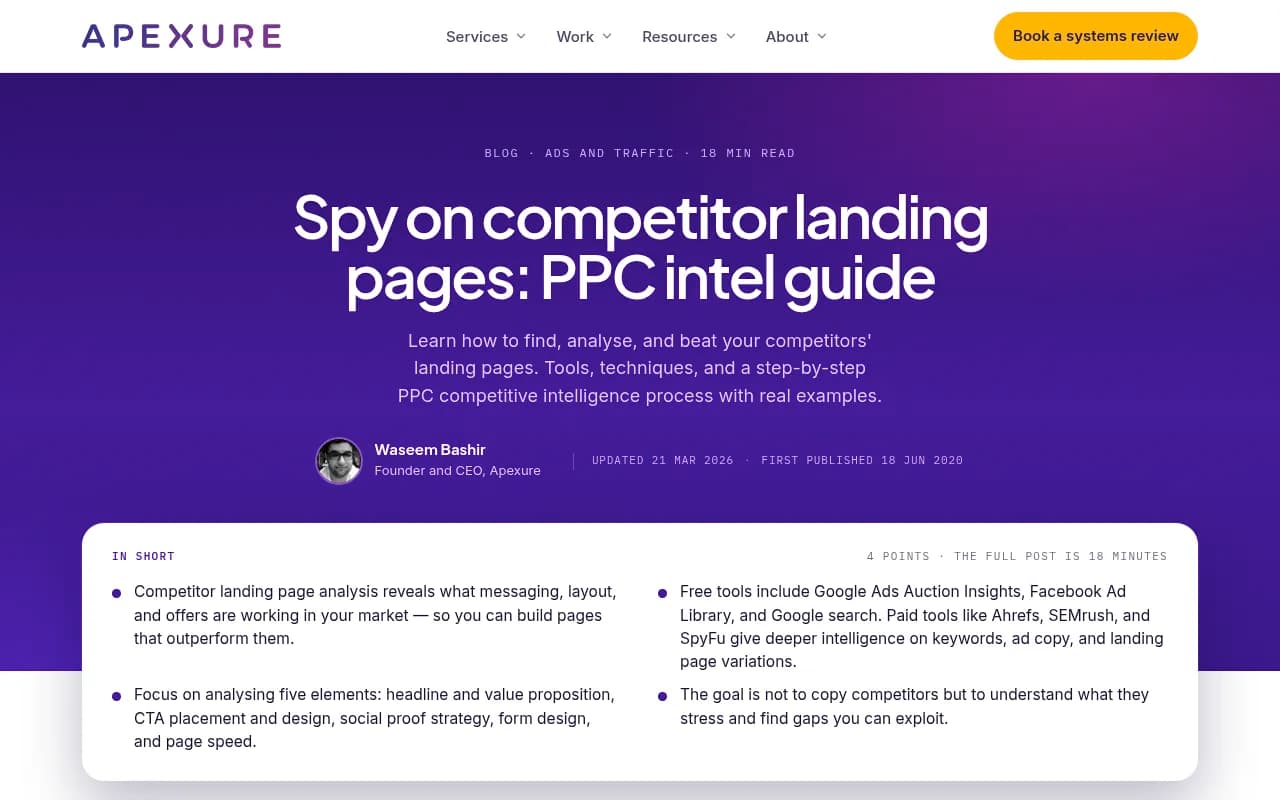
The Apexure guide on spying on landing pages makes a point I agree with: the goal is not to copy competitors but to understand what they stress and find gaps you can exploit. If every rival leads with "free shipping" and nobody mentions returns or installation support, that is your opening.
Step 5: Audit the claims
Claims are where ad spying pays off fastest. List every factual or comparative statement and sort into buckets:
| Claim type | Example | What to check |
|---|---|---|
| Price | "From $19/mo" | Does the landing page show it? Any asterisks? |
| Speed | "Delivered in 24 hours" | Is the shipping policy consistent? |
| Superlative | "#1 rated" | Is there a cited source? |
| Guarantee | "30-day money back" | Conditions in terms |
| Social proof | "10,000+ customers" | Is it substantiated on page? |
Two reasons to do this. First, it shows where competitors are exposed: a claim in the ad that the page can't support is a conversion leak and sometimes a policy problem. Second, it helps you avoid making the same unsupported claims yourself. Google's own shopping feed advice is a useful checklist here: keep descriptions, pricing, promotions, shipping and returns current, with enough images and video. Compare your feed to a competitor's on each of those.
Step 6: Trace and dissect landing pages
Click through (once, privately) or pull the final URL from the Transparency Center, then check the page against five elements from the Apexure guide: headline and value proposition, CTA placement and design, social proof, form design, and page speed.
Panoramata's guide to competitor funnels adds the most useful lens, which is message match. If the ad promises one thing and the page continues the story, the advertiser is on top of their funnel. If a broad-match ad drops you on a generic category page, they are probably leaving routing to Google.
Record for each page:
- Does the headline match the ad and the Overview topic?
- Is there navigation, or is it a clean single-purpose page?
- Where does the first CTA sit?
- What proof appears above the fold?
- Page load on mobile
To catch changes over time, a monitor like PageCrawl.io or Crayon will alert you when a landing page shifts, which tends to signal a new test or promo.
Step 7: Don't ignore the organic side
The same Overview that carries the ad also cites organic sources, and those sources are increasingly commercial pages. In Promptwatch Data's July 2026 report on content types cited by AI Overviews, listicles averaged 18.0% of citations, product pages 16.3%, how-tos 15.1%, news articles 13.5%, video 5.9%, social posts 5.1% and landing pages 4.7%. Product pages overtook listicles as the top format from July 28, ending the month at 17.9% against 16.2%. Product pages were around 9% in January, so that is close to a doubling.
Practically: when a competitor's ad sits above an Overview, check whether their product page is also cited inside it. If both show up, they are owning the query twice. Compare their product page's structured specs, pricing clarity and availability data against yours. Promptwatch's own advice from that report is to use structured specs, clear pricing and fresh availability data.
To track this at scale rather than by hand, an AI visibility platform helps. Promptwatch tracks Google AI Overviews alongside ChatGPT, Gemini, Perplexity and others in the real UI, shows which pages get cited, and has an Ads Radar for sponsored placements in AI search, including which advertisers bid on your prompts, their ad copy, claims and landing pages. That covers the AI answer-engine side of what this guide does manually for Google.

If you are shopping around, the GEO software directory at bestgeosoftware.com lists alternatives, and for a rank-tracking angle the AI rank tools directory is worth a look.
A simple repeatable workflow
- Build the query list (30 to 50 Overview-triggering questions).
- Capture weekly from the target country on mobile and desktop.
- Log ad copy, position, extensions and final URL.
- Cross-check against the Transparency Center for the competitor's full creative set.
- Score claims and landing pages against the five elements above.
- Note which competitor product pages are cited organically in the same Overviews.
- Turn gaps into tests: a differentiating claim, a stronger message match, a clearer product page.
Pitfalls to keep in mind
- Ads inside Overviews are English only and country-limited. Spying from the wrong location returns nothing.
- Excluded verticals show no ads at all, so an empty result is not a bug.
- Results are volatile. One screenshot is an anecdote; ten across two weeks is a pattern.
- Reporting merges placements into Top Ads, so Auction Insights won't isolate Overview exposure.
- Don't cite Google's 2024 performance claims as current.
- Click sparingly. Repeated clicks on rival ads waste their budget and may flag your IP.
What to do with what you find
The outcome you want is a short list of specific moves: a claim competitors don't make, a message-match gap you can fill, a product page detail they've neglected. Spying on a single ad rarely helps. Spying on twenty, side by side with the Overview text that triggered them, usually does. Start with a dozen queries this week and see how many actually produce ads before you invest in tooling.