Key takeaways
- Almost every serious AI visibility platform now ships an API, an MCP server, or both. What differs is the plan that unlocks them, the sign-in method, the quota, and whether write tools exist.
- Brandlight is sold as an enterprise platform with a paid pilot. One competitor comparison says its public page doesn't state an API or MCP server. That is a competitor claim, so ask Brandlight directly before you rule it out.
- Quota matters more than sticker price. A cheap plan with a 2,000 requests per month cap is a trap for warehouse pipelines.
- For a data team, the shortlist is Promptwatch (hosted MCP, read and write tools, scoped keys), Profound (deep API, Enterprise only), Scrunch (from $500/mo), Ahrefs Brand Radar (shared API units) and Peec AI (cheap MCP, Enterprise-only REST).
- Test with your real workload: one week of pulls into your warehouse, one agent workflow, one security review.
Why data teams outgrow dashboard-only tools
AI visibility data is useful in a dashboard. It is far more useful in BigQuery, a Looker Studio report, a board deck, or an assistant like Claude Code that can answer "which pages lost citations since last Tuesday?" without anyone opening a browser tab.
That is where the API and the MCP server come in. They do different jobs:
- An API is for code. A scheduled job pulls visibility, citations and share of voice into a warehouse or BI layer.
- An MCP server is for agents. Claude, Cursor, Codex or ChatGPT call tools against the data in plain language, and, if the vendor allows it, change things: add prompts, queue content, create reports.
Brandlight positions itself as an enterprise AI brand visibility platform, and engagements reportedly start with a paid three-month pilot followed by an annual platform and service contract (per Orchly's comparison, which is self-promotional, so treat it with caution). Serpier's comparison page says Brandlight's public pages don't mention an API or MCP server, checked October 27, 2026. I did not verify Brandlight's own docs, so confirm both claims on a call. If the answer is vague, that tells you something.
What to evaluate before you shortlist
A short checklist saves a lot of procurement time.
- Plan gating. Is the API on the plan you will actually buy, or only on Enterprise?
- Quotas and metering. Requests per minute, per hour, or per month? Are there credits where the cost depends on how much data comes back?
- Authentication. OAuth-only servers are easy to add to ChatGPT or Claude connector settings. API-key servers suit Claude Code, Cursor and Codex, and technical teams.
- Write access. Can an agent only read, or can it manage prompts, tags and content? Can you issue read-only keys so it can't?
- Scoping. Project-level keys versus organization-wide keys matter for agencies and multi-brand enterprises.
- Data provenance. Is the data collected from real user interfaces or from model APIs? The answers can differ.
- Security posture. Certifications, audit logs, and where data is handled.
On point 6: engines also behave differently, which affects how you model the data. Promptwatch Data's Average Sources Per Response report found ChatGPT cites about 5 sources per web-search answer, while Google AI Overviews cites about 10 and Perplexity almost exactly 10 every day. Copilot swung from under 2 to nearly 17 within a few weeks. If your pipeline pulls per-engine citation counts next to visibility metrics, you avoid reading a change in the average as a change in brand performance.
Side-by-side: API and MCP access
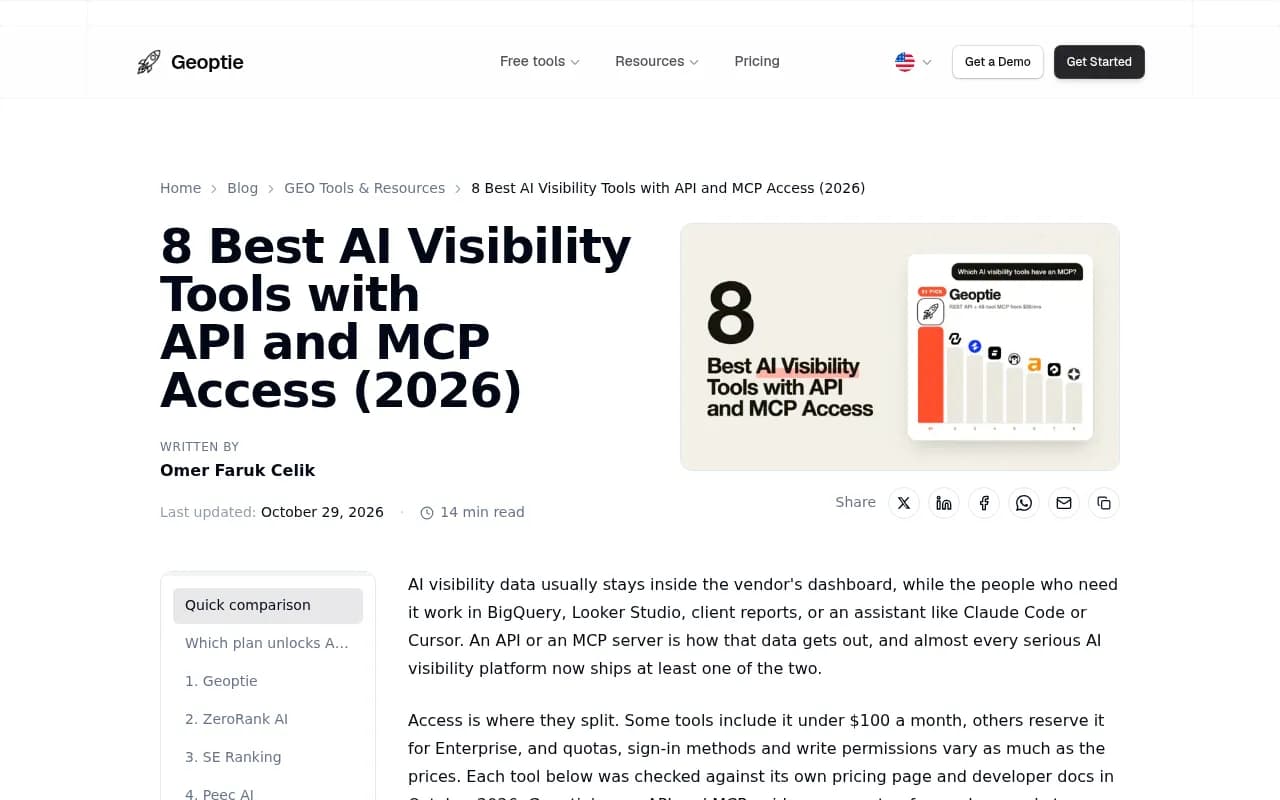
The table below combines my own notes on Promptwatch with a roundup published by Geoptie, checked in October 2026. That roundup is vendor-authored and Brandlight isn't in it, so verify the numbers against each vendor's pricing and docs page before you sign.
| Tool | MCP / API from | MCP sign-in | MCP tools | Limits |
|---|---|---|---|---|
| Promptwatch | Verify on pricing page | OAuth or Bearer API key | Read and write | Scoped keys: project, organization, read-only |
| Profound | Enterprise only | OAuth or API key | About 60, read and write | 600 req/hour per key |
| Scrunch | $500/mo | OAuth | 51, read and write | 1,000 records per request |
| Ahrefs Brand Radar | $129/mo | Hosted connector | Brand Radar and SEO tool groups | 200,000 API units/mo on Lite, shared across MCP and API |
| Peec AI | MCP $95/mo; REST API Enterprise only | OAuth or personal access token | 51 read, 48 write | 200 req/min per project |
| Otterly AI | $189/mo | OAuth only | 31 read, 15 write | 2,000 API + 2,000 MCP requests/mo on Standard |
| SE Ranking | $129/mo | OAuth or API key | 180+ tools across SEO and AI | 25,000 API credits/mo on Core |
| Geoptie | $99/mo | API key in header | 24 read, 24 write | 120 req/min per key, no monthly cap |
Promptwatch: the option built for the full loop
Promptwatch is the one I would put first on a data team's list, mainly because the MCP server is a real operating surface and not a read-only afterthought. It runs as a hosted MCP server over streamable HTTP, so there is nothing to run locally. It works with Claude, Claude Code, Cursor, Lovable and OpenAI Codex, and there is an official ChatGPT plugin and a Claude connector.

Read tools cover visibility and sentiment time series, citations with rank analysis and top pages, Reddit and YouTube citations, prompts and responses, competitor heatmaps, content gaps, query fan-outs, site health, and crawler and visitor analytics. Write tools let an agent manage prompts, tags, topics and personas, generate content, manage Content Agent slots, publish drafts to a connected CMS, and create reports and action items. Authentication is OAuth or a Bearer API key. Project-scoped keys see one project, organization keys see all of them, and read-only keys make the write tools unavailable. That last detail is what makes a security reviewer relax.
There is also a REST API v2 covering visibility, prompts, responses, citations, sentiment, crawler and visitor analytics, shopping, Ads Radar, site audit, content and publishing, with date ranges up to 92 days, so a full quarter fits in one request. Per-plan limits: Essential is 500 API/MCP requests per hour, Professional 2,000, Business 10,000, and Enterprise 50,000. The Looker Studio connector comes with Professional, and the API and MCP docs are public. Confirm everything at promptwatch.com/pricing.
Why it matters beyond access: the data it exposes is broader than most. It monitors the real interfaces of ChatGPT, Google AI Overviews, Google AI Mode, Gemini, Copilot, Perplexity and others, not just model APIs, and adds IP-verified AI crawler logs and visitor analytics, which most monitoring tools lack. Those are the tables a data team actually wants to join against web analytics. It is ISO/IEC 27001 certified and GDPR compliant, and Business and above include an audit log that records whether a change came from the dashboard, the API, an MCP client or Agent Chat.
Crisp is a concrete example of the pipeline idea: TreeHouse (Pararius) automated weekly reporting with the Promptwatch MCP while growing AI search to roughly 25% of organic conversions (case study). See also Promptwatch vs Profound for a head-to-head. Next step: the 7-day free trial, or a demo if you want the API walked through with your own stack in mind.
Profound
Profound has the most mature developer surface in this group: a deep reports API, SDKs, SSO, and a read-write MCP server with roughly 60 tools. It also covers the widest engine set, including Claude, DeepSeek and Exa. The catch is that both the API and MCP are Enterprise-only and pricing is custom, so you can't prototype cheaply. The rate limit of 600 requests per hour per key is fine for dashboards, tight for heavy backfills.
Compared with Promptwatch, Profound is a strong monitoring product with no Reddit tracking, no ChatGPT Shopping and no agentic execution.
Scrunch
Scrunch's API and MCP start at $500 a month, with 51 MCP tools (read and write), OAuth sign-in and a cap of 1,000 records per request. Orchly describes it as best for technical enterprise teams, with 9 engines, custom prompts, AXP, API and SSO on a custom Enterprise plan. Fine if you are already running client work there. Otherwise, it is the most expensive way in short of Enterprise.
Ahrefs Brand Radar
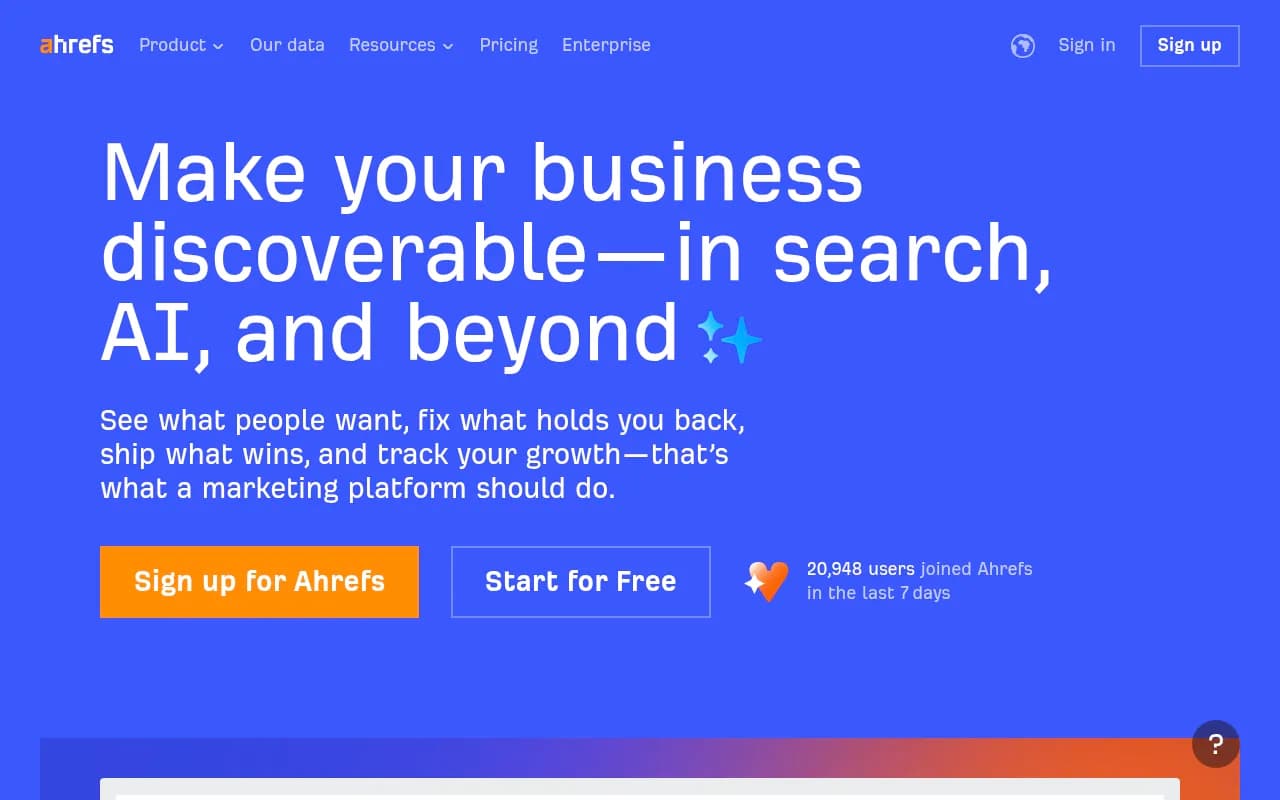
If you already pay for Ahrefs, Brand Radar is attractive because AI mentions sit behind the same hosted MCP server and API as your backlink and keyword data. Documented setup exists for Claude, ChatGPT, Copilot Studio and n8n. Two things to watch: API units are shared between the MCP server, Ahrefs Connect and direct API calls, with a 50-unit minimum per request, and the prompt index is a separate add-on. The Lite plan includes 200,000 units a month; Enterprise is $1,499/mo on annual billing with uncapped API access.
Peec AI
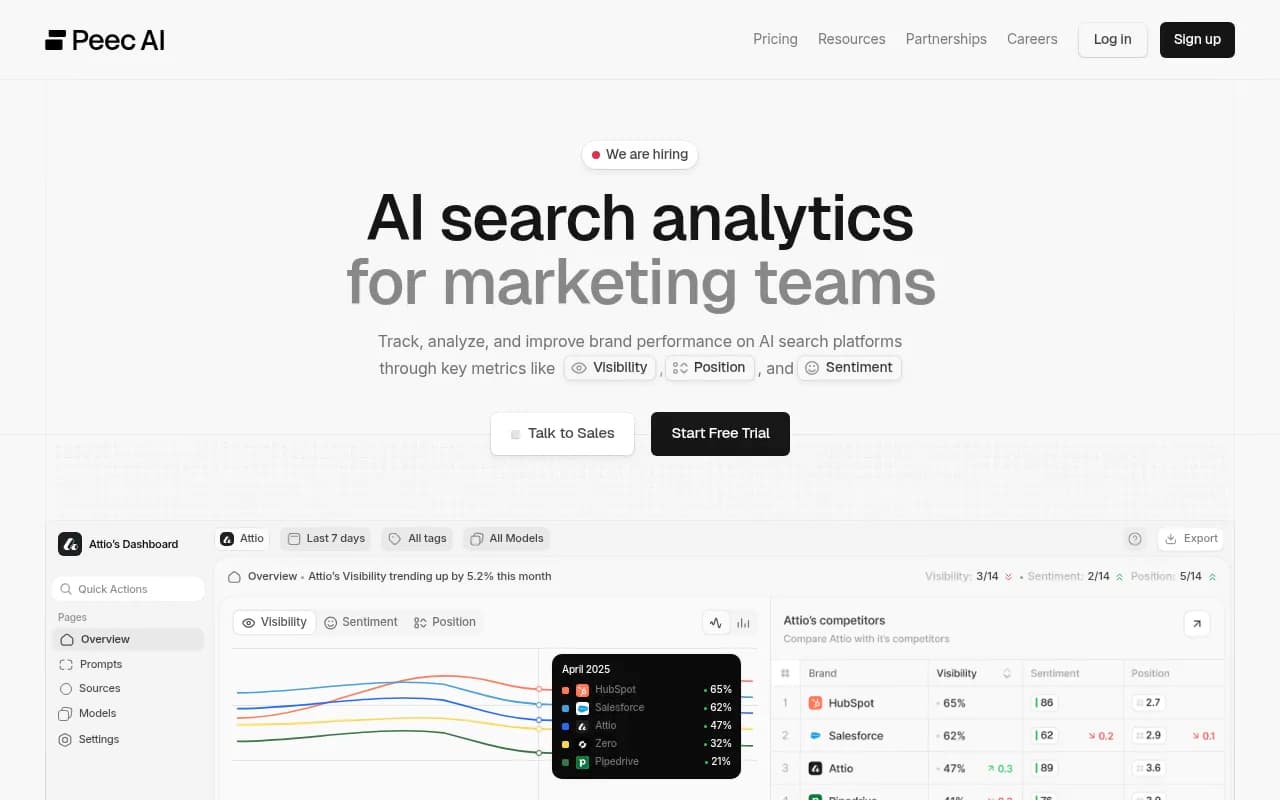
Peec AI has one of the cheapest ways into an MCP server ($95/mo, 51 read and 48 write tools, 200 requests a minute per project). But its REST API is Enterprise-only. For a warehouse pipeline, that is a real problem. For a team that mostly asks an assistant about its data, it is great value.
Other options worth a look
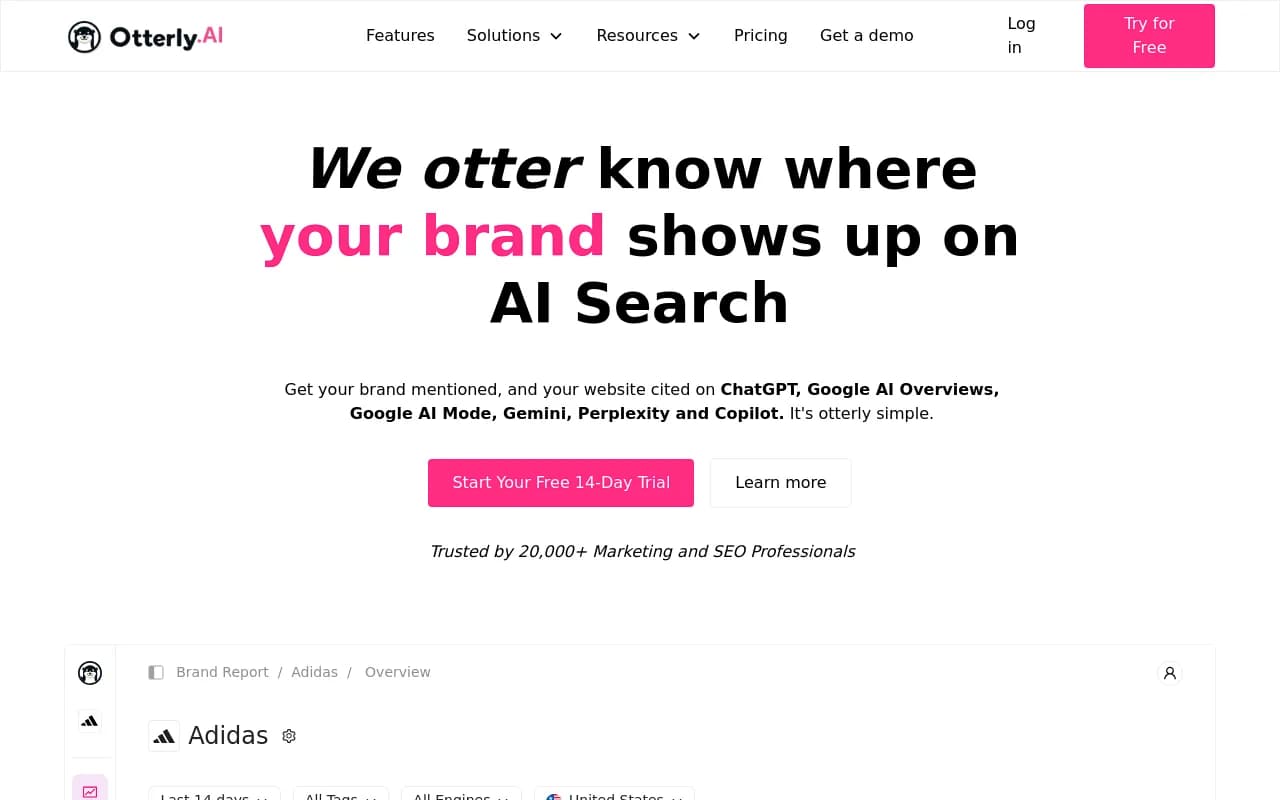
- Otterly.AI: documented API and MCP from $189/mo, but the Standard plan caps you at 2,000 API and 2,000 MCP requests a month. Agencies syncing many dashboards will hit that quickly.
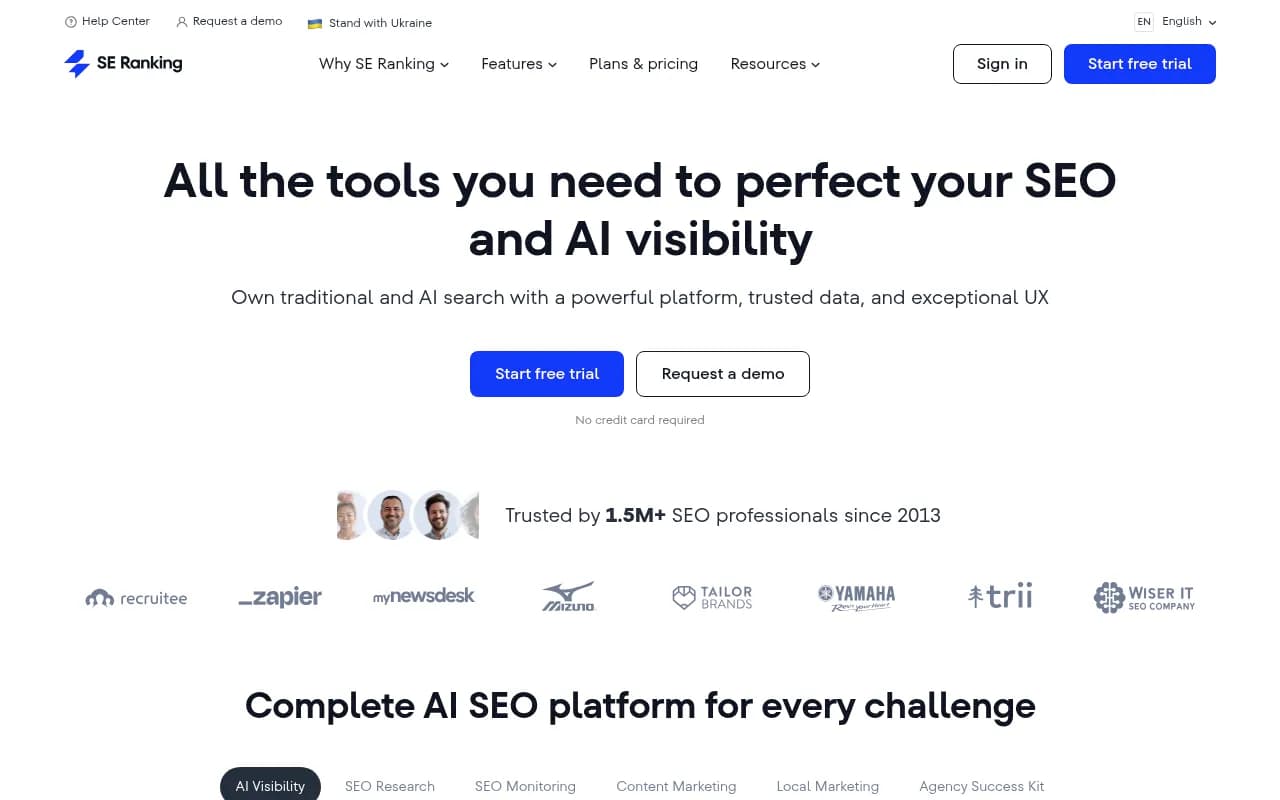
- SE Ranking: AI and classic search data behind one connector, 180+ tools, from $129/mo.
- LLM Pulse: lists itself as the top Brandlight alternative and includes MCP and REST API access, plus a Looker Studio connector and white-label options.
- Geoptie: API and MCP from $99/mo with no monthly cap, though its engine coverage and enterprise controls are lighter.
For a wider survey of the category, the GEO software directory lists more platforms than fit in one article.
Governing MCP access in an enterprise
MCP security is not hypothetical. Merge cites an Equixly assessment that found command injection flaws in 43 percent of tested MCP implementations, with 30 percent exposed to SSRF and 22 percent allowing arbitrary file access. That is about the general MCP ecosystem and not any vendor above, but it is a fair reason to put controls in place.
Practical controls:
- Issue read-only keys by default. Add write scopes per project only when someone asks.
- Use project-scoped keys for agents, not organization keys.
- Check whether the vendor has an audit log that distinguishes dashboard, API and agent changes.
- If your security team wants a governed layer in front of a vendor, a managed MCP gateway can help. Truto, for example, can generate a managed MCP server for Promptwatch with method and tag filters (such as citations, content, crawlers) and URLs that expire.
The caveat from that same research is worth remembering: some gateways auto-retry rate-limited requests so your agent never sees a 429. That's tidy for simple cases and awkward if your orchestrator wants to reason about backoff.
Pitfalls I would test for
- Metering surprises. In unit or credit systems, one call's cost depends on how much data it returns. Run your real query for a week and watch the burn.
- Auth mismatch. OAuth-only servers are painful in headless pipelines. API keys are painful in chat windows. Know which you need.
- Plan gating hidden behind "contact sales". If the API is Enterprise-only, factor in the contract timeline.
- Real UI versus API data. Ask how the vendor collects responses. User-facing answers and citations can differ from API outputs.
- Write tools nobody governs. An agent that can publish to your CMS needs an audit trail.
How to choose
| If you need | Start with |
|---|---|
| Warehouse pipeline plus agent workflows, with content and CMS write tools | Promptwatch |
| Widest engine set, SDKs and SSO, budget is not the constraint | Profound |
| Already on Ahrefs and want AI mentions next to SEO data | Ahrefs Brand Radar |
| Cheap MCP for assistant-based analysis | Peec AI |
| Small team, fixed quotas, documented API | Otterly.AI |
| Agencies on Scrunch already | Scrunch |
For more rank-tracking options see the AI rank tools directory.
A one-week evaluation plan
- Day 1: get trial or sandbox access and create a read-only key.
- Day 2: pull citations, visibility and per-engine source counts into a test table.
- Day 3: connect an MCP client and ask five real questions your team asks every week.
- Day 4: test a write action on a throwaway project and check the audit trail.
- Day 5: run your heaviest query and compare cost against your quota.
- Then take the results to security and procurement with real numbers.
If the vendor can't give you a trial of the API itself, assume the friction will continue after you sign.