Key takeaways
- Most Profound replacements fail on the same three things: engine coverage by plan, no crawler data, and no way to act on what the dashboard shows.
- Write your buyer prompts, markets, competitors, and the person who will do the work before you open a single demo.
- Treat prompt volumes, query fan-outs, and IP-verified crawler logs as separate line items. Vendors bundle the names, not the depth.
- Run a two-week pilot with the same 20 prompts in every shortlisted tool and compare the raw answers, not the charts.
- Check every price on the vendor's own pricing page. Comparison tables written by vendors (including Profound's own) go stale quickly.
Why people look for a Profound replacement
Profound is a serious product. Prompt Volumes is the feature competitors get compared against, and it has real enterprise customers. But the reasons teams leave are fairly consistent. Some hit engine limits on lower plans: one independent review from Maintouch describes a Starter plan with a single-engine view and a credit model (100 credits on Starter, 400 on Growth) that heavy use burns through. Others find that acting on the data is left to them. Maintouch also reports that teams migrating away needed an outside contractor at roughly $2,000 a month to get value out of the system. That is one vendor's claim about a competitor, so treat it with the usual salt, but it matches a pattern I hear a lot: the dashboard is good, the follow-through is on you.
So the question isn't "which tool has the most charts." It is "which tool covers what Profound covers, plus the parts that were missing for us."
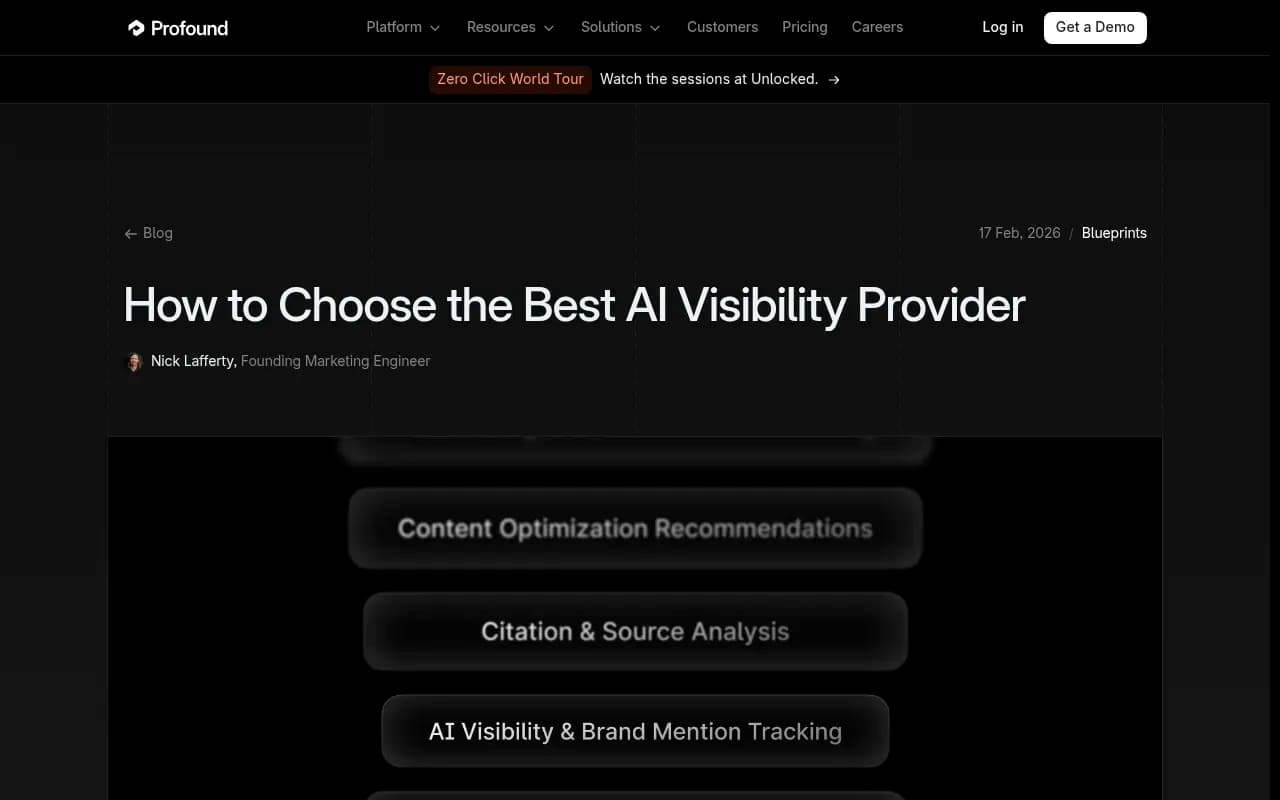
Profound's own buyer guide lists nine things to look for: LLM coverage, deep reporting, actionable insights, competitive benchmarking, international coverage, security, integrations, support, and product updates. It is a decent starting list, and it is also written by a vendor, so it skips a few items that matter a lot when you are replacing it. The checklist below keeps those nine and adds the gaps.
Before you talk to any vendor
A feature list means nothing without your own requirements. Write these down first. This is borrowed in spirit from the buyer's checklist at get3rd.com, and it is the best advice in any of the guides I read.
- Your 20 most valuable buyer questions, phrased the way a buyer would ask an assistant. These become pilot prompts.
- Your markets: each country and each language. Denmark in Danish and Denmark in English are different markets.
- The assistants your buyers actually use. ChatGPT is nearly always on the list. Add AI Overviews if Google drives your pipeline, Copilot for Microsoft-heavy buyers.
- Five competitors, including the ones you lose deals to, not just the famous ones.
- Who does the work. Name the people and their weekly hours. This decides whether you need a reporting tool or an execution platform more than any feature does.
If item five is "nobody has spare time," skip ahead to the execution section. It will matter more than everything else.
The checklist
1. Engine coverage, and what plan gates it
Coverage is the first thing every vendor advertises and the first thing that gets quietly limited by tier. Ask for the engine list per plan, in writing.
Two specifics matter. First, whether the tool collects from the real user interface or only the API. User-facing answers, citations, and shopping results can differ from API output, so a tool that only calls APIs may show you an answer your buyers never see. Second, whether engines are tracked separately. Promptwatch Data's sources-per-response report shows why: ChatGPT cites about 5 sources per web-search answer, Google AI Overviews about 10, and Perplexity almost exactly 10 every day, while Copilot swung from under 2 to nearly 17 within a few weeks. A blended score hides all of that.
Minimum list for most B2B teams: ChatGPT, Google AI Overviews, Google AI Mode, Gemini, Perplexity, Copilot, Claude. Add Meta AI and Alexa if you sell consumer products.
2. Filters, not a single global score
Get3rd's red-flag list has this one right. One brand can sit at 50% on one model and 30% on another for the same questions. A single average hides the model where you are losing. You want to slice by engine, country, language, competitor, topic, persona, and prompt type, and you want to read the raw responses behind any number.
Also check how the metrics are defined. Visibility, share of voice, and position should be separate numbers, because they diagnose different problems. Low share of voice is a coverage problem. Late position is prominence. Mentions without citations to your own domain usually mean a content or crawlability problem.
3. Prompt volumes and difficulty
Profound's strongest card is estimated demand for prompts. If you are replacing it, you should not lose that. Ask any replacement three things: where the volume estimates come from, whether you get difficulty alongside volume, and whether it covers both AI search and traditional search.
For reference, Promptwatch's prompt volumes include monthly volumes, difficulty scores, and citation rates, and sit next to query fan-out data.
4. Query fan-out tracking
AI engines rewrite your prompt into sub-searches. Seeing those sub-queries tells you what to write headings and titles around. Look for per-model comparison, because fan-out behavior differs between engines and changes without notice.
A useful data point on how fast this moves: Promptwatch Data reported that on August 8, 2026, ChatGPT Search started using the site: operator at scale, jumping from about 0.4% to about 17% of fan-out queries overnight. A tool that only tracks final answers misses that kind of shift entirely. For the basics, the query fan-outs guide is a good primer.
5. AI crawler logs
This is the item most replacements lack, and the one I would weight highest. Prompt tracking tells you what AI says. Crawler logs tell you whether AI can even read your pages. Without them, you cannot tell an access problem from a content problem.
What to demand:
- IP verification against each operator's published ranges, so spoofed user agents are filtered out
- A split between training crawlers and answer-time fetchers
- Per-page errors with plain-language explanations
- A link between crawls and citations on the same page
The mix keeps changing. In Promptwatch's AI crawler traffic report (June 8 to September 6, 2026), OpenAI's share of verified AI crawler requests fell from 94.8% in the first week to 79.8% in the last. And Meta-WebIndexer climbed from about 2% to nearly 38% of tracked requests between mid-July and August 9, 2026. If your tool's bot list is a year old, you are blind to a chunk of traffic.
One alternative worth knowing about in this specific area: Botify is aimed at large, technically complex sites and is strong if your main need is deploying crawlability fixes at scale.
6. Citation analysis beyond "was I cited"
Counting citations is table stakes. You want source types, content types, and trends. The research here is clear that format matters: in Promptwatch Data's content-type report (Sep 28 to Oct 4, 2026), product pages were the most cited type in ChatGPT at 22.4%. And half-life data shows news losing half its cited pages within 36 days while landing pages and docs last longest. That changes what you refresh and when.
Social sources also need their own view, because engines disagree. Between Sep 28 and Oct 4, 2026, ChatGPT got 0.46% of its citations from social platforms while AI Overviews got 12.2%. If you only track one engine, your Reddit and YouTube strategy will be wrong for the other. Reddit specifically fell from about 4% to 0.5% of ChatGPT citations on August 14, 2026.
7. Brand narrative and sentiment
Sentiment as a single number is thin. Better tools extract the individual claims AI makes about you ("expensive for small teams," "weak mobile app") and group them by theme. Even better, they let you mark a claim as inaccurate and find the page on your site teaching the model the wrong thing. If you are in a regulated or reputation-sensitive category, this item can outrank everything else.
8. Actions, content, and publishing
This is where "replacement" usually should mean "upgrade." Ask the vendor to show, live, the path from a gap to a published page:
- Does it say which prompts you lose and which competitor pages AI cites instead?
- Can it write the page, grounded in your brand facts and internal links?
- Can it publish to your CMS, as a draft or live?
- Does it then track whether the page got crawled, cited, and clicked?
If any link in that chain is a CSV export, you are the integration. Get3rd's other red flag applies here too: tips that would fit any company. If recommendations do not name your competitors, your pages, and the sources involved, they were not written for you.
9. Traffic and conversion attribution
Visibility without revenue is a vanity metric. You need AI-referred visits and conversions in the same tool, or a clean export to your analytics. Note that referrer data is shaky: ChatGPT stopped sending a referrer on October 8, 2026, so check that the tool can count UTM-tagged ChatGPT visits. The attributing AI traffic guide covers the options.
10. Local, shopping, and ads coverage
Only relevant to some teams, but binary when it is. Multi-location brands need tracking pinned to a place, not just a country. E-commerce brands need product visibility in ChatGPT shopping results. Everyone should ask whether sponsored placements in AI answers are tracked, since ChatGPT ads have their own report and are moving fast.
11. Security, integrations, and support
Profound's guide mentions SSO and SOC 2. In procurement reviews, I would ask for the exact certification (ISO/IEC 27001 and SOC 2 are different things), SSO availability by plan, an audit log, scoped API keys, and data residency. For integrations: Search Console and Bing data, Looker Studio, Slack, a REST API, and ideally an MCP server so your own agents can query the data.
Support matters more than it sounds in a category this young. Ask what onboarding looks like and who answers a Tuesday-afternoon question.
12. Pricing mechanics
The sticker price is rarely the real price. Check responses per month, whether prompts run daily or weekly, whether engines are add-ons (Peec, for example, adds some LLMs at extra cost per Profound's guide), and whether credits meter usage. Cost per response is a fairer yardstick than cost per prompt.
How the main alternatives stack up
I have not verified every price below, and neither should you take mine on faith. The vendor-authored tables in the research disagree with each other on small details. Confirm on each pricing page before you commit.
| Tool | Strength | Gap to check | Executes fixes |
|---|---|---|---|
| Promptwatch | End-to-end: tracking, crawler logs, content agent, CMS publishing, attribution | Content Agent starts on Business plan | Yes |
| Profound | Prompt Volumes, enterprise reporting | Engines and credits gated by plan | Limited |
| Scrunch | Monitoring plus technical fixes for AI access | Check data depth and agent analytics | Partial |
| Otterly.AI | Low entry price | Basic tracking, no crawler logs | No |
| Peec AI | Simple, clean tracking | Extra engines cost more, no optimization | No |
| AthenaHQ | Agency-friendly monitoring | Weaker on volume data and content | No |
| Semrush | One suite for SEO and AEO | Fixed prompt sets, shallow AI data | No |
| Botify | Large-site technical fixes | Overkill under about a thousand pages | Technical only |
Otterly's pricing from Activepieces' plan-cap comparison shows the trade-off of cheap trackers: Lite is $29 a month for 15 prompts, Standard $189 for 100, Premium $489 for 400, all on four engines. Cheap to start, tight caps.
Where Promptwatch fits
Full disclosure: 1001 SEO Media, which publishes this site, uses Promptwatch for its own GEO work, so weigh my opinion accordingly. With that said, Promptwatch is the one that maps most completely onto this checklist. It tracks the real interfaces of ChatGPT, AI Overviews, AI Mode, Gemini, Perplexity, Copilot, Alexa, and Meta AI, includes prompt volumes and difficulty with query fan-outs, and has IP-verified crawler logs. It also closes the loop: the Content Agent writes and publishes to WordPress, Webflow, or Framer, and Page Tracker and visitor analytics show whether the page gets cited and drives traffic. It is ISO/IEC 27001 certified, which covers the procurement item above.

Plans start at $95 a month (Essential) and the Content Agent and faster-than-daily tracking begin at Business, $579 a month. Confirm current numbers at promptwatch.com/pricing. The Promptwatch vs Profound page lays out the head-to-head, and the free AI visibility report is a no-login way to see your baseline first.
Profound itself stays in the running if prompt-volume depth is your single biggest need:
For a wider scan of the category, the GEO software directory lists most of the alternatives side by side.
Red flags in a demo
- A global score with no filters by model or market
- Charts only, with no way to read the actual answers
- Recommendations that could apply to any company
- Engine lists that change depending on which salesperson you ask
- No crawler or log data, so every "why" is a guess
- Credit systems that make heavy use expensive without saying so up front
Also watch for the authority-versus-awareness distinction from the Accessibility Checker guide: a good tool separates "mentioned but never cited" (an authority problem) from "not mentioned at all" (an awareness problem). If it cannot, the fix list will be generic.
A scoring template you can copy
Score each tool 0 to 3 per row, multiply by your weight, and add up. Weights below are a starting point for a team that needs execution, not just reporting.
| Criterion | Weight | Tool A | Tool B | Tool C |
|---|---|---|---|---|
| Engines per plan, real UI collection | 3 | |||
| Filters by model, market, persona | 2 | |||
| Prompt volumes and difficulty | 2 | |||
| Query fan-outs | 2 | |||
| IP-verified crawler logs | 3 | |||
| Citation and source-type analysis | 2 | |||
| Brand narrative and fact checking | 1 | |||
| Content creation and CMS publishing | 3 | |||
| Traffic and conversion attribution | 2 | |||
| Security and integrations | 2 | |||
| Cost per response | 2 |
Change the weights if you are an agency (add white-label reporting and unlimited projects) or a local brand (add coordinate-level targeting).
A two-week pilot that settles it
Demos are controlled. Pilots are not, which is the point.
- Days 1 to 2: load the same 20 prompts and five competitors into each shortlisted tool, in the same countries and languages.
- Days 3 to 7: compare the raw answers. Do the tools agree on who is cited? Where they disagree, open the actual response.
- Days 8 to 10: connect crawler data or a CDN integration. See whether the tool finds a real access problem on your site.
- Days 11 to 14: ask each tool for a prioritized action list, then pick one action and measure how long it takes to ship. If it takes a week of copy-pasting, that is your answer.
One caveat on tracking cadence: ChatGPT's behavior moves. Promptwatch Data recorded average citations per response dropping around the GPT-5.3 rollout on March 4, 2026. Do not read a two-week dip in any tool as proof the tool is wrong, or that your content got worse. Compare against competitors tracked in the same window.
What I would actually do
If you are leaving Profound because you want more done and less reported, rank crawler logs, content execution, and attribution highest, because those are the hardest to bolt on later. If you are leaving because of price, be careful: a $29 tracker with 15 prompts replaces a dashboard, not a platform. And if you are leaving because of engine limits, get the engine list per plan in writing before you sign anything.
Then run the pilot. A week of looking at raw responses will teach you more than any comparison article, including this one.