Key takeaways
- Prompt tracking has no volume data and no stable rankings, so the prompts you pick matter far more than how many you track.
- A good first set of 50 is split by intent (commercial, informational, branded) and by topic, not dumped into one pile of "best X tool" queries.
- Keep branded and competitor-comparison prompts in their own bucket. They skew category metrics if you mix them in.
- Filter every candidate on competitive relevance, influenceability and business intent. A short, filtered list beats a long, loose one.
- Treat the list as living. Run it for 30 days before drawing conclusions, then review it quarterly.
Why the prompt list is the whole program
With keywords you get volume, positions and a competitor view. With prompts you get none of that in a clean form. There is no reliable query volume, results shift with session context and location, and the number of possible phrasings is effectively infinite.
So most teams do the lazy thing. They type "best [category] software" a few times, call it a strategy, and then wonder why the dashboard says nothing useful. Aleyda Solis puts the failure mode well: a non-representative prompt library can make an AI visibility dashboard look useful while pointing you at the wrong priorities. If the set over-represents generic discovery prompts, skips product lines or only tracks branded questions, every number downstream is biased.
The aim is not to track everything. It is to build a representative sample of the AI-assisted journeys that matter to your business. Fifty prompts is a sensible size for that, and this guide walks through how to pick them.
Step 1: Know the prompt types you need to cover
People talk to AI differently depending on where they are in a decision. Most brands over-index on comparative prompts and ignore the rest, which gives a lopsided picture. Cover these five types:
| Type | Example | What it tells you |
|---|---|---|
| Best-of / transactional | "Best CRM for small business" | Whether you make the shortlist |
| Comparison | "Pipedrive vs HubSpot" | How you are positioned against a rival |
| Alternatives | "HubSpot alternatives" | Whether you win switchers |
| Informational / how-to | "How to set up a sales pipeline" | Whether AI uses you as the example or source |
| Brand-specific / review | "Is Pipedrive worth it for startups" | What AI says about your strengths and weaknesses |
These are not interchangeable, and the data backs that up. In Promptwatch Data's look at ChatGPT citations by content type (Sep 28 to Oct 4, 2026), commercial prompts such as "best CRM for small businesses" pulled mostly from product pages (26.0%), landing pages (20.6%), listicles (15.0%) and comparisons (7.9%). Informational prompts leaned more on how-tos (10.7%) and docs (8.5%). Branded prompts were different again: reviews made up 5.6% of citations, more than three times their share across all prompts. You can see the full breakdown in Promptwatch's ChatGPT citation share by content type report.
The practical consequence: three intents, three different source mixes, three different fixes. Track them as separate buckets.
Step 2: Map prompts to the buyer journey
Sort your candidates into three stages.
- Awareness: the user has a problem and no solution in mind. "How do agencies keep track of client leads?"
- Consideration: the user is comparing approaches or vendors. "Best CRM tools for marketing agencies."
- Purchase: the user knows what they want and is deciding where to act. Most relevant for e-commerce and local services. "Pipedrive pricing for 10 users."
If your list is 80% consideration, you are measuring one stage and guessing about the other two. That is fine if you chose it on purpose. It is a problem if you did not.
Step 3: Source prompts from real places
Do not invent prompts at a desk. You will write the way you think about your product, not the way buyers talk about it. Better sources:
- Sales calls, support tickets and onboarding emails. Use the exact words customers use, not the category term they never say.
- Your existing SEO keywords. Convert the commercial ones into natural-language questions. Google Search Console is a decent starting pool.
- People Also Ask boxes and AI Overviews for your core terms. Tools like AlsoAsked and AnswerThePublic make this faster.
- Reddit and community threads in your category. Real complaints and comparisons show up there before they show up anywhere else.
- Competitor websites. Their navigation, pricing pages and comparison pages tell you which use cases they want to own.
One wrinkle worth knowing: the prompt you track is not the string the model actually searches. Promptwatch's ChatGPT query fanout data shows ChatGPT breaking a single prompt into sub-searches, and its own charts put the average at roughly 2 searches per response in early 2026 (the report's intro says 3 to 8+ for some prompts). So include prompts that naturally split into sub-queries like pricing, alternatives and X vs Y. Those are the ones where fan-out can surface or hide you. The Academy guide on query fan-outs explains the mechanics.
Step 4: Filter ruthlessly
You will end up with 200 candidates. Cut them using four tests.
Competitive relevance
Would this prompt realistically return your brand or a direct competitor? If you sell a CRM for agencies, "What is CRM?" is too broad to ever surface you. "Best CRM tools for marketing agencies" is the kind of prompt where you could appear. Drop the first kind, even if it feels interesting.
Influenceability
Can you change the outcome? If the answer is dominated by Wikipedia and government sites, you are not going to move it. A prompt where AI cites listicles, review sites and vendor pages is one you can actually work on.
Business intent
Does a good result lead to revenue? Mike Khorev's buyer-first argument is that visibility should be graded on bottom-funnel, purchase-intent prompts. Informational prompts still matter, but route them into your content pipeline rather than your headline score.
Scope
Does it fit a product, market and language you actually serve? A prompt about a product you discontinued, or a country you do not sell in, only adds noise.
Step 5: Build the 50
SE Ranking suggests starting with 20 to 40 prompts across 2 or 3 AI models and tracking for at least 30 days. SupaIntent's guidance lands at 25 to 50, with 50 as the usual starting point: roughly 8 to 10 prompts per topic across 5 topics. Both are reasonable. I like 50 when you have more than one product line, and 25 when you sell one thing in one market.
Here is a sample split for a B2B software company with five core topics:
| Bucket | Prompts | Notes |
|---|---|---|
| Commercial, best-of and alternatives | 15 | The core of your visibility score |
| Informational and how-to | 12 | Feeds your content plan, scored separately |
| Comparisons (you vs named rivals) | 8 | Tracked separately from category metrics |
| Branded and review prompts | 7 | Reputation and accuracy checks |
| Long-tail and persona variants | 8 | Buyer constraints: size, budget, industry, region |
A few practical rules:
- Spread across topics. Eight to ten prompts per topic gives you enough to see a pattern without drowning.
- Add a short version and one or two long-tail variants for your most important pages.
- Include every spelling of your brand name, so a real mention never reads as zero.
- Add local or market-specific prompts if you sell in more than one country. Aleyda Solis flags missed local competitors as a classic blind spot.
- Pick models on purpose. Start with ChatGPT for user base, Perplexity for citation-heavy behavior, and Google AI Overviews or AI Mode for ties to traditional search intent. Do not try to cover every engine on day one.
Step 6: Record the right columns
Whether you use a spreadsheet or a platform, capture more than "did we appear." Stefan Cheva's prompt library structure is a good template: customer type, market, who appears instead of you, and which sources the assistant cites. I would add intent bucket, topic and journey stage. Those six or seven columns are what let you slice results later.
Step 7: Choose how to track
There are three routes.
- Manually. Open each engine in a private window, set the country, ask the prompt, and log brands, order and sources in a sheet. Fine for a 10-prompt pilot. Painful at 50, and answers vary run to run.
- A prompt tracker. Cheap and quick, and it answers "were we mentioned." Most stop there.
- An AI visibility platform. It tracks, then shows why and helps fix it.
When comparing tools, check four things: which engines are included in the plan (not as add-ons), whether answers come from real interfaces rather than only APIs, whether you get topics and per-country tracking, and whether sources come with URLs so you can see the exact pages behind each answer.
| Option | Good for | Watch out for |
|---|---|---|
| Spreadsheet and manual checks | Pilots under 10 prompts | Time cost, inconsistent results |
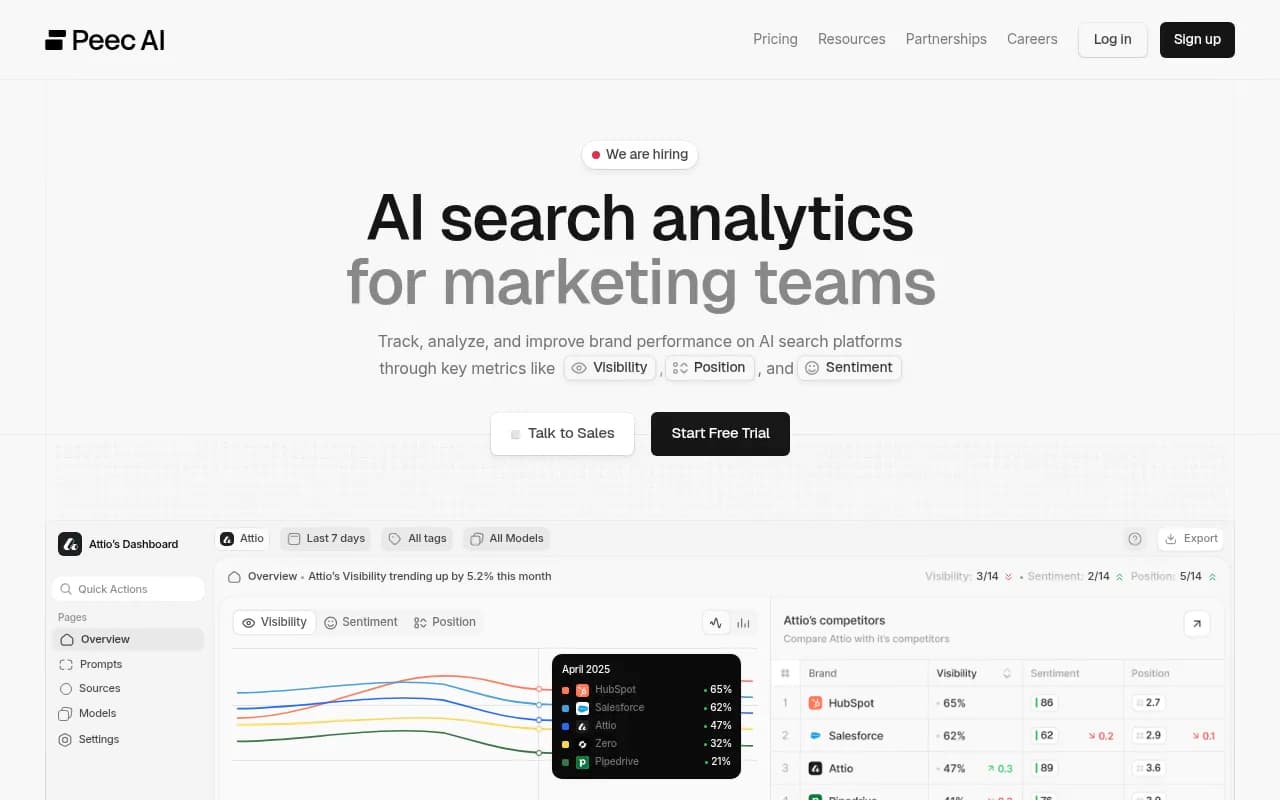
| Lightweight trackers such as Otterly.AI or Peec AI | Cheap mention monitoring | Usually no crawler logs, traffic data or content tools |
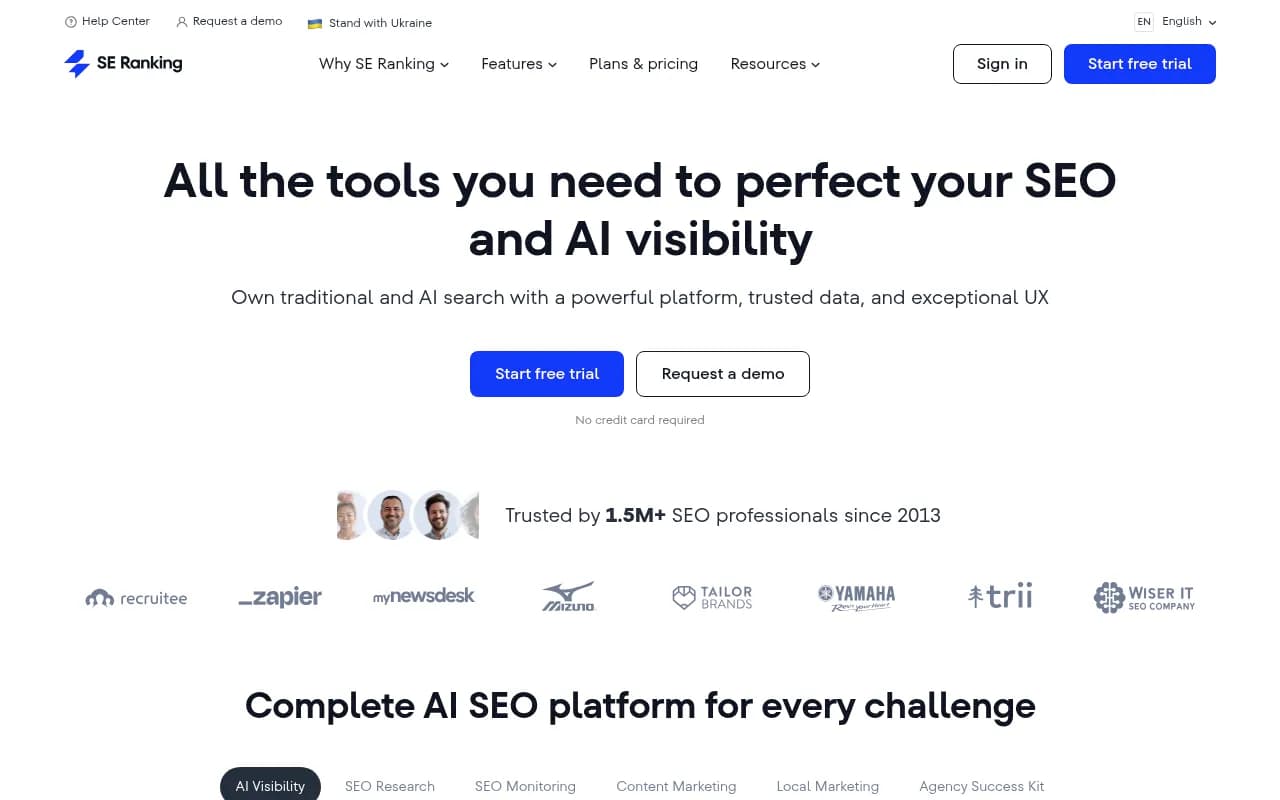
| SE Ranking / SE Visible | Teams already in the SE Ranking suite | Check engine coverage on your plan |
| Promptwatch | Tracking plus citation tracing, crawler logs, content and measurement | More than you need if you only want a mention count |

For 50 prompts, Promptwatch is a reasonable fit because its prompt tracking runs against the real interfaces of ChatGPT, AI Overviews, Gemini, Perplexity and others, and it adds prompt volumes and difficulty scores. That partly fills the gap of having no volume data. Prompt Explorer can also suggest candidates from Search Console, People Also Ask and any page on your site. Prompts run daily on every plan, and the Essential plan covers 50 prompts at $95/mo (confirm current pricing at promptwatch.com/pricing).

If you want to browse more options first, the GEO software directory at bestgeosoftware.com lists the field.
Step 8: Read the first 30 days properly
Do not draw conclusions from a week. Run the set for at least 30 days, then read the metrics together rather than staring at one number.
- Low share of voice usually means a coverage problem. You are not in the consideration set.
- Late position means a prominence problem. You appear, but after others.
- Mentions without citations to your own domain suggest a content or crawlability problem.
- Weak sentiment is a reputation problem, often traceable to specific sources.
Definitions for each are in the Academy guides on Visibility Score, Share of Voice and citations vs mentions.
Also check which content types are being cited for each bucket. Promptwatch Data shows product pages as the most cited type in ChatGPT at 22.4% of citations, and its content half-life report found landing pages and docs stay cited longest while news lost half its pages within 36 days. That tells you what to build or refresh when a bucket underperforms.
Step 9: Review quarterly
Buyers change their wording, competitors launch, and models change how they search. ChatGPT, for example, started using the site: operator at scale in August 2026, according to Promptwatch Data, which changed how many searches each response ran. A quarterly pass is enough:
- Retire prompts that never surface you or any competitor.
- Add prompts from fresh sales calls and support tickets.
- Re-check that each topic still has 8 to 10 prompts.
- Keep branded and comparison prompts separate from category scores.
Common mistakes
- Tracking only "best X" prompts. It is one slice of the journey.
- Mixing branded prompts into category visibility. Your own name will inflate the score.
- Copying a tool's default prompt set without checking it matches your products and markets.
- Starting at 200 prompts. You inherit thousands of URLs to review and the costs scale with volume.
- Changing the list every week. You lose the trend line.
A short checklist
- Collect 150 to 200 raw candidates from sales, SEO data, PAA, Reddit and competitors.
- Tag each with intent, journey stage, topic and market.
- Filter on relevance, influenceability, business intent and scope.
- Select about 50, with 8 to 10 per topic and a separate comparison bucket.
- Pick 2 or 3 models. Start with ChatGPT, Perplexity and Google AI.
- Run for 30 days before judging.
- Review every quarter.
Fifty well-chosen prompts will tell you more than five hundred picked by default. Start small, keep every prompt on purpose, and let the first month of data tell you what to add next. For more on the AI-search research behind these choices, see Promptwatch Data.