Key Takeaways
- I could not verify any independent five-city test results, so this guide does not invent them. It gives you a tool landscape and a method you can run yourself in a week.
- Local AI visibility is a different job from national tracking. You need location-specific prompts, separate reporting per location, and the sources AI cited.
- AI answers vary run to run. Plan for at least 5 runs per prompt, and 20 or more for the prompts that matter.
- Almost half of ChatGPT responses cite 10 or more domains, so track your position and description in the answer, not just a yes or no mention.
- Prices below come from vendor-authored comparison pages. Confirm each on the vendor's own pricing page before buying.
A note on the title and what I could and could not verify
The honest version first. I went looking for independent test data comparing local AI visibility tools across five cities and did not find any. Vendors publish their own comparisons, and those are biased toward the vendor who wrote them. Several of the sources I draw on sell competing products, and I say so where it matters.
So this guide does two things. It maps the tools that claim to handle local AI visibility, and it lays out a five-city test design that you can run with a trial account or two. If you publish your own results, you will have something better than anything I could fabricate.
Why local AI visibility is its own problem
A national brand tracker asks, roughly, "does ChatGPT name us when someone asks about our category?" A local business has a harder question: "does ChatGPT name us when someone in Leeds asks for the best emergency plumber, and does it name the right location?"
Three things make local different.
- The answer depends on the place. The same prompt run from two cities returns different businesses, and a tool that only tracks at the country level will average that away.
- Competitors are local too. Your rival in Denver is irrelevant to your Austin location.
- Sources are different. Directories, review sites, and map listings do a lot of the work in local answers, and you need to see which ones AI actually cited.
There is also a structural point from ChatGPT's retrieval behavior. Promptwatch Data shows ChatGPT Search started using the site: operator at scale on August 8, 2026, jumping from about 0.4% to about 17% of fanout queries in a day. That makes your own domain, including individual location pages, a direct retrieval target. Location pages that are not crawlable or indexed are now a visible weakness.
The local AI visibility tool landscape
The shortlist below leans on a Cheers comparison (published June 2026, updated October 2026). Cheers sells a done-for-you local service and says so in the article, so treat its framing as vendor-flavored. Prices are from that page and may have changed.
| Tool | What it is | Local strengths | Pricing noted in sources |
|---|---|---|---|
| Local Falcon | Geo-grid scanning of AI and map surfaces | Built around a business location | Check vendor |
| BrightLocal | Local SEO platform | Local AI Visibility included on active locations in Track, Manage and Grow plans | Check vendor |
| Otterly.AI | Affordable prompt tracker | Cheap entry point | From $29/month, 4 engines on base plan |
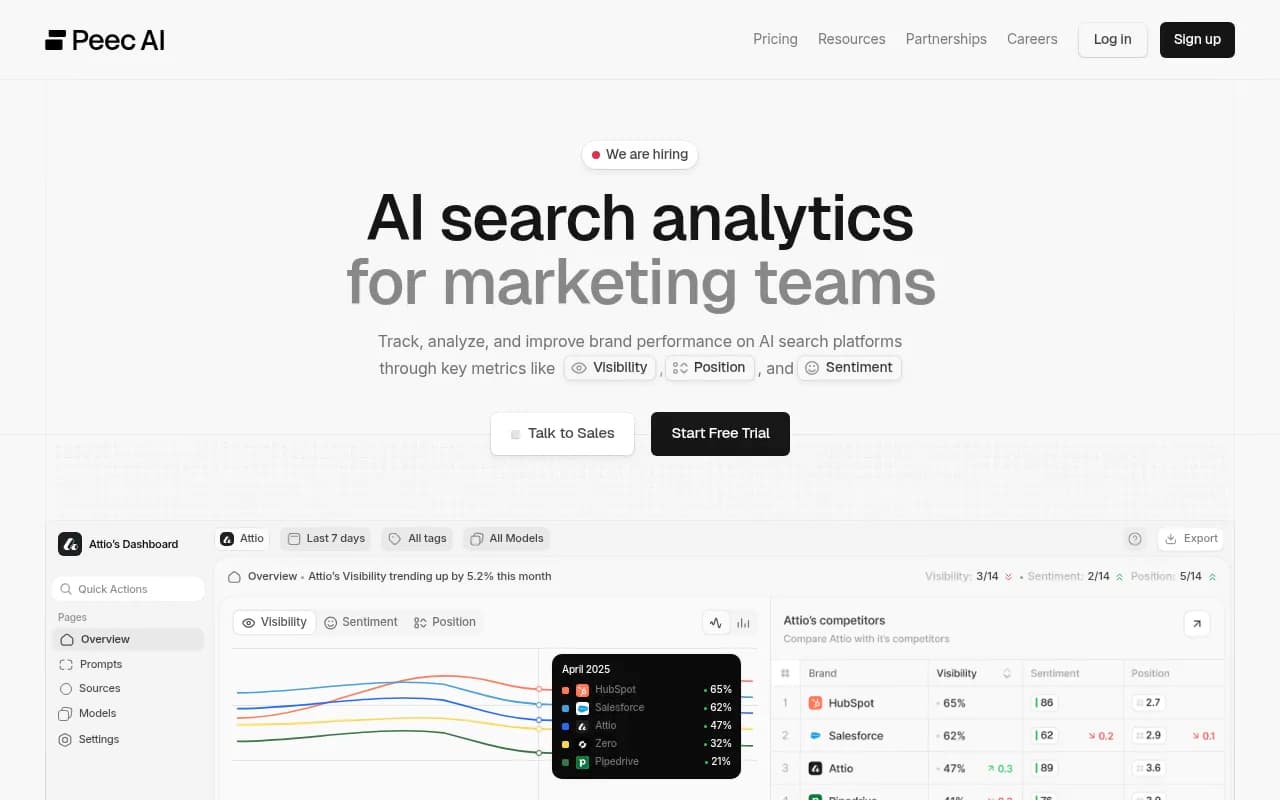
| Peec AI | Prompt tracker | Projects and countries | From $95/month (Starter) |
| Semrush | SEO suite | Can generate prompts from a domain plus a location | Sold per domain |
| Ahrefs Brand Radar | SEO suite add-on | Custom prompts retain location context | Check vendor |
| Profound | Enterprise AI visibility | Up to 9 answer engines | Free 7-day trial or custom Enterprise |
| Cheers | Done-for-you service | Local and multi-location focus | $750/month for up to 3 locations |
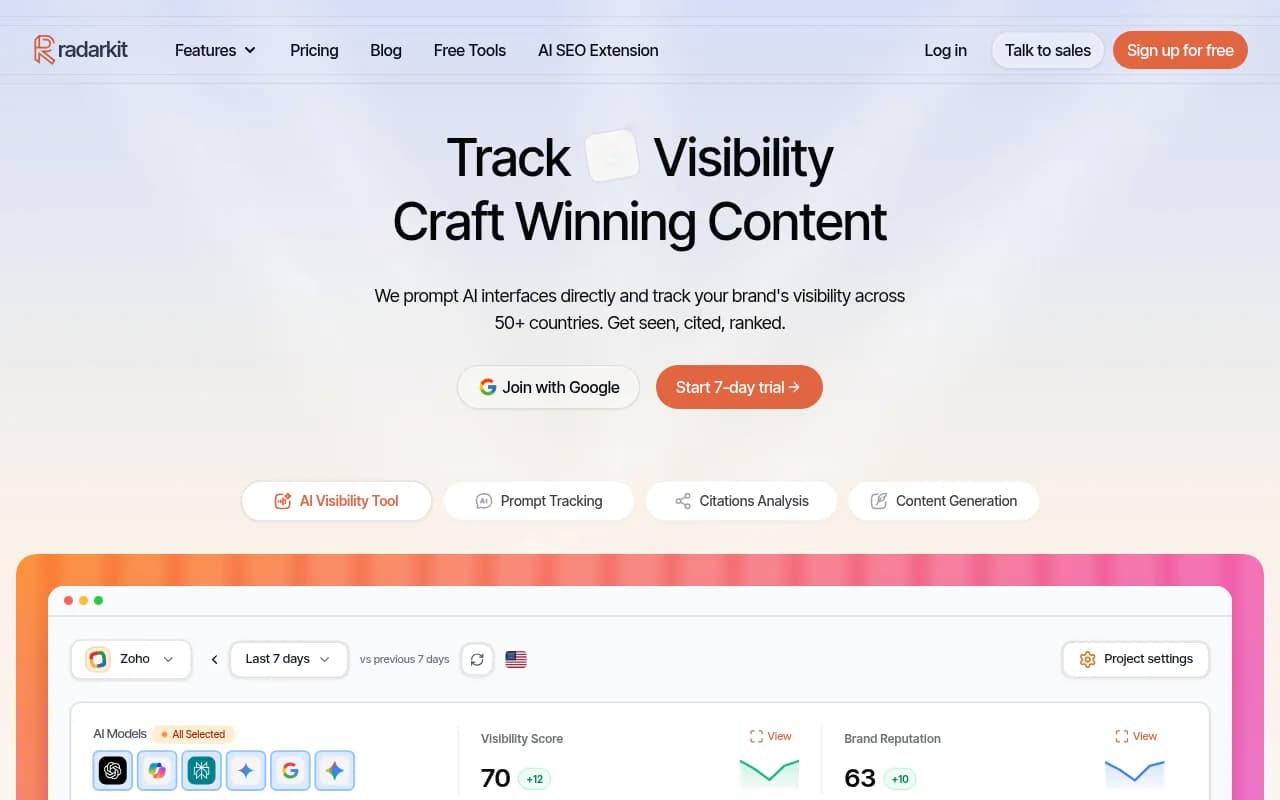
Two more names turned up in earlier research that I could not verify: Yext Scout, listed by Zapier for local tracking, and RadarKit's Local Radar, recommended in an r/aeotips thread for city-level tracking. Treat both as leads to check, not recommendations.
Tools worth a look in our catalog
Otterly is the budget option. Its base plan covers ChatGPT, Google AI Overviews, Perplexity and Copilot, and Claude, AI Mode and Gemini are paid add-ons, so the prompt budget gets tight fast when you multiply prompts by cities.

Peec AI supports projects and countries, which helps, but country is coarser than city.
BrightLocal is the one to try if your team already lives in local SEO reporting.
RadarKit is the lead from the Reddit thread, positioned for city-level tracking.
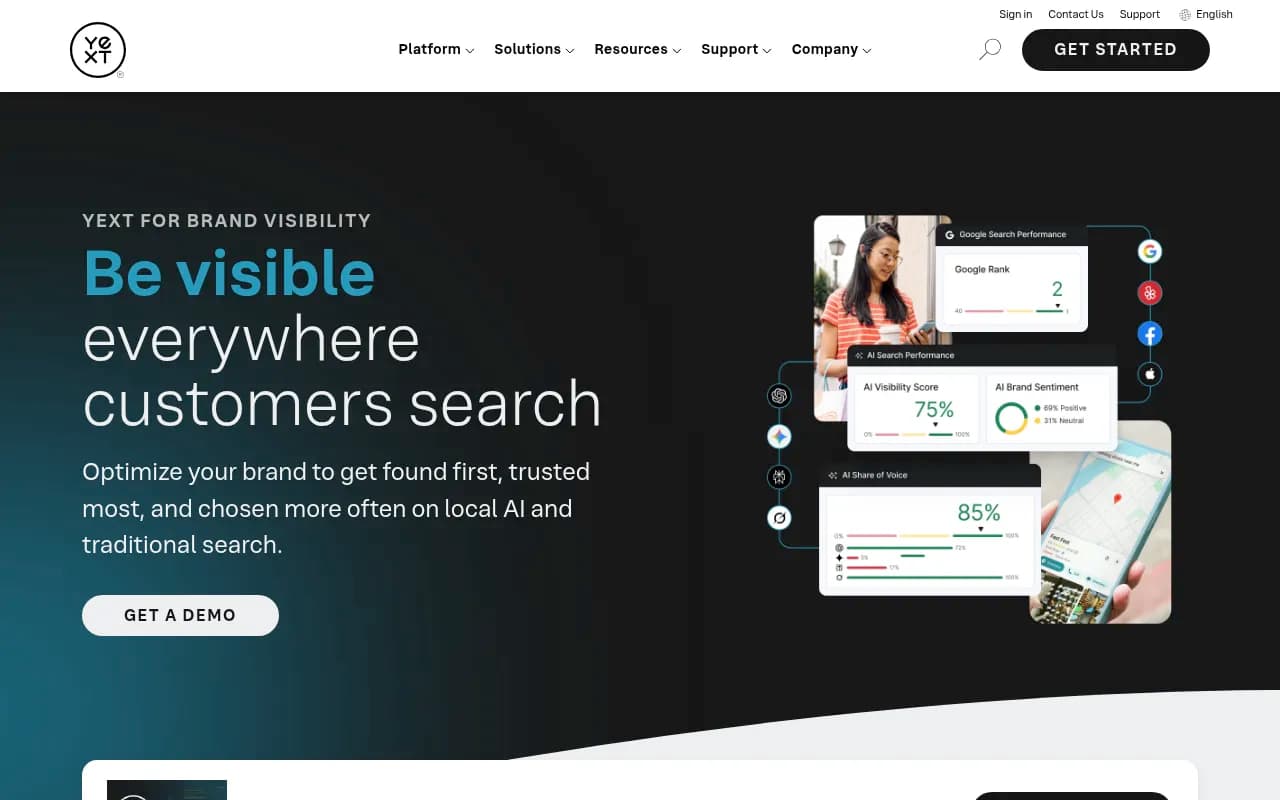
Yext covers listings and local brand visibility for multi-location brands, which matters because listings feed local answers.
Tibly is pitched specifically at local businesses.

Semrush and Ahrefs Brand Radar are reasonable if you already pay for them and your locations number in the single digits.
Where an end-to-end platform fits
If you have more than a couple of locations and want to act on the data rather than just read it, Promptwatch is the one I would put in the test. It can pin a monitor to exact coordinates (an accuracy radius from 20 m to 5 km), so ChatGPT, Google AI Overviews and Google AI Mode answer as if asked from that spot, and it tracks state and city for other models. That is the part most trackers skip. It also logs which AI crawlers read your location pages and which pages get cited, so you can tell a crawl problem from a content problem. Local targeting sits on the Business plan ($579/mo), Agency Scale ($799/mo) and Enterprise, so confirm current details at promptwatch.com/pricing.

For a wider shortlist beyond local, the GEO software directory at bestgeosoftware.com is a decent place to keep browsing.
The five-city test design
Here is the method. It takes about a week of setup and four to six weeks of data. I would rather you run this than trust a ranking from a vendor.
Pick five cities that stress different things
Choose cities that differ on purpose. One large metro, one mid-size city, one small town, one city where you have a strong presence, and one where you have almost none. The last two are the useful pair: strong presence shows whether the tool detects your wins, near-zero presence shows whether it surfaces who AI recommends instead.
Write three prompt shapes per city
The prompt set drives the result, which is the most common pitfall in vendor numbers. Cheers' own panel data makes the point: across 13 home-services companies over the 28 days ending September 2, 2026, generic "best/top" list prompts without a place name gave a 28.4% pooled appearance rate. Cheers published no rate for "best near me" or named-place prompts because too few companies tracked them. In other words, the prompts that matter most for local are the ones least measured.
Use three shapes in each city:
- Named place: "best [service] in [city]"
- Near me: "[service] near me" run from a pinned location
- Brand-specific: "is [your business] good" and one competitor comparison
That gives you 15 prompts at minimum per service line. Ask every vendor which prompt shapes sit behind their numbers.
Run each prompt enough times
AI answers are not stable. The AirOps 2026 State of AI Search report, as cited by Lighthouse Local, found only 30% of brands stay visible from one AI answer to the next, and only 20% across five consecutive runs. AirOps recommends at least 5 runs per prompt, and 20 or more for key prompts. A University of St. Gallen team, cited via ThriveStack, puts the floor at 7 runs per prompt per engine, with 60 to 100 runs over 4 to 8 weeks for a broad category.
This changes how you read any single snapshot. A tool that runs each prompt once a week gives you noise. Daily runs on every plan, as Promptwatch does, or tools that state their runs per prompt, give you something you can average.
Score with the same five questions
Lighthouse Local (a vendor, so again, grain of salt) offers a useful scorecard of five questions you can fill in during a trial:
| Question | What to check |
|---|---|
| Runs per prompt | How many times is each prompt asked before a number is reported? |
| Engines per plan | Which engines are on the plan you would actually buy? |
| History and export | Can you keep and export the data? |
| Gap detection | Does it show who was named instead of you, and which page was cited? |
| ROI linkage | Can you tie visibility to traffic or leads? |
Engine lists are tier-dependent. For example, Lighthouse notes that Writesonic's self-serve Basic and Growth plans track 3 platforms (ChatGPT, Gemini, AI Overviews) while Claude and Copilot are Enterprise only. Check this before you assume a tool covers the engine your customers use.
Add four local-specific checks
On top of the five questions, Cheers suggests buying criteria that fit local well, and I agree with them. The tool should:
- track real buyer prompts rather than a generic keyword list
- preserve cited sources
- separate locations cleanly
- show local competitors and make the next owner obvious
The last one gets overlooked. A dashboard with a score and no owner is a screenshot, not a workflow.
How to read the results
Track position and description, not just presence
Promptwatch's data on unique domains per response shows how crowded these answers are. In the week of September 28 to October 4, 2026, 47.6% of ChatGPT responses cited 10 or more domains, and 66.1% cited at least 8. Organic prompts with no brand named were the most crowded: 52.5% cited 10 or more. Brand-specific prompts were narrower, with 5 domains the most common count at 14.9%.
For a "best plumber in Leeds" answer, that means you share the response with a lot of sources. A binary "mentioned or not" metric hides whether you were first or ninth, and whether the description was right.
Expect the surface to move
A five-city snapshot ages quickly. Promptwatch's data on the August 8 site: operator change shows platform search behavior can shift overnight, and the Reddit citation drop in ChatGPT (from about 4% to 0.5% of citations on August 14, 2026) is another example. If a tool's value depends on one source type, it can lose that value in a day. Continuous monitoring beats a one-off audit, which is why I would favor monthly re-tests over a single launch-week benchmark.
Check the sources, then fix the pages
The useful output of any local test is not the score. It is the list of cited sources and the competitors sharing your answers. Promptwatch's advice from that data is to get onto third-party listicles, reviews and forums, and to check which competitors appear alongside you. For local that usually means directories, review platforms, and your own location pages. There is no local or home-services industry report in Promptwatch Data yet, so run your own rather than borrowing a travel or software number.
Which tool for which situation
Based on what I could verify, not on a hands-on five-city run:
| Situation | Where I would start |
|---|---|
| One to three locations, tight budget | Otterly or Peec AI, with a small, deliberate prompt set |
| Already deep in local SEO reporting | BrightLocal or Local Falcon, then add a prompt tracker |
| Already paying for an SEO suite | Semrush or Ahrefs Brand Radar for a first look |
| Many locations, need to act on gaps and measure crawls and citations | Promptwatch (start with the 7-day free trial or the free AI visibility report) |
| Want it fully done for you | A managed service such as Cheers, or 1001 SEO Media if you want an agency handling AI search and local SEO together |
If you want to see how AI describes your brand before paying for anything, the free AI visibility report takes no login. For a directory of rank trackers to compare against, ai-rank-tools.com lists more options.
What to do this week
- Pick your five cities and write the three prompt shapes for each.
- Start two trials: one cheap tracker and one platform with city-level or coordinate-level targeting.
- Run the same prompts in both for at least two weeks, with 5 or more runs per prompt.
- Fill in the five-question scorecard and the four local checks for each tool.
- Re-run monthly. The answers will move, and so will the tools.
If your results differ from the vendor claims here, trust your results. That is the point of running the test.