Key takeaways
- Google AI Mode does not return ten blue links, so "position" means something different: whether you are mentioned, whether you are cited, and how much of the answer you own.
- Many tools that advertise AI Mode coverage really track AI Overviews, or gate AI Mode behind a higher tier. Check before you buy.
- The same query returns different citations by location, device, and timing. Treat any single "rank" as a sample, not a fact.
- AI Mode leans on Google's own properties. Promptwatch Data shows google.com taking 7.31% of AI Mode citations in June 2026, so a good tracker separates Google-owned sources from the open web.
- Most of the popular "best AI Mode tracker" listicles are written by vendors. Run the validation test below instead of trusting a ranking.
What "rank" means inside AI Mode
Classic rank tracking is simple. You are #3 for a keyword or you aren't. AI Overviews complicated that by adding a synthesized block above the results, but the rest of the page still behaves like a normal SERP.
AI Mode drops the list entirely. Google synthesizes an answer from multiple sources and shows citations alongside it. There is no position 1 to chase. What you can measure is:
- Whether your brand is mentioned in the answer
- Whether your URL or domain is cited as a source
- Where in the answer or source list you appear
- Your share of all mentions and citations compared with competitors
- How that changes over time, by country and by prompt
Because the answer is generated fresh, it varies with location, device, and timing. One of the vendor guides in our research makes the same point: position-based tracking is unreliable here. So the useful question is not "what is my rank?" but "how often do I show up across a few dozen runs, and in what role?"
Why AI Mode is harder to track than AI Overviews
AI Overviews at least sit on a standard results page. Many classic rank trackers added an "AI Overview present" flag and a list of cited sources by scraping that page. AI Mode lives in its own tab, runs conversational follow-ups, and needs a different collection method.
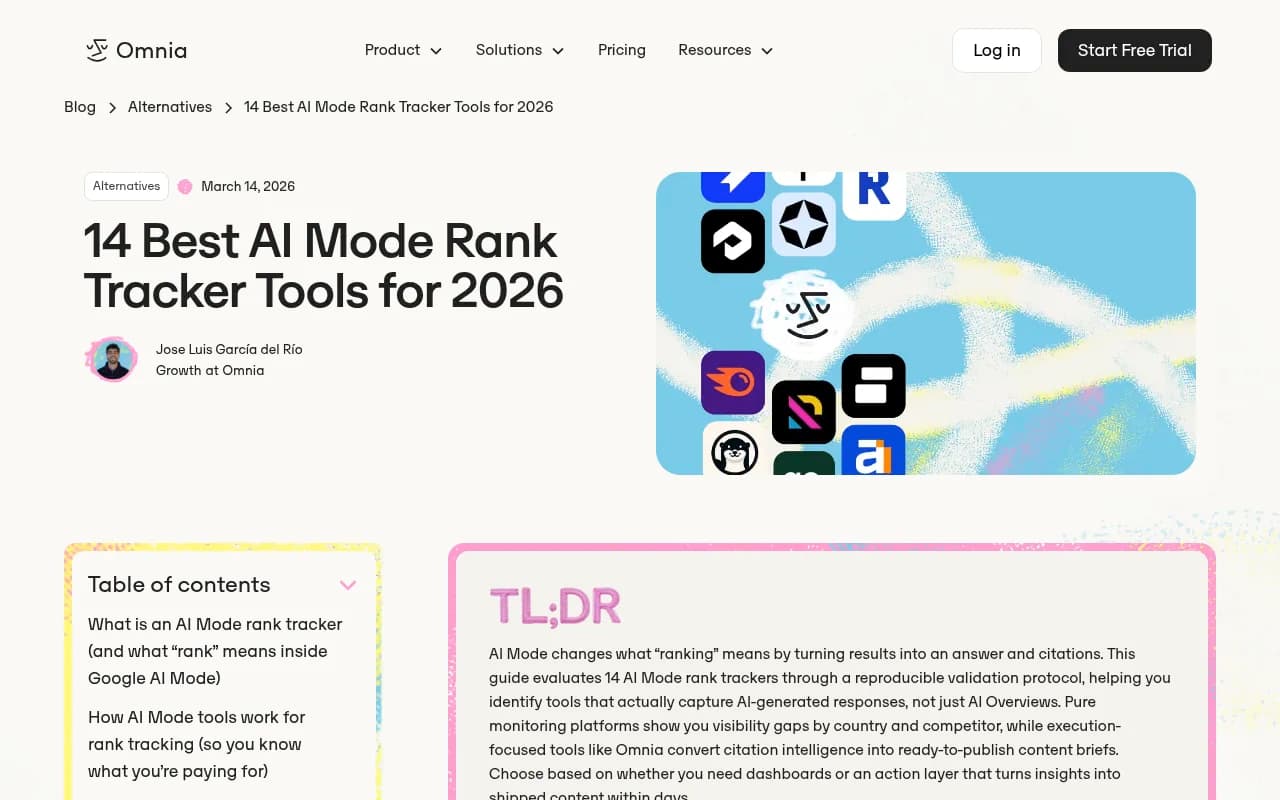
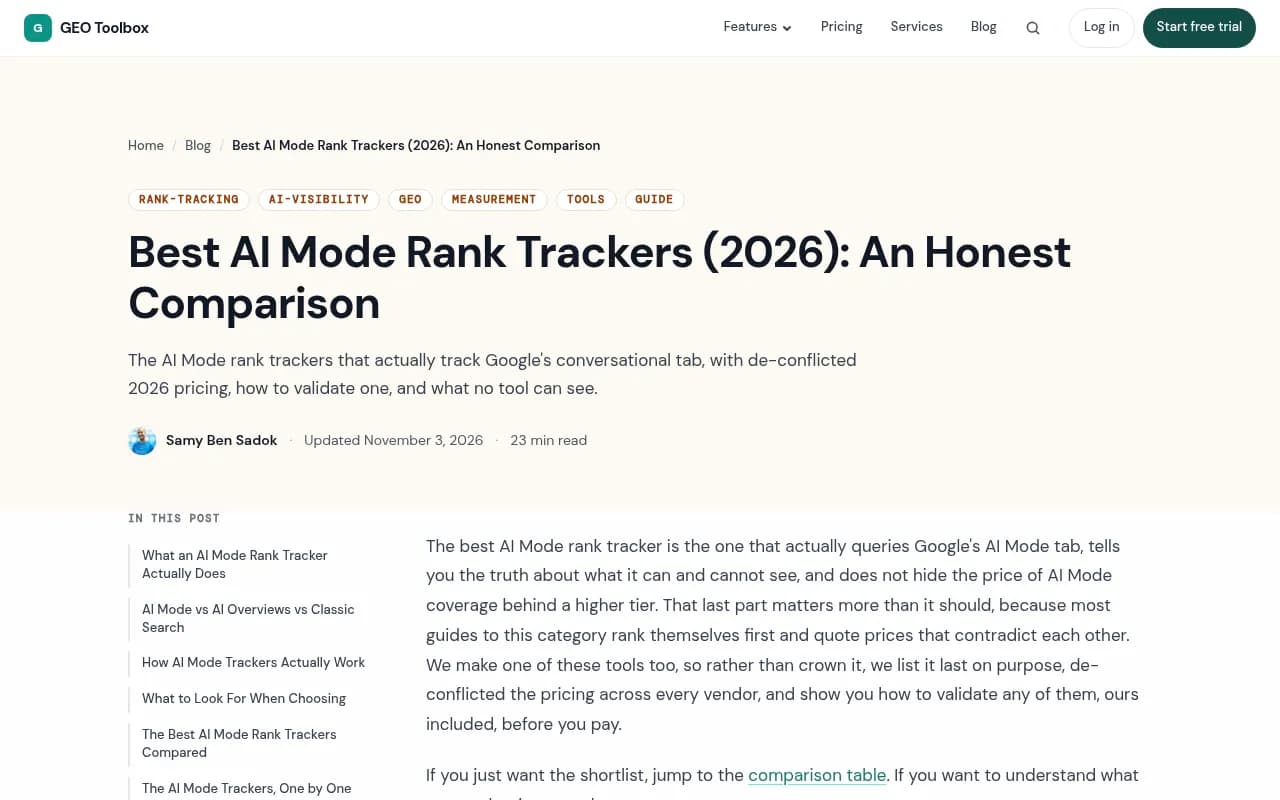
That is why so many tools have patchy coverage. Some only check AI Overviews and call it "Google AI". Others cover AI Mode but only on enterprise plans. Geotoolbox's comparison makes this a core point: the best tool is the one that actually queries the AI Mode tab, is honest about what it can't see, and doesn't hide AI Mode behind a higher price tier.
Google owns a big chunk of the answer
Here is something most tracker comparisons skip. In Promptwatch Data's Google AI Mode citation share report for June 2026 (May 31 to June 26, month-to-date), google.com was cited in 7.31% of all AI Mode citations. That is more than YouTube (2.88%) and Reddit (2.52%) combined. It was 4.24% in May, so it rose roughly 72% in a month.
Add YouTube and Google-owned properties take more than 10% of citations, often through Maps listings, Business Profiles, and support content. No independent website in the AI Mode top 17 clears 1%. The practical read: your real opportunity is in the long tail, and your "position" competes with Google itself. A tracker that lumps Maps and Business Profile results into a generic source count will mislead you.
Engines also behave very differently from each other. In Promptwatch's social citation data for Sep 28 to Oct 4, 2026, Google AI Overviews drew 12.2% of citations from social platforms, while ChatGPT drew 0.46%. One blended "AI visibility" number hides gaps like that. AI Mode wasn't broken out in that report, but the lesson holds: you want AI Mode as its own line.
How AI Mode trackers collect data
There are roughly three approaches, and they produce different data.
- UI-based collection. The tool loads the real AI Mode interface, in a chosen country, and records the answer and citations. This is closest to what a user sees. Peec AI, per the Omnia guide, tracks AI Mode this way, and Promptwatch collects from real interfaces too.
- SERP APIs. A provider returns parsed AI Mode results. Cheaper and easier to scale, but you depend on the API's coverage. Tools such as DataForSEO, SerpApi, and SearchApi sit in this camp and are useful if you want to build your own tracker.
- Model API calls. The tool queries Gemini through an API. This shows what the model says, not what the AI Mode product shows, and citations often differ.
None of these is automatically wrong, but you should know which one your vendor uses.
How to confirm a tool really tracks AI Mode
Don't take a feature page at face value. Run this check during any trial:
- Pick five prompts where you already know how AI Mode answers. Run them yourself in the AI Mode tab, in the same country, and save screenshots.
- Add the same prompts to the tool and set the same country and language.
- Compare the answer text and the cited URLs. If the tool's sources look like an AI Overview, or the answer is much shorter than what AI Mode gave you, it is probably not tracking AI Mode.
- Rerun a few times across days. Some variance is normal. Large, constant disagreement is not.
- Check whether Google-owned citations (Maps, YouTube, Business Profile) are broken out.
- Ask where AI Mode sits in the pricing. If it only appears at a tier you can't afford, the entry-level plan doesn't cover your use case.
The geotoolbox guide and the Omnia guide both propose similar tests. The reasoning is sound even if you discount their rankings.
What to look for when choosing
- Real AI Mode coverage on a plan you can pay for, not just AI Overviews.
- Country and language control, because AI Mode answers shift by market.
- Citation detail: which URLs, which domains, and where they land in the source list.
- Competitor share: your slice of mentions versus named rivals.
- Refresh rate: daily is the norm; faster helps during launches.
- Action layer: does it tell you what to fix, or only flag the problem?
- Exports and API if you want the data in Looker Studio or a warehouse.
- Honest limits: a vendor that tells you what it cannot see is usually more trustworthy than one that claims everything.
The best AI Mode rank trackers in 2026
A note on sources first. Several of the comparison articles online (Omnia, Geotoolbox, KIME, RankMonster, Orchly) are written by vendors who rank themselves well. I have used them for the shared facts, like which tools claim AI Mode coverage, and ignored their rankings. Check current pricing and AI Mode inclusion on each vendor's site, since tiers change often.
Promptwatch
Promptwatch is an end-to-end AI visibility platform that tracks Google AI Mode through its real interface, alongside AI Overviews, ChatGPT, Gemini, Perplexity, Copilot, Claude, and others, by country and language. Every plan tracks all supported models, so AI Mode is not gated behind a higher tier. That matters given how common tier-gating is in this category.
What separates it from pure trackers is what happens after the report. It shows which of your pages get cited and where they land in the source list, runs IP-verified AI crawler logs to tell you whether bots can read your pages, and measures AI-referred traffic. Then the Action Board, content gap analysis, and the Content Agent help you publish pages to fill the gaps, and Page Tracker checks whether the fix got cited. Its prompt data also includes volumes, difficulty, and query fan-outs, and visibility is scored on placement, share of attention, and depth rather than a single fake rank.
Pricing starts at $95/month for Essential (50 prompts, daily tracking) and goes to $245 for Professional and $579 for Business, which adds the Content Agent, faster-than-daily tracking, and local targeting at exact coordinates. Confirm at promptwatch.com/pricing. There is a 7-day free trial, and a free AI visibility report if you want a first look. For the head-to-head with competitors, see Promptwatch vs Profound and Promptwatch vs Peec.

Peec AI
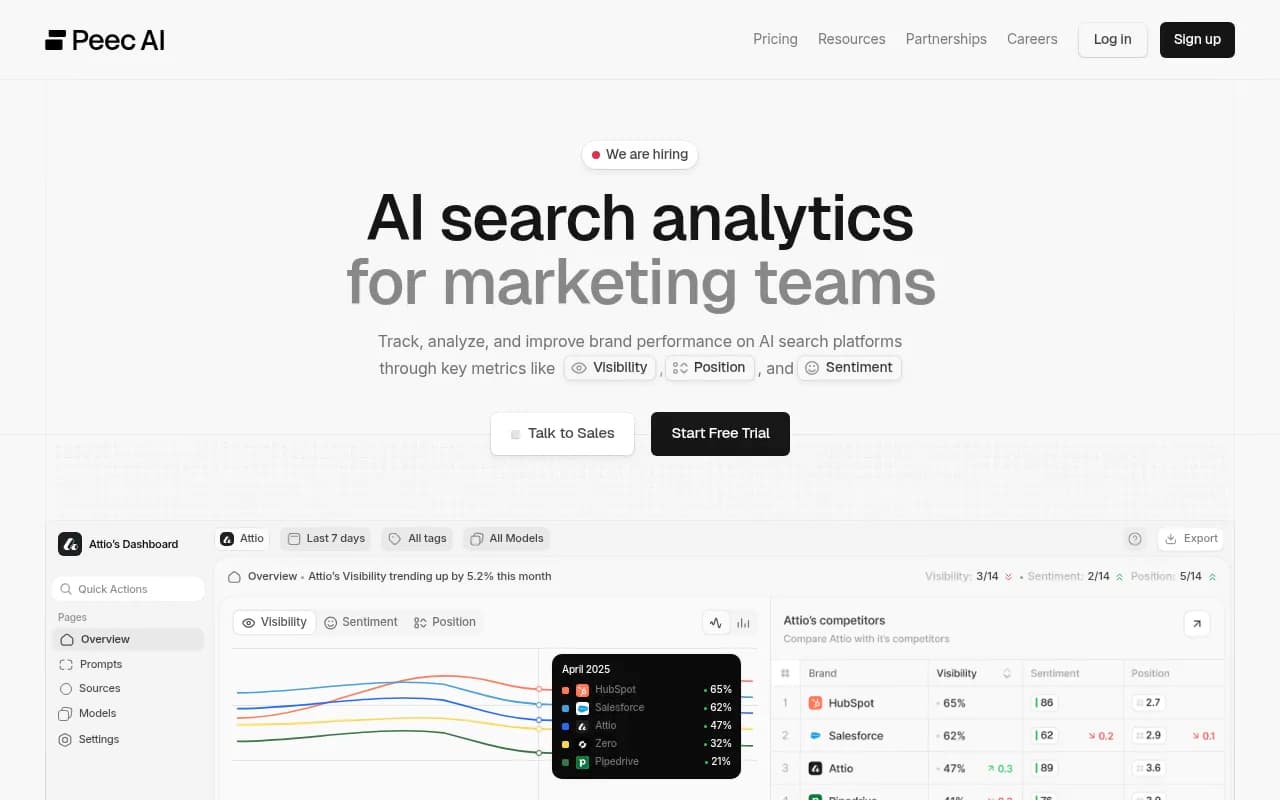
Peec AI is an AI search analytics platform that tracks multiple engines, including AI Mode, with UI scraping that simulates real user interactions. It is popular with agencies that want clean research dashboards. It is monitoring-focused: you get the data and do the fixing elsewhere.
Omnia
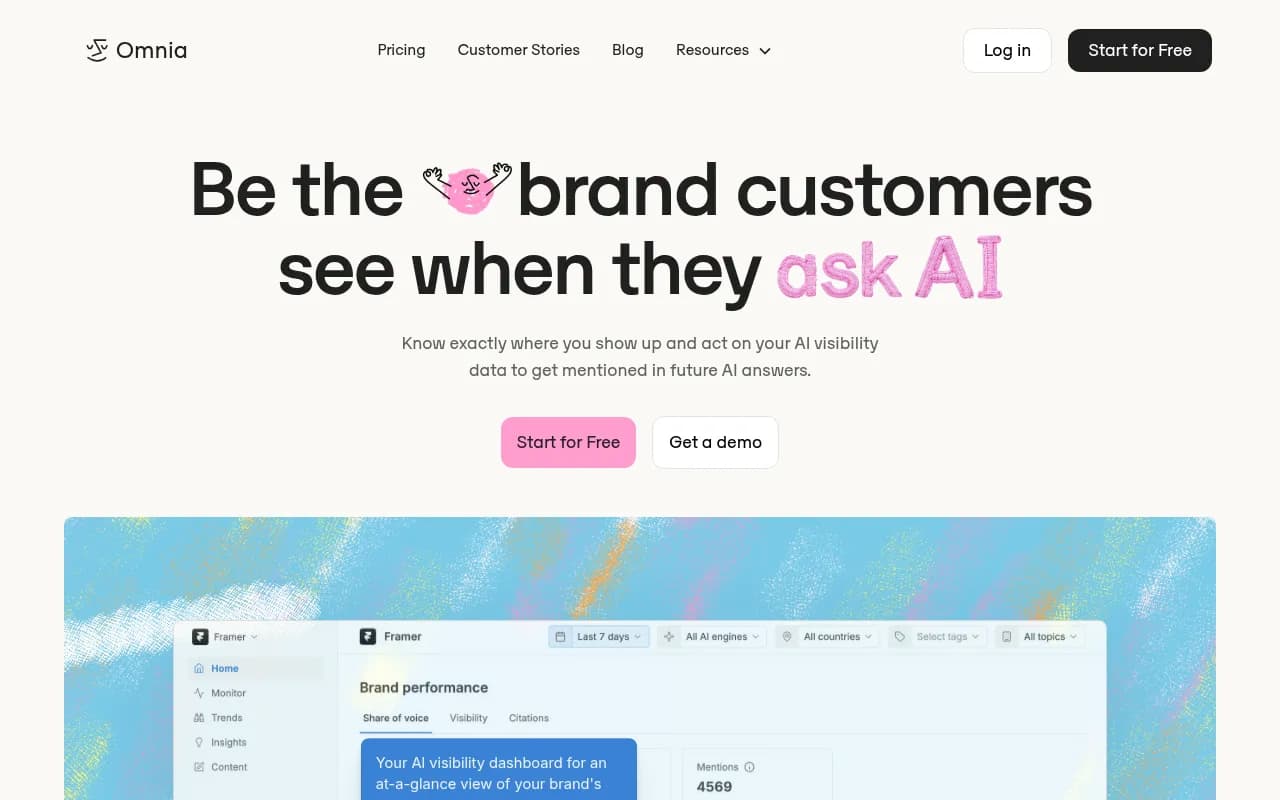
Omnia positions itself for SEO and product teams that want to know why competitors are cited and what to publish. It turns citation patterns into content briefs. Since its own guide ranks it first, weigh that accordingly, but the brief-driven approach is a reasonable middle ground between dashboards and full automation.
LLM Pulse
LLM Pulse shows up in nearly every AI Mode roundup in our research. It is a monitoring tool with AI Mode support, aimed at teams that want AI visibility without a large enterprise contract.
Otterly.AI
Otterly.AI is an affordable tracker that covers AI Overviews and other engines. Check which plan includes AI Mode before committing, since coverage varies by tier.
Nightwatch
Nightwatch is a classic rank tracker that now checks AI answers daily and reports whether you were mentioned, cited, or recommended. A reasonable pick if you want keyword rankings and AI checks in one place.
Semrush, SE Ranking, and Ahrefs Brand Radar
The big SEO suites have all added AI tracking. The upside is a single login and familiar data. The downside is that AI features are often add-ons, prompt sets can be limited, and AI Mode may sit in a higher plan. They are good if your team already lives in the suite.
Profound and Scrunch
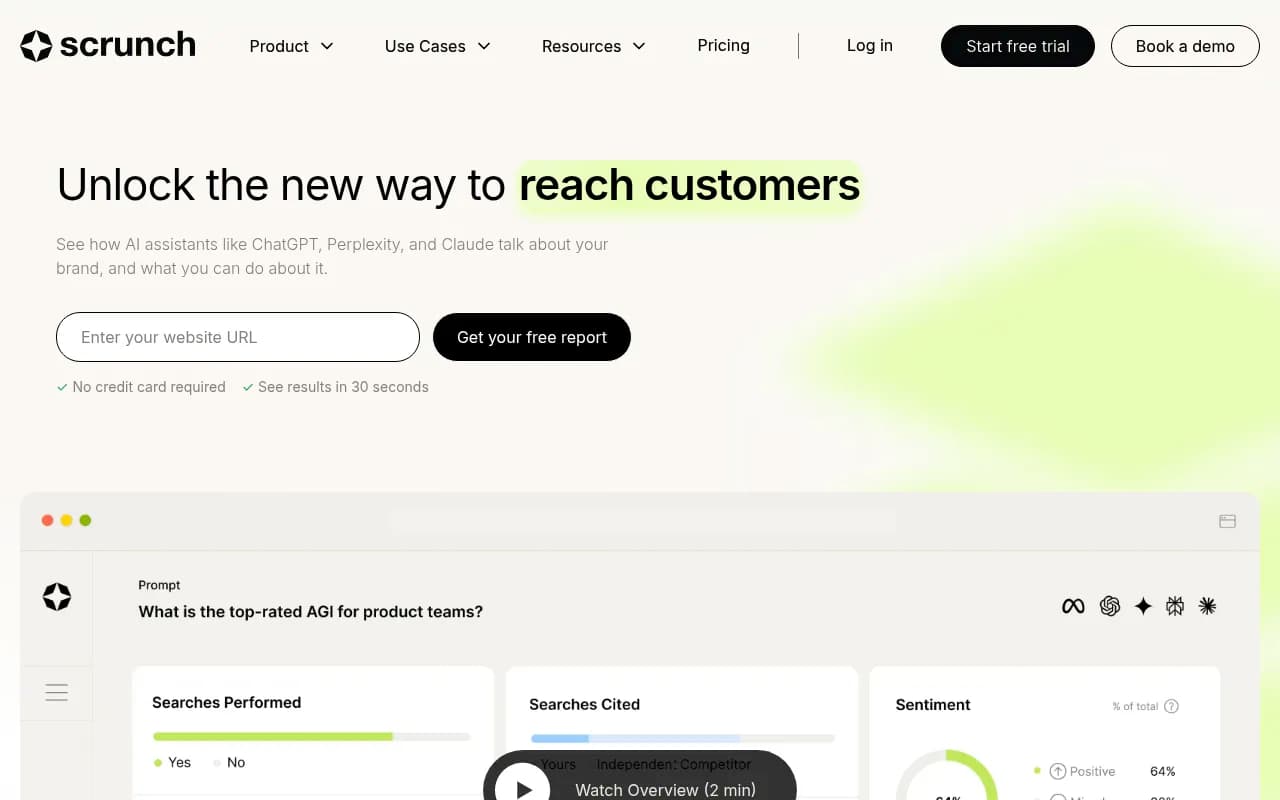
Both are strong monitoring platforms aimed at enterprises. Geotoolbox calls them the "enterprise-gated tier", meaning the full AI Mode coverage typically comes with higher-priced plans. Worth a look if you have budget and procurement needs.
Rankscale, Rankshift, BrightEdge, and seoClarity
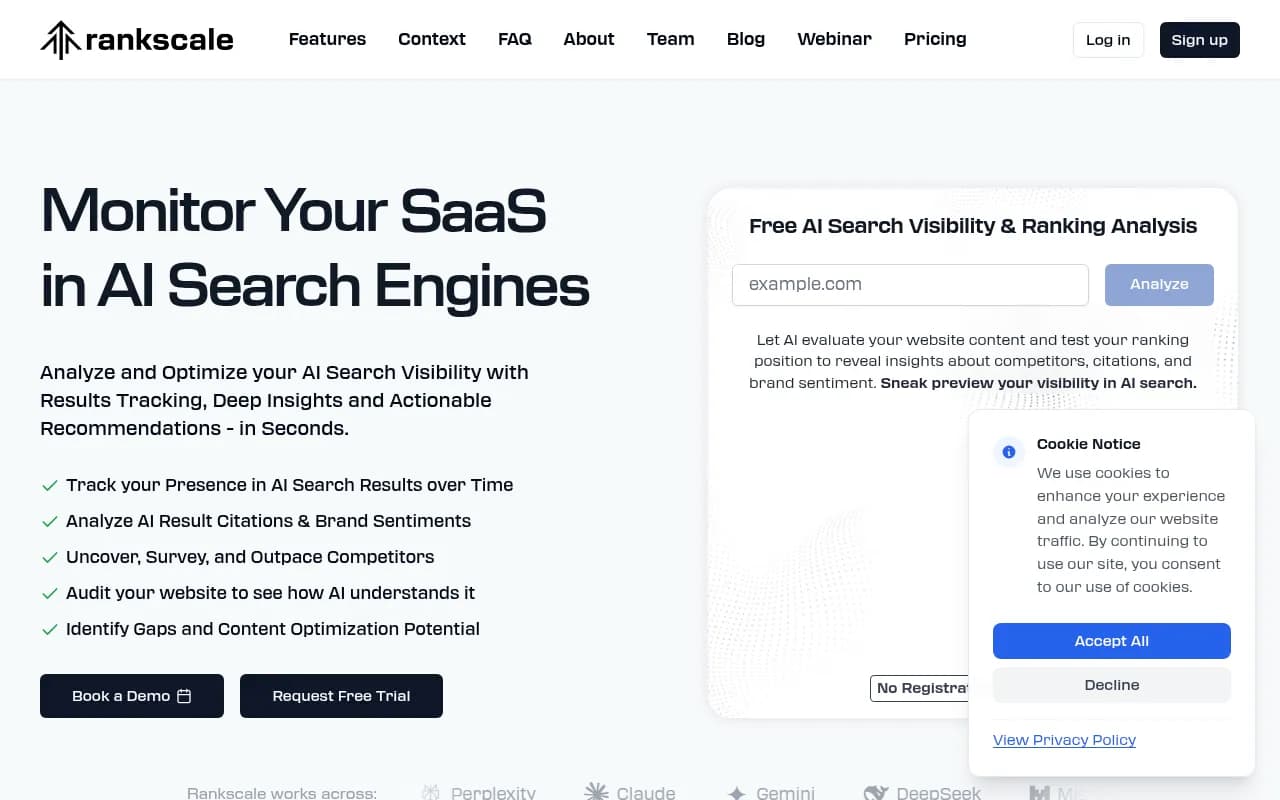
Rankscale and Rankshift are lighter-weight AI visibility trackers. BrightEdge and seoClarity are enterprise SEO platforms that have added AI search tracking, suited to large teams that want it inside an existing suite.
Comparison table
Coverage and pricing change often, so treat this as a starting point for your own trial rather than a final verdict.
| Tool | Type | AI Mode approach | Acts on findings | Best for |
|---|---|---|---|---|
| Promptwatch | AI visibility and GEO platform | Real-UI tracking, all models on every plan | Yes: Action Board, Content Agent, crawler logs, traffic | Teams that want to track and fix |
| Peec AI | AI search analytics | UI scraping | Monitoring only | Agencies wanting research dashboards |
| Omnia | AI visibility with briefs | Check vendor docs | Content briefs | SEO and product teams |
| LLM Pulse | AI visibility tracker | Check vendor docs | Limited | Budget-conscious monitoring |
| Otterly.AI | Prompt tracker | Varies by plan | No | Small teams starting out |
| Nightwatch | Rank tracker plus AI checks | Daily AI answer checks | Limited | Keyword and AI in one tool |
| Semrush / SE Ranking / Ahrefs | SEO suites with AI add-ons | Often tier-gated | Limited | Teams already in the suite |
| Profound / Scrunch | Enterprise monitoring | Higher tiers | Limited | Large budgets |
Can you track AI Mode for free?
Partly. Google Search Console now reports AI Overview impressions according to the Orchly guide, but no clicks, queries, or competitors, so it can't tell you who gets cited instead of you. Google Search Console is still worth connecting for the baseline.
For DIY tracking, you can manually run 10 to 20 priority prompts in the AI Mode tab each week and log mentions and citations in a spreadsheet. It is slow, and variance makes small samples noisy, but it is an honest way to validate a paid tool. Free checkers exist too, such as the free AI visibility report from Promptwatch, though one-shot checks only show a snapshot.
How to act on what you find
Tracking is the easy half. A few habits make the data useful:
- Report AI Mode separately from AI Overviews and ChatGPT. Citation behavior differs by engine.
- Split Google-owned sources from the open web. If Maps and Business Profile dominate your prompts, local optimization may beat new blog posts.
- Check crawl access. If AI bots can't read your pages, no content fix will help. The AI crawler logs approach separates an access problem from a content problem.
- Look at query fan-outs to see what the engine actually searches, then build pages for those sub-questions.
- Measure traffic and conversions from AI sources, not just visibility scores.
If you want a wider survey of the category, the GEO software directory at bestgeosoftware.com and the AI rank tracking directory at ai-rank-tools.com list many more options.
Final recommendation
Pick based on your job, not on a listicle ranking. If you only need to know whether you appear, a monitoring tool with confirmed AI Mode coverage is enough. If you want to find out why you don't appear and publish the fix, choose a platform that also covers crawler access, citations, and content. Whatever you choose, run the five-prompt validation test during the trial. A tool that can't match what you see in the AI Mode tab with your own eyes isn't showing your position, whatever its dashboard says.