Key takeaways
- Few GEO tools publish natively to Webflow and Framer. Promptwatch is the one I can confirm: it connects to both, plus WordPress, and tracks each page after it goes live.
- Several other tools in the AI content space advertise auto-publishing. I could not verify Webflow or Framer connectors for them, so check each integrations page before you commit.
- Publishing blog posts is not enough. Promptwatch Data shows ChatGPT cites product pages and landing pages far more than articles.
- Webflow suits structured, collection-heavy CMS setups. Framer suits lighter marketing sites and landing pages. Your platform decides how much a publishing integration can do.
Why publishing integrations matter for GEO
The usual GEO workflow goes like this. A dashboard tells you that ChatGPT never mentions you for "best X for Y" prompts. Someone writes a brief. Someone else drafts the page. A third person pastes it into the CMS, fixes the formatting, picks a featured image and hits publish. Three weeks later, nobody checks whether the page got cited.
A publishing integration removes the paste-and-fix step. That sounds minor, but it is usually where the loop dies. Teams stop shipping because the last mile is annoying.
The second half matters just as much. A tool that pushes content into Webflow or Framer should also know the live URL, so it can follow that page through AI crawls, citations and traffic. Without that, you have a faster way to publish content you cannot measure.
What to publish, not just how
This is the part most people get wrong. According to Promptwatch Data's report on ChatGPT citations by content type (Sep 28 to Oct 4, 2026), product pages earned 22.4% of classified citations and landing pages 16.8%. Listicles got 13.6%, how-tos 8.7%, comparisons 5.9%, and news 5.7%.
For commercial prompts the skew is stronger: product pages 26.0%, landing pages 20.6%, listicles 15.0%. Together that is almost 70%.
So a GEO publishing tool that only produces blog posts is solving half the problem. When you evaluate options, ask whether it can create and update:
- comparison pages and listicles
- landing pages and product pages
- FAQ sections
- how-to content
In Webflow these are usually CMS collection items. In Framer they are CMS items or standalone pages. A good integration respects that difference.
Webflow vs Framer: what it means for automated publishing
The two platforms look similar from far away. Up close, the CMS differences change what a tool can push.
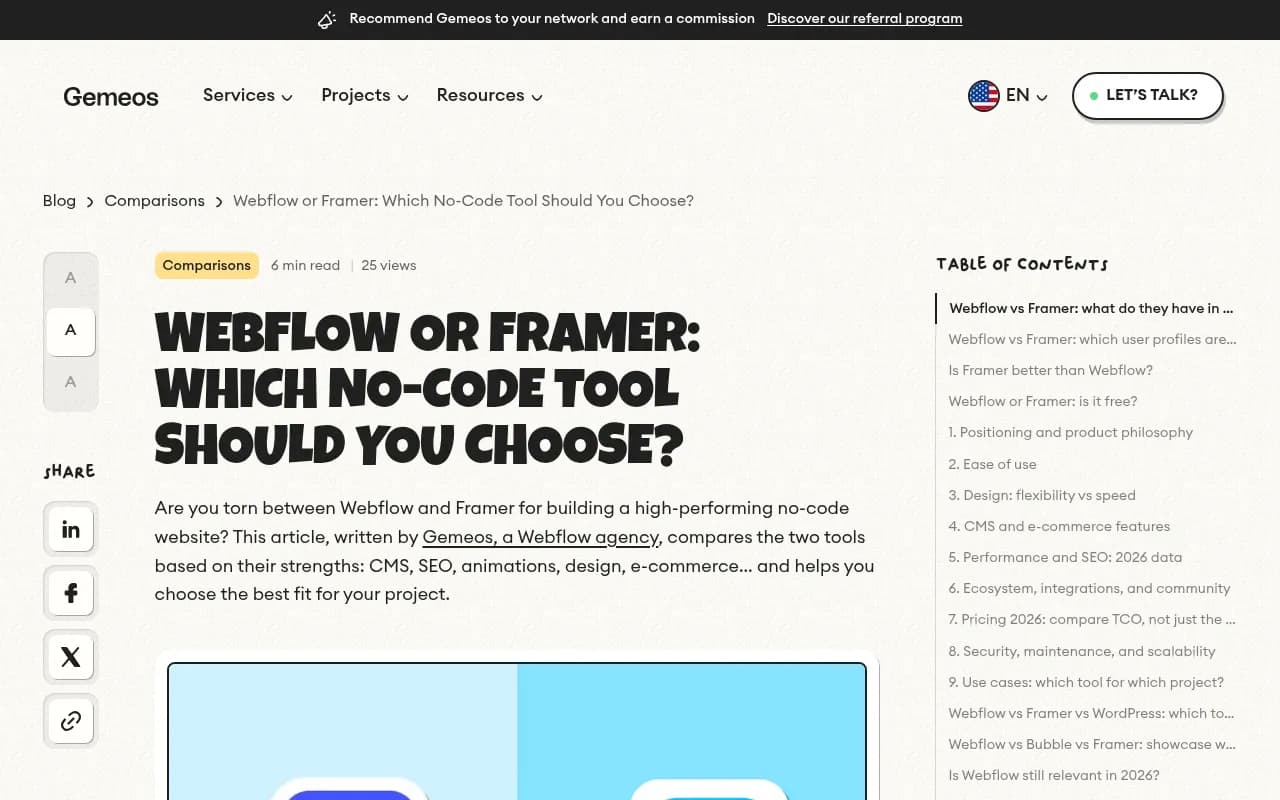
According to Gemeos Agency's 2026 comparison, Webflow's CMS is highly structured, with collections, relationships and filtering, plus native e-commerce. Framer's CMS is simpler and aimed at landing pages and marketing content, with e-commerce handled through integrations such as Stripe or Lemon Squeezy.
| Webflow | Framer | |
|---|---|---|
| CMS depth | Collections, relationships, filtering | Simpler, marketing-focused |
| E-commerce | Native | Via integrations |
| Best for | Content-heavy sites, many templates and collections | Landing pages, design-led marketing sites |
| Publishing integration implications | Field mapping matters, since you map to collection fields | Simpler content model, fewer fields to map |
| Code export | HTML/CSS/JS, but not CMS content | Limited |
One caution from the research: moving off either platform is hard. If you build a lot of CMS content through automation, make sure you also keep your own copy of it. That is a boring point, but it is the one people regret ignoring.
Framer also advertises its own AI agent that works with its CMS and canvas, and Webflow embeds AI in its content workflows. Both are fine for drafting inside the editor. Neither tells you what AI engines say about your brand or which prompts you are missing.
The tool I can confirm: Promptwatch
Promptwatch is the AI visibility and GEO platform that 1001 SEO Media uses, and it is the one tool here where I can describe the Webflow and Framer publishing in detail.

The loop works like this. Promptwatch tracks prompts across ChatGPT, Gemini, Perplexity, Google AI Overviews, Claude and other engines, finds the gaps where competitors get cited and you do not, and then its Content Agent plans, writes and publishes pages to close those gaps.
On the publishing side:
- Webflow connects via OAuth or the Webflow Marketplace app. You map title, description, body, featured image and publish date once. Publishing a live item does not rebuild the whole site, and localized collections are supported.
- Framer connects with a project URL and API key. Content is delivered as markdown.
- Every piece can go as a draft or live, manually or through the Content Agent, with AI field mapping. The agent can run on a calendar with a review inbox, or hands-off.
- WordPress is covered too, through the official plugin.
Then comes the part that justifies the integration. Promptwatch tracks each document's draft, staged, published and live URL, and follows the live page through AI crawls (IP-verified crawler logs), citations, and AI-referred traffic. Pages that underperform come back as actions or refresh suggestions on the Action Board.
Pricing, to confirm at promptwatch.com/pricing: the automated Content Agent starts on the Business plan at $579/month. Professional at $245/month includes 5 AEO articles, with an add-on up to 50. Essential at $95/month has no AEO articles. There is a 7-day free trial on monthly billing, and a free AI visibility report if you want to see your starting position first.
Crisp is a useful reference point. They reported 2x higher conversion rates from AI traffic than from traditional channels and scaled to 5-10 articles per day (case study). That was with the full loop, not just publishing.
If you are comparing it against monitoring-only trackers, the GEO platform comparison lays out which ones skip content creation and publishing entirely.
Other tools worth checking (unverified for Webflow and Framer)
Here is where I have to be straight with you. My research did not turn up a verified list of GEO tools with native Webflow or Framer connectors. The tools below describe themselves as publishing or automating content, based on their catalog descriptions, but I have not confirmed which CMS targets each supports. Treat this as a shortlist to test, not a recommendation.
| Tool | What it says it does | Check before buying |
|---|---|---|
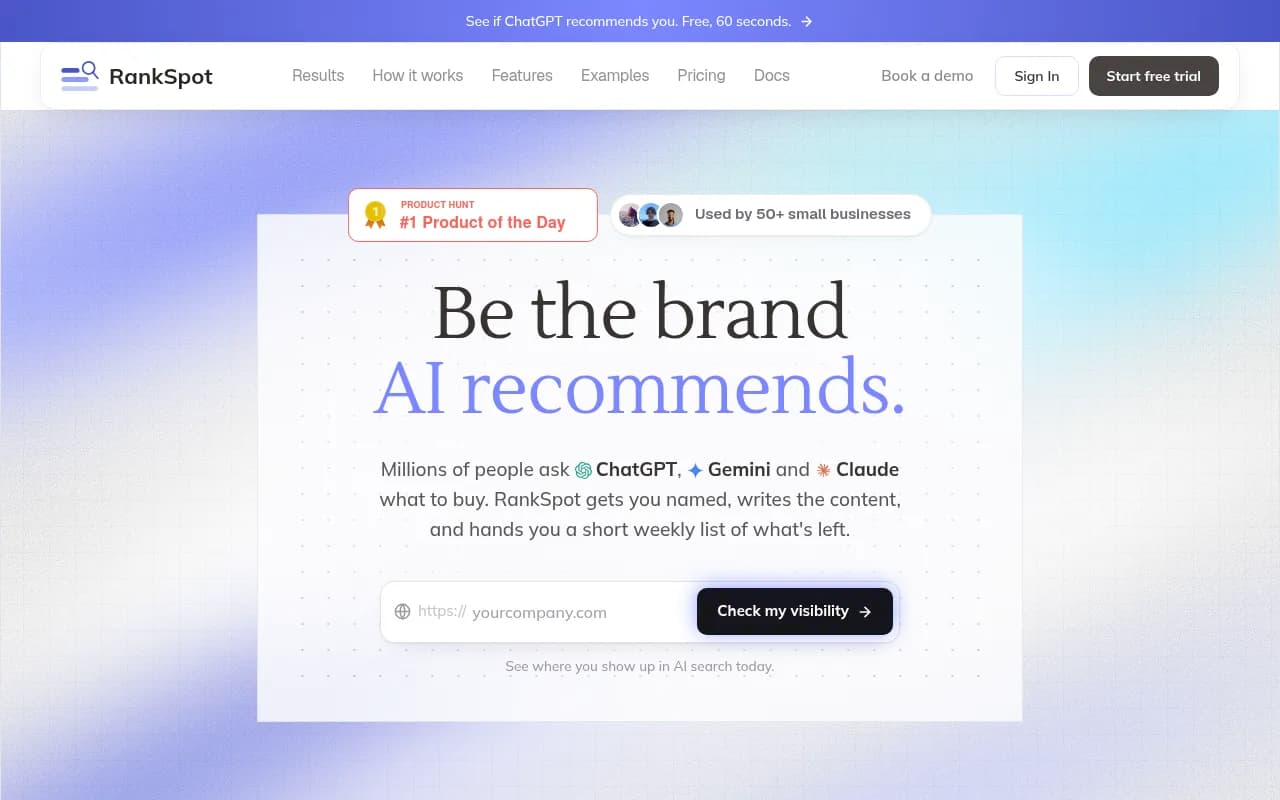
| RankSpot | Finds SEO opportunities and publishes straight to your CMS | Is Webflow or Framer on the list? |
| Gradial GEO | Agentic GEO that detects visibility gaps and publishes the fix | Enterprise CMS focus? Which platforms? |
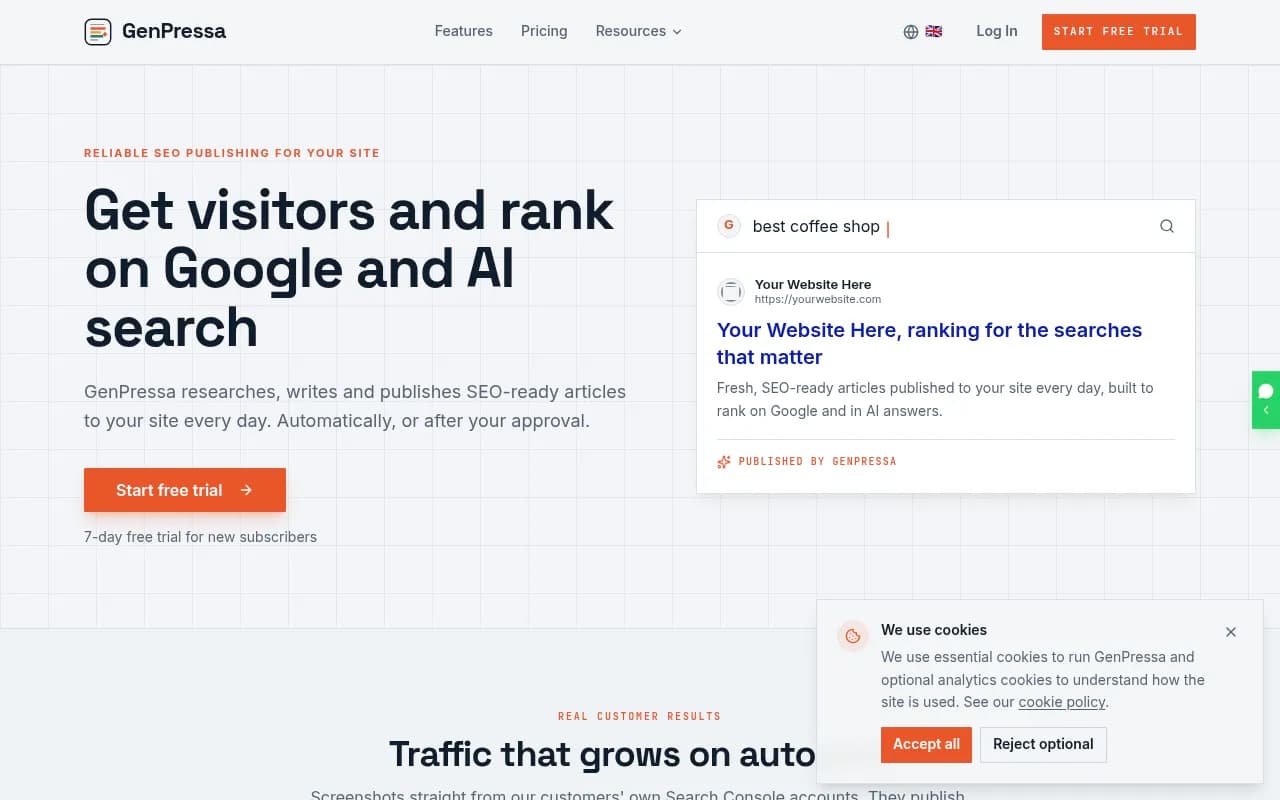
| GenPressa | AI SEO content automation with auto-publishing | Webflow collection mapping |
| Peakfai | Auto-published content built to earn AI citations | Supported destinations |
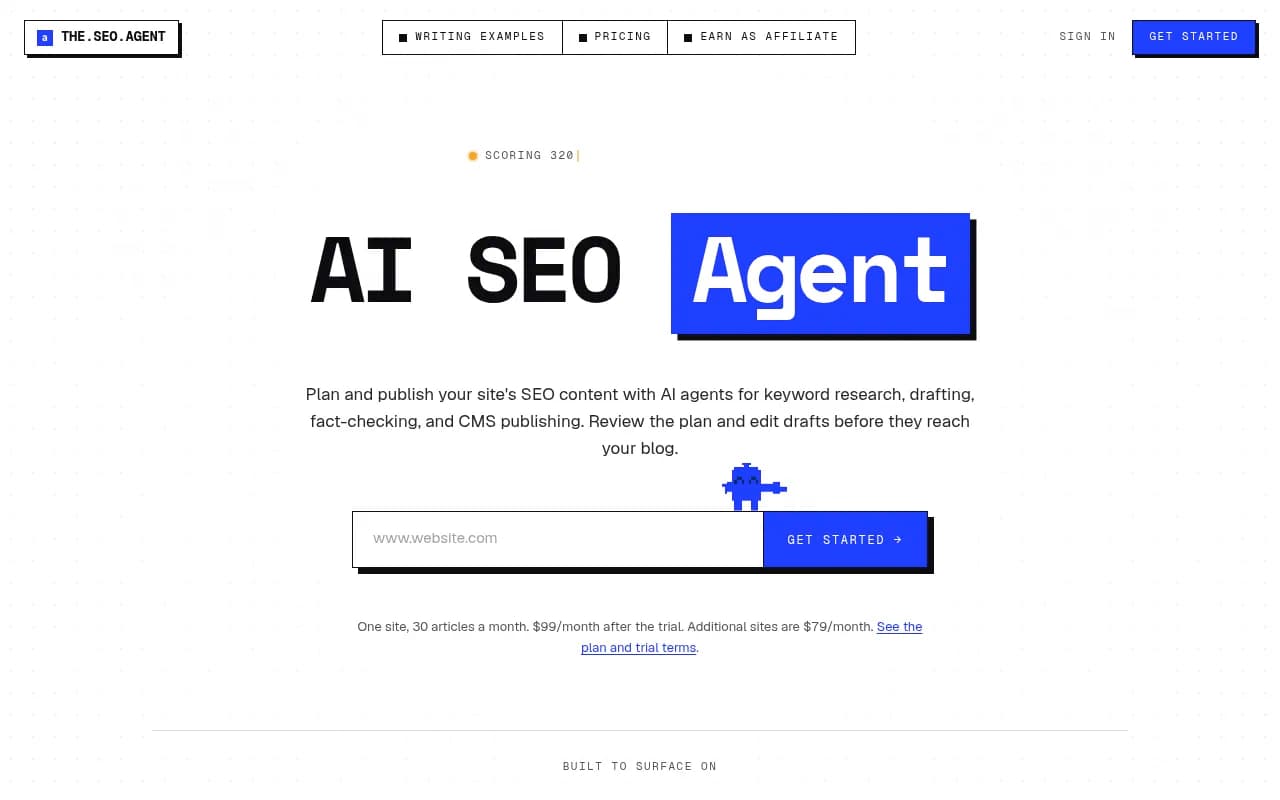
| TheSEOAgent | Picks keywords, writes and publishes | CMS list, review controls |
| Skribra | Researches, writes and keeps articles ranking | Does it publish or only export? |
| Outrank | Auto-pilot SEO content and backlinks daily | Output quality, citation tracking |
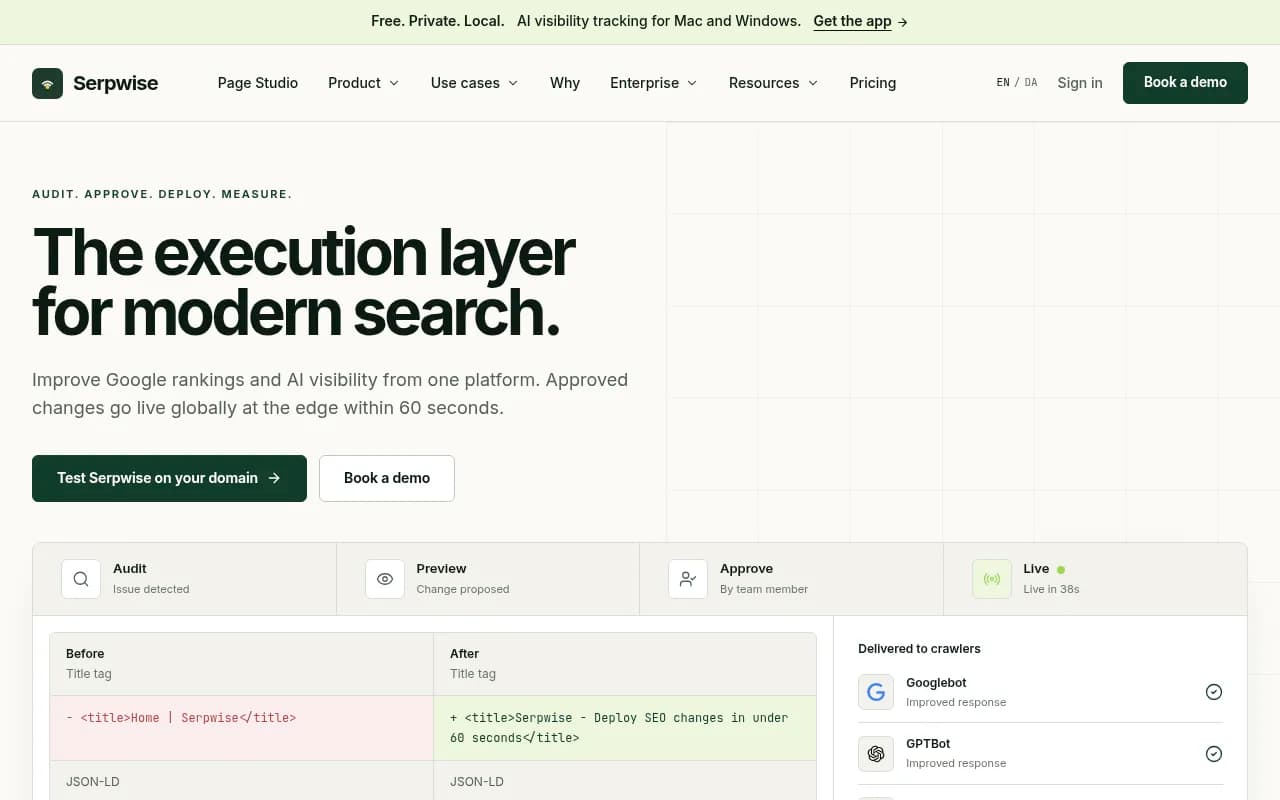
| Serpwise | Edge-deployed SEO, GEO and AEO fixes for your own site | Works at the edge, not through the CMS |


A caveat on the volume-first tools. Several of these lean toward daily automated articles. That can work, but ChatGPT's content half-life matters here. Promptwatch Data's half-life report found that landing pages and docs stay cited longest while news loses half its pages within 36 days. Piles of thin posts are the wrong bet. If you want a broader list of options, the GEO software directory at bestgeosoftware.com is a decent place to browse.
How to test any publishing integration
Don't rely on a feature page. Run a small test before you pay for a year.
- Publish one draft, not a live page. Check how headings, tables, lists, links and the featured image come through.
- Check field mapping. In Webflow, confirm the slug, meta title, meta description, rich text body and any reference fields land in the right place. In Framer, check that the markdown renders the way you expect.
- Confirm that updates overwrite rather than duplicate. Refreshing a page should not create a second item.
- Check that the tool stores the live URL and links it back to the content record.
- Ask whether it tells you what happens next: crawled, cited, clicked.
Step 5 is the one most tools fail. A published page nobody tracks is just a page.
Don't forget AI crawler access
Publishing into Webflow or Framer does nothing if AI bots cannot read the result. Promptwatch's AI crawler traffic data (June 8 to Sep 6, 2026) shows OpenAI at 79.8% of IP-verified AI crawler requests in the week of Aug 31 to Sep 6, down from 94.8% in mid-June. Other providers are growing their share, so blocking only one bot is not enough.
For Webflow and Framer sites:
- review robots.txt for every AI provider, not just GPTBot
- check Cloudflare or any CDN and WAF rules that sit in front of the site
- compare your own crawler logs against the public mix
The free AI Crawler URL Inspector and Robots.txt Generator for AI cover the basics. For ongoing monitoring, Promptwatch's crawler logs show which pages bots read and where they hit errors.
Which platform should you pick if you haven't yet?
If you are choosing between the two, and GEO publishing is a deciding factor, my rough take:
- Choose Webflow if you will build many structured content types: comparison pages, glossary entries, location pages, templates with references between them. The deeper CMS gives automation more to work with.
- Choose Framer if your site is mostly landing pages and a modest blog, and design polish matters more than content structure.
- Don't choose either on AI features alone. Both have built-in AI, but neither measures what ChatGPT or Gemini say about you.
The agency write-ups I read disagree on which is better overall, which tells you it depends on the team. Fair enough.
A simple rollout plan
- Start with a baseline. Run a free AI visibility report or a trial and write down which prompts you are missing from.
- Connect your CMS and publish two or three drafts: one comparison page, one landing page, one FAQ-style piece.
- Review them manually for a couple of weeks. Do not go hands-off yet.
- Check crawler logs and citations on those specific URLs.
- Only then widen the schedule or turn on the review-free mode.
Bottom line
If you want one tool that monitors AI visibility, writes the pages and pushes them into Webflow or Framer with tracking afterward, Promptwatch is the confirmed option from this research. Test the others from the shortlist yourself, starting with whether they actually list your CMS, and judge them on whether they can tell you if a published page got cited.