Key takeaways
- The Promptwatch Claude connector and ChatGPT plugin both run on one hosted MCP server, so you get the same data and tools in either assistant.
- Setup takes a few minutes: add the connector, approve OAuth (or paste an API key for CLI setups), then start asking questions about visibility, citations, competitors and crawlers.
- Use a read-only key for analysis. The write tools can create prompts, generate content and publish live to a connected CMS.
- Good questions name a time range, a monitor or market, and a comparison. Vague questions get vague answers.
- Read fan-out data against the trend, not the headline claim: averages have been far lower than the "3-8+ searches" you often see quoted.
Why query your visibility data in a chat window at all
Dashboards are fine until you have a specific question. "Which sources cite my two biggest competitors but never me, and which of those are Reddit threads?" is a five-click question in most tools, and a ten-second one in a chat window.
That is the appeal of connecting an AI visibility platform to Claude or ChatGPT. The assistant calls the platform's tools, pulls your actual tracking data, and answers in plain English. You are not asking the model what it thinks about your brand from memory. You are asking it to read your numbers and explain them.
I will use Promptwatch as the worked example because it ships an official ChatGPT plugin and an official Claude connector, both powered by its MCP server. Other platforms have similar offerings, and I compare a few of them below.

What MCP is, in two paragraphs
MCP (Model Context Protocol) is an open standard that lets an AI assistant call external tools. The vendor runs a server that exposes a set of tools, such as "get visibility time series" or "list citations". Your assistant decides which tool fits your question, calls it, and writes up the result.
The ForeFlight team describes the experience well for aviation data: no new app to download, no new interface to learn, you just connect and start asking. AI visibility is the same pattern with different data.
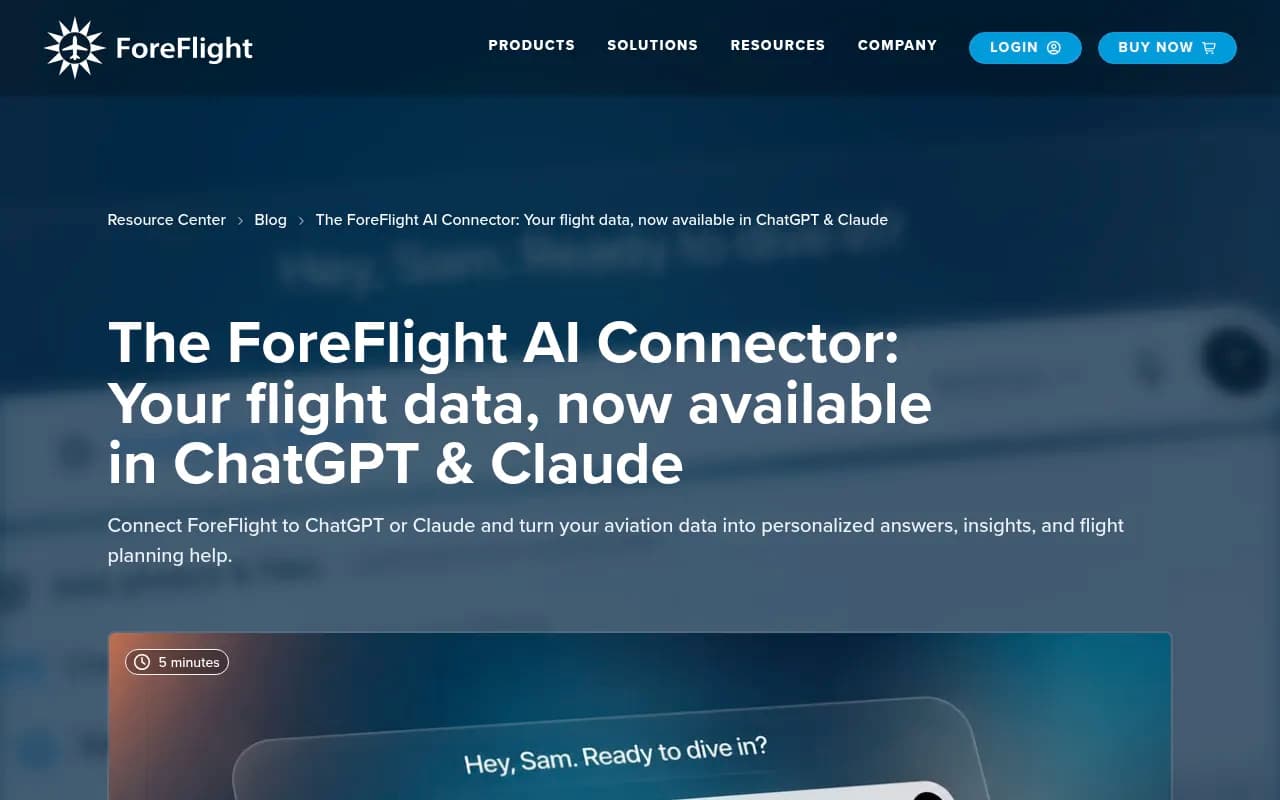
The screenshot above is from an unrelated product, but the interaction is identical: you click the plus button next to the prompt field, pick the connector, and the assistant knows it should use that data source. Both assistants may also offer to use a connector on their own when a question looks relevant.
What the Promptwatch connector can do
According to the Promptwatch MCP docs, a connected assistant can:
- Query brand visibility across ChatGPT, Claude, Gemini, Perplexity and AI Overviews
- Analyze citation sources
- Track AI-referred traffic
- Compare competitors
- Identify content gaps and get recommendations
- Generate AI-optimized content (articles, blog posts, page rewrites) from prompts and personas
The read tools cover visibility and sentiment time series, citations with rank analysis and top pages, Reddit and YouTube citations, prompts and responses, competitor heatmaps, content gaps and query fan-outs, site health, and crawler and visitor analytics. The write tools create and manage prompts, tags, topics and personas, generate content, manage Content Agent slots, push drafts or publish live to a connected CMS, and create reports and action items.
That split matters, and I come back to it in the pitfalls section.
Setting it up
The server is hosted and uses streamable HTTP, so there is nothing to install or run locally. The official steps are short.
Step 1: add the connector
In Claude, find Promptwatch in the connector directory and add it. In ChatGPT, open the Promptwatch plugin listing in the store and enable it. If you use Cursor, Lovable, Claude Code, OpenAI Codex or another MCP client, you point it at the Promptwatch MCP URL through its connector directory or MCP config. The integration pages at promptwatch.com/integrations/mcp list the details for each client.
Step 2: authorize
You have two options:
- One-click OAuth consent, which is what you want for Claude and ChatGPT on the web or desktop.
- A Bearer API key, which suits headless and CLI setups.
Step 3: choose your scope
This is the step people skip. Keys come in different scopes:
| Scope | What the assistant can see | Good for |
|---|---|---|
| Project-scoped key | One project | Client work, a single brand |
| Organization key | All projects | Internal teams, cross-brand analysis |
| Read-only key | Same data, but write tools unavailable | Analysis-only use, handing access to an assistant that should only look |
If you are connecting for the first time, start with project-scoped and read-only. You can always widen it later.
Step 4: ask something
Start with a boring question to confirm it works: "List my tracked prompts and tell me how many there are." If the assistant returns a real list, you are connected.
Two gaps worth knowing about: I could not verify which Claude or ChatGPT plans are required to add connectors, and I did not check MCP rate limits. Confirm plan eligibility in your assistant's settings, and check promptwatch.com/docs/rate-limits and promptwatch.com/pricing for plan-level limits. API and MCP access is included on every Promptwatch plan, with request ceilings that rise from 500 per hour on Essential to 10,000 on Business.
Prompts that work well
The quality of the answer depends on how specific you are. The pattern I use: metric, time range, scope, comparison.
Visibility and trend questions
- "How did my Visibility Score change over the last 30 days compared with the previous 30, split by AI model?"
- "Which model drove the biggest drop, and which prompts lost the most visibility there?"
- "Show sentiment by topic for the last quarter and flag anything under 50."
The Visibility Score definition is worth reading first, because responses that do not mention you count as zero. A falling score can be a coverage problem or a prominence problem, and the assistant will answer better if you ask it to separate Share of Voice from Position.
Citation questions
- "Which domains are cited most for my top 20 prompts, and how often is my own domain among them?"
- "List Reddit threads and YouTube videos cited for my commercial prompts."
- "Which of my pages are cited, and where do they land in the source list?"
If you want to understand how mentions differ from citations, the Academy page on citations vs mentions explains why they diagnose different problems.
Competitor and gap questions
- "Rank my competitors by Share of Voice and show where the biggest one beats me by topic."
- "What content gaps exist for prompts where two competitors appear and I do not?"
- "Which prompts have high volume but low visibility for me?"
Crawler and traffic questions
- "Which AI crawlers hit my site this week, and which pages returned errors?"
- "Which pages get crawled by AI bots but never cited?"
- "How much AI-referred traffic did we get from ChatGPT versus Perplexity last month?"
One caveat on traffic: ChatGPT stopped sending a referrer on October 8, 2026. If your numbers for ChatGPT look suspiciously low after that date, check whether the optional setting that counts visits tagged utm_source=chatgpt.com as ChatGPT traffic is switched on. The Academy guide on attributing AI traffic covers this.
Reading fan-out data without fooling yourself
The connector exposes query fan-outs, meaning the web searches an AI model runs behind a single response. It is tempting to ask Claude to "find the biggest fan-out opportunity" and take the answer at face value. Calibrate first.
Promptwatch's ChatGPT query fan-out data shows that average fan-outs per response fell from 2.15 in early December to about 1.84 by early March. After a gap in the data, they returned in April at exactly 1.0 per response. The average search query also shrank, from about 117 characters in December to the high 80s in February and March, and about 53 characters once fan-outs returned in April.
The report's intro says a single prompt can trigger "3-8+" searches. That describes what can happen, not what the averages show. When you read fan-out output through an assistant, treat it as a snapshot of recent behavior that shifts, and ask for a date range. Another useful reference: ChatGPT began using the site: operator at scale on August 8, 2026, jumping from about 0.4% to about 17% of fan-out queries overnight (Promptwatch Data). A fan-out analysis spanning that date will look very different before and after.
For context, you can also use the free query fan-out generator to sanity check what the assistant tells you.
How the main options compare
Promptwatch is not the only platform with an MCP offering. Here is how a few look based on their public pages.
| Platform | Assistants named | Auth | Notable tools or coverage |
|---|---|---|---|
| Promptwatch | Claude, ChatGPT, Cursor, Lovable, Codex, Claude Code | OAuth or API key | 110+ read and write tools: visibility, citations, crawler logs, visitor analytics, content gaps, content generation, CMS publishing |
| Finseo | Claude, ChatGPT, Cursor | OAuth or API key | Visibility timeseries, competitor ranking and gap analysis, prompt and answer drill-down, task list |
| LightSite | Claude, ChatGPT | Not specified | AI visibility, crawler activity, AI referrals, competitors |
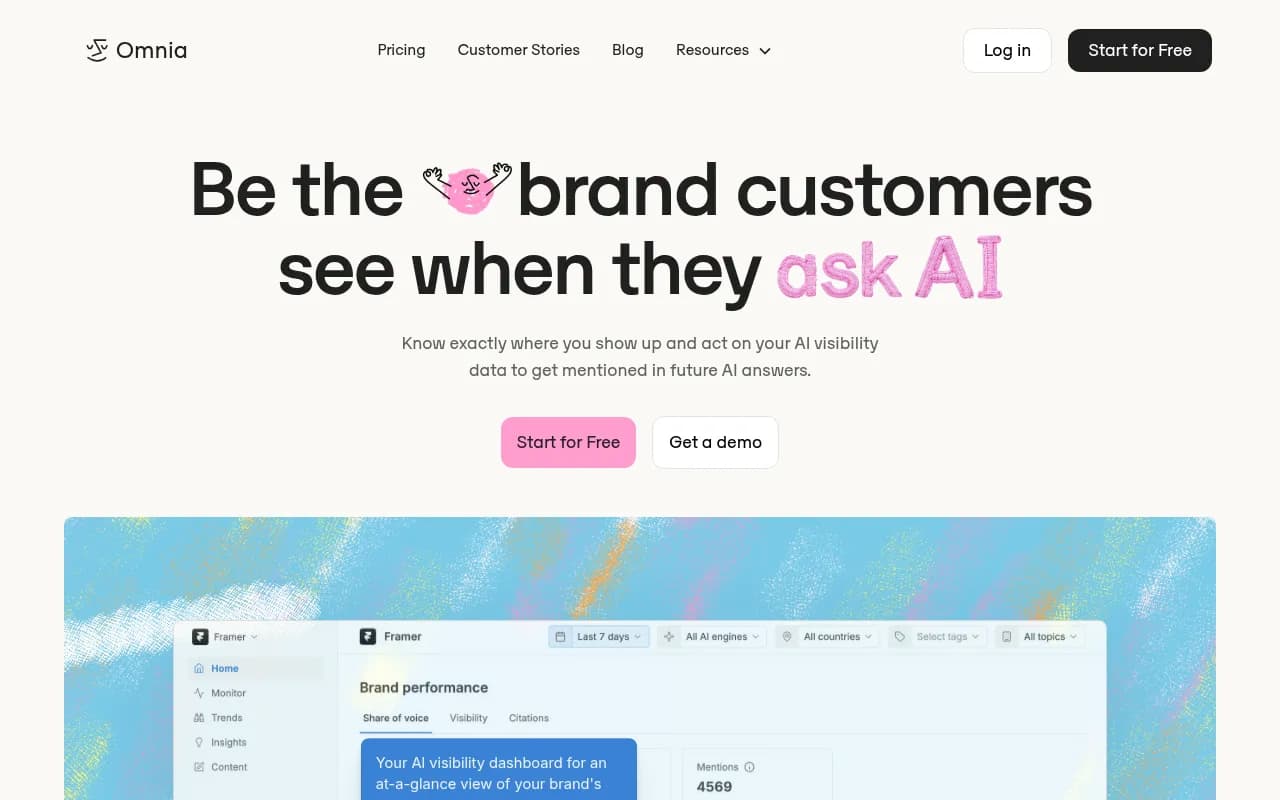
| Omnia | ChatGPT, Claude, Cursor | Not specified | Data connection plus a Projects board |
Finseo's page is a good illustration of what a read-focused MCP feels like. The example question "Which sources cite my competitors but not me?" triggers a competitor gap tool and returns a sentence like "runnersworld.com cites Velora in 14 answers and Nordlauf in none."
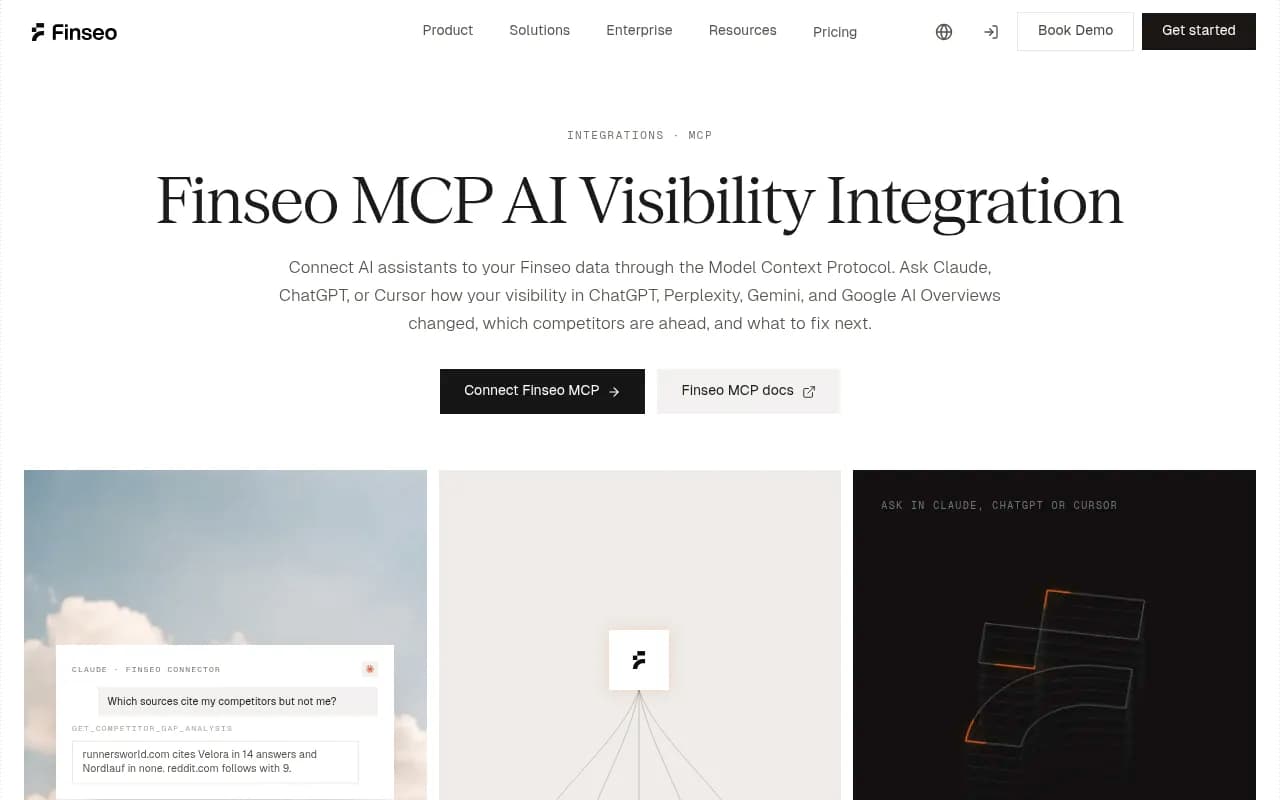
Where the platforms differ is what sits behind the tools. A connector can only answer from the data the platform collects. Promptwatch collects it from the real interfaces of the AI engines, adds IP-verified crawler logs and visitor analytics, and then lets the assistant act on the findings through the Content Agent and publishing tools. Monitoring-only tools stop at the answer. If you are shortlisting, see the best GEO and AI visibility platforms compared, or browse the GEO software directory.
Workflows worth setting up
A weekly briefing
Ask Claude: "Give me a 7-day GEO briefing for project X: visibility change by model, new and lost citations, crawler errors, and the three most important open actions." Then schedule it. Promptwatch's own Agent Chat also does scheduled briefings in Slack, so you do not have to rely on the external assistant for recurring reports.
Gap to brief to draft
With write access, a flow looks like this: ask for content gaps on prompts with high volume and low visibility, pick two, ask the assistant to generate an article for each using your personas, then review the drafts before anything is published. The Content Agent handles the same job on a schedule with a review inbox. Use the MCP route when you want a human in the loop at every step.
Developer in the editor
If you work in Cursor, connect the same server with an API key and ask which sources AI cites for a tracked prompt while you are editing the page. The fix and the evidence sit in the same session.
Agency reporting
Agencies can use project-scoped keys per client and ask the assistant for per-client summaries. The agency solutions page lists the MCP server next to API and Looker Studio access.
Pitfalls to avoid
Giving write access to an analysis session
The write tools can publish live to a connected CMS. A casual "fix this page and publish it" in a chat that has write scope does what it says. For analysis, use a read-only key. The docs describe this as safe to hand to an assistant that should only look, and that is how I would treat it.
Trusting a summary without checking the tool call
Both Claude and ChatGPT show which tool was called. Glance at it. If you asked about the last 30 days and the call used a seven-day window, the answer is correct but not for your question.
Mixing markets
Monitors have a fixed language and location, so a Dutch monitor and a US monitor are separate datasets. Name the monitor or country in your question, otherwise the assistant may blend results or pick one.
Treating the assistant as the source
The model is the narrator, not the data. If a number looks odd, check it in the Promptwatch dashboard. Privacy-minded teams should also remember that connectors give the assistant permission to read your data when you ask. Scope keys narrowly and revoke ones you no longer use.
Using a workaround when the official path exists
Third-party services such as Truto offer managed MCP servers for Promptwatch, and their guide warns about async API quirks. The official connector and plugin avoid that detour, so use them unless you have a specific reason not to.
Claude or ChatGPT: which to use
Both work. Pick the one your team already lives in. Claude's connector flow and tool-call transparency suit analysts who want to inspect each step, and ChatGPT's plugin is convenient for people who already do their research there. If you work in an editor, Cursor or Claude Code with an API key is the more natural place for developer-facing tasks.
You can also run both against the same project, since the data comes from the same server.
Getting started
If you do not have a Promptwatch account yet, the free AI visibility report is a no-login scan of how ChatGPT, Gemini and Perplexity talk about your brand, and the 7-day free trial on monthly billing gives you real tracking data to connect to. Plans start at $95 per month for Essential, and API and MCP access is on every plan; confirm current details at promptwatch.com/pricing.
Once you are connected, start with three questions: how has visibility moved in 30 days, which sources cite my competitors and not me, and which pages do AI crawlers fail to read. Those three usually produce the first real to-do list.