Key takeaways
- Most AI visibility tools are monitoring dashboards first, and integration ecosystems second -- many offer little beyond CSV exports and basic webhooks.
- Platforms built on top of existing marketing infrastructure (like HubSpot's AEO product) have a natural advantage for teams already in that ecosystem.
- Automation layers like Zapier, Make, and n8n can bridge the gap when a tool lacks native integrations -- but this adds setup complexity.
- For teams that want tracking, content generation, and attribution in one place, Promptwatch is the most complete option, with native support for Google Search Console, Cloudflare, Vercel, Fastly, and Looker Studio, plus a full API.
- The right integration choice depends on where your team actually lives: if you're in HubSpot all day, that matters more than raw feature counts.
When AI visibility tools first appeared in 2024, the pitch was simple: "See how often ChatGPT mentions your brand." That was enough. Marketers were just trying to understand what was happening.
In 2026, that's not enough anymore. Teams want AI visibility data to flow into the same places where they make decisions -- their CRM, their analytics dashboards, their Slack channels, their reporting tools. The question isn't just "which tool tracks the most AI models?" It's "which tool actually fits into how my team works?"
This guide breaks down the integration story for the major AI visibility platforms, so you can figure out which one connects to your stack without a lot of trial and error.
Why integrations matter more than you'd think
A visibility score sitting in a separate dashboard is easy to ignore. The same data surfaced in a Slack alert, a HubSpot deal property, or a Looker Studio report gets acted on.
There's also the attribution problem. Most marketing teams are under pressure to show that their AI search investments translate into traffic and revenue. That connection only becomes visible when your AI visibility platform talks to your analytics tools and CRM. Without it, you're reporting on a metric that floats in isolation.
The integration question also reveals something about how a platform is built. Tools that offer deep integrations have usually thought carefully about where AI visibility data fits into a broader workflow. Tools that only offer CSV exports haven't.
The integration landscape: what's actually available
Before comparing specific platforms, it helps to understand the types of integrations that exist in this category:
- Native integrations: direct, maintained connections to specific tools (HubSpot, Salesforce, Slack, GA4, etc.)
- API access: lets your team or developers build custom connections
- Webhook support: pushes data to any endpoint when something changes (new citation, visibility drop, etc.)
- Automation platform connectors: works through Zapier, Make, or n8n to connect to thousands of apps
- Website/CDN integrations: connects to your web infrastructure (Cloudflare, Vercel, Fastly, server logs) to track crawler behavior and attribute traffic
- Export only: CSV or spreadsheet exports, no live connections
Most tools in this space fall somewhere between "export only" and "API + webhooks." True native integrations with CRMs and analytics platforms are still rare.
Platform-by-platform breakdown
Promptwatch
Promptwatch has the most complete integration story of any dedicated AI visibility platform right now. It connects to Google Search Console natively, which means you can see how AI-driven traffic compares to traditional organic search in the same view. For website infrastructure, it supports Cloudflare, Fastly, Vercel, server logs, and a JavaScript tracking snippet -- so you can capture AI crawler activity regardless of your hosting setup.
The Looker Studio integration is particularly useful for agencies and teams that already have reporting infrastructure. Instead of building a new dashboard, you pull Promptwatch data into the reports you already share with stakeholders. There's also a full API for custom workflows, and the platform supports custom exports for teams that need data in their own data warehouse.
What's missing from Promptwatch's native integration list is a direct HubSpot or Salesforce connector -- though the API makes that buildable. For Slack alerts, the webhook support covers most notification use cases.

HubSpot Marketing Hub (with AEO features)
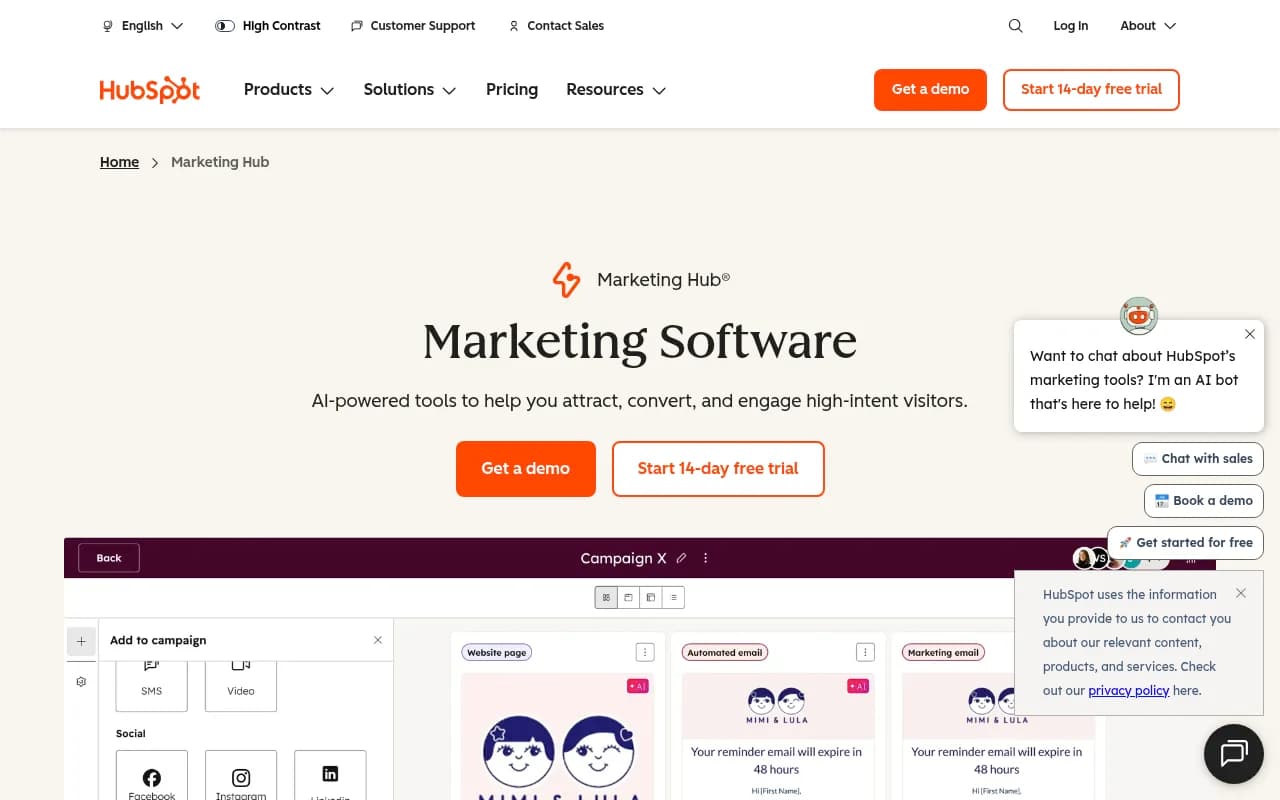
HubSpot's AEO product has an obvious integration advantage: it lives inside HubSpot. If your team already runs marketing automation, CRM, and reporting through HubSpot, the AI visibility data is already in the same system as your contacts, deals, and campaigns. You don't need to export anything or build a connector.
The tradeoff is that HubSpot's AI visibility features are newer and less specialized than dedicated platforms. It tracks brand visibility and prompt performance, but it doesn't have the depth of citation analysis, crawler logs, or content gap analysis that purpose-built tools offer. For teams that want "good enough" AI visibility data inside a tool they already use, it's a strong choice. For teams that need serious optimization capability, it's probably a starting point rather than an endpoint.
Conductor
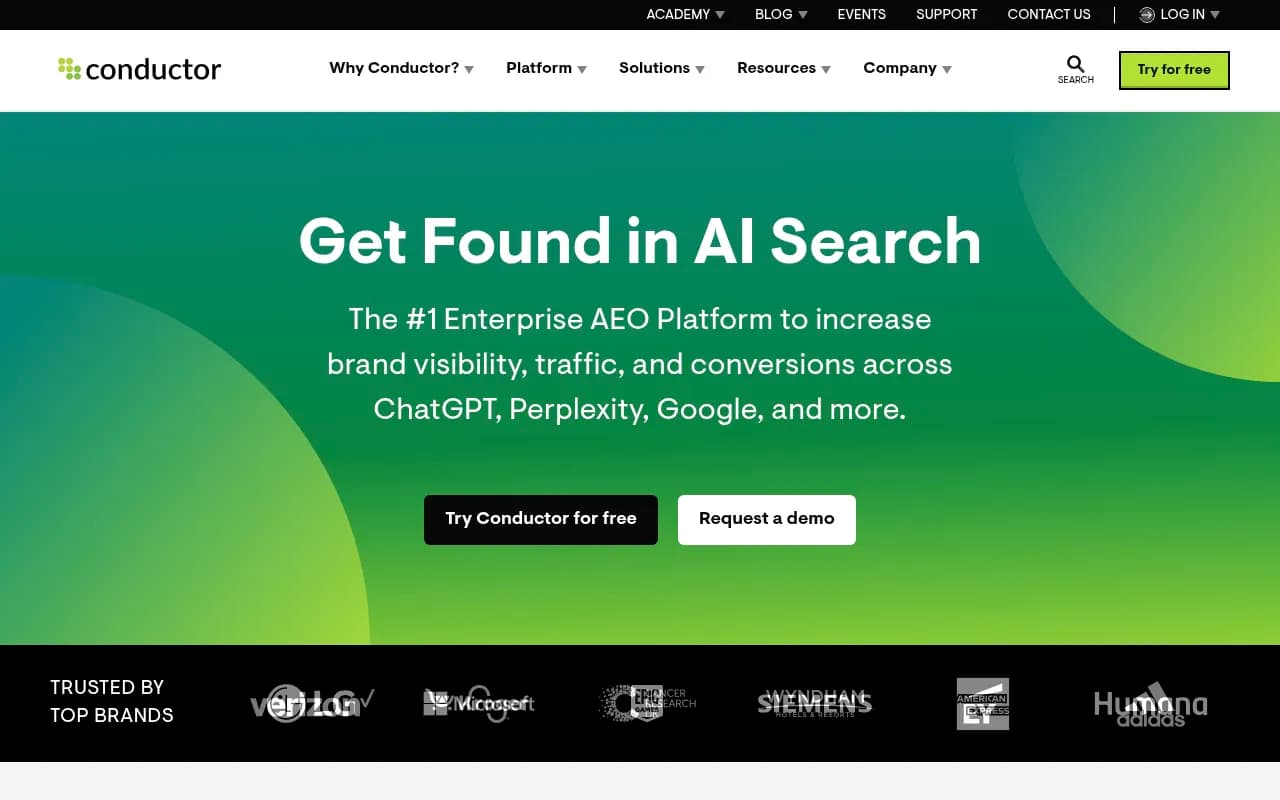
Conductor is an enterprise AEO platform that has invested in integrations more than most. It connects to Google Search Console, Adobe Analytics, and has CMS integrations that let teams push content recommendations directly into their publishing workflow. For large organizations with complex martech stacks, Conductor's integration depth is one of its selling points.
The downside is price and complexity. Conductor is built for enterprise teams with dedicated SEO and content operations functions. Smaller teams will find it over-engineered for their needs.
Semrush
Semrush has the broadest existing integration ecosystem of any tool in this space, partly because it's been building integrations for over a decade. It connects to Google Analytics, Google Search Console, Trello, and various CMS platforms. Its AI visibility features (via the AI Toolkit and related modules) inherit these integrations.
The limitation is that Semrush's AI visibility tracking uses fixed prompts rather than dynamic prompt monitoring, and it lacks AI traffic attribution. So while the integrations are solid, the underlying AI visibility data is less actionable than what dedicated platforms offer.
Otterly.AI
Otterly is a monitoring-focused tool with a clean interface and reasonable pricing. Its integration story is limited: API access is available on higher tiers, but there are no native connectors to HubSpot, Salesforce, Slack, or GA4. For teams that need data to flow into existing systems, Otterly requires either manual exports or custom API work.

Profound
Profound is one of the stronger enterprise options for AI visibility monitoring. It has API access and supports some reporting integrations, but its native connector list is shorter than you might expect for an enterprise platform. Teams typically use Profound's API to pipe data into their own BI tools or data warehouses.

Scrunch AI
Scrunch AI focuses on monitoring and brand sentiment across AI models. It has webhook support and API access, but limited native integrations. Like many tools in this category, it's primarily a dashboard that requires custom work to connect to your existing stack.
Zapier, Make, and n8n
These aren't AI visibility platforms -- they're the connective tissue that makes integrations possible when native connectors don't exist. If your AI visibility tool has a webhook or API, you can use Zapier or Make to push alerts to Slack, create HubSpot contacts or deals when visibility changes, log data to Google Sheets, or trigger workflows in hundreds of other tools.
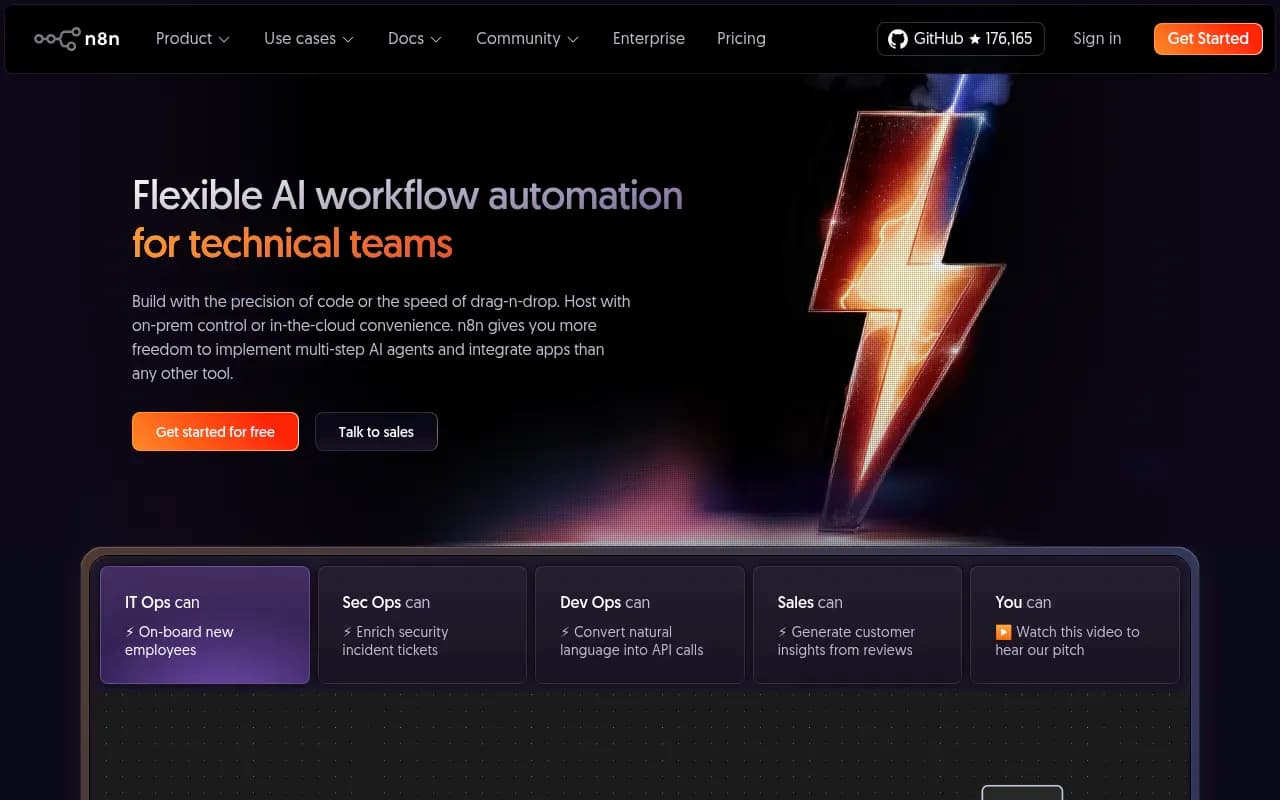
This approach works, but it adds setup time and ongoing maintenance. It's worth doing if the AI visibility tool you prefer doesn't have the native integration you need -- but it's not a substitute for a platform that's built the connection properly.
Comparison table: integration capabilities by platform
| Platform | HubSpot | Slack | Google Analytics / GSC | Looker Studio | API | Webhooks | Website/CDN | CRM (Salesforce etc.) |
|---|---|---|---|---|---|---|---|---|
| Promptwatch | Via API | Via webhooks | GSC native | Native | Yes | Yes | Cloudflare, Fastly, Vercel, server logs | Via API |
| HubSpot AEO | Native (it IS HubSpot) | Via HubSpot | GA4 + GSC | Via HubSpot | Yes | Yes | Via HubSpot snippet | Native (HubSpot CRM) |
| Conductor | No | Limited | GSC native | No | Yes | Yes | CMS integrations | Limited |
| Semrush | No | No | GA4 + GSC native | No | Yes | No | No | No |
| Profound | No | No | No | No | Yes | Limited | No | No |
| Otterly.AI | No | No | No | No | Higher tiers | No | No | No |
| Scrunch AI | No | No | No | No | Yes | Yes | No | No |
| Ahrefs Brand Radar | No | No | No | No | Limited | No | No | No |
Note: "Via API" means the integration is possible but requires custom development work. Native means a maintained, no-code connector exists.
What to look for based on your team's setup
If you're a HubSpot shop
Your best path is either HubSpot's own AEO features (for simplicity) or a dedicated AI visibility platform with a strong API that your team can connect to HubSpot via Zapier or a custom integration. Promptwatch's API is well-documented enough to make this feasible without a full engineering project.
The HubSpot AEO product is genuinely useful if you want AI visibility data to live alongside your contact and deal data. The limitation is that it's less specialized than dedicated platforms -- you'll get visibility scores but not the depth of citation analysis, crawler logs, or content gap analysis that tools like Promptwatch provide.
If your team runs on Slack
Almost every tool in this category can push alerts to Slack via webhooks, even if they don't have a native Slack app. The setup usually takes under an hour. The more interesting question is what you want to be alerted about: a new citation, a visibility drop, a competitor gaining ground on a specific prompt. Platforms with more granular alerting (Promptwatch, Conductor) give you more control over what surfaces in Slack and when.
If Google Analytics 4 is your source of truth
The integration that actually matters here isn't just "can this tool export data to GA4" -- it's "can this tool tell me which AI-driven traffic is converting." That requires website-level tracking, not just prompt monitoring.
Promptwatch's approach (connecting via Cloudflare, Vercel, server logs, or a tracking snippet) lets it attribute traffic from AI crawlers and AI-referred visitors to specific pages and campaigns. This is the data that connects AI visibility to revenue, and it's what most monitoring-only tools can't provide. Google Search Console integration is a useful complement -- it shows you the traditional search baseline so you can see how AI traffic compares.
If you're an agency managing multiple clients
Agency workflows typically need white-label reporting, multi-client dashboards, and the ability to export data into client-facing reports. Promptwatch supports Looker Studio integration and has agency/enterprise pricing with custom configurations. Tools like Conductor and Semrush also have agency-oriented reporting features, though at higher price points.
For agencies that need to connect AI visibility data to client CRMs or reporting stacks, the API is usually the right answer. Build the connection once, use it across clients.
If you're running on a lean stack (Google Sheets + Slack + not much else)
Honestly, a tool with good webhook support and CSV exports might be all you need to start. Otterly.AI or Peec AI work well here -- they're simpler tools at lower price points, and you can pipe data to Google Sheets via Zapier without much effort.
The limitation is that you'll outgrow this setup quickly if AI visibility becomes a serious channel for your team. When you need attribution, content optimization, and CRM integration, you'll want to migrate to a more capable platform.

The attribution gap: why most integrations don't go far enough
Here's the honest problem with most AI visibility integrations: they connect the monitoring data to your stack, but they don't connect AI visibility to revenue.
Knowing that your brand appeared in 47% of ChatGPT responses for "best project management software" is useful. Knowing that this visibility drove 1,200 visitors to your pricing page, 340 of whom started a trial, and 28 of whom became paying customers -- that's what gets budget approved.
Most tools can't make that connection because they don't have website-level tracking. They monitor AI model outputs but don't see what happens when someone clicks through to your site. The platforms that do have this capability (Promptwatch, and to some extent HubSpot's integrated approach) are the ones worth investing in if attribution is a priority.
Practical integration setup: a starting point
If you're setting up AI visibility integrations for the first time, here's a reasonable starting sequence:
- Connect your AI visibility platform to Google Search Console first. This gives you a baseline for how traditional search and AI search compare.
- Set up Slack alerts for significant visibility changes (drops of more than 5 percentage points, new competitor citations, etc.). Most tools support this via webhooks.
- Add website tracking (Cloudflare worker, Vercel integration, or tracking snippet) to capture AI crawler activity and referral traffic.
- Connect to Looker Studio or your BI tool for reporting. Pull in visibility scores alongside traffic and conversion data.
- If you need HubSpot or Salesforce integration, use the API or a Zapier workflow to push visibility data into deal properties or contact records.
This sequence prioritizes the integrations that deliver the most insight first, rather than trying to connect everything at once.
The bottom line
Integration capability is genuinely a differentiator in this category, not just a nice-to-have. The tools that connect to your existing stack are the ones that get used consistently. The ones that require you to log into a separate dashboard every week tend to get ignored.
Right now, Promptwatch has the most complete integration story for teams that need website-level attribution alongside AI visibility monitoring. HubSpot's AEO product wins for teams already deep in the HubSpot ecosystem. Conductor is the enterprise choice when you need CMS and analytics integrations at scale.
For everyone else, the honest answer is: pick the AI visibility platform with the best data quality for your use case, then use Zapier or Make to connect it to the tools your team actually uses. It's not elegant, but it works -- and it's better than waiting for a native integration that may or may not ship.
The category is moving fast. Native integrations that don't exist today will probably exist by the end of 2026. But the teams that figure out the integration layer now will have a meaningful head start on everyone who's still treating AI visibility as a standalone metric.