Key takeaways
- Zapier, Make and n8n are orchestrators. They move data between apps well, but none of them measures whether ChatGPT or Perplexity mentions your brand.
- The three bill differently: Zapier per task, Make per credit (one per module action), n8n per full workflow execution. That difference drives most of the cost.
- Purpose-built AI search platforms collect the data (citations, crawler logs, prompt tracking). Zapier, Make and n8n are best used to route that data into Slack, CRMs and reports.
- Most teams end up with a hybrid: a GEO platform as the data source, and a general automation tool as the glue.
- Workflows don't port between Zapier, Make and n8n, so pick for where you'll be in a year.
The question behind the question
People searching this topic usually mean one of two things. Either they want to automate parts of their AI search work (reporting, alerts, content handoffs) using a general automation tool. Or they're wondering if a dedicated AI search platform makes Zapier, Make and n8n unnecessary.
The honest answer: they solve different problems. A general automation tool is plumbing. An AI search visibility platform is the water source. You can build your own water source out of plumbing and API calls, but it's a lot of work, and I'd only do it for narrow cases.
This guide covers what each of the three platforms actually costs and does in 2026, where they fall short for AI search work, and how to combine them with dedicated tools.
What Zapier, Make and n8n each do well
Zapier
Zapier is the fastest path from idea to working automation for a non-technical person. Its builder is linear, the connector catalog is enormous (roughly 8,000 to 9,000 apps depending on who counts), and it now positions itself as AI orchestration, with Zaps, Tables, Forms, MCP, Agents and Chatbots under one roof. Zapier MCP is live now, so older articles saying it's planned for 2026 are out of date. Copilot, its workflow-building assistant, is still labelled Beta.
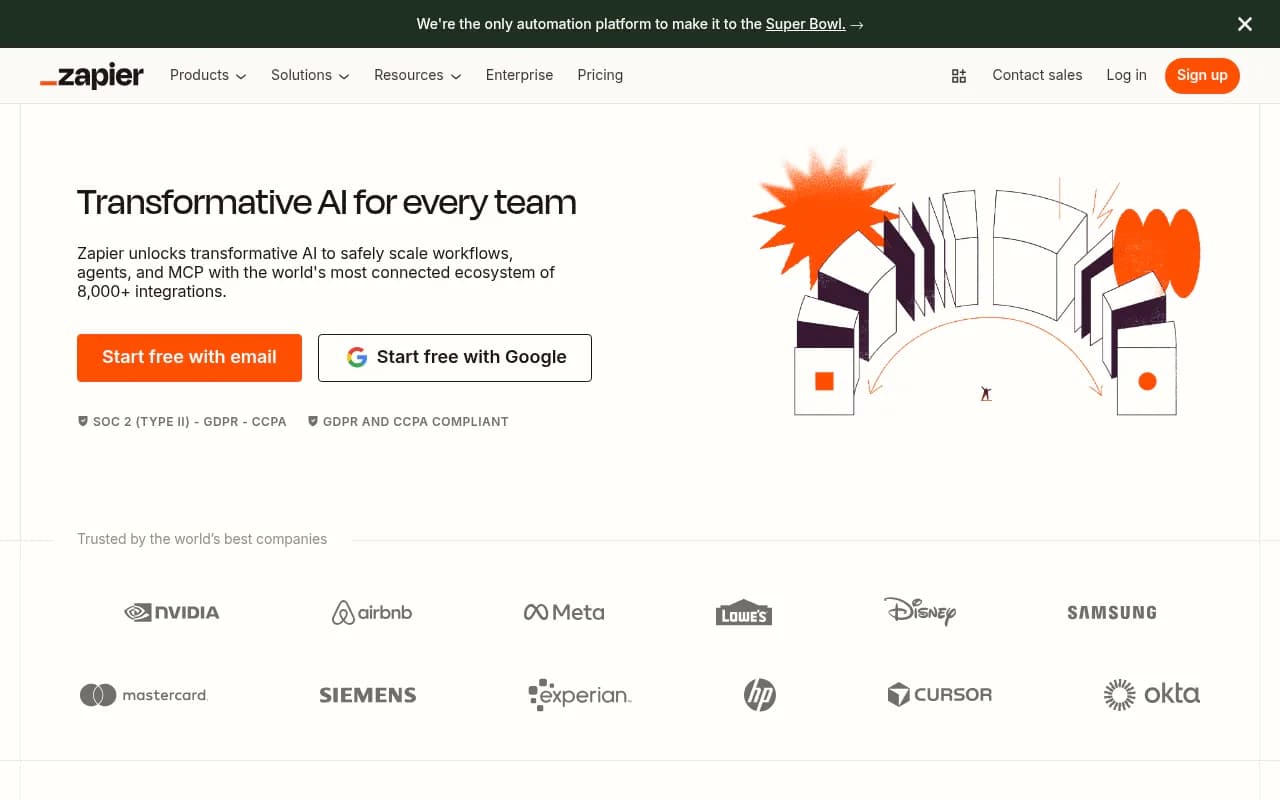
Pricing is task-based. The free plan gives you 100 tasks a month and two-step Zaps. Professional starts at $19.99 a month, Team at $69 a month for 25 users, and Enterprise is custom. Paying yearly saves 33%. The catch is that every action step is a billable task, so a ten-step workflow running 1,000 times eats 10,000 tasks.
Make
Make uses a visual canvas, which handles branching, routers, iterators and aggregators far more gracefully than a linear builder. If you need to split a batch of results into rows, enrich each one and reassemble a summary, Make reads clearly where a Zap would read painfully.
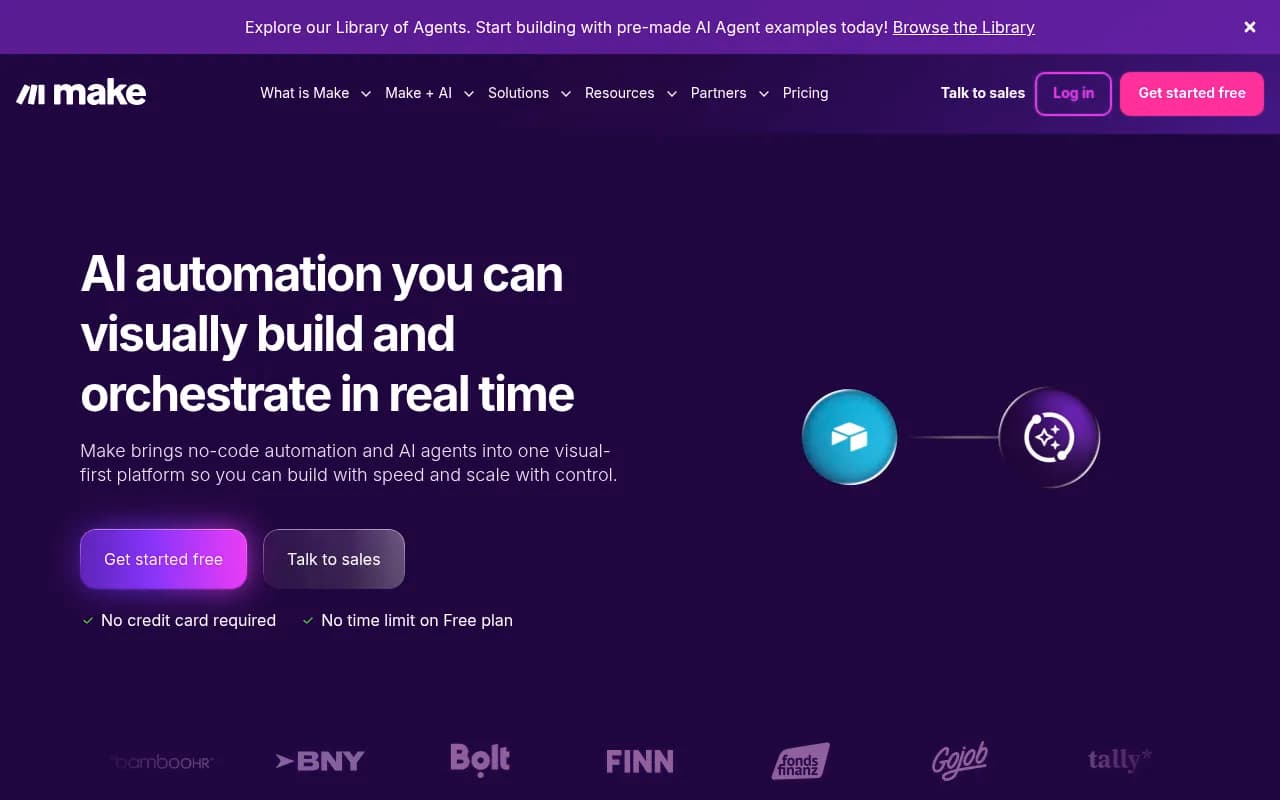
Make now bills by credits, with each module action costing one credit. At the 10,000-credit tier on annual billing, Core is about $12 a month, Pro $21 and Teams $38. The free plan is smaller than it used to be: 1,000 credits and two active scenarios. So if you read somewhere that Make has a generous free tier, check it against the current pricing page. The Make Code app (JavaScript or Python) isn't on Free and costs 2 credits per second of execution on paid plans. AI features, including Maia for building automations through conversation, AI Agents (Beta) and an MCP server, are included on all plans.
n8n
n8n is the technical option. It bills per workflow execution regardless of step count, can be self-hosted, and has native AI Agent nodes, MCP Server Trigger and MCP Client nodes, plus LangChain-style chaining. The Community Edition is free and self-hosted.
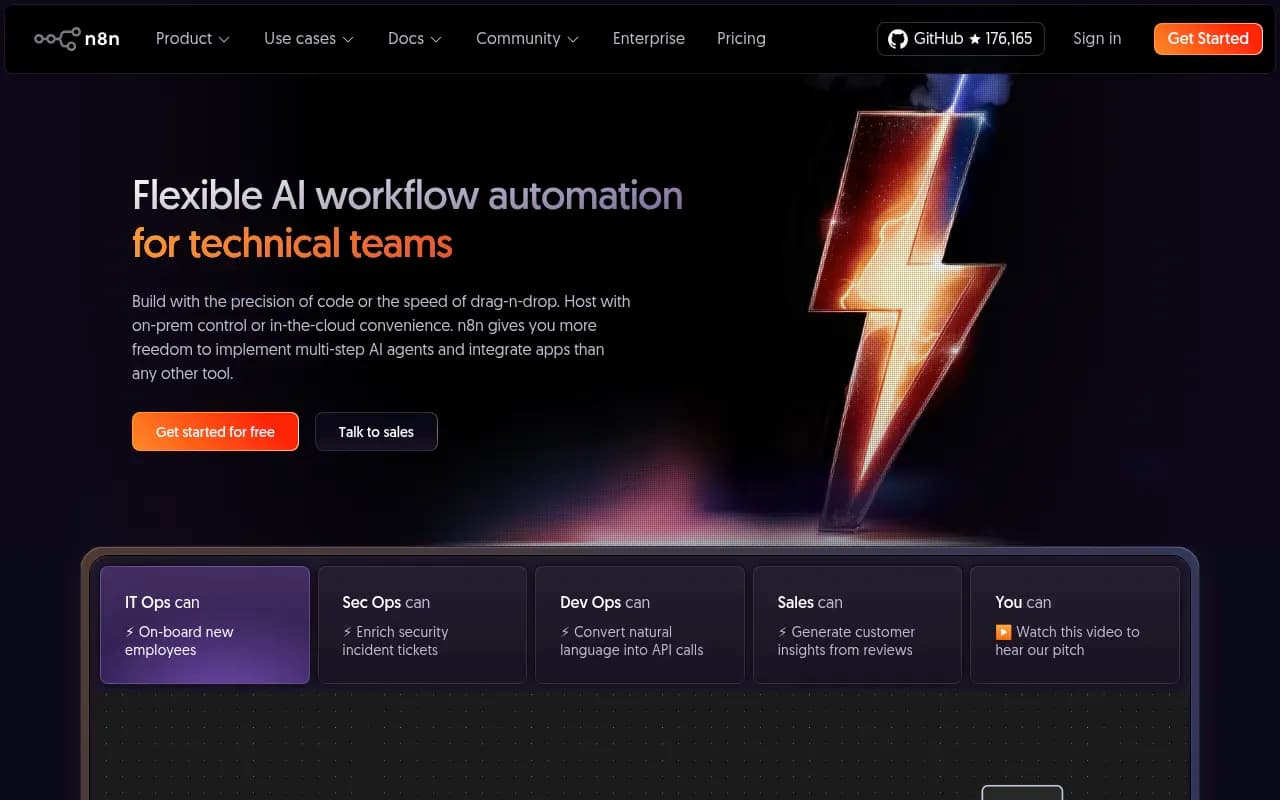
Cloud plans on annual billing: Starter at $20 a month for 2.5K executions, Pro at $50 for 10K executions, Business at $800 for 40K executions (self-hosted only, with SSO and Git version control), and custom Enterprise. Custom nodes and OpenTelemetry tracing are self-hosted only. Execution time caps at 5 minutes on Starter and 40 minutes on Pro and Enterprise.
Side-by-side comparison
| Zapier | Make | n8n | |
|---|---|---|---|
| Billing unit | Task (each action step) | Credit (each module action) | Execution (whole workflow run) |
| Entry paid price | From $19.99/mo | About $12/mo (10K credits, annual) | $20/mo (2.5K executions, annual) |
| Free tier | 100 tasks, two-step Zaps | 1,000 credits, 2 scenarios | Free self-hosted Community Edition |
| Self-hosting | No | No (on-prem agent on Enterprise) | Yes |
| Branching logic | Workable, linear | Strong, visual canvas | Strong, code when needed |
| Native AI agents | Agents, Chatbots, MCP | AI Agents (Beta), Maia, MCP | AI Agent node, MCP client and server |
| Best builder | Business user | Ops team, no coders | Engineer |
The pricing model is the whole story at volume. A twenty-step workflow costs twenty tasks on Zapier, roughly twenty credits on Make, and one execution on n8n. Pricing was scraped from vendor pages and varies by tier, so confirm on each site before you budget.
What "AI search automation" actually means
The phrase covers four different jobs, and the right tool differs for each.
- Collecting visibility data. Running prompts against ChatGPT, Perplexity, Gemini and AI Overviews, and logging mentions, citations and sentiment.
- Diagnosing why. Reading AI crawler logs, auditing pages, finding content gaps.
- Producing the fix. Briefs, drafts, refreshed pages, publishing.
- Moving results around. Slack alerts, weekly reports, tickets, CRM updates.
Zapier, Make and n8n are good at job four. They can do parts of job three if you wire in an LLM. They're poor at jobs one and two, because those need real interface data and verified crawler logs that no connector gives you out of the box.
Why job one is harder than it looks
You can call an LLM API from n8n in ten minutes and ask it "what are the best CRM tools?" You'll get an answer. It just won't be the answer your customers see. User-facing products like ChatGPT Search apply retrieval, fan out into multiple web searches, and cite sources, and that behavior shifts constantly. Promptwatch's ChatGPT query fanout data shows average web searches per response falling from 2.15 in early December to about 1.84 in early March 2026, then returning in April at 1.0 per response, with average query length dropping from roughly 117 characters to about 53. A home-built prompt checker would need to track all of that behavior to stay meaningful.
Another example: on August 8, 2026, ChatGPT Search began using the site: operator at scale, going from about 0.4% to roughly 17% of fanout queries overnight, according to Promptwatch Data. Behavior changes like that are exactly what a DIY pipeline silently misses.
Dedicated AI search platforms: the data source
Purpose-built tools handle collection and diagnosis. Promptwatch is the one we use and recommend: it monitors the actual interfaces of ChatGPT, Google AI Overviews, Perplexity, Gemini and others, adds IP-verified AI crawler logs and visitor analytics, and has a Content Agent that writes and publishes to Webflow, Framer or WordPress. It also exposes a hosted MCP server and a REST API, which matters for this article because it's how you connect it to the automation tools above.

Other options in the same category include monitoring-focused tools such as Otterly.AI and Peec AI, and enterprise platforms such as Profound. If you want to browse more, the GEO software directory at bestgeosoftware.com lists them side by side.


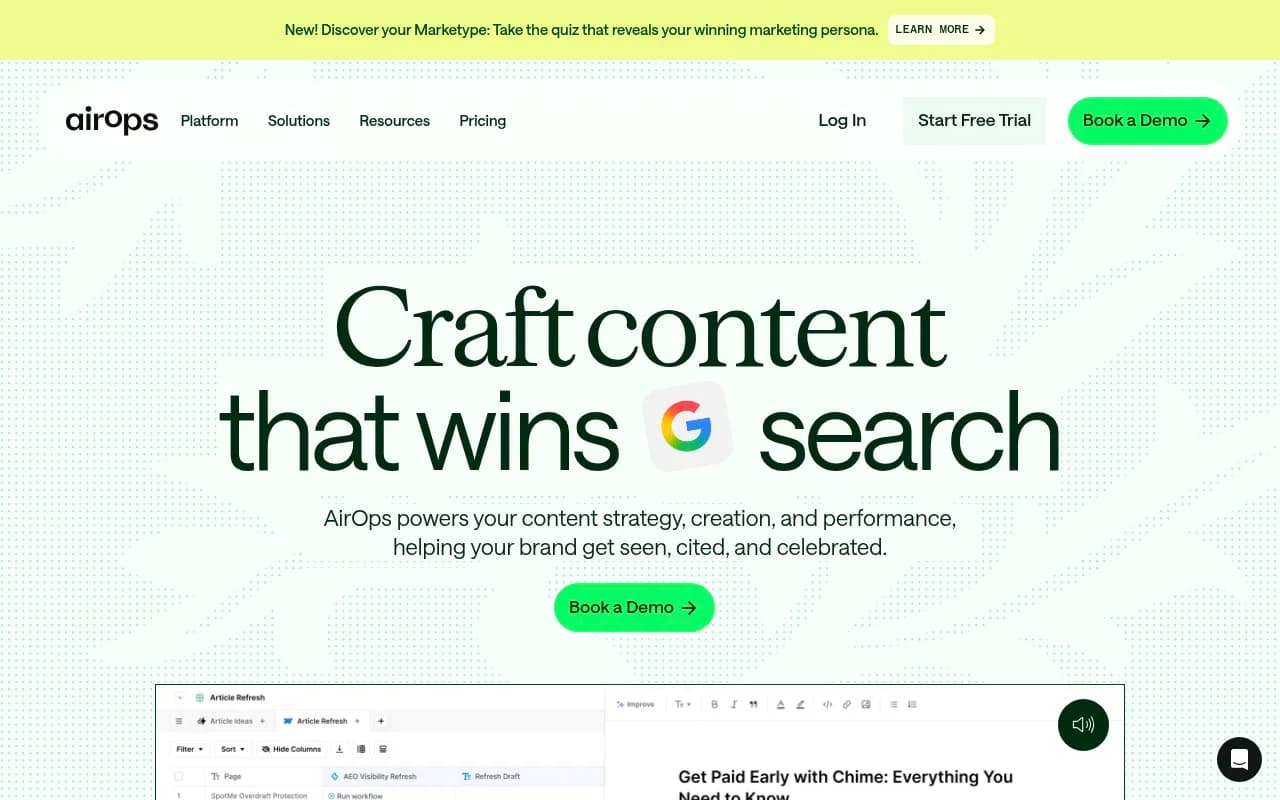
There's also a middle category of workflow tools built for content and GEO, like AirOps, which sits closer to the automation platforms than to trackers.
When to use which approach
| Your situation | Best approach |
|---|---|
| Marketer who wants alerts when brand visibility drops | GEO platform plus a Zapier or Make step to Slack |
| Ops team routing AI-search tasks into Jira, Asana or a CRM | Make, fed by the platform's API or webhooks |
| Engineer building a custom monitoring pipeline | n8n with LLM nodes, but expect to maintain it |
| Agency producing weekly client reports across many brands | GEO platform with white-label reports, automation only for delivery |
| Team that wants the fix done, not just flagged | Platform with a content agent, not a general automation tool |
| Strict data residency rules | Self-hosted n8n for the plumbing, vendor with ISO 27001 for the data |
Scenario: weekly AI visibility briefing
This is the most common automation and a good sanity check on tool choice.
- Trigger: a schedule, every Monday at 8am.
- Pull the previous week's visibility score, share of voice and top cited pages from your GEO platform's API.
- Send the numbers to an LLM step that writes a three-paragraph summary.
- Post to Slack and create tickets for pages that lost citations.
Three steps on n8n is one execution. On Zapier it's four or five tasks per run, trivial at weekly cadence. At this volume, price doesn't matter, so pick whoever on your team already knows the tool. Some platforms, including Promptwatch, also ship native Slack briefings and scheduled agent chats, in which case you may not need an automation tool for this at all.
Scenario: reacting to AI crawler errors
Crawler logs show an AI bot hitting 404s or blocked pages. You want a ticket created automatically. That's a webhook or polling job into Jira or Linear. It's a clean fit for any of the three, and Make or n8n will cost less if errors arrive in bursts, since Zapier would count every step of every run.
The pricing math at realistic volume
Say a workflow has eight steps and runs 5,000 times a month, for example processing every new citation your tracker records.
- Zapier: 40,000 tasks. That's a high task tier, and the bill grows with every step you add.
- Make: roughly 40,000 credits. Cheaper per unit, but still scales with steps.
- n8n: 5,000 executions. Fits the Pro plan's 10K allowance.
This is why teams tend to start on Zapier for speed and move heavy workflows to n8n. One caveat from the research: workflows don't port between these platforms. There's no export from Zapier that Make or n8n will read, so moving means rebuilding. Treat your first choice as sticky.
Risks of the DIY approach
- Prompt answers from raw APIs differ from what users see in the actual products.
- Rate limits, retries and failed runs need monitoring, which is a job in itself.
- Prompt sets drift. Nobody updates them, and your dashboard slowly lies.
- Execution caps bite: Make's free plan has a 5-minute maximum run, and n8n Starter caps at 5 minutes.
- No crawler-side data. LLM calls tell you nothing about which bots visit your site.
That said, DIY makes sense when you need something narrow and custom, like checking one competitor-comparison prompt daily and pinging a channel on change. Just don't call it a visibility program.
A practical decision path
- List the AI search jobs you actually need: collection, diagnosis, fixes, or distribution.
- For collection and diagnosis, choose a dedicated platform. Compare options in the AI rank tracking tools directory if you're evaluating more than one.
- For distribution, use whatever automation tool your team already runs. If nobody does, Make is the sensible default for ops teams, Zapier for business users who value speed over spend, n8n if an engineer will own it.
- Connect them through the platform's API, webhooks or MCP server rather than scraping.
- Start with one workflow, measure time saved, then expand.
For more general tool comparisons beyond GEO, SurferStack has directory listings and alternatives pages.
Bottom line
If you're choosing between a purpose-built AI search platform and Zapier, Make or n8n, you're probably comparing a data source with plumbing. Buy the data source, then use the plumbing sparingly. Make is the best default glue for non-technical ops teams, n8n for engineers with volume or privacy needs, and Zapier when getting something live this afternoon matters more than the bill. Check current pricing on each vendor's page before committing, since all three have changed their billing units recently.