Key takeaways
- WP SEO AI is a managed service, not a self-serve plugin. There is no in-dashboard cancel button, no published pricing, and a minimum 12-month contract, so cancellation usually means an email or call, not a click.
- Uninstalling the plugin does not clean up your database. Posts, meta fields, and knowledge base content it created generally stay on your site unless you remove them manually.
- Before you delete anything, audit what WP SEO AI actually published. Sort pages into keep, improve, or remove, and use 301 redirects for anything with backlinks or citations, not blanket deletion.
- Replacing WP SEO AI doesn't have to mean replacing it with another all-in-one black box. AIOSEO, Rank Math, or a combination of a writing tool plus an AI visibility tracker like Promptwatch can cover the same ground for a fraction of the cost.
- Content type matters for what happens next: AI search engines are increasingly citing product pages, listicles, and how-tos over generic blog filler, so use the cleanup as a chance to rebuild toward formats that actually get cited.
Why cancelling WP SEO AI isn't as simple as clicking "unsubscribe"
Most WordPress SEO tools work the way you'd expect. You log in, go to billing, hit cancel, and your data stays put while your premium features switch off. AIOSEO is a good example: cancel any time from the account dashboard, and the company is explicit that "you won't lose your SEO data (rankings and traffic)... saved in your WordPress database." You lose plugin updates and premium features, not your content.
WP SEO AI doesn't work like that. It's sold as a managed "Search Visibility Platform" that pairs AI agents with a human customer success manager, not a plugin you install and forget. There's no free trial, because, in the company's own words on its pricing page, "it's impossible to offer a trial for a SEO service because results aren't immediate — SEO takes months." That same logic underpins a minimum 12-month contract (quarterly payments are sometimes allowed instead of annual), a separate one-time setup fee for installing the plugin and building your "knowledge base," and pricing that's quoted per domain after a discovery call rather than published anywhere.
The practical upshot: there's no self-serve cancellation flow published anywhere, and payment only happens via bank transfer and invoicing, not a credit card you can just stop paying. If you want out, you're likely emailing or calling your account rep, not clicking a button. Budget time for that conversation, and get the end date and any final invoice in writing before you touch the site.
What actually stays on your site after you cancel
This is the part most people get wrong. Cancelling the service and removing the plugin are two different things, and neither one wipes your WordPress database clean automatically.
WordPress plugin behavior is consistent across the ecosystem here. Yoast SEO, for example, does not remove its own data from the database when you uninstall it through the admin, you have to trigger deletion manually or the tables just sit there. AIOSEO actually built a dedicated "Uninstall" setting under General Settings specifically because, without it, "most plugins will leave behind data in the DB after the plugin is deactivated and deleted," as WordPress community threads on the topic repeatedly point out.
There's no public documentation from WP SEO AI describing what happens to your knowledge base, generated posts, or plugin data once your contract ends. Assume the worst case: the AI-generated pages remain live and indexed, the plugin's custom fields remain in your database, and the knowledge base (the PDFs, brand tone data, and prompt templates it built to "teach" the AI about your business) is gone or inaccessible once access is revoked, since that's proprietary to their platform.
So plan for a manual cleanup. Don't assume cancelling the subscription equals cleaning the site.
Step 1: audit what was actually published
Before deleting or editing anything, get a full inventory. Export a list of every URL published or modified since WP SEO AI went live, sorted by publish date. If you can, cross-reference against Google Search Console to see which of these pages are actually getting impressions and clicks, and which are dead weight.
A content pruning framework, laid out well by WP SEO AI's own blog (ironic, but useful), splits pages into three buckets:
| Category | Signal | Action |
|---|---|---|
| Keep | High traffic, engagement, or conversions | Leave alone, maybe lightly refresh |
| Improve | Decent traffic but poor engagement, outdated, or thin | Rewrite, expand, or consolidate with a related page |
| Remove | Minimal traffic, high bounce rate, duplicate or irrelevant | Redirect or delete |
Use an AI content detector to flag which pages were machine-written if you're not sure. Originality.ai is generally rated the most accurate option and has a WordPress plugin for scanning your whole site, though independent testers have found even it can be fooled by "humanizer" tools or throw false positives, so treat detector scores as a signal, not gospel. Read them alongside actual traffic and engagement data, not instead of it.
Step 2: decide 301, 410, or noindex, page by page
This is where most cleanups go wrong. People either nuke everything (losing backlinks and existing rankings in the process) or keep everything out of fear (leaving thin AI content indexed indefinitely). Neither is right. The decision should be page-specific:
- Use a 301 redirect when the page has backlinks, traffic, or citations worth preserving. It passes the majority of that page's link equity to wherever you point it.
- Use a 410 (Gone) response when the content is genuinely done, like a discontinued product page, and you want search engines to drop it from the index quickly rather than keep trying to recrawl it.
- Use noindex when you want the page to stay reachable (for internal reference, logged-in users, etc.) but excluded from search results. It's the safer option when you're not 100% sure you want it gone forever.
A good rule of thumb: if a page earns citations or backlinks, consolidate it into a stronger page with a 301 rather than deleting it outright. For a large batch of thin AI-generated posts with no backlinks or traffic, bulk deletion via WP-CLI (wp post delete --force --yes on a filtered list of post IDs) is far faster than clicking through the admin one page at a time, and it can also clean up orphaned media attachments in the same pass.
One more thing worth knowing: none of this happens instantly. Search engines need to recrawl and reindex your site to register the changes, which the pruning process itself can take days to weeks to fully settle.
Step 3: decide whether AI content was actually the problem
Before you swear off AI-assisted writing entirely, it's worth separating two different issues: content that's AI-generated, and content that's low quality. Google has been fairly consistent that it doesn't penalize AI content for being AI-generated, only for being unhelpful, thin, or created purely to game rankings. The distinction matters when you're deciding what to keep.
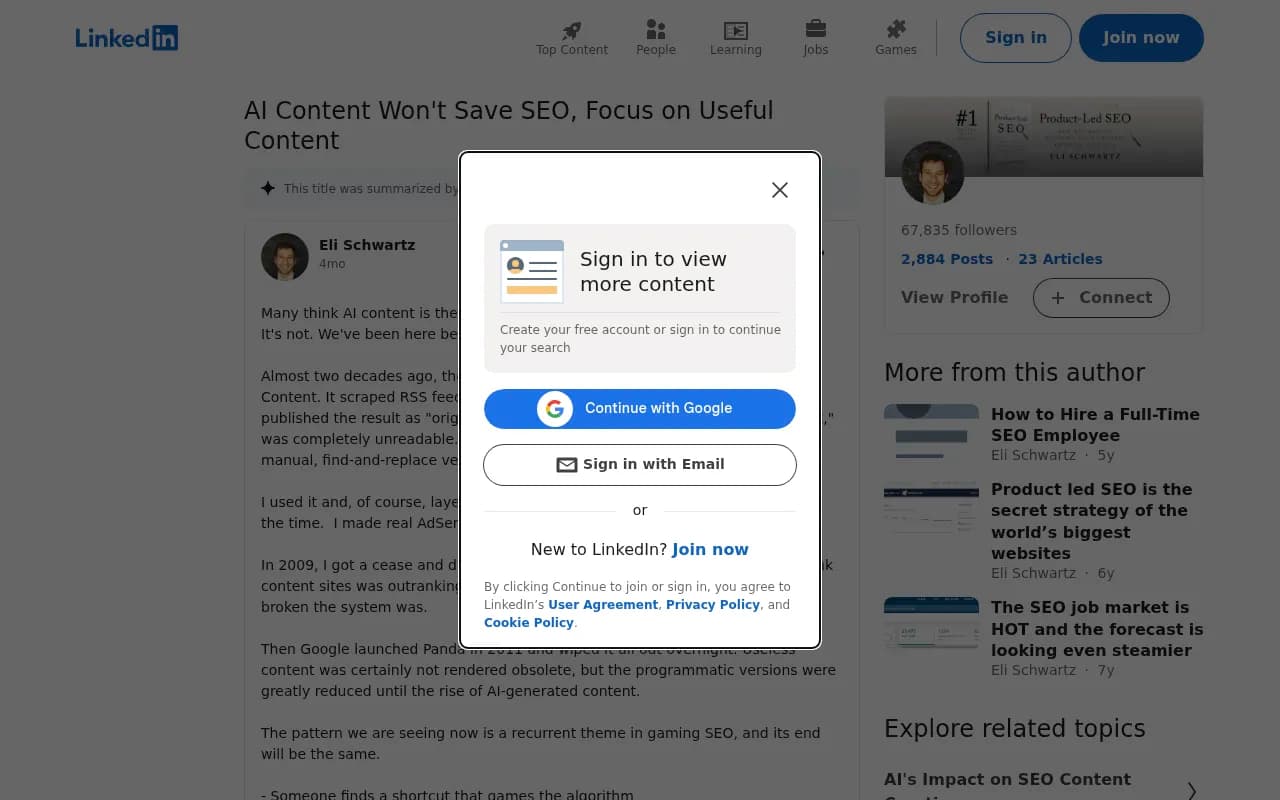
The pattern in that post lines up with what's actually happening in the SEO community. AI content isn't automatically penalized, but it repeats the same mistake earlier waves of scaled content made: prioritizing volume over usefulness. If a WP SEO AI page genuinely answers a question well and gets traffic, there's no reason to delete it just because a machine wrote the first draft. If it's generic, keyword-stuffed filler with no real information, that's the one to prune, regardless of who or what wrote it.
Choosing what's next
Once the cleanup is done, you'll want a plan for content and SEO going forward, ideally one that doesn't lock you into another 12-month contract before you've seen a single result. A useful checklist when evaluating a replacement:
- Is pricing flat and published, or credit-based with overage risk?
- Does it publish directly to your CMS, or just hand you a document to paste in?
- Does it monitor and refresh content after publishing, or is it a one-and-done writer?
- Is it built for how AI answer engines actually cite content, not just classic keyword SEO?
- Can you cancel month-to-month, or are you locked into another long-term contract with a setup fee before you've seen results?
For the plugin layer itself, both AIOSEO and Rank Math are self-serve, transparent on pricing, and let you cancel anytime without losing your underlying SEO data.
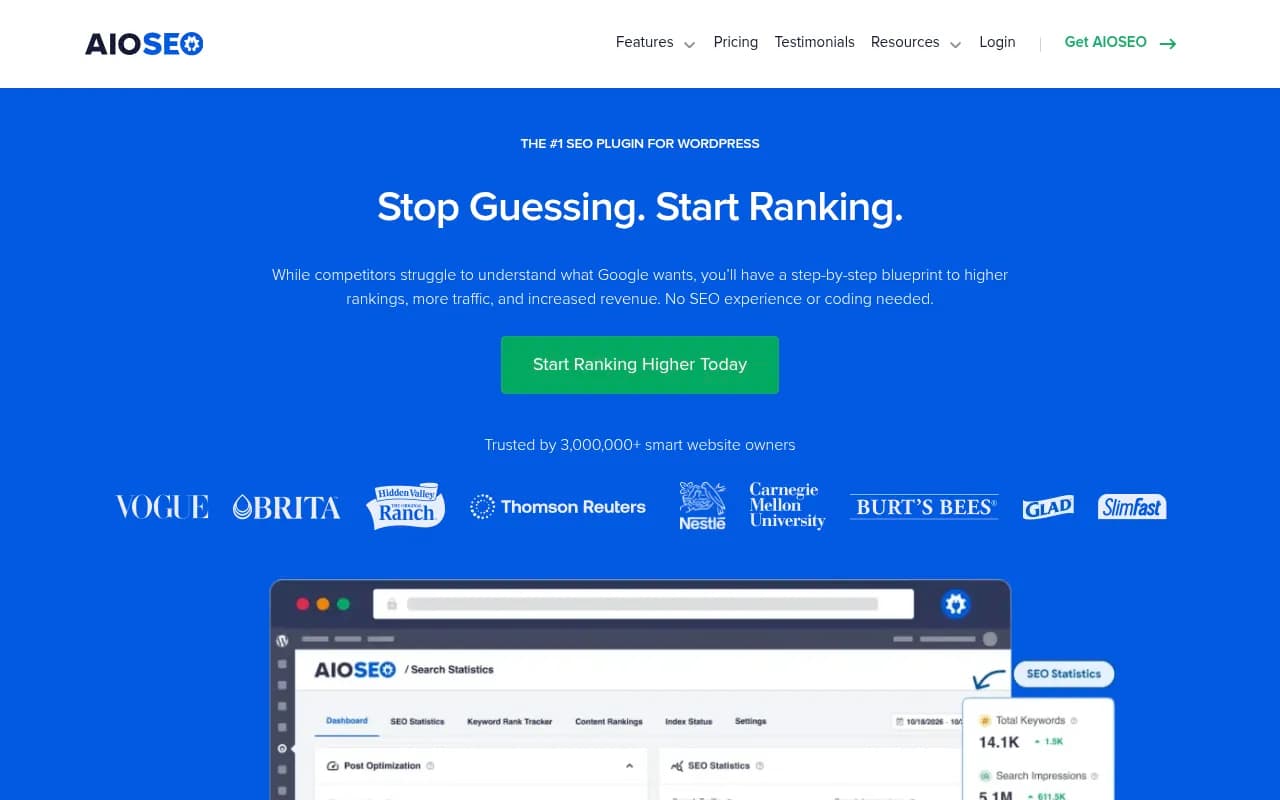
AIOSEO runs from $49.60/year for a single site up to $299.60/year for 100 sites, with tiered AI content credits and a 14-day money-back guarantee. Rank Math's free tier is genuinely competitive, offering five focus keywords per post, 16+ schema types, and a built-in redirect manager at no cost, with paid AI content credits starting around $6.99/month if you want the writing assistant.
For the content writing side, Yoast SEO remains a solid, well-documented option if you want something boring and reliable rather than AI-driven.
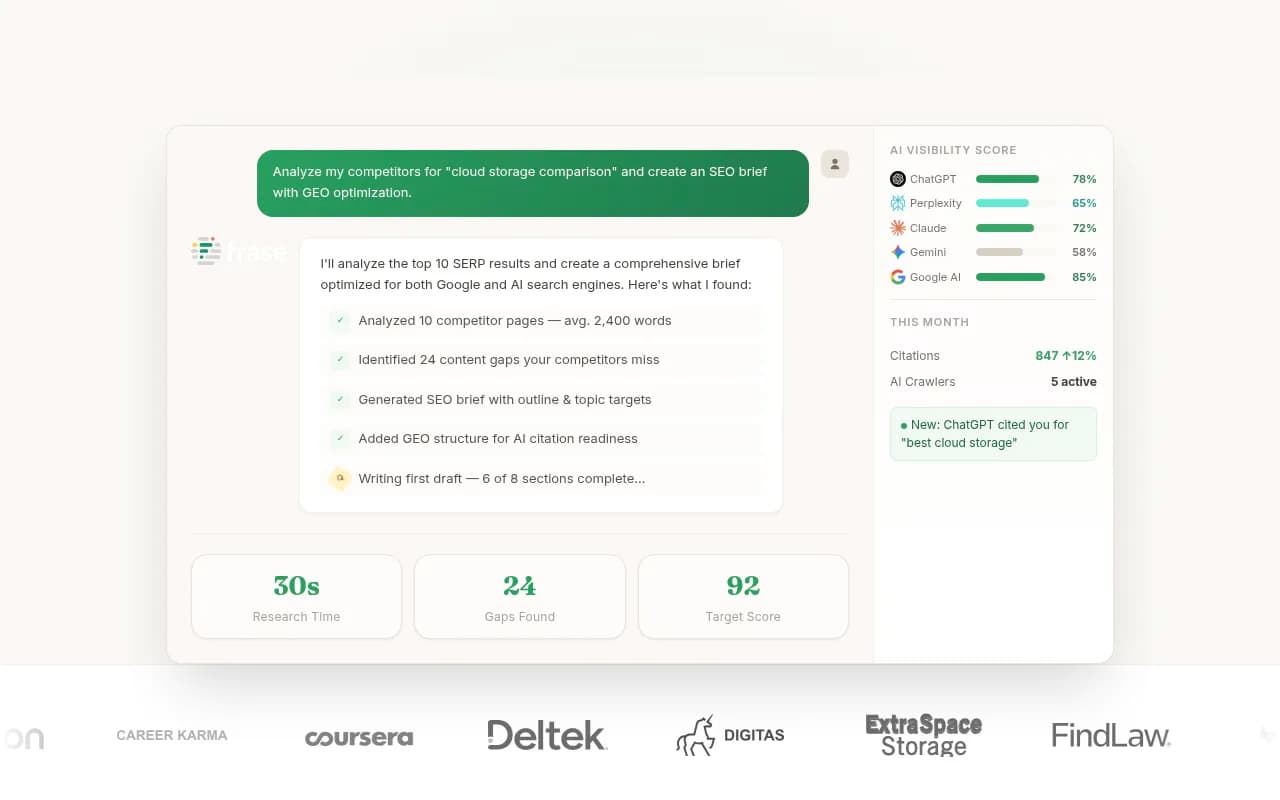
If you want AI writing without the managed-service lock-in, tools like Jasper AI, Surfer SEO, and Frase let you keep control of the workflow while still using AI to speed up research and drafting.

Comparing the options
| Tool | Pricing model | Self-serve cancel | Publishes to CMS | AI writing |
|---|---|---|---|---|
| WP SEO AI | Custom quote, 12-month contract | No | Yes (managed) | Yes |
| AIOSEO | $49.60–$299.60/yr | Yes | Yes | Yes (credit-based) |
| Rank Math | Free–$49.99/mo | Yes | Yes | Yes (credit-based) |
| Surfer SEO | From $99/mo | Yes | Via integrations | Yes |
| Frase | From $45/mo | Yes | Yes | Yes |
Why the content type you rebuild toward actually matters
Here's the part most cleanup guides skip: what you replace the pruned content with matters just as much as the pruning itself, especially if any of your traffic now comes from AI search rather than classic Google results.
According to Promptwatch's data on ChatGPT citation types in July 2026, product pages made up roughly 32.8% of all citations, nearly double their March 2026 share of about 18%, while listicles, how-to guides, comparisons, and social posts were the fastest-growing formats within the month. Generic blog posts with no clear structure, which is exactly what a lot of scaled AI content ends up being, aren't the format AI search engines are rewarding right now.
Worth knowing too: ChatGPT typically cites only around 5 sources per response, compared to roughly 10 for Google AI Overviews and Perplexity. With that few slots, "pretty relevant" content doesn't make the cut. If you're rebuilding after a cleanup, tightly focused pages that answer one specific question well have a better shot than broad, generic articles trying to cover everything.
If tracking how your site shows up across ChatGPT, Gemini, Perplexity, and AI Overviews is part of your plan going forward, that's exactly the gap a platform like Promptwatch is built to close, not just monitoring citations but showing you which pages are getting cited and generating a content plan to close the gaps.

Final word
Cancelling WP SEO AI is mostly an administrative task, an email or a call, since there's no self-serve button. The real work is what comes after: auditing what got published, deciding page by page whether to redirect, remove, or keep it, and picking a replacement that fits how you actually want to work, whether that's a self-serve plugin like AIOSEO or Rank Math, a lighter AI writing tool, or a full AI visibility platform if AI search traffic matters to your business. Don't just delete everything in a panic. Some of what WP SEO AI published might genuinely be worth keeping. Check the data before you decide.