Key takeaways
- ChatGPT ads are a moving target. Promptwatch Data shows ads in an average of 20.1% of ChatGPT responses from May 20 to August 17, 2026, with the last 7 days at 32.4%. A weekly cadence is the minimum.
- Ads Manager covers your own spend (impressions, clicks, spend, CTR, CPC, CPM, conversions, ROAS). It does not show competitors, the prompts that triggered your ads, or third-party verification. You need a second data source for the market view.
- There is no scheduled or log-level export, so your weekly report will be a manual pull. Build the template once and keep it boring.
- Tag your landing URLs before you spend. Untagged ad clicks can blur into organic ChatGPT referral traffic in analytics.
- A good routine is three layers: a daily alert glance, a weekly report, and a monthly review that changes budget and creative.
Why ChatGPT ads need their own routine
Search ads have a mature monitoring stack. You get auction insights, scheduled exports, third-party verification, and a decade of habits. ChatGPT ads have none of that yet. The platform is a beta, and OpenAI's help documentation says ad testing began in the United States on February 9, 2026, with availability expanding by country over time.
Two things make a routine necessary rather than nice to have.
First, the supply of ads shifts underneath you. Promptwatch Data's ChatGPT ads report covers May 20 to August 17, 2026. ChatGPT served no ads in that dataset until May 27, when they showed in 1.69% of responses. The rate crossed 30% on July 1, peaked at 43.9% on a single day, and the past 7 days averaged 32.4%, up 12.5% on the prior week. If your share of attention changed last Tuesday, you want to know whether you did something or OpenAI did.
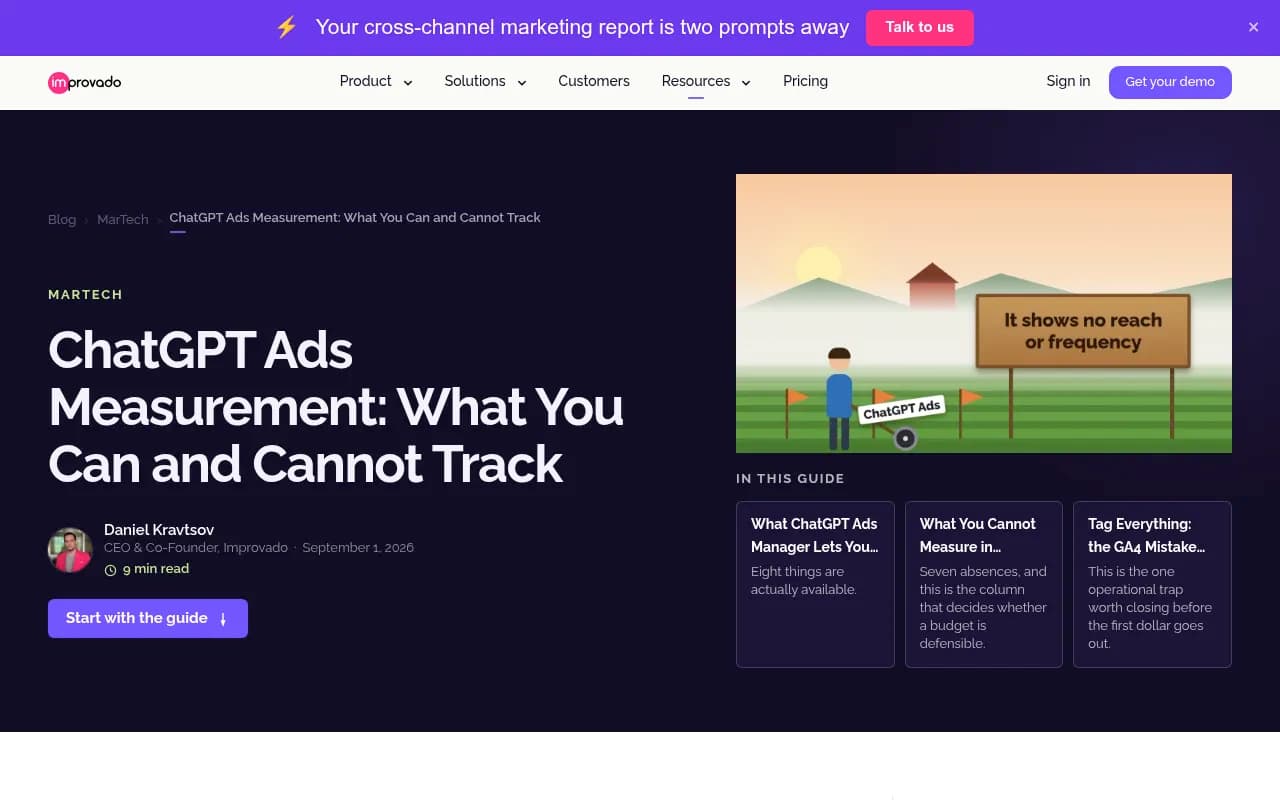
Second, the reporting inside Ads Manager is thin on diagnosis. Improvado's measurement checklist, checked against OpenAI's docs on August 25, 2026, calls it "enough to spend money and not yet enough to tell you what the spend was worth." Your routine has to fill that gap with process, since the tool will not.
What you can and cannot monitor
Before designing a routine, be honest about the data surface. Here is the split, based on the Improvado review and the OpenAI Help Center.
| Area | Available | Not available |
|---|---|---|
| Delivery | Impressions, clicks, spend, CTR, CPC, CPM at campaign, ad group and ad level | Reach, frequency |
| Outcomes | Conversions, revenue and ROAS from attributed orders, view-through on a fixed one-day window | Incrementality measurement |
| Tracking | Browser pixel, server-side Conversions API (deduped by shared event ID), oppref click reference on landing URLs | Log-level or scheduled exports |
| Audience | Device and country breakdowns | Demographics |
| Context | Your own ads and their performance | The prompts that triggered your ads (privacy by design) |
| Verification | OpenAI's own reporting | IAS, DoubleVerify or MRC verification |
| Competitors | Nothing native | Who else is showing up on your prompts, and what they say |
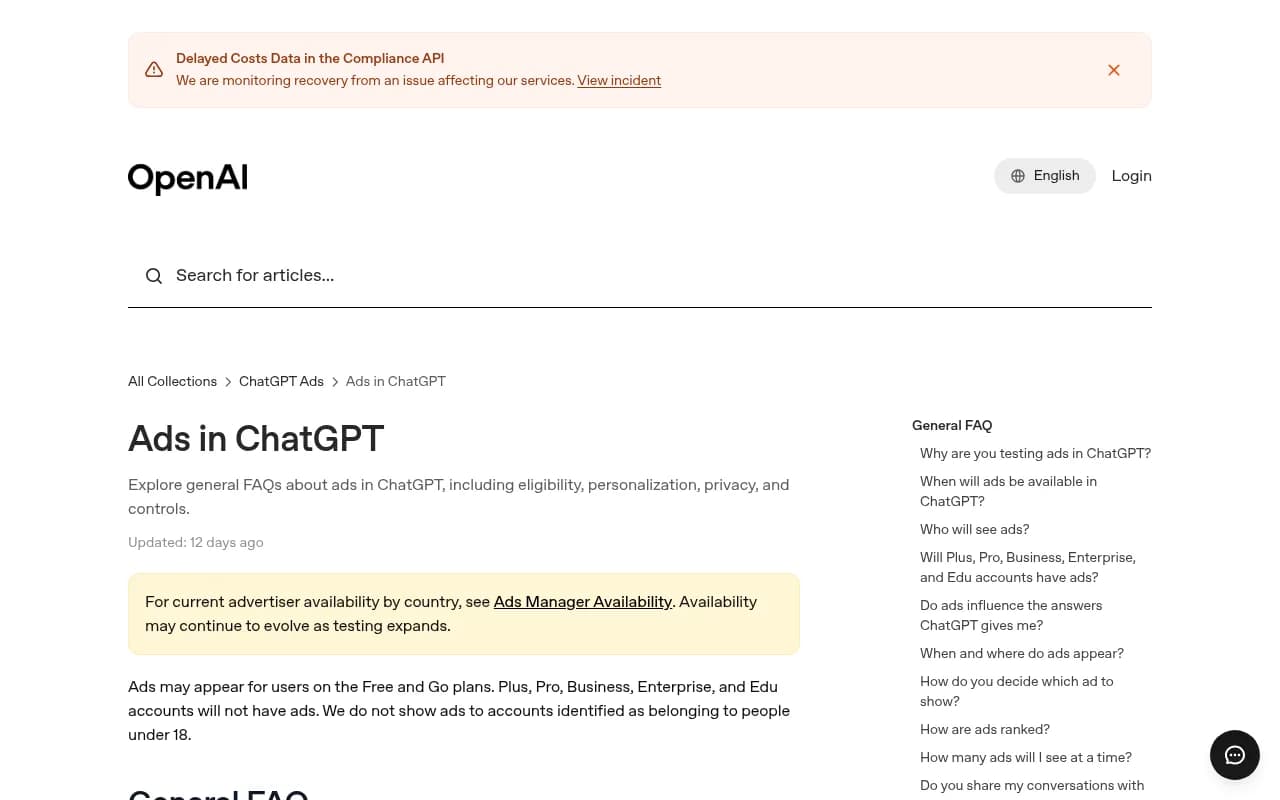
One more fact shapes targeting and reporting. Per OpenAI, ads may appear for Free and Go plan users. Plus, Pro, Business, Enterprise and Edu accounts do not see them, and neither do users identified as under 18. So if your buyers skew toward paid ChatGPT tiers, expect low delivery and do not read that as a creative problem.
The three-layer routine at a glance
I would not run this as one big weekly ritual. Splitting it by frequency keeps the effort proportional.
| Layer | Frequency | Time | Owner | Output |
|---|---|---|---|---|
| Alert glance | Daily | 5 minutes | Paid media lead | Flag anomalies in spend, CTR, conversions |
| Weekly report | Weekly | 30 to 45 minutes | Paid media analyst | One-page report with own metrics and market view |
| Review meeting | Weekly (short) and monthly (long) | 20 minutes / 60 minutes | Marketing lead plus paid, SEO and content | Decisions on budget, creative, landing pages |
Layer 1: alerts that earn their keep
Because there is no scheduled export, your alerts are a mix of in-platform checks and analytics-side rules. Keep the list short. Alert fatigue kills routines faster than anything else.
Alerts to set on your own campaigns
- Daily spend running more than 30% above or below plan for two days in a row.
- CTR dropping by a third week over week on any ad that has meaningful impressions.
- Conversions at zero for 48 hours on a campaign that was converting. This is the one that usually means a broken pixel, a changed landing page, or a Conversions API deduplication problem.
- A sudden jump in chatgpt.com referral sessions in GA4 with no matching ad clicks. That can mean tagging has broken and paid traffic is landing in the organic bucket.
Where Ads Manager cannot send you an alert, put the rule in your analytics platform or a spreadsheet check. A simple automation tool like Zapier, connected to whatever you do have, can post a daily summary to Slack. That is optional. A manual 5-minute look at the dashboard is fine for a small budget.
Alerts on the competitive side
This is where most teams have nothing. Ads Manager will not tell you that a competitor started appearing on your most valuable prompts last Thursday. Promptwatch Data's advice from the ads report is worth following: check ad visibility across several days before drawing conclusions, because a single prompt run can land on an outlier day. So alert on trends, not single runs.
Useful competitive alerts:
- A new advertiser appearing on a high-intent prompt you track.
- A competitor's ad copy or landing page changing.
- Ad presence rate on your tracked prompts moving more than 10 points week over week.
Promptwatch has Ads Radar, which shows which advertisers bid on the ChatGPT prompts you track, their ad copy and claims, and the landing pages they send visitors to, viewable by ad or by prompt. It is available on the Business plan, every agency plan and Enterprise. Check promptwatch.com/pricing for current plan details.

Layer 2: the weekly report
The report should fit on one page and be built from the same pulls every week. Consistency beats cleverness here, since week-over-week comparison is the entire point.
Section 1: your own delivery and cost
Pull from Ads Manager at campaign, ad group and ad level:
- Spend vs plan
- Impressions, clicks, CTR
- CPC and CPM
- Conversions, revenue and ROAS
- Device and country split
Write two lines of commentary, no more. What moved, and your best guess why. If you cannot guess why, say so. That is useful information too.
Section 2: the tracking sanity check
This section takes five minutes and saves weeks of bad data.
- Confirm the pixel and the Conversions API are both firing and sharing event IDs, so conversions are not double counted.
- Compare Ads Manager conversions with your own analytics and CRM. Expect a gap. Note its size. If the gap changes sharply, something broke.
- Spot check that landing URLs carry your UTM parameters alongside the oppref click reference.
- Look at the GA4 channel breakdown. Paid ChatGPT traffic that shows up as a plain chatgpt.com referral means a tagging hole.
Note that ChatGPT stopped sending a referrer on October 8, 2026 for some traffic, so UTM tagging matters more than it used to if you want to separate ad clicks from organic ChatGPT visits.
Section 3: the market view
This is the section competitors' marketing teams are probably skipping. Capture:
- Ad presence rate on your tracked prompts this week vs last week.
- Which advertisers appeared, on which prompts.
- What they promoted and where the ads sent traffic.
- Any change in ad format, such as the multi-image visual ads OpenAI is testing during image generation.
Segment the data. Promptwatch Data's ads report shows ad-bearing responses were roughly 73% organic prompts, 18% brand-specific and 9% competitor comparison over the 90 days, and that the mix reflects prompt volume. If you add more organic prompts to a monitor, their share rises even if nothing changed at OpenAI. So compare like with like, and note any change to your prompt set in the report.
Section 4: organic context
Paid and organic ChatGPT visibility interact. If a competitor is buying your brand-comparison prompts, you want to know whether you are also being recommended in the organic answer. Pull your Visibility Score and Share of Voice for the same prompts. A tool that tracks both paid and organic in one place makes this step quick. Several AI visibility trackers in this directory now cover ads, including Otterly.AI, which says ads and Shopping Cards are tracked in every Brand Report on every plan at no extra cost.

For more options in this category, the AI rank tracking directory at ai-rank-tools.com is a reasonable starting point.
Section 5: actions and owners
End every report with no more than five actions, each with a name and a date. A report without owners is a newsletter.
Layer 3: the review meeting
The weekly review should run 20 minutes. The monthly one gets an hour. Directom's description of managed ChatGPT ads work gets the shape right: planned reviews of what changed, what worked, and what happens next. I would steal that framing.
Weekly 20-minute agenda
- Two minutes: spend and pacing. On plan or not.
- Five minutes: what changed in your metrics, and whether it is real. Check volume. A CTR swing on 200 impressions is noise.
- Five minutes: what changed in the competitive picture.
- Five minutes: tracking health. Any gaps between platform and analytics numbers.
- Three minutes: confirm actions and owners.
Monthly 60-minute agenda
- Review which messages, offers and landing pages produced meaningful results, not just clicks.
- Decide whether to shift budget between campaigns, countries or devices.
- Review competitor ad copy for claims you should answer or avoid.
- Check whether landing pages are readable by AI crawlers and consistent with what your ads promise.
- Revisit your prompt set. Are you still tracking the prompts that matter?
- Decide on tests for next month. One or two, not ten.
Who should be in the room
Paid media, someone from SEO or content, and whoever owns analytics. The SEO and content person matters more than you would expect. Ad landing pages that the organic team never sees tend to drift out of sync with the rest of the site, and the same prompts your ads target are the ones your content should be earning citations on.
Tools for each part of the routine
No single product covers all of this, because the ad platform itself is limited. A realistic stack looks like this.
| Job | What to use | Notes |
|---|---|---|
| Own campaign metrics | OpenAI Ads Manager Beta | Manual pulls, no scheduled export |
| Web analytics and tagging checks | GA4, plus a marketing attribution tool such as HockeyStack | Verify UTMs and channel grouping |
| Competitor ads on ChatGPT | Promptwatch Ads Radar, Otterly.AI, or other AI visibility trackers | Look for ad copy and landing page capture |
| Traditional paid competitor tracking | Similarweb, BigSpy | Useful for the wider ad picture, check their ChatGPT coverage |
| Organic AI visibility | Promptwatch, Profound, Peec AI | Pair with ad data for the full picture |
| Report distribution | Slack, Looker Studio, scheduled PDFs | Automate the delivery, not the thinking |
GrowByData's roundup of ChatGPT ads monitoring tools lists GrowByData Compass, Adthena, Promptwatch, Similarweb AI Ads, Gauge and Pierview among eight options. I could not find public pricing for most of them, so get quotes and ask each vendor two things: how often it samples prompts, and whether it captures ad copy and landing pages or only a presence flag.
If you want a view of the whole loop, including whether AI crawlers can read the pages your ads point at, an end-to-end platform like Promptwatch helps. Its AI crawler logs and visitor analytics show whether pages get read, cited and visited, and the GEO software directory lists alternatives if you want to compare.
Common mistakes
Reacting to a single day
Ad rates in ChatGPT swing. Promptwatch Data shows the daily rate moving between the low 20s and high 30s after July 1. One bad day is not a trend. Wait for three to five days before changing anything, unless spend is clearly broken.
Comparing platform ROAS to your CRM revenue
They will not match. Ads Manager attributes from order events and uses a one-day view-through window. Your CRM has its own logic. Pick one as the source of truth for budget decisions and note the gap each week.
Planning around prompt-level data
OpenAI keeps the prompts that triggered your ads hidden by design. Do not build a process that depends on that arriving. Use your own tracked prompt set as a proxy for the market instead.
Ignoring who actually sees ads
If your audience is mostly on paid plans, delivery will look weak and nothing in your creative can fix that. Check the plan mix assumption before blaming the ads.
Letting the report grow
Every month someone adds a chart. After six months, nobody reads it. Remove one thing for every thing you add.
A starter checklist
- Tag every landing URL with UTMs and confirm oppref is passed through.
- Install the pixel and the server-side Conversions API, with shared event IDs.
- Build a one-page weekly report template with the five sections above.
- Set four alerts on your own campaigns and three on the competitive side.
- Choose a tracked prompt set of 20 to 50 high-intent prompts and keep it stable.
- Schedule a 20-minute weekly review and a 60-minute monthly review.
- Write down your measurement gaps (no reach, no frequency, no incrementality) so nobody is surprised by them later.
Final thoughts
The routine itself is not complicated. The hard part is accepting that the platform will not do the monitoring for you yet. Ads Manager gives you enough to track spend and conversions, and nothing about competitors, reach or verification. Fill the gaps with a stable prompt set, a market view from a tracker, strict tagging, and a short weekly meeting that ends with owners and dates. Start with the template this week, run it four times, then cut whatever nobody used.