Key takeaways
- You can learn a lot about your Google AI shopping visibility with 25 queries, a spreadsheet and about 60 minutes. No paid tool required.
- Google AI Mode shopping blends Gemini with the Shopping Graph, which Google says holds more than 50 billion product listings. What shows up depends heavily on your product data.
- Record the same six fields for every query: whether your brand appears, position, which product page is shown, price and availability accuracy, which sources are cited, and who else is in the panel.
- Product pages are now the most cited format in Google AI Overviews, per Promptwatch Data for July 2026, so check them in every query.
- A manual audit is a snapshot. It tells you what to fix, but you need tracking if you want to know whether the fix worked.
Why do this by hand at all?
I like manual audits for one reason: you see what a shopper sees. Dashboards give you numbers, but they don't show you that your best-selling jacket appears with last season's price, or that a competitor's product panel includes a lifestyle image and yours has a grey placeholder.
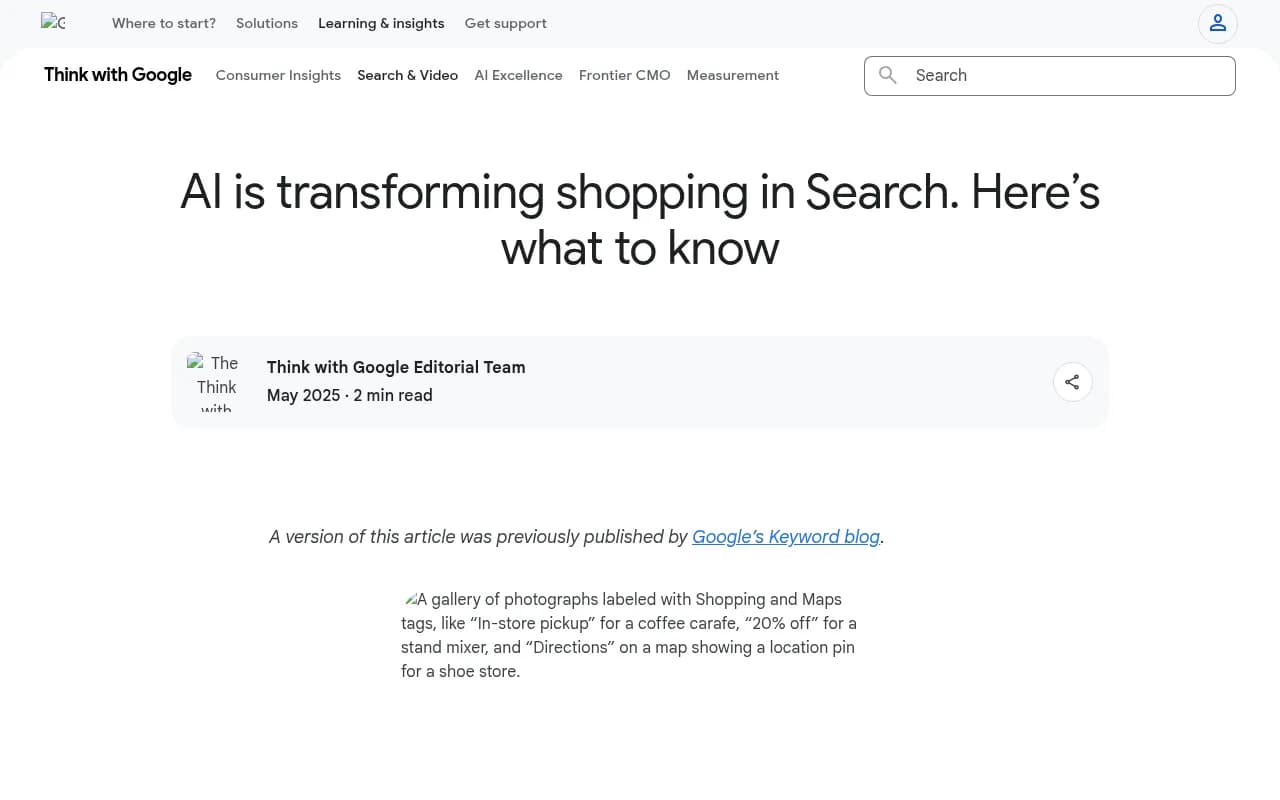
Google introduced its AI Mode shopping experience at Google I/O in May 2025. According to Google's own announcement on Think with Google, it combines Gemini with the Shopping Graph to help people browse for inspiration, weigh considerations and narrow product choices. It also added virtual try-on and an agentic checkout flow.
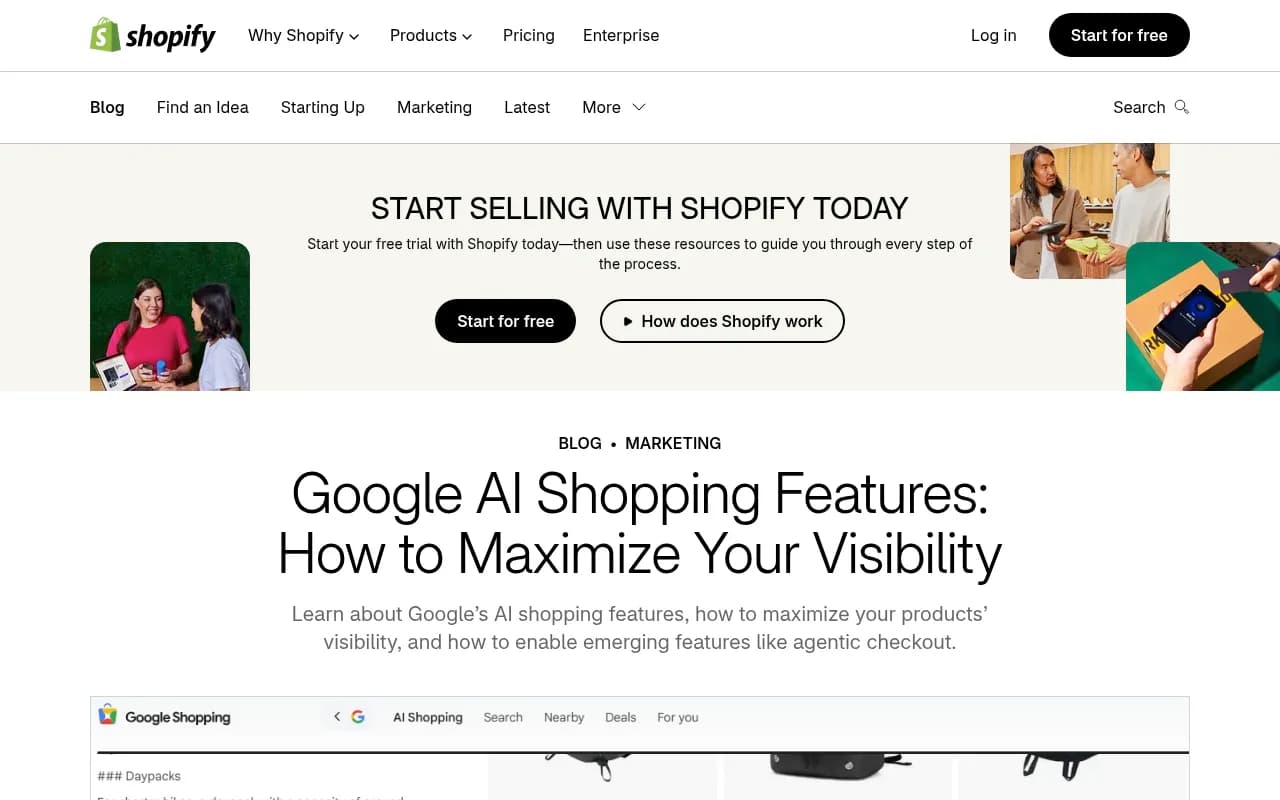
Shopify's April 2026 guide describes the same family of features as spanning AI Mode, the Shopping tab and the Gemini app. Results show up as curated product panels and summaries, not a ranked list of ten blue links. That changes what "ranking" means. You are either in the panel, in the answer text, in the cited sources, or you aren't.
Twenty-five queries won't give you statistical certainty. They will give you a pattern, and patterns are what you need to decide what to fix this week.
What you need before you start
Keep the setup boring.
- A spreadsheet with one row per query (template below)
- A clean browser profile or incognito window, logged out of Google if you can, so personalization doesn't flatter your own brand
- A timer
- Access to your Merchant Center account in another tab, for the diagnosis step afterward
- A note of the country and language you're testing
One caveat I can't resolve for you: I couldn't verify how much Google AI Mode shopping results vary by location or user history. Assume they vary. Test from the market you sell in, and note the location in your sheet so you compare like with like next time.
The spreadsheet columns
| Column | What you record |
|---|---|
| Query | The exact text you typed |
| Query type | Category, attribute, use case, brand, or comparison |
| Surface | AI Mode, AI Overview, Shopping tab |
| Brand present (Y/N) | Does your brand or any of your products appear? |
| Position | Order in the product panel, or "text only", or "absent" |
| Product shown | Which SKU and which URL |
| Data accuracy | Price, availability, image, title correct? |
| Cited sources | Google property, Reddit, merchant page, review site, other |
| Competitors present | Names, in order |
| Notes | Anything weird |
Step 1: Build your 25-query list (10 minutes)
Don't invent queries from your keyword tool alone. Shoppers talk to AI Mode in sentences. Shopify's own examples are "cute travel bag for a weekend trip" and "backpack for a hiking trip in the Pacific Northwest". Those are use-case queries with context, and that is where AI shopping differs most from classic Shopping ads.
A balanced set of 25 looks like this:
| Query type | How many | Example pattern |
|---|---|---|
| Broad category | 4 | "best running shoes" |
| Attribute-led | 5 | "waterproof trail running shoes wide fit" |
| Use case or scenario | 6 | "shoes for a half marathon in the rain" |
| Price-constrained | 3 | "running shoes under $120" |
| Comparison | 3 | "Brand A vs Brand B running shoes" |
| Branded | 2 | "[your brand] trail shoes" |
| Gift or occasion | 2 | "gift for a new runner" |
Source the wording from places that reflect real language: customer support tickets, on-site search logs, People Also Ask boxes, and the questions in your reviews. Google Search Console shows queries that already bring you impressions, which is a good starting pool for the broad and attribute rows.
Pick queries across your catalog, not just your hero products. Five from your top sellers, ten from the middle, and ten from categories you want to grow is a sensible split.
Step 2: Run the queries (30 minutes)
That is roughly 70 seconds per query. It's tight, so be disciplined.
For each query:
- Type it into Google AI Mode. Note whether a shopping panel appears at all. Many queries won't trigger one.
- Scroll the panel and the answer text. Mark whether you appear and where.
- Click your product card if it's there. Check the title, price, image and availability against your live product page.
- Open the source list. Tag each cited source by type.
- Use a suggested follow-up prompt once. Shoppers refine, and Shopify notes that results shift through those follow-ups. If you disappear after one refinement, write that down.
- Record who else is in the panel.
Don't diagnose while you test. Just record. Diagnosis is a different mental mode and it will blow your hour.
What to look for in the sources
Promptwatch Data's June 2026 AI Mode citation report found google.com made up 7.31% of AI Mode citations, up from 4.24% in May, more than YouTube (2.88%) and Reddit (2.52%) combined. Google-owned properties together take over 10% of citations, and no independent site on the list cleared 1%. You can read the numbers in the Google AI Mode citation share report for June 2026.
Practically, that means your audit sheet needs a column that separates Google properties (Business Profile, Maps, Merchant Center listings, YouTube) from independent pages. If most of your citations come from your own site and none from Google surfaces, you probably have a feed or profile gap, not a content gap.
For content formats, Promptwatch's July 2026 AI Overviews citation types report is worth a read before you start. Listicles averaged about 18% of citations that month and product pages about 16.3%, but product pages were the most cited format every day from July 28 and ended the month at 17.9% against 16.2% for listicles. Product pages were about 9% in January and have nearly doubled. So when you check a query, don't only ask "did I appear?" Ask "did my product page get cited, or a third-party listicle about my product?"
Step 3: Score the results (10 minutes)
Keep scoring simple. Four numbers are enough.
| Metric | How to calculate | What a low number usually means |
|---|---|---|
| Presence rate | Queries where you appear / 25 | Coverage problem: the catalog or content doesn't match the query |
| Panel rate | Queries where a product card of yours appears / 25 | Feed or product data problem |
| Self-citation rate | Queries where your own page is a cited source / queries where you appear | Content or crawlability problem |
| Accuracy rate | Appearances with correct price, stock, image and title / appearances | Feed freshness problem |
Read them together. Appearing in the text but never in the panel points at product data. Appearing in the panel but with stale prices points at feed update frequency. Being cited only through other people's pages points at weak or thin owned content.
Split the presence rate by query type too. Teams tend to find they do fine on branded and broad queries and badly on scenario queries, which are the ones AI Mode seems built for.
Step 4: Diagnose the five usual suspects (10 minutes)
AI shopping results in Google draw on Merchant Center data, which feeds the Shopping Graph. I couldn't verify Google's current feed requirements while researching this, so check Google's official Merchant Center documentation rather than trusting any summary, including this one. With that said, these are the places I'd look first.
1. Feed completeness and accuracy
Open Merchant Center diagnostics. Look for disapproved items, missing attributes and mismatches between feed and landing page. Shopify says what appears depends partly on how well product attributes and reviews match what the shopper asked for. If your feed says "jacket" and the shopper asked for "waterproof jacket for the Pacific Northwest", the attribute needs to exist.
2. Product page structure
Check that product pages carry structured data (Product schema with price, availability and reviews) that matches the feed. Mismatches are an easy way to lose trust. A structured data platform like Schema App can help at scale.
3. Crawlability for AI systems
Check robots.txt and rendering. Shopify offers a free audit tool for structured data and robots.txt aimed at AI shopping assistants, though I didn't test it myself. A crawler like Screaming Frog will show you quickly if product pages are blocked, noindexed or rendered client-side.

4. Reviews and fresh data
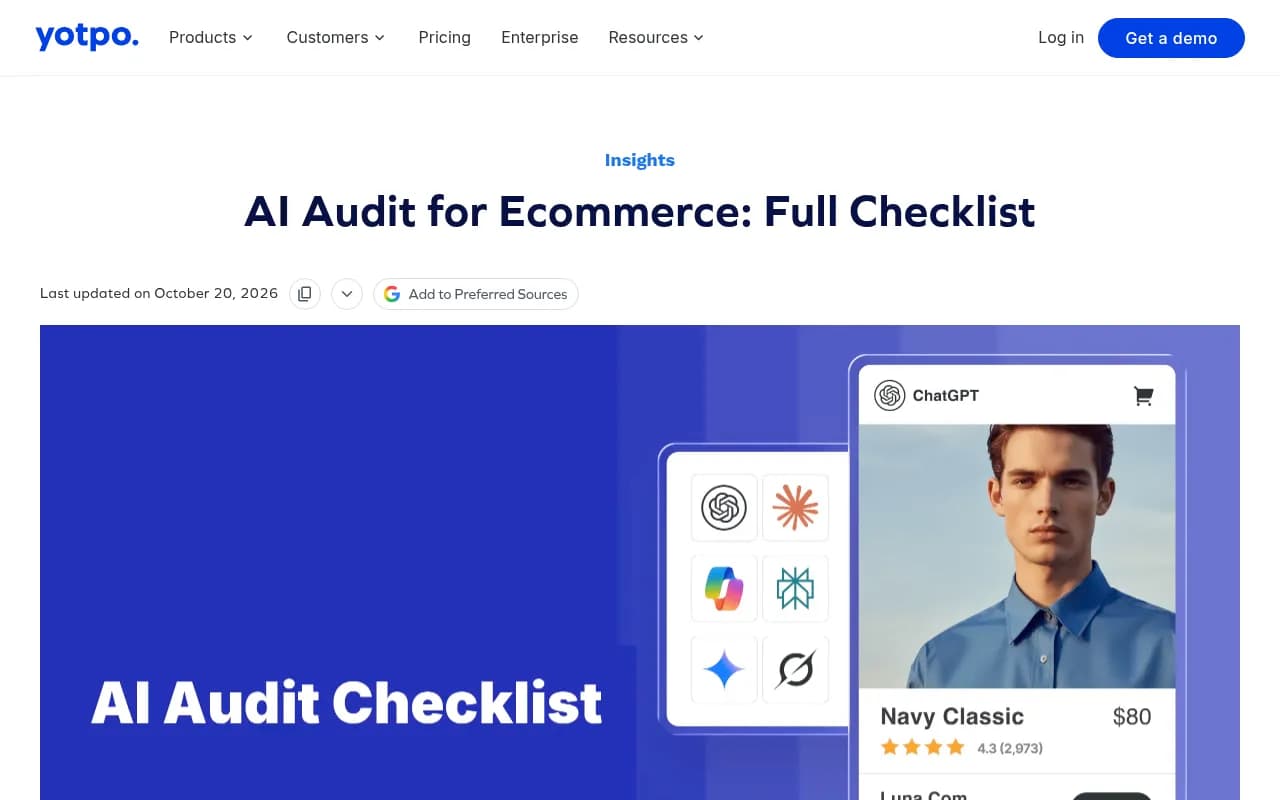
Product panels combine reviews, pricing and availability. Thin or stale reviews hurt. Yotpo's AI audit checklist for ecommerce walks through a broader four-stage framework covering share of voice, SKU-level attribute accuracy, sentiment and citation sources, and is a good companion once your manual pass is done.
5. Google-owned surfaces
Given how much AI Mode leans on Google properties, check your Business Profile, YouTube channel and Merchant Center listings. If you have physical stores, local inventory data matters too.
Step 5: Turn findings into a fix list
Sort every miss into one of four buckets and assign an owner.
| Bucket | Typical fix | Owner |
|---|---|---|
| Not present at all | Add content or products that match the use case query; add missing attributes | Content and merchandising |
| Present in text, no panel | Fix Merchant Center errors and attributes | Feed manager |
| Panel with wrong data | Increase feed refresh rate, align schema and feed | Dev or ecommerce ops |
| Cited via third parties only | Build out owned product and comparison pages; earn reviews | SEO and PR |
Prioritize by revenue. A scenario query that maps to your highest-margin category beats ten broad queries you already rank for.
The limits of a manual audit
I'll be blunt about these.
It's a snapshot. AI answers change run to run, and Promptwatch Data has shown how fast citation behavior can swing. For example, ChatGPT's shopping features appear in only a low single-digit share of web-search responses, and the rate roughly doubled overnight in late May before falling back weeks later. That's ChatGPT, not Google, but the lesson carries: one-off observations can mislead.
It's also small. Twenty-five queries tell you about patterns, not market share. And you can't see what you can't search, such as the follow-up paths shoppers actually take.
A sensible cadence: run the manual audit monthly, and use it to decide which queries deserve automated tracking.
When to move from manual to tracked
Once your 25 queries are stable and you know which ones matter, automate them. Tools that track real AI interfaces can run the same prompts daily and across countries. Promptwatch monitors Google AI Overviews and AI Mode alongside ChatGPT, Perplexity and others, and covers shopping visibility, so you can check whether a feed fix actually moved your presence.

If you want to compare options before committing, the directory at bestgeosoftware.com lists GEO platforms side by side. Whatever you pick, carry your audit sheet over: the same 25 queries make a good starting prompt set.
A repeatable 60-minute schedule
| Minutes | Task |
|---|---|
| 0-10 | Build or refresh the 25-query list |
| 10-40 | Run queries and record the six fields |
| 40-50 | Calculate presence, panel, self-citation and accuracy rates |
| 50-60 | Sort misses into buckets and assign owners |
Do it once this week, put the sheet somewhere shared, and run it again in 30 days with the same queries. The comparison between the two sheets is where the real value sits.