Key takeaways
- Run the audit before you start tracking. A baseline built on a blocked site, inconsistent listings, or a bad prompt set measures your setup, not your visibility.
- The 20 checks fall into five areas: crawler access, your own site, entity and listing consistency, third-party sources, and prompt design with measurement.
- Local businesses fail most often on the boring stuff: robots.txt rules, JavaScript-only content, mismatched business names and phone numbers, and thin location pages.
- Answers in ChatGPT are crowded. Promptwatch Data shows 47.6% of responses cite 10 or more domains (Sep 28 to Oct 4, 2026), so a single prompt tells you almost nothing.
- Fix the failures first, then pick a tracker. Most checks below cost nothing.
Why audit before you track
I see the same sequence over and over. A local business signs up for an AI visibility tool, types in twenty prompts, watches a dashboard fill with numbers, and then spends three months confused about why nothing moves. The reason is usually upstream. The site blocks an answer crawler. The Google Business Profile says one thing and the website says another. The location pages are three paragraphs of boilerplate with the city name swapped.
Tracking tells you the score. An audit tells you whether you are even in the game. Do the audit first and your baseline means something.
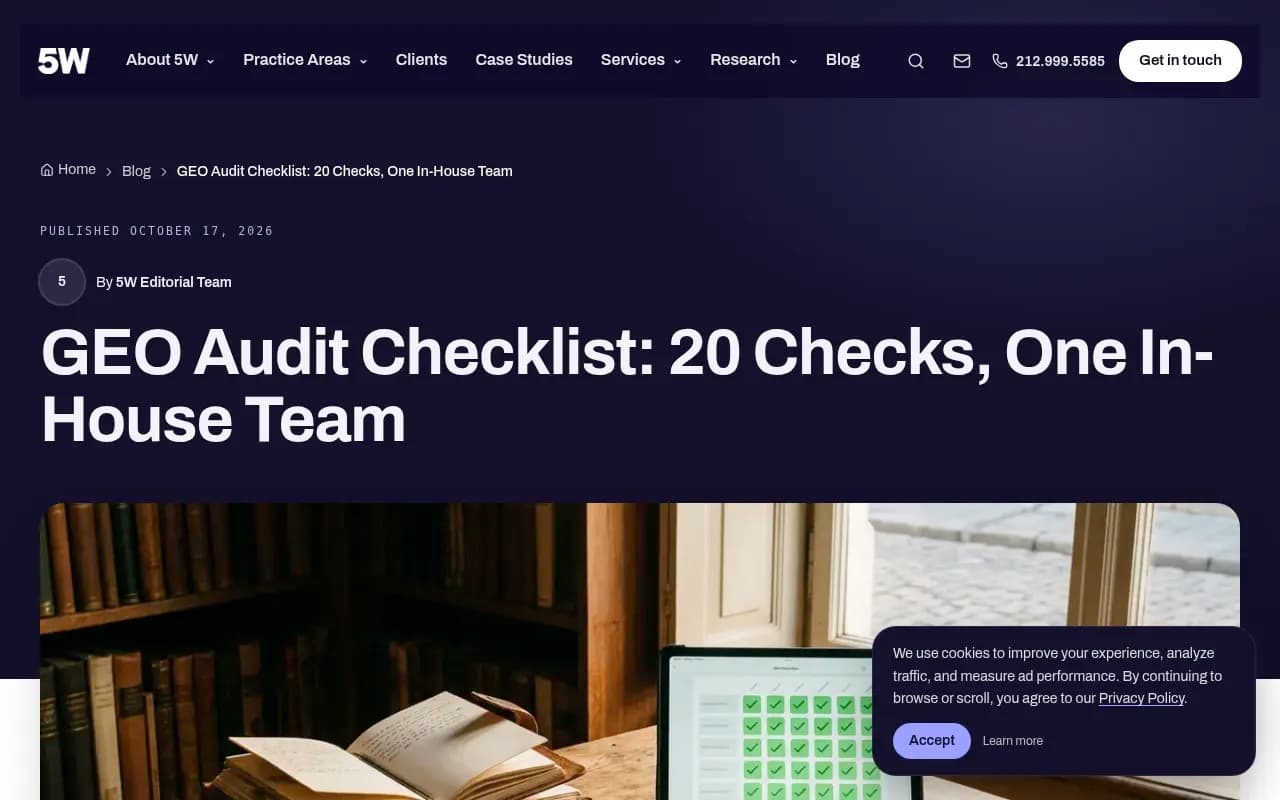
Most public GEO checklists agree on the broad areas. The 5WPR checklist splits 20 checks into prompts and baseline, visibility metrics, source map, owned site, and facts and cadence. Others, like the ones from Mentionable and WebYes, focus on bot access, structured data, content quality, technical accessibility, and entity clarity. What they mostly lack is the local angle: a business with one to fifty locations has different failure modes than a SaaS company. This list adapts the common checks to that reality.
One caveat. None of the first-party data I reference here is specific to map packs or Google Business Profile. Where I make local claims, they come from how the checks work in practice, not from a local-only dataset.
Area 1: crawler access (checks 1 to 4)
If an AI system can't fetch your pages, nothing else matters. Start here.
1. robots.txt does not block answer crawlers
Open yourdomain.com/robots.txt and look for rules touching OAI-SearchBot, ChatGPT-User, PerplexityBot, Claude-SearchBot, and Googlebot. Training crawlers are a separate policy decision, and blocking them can be intentional. Blocking the answer-time fetchers usually is not. Plenty of sites inherited a blanket disallow from a plugin or a developer who was trying to stop scrapers.
2. CDN and WAF rules don't quietly block bots
Robots.txt can be clean while Cloudflare, a security plugin, or a host-level firewall returns 403s to anything that looks like a bot. Test with the actual user agents, or better, check your logs.
3. Your server logs show AI crawlers arriving
Promptwatch Data tracked IP-verified AI crawler requests from June 8 to September 6, 2026. OpenAI accounted for 79.8% of verified requests in the week of Aug 31 to Sep 6, down from 94.8% in early June. The report's own audit advice is worth borrowing: compare your logs to that mix. If a provider is large in the report but near zero in your logs, you are probably blocked or unreachable for it.
Note that provider totals mix training crawlers with answer-time fetchers, so look at the per-crawler view before drawing conclusions.
4. Spoofed bots are excluded from your numbers
A surprising amount of "AI bot" traffic in raw logs is someone faking a user agent. Verify by IP range, not by the string. If your analytics tool doesn't do this, treat its bot counts with suspicion.
Area 2: your own site (checks 5 to 10)
5. Primary content is in the server-rendered HTML
View source, not inspect element. If your hours, services, and address only appear after JavaScript runs, some engines will never see them. This is common on sites built with page-builder widgets and store-locator embeds.
6. Every location has its own real page
One page per location, with a unique URL, not a dropdown on a single page. Include the address, phone, hours, services offered there, staff or photos, and something that could only be true of that location. Swapping the city name is not a location page.
7. Pages say what they are, in plain statements
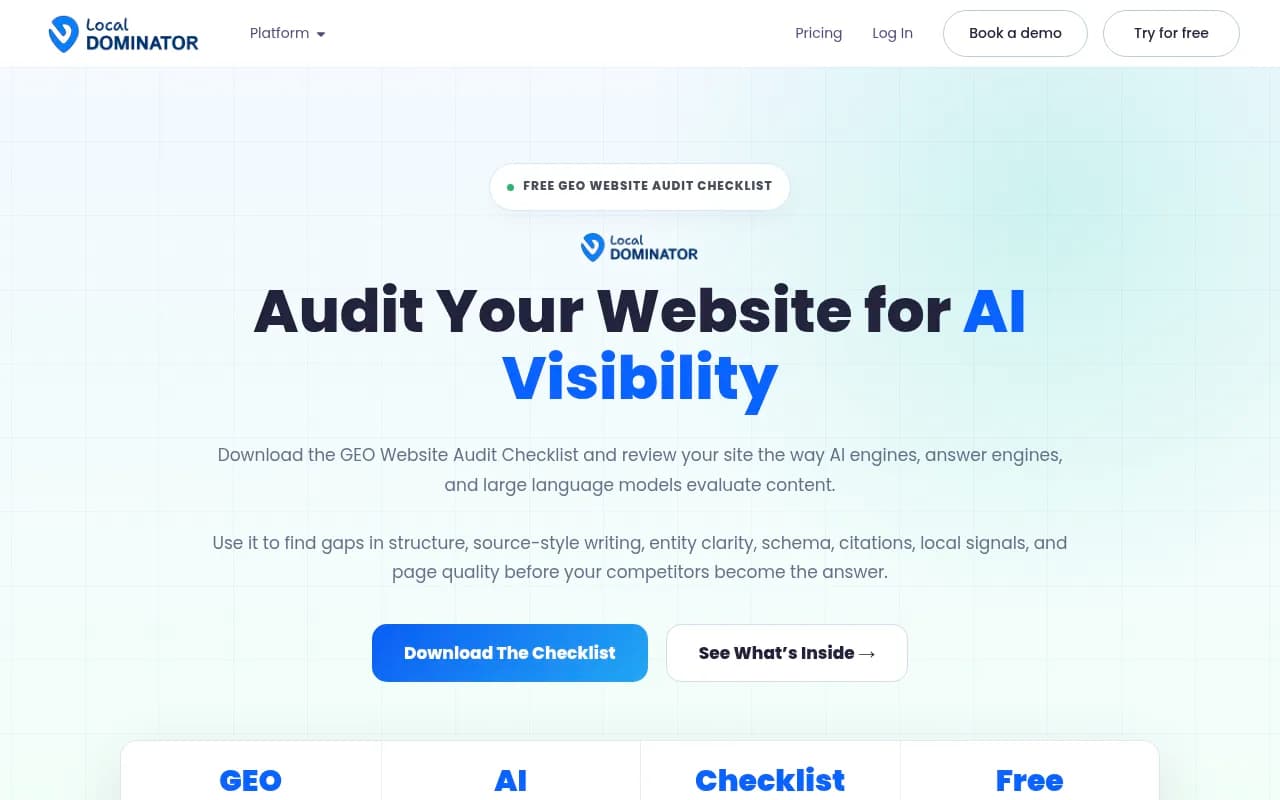
The Local Dominator checklist makes a point I agree with: avoid self-declared adjectives like "best" and "premier," and write short, standalone, quotable claims. "We repair cracked iPhone screens in Leeds, usually within 45 minutes" is a sentence an AI can lift. "Leeds' premier mobile solutions partner" is not.
8. Schema exists, parses, and matches the visible page
LocalBusiness (or the right subtype), Organization, and where relevant Service, FAQPage, and Review markup. Validate it. Then check the markup matches what is on screen. Schema that contradicts the page is worse than none.
9. Related pages don't compete for the same intent
The Okara checklist suggests running site:yourdomain.com plus a topic in Google and merging overlapping pages. For local sites this shows up as five near-identical "plumber in [suburb]" pages. Consolidate and redirect.
10. Page types match what AI actually cites
Promptwatch Data for Sep 28 to Oct 4, 2026 shows product pages at 22.4% and landing pages at 16.8% of ChatGPT citations, with listicles at 13.6%, how-tos at 8.7%, and FAQ pages at 3.3%. For a local business, "product page" translates to a clear service page with pricing or price ranges. Check that each service has its own page and that it states what, where, and roughly how much.
Area 3: entity and listing consistency (checks 11 to 14)
11. Name, address, and phone match everywhere
Website, Google Business Profile, Bing Places, Apple Business Connect, Yelp, and industry directories. Suite numbers, abbreviations, old phone numbers, and a former trading name are the usual culprits. Models pull from many sources, and a contradiction gives them a reason to hedge or skip you.
12. Categories and services are consistent
If your GBP lists you as a "general contractor" and your site says "kitchen remodeling specialist," pick one framing and use it everywhere. Services, service areas, and descriptions should read like the same business wrote them.
13. Ask the models what they say about you
Open ChatGPT, Perplexity, Gemini, and Claude and ask who you are, where you are, and what you do. Note what is wrong or thin. This takes fifteen minutes and is the best check on the list. A few of the tools below can do it for you, but do it manually once so you know what you're looking at.
Perplexity
14. Duplicate or defunct listings are cleaned up
Closed locations, old addresses, and duplicate profiles feed wrong answers. Listing managers such as Yext, Synup, BrightLocal, and Moz Local help for multi-location brands, mostly by making cleanup less painful.
Area 4: third-party sources (checks 15 to 17)
15. Reviews exist on trusted third-party sites
Promptwatch's own advice on branded prompts, based on the content-type data, is to keep pricing, features, and audience clear on your own pages, add an FAQ, and collect reviews on trusted third-party sites. Branded prompts lean on landing pages (22.8%) and product pages (23.3%), but reviews (5.6%) and FAQ (4.8%) show up too. Check your review volume and recency on Google and on whatever platforms your industry uses. Review tools like Birdeye, NiceJob, and Trustpilot can make asking easier.
16. You appear on the sources AI cites in your vertical
Citation sources differ sharply by industry. Promptwatch Data shows travel prompts favor Skyscanner, Going, and Tripadvisor, healthcare prompts favor NIH, the FDA, and the NHS, and automotive prompts in August 2026 favored marketplaces like Autotrader and Cars.com over any car brand. Your vertical has its own version. Find out which sites those are for your category and check whether you have a profile, a listing, or a mention on them.
17. Social and forum presence is realistic
Don't over-invest in one platform on a hunch. Promptwatch Data for Sep 28 to Oct 4, 2026 shows ChatGPT drew just 0.46% of its citations from social platforms while Google AI Overviews drew 12.2%. And reddit.com's share of ChatGPT citations fell from roughly 4% to 0.5% on August 14, 2026. Which engines matter for your customers should decide where you spend effort.
Area 5: prompts and measurement (checks 18 to 20)
18. Your prompt set reflects how locals actually ask
Include the city or neighborhood, "near me" phrasing, urgent versus research intent, and comparison queries. Mix branded and unbranded prompts. Tools like AnswerThePublic and AlsoAsked help find real question phrasing, and Google Search Console shows the queries already sending you traffic.
19. You measure across many prompts, not one
Promptwatch Data shows 47.6% of ChatGPT responses cite 10 or more unique domains, and 66.1% cite at least 8 (Sep 28 to Oct 4, 2026). Brand-specific prompts are tighter, with 5 domains the most common count at 14.9%. Answers are crowded and variable. One prompt run once is an anecdote. Track position and how you are described, not just whether you were mentioned.
20. Location and language settings match your market
If you serve one metro area, tracking from a generic national setting will give you answers your customers never see. Check that your tracker supports country and, ideally, state or city settings, and that the language matches.
The 20 checks at a glance
| # | Area | Check | Cost to fix |
|---|---|---|---|
| 1 | Crawler access | robots.txt allows answer crawlers | Free |
| 2 | Crawler access | CDN/WAF doesn't block bots | Free to low |
| 3 | Crawler access | AI crawlers appear in logs | Free to low |
| 4 | Crawler access | Spoofed bots filtered | Tool-dependent |
| 5 | Own site | Server-rendered content | Dev time |
| 6 | Own site | Unique page per location | Content time |
| 7 | Own site | Plain, quotable claims | Content time |
| 8 | Own site | Valid, matching schema | Low |
| 9 | Own site | No overlapping intent pages | Low |
| 10 | Own site | Service pages with specifics | Content time |
| 11 | Entity | NAP consistency | Low |
| 12 | Entity | Consistent categories and services | Free |
| 13 | Entity | Manual model check | Free |
| 14 | Entity | Duplicate listings removed | Low to moderate |
| 15 | Sources | Third-party reviews | Ongoing |
| 16 | Sources | Presence on vertical sources | Ongoing |
| 17 | Sources | Realistic social/forum plan | Ongoing |
| 18 | Measurement | Local prompt set | Free |
| 19 | Measurement | Many prompts, not one | Tool-dependent |
| 20 | Measurement | Right location and language | Tool-dependent |
A realistic order of operations
You don't need to do all 20 in a week. Here is how I would sequence it:
- Checks 1 to 4 first. They take an hour and can make everything else irrelevant.
- Check 13, the manual model test, to see what is wrong in plain view.
- Checks 11, 12, and 14 to fix entity data.
- Checks 5 to 10 as an ongoing site project, starting with your highest-revenue location.
- Checks 15 to 17 as a continuous habit.
- Checks 18 to 20 when you finally pick a tracker.
For crawling and rendering checks, Screaming Frog is a dependable way to see what your pages look like to a bot, and Schema App or the built-in validators handle structured data.

Choosing a tracker once the audit is done
By now you know what you need from a tracker. For local work, the shortlist of requirements is: real interface data rather than only API answers, country and ideally city-level tracking, enough prompt volume to cover your services across locations, and some way to connect visibility to site traffic.
Promptwatch covers several of these: it tracks the real interfaces of ChatGPT, AI Overviews, AI Mode, Gemini, Perplexity, and Copilot, has IP-verified crawler logs that cover checks 3 and 4 directly, and offers state and city tracking from its Business plan. It also has a site audit and an Action Board for the fixes. Confirm current plans at promptwatch.com/pricing.

If you want to compare options, a few other trackers worth a look include Otterly.AI for lightweight monitoring, Peec AI for simple tracking, and Tibly, which is aimed at local businesses. The GEO software directory at bestgeosoftware.com lists more.



| Need | Options |
|---|---|
| Crawler logs and bot verification | Promptwatch, Botify, Oncrawl |
| Listing and review management | BrightLocal, Yext, Synup, Birdeye |
| Lightweight prompt tracking | Otterly.AI, Peec AI |
| Local-focused AI visibility | Tibly, Promptwatch (city tracking on Business) |
| Free one-off checks | AnswerGist, HubSpot AI Search Grader, AI Rank Checker |
If you would rather hand the audit to people, an agency that does technical SEO and GEO together can run it end to end. 1001 SEO Media is one such agency, and it publishes this site.
Common mistakes to avoid
- Starting with tracking because it feels like progress. It is the least informative step until the audit is done.
- Treating a single mention as success. With answers citing ten or more domains, position and description matter more.
- Fixing the website while ignoring listings. Models don't only read your site.
- Blocking all AI bots in a panic, then wondering why you never appear.
- Writing location pages for search engines only. If a human can't tell your Leeds page from your Bristol page, neither can a model.
What to do this week
Open your robots.txt, check your logs for GPTBot-family and PerplexityBot visits, and ask four AI assistants to describe your business. Those three actions take under an hour and tell you more than most dashboards will in the first month. Write down every mistake you find, fix the free ones, and only then start tracking.