Key takeaways
- Most AI visibility migrations fail because teams export data too late, skip baseline snapshots, and underestimate how long it takes to rebuild prompt sets in a new platform
- The 30-minute framework breaks the migration into four phases: snapshot, export, configure, and validate -- each with a clear time budget
- Prompt data and visibility scores are not automatically portable; you need to document them manually before switching
- Running both platforms in parallel for 2-4 weeks is the safest way to validate that your new tool is tracking accurately
- Platforms that go beyond monitoring (content gap analysis, AI crawler logs, content generation) are worth the migration effort -- passive dashboards are not
There's a specific kind of dread that comes with switching tools mid-campaign. You've built up weeks or months of baseline data. Your team knows where to look for the numbers. And now someone has decided it's time to migrate to a new AI visibility platform, and you're the one who has to make sure nothing breaks.
The good news: this is more manageable than it looks. The bad news: most teams approach it wrong, and they pay for it in lost context, broken prompt sets, and a visibility score that suddenly means nothing because the new platform measures things differently.
This guide gives you a structured 30-minute migration plan -- not a vague checklist, but a time-boxed process you can actually execute. It's designed for marketing and SEO teams moving between AI search visibility tools, whether you're upgrading from a basic monitor to a full GEO platform, or switching providers because your current tool stopped keeping up.
Platform engineering experts Loreli Cadapan and Ajay Chankramath break down why most migrations create more complexity than they resolve -- a pattern that applies directly to AI visibility tool switches.
Why AI visibility migrations are uniquely risky
Switching from one rank tracker to another is annoying but recoverable. Switching AI visibility platforms is different, for a few reasons.
First, there's no universal standard for what gets tracked. One platform might monitor ChatGPT, Perplexity, and Google AI Overviews. Another might add Gemini, Claude, Grok, and DeepSeek. The prompt sets are different. The scoring methodologies are different. A "visibility score" of 42 on platform A means something completely different from a 42 on platform B.
Second, AI search behavior changes fast. If you go dark for even two or three weeks during a migration, you lose the ability to detect model updates, citation shifts, or competitor gains that happened during that window. That gap in your timeline is genuinely hard to reconstruct.
Third, as Codal's Jason Jackson noted in a March 2026 analysis, the discovery layer for search has fractured. You're not protecting one ranking system anymore -- you're protecting your presence across every AI system that references your content. A migration that disrupts your tracking across even one major model can leave you blind to meaningful changes.
The solution isn't to avoid migrating. It's to migrate in a way that keeps your data intact and your tracking continuous.
Before you start: the pre-migration checklist (5 minutes)
Before you touch anything in your new platform, spend five minutes answering these questions:
- Which AI models does your current platform track, and which does the new one track?
- What prompts are you currently monitoring? Do you have them documented somewhere outside the platform?
- What's your current visibility baseline -- your score or citation rate -- for the past 30 days?
- Do you have page-level citation data showing which of your pages are being cited, and by which models?
- Are there any competitor benchmarks you've been tracking that you'll need to recreate?
If you can't answer all of these from memory or a quick export, that's your first task. Don't migrate until you have this information written down somewhere that isn't your current platform.
Phase 1: Snapshot your current state (8 minutes)
This is the most important phase and the one teams most often skip. Before you export anything, take a manual snapshot of your current visibility state.
What to capture
Export or screenshot the following:
- Your overall visibility score or citation rate for the past 30 and 90 days
- Your top 10 cited pages, with the models that cite them
- Your top 20 tracked prompts, with their current visibility scores
- Your competitor comparison data -- who's ahead of you, by how much, and for which prompts
- Any trend lines showing week-over-week or month-over-month changes
This doesn't need to be pretty. A spreadsheet with two columns (metric, value) is fine. The goal is a fixed reference point you can compare against once your new platform is live.
Why this matters
Different platforms calculate visibility differently. When you log into your new tool and see a score that's 30% lower than what you were used to, you need to know whether that's a real drop or just a methodological difference. Without a snapshot, you can't tell.
Phase 2: Export your prompt library (7 minutes)
Your prompt set is the most valuable thing you've built in your current platform. These are the specific questions and queries you've been tracking -- the ones that matter to your business, your customers, and your competitive position.
Most platforms let you export prompts as a CSV. Do that now. If your platform doesn't support export, copy them manually. Yes, all of them.
Organize prompts by category
Before you import into your new platform, sort your prompts into categories:
- Brand prompts (queries that mention your company by name)
- Category prompts (queries about your product category without brand mentions)
- Competitor prompts (queries where you're tracking competitor visibility)
- High-intent prompts (queries that correlate with purchase or conversion behavior)
This categorization will make it much faster to configure your new platform and prioritize which prompts to set up first.
A note on prompt volume and difficulty
If your current platform provided volume estimates or difficulty scores for your prompts, export those too. Not every platform tracks this, but if yours does, that data is worth preserving. It tells you which prompts are worth fighting for versus which ones are low-traffic noise.
Phase 3: Configure your new platform (10 minutes)
With your snapshot and prompt library in hand, you can now set up your new platform efficiently.
Step 1: Add your domain and competitors (2 minutes)
This is usually straightforward. Add your primary domain, then add the two or three competitors you care most about. Don't add every competitor you can think of -- start with the ones you were already tracking.
Step 2: Import your priority prompts (5 minutes)
Don't try to import every prompt at once. Start with your top 20 -- the ones that matter most to your business. Get those running first, validate that the platform is tracking them correctly, then add the rest.
If your new platform has a prompt suggestion or discovery feature, use it after you've imported your existing set. You might find gaps you weren't tracking before.
Step 3: Configure model coverage (2 minutes)
Make sure you've enabled tracking for every AI model that matters to your business. At minimum: ChatGPT, Perplexity, Google AI Overviews, and Claude. If you're in a market where Gemini or Grok are relevant, add those too.
Step 4: Set up alerts (1 minute)
Configure at least one alert -- ideally for significant drops in visibility score or new competitor citations. You want to know immediately if something changes in the first few weeks after migration.
Phase 4: Run parallel tracking and validate (5 minutes to set up, 2-4 weeks to run)
This is the part most teams skip because it feels redundant. Don't skip it.
For the first two to four weeks after migration, run both platforms simultaneously. Keep paying for your old platform. Yes, it's an extra cost. It's worth it.
What to compare
Each week, compare the following between your old and new platform:
| Metric | What to check |
|---|---|
| Overall visibility score | Are the trends moving in the same direction? |
| Top cited pages | Are the same pages appearing in both tools? |
| Competitor rankings | Is the competitive picture consistent? |
| Model-level data | Does ChatGPT data match between platforms? |
| New citations | Are both tools catching the same new citations? |
You don't need the numbers to be identical -- they won't be. You need the trends to be consistent. If your old platform shows visibility going up while your new one shows it going down, that's a problem worth investigating before you cancel the old subscription.
When to cut over
Cut over when you've had at least two weeks of parallel data and the trends are consistent. At that point, you can confidently cancel your old platform and rely entirely on the new one.
The real migration risk: losing your optimization workflow
Data migration is the part everyone worries about. But the bigger risk is losing your optimization workflow -- the process you had for turning visibility data into action.
This is where the choice of platform matters enormously. If you're migrating from a basic monitoring tool to a platform that actually helps you fix visibility gaps, the workflow change is significant.
Codal's March 2026 analysis of eCommerce migrations illustrates how teams lose AI visibility during platform transitions -- the same risks apply to switching visibility tracking tools.
Most AI visibility tools are monitoring dashboards. They show you where you're visible and where you're not. That's useful, but it leaves you stuck: you know you have a gap, but you don't know what to do about it.
The platforms worth migrating to are the ones that close that loop. Promptwatch, for example, doesn't just show you which prompts your competitors are winning -- it shows you exactly what content your site is missing, then helps you generate that content using real prompt data and citation analysis. That's a fundamentally different workflow, and it takes a few weeks to internalize.

When you migrate to a platform like this, budget time not just for data setup but for workflow setup. Who on your team will review the answer gap analysis? Who will act on content briefs? How will you track the timeline from content publish to AI crawl to citation?
Common migration mistakes and how to avoid them
Migrating during a high-traffic period
Don't switch platforms during a product launch, a major campaign, or a period when you need clean data for reporting. Pick a quiet two-week window.
Assuming prompt parity
Your old platform's prompt set and your new platform's prompt set will not produce identical results even for the same query. AI models behave differently depending on how prompts are structured, which persona is used, and which region is being tracked. Expect some variance and don't panic about it.
Forgetting offsite citations
If your old platform tracked external citations -- Reddit threads, YouTube videos, third-party listicles that mention your brand -- make sure your new platform does too. Offsite citation data is often more actionable than onsite data, and it's easy to overlook during migration.
Not documenting the migration for stakeholders
If your CMO or client is used to seeing a specific visibility number in reports, they need to know that number will look different after migration. Brief them before you switch, not after. Show them the snapshot you took in Phase 1 and explain how the new platform's methodology differs.
Choosing the right platform to migrate to
If you're reading this guide, you're probably already committed to a specific destination platform. But if you're still evaluating options, here's a quick comparison of what different tools offer for teams making this kind of move.
| Platform | Monitoring | Content gap analysis | Content generation | Crawler logs | Prompt volume data |
|---|---|---|---|---|---|
| Promptwatch | Yes | Yes | Yes | Yes | Yes |
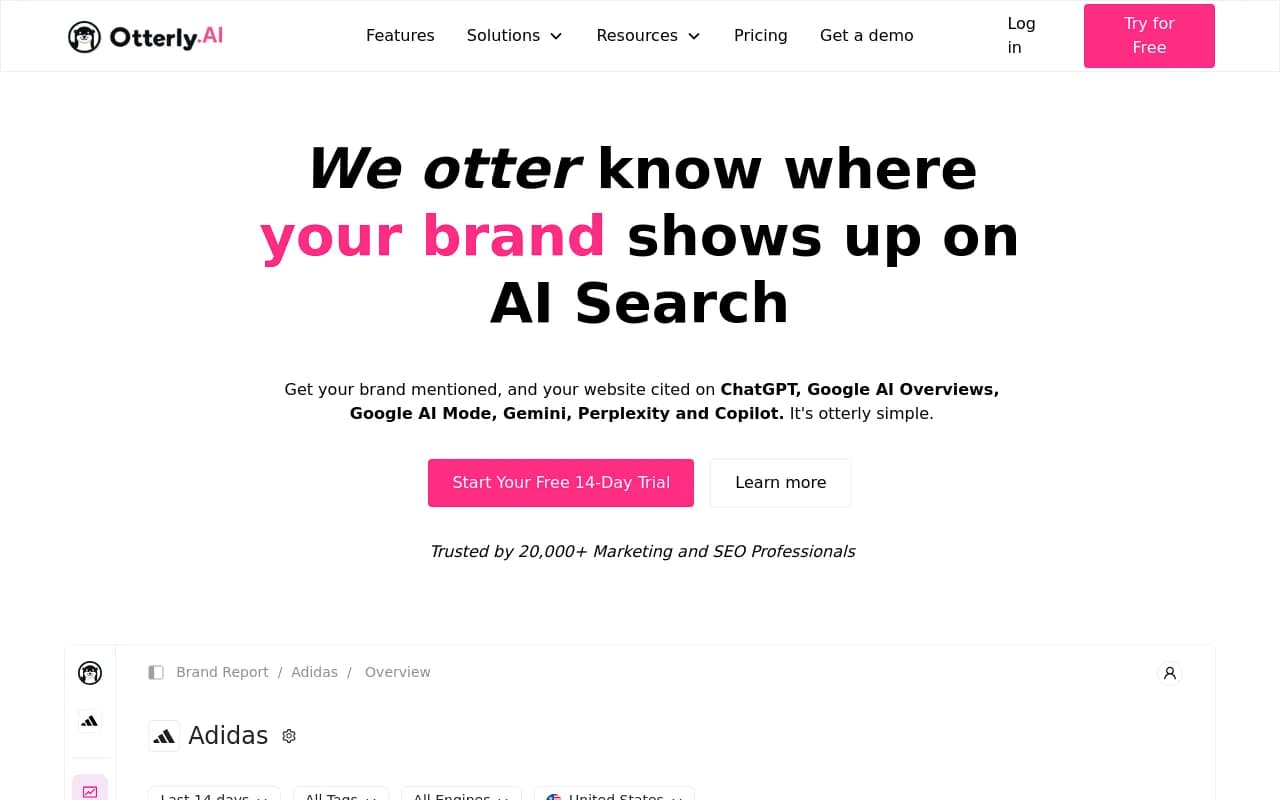
| Otterly.AI | Yes | No | No | No | No |
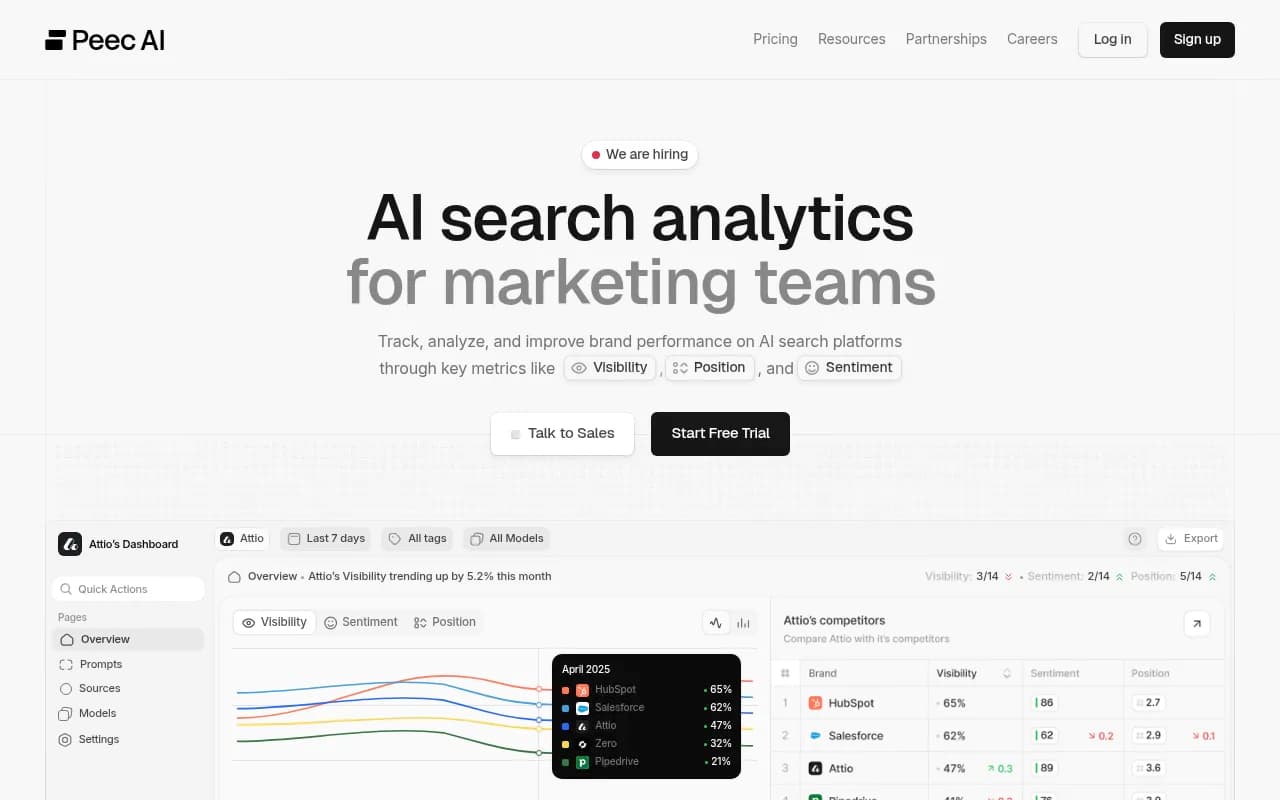
| Peec AI | Yes | No | No | No | No |
| Profound | Yes | Limited | No | No | Limited |
| AthenaHQ | Yes | No | No | No | No |
| Scrunch AI | Yes | No | No | No | No |
| Brandlight.ai | Yes | No | No | No | No |
The pattern is clear: most platforms stop at monitoring. If you're going through the effort of a migration, it's worth moving to a platform that helps you act on what you find.
After the migration: the first 30 days
Once you've cut over to your new platform, the first 30 days are about establishing a new baseline and getting your team comfortable with the new workflow.
Week 1-2: baseline establishment
Run your full prompt set and let the platform collect data. Don't make any content changes during this period -- you want clean baseline data that isn't contaminated by simultaneous optimizations.
Week 3-4: first optimization cycle
Now you can start acting on what you see. If your new platform has answer gap analysis, run it now. Look at which prompts your competitors are winning that you're not, and identify the content gaps on your site that explain why.
If you're using a platform with content generation capabilities, this is when you start creating content targeted at those gaps. The goal is to have your first AI-optimized content published by the end of week four, so you can start tracking the timeline from publish to crawl to citation.
Ongoing: close the loop
The measure of a successful migration isn't that your visibility score is higher on day 30 than it was on day one. It's that you have a clear, repeatable process for finding gaps, creating content, and tracking results. That loop -- find, fix, track -- is what separates teams that grow their AI visibility from teams that just watch it.
A note on timing
Thirty minutes is enough to execute the mechanical parts of this migration: the snapshot, the export, the configuration, the alert setup. The parallel validation phase takes longer by design.
What you're really buying with this framework is a structured approach that prevents the most common failure modes: losing your baseline, losing your prompt library, and losing your optimization workflow. Teams that skip these steps spend weeks trying to reconstruct context that should have taken five minutes to preserve.
The migration itself is not the hard part. The hard part is maintaining momentum -- keeping your team focused on optimization while the new platform is still unfamiliar. The 30-minute framework gives you the foundation to do that without starting from scratch.