Key takeaways
- Coding agents like Claude Code and Codex now pick libraries and SDKs for developers, often before anyone opens a search engine. If you ship a developer tool, you need to know what they say about you.
- A manual audit of 20 prompts across five categories (discovery, comparison, implementation, migration, and failure) is enough to find your biggest gaps in an afternoon.
- Run each prompt several times, in a clean project and in a project with context files, and log mentions, position, version accuracy and whether the code the agent writes actually works.
- Re-run the audit after every model upgrade. Recommendations can shift when the underlying model changes.
- Fixes are mostly boring and effective: crawlable docs, a public GitHub presence, accurate examples, and clear install snippets.
Why this audit exists
A few years ago, a developer picking a payments SDK would Google it, skim three blog posts and read the docs. Now a lot of them type "add Stripe-style payments to this Express app" into Claude Code or Codex and accept whatever the agent installs. The agent is the shortlist.
If you run a developer tool company, that is a strange thing to sit with. You can have great docs, a loyal community and decent search rankings, and still be invisible at the moment someone's agent runs npm install.
I should be upfront about what we know and don't. There is no public dataset on exactly how Claude Code or Codex choose SDKs. Training data, web search during a session, files in the repo and the developer's own phrasing all probably play a part, and the mix will differ by agent and by model version. So the honest approach is empirical. Ask the agents the questions your customers would ask, record what comes back, and look for patterns.
That is what this guide is: a manual audit you can run yourself with nothing but a terminal and a spreadsheet.
What the closest data says (and what it doesn't)
Promptwatch Data has no report on what Claude Code or Codex recommend, so I won't pretend otherwise. But there is a nearby data point worth knowing. In Promptwatch's ChatGPT software citation data for Sep 28 to Oct 4, 2026, GitHub was the most cited software domain at 1.2% of software citations, followed by learn.microsoft.com at 0.98% and G2 at 0.73%. By source type, docs and help centers earned 2.64% and vendor sites 2.01%, together about three times what review sites and analysts earned.
That is ChatGPT answering organic software prompts, not a coding agent working in a repo. Treat it as an analogue. It suggests that when an AI system goes looking for software answers on the web, documentation and GitHub carry a lot of weight. Your audit will tell you whether the same holds for the agents your users actually run.
One more relevant piece of data: Promptwatch's AI crawler traffic report shows OpenAI at 79.8% of verified AI crawler requests in Aug 31 to Sep 6, 2026, down from 94.8% in early June. Crawler mix is shifting, and if your docs block a provider, that provider's products cannot read them at answer time.
Before you start: set up the test properly
Sloppy setup gives you noise. A few rules make the results usable.
Use clean sessions
Start each prompt in a fresh session in an empty directory. Agents carry context across a conversation, and a previous answer will bias the next one. For the first pass, no CLAUDE.md, no AGENTS.md, nothing. You want the raw default behavior.
Then repeat with context files
Real projects have context files. Run a second pass inside a realistic project with a typical stack: a Next.js app, a FastAPI service, a Go backend. Note whether a stack-specific repo changes what gets recommended. It often does.
Run each prompt at least three times
Output varies. One run tells you nothing. Three runs per prompt per agent gives you a rough hit rate: "recommended in 2 of 3 runs." With 20 prompts and two agents, that is 120 runs. It sounds like a lot, but it is a half-day of work, and most of it is waiting.
Keep a log
Use a spreadsheet with these columns:
| Column | What to record |
|---|---|
| Prompt ID | P1 to P20 |
| Agent and version | Claude Code or Codex, plus model name and date |
| Context | Clean or with context file |
| Run | 1, 2 or 3 |
| Mentioned | Yes or no |
| Position | Order among the options named |
| Installed | Did the agent actually add your package? |
| Code works | Did the generated code run? |
| Version accuracy | Current, outdated or invented API |
| Competitors named | Who showed up instead |
Record the model version every time. That matters later, when you re-run after an upgrade.
The 20 prompts
Replace the bracketed parts with your category and your product. Keep the phrasing natural. Customers do not write "best SDK for X according to criteria Y." They write messy things.
Group 1: Discovery (prompts 1 to 5)
These test whether the agent names you when the developer does not know you exist.
- "I need to add [capability, e.g. transactional email] to this app. What should I use?"
- "What's the best library for [capability] in [language]?"
- "Add [capability] to this project." (No library named. See what it installs unprompted.)
- "What are the most popular [category] SDKs right now?"
- "I'm building [type of app]. Which [category] provider should I pick for a small team?"
Prompt 3 is the most revealing and the most uncomfortable. When an agent is told to just do it, it picks a default. That default is the real recommendation.
Group 2: Comparison (prompts 6 to 10)
These test how you are described next to competitors.
- "Compare [your product] and [top competitor] for [use case]."
- "Alternatives to [top competitor] for [language]?"
- "Should I use [your product] or build [capability] myself?"
- "Which is easier to set up, [your product] or [competitor]?"
- "Which [category] SDK has the best TypeScript support?" (Swap in the attribute that matters in your market: types, bundle size, latency, pricing.)
For these, read the descriptions, not just the mentions. Is the agent repeating a feature you dropped two years ago? Is it calling you expensive when you aren't?
Group 3: Implementation (prompts 11 to 15)
These test what happens once the developer has already chosen you.
- "Integrate [your product] into this Express app."
- "Set up [your product] with [popular framework] and write a test for it."
- "Add webhook handling using [your product]."
- "Show me the quickstart for [your product]."
- "Use the latest version of [your product] to do [common task]."
Here you are checking correctness. Does it use the current package name? The current import path? Does it invent methods that do not exist? Agents hallucinating an old or imaginary API is one of the most damaging outcomes, because the developer blames your SDK, not the agent.
Group 4: Migration (prompts 16 to 18)
These test whether you can win people from, or lose people to, others.
- "Migrate this code from [competitor] to [your product]."
- "Migrate this code from [your product] to [competitor]."
- "We're on [older version of your product]. Upgrade us to the current version."
Prompt 17 is not paranoia. If agents handle moving away from you more fluently than moving to you, that tells you where the documentation gap is.
Group 5: Failure and trust (prompts 19 and 20)
- "I'm getting this error from [your product]: [a real, common error message]. How do I fix it?"
- "Is [your product] still maintained? Any known problems?"
Prompt 19 uses a genuine error from your support queue. Whether the agent resolves it, or confidently suggests nonsense, is a direct read on how well your troubleshooting content is represented. Prompt 20 shows what the agent believes about your reputation.
Scoring what you find
After the runs, compute a few simple numbers per agent.
| Metric | How to calculate | What a low score means |
|---|---|---|
| Discovery rate | Mentions in prompts 1 to 5, divided by total runs | Agents do not know you for the category |
| Default pick rate | Times your package was installed in prompt 3 | You are not the unprompted default |
| Comparison accuracy | Share of comparison answers with correct claims | Stale or wrong positioning in the wild |
| Working-code rate | Share of implementation runs that executed | Docs, examples or version info are lacking |
| Migration symmetry | Success of prompt 16 versus prompt 17 | Guidance for moving to you is weaker than away |
| Error resolution | Prompt 19 success rate | Troubleshooting content is thin or unreachable |
Do not obsess over small percentages. With three runs per prompt, the sample is tiny. What you are looking for is the glaring stuff: zero mentions in discovery, a hallucinated method in every implementation run, a competitor named in every comparison.
Reading the results
A few patterns come up again and again in this kind of audit, and they point to different fixes.
You are named when asked directly but never unprompted. The agent knows you exist but does not reach for you. That is a coverage problem. You need more of the web, and more of the repos agents learn from, talking about you in the context of the capability, not just your brand name.
You are named, but the code is wrong. This is a freshness problem. Old tutorials, old Stack Overflow answers and old blog posts are outweighing your current docs. Publish clear versioned quickstarts, put the current import path front and center, and keep a visible changelog.
Competitors dominate the comparison prompts. Look at what they have that you don't. Often it is a plain, honest comparison page, a migration guide, or a well-starred example repo.
Results differ a lot between Claude Code and Codex. That is normal. They run on different models with different training data and different search behavior. Treat them as two separate channels and track them separately.
Results differ between clean and context-file runs. If a repo's CLAUDE.md or AGENTS.md steers the agent, that is a useful lever for your own customers. Consider publishing a ready-to-paste snippet for these files in your docs, so developers who choose you can make sure their agent keeps using the right API.
Fixes that tend to matter
None of this is exotic, and the ChatGPT software data above points the same way: docs and GitHub carry weight.
- Keep documentation crawlable. Check robots.txt, your CDN and your WAF for every AI provider, not just the biggest one. Compare your own server logs with the provider mix in public crawler data. A provider that is large in the data but near zero in your logs may be blocked from your site.
- Maintain a public GitHub presence: a clear README, current examples, active issues, tagged releases.
- Write docs for machines as well as people. Short, self-contained pages with the install command, import, and a minimal working example near the top are easy for an agent to lift.
- Publish comparison and migration pages. Be fair. Agents and developers both punish obvious spin.
- Cover errors. A page per common error message, with the cause and fix, is cheap to write and directly answers prompt 19.
- Keep review profiles current on G2 and Capterra if your buyers use them.
- Offer context-file snippets. A short block developers can drop into CLAUDE.md or AGENTS.md that names the current package and API version.
One caveat: I would not rush to rewrite everything for markdown. Promptwatch's markdown data shows markdown files are only 0.05% of AI search citations. Markdown serves agents working in a repo, not AI search. Good HTML docs still matter.
Re-run after every model upgrade
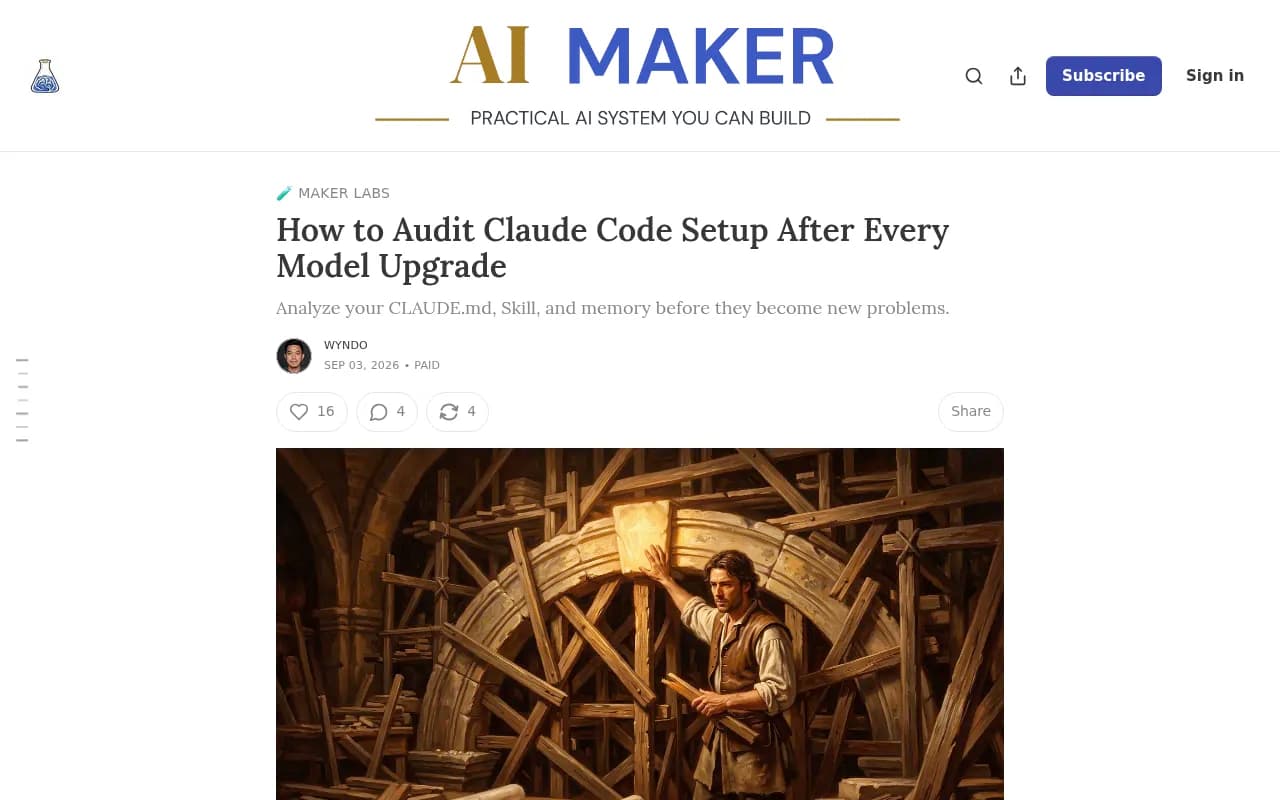
The Claude Code team reportedly runs an ablation whenever a new model arrives: strip the system prompt, use the product, see where the model struggles, restore instructions one by one. According to a September 2026 write-up on The AI Maker, Anthropic removed more than 80% of Claude Code's internal system prompt for newer Claude 5 models with no measurable loss on its coding evaluations. That piece is about auditing your own setup, but the lesson transfers: the agent's behavior is not fixed. It changes when the model changes.
So schedule the audit. Quarterly is a sensible floor, plus a re-run whenever Anthropic or OpenAI ships a new default model. Your spreadsheet's agent-version column makes before-and-after comparisons easy. Start each audit read-only: look at what the agent recommends before you change anything on your side, so you are measuring the baseline and not your own edits.
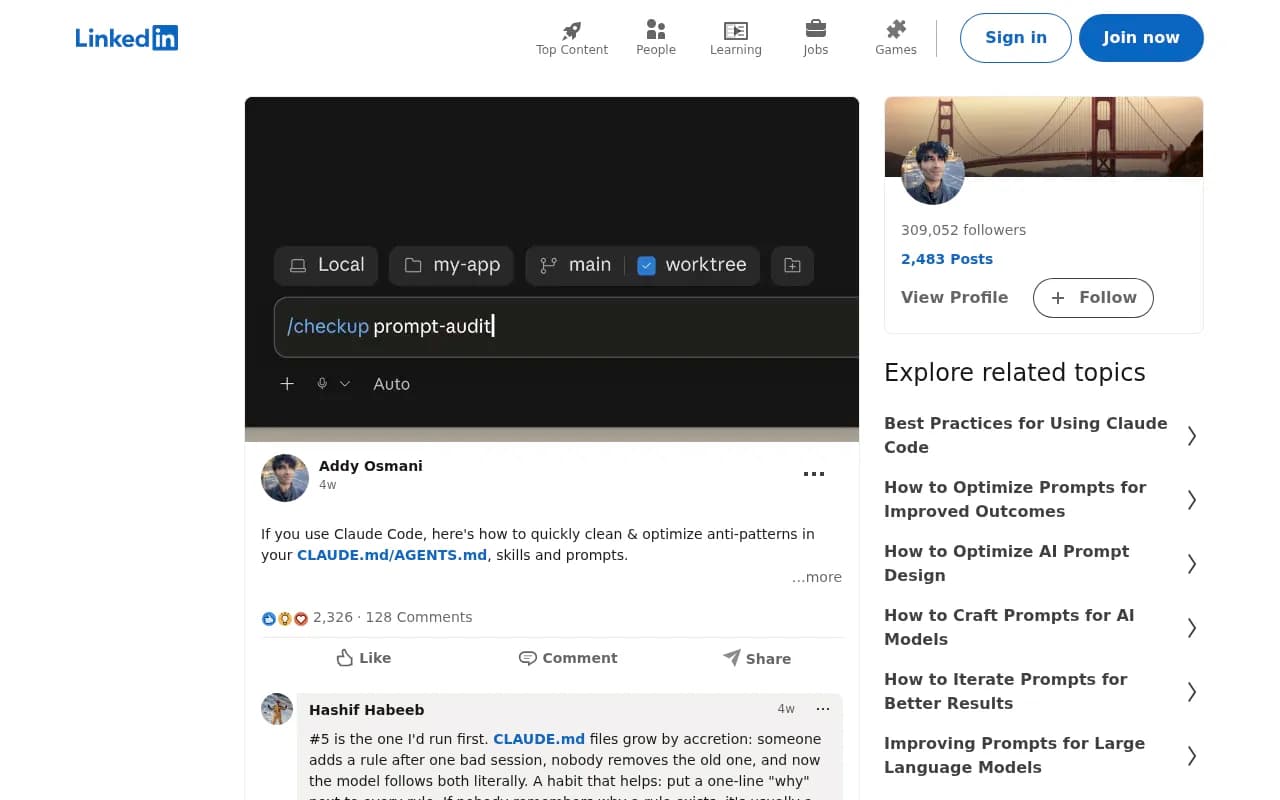
If you are also tuning your own agent setup, Addy Osmani has shared a prompt-audit approach for cleaning anti-patterns out of CLAUDE.md, AGENTS.md, skills and prompts, which is a handy companion.
When manual stops scaling
Twenty prompts across two agents is a good start and a poor long-term system. Answers drift, you will want more prompts, and you will want to know which of your pages the AI systems actually read. At that point, tools help. Promptwatch tracks brand visibility across ChatGPT, Gemini, Perplexity, Claude and others, and its coverage includes the coding agents Codex, Claude Code and OpenCode, plus IP-verified crawler logs that show which AI bots read your docs.

If you want to compare options first, the GEO software directory at bestgeosoftware.com lists tools in the category. Keep the manual audit anyway. Reading raw agent output, line by line, will teach you things a dashboard will not, like the exact wrong import path your SDK keeps getting.
A one-afternoon plan
- Pick your category, your top two competitors, and your three most common customer tasks.
- Fill in the 20 prompts with real wording from your support tickets and sales calls.
- Run them three times each in clean sessions in Claude Code and Codex. Log everything, including the model version.
- Repeat in a realistic project with a context file.
- Score the six metrics above and circle the worst two.
- Fix the worst two first. Usually that is stale quickstarts and a missing comparison or migration page.
- Put the next audit in the calendar, and move it up whenever a new model ships.
The point is not a perfect number. It is finding out, before your customers' agents do it for you, what the shortlist actually looks like.