Key takeaways
- Tracking your brand in Meta AI has nothing to do with Meta Pixel or Meta Ads tracking. Those measure ad conversions. This guide covers what Meta's assistant says about you.
- Coverage is thin. Several tools claim Meta AI support, but verify it against a live trial before you pay for anything.
- Meta is building its own web index. Promptwatch Data shows the Meta-WebIndexer crawler going from about 2.2% to 37.8% of tracked AI crawler requests between mid-July and August 9, 2026.
- The reliable method today is a fixed prompt set, run manually on a schedule, scored for mention, position, sentiment and accuracy, plus a check of your server logs and robots.txt for Meta's crawlers.
- Fix what you find with content and technical access changes, then re-run the same prompts.
Meta AI tracking is not Meta Ads tracking
Search for this topic and most results are about Meta Pixel, the Conversions API and Events Manager. That is advertising measurement. It tells you whether a click on a Facebook ad turned into a purchase. It tells you nothing about whether Meta's assistant recommends your brand when someone asks it a question.
There is also a third thing people confuse with both: Meta Business AI, the tool that lets businesses deploy an AI sales and support assistant inside Messenger, WhatsApp and Instagram. That is about your AI talking to customers. This guide is about the reverse, what Meta's AI says about you.
| Topic | What it measures | Where you manage it |
|---|---|---|
| Meta Pixel and Conversions API | Ad conversions and attribution | Events Manager |
| Meta Business AI | Your own AI agent answering customers | Meta Business Suite, WhatsApp Business |
| Meta AI brand tracking (this guide) | Whether Meta AI mentions, cites and describes your brand | Prompt tests, crawler logs, visibility tools |
If you want the ads side, the pages on Meta ads tracking setup cover it well. Everything below is about AI visibility.
Why Meta AI deserves its own tracking
Meta AI sits inside Facebook, Instagram, Messenger, WhatsApp and the standalone meta.ai site. That makes it a consumer assistant that people hit mid-scroll, mid-chat, often on mobile. For consumer brands with younger audiences, it is plausibly a place where product questions get asked.
I should be honest about what we do not know. I found no published Promptwatch Data report that measures Meta AI citations directly, and Meta has not published official documentation on how its assistant picks sources. So any claim about how often Meta AI cites a given type of page would be a guess. What we do have is crawler evidence.
Promptwatch's Meta-WebIndexer report (published August 10, 2026) shows the meta-webindexer user agent going from about 2.2% of tracked AI crawler requests in mid-July 2026 to 37.8% on August 9, 2026. Roughly one in three tracked AI crawler requests came from that one bot at the peak. Promptwatch's reading is that Meta is building its own search index so Meta AI does not depend on Google or Bing. Secondhand reports back that up (a developer posted on August 6 that Meta staff told him the company is allegedly building its own search engine), but it is unconfirmed.
That is enough reason to care. If Meta AI is moving to its own index, whether your pages are crawlable by Meta decides whether they can ever show up.
Step 1: Decide what you want to learn
Before running anything, write down the questions. For Meta AI they usually fall into four groups:
- Does it know my brand exists, and is what it says accurate?
- Am I recommended when someone asks for products or services in my category?
- How do I compare when a user asks it to pick between me and a competitor?
- Does it link or cite my own site, or other sources?
A low mention rate and a low citation rate are different problems. The first is awareness. The second may be a crawl or content problem.
Step 2: Build a fixed prompt set
Use 12 to 20 prompts and never change the wording between runs, or you cannot compare results over time. Split them into four types:
- Brand: "What is [brand] and what do they sell?" "Is [brand] any good?"
- Category: "What are the best [product type] for [audience]?" "Which [service] would you recommend near me?"
- Comparison: "[Brand] vs [competitor], which is better for [use case]?"
- Problem: "How do I fix [problem your product solves]?"
Meta AI is conversational and often used casually, so write some prompts the way a person types into a chat app: short, a bit vague, sometimes with typos. Add a few prompts with location if you sell locally. Keep everything in a spreadsheet with columns for prompt, type, date, platform surface, and result.
Step 3: Run the prompts manually and record the surface
Meta AI answers differ depending on where you ask. The same question in WhatsApp, Instagram search, and meta.ai may give different results, and web search may or may not be triggered. Record:
- Which surface you used (app, web, region, language)
- Whether you were logged in, since personalization can bias answers
- Whether the answer showed sources or links
- The full text of the response, not a summary
Run each priority prompt two or three times. Answers vary between runs, so track how often you appear, not just whether you did once.
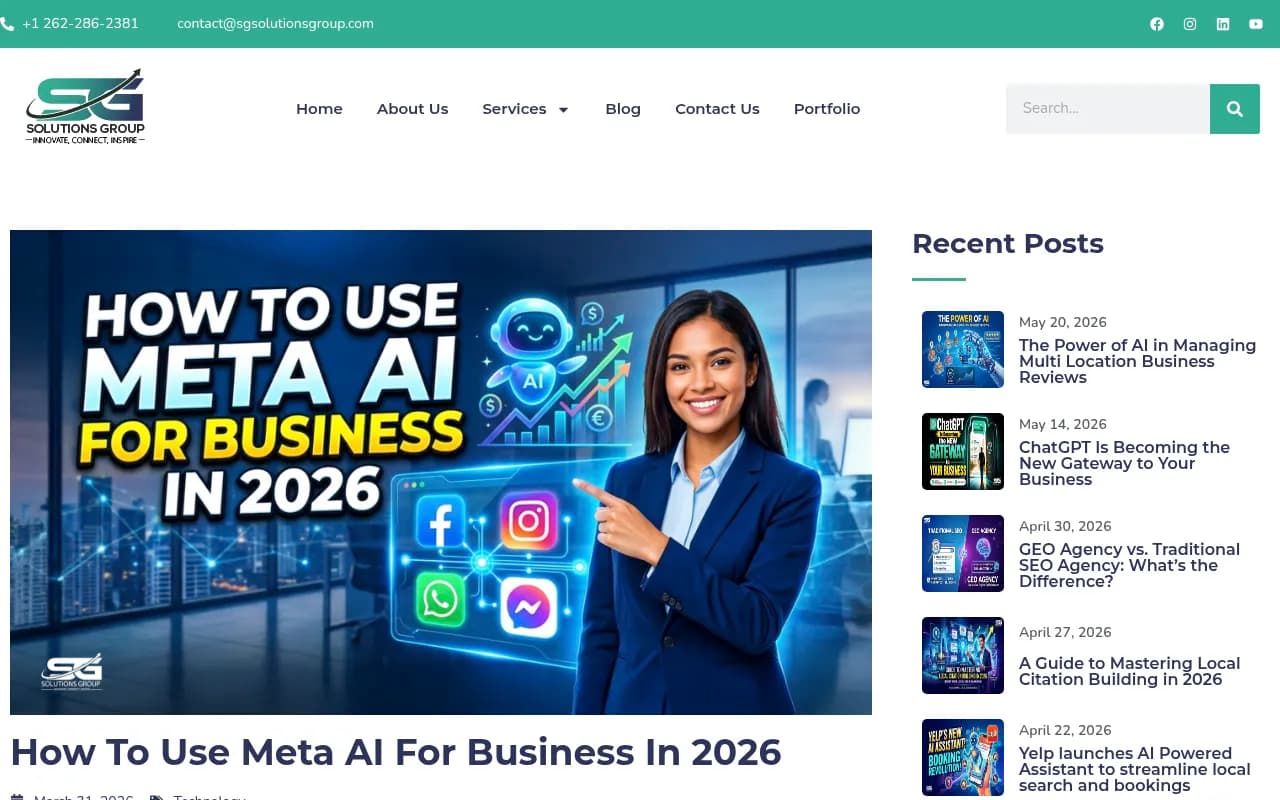
The screenshot above is from an explainer that separates Meta AI (the general assistant) from Meta Business AI (the business tool). Worth skimming if you are still mixing the two up.
Step 4: Score every answer
Use the same four scores each time:
- Mention: yes, no, or partial.
- Position: first named, listed among several, or buried.
- Sentiment: positive, neutral, negative, mixed.
- Accuracy: correct, outdated, wrong, or invented.
Then calculate a mention rate (prompts where you appeared divided by prompts run) and write down which competitors show up where you do not. Hallucinated details deserve their own list. If Meta AI invents a pricing tier or says you closed a location, that is the first thing to fix.
Step 5: Check whether Meta can read your site
This is the step most guides skip, and it is where you can actually get hard data. Promptwatch's report tells you to check four Meta user agents in your server logs and robots.txt:
- meta-webindexer
- meta-externalagent
- meta-externalfetcher
- FacebookBot
Search your logs for each one. Then compare to your robots.txt, CDN rules and WAF settings. Promptwatch's AI crawler traffic data offers a useful sanity check: if a provider is a large share of verified crawler traffic across the web but near zero in your own logs, you are probably blocked by robots.txt, a CDN or a WAF, whether you meant to or not.
Two cautions. First, blocking these bots is a legitimate choice, but it likely keeps your content out of whatever Meta is indexing. Decide on purpose. Second, if your hosting bills per request, Promptwatch warns to budget for sustained crawl load. Meta's bot was the heaviest in their logs at its peak.
Tools that can show you crawler activity without manual log digging include Promptwatch, which has IP-verified AI crawler logs that filter out spoofed user agents and list Meta's crawlers among the ones it tracks. Note that Promptwatch's crawler logs tell you whether Meta's bots visit your pages. Whether the Promptwatch prompt tracker covers Meta AI answers specifically is something to confirm with the team before you buy, since Meta AI is not named in the data-collection list in that report.

For a free first look, the Agentic Readiness Check and AI Crawler URL Inspector on promptwatch.com show which AI crawlers can read a given page. If you prefer your own server, Screaming Frog in log analyzer mode or FandangoSEO can do a similar job.

Step 6: Consider a tool, but verify Meta AI support first
Manual testing works for a handful of prompts. It does not scale past that. Here is what I found when looking at tools that claim to cover Meta AI.
| Tool | Meta AI claim | What to verify |
|---|---|---|
| Analyze AI | Has a dedicated Meta AI page: mentions, links, sentiment, rankings, competitors, cited sources, plus traffic attribution and a one-off "test any prompt in Meta AI" search | No pricing on the page; dashboard numbers shown are mockups, so ask for a live demo |
| CrunchJunkie | Listed in a third-party roundup as tracking ten engines including Meta AI | Unverified listicle claim |
| Promptwatch | Meta AI is not named in its published data sources; Meta crawlers are tracked in logs | Ask the team directly about Meta AI prompt monitoring |
| Riff Analytics | Described as multi-model tracking including emerging engines | Confirm Meta AI is among them |
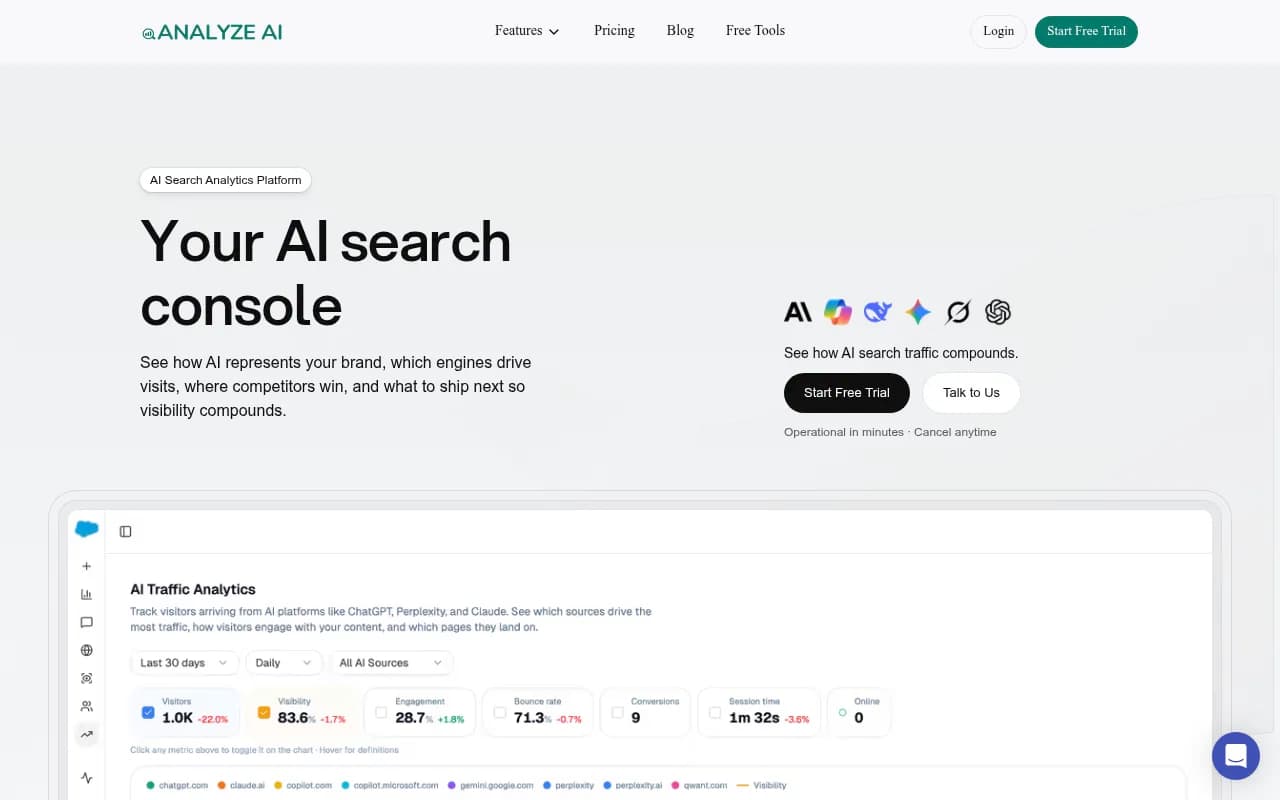
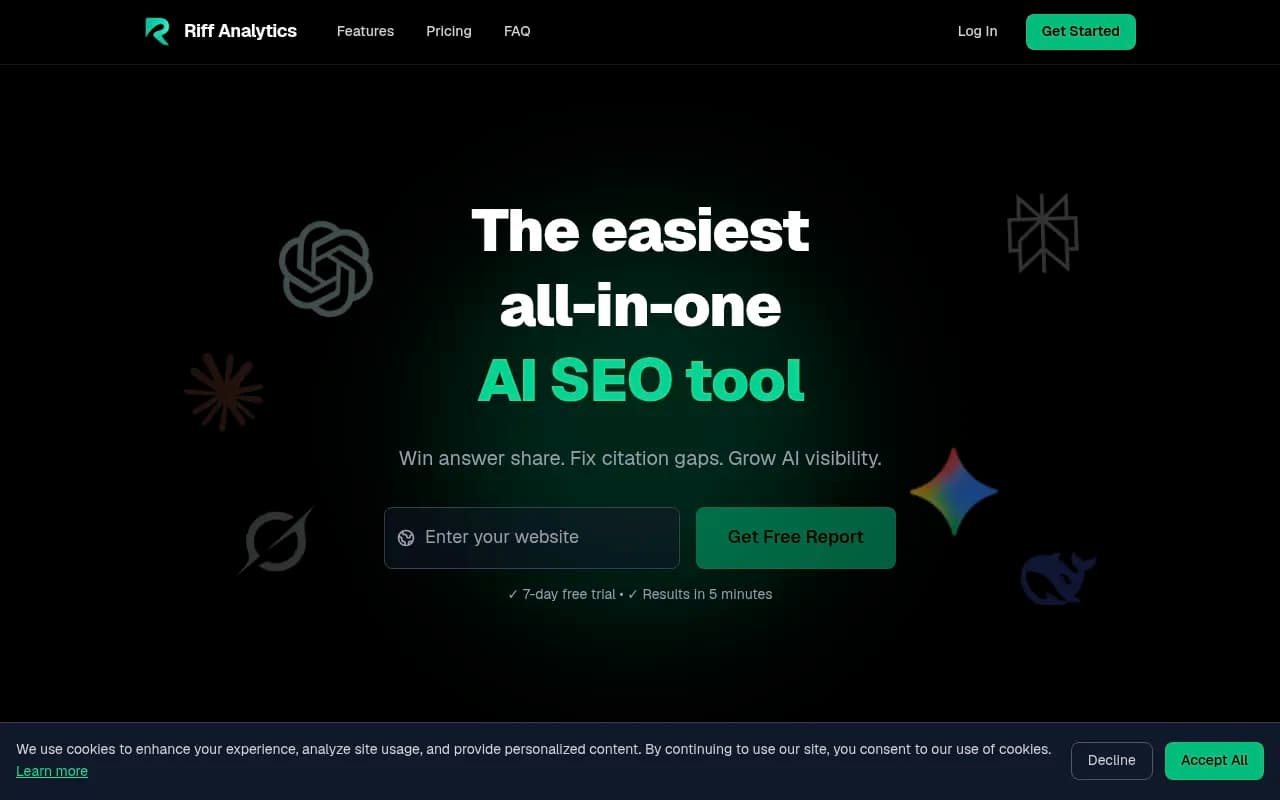
My advice: pick two candidates, run the same ten prompts through each trial and your own manual results, and see whether the tool reproduces what you saw in the real app. If a tool cannot reproduce the answer you get on your phone, its Meta AI numbers are not worth much. More options sit in directories like the GEO software directory and AI rank tracking tools if you want to browse further.
For the rest of your AI visibility picture (ChatGPT, Gemini, Perplexity, AI Overviews), a tracker that covers those matters too. Tools like Otterly.AI are fine for basic monitoring, while platforms that add crawler data, traffic attribution and content workflows go further.

Step 7: Track indirect signals
Meta AI traffic is hard to attribute. Users may see your brand in a chat, then Google you later. So watch for indirect lift:
- Branded search growth in Google Search Console after you improve content
- Referral traffic from meta.ai, facebook.com or l.facebook.com in analytics, noting that this mixes organic social with AI
- Direct and branded traffic bumps on pages Meta's crawlers are hitting
- Customer survey answers to "how did you hear about us?" that mention Meta AI or asking an assistant
None of these proves Meta AI caused anything. Together they give you a trend line.
Step 8: Fix what you find
Match the fix to the problem.
| Problem you see | Likely cause | Fix |
|---|---|---|
| Meta AI does not mention you at all | Weak presence in sources it can read | Publish clear, factual pages about what you do; get mentioned on third-party sites |
| Mentions but wrong facts | Outdated pages, conflicting sources | Update your own pages, About and pricing, and fix third-party listings |
| Competitors recommended, you are not | Thin comparison and use-case content | Write honest comparison pages and specific use-case pages |
| No Meta crawler hits in your logs | robots.txt, CDN or WAF blocking | Allow the Meta user agents you want, then recheck logs in a week or two |
| Crawled but not cited | Content hard to extract or thin | Put the answer first, use plain headings, add specifics like prices and specs |
Promptwatch's data on ChatGPT suggests landing pages and documentation stay cited longest, and product pages are the most-cited type (content type report). That is ChatGPT, not Meta AI, so treat it as a hint about what AI systems tend to read rather than a rule. Clear product and landing pages are cheap to improve either way.
Step 9: Re-run on a schedule
Weekly for your five most important prompts, monthly for the full set. After you publish fixes, wait two to three weeks, then rerun the same prompts. Compare against your baseline mention rate. If a Meta AI answer changes, log the date next to what you changed.
Also re-check crawler logs monthly. Meta's bot share moved from 2% to 38% in under a month last summer, so behavior can shift fast and your logs are the earliest signal.
A sample monthly routine
- Run the full prompt set on the Meta AI surfaces your customers use.
- Score and update the spreadsheet.
- Pull Meta user-agent hits from logs or your crawler tool.
- Review branded search and referral trends.
- Pick the top two gaps and ship content or access fixes.
- Note what you shipped so you can match it to later changes.
It is about two hours a month once set up.
What you cannot do yet
Be realistic. There is no official Meta AI visibility dashboard. No one outside Meta can tell you exactly how its assistant ranks sources. Tool coverage is patchy, and some vendor claims are marketing pages with mockup charts. Manual testing plus crawler checks is not glamorous, but it is the setup you can trust today.
If you would rather hand the work to specialists, an agency like 1001 SEO Media handles AI search monitoring and GEO work across the assistants, including setting up prompt sets and crawler checks like the ones above.
Quick checklist
- Decide the questions: awareness, recommendation, comparison, citation
- Write 12 to 20 fixed prompts and store them
- Run each 2 to 3 times and log surface, login state and full text
- Score mention, position, sentiment and accuracy
- Check logs for meta-webindexer, meta-externalagent, meta-externalfetcher and FacebookBot
- Review robots.txt, CDN and WAF rules
- Trial a tool only after confirming it reproduces what you see in the real app
- Watch branded search and referral trends
- Fix, wait, re-run, compare
For wider reading on how AI systems pick sources, the Promptwatch Data hub is the best place to start.