Key takeaways
- Two questions get blurred together: are the prompts real, and are the answers real? You need to test both separately.
- Nobody has access to real user prompts from ChatGPT. What you can check is whether the tool captures what the ChatGPT interface actually shows, or just calls an API and labels it "simulated."
- Sanity-check numbers help: ChatGPT cites roughly 5 sources per web-search answer, uses short keyword-like fan-out queries, and varies from run to run.
- Ask vendors five specific questions about collection method, location, sources, fan-outs, and sampling. Vague answers are the tell.
- Run a 20-minute side-by-side test against your own ChatGPT account before you sign anything.
Why this question matters
A GEO tool is a dashboard sitting on top of data. If the data is wrong, every chart, share-of-voice number, and "you're losing to competitor X" alert is decoration. And I have seen teams make content and budget decisions from numbers that no real ChatGPT user would ever have seen.
The issue is not hypothetical. Tim Soulo's analysis of 47 GEO vendors argues the core mechanic (scheduled prompts, stored responses, a dashboard) can be built by one developer in weeks, which is why there are so many near-identical products. Keep in mind Soulo works at Ahrefs, which sells a competing product, so read his conclusions with that in mind. But the structural point holds regardless of who made it: what separates these tools is where their data comes from.
Two different questions: real prompts vs real answers
Most confusion in this space comes from mixing these up.
Are the prompts real?
Short answer: nobody can fully say yes. OpenAI, Google, and Perplexity do not share user prompt logs with vendors. Every GEO tool, Ahrefs included, works with proxies: People Also Ask questions, Search Console queries, keyword databases, or prompts you write yourself. So "real prompt data" is really a question of proxy quality. A tool that is upfront about this is more trustworthy than one claiming it has "millions of real user prompts."
Are the answers real?
This one you can actually verify. A tool can get its answers in roughly four ways:
- Interface collection. It loads the real ChatGPT, Gemini, or Perplexity interface (often by browser automation) and records what a user would see, including citations and shopping cards.
- API calls to a search-enabled model. It calls the OpenAI API with web search on. This returns real model output, but not the consumer product's output.
- API calls without search. It asks the model from training data only. This tells you what the model believes, not what ChatGPT Search shows.
- Fully simulated answers. An LLM is asked to guess what an AI engine would say, or to role-play it.
Method 1 is what most people assume they are buying. Methods 2 and 3 are common and cheaper. Method 4 is the one to run away from.
Why API output is not the same as ChatGPT output
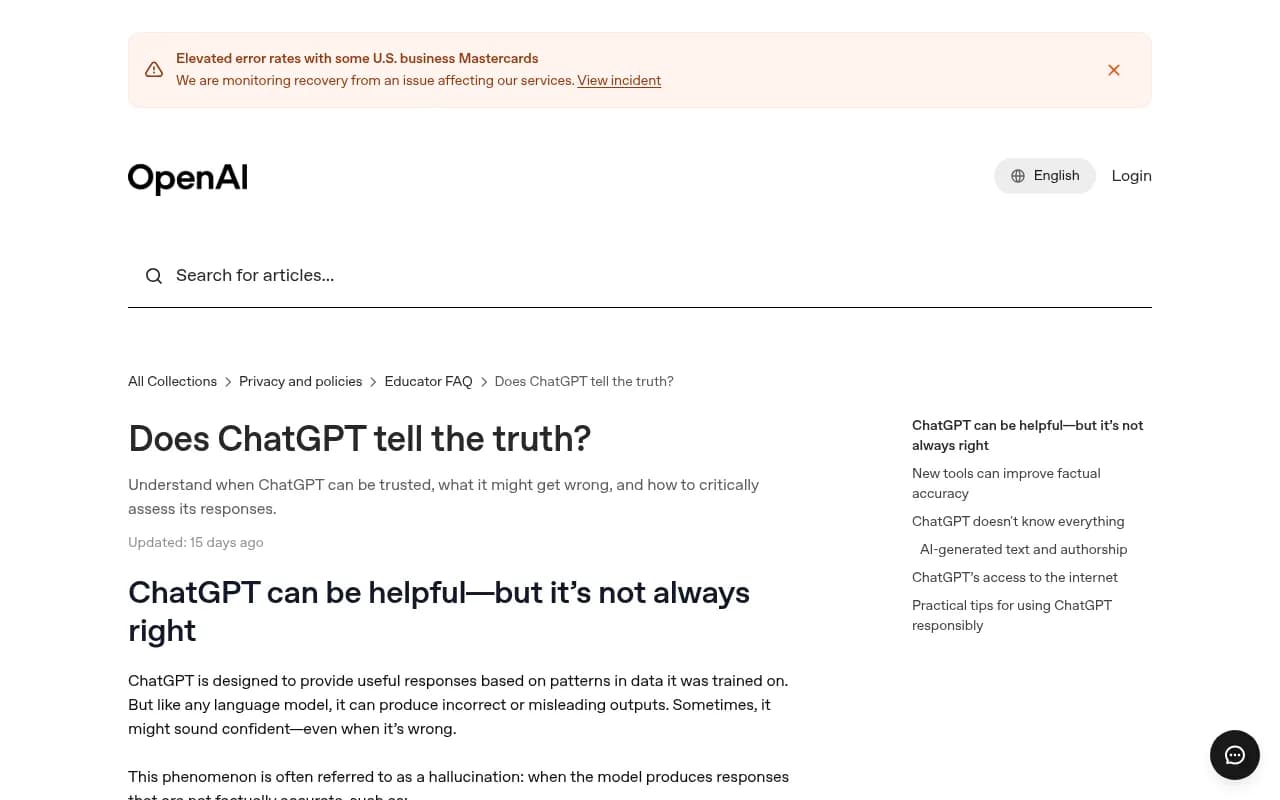
The OpenAI Help Center says plainly that ChatGPT's behavior depends on which tools are available: Search, Code interpreter, and Deep research. It also notes the model may be unable to reach a site because of paywalls or robots.txt preferences. Those product-level differences are exactly what API calls skip.
In practice, user-facing answers, citations, and shopping recommendations can differ from API outputs. The system prompt, the search orchestration, the citation formatting, and even the model snapshot may not match. Some tools are open about this. One free audit tool I found says it "uses GPT-4o with live web search to simulate real AI queries." That is an API-based approach and a fine quick check, but it is not a record of what ChatGPT users see. The word "simulate" in a vendor's copy is worth pausing on.
Others go the opposite way. Geosnap, for example, says it dropped APIs and simulates real users in the ChatGPT, Gemini, and Perplexity interfaces. I haven't verified that claim, but it shows the vocabulary is slippery: "simulate" can mean either "a model pretends" or "a browser pretends to be a user." Always ask which one.
Five questions to ask any vendor
Put these in an email or ask them on the demo call. Specific answers are a good sign. Marketing language is not.
1. Do you collect from the consumer interface or an API?
You want a plain answer per platform. "We query ChatGPT" is not an answer. Acceptable: "ChatGPT, Google AI Overviews, and Perplexity come from the real interfaces; Claude and DeepSeek come from API because they have no equivalent search UI." Mixed methods are normal as long as they are labeled.
2. Can I see the raw response and its citations?
A real collection pipeline stores the full answer text, the cited URLs in order, and the timestamp. If the tool only shows a score or a "mentioned: yes/no" flag, you cannot audit anything.
3. How do you handle location and language?
ChatGPT answers differ by country, and AI Overviews are region-specific. If a tool cannot tell you which country and language each monitor runs in, it is probably running everything from one data center in one country.
4. Do you capture query fan-outs?
ChatGPT splits a prompt into several web searches before answering. A tool that records those searches is looking at the actual search behavior. A tool that cannot show them may be looking at only the final answer, or at something it constructed.
5. How do you deal with variance?
Run the same prompt three times in ChatGPT and you may get three different brand lists. A Reddit thread on this exact complaint ("GEO tools a scam?") makes the point that answers are inconsistent. A good tool samples repeatedly, reports ranges, and tracks trends rather than treating one run as truth. A tool that shows identical results on every run is suspicious for a different reason: it may be caching or fabricating.
Sanity-check numbers from Promptwatch Data
You can test a tool's output against published baselines. Promptwatch Data publishes first-party figures from collected ChatGPT, Perplexity, and Google responses, and a few of them make good lie detectors.
| Check | What real data tends to look like | Red flag |
|---|---|---|
| Citations per ChatGPT answer | About 5 sources on web-search answers, per Promptwatch's average sources per response data | 15+ citations per answer, or the same sources every run |
| Google AI Overviews citations | About 10 per answer, steady | Wildly fluctuating counts |
| Perplexity citations | Close to 10 per answer | Single-digit or 20+ regularly |
| ChatGPT fan-out queries | Short and keyword-like, averaging roughly 1 to 2 searches per response in Promptwatch's ChatGPT query fanout data (charted through April 2026) | Long conversational "ChatGPT queries" of 100+ characters |
| Reaction to model changes | Visible shifts, such as the citation drop around the GPT-5.3 rollout on March 4, 2026 | Perfectly flat history through every known change |
| Search behavior changes | Sudden jumps, like the site: operator surge on August 8, 2026, when site: queries went from about 0.4% to about 17% of fan-outs | No trace of any platform shift |
That last pair is my favorite test. Real ChatGPT data moves when OpenAI changes something. If a vendor's history looks smooth across March and August 2026, ask what it is actually measuring.
Two cautions. Averages are averages: a single prompt can legitimately return more or fewer sources. And Promptwatch's own numbers are one dataset, so treat them as a reference point, not gospel.
Run your own 20-minute test
Vendor answers only go so far. Do this before you buy:
- Pick five prompts your buyers actually use. Include one branded, one comparison, and one generic category prompt.
- Run each in ChatGPT yourself with search triggered, from the same country the tool will use. Save the answers and cited URLs.
- Run the same five prompts three times each. Note which brands and sources recur and which drift.
- Load the same prompts into the tool's trial.
- Compare: do the cited domains overlap heavily with yours? Is the brand ordering similar? Does the tool show a citation count near what you saw?
Perfect matches are not the goal, because ChatGPT itself varies. You are looking for overlap in the sources and general brand ordering. If a tool's answers share almost nothing with what you saw across several runs, or include sources ChatGPT never cited, it probably isn't capturing the interface.
The free GEO Inspector Chrome extension is handy here. It shows fan-outs, fetched versus cited sources, and the reasoning trail inside ChatGPT, entirely locally, so you can see what ChatGPT really did and compare it with the tool's record.
Red flags that suggest simulated data
- "Simulated" without a definition. Fine if the vendor says a headless browser simulates a user. Not fine if it means a model guesses.
- No raw responses. Scores only, nothing to inspect.
- One model, many logos. The dashboard claims ChatGPT, Gemini, Claude, and Perplexity coverage but everything is one API provider underneath.
- Huge prompt libraries with no source. "Millions of real prompts" when no platform shares prompts. Ask where they came from.
- No location control. Everything runs from a single region.
- Suspiciously stable results. Zero variance across repeated runs.
- Free audit that gives you a score instantly. Often a single API call. Useful as a teaser, not as a baseline.
How popular tools approach the problem
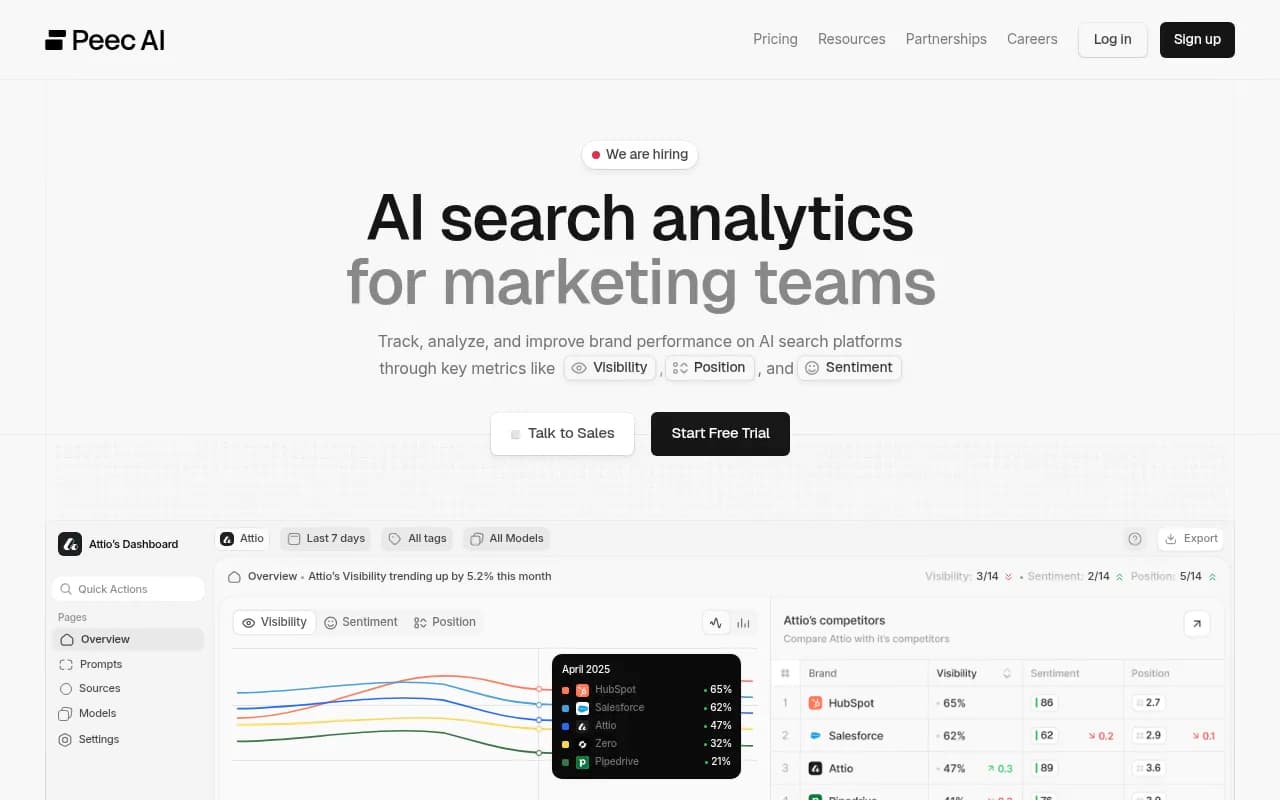
I did not find a verified, vendor-by-vendor comparison of collection methods, so I won't pretend one exists. What I can say is what to check and where to look. Many tools in the catalog, including Otterly.AI, Peec AI, Profound, Scrunch, and Ahrefs Brand Radar, publish methodology pages of varying depth. Ahrefs' own methodology page acknowledges query variance, personalization effects, and model-level differences, which is the sort of candor you want.
A comparison framework for your shortlist:
| Question | Ahrefs-style proxy approach | Interface collection | API-only | Pure simulation |
|---|---|---|---|---|
| Prompt source | Search-derived (e.g. People Also Ask) | Your own or suggested prompts | Your own or generated | Generated |
| Answer source | Varies by tool | What a user sees | What the API returns | Model guess |
| Citations match UI | Check per vendor | Yes, by design | Often not | No |
| Shopping and cards | Check per vendor | Yes | No | No |
| Cost to run | Medium | Higher | Lower | Lowest |
Treat the table as a way to categorize vendors after you've asked them, not as a ranking.
What good collection looks like
Promptwatch states that it collects from the real user interfaces of ChatGPT, Google AI Overviews, Google AI Mode, Gemini, Perplexity, Copilot, Meta AI, and Amazon Alexa, per country and language, and tracks API models such as Claude, DeepSeek, Mistral, and Grok alongside to show what models believe from training data. That split is the useful part: it tells you which numbers describe what users see and which describe model memory. Its Academy page on how Promptwatch collects data lays it out, and you can compare the claims against your own test.

Beyond collection, a trustworthy tool should let you trace answers back to evidence. Promptwatch pairs responses with citations, IP-verified AI crawler logs, and visitor analytics, so you can check whether a bot actually read a page and whether AI sent traffic, not just whether a brand was named. If you want to inspect it yourself, the free AI visibility report and the 7-day trial on monthly plans are low-risk ways to run the side-by-side test above. Confirm current plan details at promptwatch.com/pricing.
For a wider shortlist, the GEO software directory at bestgeosoftware.com lists the field by category.
Putting it together: a buying checklist
- Ask the five vendor questions and get answers in writing.
- Demand to see raw responses and ordered citations for a few prompts.
- Check that location and language are configurable per monitor.
- Compare the tool's citation counts against the baselines above.
- Run the 20-minute test with repeated runs of the same prompts.
- Check history around known platform changes (March 4 and August 8, 2026).
- Prefer vendors that label API-based data as API-based.
A final point on honesty: the best tools will still not give you real user prompts, and they will still show variance. Anyone selling certainty about either is selling something else. Pick the vendor that tells you exactly what it measures and lets you check it.